Customer Ratings & Reviews
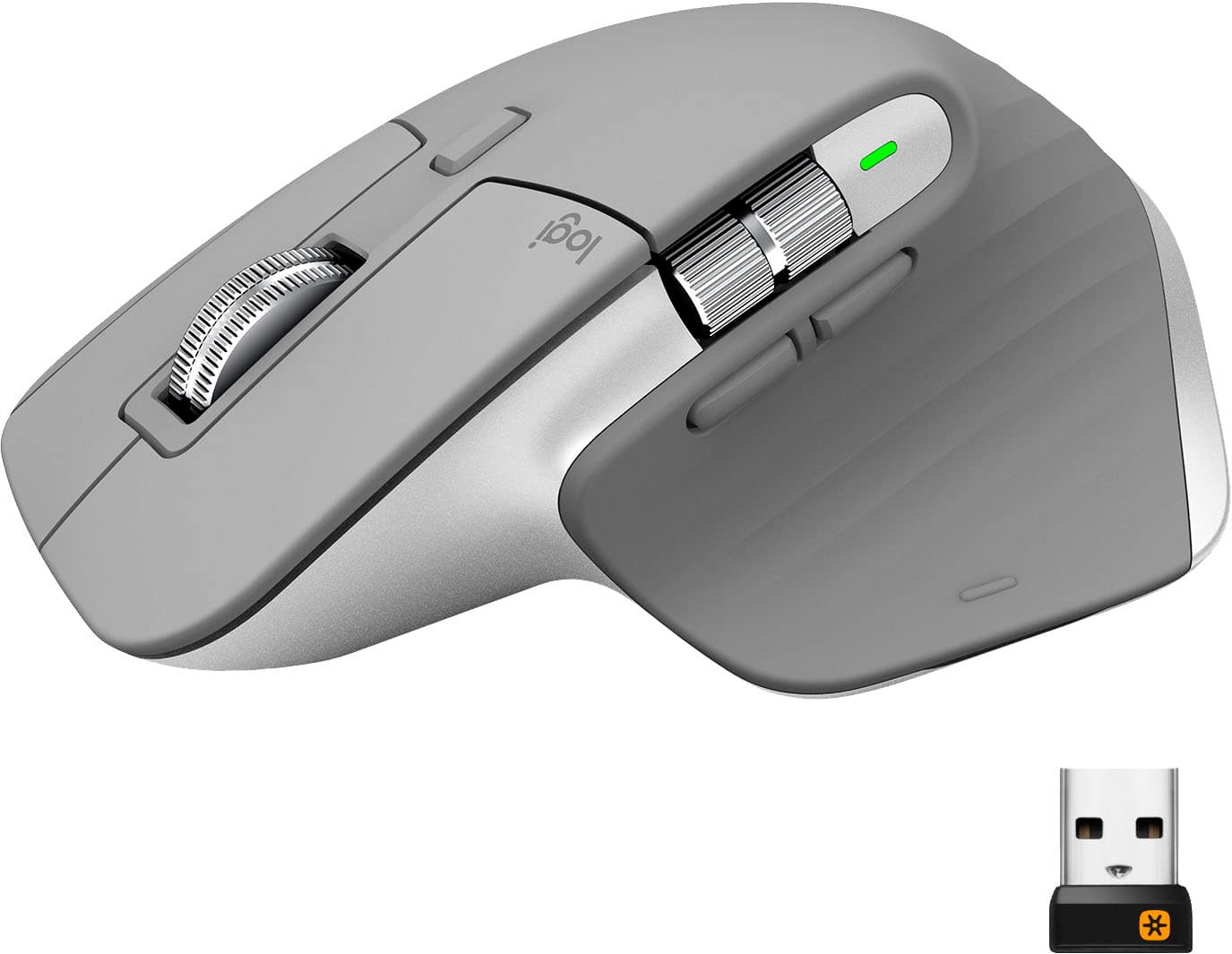
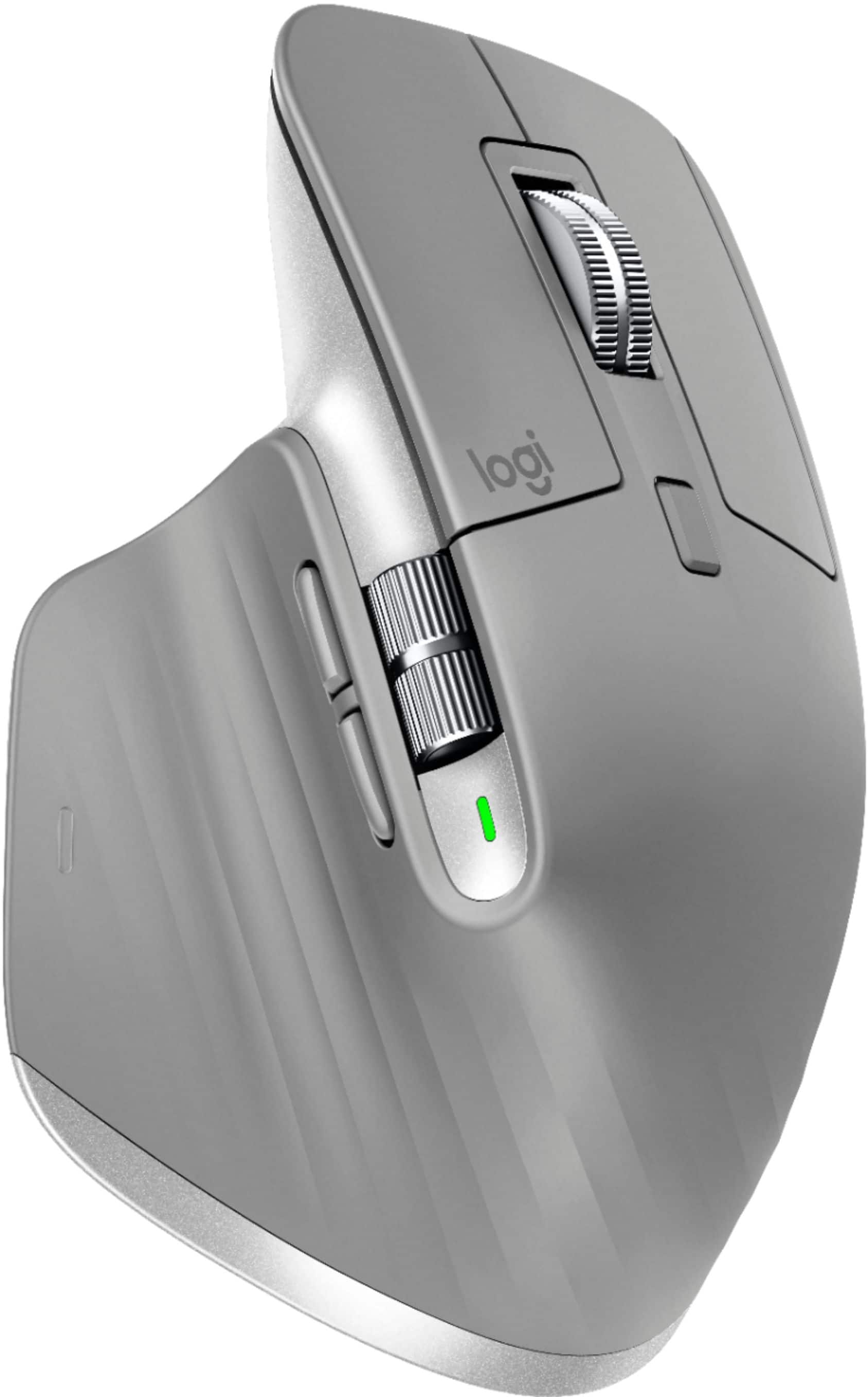
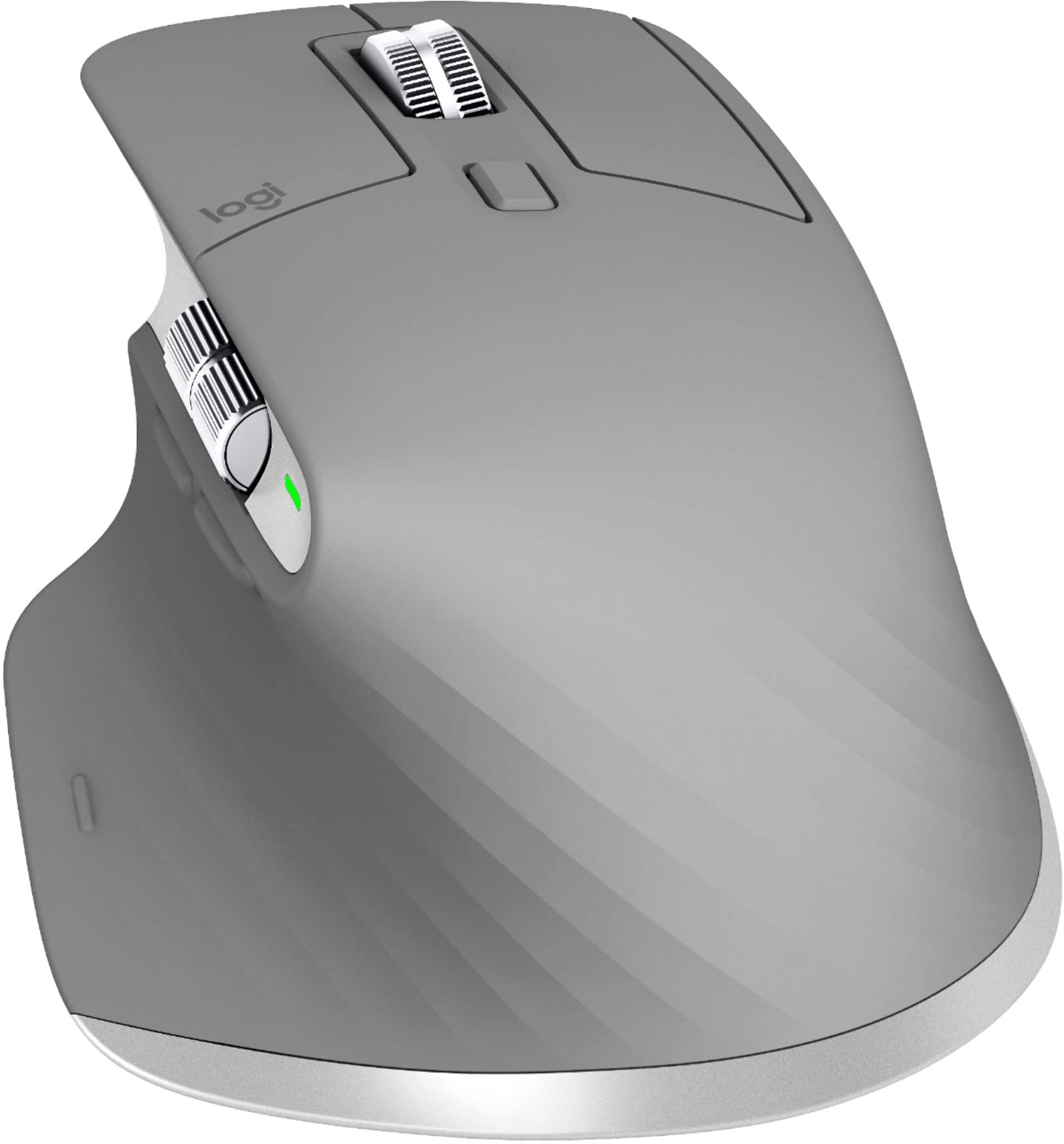

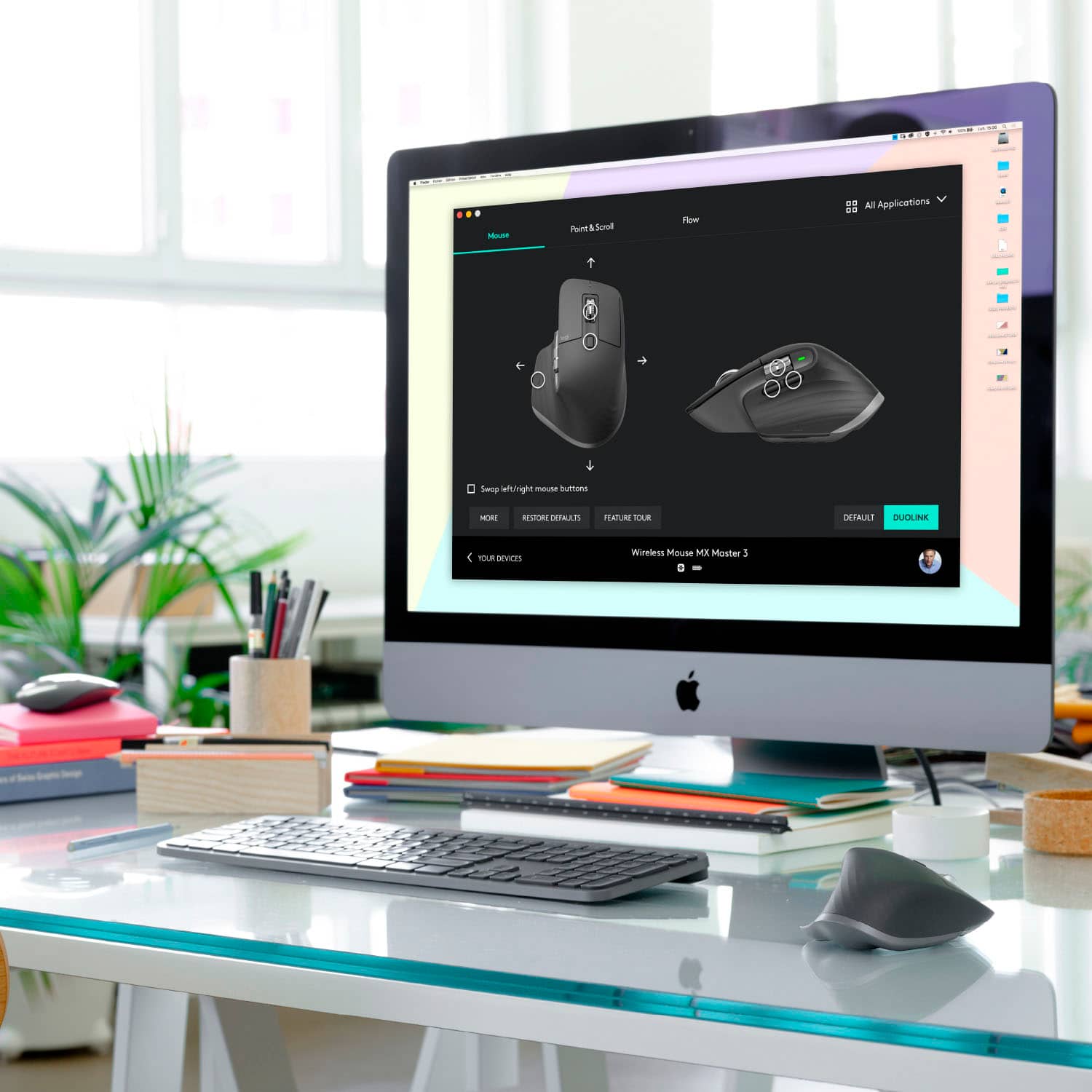


- Model:
- 910-005692
- |
- SKU:
- 6404089
Customer reviews
Rating 4.8 out of 5 stars with 3344 reviews
(3,344 customer reviews)Rating by feature
- Value4.5
Rating 4.5 out of 5 stars
- Quality4.9
Rating 4.9 out of 5 stars
- Ease of Use4.8
Rating 4.8 out of 5 stars
Customers are saying
Customers enjoy the ergonomic design, smooth scroll wheel, and excellent battery life of the MX Master 3 mouse. Many appreciate the high-quality build and the extensive customization options, along with its Bluetooth connectivity and multi-device capabilities. However, some find the mouse to be large and heavy. A few users have also reported issues with software consistency and occasional lag.
This summary was generated by AI based on customer reviews.
- Pros mentioned:Comfortable, Customizable
Rated 5 out of 5 stars
Excellent and Versatile
||Posted .This reviewer received promo considerations or sweepstakes entry for writing a review.Awesome mouse. Very comfortable. The software is also very useful to change what the buttons do. For example on Zoom, I have custom buttons for video and audio on/off toggle.
This review is from Logitech - MX Master 3 Advanced Wireless USB/Bluetooth Laser Mouse with Ultrafast Scrolling - Black
I would recommend this to a friend - Pros mentioned:Comfortable, Long battery life
Rated 5 out of 5 stars
Comfortable
||Posted .This reviewer received promo considerations or sweepstakes entry for writing a review.Bought this because I had a wrist tendon injury. Very comfortable and easy to use. Expected quality from Logitech. Battery life is great.
This review is from Logitech - MX Master 3 Advanced Wireless USB/Bluetooth Laser Mouse with Ultrafast Scrolling - Black
I would recommend this to a friend - Pros mentioned:Comfortable, Customizable
Rated 5 out of 5 stars
Exceeded my expectations for Mac
||Posted . Owned for 1 month when reviewed.This reviewer received promo considerations or sweepstakes entry for writing a review.My Magic Mouse would intermittently disconnect/reconnect. The Logitech MX Master 3 has been working great for me. I love that it is quite customizable. The size and shape are comfortable.
This review is from Logitech - MX Master 3 Advanced Wireless USB/Bluetooth Laser Mouse with Ultrafast Scrolling - Black
I would recommend this to a friend - Pros mentioned:ComfortableCons mentioned:Size
Rated 5 out of 5 stars
Annoying at first but love it
||Posted . Owned for 2 months when reviewed.This reviewer received promo considerations or sweepstakes entry for writing a review.It feels too big at first but after a while, its great!. I love it so much that I wanted to make it work (got it for my husband first but it made his hand hurt so I ended up using it)
This review is from Logitech - MX Master 3 Advanced Wireless USB/Bluetooth Laser Mouse with Ultrafast Scrolling - Black
I would recommend this to a friend Rated 5 out of 5 stars
Great wireless mouse
||Posted . Owned for more than 2 years when reviewed.This reviewer received promo considerations or sweepstakes entry for writing a review.Great mouse which works with most laptops. Not issues so far!
This review is from Logitech - MX Master 3 Advanced Wireless USB/Bluetooth Laser Mouse with Ultrafast Scrolling - Black
I would recommend this to a friend- Pros mentioned:Long battery life
Rated 5 out of 5 stars
Amazing for smooth productivity!!
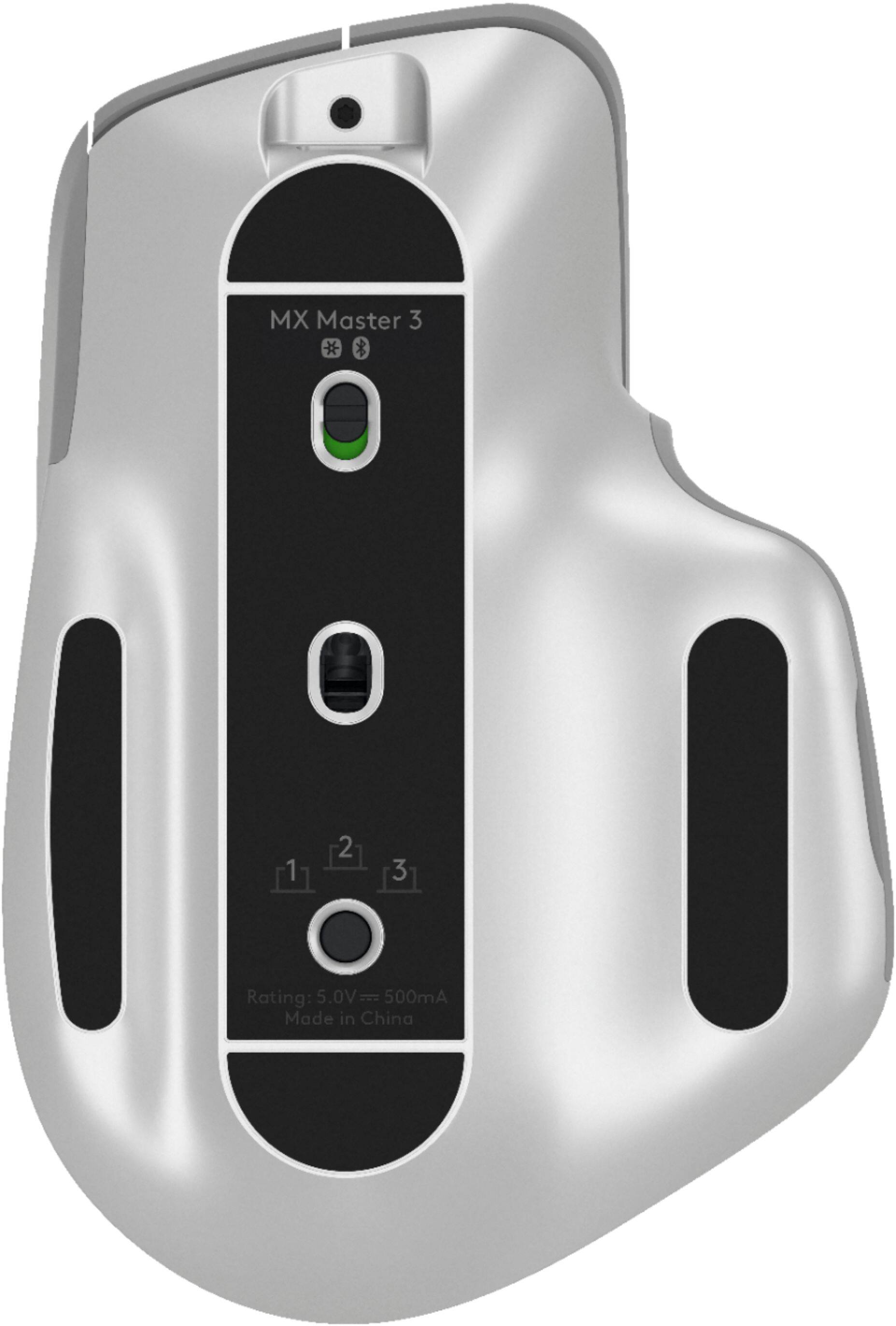
||Posted . Owned for 1 year when reviewed.This reviewer received promo considerations or sweepstakes entry for writing a review.This mouse has made work a breeze in tech, I love that it seamlessly switches between three devices with the button underneath, the battery lasts so long!! It’s easy to set up the mouse to your liking and to use all the keys for what you prefer, I mainly got this mouse for its ergonomics and it does not disappoint, it feels great in the hand and doesn’t slip nor get sweaty, the pattern where your palm rests does a great job at getting airflow through your hang, this mouse ends up feeling like an extension of my hand that feels completely Intuitive to use.
This review is from Logitech - MX Master 3 Advanced Wireless USB/Bluetooth Laser Mouse with Ultrafast Scrolling - Black
I would recommend this to a friend - Pros mentioned:Long battery life
Rated 5 out of 5 stars
The best mouse on the market!
||Posted . Owned for 2 months when reviewed.This reviewer received promo considerations or sweepstakes entry for writing a review.I purchased the MX Master 3 to use with my Mac Mini (2018) to replace the Magic Mouse 2 by Apple, and this mouse is 1,000-times better than the Apple one! The MX’s design is perfect for all-day use as it promotes good hand and wrist health (in order words, it’s ergonomic). I also love the auxiliary buttons that reduce how much you have to move your hand. The mouse comes with a USB wireless receiver, which I use, and it’s very good! The battery life of the Mouse is also very good! As other reviewers have mentioned, you will need to create a Logitech account and install software onto your computer to customize the auxiliary buttons to your likening.
This review is from Logitech - MX Master 3 Advanced Wireless USB/Bluetooth Laser Mouse with Ultrafast Scrolling - Black
I would recommend this to a friend - Pros mentioned:Multi-device
Rated 5 out of 5 stars
More than Expected!
||Posted . Owned for 3 weeks when reviewed.This reviewer received promo considerations or sweepstakes entry for writing a review.This is the best mouse I have gotten in quite a while. The magnetic scroll is nice. If the mag-lock is turned off you can scroll through 100s of pages in a snap. I am still learning benefits for the side roller, but it is good to know that it is there. The included Logitech software that allows my mouse to swap between multiple computers is AMAZING! I can be on my work PC and easily scroll over to my personal PC. In the process of switching computers I can also drag a file from one computer to the next. If this mouse didn't already support up to 4 different devices I would be out to buy a second mouse.
This review is from Logitech - MX Master 3 Advanced Wireless USB/Bluetooth Laser Mouse with Ultrafast Scrolling - Black
I would recommend this to a friend - Pros mentioned:Long battery life, Scroll wheel
Rated 5 out of 5 stars
The perfect mouse period
||Posted . Owned for 3 months when reviewed.This reviewer received promo considerations or sweepstakes entry for writing a review.The perfect all around mouse. Fast responsive the scroll wheel is god tier and it lasts for months on a charge through usb c. Perfect especially for multitasking too!
This review is from Logitech - MX Master 3 Advanced Wireless USB/Bluetooth Laser Mouse with Ultrafast Scrolling - Black
I would recommend this to a friend Rated 5 out of 5 stars
Best Mouse
||Posted . Owned for more than 2 years when reviewed.This reviewer received promo considerations or sweepstakes entry for writing a review.This mouse is worth every penny. From the flywheel scroll. to the contouring of the hand. Its just fits the hand perfect. Fells high end, and the options to map the buttons is amazing.
I would recommend this to a friend- Pros mentioned:Customizable, Scroll wheel
Rated 5 out of 5 stars
Comfortable, high performing mouse
||Posted . Owned for 1 month when reviewed.This reviewer received promo considerations or sweepstakes entry for writing a review.Very comfortable to use. The scroll wheel is super fast and really quiet. Love that you can customize it depending on the program you’re using. Not cheap but absolutely worth the price.
This review is from Logitech - MX Master 3 Advanced Wireless USB/Bluetooth Laser Mouse with Ultrafast Scrolling - Black
I would recommend this to a friend - Cons mentioned:Expensive
Rated 5 out of 5 stars
Top notch choice!
||Posted . Owned for 1 month when reviewed.This reviewer received promo considerations or sweepstakes entry for writing a review.I bought this mouse knowing it was the most expensive mouse I’ve ever purchased. I was excited by the reviews and the automatic switch between conventional and hyper-speed scrolling was a real draw for me. I write code and often find myself scrolling through many lines to reference something. The hyper-school feature is perfect for that. All the time I was using it though I just kept thinking that the price/ feature ratio was not all that great for me. Also some of the programmable button functions seemed limited in the Options Software, but I didn’t spend a lot of time on that. I ended up returning it. If these go on sale for $50 to $60 I will definitely pick one up.
This review is from Logitech - MX Master 3 Advanced Wireless USB/Bluetooth Laser Mouse with Ultrafast Scrolling - Black
I would recommend this to a friend - Pros mentioned:Comfortable, Long battery life
Rated 5 out of 5 stars
The best office mouse, period!
||Posted . Owned for 1 month when reviewed.This reviewer received promo considerations or sweepstakes entry for writing a review.It is the best mouse for office work, nothing can beat the comfort. Battery life is amazing, just connect it with Bluetooth and you'll never have any issue.
This review is from Logitech - MX Master 3 Advanced Wireless USB/Bluetooth Laser Mouse with Ultrafast Scrolling - Black
I would recommend this to a friend - Pros mentioned:Comfortable, Long battery life
Rated 5 out of 5 stars
It may be expensive but worth it!
||Posted . Owned for 4 months when reviewed.This reviewer received promo considerations or sweepstakes entry for writing a review.This is the most comfortable mouse I have ever owned. It is smooth, and I do mean comfortable. I work all day 9-10 hrs. on a computer and this mouse is this best. Thanks Logitech
This review is from Logitech - MX Master 3 Advanced Wireless USB/Bluetooth Laser Mouse with Ultrafast Scrolling - Black
I would recommend this to a friend - Pros mentioned:Comfortable, Customizable
Rated 5 out of 5 stars
Great Quality!
||Posted . Owned for 2 weeks when reviewed.This reviewer received promo considerations or sweepstakes entry for writing a review.Great mouse. The one that came with my gaming computer felt cheap. This mouse feels nice and I like that you can customize certain functions.
This review is from Logitech - MX Master 3 Advanced Wireless USB/Bluetooth Laser Mouse with Ultrafast Scrolling - Black
I would recommend this to a friend - Pros mentioned:Customizable
Rated 4 out of 5 stars
Do you need Horizontal Scroll & Thumb Pad? get it
||Posted . Owned for 3 weeks when reviewed.This reviewer received promo considerations or sweepstakes entry for writing a review.ok let me give you my honest opinion. Pros : 1. This is a good Mouse for your palm 2. This is very good if you got Logitech Options installed and configured properly on multiple computers. Since you can move mouse across computers easily and copy and paste files easily. 3. Bluetooth connectivity for MAC is awesome and works just like you expect. 4. Customize buttons using Logitech Options. Cons: 1. If you are using windows computer and trying to connect using only Bluetooth then you have problems. Every time your computer goes to sleep you need to pair the device again.(there are forums for this issue on how to solve) 2. I feel Thumb Pad button is not that useful as advertised or Hyped. 3. If you bought MAC only version you will miss Logitech Unifying receiver. If you dont want to take chance buy generic version your day is saved. 4. If you are trying to connect this mouse to your" work windows computer" expect lot of blockers. Overall if you need horizontal scroll wheel and Thumb Pad button get this otherwise Look for something that is comparable with Logitech flow feature.
This review is from Logitech - MX Master 3 Advanced Wireless USB/Bluetooth Laser Mouse with Ultrafast Scrolling - Black
No, I would not recommend this to a friend - Pros mentioned:Comfortable, Multi-device
Rated 5 out of 5 stars
Pricey but so worth it!
||Posted . Owned for 1 month when reviewed.This reviewer received promo considerations or sweepstakes entry for writing a review.This mouse is just great! Very comfortable and precise. I love the ability to use on 3 devices simply by pressing a button. Have only used it bluetooth and has not had any issues.
This review is from Logitech - MX Master 3 Advanced Wireless USB/Bluetooth Laser Mouse with Ultrafast Scrolling - Black
I would recommend this to a friend - Pros mentioned:Comfortable, Customizable
Rated 5 out of 5 stars
Nice mice
||Posted . Owned for 1 month when reviewed.This reviewer received promo considerations or sweepstakes entry for writing a review.Super comfortable, really nice action, tons of flexibility with the customizable buttons... I am by no means a picky user, but this little guy delivers the goods.
I would recommend this to a friend - Pros mentioned:Customizable, Multi-device
Rated 5 out of 5 stars
Best yet
||Posted . Owned for 8 months when reviewed.This reviewer received promo considerations or sweepstakes entry for writing a review.Mac user here and video editor. The em functionality and ergonomics are top notch. Customizable and quick use across multiple devices makes this better than the Apple mouse
This review is from Logitech - MX Master 3 Advanced Wireless USB/Bluetooth Laser Mouse with Ultrafast Scrolling - Black
I would recommend this to a friend - Pros mentioned:Comfortable, Long battery life
Rated 5 out of 5 stars
An excellent wireless mouse
||Posted . Owned for 1 month when reviewed.This reviewer received promo considerations or sweepstakes entry for writing a review.An excellent product. Easy to set up app that governs mouse. Easy change to buttons. Comfortable grip. Responsive. Battery life long lastin
This review is from Logitech - MX Master 3 Advanced Wireless USB/Bluetooth Laser Mouse with Ultrafast Scrolling - Black
I would recommend this to a friend