Customer Ratings & Reviews
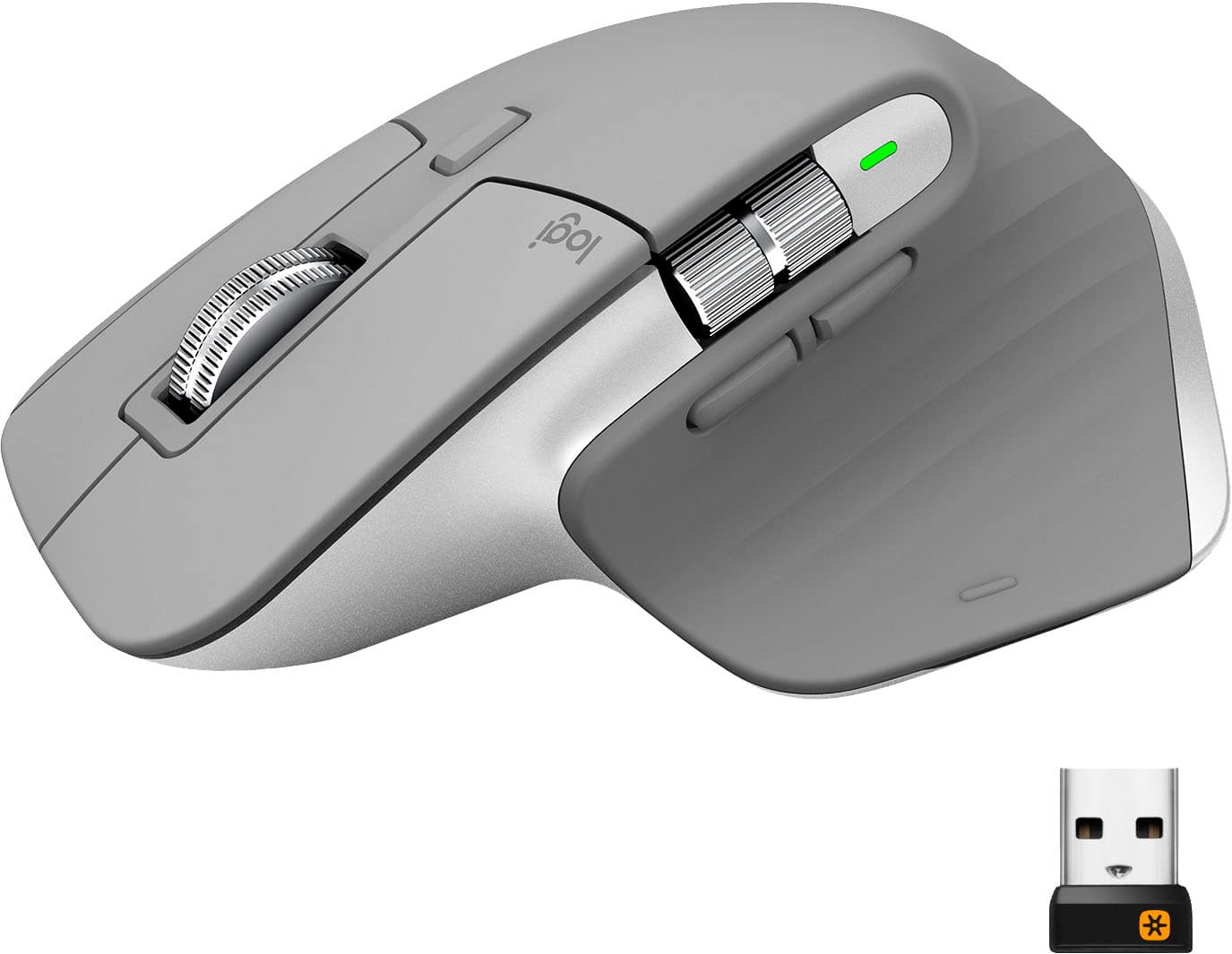
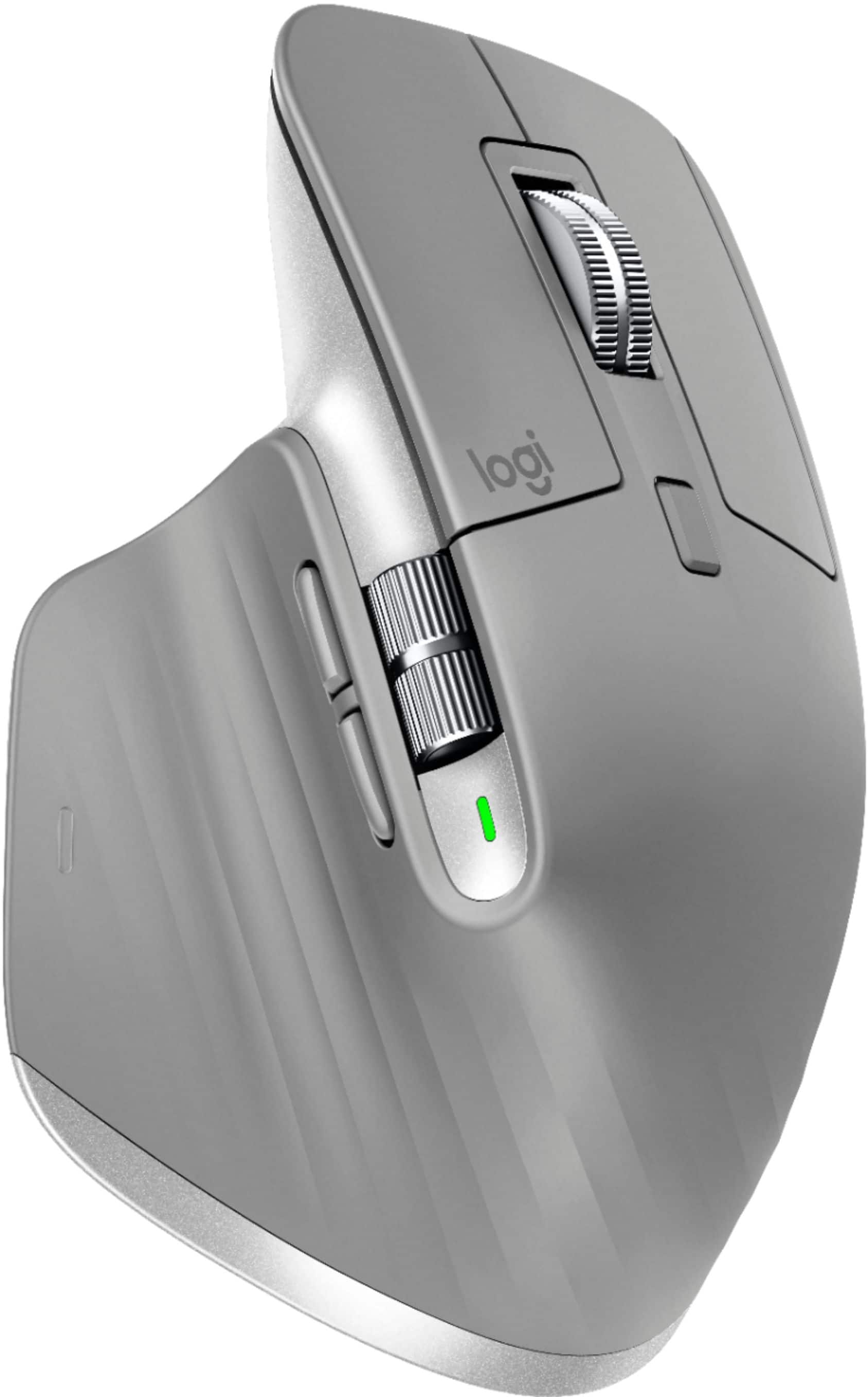
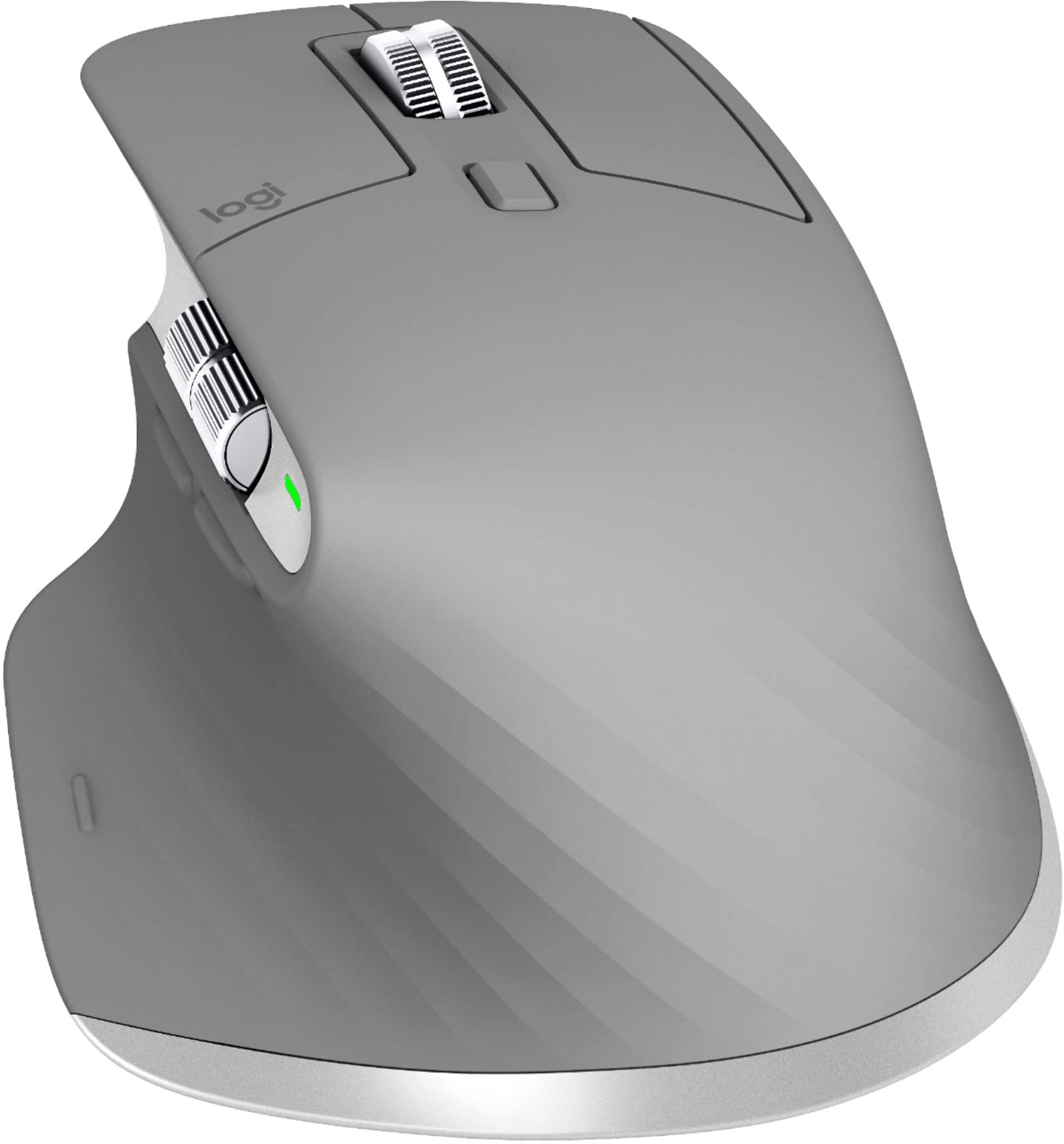

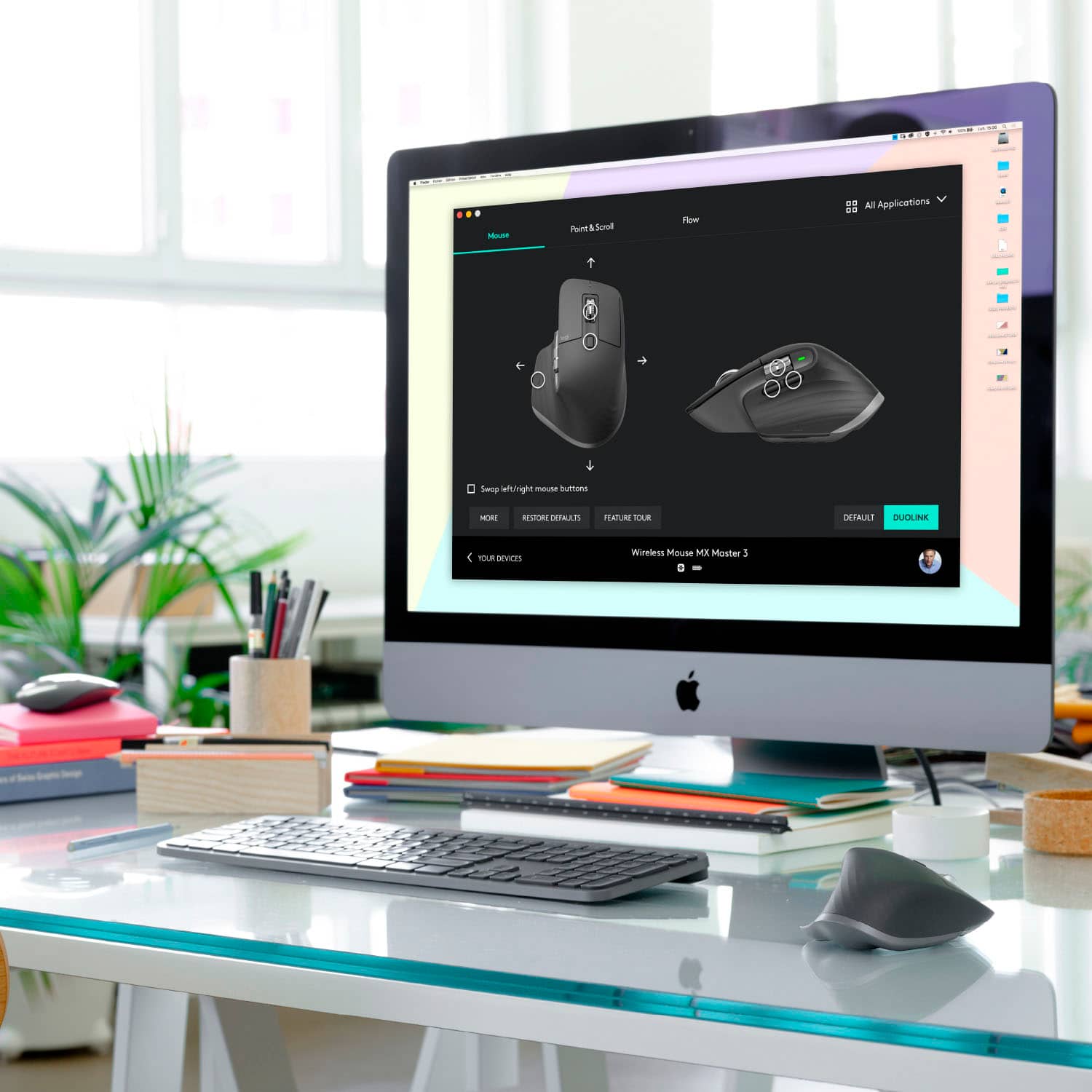


- Model:
- 910-005692
- |
- SKU:
- 6404089
Customer reviews
Rating 4.8 out of 5 stars with 3344 reviews
(3,344 customer reviews)Rating by feature
- Value4.5
Rating 4.5 out of 5 stars
- Quality4.9
Rating 4.9 out of 5 stars
- Ease of Use4.8
Rating 4.8 out of 5 stars
Customers are saying
Customers enjoy the ergonomic design, smooth scroll wheel, and excellent battery life of the MX Master 3 mouse. Many appreciate the high-quality build and the extensive customization options, along with its Bluetooth connectivity and multi-device capabilities. However, some find the mouse to be large and heavy. A few users have also reported issues with software consistency and occasional lag.
This summary was generated by AI based on customer reviews.
- Pros mentioned:Comfortable, Long battery life
Rated 5 out of 5 stars
Love this product
||Posted . Owned for 1 month when reviewed.This reviewer received promo considerations or sweepstakes entry for writing a review.Amazing! It is very comfortable to use and the battery life is very good.
This review is from Logitech - MX Master 3 Advanced Wireless USB/Bluetooth Laser Mouse with Ultrafast Scrolling - Black
I would recommend this to a friend Rated 5 out of 5 stars
Increase Productivity with this mouse!
||Posted . Owned for 3 months when reviewed.This reviewer received promo considerations or sweepstakes entry for writing a review.I will admit I was skeptical. I did not want to pay this much for a mouse but I really wanted great support for my hand as I spend 8 hours a day using the mouse. This mouse is really worth it if you spend all day on the computer. It has great support, is incredibly fast and accurate, and has no lag. I have really gotten more productive and been very pleased with this mouse.
I would recommend this to a friendRated 4 out of 5 stars
Recomended fir Windows video editing
||Posted . Owned for 1 year when reviewed.This reviewer received promo considerations or sweepstakes entry for writing a review.Like the title suggests. If you tried to use on a mac, my recommendation is to get the model of this one that is made for mac, because this one has lag and doesn't move smoothly like the one specified for apple devices
I would recommend this to a friend- Pros mentioned:Comfortable, Customizable
Rated 5 out of 5 stars
awesome
||Posted . Owned for 1 month when reviewed.This reviewer received promo considerations or sweepstakes entry for writing a review.really comfortable and easy to use. logi options software is great for customization
This review is from Logitech - MX Master 3 Advanced Wireless USB/Bluetooth Laser Mouse with Ultrafast Scrolling - Black
I would recommend this to a friend Rated 5 out of 5 stars
Perfection
||Posted . Owned for more than 2 years when reviewed.This reviewer received promo considerations or sweepstakes entry for writing a review.Best purchase for someone in the office. I couldn’t go back to a regular mouse now lol
I would recommend this to a friend- Pros mentioned:Comfortable, Multi-device
Rated 5 out of 5 stars
Great mouse for all day use
||Posted . Owned for 2 months when reviewed.This reviewer received promo considerations or sweepstakes entry for writing a review.Comfortable, smooth, 3 devices. Worth the investment of a more expensive mouse if you compute all day
This review is from Logitech - MX Master 3 Advanced Wireless USB/Bluetooth Laser Mouse with Ultrafast Scrolling - Black
I would recommend this to a friend - Pros mentioned:Customizable
Rated 5 out of 5 stars
Very high quality
||Posted . Owned for 1 month when reviewed.This reviewer received promo considerations or sweepstakes entry for writing a review.This is a high quality item. Very ergonomic and comfortable to use. Easily customizable with the logitech software that loads when you connect your mouse to the OS on your machines. The scroll wheel is on point and allows you to smoothly scroll very fast. Sometimes the bluetooth lags a bit, so it may not be the mouse for gaming, but as an everyday mouse or doing office functions this is the best you can purchase.
I would recommend this to a friend - Cons mentioned:Price
Rated 5 out of 5 stars
Thoughts after 1 month
||Posted . Owned for 1 month when reviewed.This reviewer received promo considerations or sweepstakes entry for writing a review.I've been using this device as my daily driver for Just over a month, and am very pleased with the product. My one complaint is that the device doesn't quite feel premium even though the price tag is. Easier to justify the price if you want/need a mouse with (A) a side scrolling wheel, and/or (B) a quality mouse that is easily able to switch between sperate devices. Very customizable through Logitech's software.
This review is from Logitech - MX Master 3 Advanced Wireless USB/Bluetooth Laser Mouse with Ultrafast Scrolling - Black
I would recommend this to a friend - Pros mentioned:Comfortable, Long battery life
Rated 5 out of 5 stars
Confy
||Posted . Owned for 1 week when reviewed.This reviewer received promo considerations or sweepstakes entry for writing a review.Best mouse ever, really comfortable and battery past more de 50 days without charging
This review is from Logitech - MX Master 3 Advanced Wireless USB/Bluetooth Laser Mouse with Ultrafast Scrolling - Black
I would recommend this to a friend - Pros mentioned:Scroll wheel
Rated 4 out of 5 stars
better and worse than the mx master 2s
||Posted . Owned for less than 1 week when reviewed.This reviewer received promo considerations or sweepstakes entry for writing a review.I gave it a 4/5 only because I'm not a fan of some of the design changes, but its still my favorite mouse. I own several MX Master mice. 1, and 2s. Pros- - the scroll wheel feels very nice, thought I tested it and don't believe believe its much if any faster than previous scroll wheels. Not an issue for me. - USB C!!!! finally. - The design looks more modern. - The texture of the mouse feels nice. - The Horizontal scroll wheel is bigger.. but... Cons - I actually really enjoyed the placement of the old horizontal scroll wheel and back/forward buttons. The new placement makes the horizontal scroll less accessible and awkward feeling. I still love this mouse, and will probably replace my old mx masters with this simply for usb c, but I hope the next iteration moves the back/forward buttons back.
This review is from Logitech - MX Master 3 Advanced Wireless USB/Bluetooth Laser Mouse with Ultrafast Scrolling - Black
I would recommend this to a friend - Pros mentioned:Long battery life
Rated 5 out of 5 stars
Great product!
||Posted . Owned for 3 weeks when reviewed.This reviewer received promo considerations or sweepstakes entry for writing a review.This is the second mouse of this model that I’ve purchased. I’ve been using it for over a year and no longer have an achy hand after working on my computer all day, which makes it worth the price. I purchased the second mouse as a backup since I have tried multiple models that I didn’t like and this one works so well for me. The charge lasts a very long time and that is a bonus. I highly recommend it!
This review is from Logitech - MX Master 3 Advanced Wireless USB/Bluetooth Laser Mouse with Ultrafast Scrolling - Black
I would recommend this to a friend - Pros mentioned:Comfortable
Rated 5 out of 5 stars
Comfortable mouse works very well!
||Posted . Owned for 1 week when reviewed.This reviewer received promo considerations or sweepstakes entry for writing a review.BT Mouse, very comfortable to use. Fits hands much better than the slim Apple Mouse. Scrolling feels great, and the thumb scroll can be used for app specific actions (like switching tabs in browser). It connects back to the laptop seamlessly when switched on, didn't feel like there was a delay. Using with a Mac, prefer this over the MX Master3 for Mac as this comes with an extra universal Logitech receiver.
This review is from Logitech - MX Master 3 Advanced Wireless USB/Bluetooth Laser Mouse with Ultrafast Scrolling - Black
I would recommend this to a friend - Pros mentioned:Scroll wheel
Rated 5 out of 5 stars
Logitech MX Master 3 Wireless Laser Mouse
||Posted .This reviewer received promo considerations or sweepstakes entry for writing a review.I purchased the MX Master 3 mouse for remote video editing work because this was the model used in the office. It comes with presets for popular applications including Photoshop, Final Cut Pro, Microsoft Office apps and Adobe Premier Pro. Packed with two scroll wheels and seven customizable buttons as well as gesture controls, this mouse will speed up your workflow.
This review is from Logitech - MX Master 3 Advanced Wireless USB/Bluetooth Laser Mouse with Ultrafast Scrolling - Black
I would recommend this to a friend - Pros mentioned:Comfortable
Rated 5 out of 5 stars
Functional and Flexible
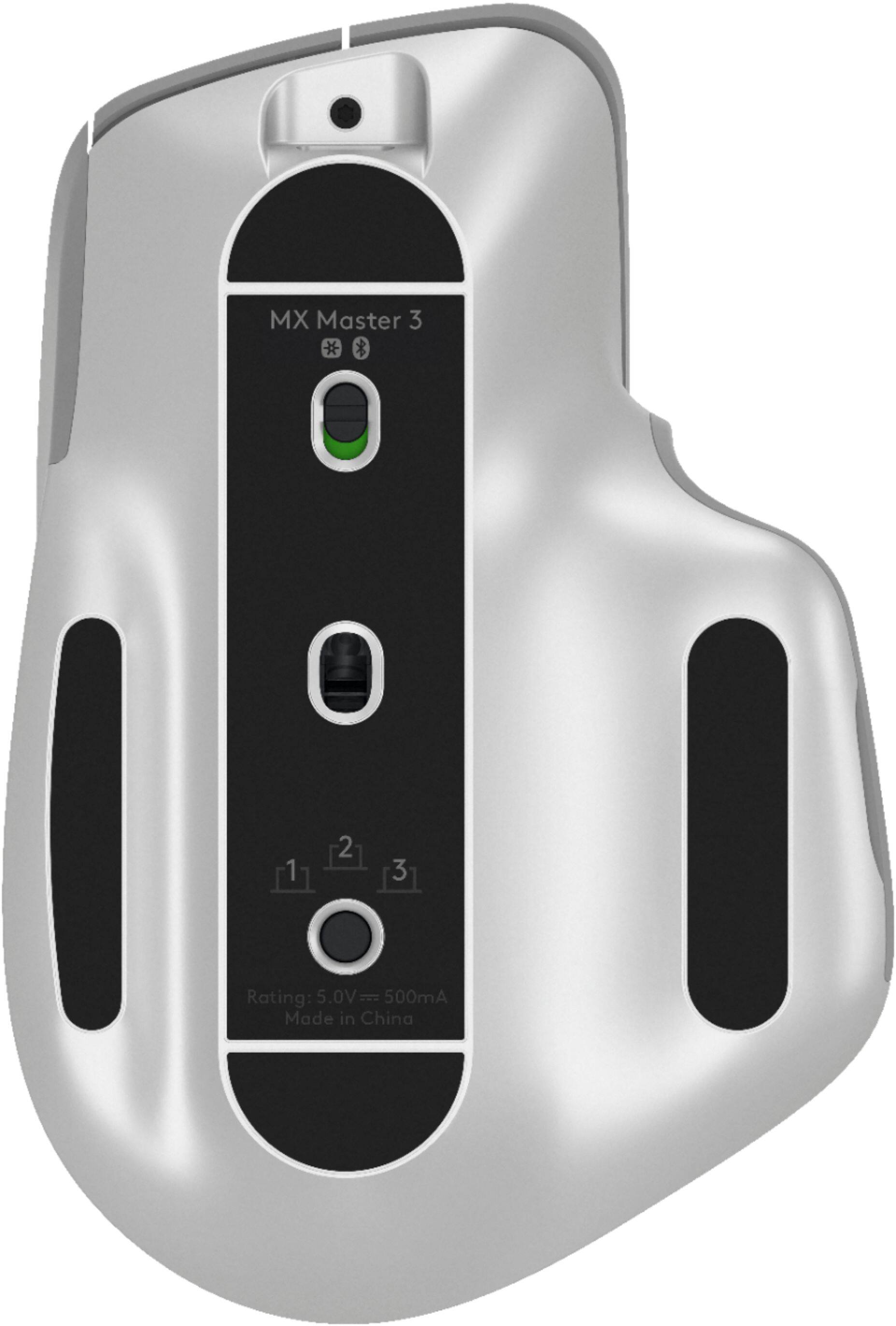
||Posted . Owned for 1 month when reviewed.This reviewer received promo considerations or sweepstakes entry for writing a review.Having a windows laptop, Mac Laptop and working in applications like Excel and Visio, i needed a mouse where little hand movement was needed as i scrolled up and down left and right. Also compatible with my Apple and Windows worlds. This mouse hit the mark. Very comfortable, easy to set up and move between machines as there is a paring switch at the bottom of the mouse. Great job Logitech.
This review is from Logitech - MX Master 3 Advanced Wireless USB/Bluetooth Laser Mouse with Ultrafast Scrolling - Black
I would recommend this to a friend - Pros mentioned:Customizable
Rated 5 out of 5 stars
Works on clear glass/plastic desktops
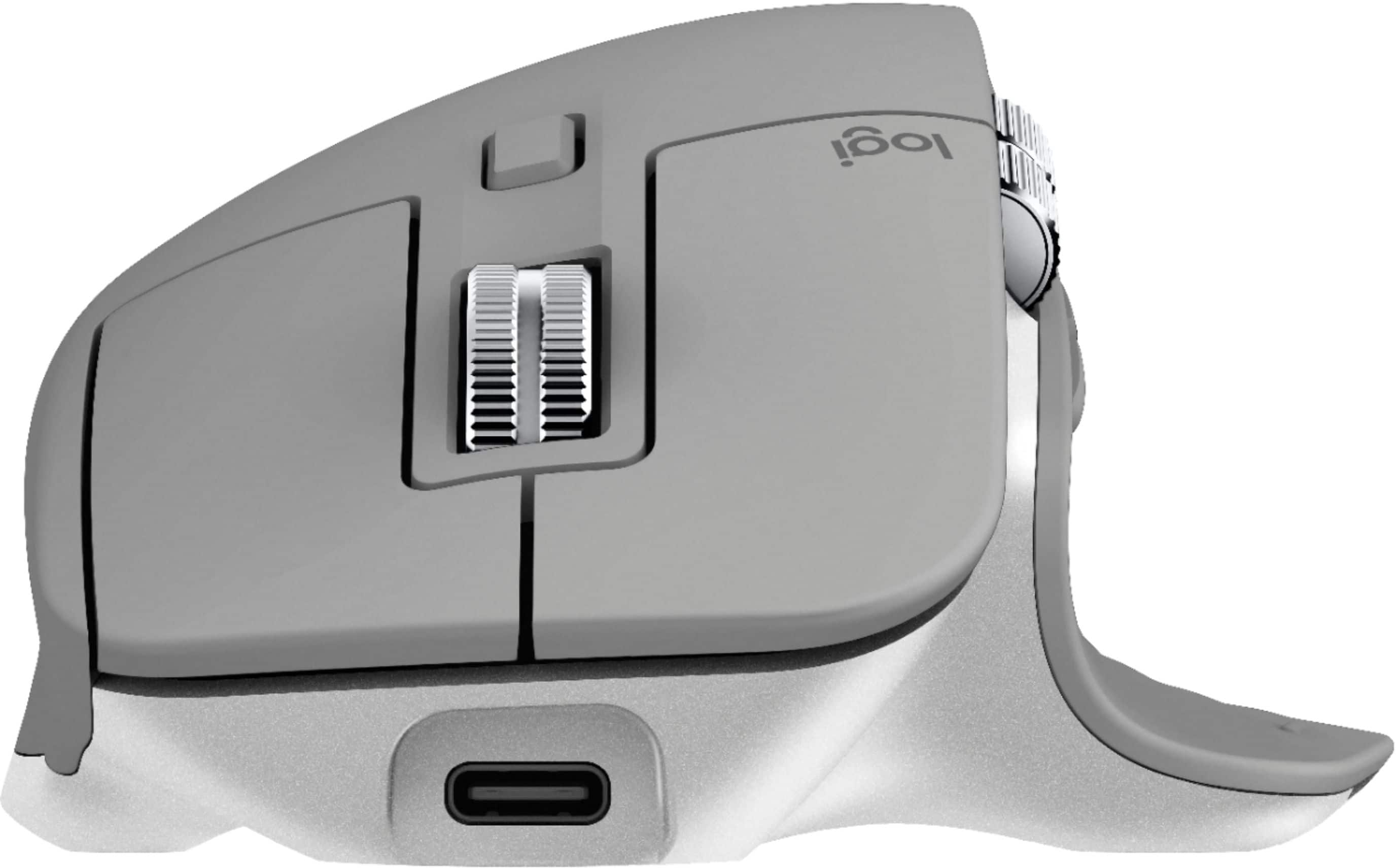
||Posted . Owned for 2 months when reviewed.This reviewer received promo considerations or sweepstakes entry for writing a review.Bought this to replace the Apple Magic Mouse. First, you can use this mouse while you charge it, unlike the Apple which requires the charging cable to be inserted in the business end of the mouse. Second, this mouse works on a clear surface. My experience with the Apple is that it does not, at least not very well. Third, this mouse has customizable buttons, a better fit for my very large hands, and I find it is actually fun to use.
This review is from Logitech - MX Master 3 Advanced Wireless USB/Bluetooth Laser Mouse with Ultrafast Scrolling - Black
I would recommend this to a friend - Pros mentioned:Comfortable, Long battery life
Rated 4 out of 5 stars
Very nice mouse I use with CAD
||Posted . Owned for 1 month when reviewed.This reviewer received promo considerations or sweepstakes entry for writing a review.I really love this mouse, it is so comfortable. Very precise, and the battery life is so superior to my only MX Revolution. My only complaint, and I haven’t researched it yet is the scroll speed is slower than I prefer.
This review is from Logitech - MX Master 3 Advanced Wireless USB/Bluetooth Laser Mouse with Ultrafast Scrolling - Black
I would recommend this to a friend - Pros mentioned:Long battery life
Rated 5 out of 5 stars
Excellent mouse. Multi purpose.
||Posted . Owned for 3 months when reviewed.This reviewer received promo considerations or sweepstakes entry for writing a review.I had the MX Master 2 but found several quirks so I decided to go with V3 after reading many great reviews. To the point. They weren’t wrong. Great mouse. Long battery life. Works great for work and play. Ergonomics are great. Won’t give this mouse up unless it dies. Almost 6 months of use and love it. Nice it has a USB C charge. I use my iPad cable so I don’t have cables everywhere.
This review is from Logitech - MX Master 3 Advanced Wireless USB/Bluetooth Laser Mouse with Ultrafast Scrolling - Black
I would recommend this to a friend - Pros mentioned:Comfortable
Rated 5 out of 5 stars
Gets Better and Better...
||Posted . Owned for 3 weeks when reviewed.This reviewer received promo considerations or sweepstakes entry for writing a review.I've been using the MX Master series mouse from Logitech for many years now. As a creative artist, the workflow is very important to me. Just when I thought this mouse couldn't get better, it did. As I compare it with the previous generation, it's a lot quieter and responds quicker. The comfort of the mouse also gives me an advantage. It's definitely an upgrade if you're a creator. Not to mention, the Bluetooth option works way better as well!
This review is from Logitech - MX Master 3 Advanced Wireless USB/Bluetooth Laser Mouse with Ultrafast Scrolling - Black
I would recommend this to a friend Rated 5 out of 5 stars
The best productivity mouse around - period!
||Posted . Owned for 1 month when reviewed.This reviewer received promo considerations or sweepstakes entry for writing a review.This is my first MX Master series purchase. I had been using the original Performance MX mouse for years (and it is still one of my favorites). The first thing you will notice is the very sharp gray color. I like to be a bit different with my tech, so that was a no brainer color choice for me. It isn't one that you will find in a brick & mortar store easily, though. So I do really, really enjoy this mouse. The best feature by far is the vertical scroll wheel. It is simply a pleasure. Basically two modes of operation - with free scroll, or a slight magnetic ratchet, but what makes it nice, even in ratchet mode, if you give it a good spin, the ratchet/magnet releases, putting into free mode until you let up. I use it to throttle my scrolling. Works beautifully. The horizontal wheel? Well for me, it is just meh - primarily because I have never had a mouse with a wheel like that before. The main issue I have is that it has relegated the left forward and back buttons to an awkward location. That, coupled wit the small, indiscernible size, definitely disappoints me a bit. I do like the thumb rest and integrated soft touch button there. Very nice. The rump is a bit too juttingly steep (especially now that I have used the more ergonomic Razer Pro Click. It's height is ok, but it just needed to be a bit more flowing and a bit longer top to bottom. But enough nit picking - this thing is a productivity dream!
I would recommend this to a friend- Pros mentioned:Multi-device
Rated 5 out of 5 stars
Excellent Mouse
||Posted .This reviewer received promo considerations or sweepstakes entry for writing a review.Love remapping buttons. Comfortable. Requires just a light touch for clicks so it is easy on your finger. Connects easily and quickly. Battery life seems good and the mouse can map to three different computers which is awesome. Scroll wheel is really good, but not quite as smooth as trackpad scrolling. Not enough of a complaint to knock points off though cause it still works very very well.
This review is from Logitech - MX Master 3 Advanced Wireless USB/Bluetooth Laser Mouse with Ultrafast Scrolling - Black
I would recommend this to a friend