Customer Ratings & Reviews
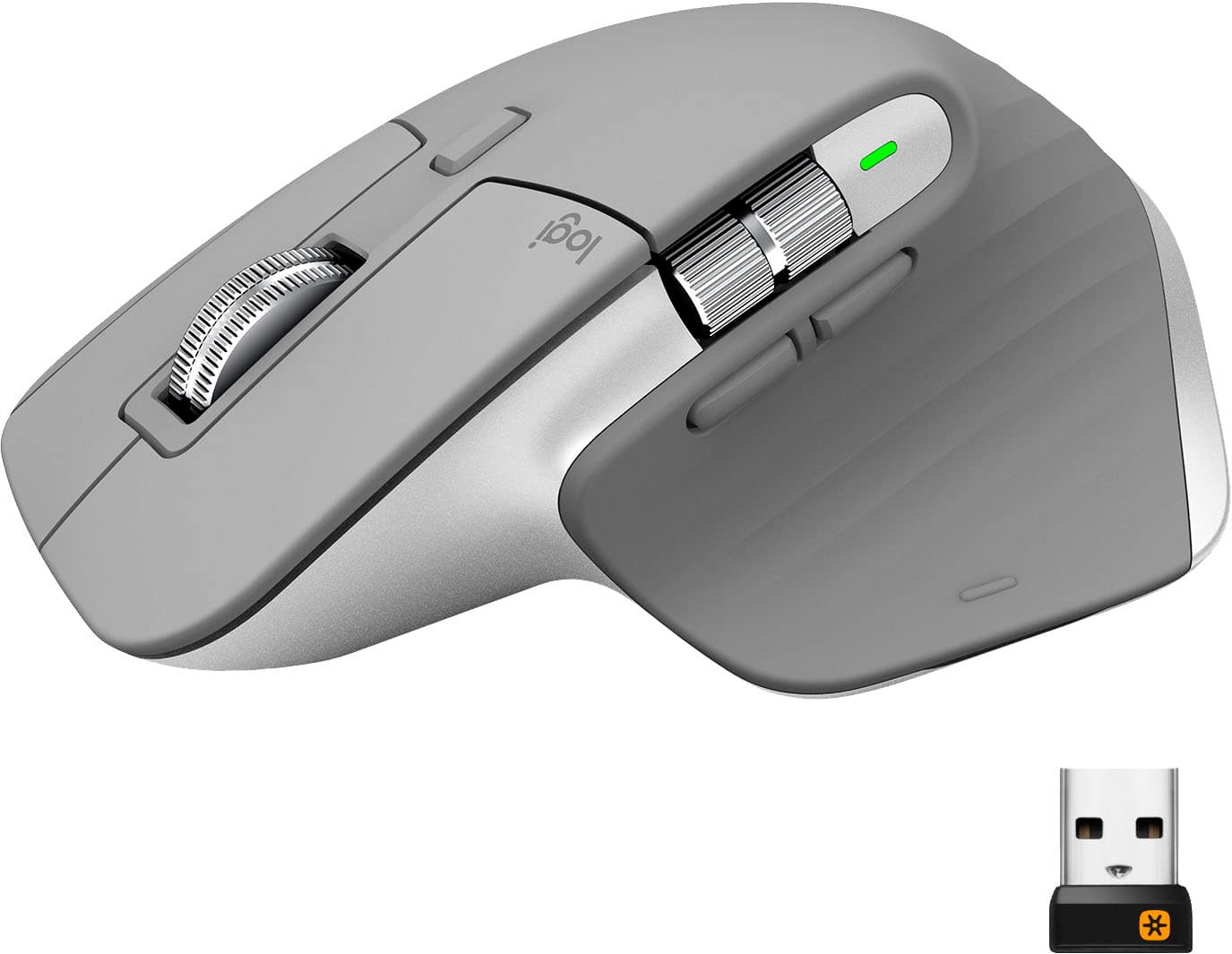
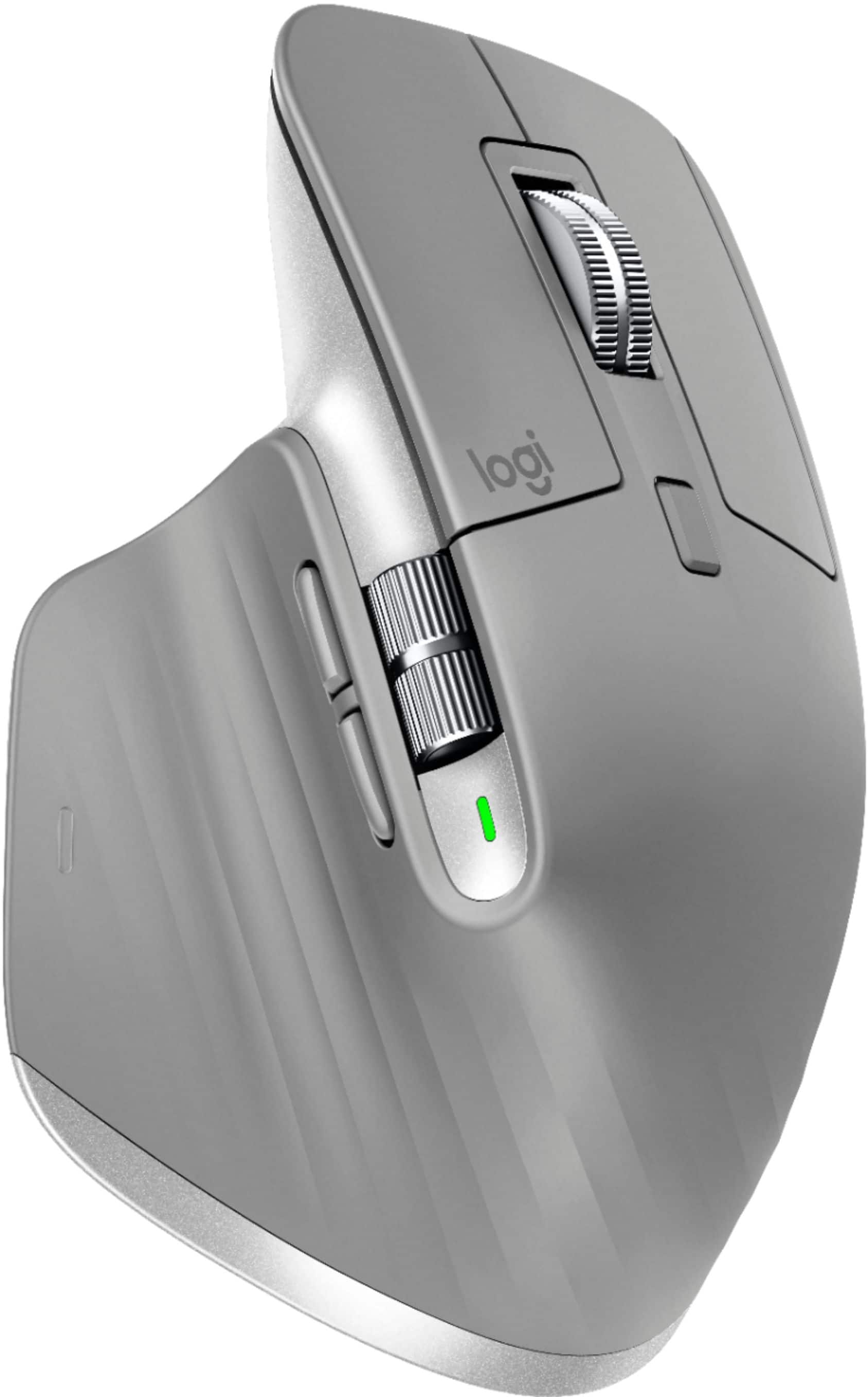
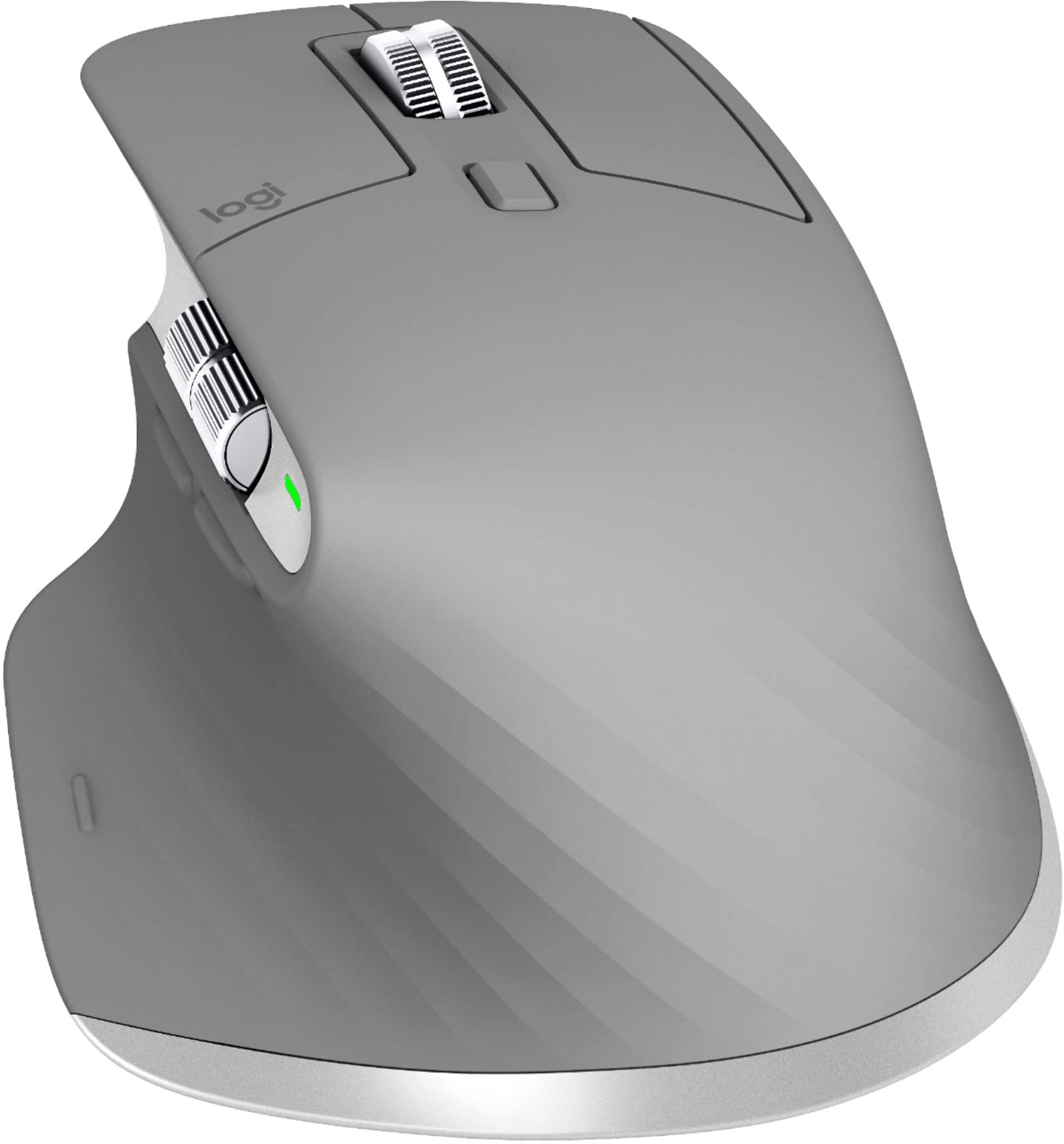

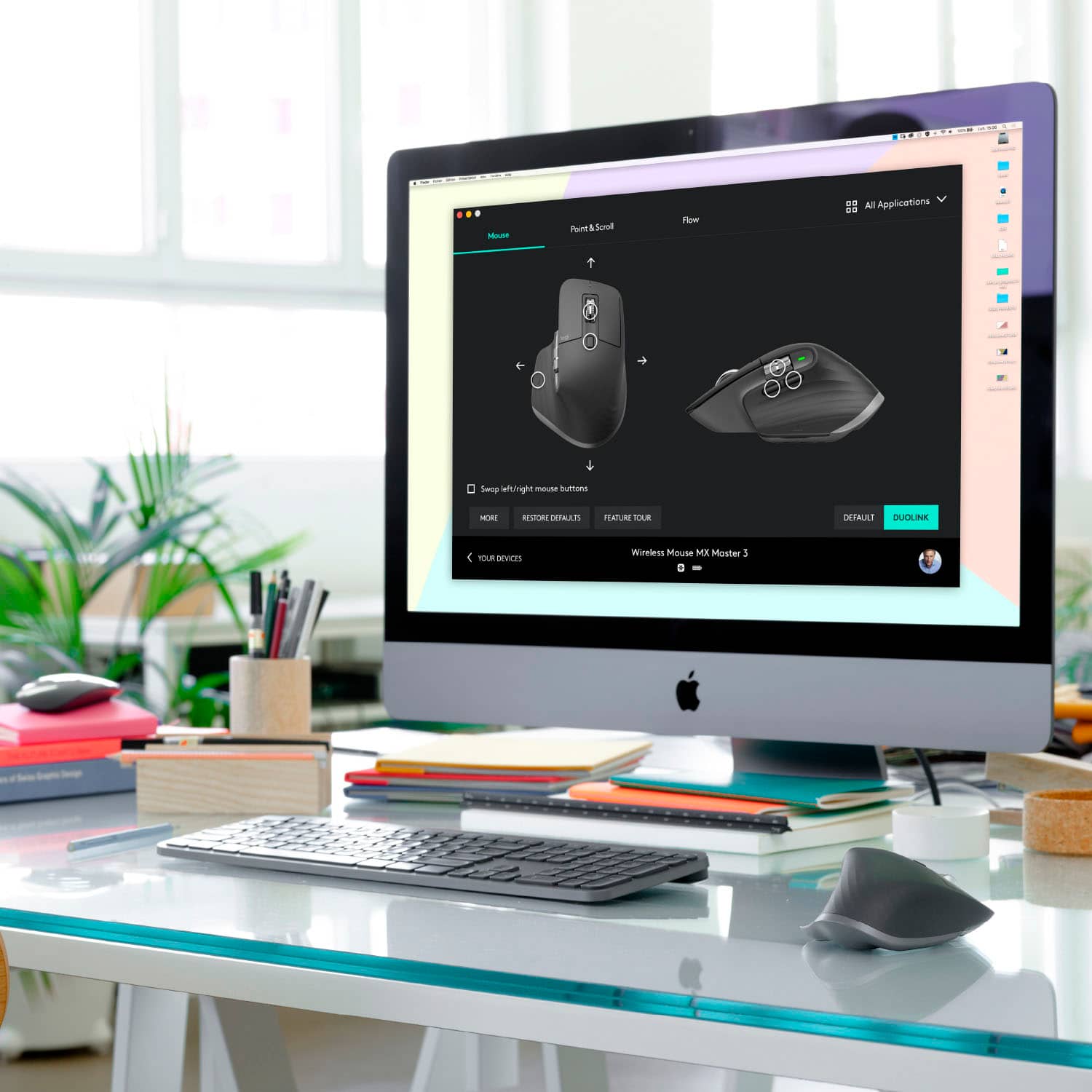


- Model:
- 910-005692
- |
- SKU:
- 6404089
Customer reviews
Rating 4.8 out of 5 stars with 3344 reviews
(3,344 customer reviews)Rating by feature
- Value4.5
Rating 4.5 out of 5 stars
- Quality4.9
Rating 4.9 out of 5 stars
- Ease of Use4.8
Rating 4.8 out of 5 stars
Customers are saying
Customers enjoy the ergonomic design, smooth scroll wheel, and excellent battery life of the MX Master 3 mouse. Many appreciate the high-quality build and the extensive customization options, along with its Bluetooth connectivity and multi-device capabilities. However, some find the mouse to be large and heavy. A few users have also reported issues with software consistency and occasional lag.
This summary was generated by AI based on customer reviews.
- Pros mentioned:Comfortable
Rated 5 out of 5 stars
The best professional mouse on the market
||Posted . Owned for 1 week when reviewed.This reviewer received promo considerations or sweepstakes entry for writing a review.I upgraded from the original MX master, and what an absolute upgrade. The functionality of the mouse has increased significantly without a trade-off in comfort - I'd argue that it's become even more comfortable. The software has gotten faster and more streamlined as well. Setup is quick and simple, as is adding custom settings for programs not included in the default app installation.
This review is from Logitech - MX Master 3 Advanced Wireless USB/Bluetooth Laser Mouse with Ultrafast Scrolling - Black
I would recommend this to a friend - Pros mentioned:Long battery life, Multi-device
Rated 3 out of 5 stars
MX3
||Posted . Owned for 8 months when reviewed.This reviewer received promo considerations or sweepstakes entry for writing a review.heavy mouse, not as good as other 100$ mouse but have 3 slots for 3 different devices. battery last long for one charge
This review is from Logitech - MX Master 3 Advanced Wireless USB/Bluetooth Laser Mouse with Ultrafast Scrolling - Black
I would recommend this to a friend - Pros mentioned:Long battery life
Rated 5 out of 5 stars
The wheel spins!
||Posted . Owned for 2 months when reviewed.This reviewer received promo considerations or sweepstakes entry for writing a review.I swear I haven't had to charge this thing in the two months I have had it. I don't need a gaming mouse and can't say I have experience of one. I upgraded to this from the Logitech Anywhere MX and I am very happy with it. Key for me was the scroll wheel, which runs freely after you start it spinning. The click action and accuracy are excellent. Worth the money.
This review is from Logitech - MX Master 3 Advanced Wireless USB/Bluetooth Laser Mouse with Ultrafast Scrolling - Black
I would recommend this to a friend - Cons mentioned:Expensive
Rated 5 out of 5 stars
Pricey but totally worth it
||Posted . Owned for 1 month when reviewed.This reviewer received promo considerations or sweepstakes entry for writing a review.I bought this Logitech MX Master 3 Mouse in a bundle with my Logitech MX Keyboard. I saved $10. Pricey but totally worth it. The feel of the keyboard and mouse feel substantial and are incredibly efficient. Plus I got the insurance just in case I spill my big gulp on it or my dog chews on one of them.
This review is from Logitech - MX Master 3 Advanced Wireless USB/Bluetooth Laser Mouse with Ultrafast Scrolling - Black
I would recommend this to a friend Rated 5 out of 5 stars
Outstanding in Every Way
||Posted . Owned for less than 1 week when reviewed.This reviewer received promo considerations or sweepstakes entry for writing a review.I love this mouse ... best I've ever owned! It replaced a vintage Performance MX that was suffering from switch rot (I'd rejuvenated the switches once already), and that one had lasted a good 8 years. Logitech claims that the Master 3 has improved switches that will handle multiple millions of clicks, so this mouse may outlast me. The Master 3 improves on its progenitor in so many ways ... the scroll wheel has an incredible feel to it whether you're using it in stepped or free-wheeling mode. The thumb wheel adds great options; while horizontal scrolling seems like a natural choice, I have it set to zoom. This is a fantastic boon for those of us that are getting a bit older and our vision isn't quite what it used to be. I can now zoom in our out on text/images with a flick of my thumb, without having to touch the keyboard. It also solved an irritating issue I was having with VMWare and my previous mouse; I couldn't use a number of that mouse's features because the Logitech SetPoint software was incompatible with VMWare and stripped away some of the mouse's most useful features when using it in a virtual machine. No such issue with the Master 3, though! Best Buy was able to deliver it quickly and at the same (or better) price than its competitors. That on-line retailer named after a South-American river wanted $30 more for it and wasn't able to deliver in less than 3 weeks. I'm delighted with the MX Master 3. I'm sure you will be too.
This review is from Logitech - MX Master 3 Advanced Wireless USB/Bluetooth Laser Mouse with Ultrafast Scrolling - Black
I would recommend this to a friend- Pros mentioned:Comfortable
Rated 5 out of 5 stars
Productivity mighty mouse!
||Posted . Owned for 4 months when reviewed.This reviewer received promo considerations or sweepstakes entry for writing a review.My favorite mouse ever! Not only does it look great but I didn't realize how comfortable and functional all of the buttons would be...and that scroll wheel is something special! I wouldn't recommend this for gamers who rely on light weight and low latency, but for productivity and multitasking, this is the best mouse on the market.
This review is from Logitech - MX Master 3 Advanced Wireless USB/Bluetooth Laser Mouse with Ultrafast Scrolling - Black
I would recommend this to a friend - Cons mentioned:Price
Rated 5 out of 5 stars
Great product
||Posted . Owned for 1 month when reviewed.This reviewer received promo considerations or sweepstakes entry for writing a review.Best productive mouse in the business. Great company. Pricey but worth it.
This review is from Logitech - MX Master 3 Advanced Wireless USB/Bluetooth Laser Mouse with Ultrafast Scrolling - Black
I would recommend this to a friend - Pros mentioned:Long battery life
Rated 5 out of 5 stars
Excellent mouse for large hands!
||Posted . Owned for 3 weeks when reviewed.This reviewer received promo considerations or sweepstakes entry for writing a review.Excellent mouse for: Fitting large hands Precise and responsive cursor control Performing takeoffs from construction drawings Synching with multiple devices via Blue Tooth Extended battery life and being rechargeable Would definitely buy again (but hope that I never have to!) Mike M in Texas
This review is from Logitech - MX Master 3 Advanced Wireless USB/Bluetooth Laser Mouse with Ultrafast Scrolling - Black
I would recommend this to a friend - Pros mentioned:Scroll wheelCons mentioned:Expensive
Rated 4 out of 5 stars
Expensive but good
||Posted . Owned for 5 months when reviewed.This reviewer received promo considerations or sweepstakes entry for writing a review.It's expensive and kinda have cheap feeling to it, but the features and the scroll wheel makes up for it. I LOVE IT!!
I would recommend this to a friend - Pros mentioned:Comfortable
Rated 5 out of 5 stars
Get this one
||Posted . Owned for 9 months when reviewed.This reviewer received promo considerations or sweepstakes entry for writing a review.I used to not think much of external mice, but wow this has changed my opinion. The quality and features you get in a higher qualiry device is game changing. Can work so much more efficiently and comfortably, with no connection issues, and no tracking issues. Great purchase, have already purchased 2 more.
This review is from Logitech - MX Master 3 Advanced Wireless USB/Bluetooth Laser Mouse with Ultrafast Scrolling - Black
I would recommend this to a friend - Pros mentioned:Long battery life
Rated 5 out of 5 stars
Architectural and Engineering Draftsman
||Posted . Owned for 1 month when reviewed.This reviewer received promo considerations or sweepstakes entry for writing a review.Best Mouse I have. I use it in various applications. It is accurate when selecting. Pairing it is easy. Even in some applications I have to use the Function Keys, several times. How easy it is to press a single mouse button. And I'm still improving it. The battery is excellent too. It's excellent for Cad Applications. I am happy with it.
This review is from Logitech - MX Master 3 Advanced Wireless USB/Bluetooth Laser Mouse with Ultrafast Scrolling - Black
I would recommend this to a friend - Pros mentioned:Customizable
Rated 3 out of 5 stars
Stopped working after 6 months
||Posted . Owned for 6 months when reviewed.This reviewer received promo considerations or sweepstakes entry for writing a review.When it worked, it worked great. The setup was easy, the software allows a lot of customization and I got used to the bigger mouse (for my hands, anyway). It felt a bit heavy initially but moved very smoothly over my mousepad. I also used it to switch between 2 laptops which was a bit more fussy. Sometimes it flowed smoothly while, at other times, there was either a noticeable lag or the cursor wouldn't move to the second device. Irritating for a $100 mouse but I don't use 2 laptops often so I ignored it. Most of the customizable buttons worked fine for me but the thumb scroll was a bit more difficult - too sensitive and not easily adjustable. Also found it difficult to clean the thumb area and underside - the dust just clings to it. The rechargeable feature is great. I got tired of changing batteries with my previous wireless mouse and I hate disposing batteries. The MX3 recharged fully within and hour and I never really ran out of charge - I used it for roughly 10 hours/day for work and recharged once every alternate week. Here's the thing: after 6 months of working with no issues (except the flow conking out randomly), I set it to charge with the USB-C on my desktop with the power button at 'Off'. The green light flashed like it does when you set it to charge. An hour later, nothing would induce it to power back on. Turns out, this is an issue with their battery and has happened to others too - not very common but not that rare either. Since it's been 6 months, Logitech has replaced mine (hardware limited warranty is 1 year). BB cannot after 6 months of use although I did take it to them. Here's the gem I got from the Geek Squad guy: "Buy a new mouse." Overall, when this mouse works, it works great. Still not worth its price because the extra $50 you pay for the extra features (like flow) don't work too well.
This review is from Logitech - MX Master 3 Advanced Wireless USB/Bluetooth Laser Mouse with Ultrafast Scrolling - Black
No, I would not recommend this to a friend - Pros mentioned:Multi-device
Rated 5 out of 5 stars
MX Master 3 is awesome!!
||Posted . Owned for 1 year when reviewed.This reviewer received promo considerations or sweepstakes entry for writing a review.I absolutely love the MX Master 3. The best feature is the Flow - which lets you just move the mouse and keyboard between devices easily - including copy and paste of files. I have a Mac and windows and it works fine on both. The included dongle makes connecting easier, in case one decides they don't want to use bluetooth
I would recommend this to a friend Rated 5 out of 5 stars
Nicer and faster!!
||Posted . Owned for 1 year when reviewed.This reviewer received promo considerations or sweepstakes entry for writing a review.It is one of my favorite mouses I have ever had. Logitech fan
I would recommend this to a friendRated 5 out of 5 stars
Awesome mouse
||Posted . Owned for more than 2 years when reviewed.This reviewer received promo considerations or sweepstakes entry for writing a review.Great mouse for all the things I need. Will be buying again.
This review is from Logitech - MX Master 3 Advanced Wireless USB/Bluetooth Laser Mouse with Ultrafast Scrolling - Black
I would recommend this to a friend- Pros mentioned:Multi-device
Rated 5 out of 5 stars
Ergonomic and versatile.
||Posted . Owned for 3 weeks when reviewed.This reviewer received promo considerations or sweepstakes entry for writing a review.Great mouse. Had a case of trigger thumb (tendonitis of my thumb). This mouse fits better and is more ergonomic, which helped me recover. We also use these on a mixed environment with a PC and Mac side by side. This one mouse can jump from one system to the other so you only need 1 mouse for the 2 systems.
This review is from Logitech - MX Master 3 Advanced Wireless USB/Bluetooth Laser Mouse with Ultrafast Scrolling - Black
I would recommend this to a friend - Pros mentioned:Comfortable, Long battery life
Rated 5 out of 5 stars
Great wireless mousd
||Posted . Owned for 11 months when reviewed.This reviewer received promo considerations or sweepstakes entry for writing a review.Very comfortable with a long lasting charge and great response.
This review is from Logitech - MX Master 3 Advanced Wireless USB/Bluetooth Laser Mouse with Ultrafast Scrolling - Black
I would recommend this to a friend Rated 5 out of 5 stars
Great Buy
||Posted . Owned for 1 year when reviewed.This reviewer received promo considerations or sweepstakes entry for writing a review.Phenomenal mouse to use. Very reliable, no complaints.
This review is from Logitech - MX Master 3 Advanced Wireless USB/Bluetooth Laser Mouse with Ultrafast Scrolling - Black
I would recommend this to a friend- Pros mentioned:Long battery life
Rated 5 out of 5 stars
Best ergonomic wireless erchargeable mouse
||Posted . Owned for 2 months when reviewed.This reviewer received promo considerations or sweepstakes entry for writing a review.Logitech's MX Master 3 is best ergonomic wireless mouse I've found. Stays charged for about 1 month after daily full-time use. Solid tracking, clicking, and scroll-wheel design and functionality. Works well in both Windows and Mac OS X environments. Second one purchased in two years and would buy again.
This review is from Logitech - MX Master 3 Advanced Wireless USB/Bluetooth Laser Mouse with Ultrafast Scrolling - Black
I would recommend this to a friend - Pros mentioned:Comfortable, Customizable
Rated 5 out of 5 stars
Great Mouse
||Posted . Owned for 1 week when reviewed.This reviewer received promo considerations or sweepstakes entry for writing a review.Super comfortable and a ton of customizable features/buttons.
This review is from Logitech - MX Master 3 Advanced Wireless USB/Bluetooth Laser Mouse with Ultrafast Scrolling - Black
I would recommend this to a friend