Customer Ratings & Reviews



- Model:
- 910-005692
- |
- SKU:
- 6404089
Customer reviews
Rating 4.8 out of 5 stars with 3344 reviews
(3,344 customer reviews)Rating by feature
- Value4.5
Rating 4.5 out of 5 stars
- Quality4.9
Rating 4.9 out of 5 stars
- Ease of Use4.8
Rating 4.8 out of 5 stars
Customers are saying
Customers enjoy the ergonomic design, smooth scroll wheel, and excellent battery life of the MX Master 3 mouse. Many appreciate the high-quality build and the extensive customization options, along with its Bluetooth connectivity and multi-device capabilities. However, some find the mouse to be large and heavy. A few users have also reported issues with software consistency and occasional lag.
This summary was generated by AI based on customer reviews.
- Pros mentioned:Customizable
Rated 5 out of 5 stars
Great mouse!
||Posted . Owned for 3 weeks when reviewed.This reviewer received promo considerations or sweepstakes entry for writing a review.Brought this for my wife and she really likes it. The scroll is amazingly smooth (and has two speed levels which makes for easy navigation) and she particularly likes having the separate horizontal scroll 'wheel'. She also enjoys all the customizable buttons, although the button on the thumb rest is a little hard to use.
This review is from Logitech - MX Master 3 Advanced Wireless USB/Bluetooth Laser Mouse with Ultrafast Scrolling - Black
I would recommend this to a friend Rated 4 out of 5 stars
A little bit clicky compared to the new generation
||Posted . Owned for 11 months when reviewed.This reviewer received promo considerations or sweepstakes entry for writing a review.Not a bad mouse if it's on sale. The upgraded MX 3S mouse is even better especially if you prefer a more silent click. If you compare the two, the 3S is a LOT more quiet!
I would recommend this to a friend- Pros mentioned:Comfortable, Customizable
Rated 4 out of 5 stars
One of the best!
||Posted . Owned for 1 month when reviewed.This reviewer received promo considerations or sweepstakes entry for writing a review.This mouse is one of the best productivity mice that i have used. It is comfortable and has a slew of customizable buttons for various features and shortcuts.
This review is from Logitech - MX Master 3 Advanced Wireless USB/Bluetooth Laser Mouse with Ultrafast Scrolling - Black
I would recommend this to a friend - Pros mentioned:Long battery lifeCons mentioned:Expensive
Rated 4 out of 5 stars
Mouse
||Posted . Owned for 1 year when reviewed.This reviewer received promo considerations or sweepstakes entry for writing a review.Little expensive for mouse. First time ever paid this amount of money for mouse. Expected little more than does. Battery is great.
This review is from Logitech - MX Master 3 Advanced Wireless USB/Bluetooth Laser Mouse with Ultrafast Scrolling - Black
I would recommend this to a friend Rated 5 out of 5 stars
Nice iteration on the 2s - still the best
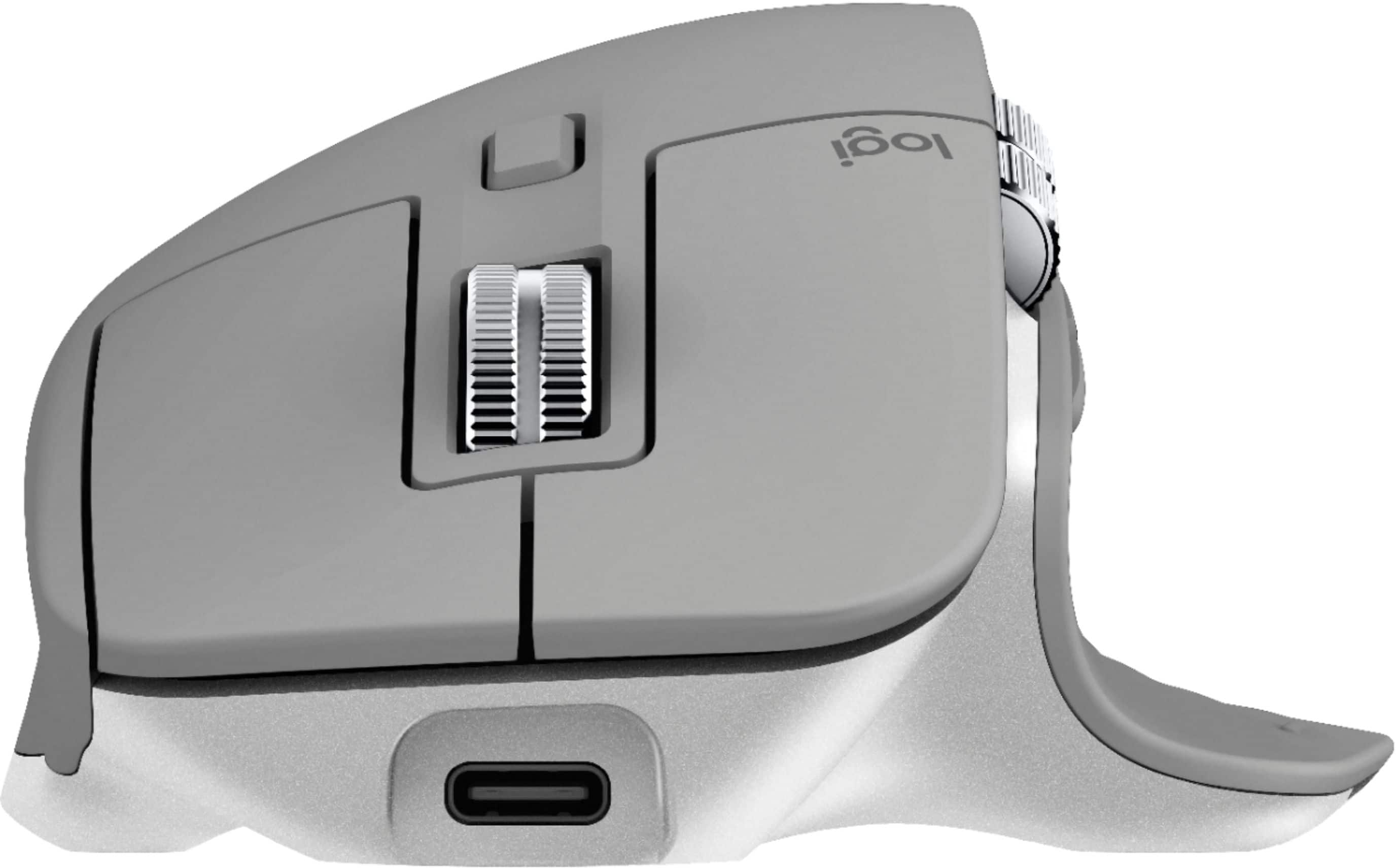
||Posted . Owned for 5 months when reviewed.This reviewer received promo considerations or sweepstakes entry for writing a review.What is there to say, really? For productivity and creative work, there is the MX Master series, and there's everything else. This is the gold standard in a non-gaming mouse. For me, the build quality, precision, and especially the thumb controls make this a mandatory accessory. Compared to the 2s, the 3 adds a bigger metal thumbwheel, where the 2s had an oddly small one. The forward and back buttons have also been made much more accessible. Finally, USB-C replaces micro-USB for charging, and the magwheel is an all new mechanical design, with fewer parts (more reliability) and a faster switch between ratchet and free. Other than that, the 3 is very much like the 2s. There is only one other minor change that I consider a negative. The 3 has a slightly different shaper, with a pointy hump just behind the thumbwheel, The 2s was more contoured in this area. Having small hands, I find the 2s more comfortable to hold. Others may not notice or care. It's not a deal-breaker, even for me.
This review is from Logitech - MX Master 3 Advanced Wireless USB/Bluetooth Laser Mouse with Ultrafast Scrolling - Black
I would recommend this to a friend- Pros mentioned:Multi-device
Rated 5 out of 5 stars
3 ways better
||Posted . Owned for 1 month when reviewed.This reviewer received promo considerations or sweepstakes entry for writing a review.Size and shape feels good and it fits my hand with no stress. I like the non slip surface. Clears some clutter since it shifts between all three of my desktop devices, PC, Mac & iPad, with only a tap of a button (underneath and out of the way of accidental contact). Horizontal scroll has become useful depending on the app.
I would recommend this to a friend - Pros mentioned:Comfortable
Rated 5 out of 5 stars
The only mouse worth considering
||Posted . Owned for 3 months when reviewed.This reviewer received promo considerations or sweepstakes entry for writing a review.I use my mouse daily for 8-10 hours a day and this is the only one worth considering for productivity. It's so comfortable for both small and large hands that you forget your using it. The clicks, and scroll wheels feel immaculate. This mouse is expensive, but worth every last penny and more.
This review is from Logitech - MX Master 3 Advanced Wireless USB/Bluetooth Laser Mouse with Ultrafast Scrolling - Black
I would recommend this to a friend - Pros mentioned:Multi-device
Rated 5 out of 5 stars
Multi-Device Button on Bottom
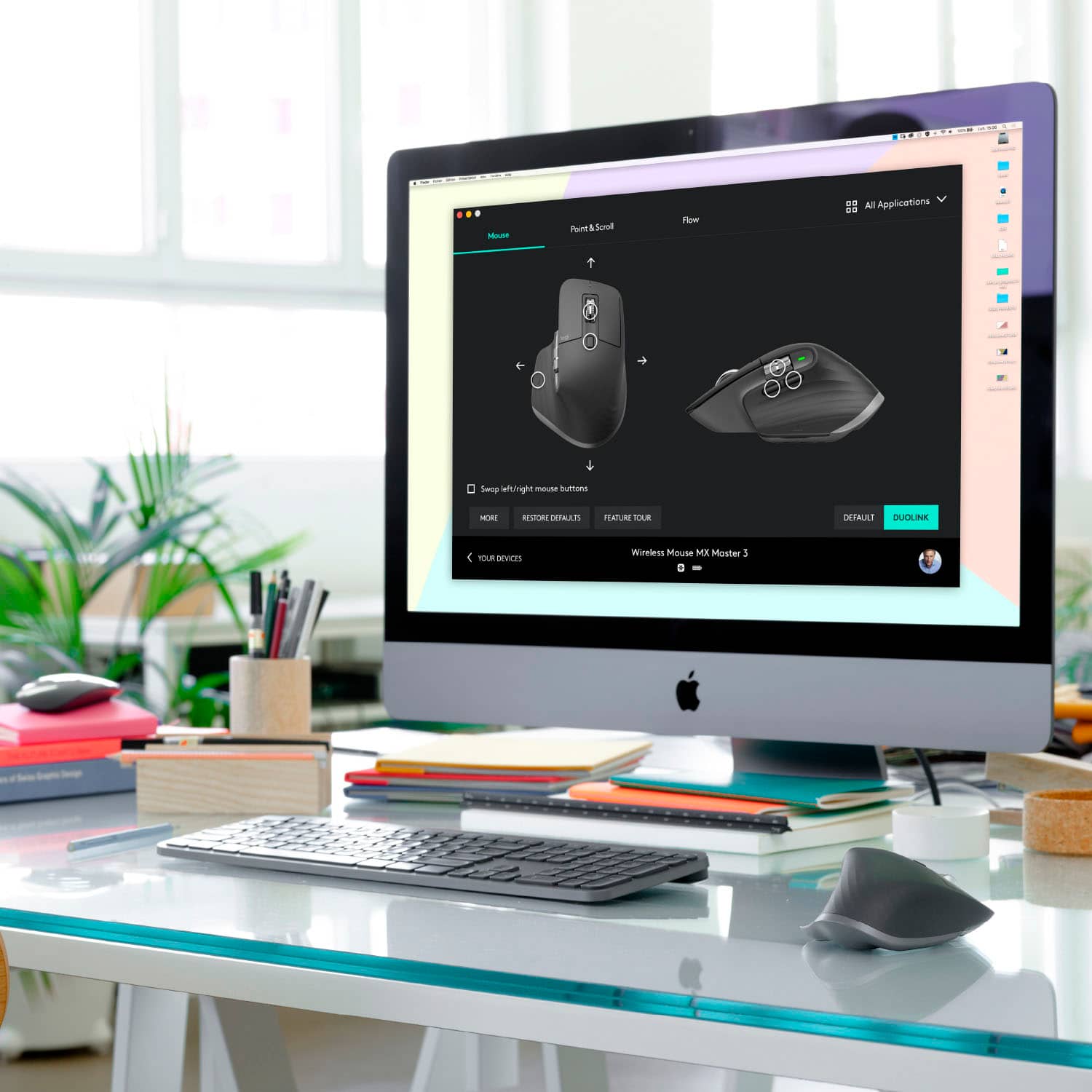
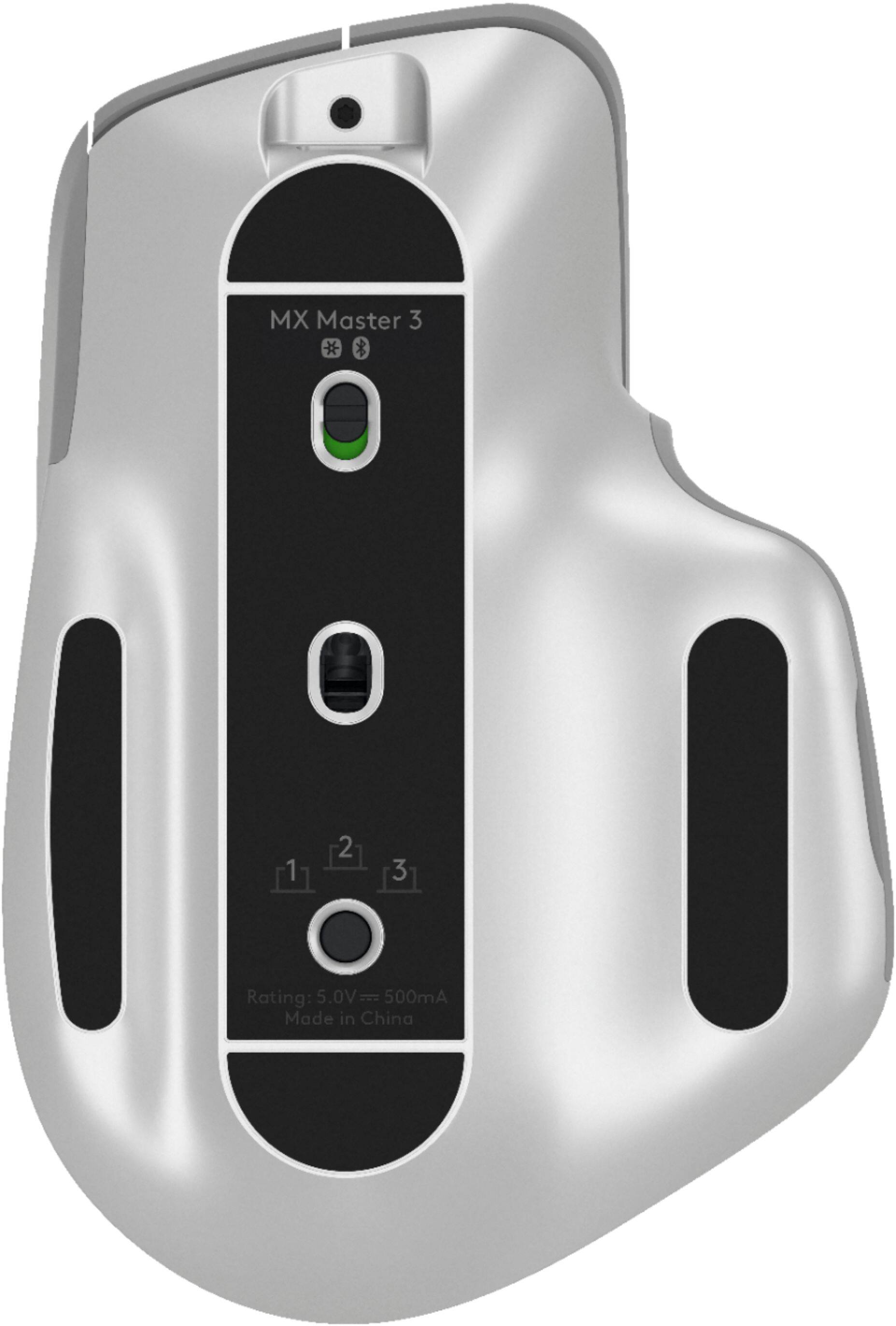
||Posted . Owned for less than 1 week when reviewed.This reviewer received promo considerations or sweepstakes entry for writing a review.The 1-2-3 multi device button is on the bottom. (If you are coming from another Logitech multi-device mouse.) Device works with existing unifying device USB plugs. Definitely important to install Logi Options software. Device works well and is ergnomic. Side scroll works well once Logi Options software is installed. Charging is USB-C.
This review is from Logitech - MX Master 3 Advanced Wireless USB/Bluetooth Laser Mouse with Ultrafast Scrolling - Black
I would recommend this to a friend Rated 5 out of 5 stars
Great mouse and heavy duty feel
||Posted . Owned for 2 months when reviewed.This reviewer received promo considerations or sweepstakes entry for writing a review.Great mouse and it recharges with usb-c and the cable comes with it
This review is from Logitech - MX Master 3 Advanced Wireless USB/Bluetooth Laser Mouse with Ultrafast Scrolling - Black
I would recommend this to a friend- Pros mentioned:Scroll wheel
Rated 5 out of 5 stars
Comfortable for all day use!
||Posted . Owned for 1 month when reviewed.This reviewer received promo considerations or sweepstakes entry for writing a review.This is a great business mouse. The feel is quite nice. The metal scroll wheel has a great feel to it and the quick scroll feature is really really nice where it will detect you want to scroll a lot and will freewheel for a long time until you touch it and it immediately stops.
This review is from Logitech - MX Master 3 Advanced Wireless USB/Bluetooth Laser Mouse with Ultrafast Scrolling - Black
I would recommend this to a friend Rated 5 out of 5 stars
Great
||Posted . Owned for 1 year when reviewed.This reviewer received promo considerations or sweepstakes entry for writing a review.Comfortable In the hand and great button placement
This review is from Logitech - MX Master 3 Advanced Wireless USB/Bluetooth Laser Mouse with Ultrafast Scrolling - Black
I would recommend this to a friend- Pros mentioned:Comfortable, Long battery life
Rated 5 out of 5 stars
Sweet Mouse
||Posted . Owned for 1 month when reviewed.This reviewer received promo considerations or sweepstakes entry for writing a review.Really cool, comfortable mouse. The charge lasts a loooooong time.
This review is from Logitech - MX Master 3 Advanced Wireless USB/Bluetooth Laser Mouse with Ultrafast Scrolling - Black
I would recommend this to a friend - Pros mentioned:Multi-device
Rated 5 out of 5 stars
No cramps
||Posted .This reviewer received promo considerations or sweepstakes entry for writing a review.The size of the mouse took some adjustment, but I don’t get hand cramps from having a small mouse anymore. Bonus I upgraded to a having a back button for the mouse. Overall, I highly recommend it for the functionality for a work from home set up. I can easily go from my work computer to my MacBook Air with no problem.
This review is from Logitech - MX Master 3 Advanced Wireless USB/Bluetooth Laser Mouse with Ultrafast Scrolling - Black
I would recommend this to a friend - Pros mentioned:Comfortable
Rated 5 out of 5 stars
Great for school and work
||Posted . Owned for 1 month when reviewed.This reviewer received promo considerations or sweepstakes entry for writing a review.I've had the previous generation of this mouse and its still going strong. I got another to take with me to school and work. Great experience and super comfortable for those long sessions. This wouldn't be my first choice for gaming, but I have used it when I didn't have anything better.
This review is from Logitech - MX Master 3 Advanced Wireless USB/Bluetooth Laser Mouse with Ultrafast Scrolling - Black
I would recommend this to a friend - Pros mentioned:Comfortable
Rated 5 out of 5 stars
Best Mouse I've Used
||Posted . Owned for 7 months when reviewed.This reviewer received promo considerations or sweepstakes entry for writing a review.Love this mouse! I've been through a number of pointing devices over the years, and this is absolutely my favorite to date. Comfort of use is good, and tracking response is outstanding! I even found a case online so that I can take it with me when I'm working on the road instead of a mobile pointing device! Excellent product!!!
This review is from Logitech - MX Master 3 Advanced Wireless USB/Bluetooth Laser Mouse with Ultrafast Scrolling - Black
I would recommend this to a friend - Pros mentioned:Multi-device
Rated 5 out of 5 stars
Does what is advertised - very well
||Posted . Owned for 1 month when reviewed.This reviewer received promo considerations or sweepstakes entry for writing a review.I use this in conjunction with a K780 with three computers, one Linux Mint, one Windows 10 home, and one Windows 10 Pro. Switches between all three no problem. All three are rf wireless. Had to configure the dongle for Linux on one of the windows boxes. Not a problem. Mouse fits my hand and the buttons are easy to find. Recommended.
This review is from Logitech - MX Master 3 Advanced Wireless USB/Bluetooth Laser Mouse with Ultrafast Scrolling - Black
I would recommend this to a friend - Pros mentioned:Comfortable
Rated 5 out of 5 stars
expensive, but great ergonomics and lots of button
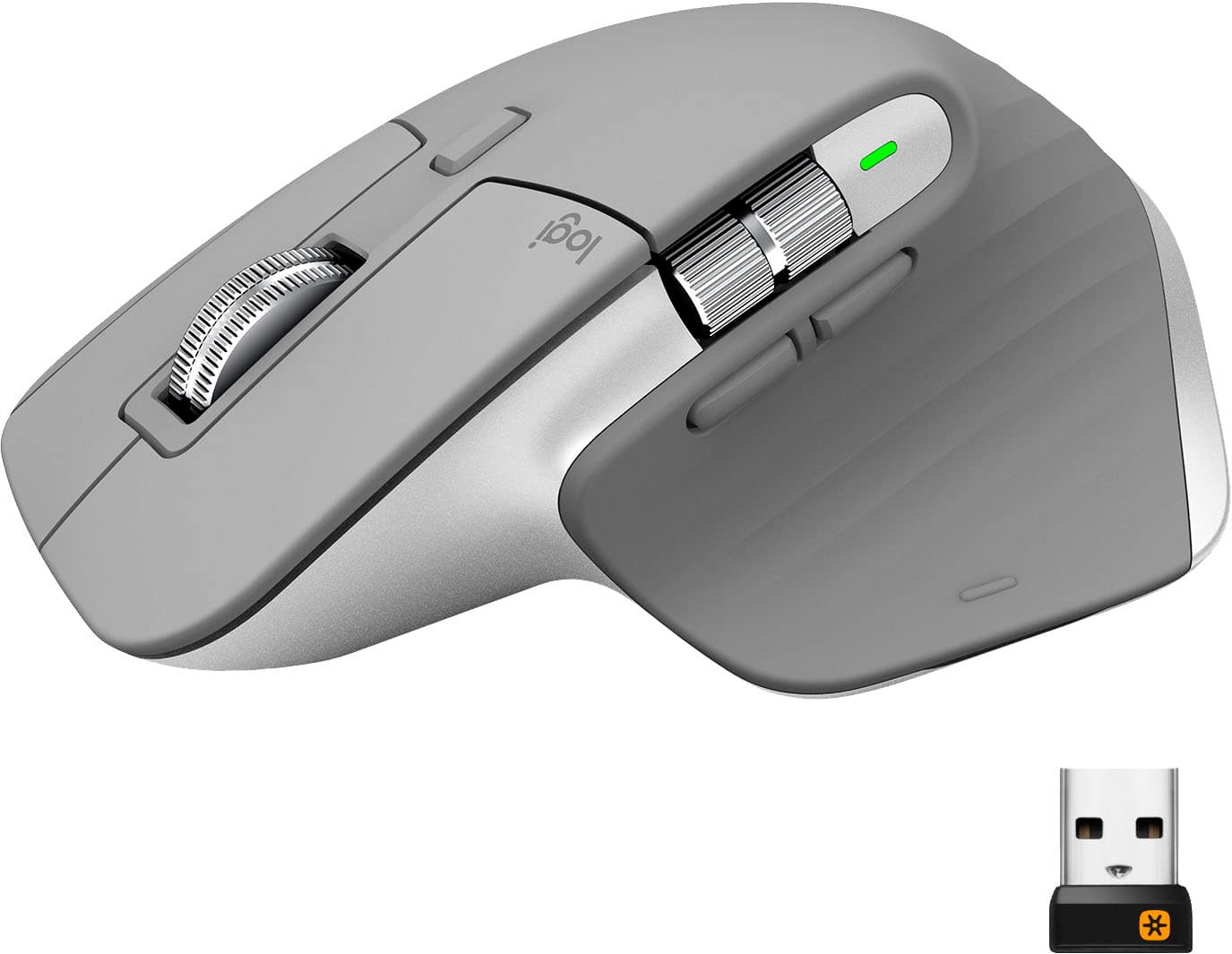
||Posted . Owned for 3 months when reviewed.This reviewer received promo considerations or sweepstakes entry for writing a review.Pretty much summed it up in the title- fantastic mouse if you're someone who spends a lot of time on the computer and wants a more comfortable mouse with more versatility from the amount of buttons. Only complaint is that there is no compartment on the mouse to store the receiver , which seems like a step backwards, but great nonetheless.
This review is from Logitech - MX Master 3 Advanced Wireless USB/Bluetooth Laser Mouse with Ultrafast Scrolling - Black
I would recommend this to a friend - Pros mentioned:Comfortable, Scroll wheel
Rated 5 out of 5 stars
Easy and smooth control
||Posted . Owned for less than 1 week when reviewed.This reviewer received promo considerations or sweepstakes entry for writing a review.Definitely recommend this mouse. Love the feel and the wheel.
This review is from Logitech - MX Master 3 Advanced Wireless USB/Bluetooth Laser Mouse with Ultrafast Scrolling - Black
I would recommend this to a friend - Pros mentioned:Multi-device
Rated 5 out of 5 stars
Very nice Wireless laser Mouse
||Posted . Owned for 11 months when reviewed.This reviewer received promo considerations or sweepstakes entry for writing a review.The best Wireless mouse I have purchased to date. It will connect with 3 different devices. Using Either Bluetooth or with Logitech's usb dongle. I love this mouse. Really simple to connect, Lots configurations options, for scrolling and on board buttons using Logitech's free software.
This review is from Logitech - MX Master 3 Advanced Wireless USB/Bluetooth Laser Mouse with Ultrafast Scrolling - Black
I would recommend this to a friend - Pros mentioned:Multi-device
Rated 5 out of 5 stars
Excellent Wireless Mouse
||Posted . Owned for 3 months when reviewed.This reviewer received promo considerations or sweepstakes entry for writing a review.Awesome Wireless Mouse for use with included Logitech USB dongle or Bluetooth connection for up to 3 systems. Excellent when combined with the MX Keys keyboard. You can set it up so the keyboard will follow the mouse automatically, from one system to another, and even transfer files between them.
This review is from Logitech - MX Master 3 Advanced Wireless USB/Bluetooth Laser Mouse with Ultrafast Scrolling - Black
I would recommend this to a friend