Customer Ratings & Reviews





- Model:
- 910-007500
- SKU:
- 10986386
Rating by feature
- Value
Rating 4.6 out of 5 stars
- Quality
Rating 4.9 out of 5 stars
- Ease of Use
Rating 4.8 out of 5 stars
- Pros mentioned:Ergonomics

Small iterations on the best out there
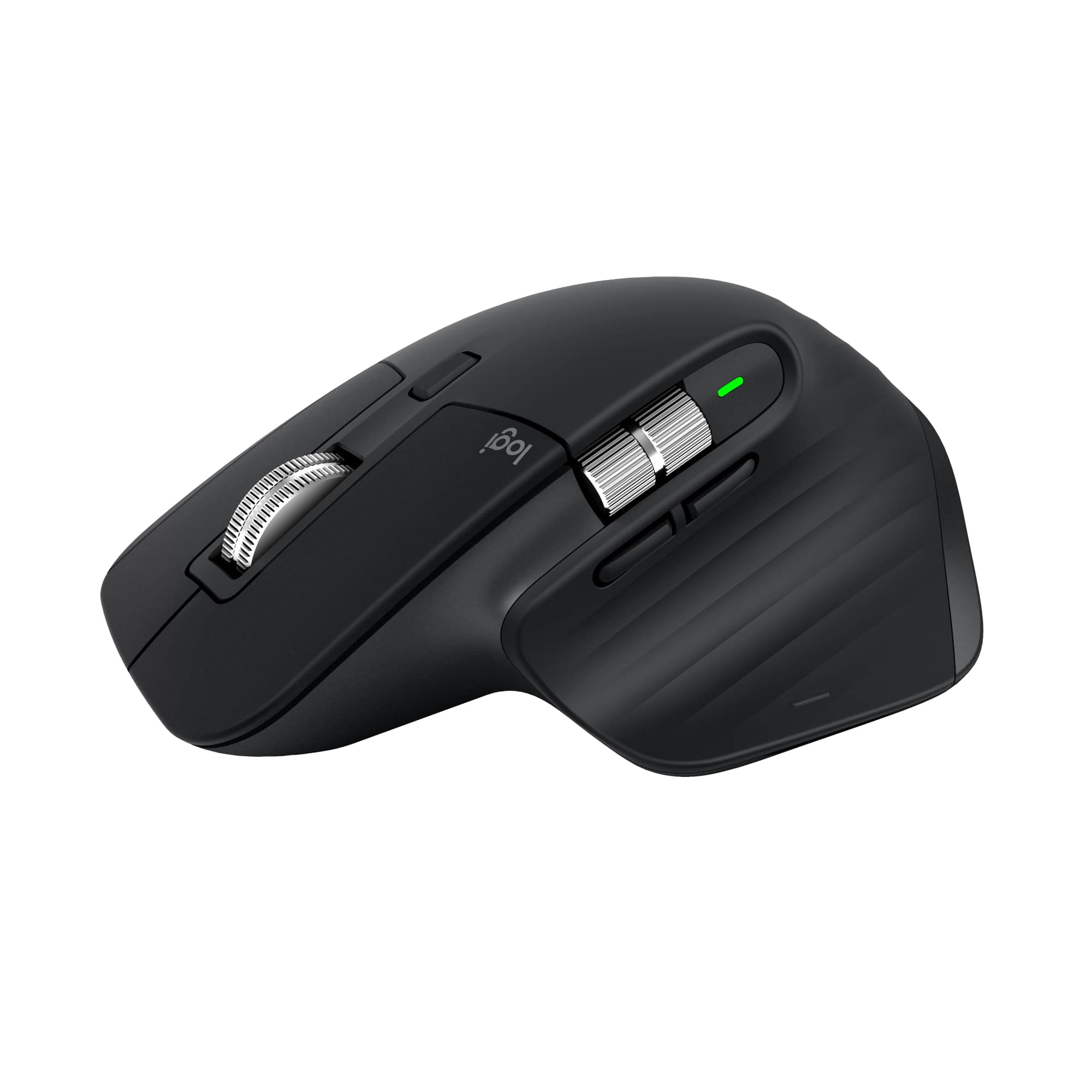
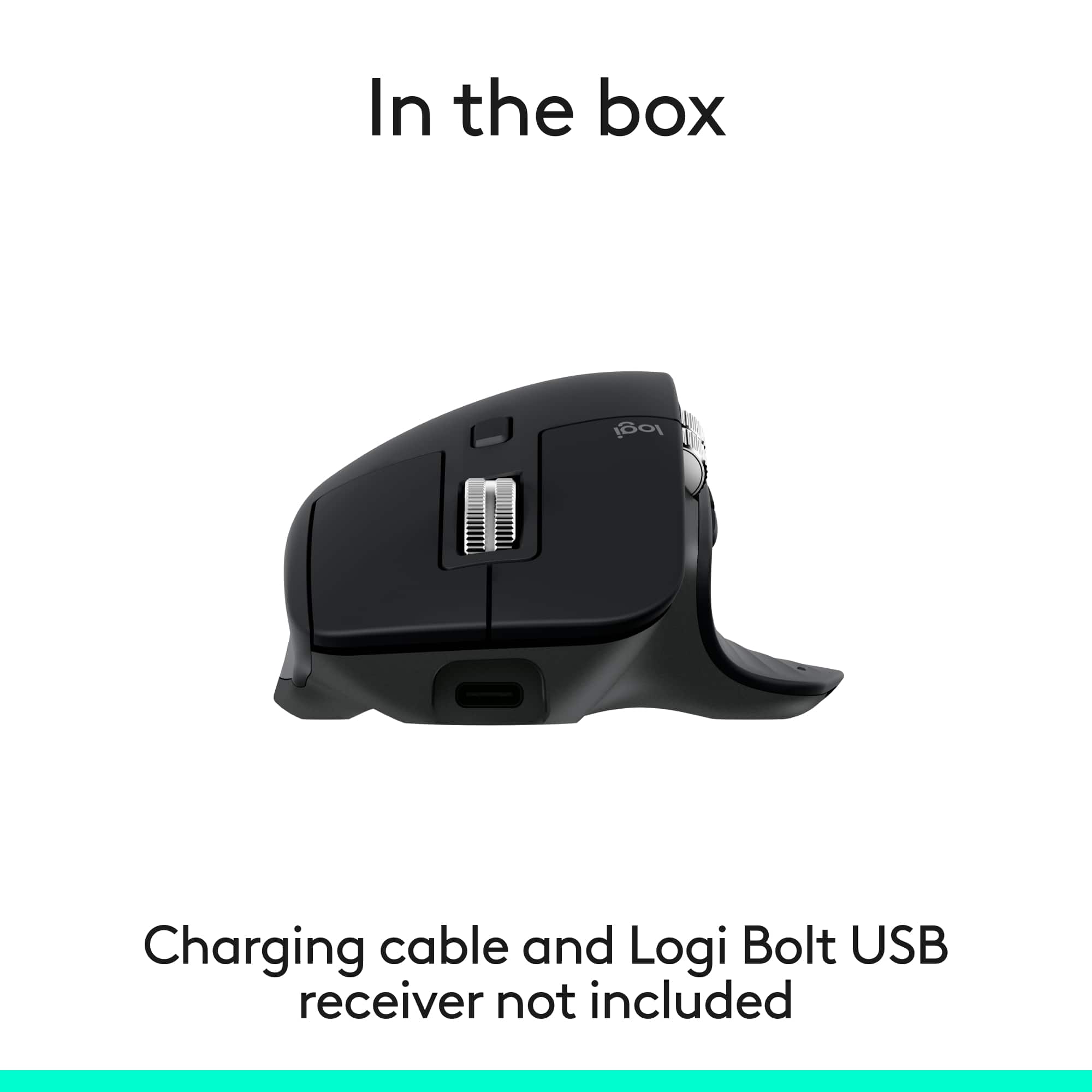
|Posted .This reviewer received promo considerations or sweepstakes entry for writing a review.This is the second MX Master mouse I've owned. I gave my first one to my older son when he was going off to college with the thought that I would immediately go out and buy a replacement for myself. For some reason that didn't happen and I ended up just using my Magic Trackpad with my desktop Mac. When I set this new MX Master up and started to configure the buttons, scroll wheel, etc using the Logitech software I immediately realized what I had been missing in the interval period between giving my first MX Master to my son and then setting this new one up. And, as it turns out, I missed a lot. I think the ergonomics this mouse affords is leaps and bounds ahead of using something like the Magic Trackpad (or even the Magic Mouse). The MX Master is definitely the most wrist friendly input device I've used. And, without getting into all the details, the Logitech software that you download to use in conjunction with the mouse gives it much more functionality that opting not to use the software would be laughable. While you don't have to use the software in order to use the mouse, I definitely recommend doing so - you won't regret it and, in fact, you will be pleasantly surprised by all the things you will be able to do in addition to the built in basic mouse functionality. As noted the MX Master works via a bluetooth connection only - there's no dongle included that allows one to bypass BT. While I understand the cost cutting reasons for this, I wonder just how much money is being saved - a finicky BT connection can definitely be a pain point for a product like this and giving the customer / consumer the ability to not have to deal with this right out of the box would be a plus in my mind. I would say that's my only real gripe about this version of the MX Master.
I would recommend this to a friendBrand response from Logitech
Posted .We’re honored that the MX Master 3S has earned its place back on your desk. It’s clear you know this mouse inside and out, and your thoughtful reflections really capture what makes it special.

- Pros mentioned:Ergonomics, Overall performance
Great Mouse
Posted .This reviewer received promo considerations or sweepstakes entry for writing a review.Love this mouse. It fits very comfortably in your hand and works flawlessly.
I would recommend this to a friendBrand response from Logitech
Posted .Thank you for your wonderful feedback! We’re thrilled to hear the MX Master 3S fits comfortably and performs flawlessly for you. Your appreciation encourages us to keep delivering products that enhance everyday productivity.
- Pros mentioned:Button functionality
My Productivity Pal
|Posted .This reviewer received promo considerations or sweepstakes entry for writing a review.[PROS] Feels Amazing: Being 6'0", I've never had a tremendous issue with a standard size computer mice being moderately, uncomfortable. However, my hand noticed an instant improvement upon using it. The shape of the mouse creates the perfect posture for my hand. The rubberized texture pattern is smooth to the touch and very light against the skin. Mouse clicks are subtle, and I haven't performed any accidental clicks. Robust Functionality: I'm able to open apps, scroll, zoom, and adjust different things as needed. The Logi Options+ app is streamlined to allow me to jump directly to customizing the 3S according to my preferences. Commands execute instantly, and I haven't observed any delay in response times. [CONS] Only one glaring issue: The biggest negative about the MX Master 3S is that they don't have a left handed version. Its an issue that doesn't affect me, but will be problematic for others. Logitech has alternatives, but I think a real opportunity is being missed with consumers. [CONCLUSION] In all transparency, this the best mouse I've ever used. Its designed well, and gives me every ability I need for my work day and personal projects. It's good enough that I'm looking into getting a second one for travel.
I would recommend this to a friendBrand response from Logitech
Posted .Hey! Wow. thank you for such a well-rounded and insightful review of the MX Master 3S Bluetooth Edition! We're thrilled to hear how well it fits your hand and enhances your workflow. From the ergonomic design to the ultra-fast scrolling and quiet clicks, it’s great to know the 3S is delivering the comfort and precision you deserve.
- Pros mentioned:Connectivity
Great update over 2s except the soft clicks
|Posted .This reviewer received promo considerations or sweepstakes entry for writing a review.I have used 2S for many years now, 3S improved on almost all the areas except one, i.e. the actual clicks buttons. Somehow the clicks are not as crisp as the 2s, and I am not talking about the sound of it. I tested it with the headphones on when I was not able to hear the click sound of 2S and yet I could feel that something is different when clicking the 3S. It is a good thing for office but for a home office or home PC, I am not a fan. It feels similar to when I put o ring on my keyboard. I would love if Logitech will offer two versions in future generation allowing user to pick the click as normal or soft. If I accept the sound of my mechanical keyboard, I will accept the sound of the mouse clicks. That being said, it works wonder in nighttime work/gaming session by not waking up people in next room. I swap to a non-mechanical keyboard (MX Keys) which uses the Logi bolt receiver; and also supports this mouse. I am using the mouse with the receiver and have not tested the connectivity over Bluetooth. Now I said that this improves on everything else, that includes the move to USB-C, side button placement, better scroll wheel placement, volume rocker and the side bottom click is much more pronounced vs the 2S. So, improvement all the ways except for the clicks which I personally am not a fan of though works well in the night.
I would recommend this to a friendBrand response from Logitech
Posted .That's valuable and detailed feedback! We appreciate you acknowledging the improvements in the Logitech MX Master 3S, especially the switch to USB-C and the enhanced side buttons and scroll wheel. We also understand your preference for a crisper click feel, and we appreciate your suggestion for offering different click-feel options in future versions to accommodate varied preferences for both office and home use. Thanks for your insight!
Very comfortable and performs great for my needs.
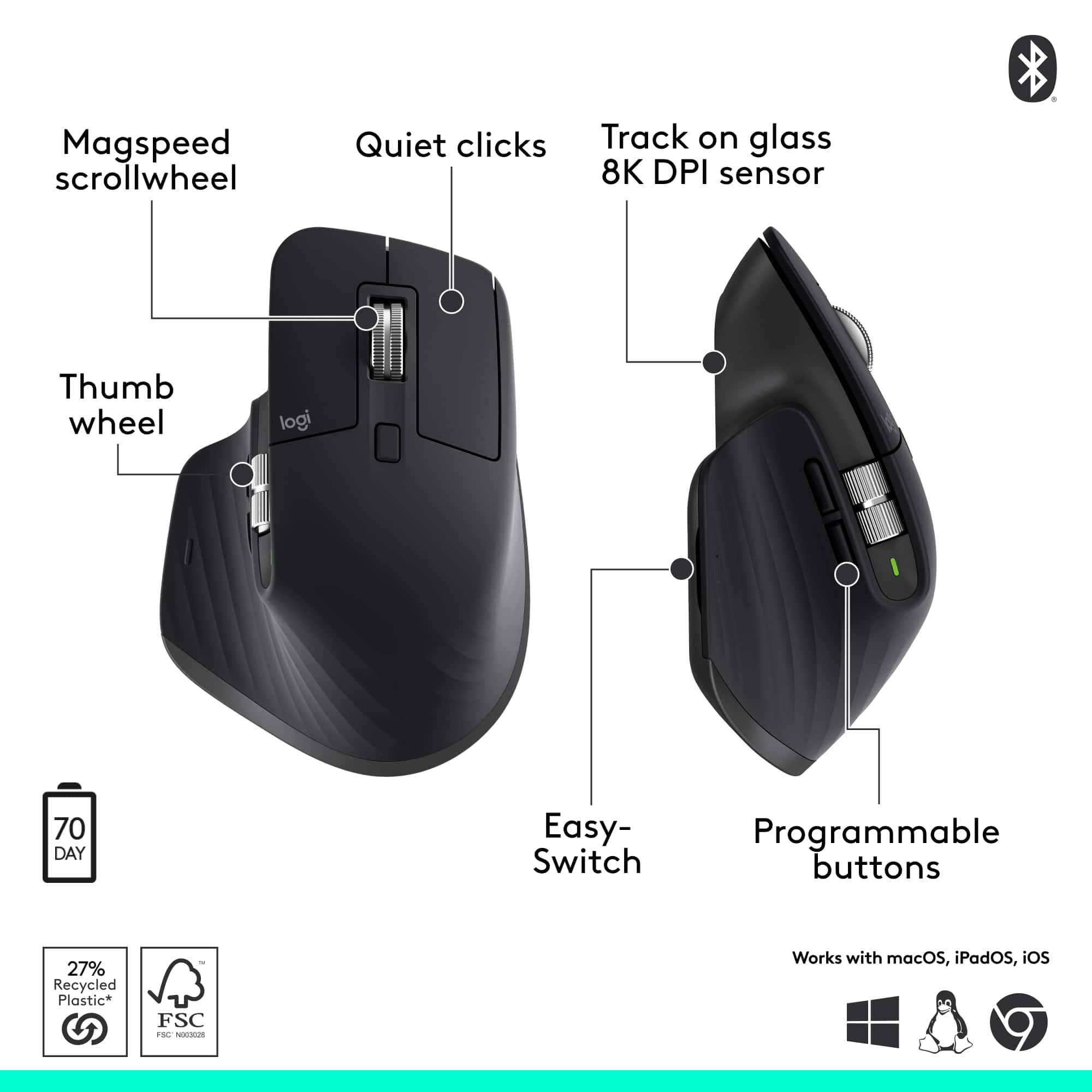
|Posted .This reviewer received promo considerations or sweepstakes entry for writing a review.So, I have had several MX Master mice in the past and they have always been a strong contender at least for me for best every day and comfortable mouse. I was a little hesitant at first with this Bluetooth Only Edition variant as all the other MX Master Mice I have used in the past used the USB receiver. I'm glad to say at least with all the computers I need to use this mouse on just using it as a Bluetooth mouse has not been a problem in anyway. It has the same comfortable grip and the performance for my uses is great. I've never been one who was super sensitive to polling rates and all of that, but I do some single player gaming and lots of work-related task without any issues whatsoever. Bluetooth connection with all the computers I use on a regular basis has been very solid and I have not had any issues. It's nice that all it takes is a simple click of the small button on the bottom to switch between systems and switching is super quick. It has, so far, worked flawlessly on both my windows laptops and a Mac studio that I use for some personal projects. Overall, it's just as good as the other variants of the MX Master I have used without the need to worry about a USB dongle for "Best performance".
I would recommend this to a friendBrand response from Logitech
Posted .That's fantastic and insightful feedback! We're thrilled that the MX Master 3S Bluetooth Edition is delivering the same comfortable, high-performance experience you've come to expect from the MX Master series, without any need for a USB receiver. It's great to hear that the seamless multi-device switching and solid Bluetooth connection are working flawlessly for you across both Windows and Mac. We appreciate your continued loyalty!
Great, comfortable, multi-device premium mouse
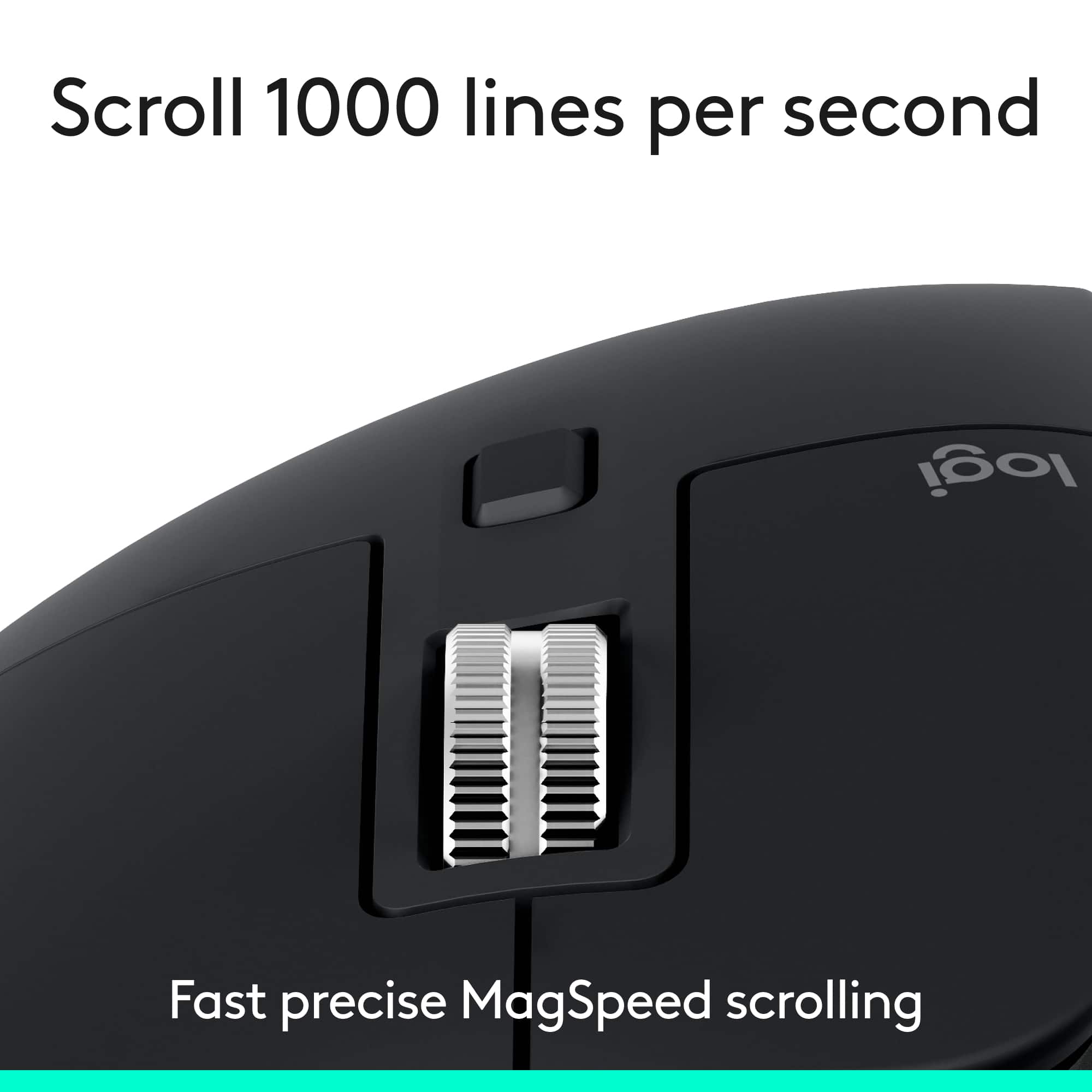
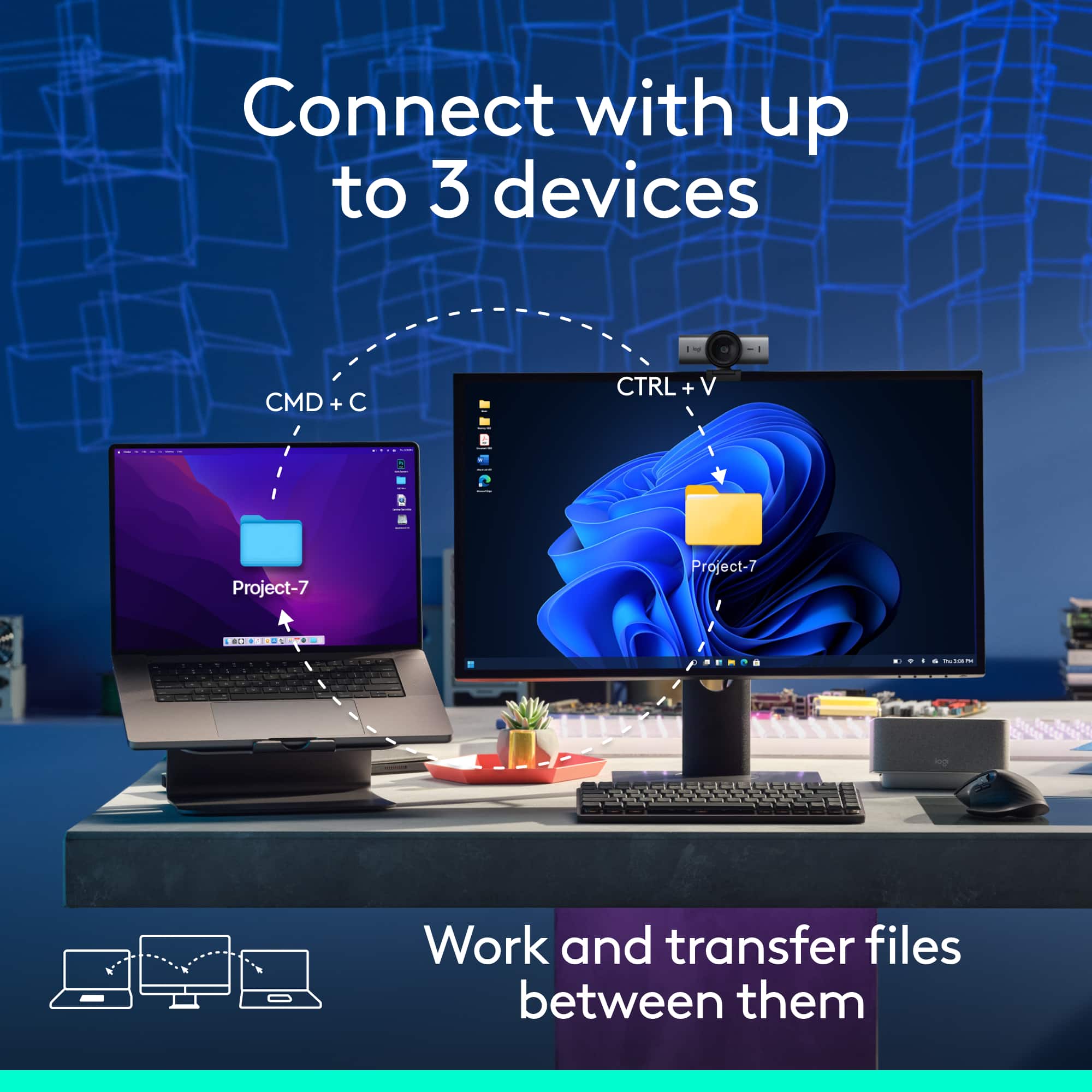
|Posted .This reviewer received promo considerations or sweepstakes entry for writing a review.Great mouse. I also have a MX Master 3S Mac version which is almost the same, and find it super comfortable in my hand. Smooth and responsive on my Mac Mini, MacBook Air and Windows laptop, and I love the option for multiple devices (up to 3) via bluetooth. Simply flip it over and tap the button. Super convenient since I have multiple computers connected to the same monitor and keyboard setup as well. The side thumb roller wheel is great for panning large Excel files or CAD drawings. Top roller wheel smooth as well. Great battery life, and easy to connect to a charge cord and still use like an "old-time" wired mouse. Definitely recommend!
I would recommend this to a friendBrand response from Logitech
Posted .Thank you for the fantastic review! We're thrilled the MX Master 3S is delivering comfort, versatility, and seamless performance across your setup—your recommendation truly means a lot.
Great purchase
Posted .This reviewer received promo considerations or sweepstakes entry for writing a review.Should have bought this sooner. Much easier to control my movements than using the cursor pad on the laptop. I am shaky, especially in the morning, this allows me to work more efficiently. Its design is very comfortable!
I would recommend this to a friendBrand response from Logitech
Posted .We're glad to know you're satisfied with the Logitech MX Master 3S Bluetooth Edition. Thank you for your feedback!
Logitech - MX Master 3S Bluetooth Edition
Posted .This reviewer received promo considerations or sweepstakes entry for writing a review.I like the bluetooth connection rather than the usb dongle for the mouse. I also find the ergonomic design very comfortible.
I would recommend this to a friendBrand response from Logitech
Posted .Thanks for letting us know how things are going. We’re happy the product is performing as expected. Your support means everything.
Nice Mouse - But....
Posted .This reviewer received promo considerations or sweepstakes entry for writing a review.Nice mouse, but it didn't perform any differently than my current mouse, which I thought it would at least feel better to hand/wrist....but it didn't. So I'll be returning it.
No, I would not recommend this to a friendBrand response from Logitech
Posted .Thank you for sharing your feedback on the MX Master 3S mouse, specifically noting that the performance and feel were not significantly different from your current mouse. We appreciate you taking the time to let us know about your experience, and we understand your decision to return it.