Customer Ratings & Reviews








- Model:
- 910-007500
- SKU:
- 6633199
Rating by feature
- Value
Rating 4.6 out of 5 stars
- Quality
Rating 4.9 out of 5 stars
- Ease of Use
Rating 4.8 out of 5 stars
Customers are saying
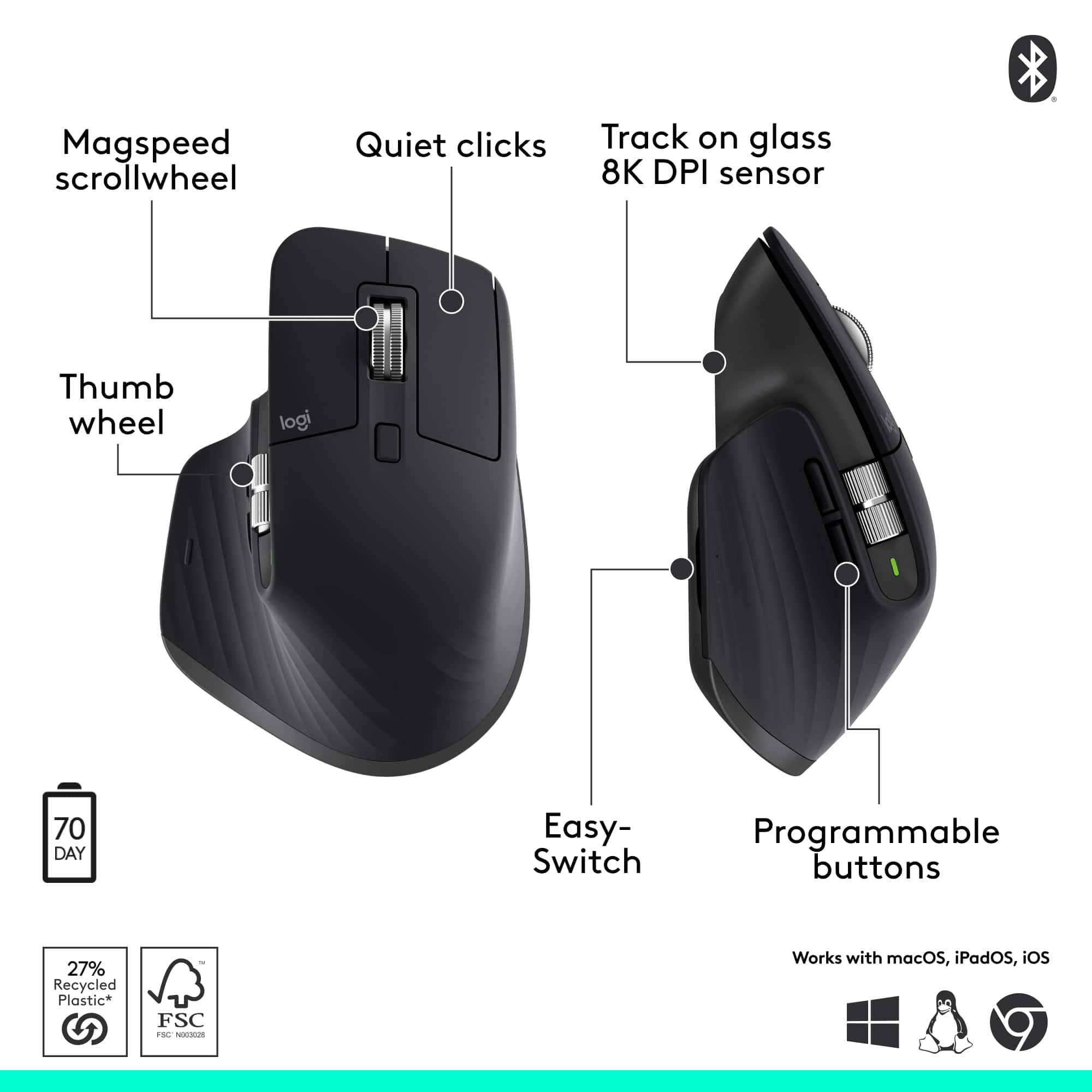
Customers find value in the product's excellent ergonomics, solid overall performance, and stable wireless connectivity. They also appreciate its impressive battery life, quiet operation, and silent button functionality. However, some users find the product to be a bit heavy.
This summary was generated by AI based on customer reviews.
- Pros mentioned:Battery life
Great mouse for work
||Posted . Owned for 1 month when reviewed.This reviewer received promo considerations or sweepstakes entry for writing a review.Great mouse for development work , holds the battery well .
I would recommend this to a friendBrand response from Logitech
Posted .We’re so glad you’re enjoying your Logitech product. Your feedback helps us stay on track and continue delivering great experiences.

- Pros mentioned:Overall performance
Great Overall Mouse
||Posted . Owned for 1 month when reviewed.This reviewer received promo considerations or sweepstakes entry for writing a review.Awesome Mouse!! Great for office use, not much for gaming but other tasks, it performs exceptionally well!
I would recommend this to a friendBrand response from Logitech
Posted .Thanks for taking a moment to share your experience. We’re so glad the Logitech - MX Master 3S Bluetooth Mouse is working well for you. Your support means a lot and helps us keep improving.
- Pros mentioned:Battery life
Best mouse on the market!
||Posted .This reviewer received promo considerations or sweepstakes entry for writing a review.This mouse is extremely comfortable, smooth scrolling (tactile or no feel), useful side scrolling and forward/back buttons. The charge lasts me 3 weeks of daily use. Highly recommend!
I would recommend this to a friendBrand response from Logitech
Posted .Thanks for the thoughtful review. We're glad the MX Master 3S is delivering comfort, precision, and lasting power for your daily workflow.
- Pros mentioned:Overall performance
Logitech MX 3s
||Posted .This reviewer received promo considerations or sweepstakes entry for writing a review.Great mouse, it's the second time I get it. Perfect for multytab use
I would recommend this to a friendBrand response from Logitech
Posted .We’re so glad to hear you’re enjoying your Logitech product! Thanks for sharing your experience—it truly makes our day.
- Pros mentioned:Ergonomics
Love it
||Posted .This reviewer received promo considerations or sweepstakes entry for writing a review.This is the best mouse I have owned! Easy on the hand and wrist, smooth scrolling, and quick.Love it.
I would recommend this to a friendBrand response from Logitech
Posted .We are thrilled to hear that the Logitech MX Master 3S is the best mouse you have owned! It's fantastic that you love the easy feel on your hand and wrist, along with the smooth, quick scrolling. Thank you for the wonderful feedback!
- Pros mentioned:Button functionality
I like this new mouse
||Posted .This reviewer received promo considerations or sweepstakes entry for writing a review.I upgraded to this mouse from the M720, still getting used to it a little bit, but what I can tell is that this mouse is on a different level. The buttons feel smooth.
I would recommend this to a friendBrand response from Logitech
Posted .Glad to hear you're enjoying the upgrade! The MX Master 3S is built for precision and comfort. Hope it keeps impressing you as you get more familiar with it.
- Pros mentioned:Overall performance
Great positivity mouse
||Posted . Owned for 2 weeks when reviewed.This reviewer received promo considerations or sweepstakes entry for writing a review.Great mouse to keep you productive. Logi options app allows you to configure everything to your liking and depending on the active app on your desktop. Highly recommend
I would recommend this to a friendBrand response from Logitech
Posted .Thanks so much for the glowing review! We're thrilled to hear the mouse is helping you stay productive and that the Logi Options+ app is making your workflow even smoother. It’s awesome to know the customization features are hitting the spot. Really appreciate the recommendation!
Great Mouse
||Posted . Owned for 2 weeks when reviewed.This reviewer received promo considerations or sweepstakes entry for writing a review.Great mouse! Highly recommend for professionals stuck in the sheets. The excel and google sheets of course. You dont realize how much you use the side scroller until you dont have it. I cant imagine how helpful it would be for video editing an such.
I would recommend this to a friendBrand response from Logitech
Posted .Thanks for the kind message! We’re happy our product is meeting your needs. Your feedback helps us keep improving.
Best mouse
||Posted . Owned for 7 months when reviewed.This reviewer received promo considerations or sweepstakes entry for writing a review.Have been using this beast for 3 years now. No issues till now except the all tabs button gets a little bad after few years. The simple fix is to just open the mouse up and losen up the button a little so that it doesn’t get stuck.
I would recommend this to a friendBrand response from Logitech
Posted .We’re so glad you’re enjoying your Logitech product! We’ll share your feedback about the button issue with the concerned team. Your input helps us improve and deliver great experiences.
- Pros mentioned:Button functionality
Great mouse
||Posted . Owned for 2 weeks when reviewed.This reviewer received promo considerations or sweepstakes entry for writing a review.Button plament and functionality are preisie and thought out. Definitely recommended.
I would recommend this to a friendBrand response from Logitech
Posted .Thanks for your thoughtful review. It’s great to know our product is living up to your expectations. Your support helps us keep delivering quality.
- Pros mentioned:Ergonomics
Logitech Blue Tooth MX Master 3S
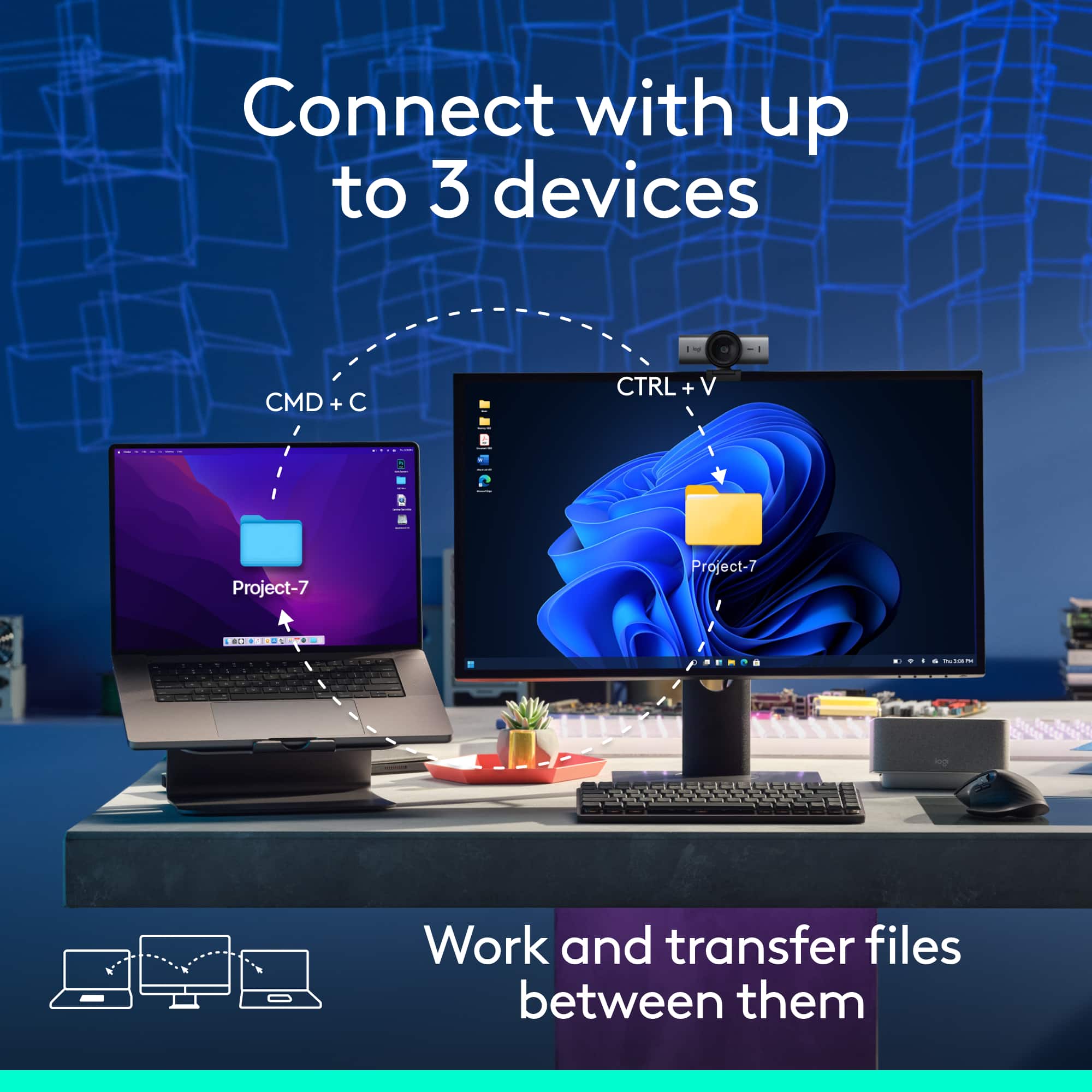
||Posted .This reviewer received promo considerations or sweepstakes entry for writing a review.Great mouse -- works very good with Apple and Windows -- fits hand well -- great for using with more than one computer. Fits hand and very comfortable.
I would recommend this to a friendBrand response from Logitech
Posted .Thank you for your feedback. We’re glad to hear that the mouse performs well across both Apple and Windows devices, is comfortable to use, and suits multi-computer setups.
- Pros mentioned:Ergonomics
best mouse
||Posted . Owned for less than 1 week when reviewed.This reviewer received promo considerations or sweepstakes entry for writing a review.“It is the best option available so far—ergonomic and sophisticated, recommended for work and for making a good impression with your professional tools.”
I would recommend this to a friendBrand response from Logitech
Posted .Thank you for the stellar feedback! We're thrilled the MX Master 3S is making a strong impression with its ergonomic design and professional performance — your recommendation means a lot to us.
- Pros mentioned:Connectivity
Good and versitile, if you like heavy mice.
||Posted .This reviewer received promo considerations or sweepstakes entry for writing a review.Great weight and easy to pair. I really like that the mouse can be used across devices. Really helps when I am going from my desktop to my laptop and vice versa.
I would recommend this to a friendBrand response from Logitech
Posted .Thank you for the wonderful feedback! We're so glad to hear you're pleased with the MX Master 3S, especially how easy it was to pair and use across your different devices. We appreciate you sharing your positive experience with its versatility and great weight.
- Pros mentioned:Button functionality
Great Mouse For Work
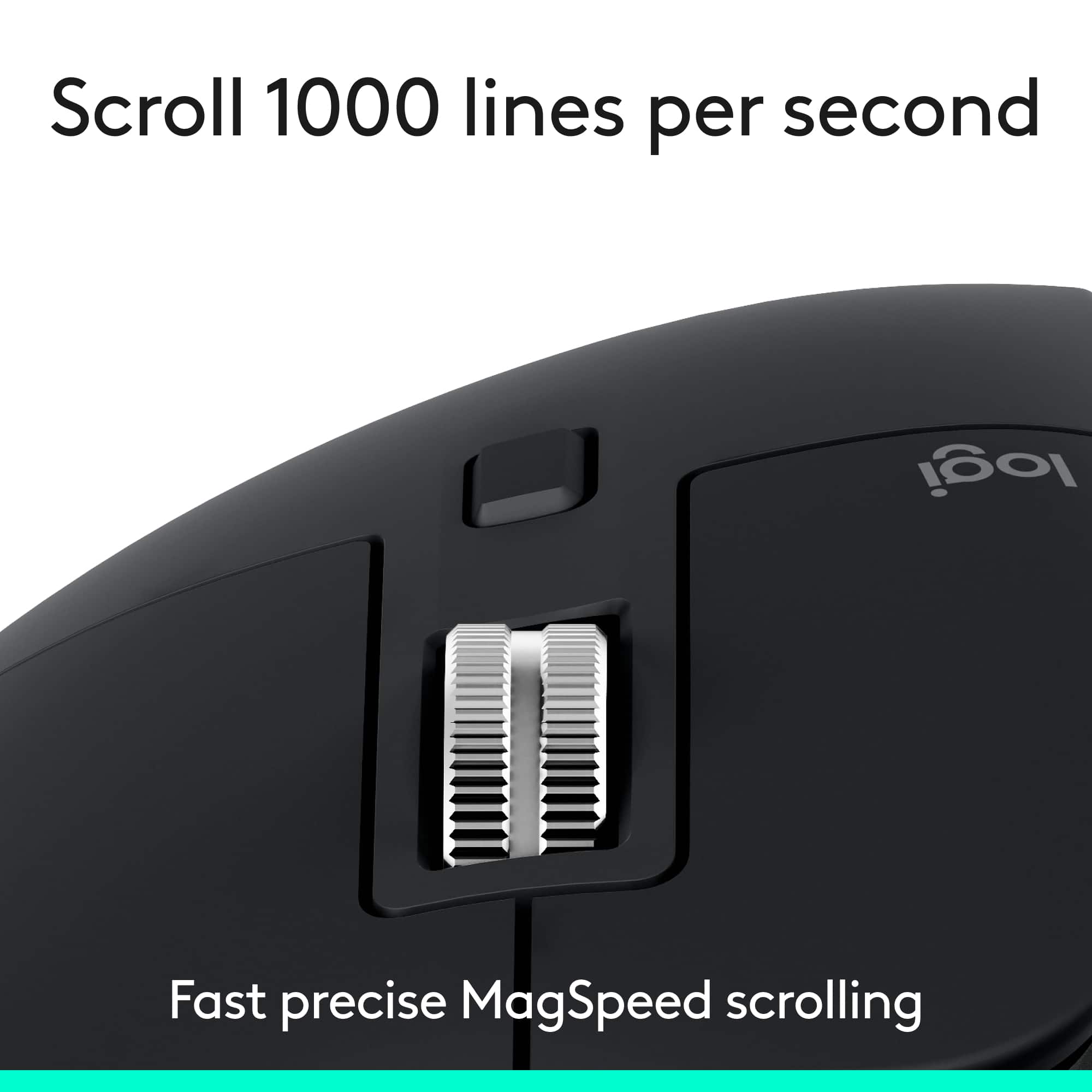
||Posted . Owned for 1 month when reviewed.This reviewer received promo considerations or sweepstakes entry for writing a review.Have used the MX Master mouse line for years now. The 3S iteration offers a more silent clicking experience which adds up over time with all the usage.
I would recommend this to a friendBrand response from Logitech
Posted .We’re so happy to hear your experience has been positive. Your feedback helps us stay focused on what matters most—our users. Thanks for supporting Logitech!
- Pros mentioned:Overall performance
Awesome mouse for CAD!!
||Posted . Owned for 1 month when reviewed.This reviewer received promo considerations or sweepstakes entry for writing a review.awesome mouse for CAD. I have purchased 3 of these they are awesome!
I would recommend this to a friendBrand response from Logitech
Posted .We’re so glad to hear you’re enjoying your Logitech experience. Your input helps us continue to deliver quality and reliability.
Excellent for multitasking
||Posted . Owned for 2 weeks when reviewed.This reviewer received promo considerations or sweepstakes entry for writing a review.For multitasking and if you use 2 PCs, it is best.
I would recommend this to a friendBrand response from Logitech
Posted .Thank you for your feedback! We’re thrilled to hear the MX Master 3S makes multitasking across two PCs effortless. Your experience highlights exactly what this mouse was designed to deliver.
- Pros mentioned:Overall performance
Logi MX Master 3S
||Posted . Owned for 3 weeks when reviewed.This reviewer received promo considerations or sweepstakes entry for writing a review.The Logitech MX Master 3S Mouse is outstanding! Works Quickly and smoothly. The thumb rest makes it the most comfortable mouse on the market.
I would recommend this to a friendBrand response from Logitech
Posted .Thanks so much for the glowing review! We're thrilled to hear the MX Master 3S is delivering both speed and comfort. That thumb rest really does make a difference—so glad it's been a standout feature for you!
- Pros mentioned:Overall performance
Mouse
||Posted . Owned for 2 weeks when reviewed.This reviewer received promo considerations or sweepstakes entry for writing a review.It works as expected. The configuration is comfortable use.
I would recommend this to a friendBrand response from Logitech
Posted .Thank you for your feedback on the Logitech MX Master 3S Mouse. We’re glad to hear it works as expected and provides a comfortable configuration for your use!
- Pros mentioned:Ergonomics
Great productivity mouse
||Posted .This reviewer received promo considerations or sweepstakes entry for writing a review.Switching from Magic Mouse to MX master hasn’t been a difficult transition. I was starting to get a pain in my hand while using Magic Mouse but MX gives me the same functionality with less pain. I also switched my keyboard to MX keys and both of them are great!
I would recommend this to a friendBrand response from Logitech
Posted .Thank you so much for your wonderful feedback on the Logitech - MX Master 3S Bluetooth Edition Performance Wireless! We’re thrilled to know it’s meeting your expectations. Your support means a lot to us.
Everything you want in a mouse
||Posted . Owned for 2 weeks when reviewed.This reviewer received promo considerations or sweepstakes entry for writing a review.No complaints. Feels great, very reactive and isn't too loud. Has an option for the scroll wheel to give you haptics and slower. 5 out of 5
I would recommend this to a friendBrand response from Logitech
Posted .Thanks for the awesome review. We're glad the MX Master 3S is delivering the precision, comfort, and quiet performance you were looking for.