Customer Ratings & Reviews
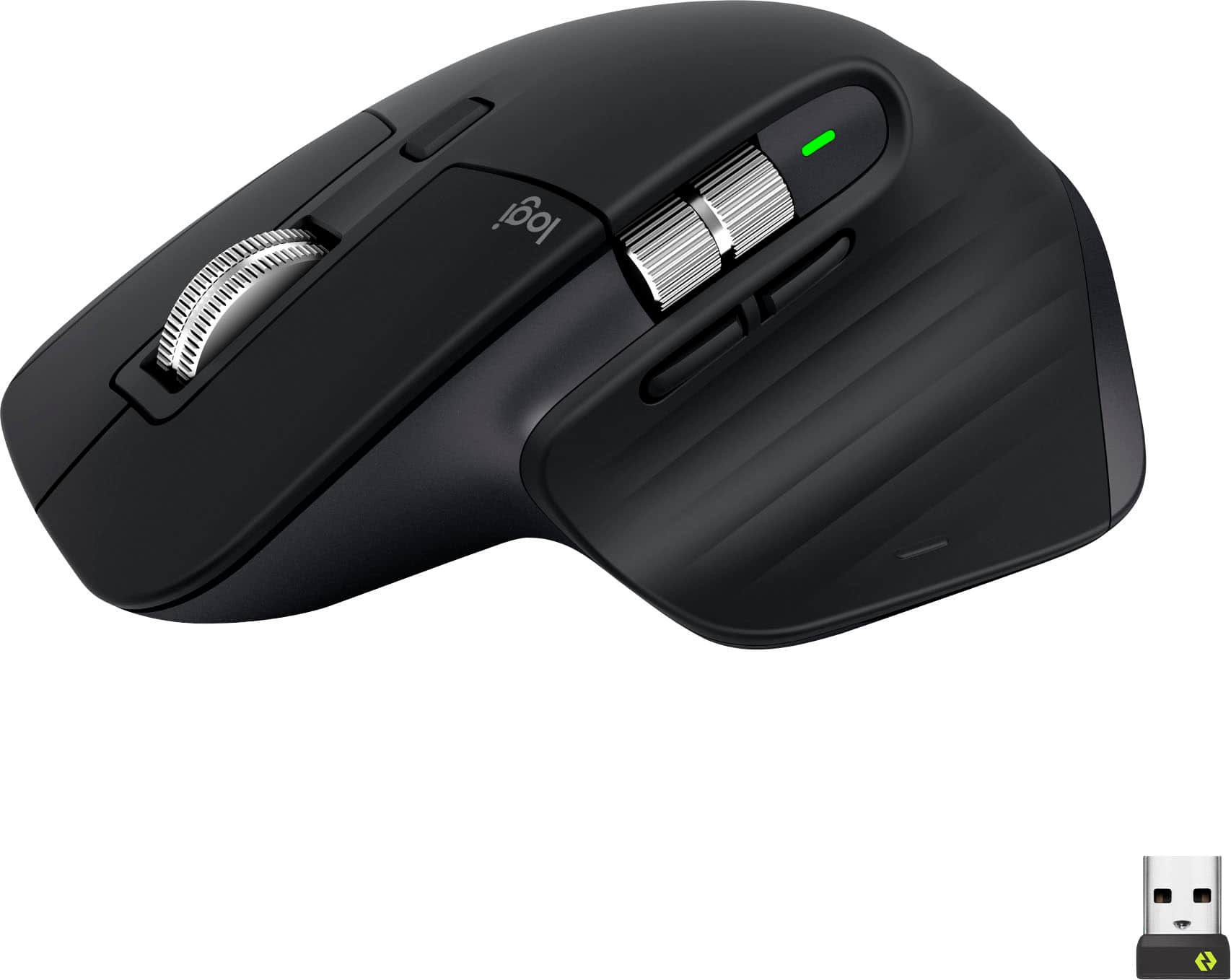


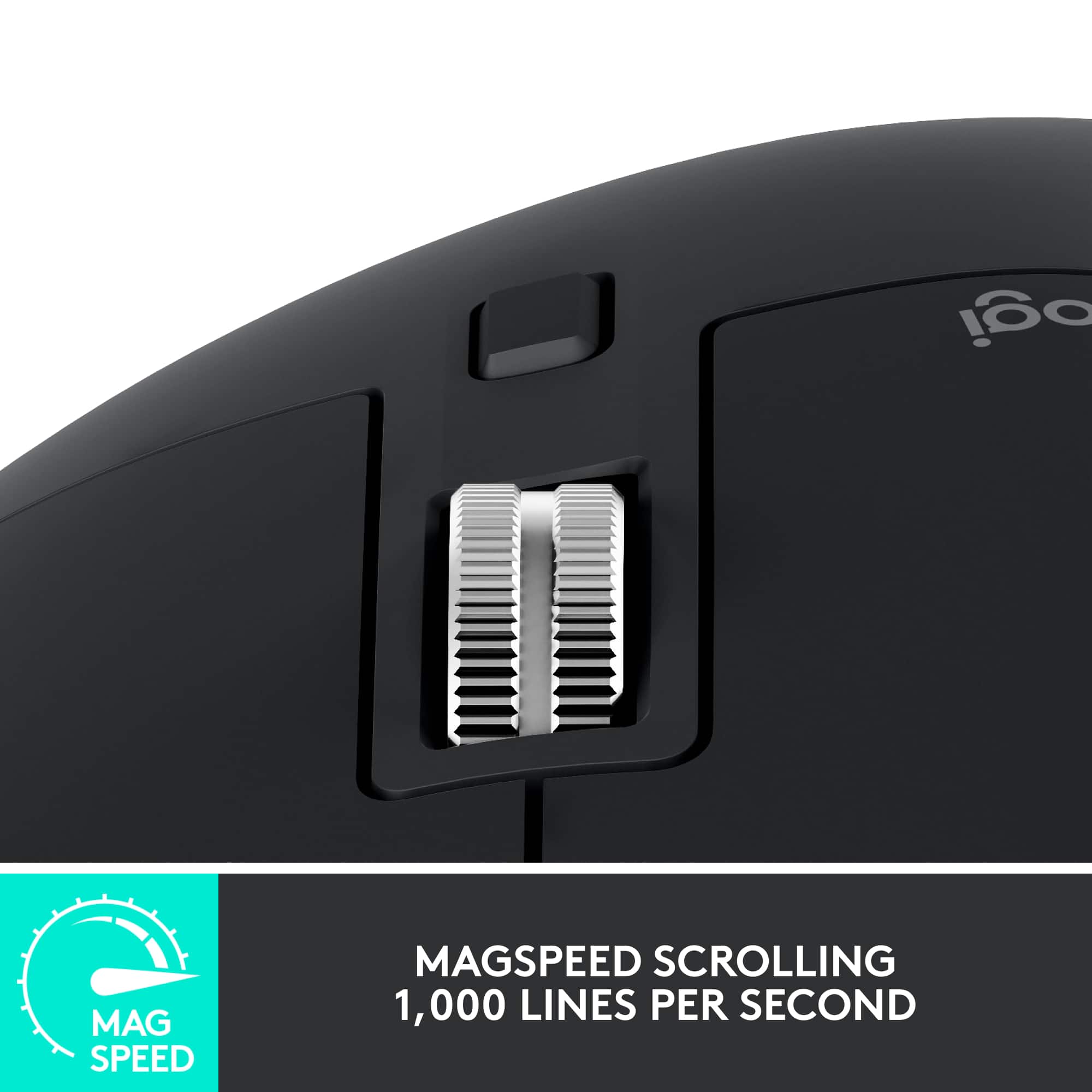

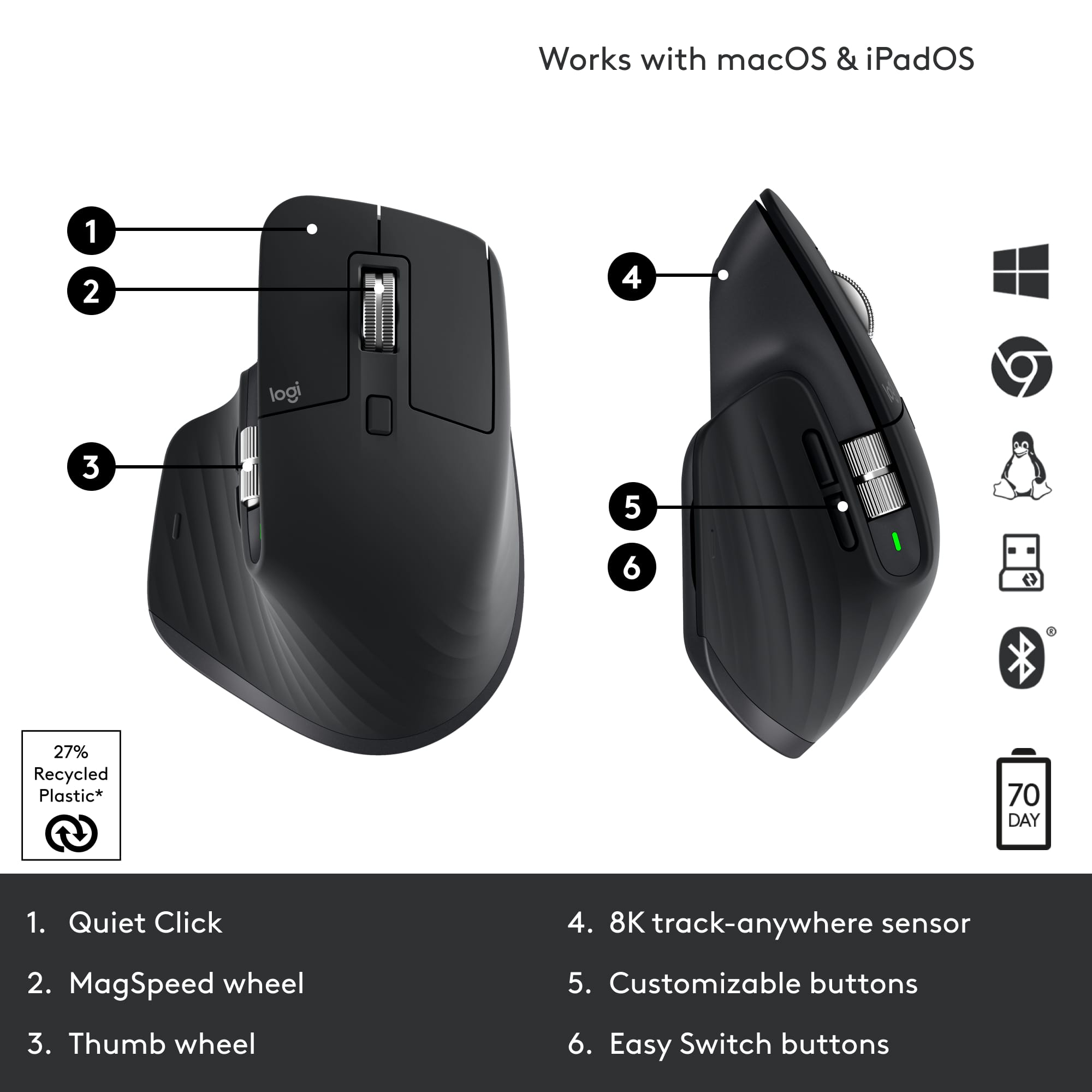





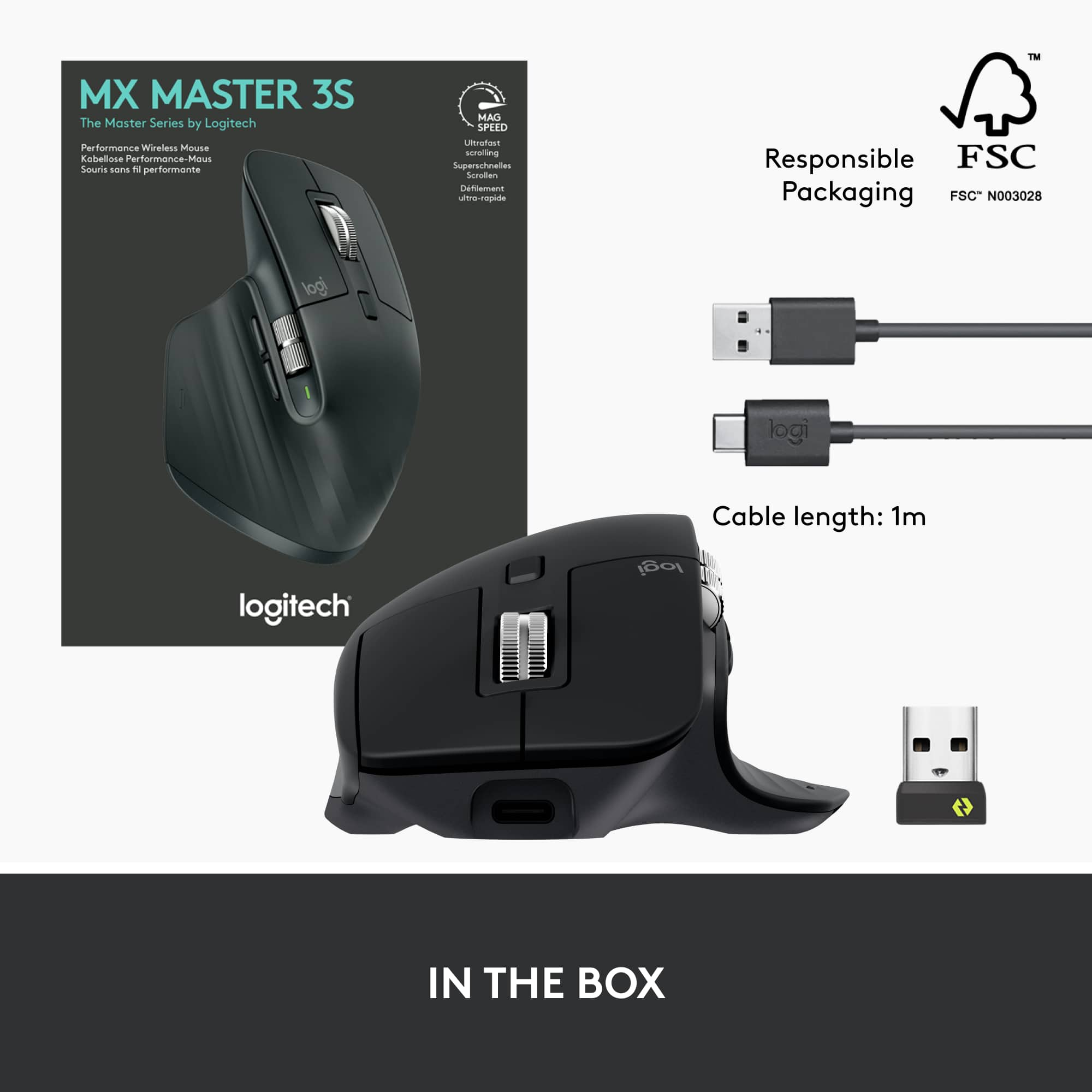




- Model:
- 910-006556
- |
- SKU:
- 10839841
Customer reviews
Rating 4.7 out of 5 stars with 2998 reviews
(2,998 customer reviews)Rating by feature
- Value4.6
Rating 4.6 out of 5 stars
- Quality4.8
Rating 4.8 out of 5 stars
- Ease of Use4.8
Rating 4.8 out of 5 stars
- Pros mentioned:Ease of use
Rated 5 out of 5 stars
Great New Mouse from Logitech
||Posted . Owned for 1 month when reviewed.This reviewer received promo considerations or sweepstakes entry for writing a review.My favorite mouse to date. Very comfortable and easy to setup.
This review is from Logitech - MX Master 3S Wireless (USB-A) Laser Mouse with Ultrafast Scrolling - Wireless - Black
I would recommend this to a friend Rated 5 out of 5 stars
Ergonomics
||Posted . Owned for 3 weeks when reviewed.This reviewer received promo considerations or sweepstakes entry for writing a review.Comfortable for long hours usage. Best mouse for productivity
This review is from Logitech - MX Master 3S Wireless (USB-A) Laser Mouse with Ultrafast Scrolling - Wireless - Pale Gray
I would recommend this to a friendRated 5 out of 5 stars
Good with a catch
||Posted . Owned for 2 months when reviewed.This reviewer received promo considerations or sweepstakes entry for writing a review.Great when i finally got past logitechs terrible software.
This review is from Logitech - MX Master 3S Wireless (USB-A) Laser Mouse with Ultrafast Scrolling - Wireless - Pale Gray
I would recommend this to a friendRated 5 out of 5 stars
Well worth the money!
||Posted . Owned for 2 months when reviewed.This reviewer received promo considerations or sweepstakes entry for writing a review.Super comfortable to use and very responsive. I love it.
This review is from Logitech - MX Master 3S Wireless (USB-A) Laser Mouse with Ultrafast Scrolling - Wireless - Black
I would recommend this to a friend- Pros mentioned:Ergonomics
Rated 5 out of 5 stars
Comfortable
||Posted . Owned for less than 1 week when reviewed.This reviewer received promo considerations or sweepstakes entry for writing a review.Great for hand relaxation and ergonomically comfortable.
This review is from Logitech - MX Master 3S Wireless (USB-A) Laser Mouse with Ultrafast Scrolling - Wireless - Black
I would recommend this to a friend Rated 3 out of 5 stars
Great Product just not for me
||Posted . Owned for 3 weeks when reviewed.This reviewer received promo considerations or sweepstakes entry for writing a review.Works great, no on board memory. I would have defined kept it,
This review is from Logitech - MX Master 3S Wireless (USB-A) Laser Mouse with Ultrafast Scrolling - Wireless - Black
I would recommend this to a friendBrand response from Logitech
Posted .We appreciate your feedback on the Logitech MX Master 3S. We understand that on-board memory can be a valuable feature. While the MX Master 3S prioritizes seamless multi-device connectivity and customization through Logitech Flow software, we value your input and will consider it for future product development.
- Pros mentioned:Overall performance
Rated 5 out of 5 stars
Great Mouse
||Posted . Owned for 2 months when reviewed.This reviewer received promo considerations or sweepstakes entry for writing a review.This is an all around great mouse. Highly recommended.
This review is from Logitech - MX Master 3S Wireless (USB-A) Laser Mouse with Ultrafast Scrolling - Wireless - Black
I would recommend this to a friend Rated 3 out of 5 stars
Solid mouse
||Posted . Owned for 4 months when reviewed.This reviewer received promo considerations or sweepstakes entry for writing a review.Good product but ultimately didn’t suit my needs. Very convenient to those who can fully take advantage of its features.
This review is from Logitech - MX Master 3S Wireless (USB-A) Laser Mouse with Ultrafast Scrolling - Wireless - Pale Gray
I would recommend this to a friendRated 1 out of 5 stars
quality control issue or got used mice
Posted .This reviewer received promo considerations or sweepstakes entry for writing a review.black particles everywhere looked used scratches and dust on pad
This review is from Logitech - MX Master 3S Wireless (USB-A) Laser Mouse with Ultrafast Scrolling - Wireless - Pale Gray
No, I would not recommend this to a friendBrand response from Logitech
Posted .That's surely not we expected to deliver. We'd recommend you to report this directly to BestBuy for further assistance.
- Pros mentioned:Overall performance
Rated 5 out of 5 stars
Best mouse in the market
||Posted . Owned for 1 month when reviewed.This reviewer received promo considerations or sweepstakes entry for writing a review.Best mouse in the market Would recommend to anyone
This review is from Logitech - MX Master 3S Wireless (USB-A) Laser Mouse with Ultrafast Scrolling - Wireless - Black
I would recommend this to a friend - Pros mentioned:Overall performance
Rated 5 out of 5 stars
Great precision and smooth
||Posted . Owned for 2 weeks when reviewed.This reviewer received promo considerations or sweepstakes entry for writing a review.Love this mouse. Photoshop and lightroom made easy
This review is from Logitech - MX Master 3S Wireless (USB-A) Laser Mouse with Ultrafast Scrolling - Wireless - Black
I would recommend this to a friend - Cons mentioned:Lag
Rated 2 out of 5 stars
Wouldn't Buy Again
||Posted . Owned for 1 month when reviewed.This reviewer received promo considerations or sweepstakes entry for writing a review.Has a lot of cool feature but could not stop it mouse for constantly be lagging a second behind.
This review is from Logitech - MX Master 3S Wireless (USB-A) Laser Mouse with Ultrafast Scrolling - Wireless - Black
No, I would not recommend this to a friendBrand response from Logitech
Posted .That's unfortunate! Refer the mentioned steps and check if that helps to resolve the issue:
1. Verify the product or receiver is connected directly to the computer and not to a hub, extender, switch or something similar.
2. Move the device closer to the USB receiver. If your receiver is in the back of your computer, it may help to relocate the receiver to a front port. In some cases the receiver signal gets blocked by the computer case, causing a delay.
3. Keep other electrical wireless devices away from the USB receiver to avoid interference.
4. Try on a different computer. Incase if the issue still persists, reach out to Logitech Support Team.
Rated 2 out of 5 stars
Not that good
||Posted . Owned for 1 year when reviewed.This reviewer received promo considerations or sweepstakes entry for writing a review.Comfortable but after 6months the right click stopped working. I have to push hard to register.
This review is from Logitech - MX Master 3S Wireless (USB-A) Laser Mouse with Ultrafast Scrolling - Wireless - Black
No, I would not recommend this to a friendBrand response from Logitech
Posted .That sounds like an issue! We'd recommend you to get in touch with Logi support team and check for the best possible option in this case.
- Cons mentioned:Lag
Rated 1 out of 5 stars
Do not recommend
||Posted . Owned for 2 weeks when reviewed.This reviewer received promo considerations or sweepstakes entry for writing a review.It lags and freezes all the time, the original mx mouse never had this issue not sure if this is just this unit but it's super annoying.
This review is from Logitech - MX Master 3S Wireless (USB-A) Laser Mouse with Ultrafast Scrolling - Wireless - Black
No, I would not recommend this to a friendBrand response from Logitech
Posted .We apologize for the lag and freezing issues you're experiencing with the Logitech MX Master 3S. To get that issue resolved, we recommend reaching out to our social care team via email at socialcare@logitech.com with your
- Name:
- Email Address:
- Country:
- Product Name:
- Brief description of issue:
Rated 2 out of 5 stars
Decent mouse with connection issues
||Posted . Owned for 2 weeks when reviewed.This reviewer received promo considerations or sweepstakes entry for writing a review.Comfortable mouse with constant disconnection issues using the provided USB dongle. Bluetooth connection is much more reliable.
This review is from Logitech - MX Master 3S Wireless (USB-A) Laser Mouse with Ultrafast Scrolling - Wireless - Black
No, I would not recommend this to a friendBrand response from Logitech
Posted .Hey there RR89, I'm sorry to hear that you had some issues with your MX Master 3s. If you can, try to use a different USB port on your computer, perhaps one closer to the mouse and with fewer obstructions. -Weston from Logitech
- Cons mentioned:Price
Rated 1 out of 5 stars
Don’t do it.
||Posted . Owned for 2 weeks when reviewed.This reviewer received promo considerations or sweepstakes entry for writing a review.Got it to the office and was excited to see it work. Found it glitching, skipping, and jumping in a frustrating and unusable manner. For $100 dollars it sucks — bad. Google the reviews on issues before buying. Sure wish I had done so.
This review is from Logitech - MX Master 3S Wireless (USB-A) Laser Mouse with Ultrafast Scrolling - Wireless - Black
No, I would not recommend this to a friendBrand response from Logitech
Posted .Truly sorry to hear about the negative experience is this is surely not what we intend to deliver. For us to help you effectively, please provide your information to our support team by emailing socialcare@logitech.com. Name – Email address – Country – Product name – Brief description of the issue –
Rated 4 out of 5 stars
Very nice
||Posted . Owned for 2 weeks when reviewed.This reviewer received promo considerations or sweepstakes entry for writing a review.I like the buttons are fully customizable. Works on any surface. Great size for my hands (medium size ).
This review is from Logitech - MX Master 3S Wireless (USB-A) Laser Mouse with Ultrafast Scrolling - Wireless - Black
I would recommend this to a friendRated 2 out of 5 stars
Nice except.........
||Posted . Owned for 1 week when reviewed.This reviewer received promo considerations or sweepstakes entry for writing a review.Had to return it. The shape and position of the wheel is awkward. The finger pads are slanted but the wheel sticks straight up in stead of sitting perpendicular to the plane of the buttons. This causes the finger to have to rest on the edge of the wheel, which unfortunately is not rounded. It is a flat/hard edge. This became quite uncomfortable rather quickly. A rounded edge on the wheel would've been perfect.
This review is from Logitech - MX Master 3S Wireless (USB-A) Laser Mouse with Ultrafast Scrolling - Wireless - Black
No, I would not recommend this to a friendBrand response from Logitech
Posted .We regret to hear that you had to return the product and we apologize for all the inconvenience caused. We'll surely take this feedback and make sure to share it with the right team. Thanks for bringing it to our notice.
- Cons mentioned:Weight
Rated 2 out of 5 stars
Mouse not worth a price
||Posted . Owned for 1 month when reviewed.This reviewer received promo considerations or sweepstakes entry for writing a review.Not an excellent but worth the price It’s heavy and battery drains fast. Looks good , the Feel is not that great
This review is from Logitech - MX Master 3S Wireless (USB-A) Laser Mouse with Ultrafast Scrolling - Wireless - Pale Gray
No, I would not recommend this to a friendBrand response from Logitech
Posted .Hello Tausif,
I am sorry that the MX Master 3S did not exceed all your expectations. Try updating the device's firmware using the Logitech options + app to improve battery life. I will record your product insight and pass it on for further investigation. Logitech appreciates your product review. - Leo from Logitech
Rated 2 out of 5 stars
Got to a better mouse?
||Posted . Owned for 1 month when reviewed.This reviewer received promo considerations or sweepstakes entry for writing a review.Mouse is ok, but scroll wheel is not as convent as cheaper models and mouse has to be reset often.
This review is from Logitech - MX Master 3S Wireless (USB-A) Laser Mouse with Ultrafast Scrolling - Wireless - Black
No, I would not recommend this to a friend