Customer Ratings & Reviews
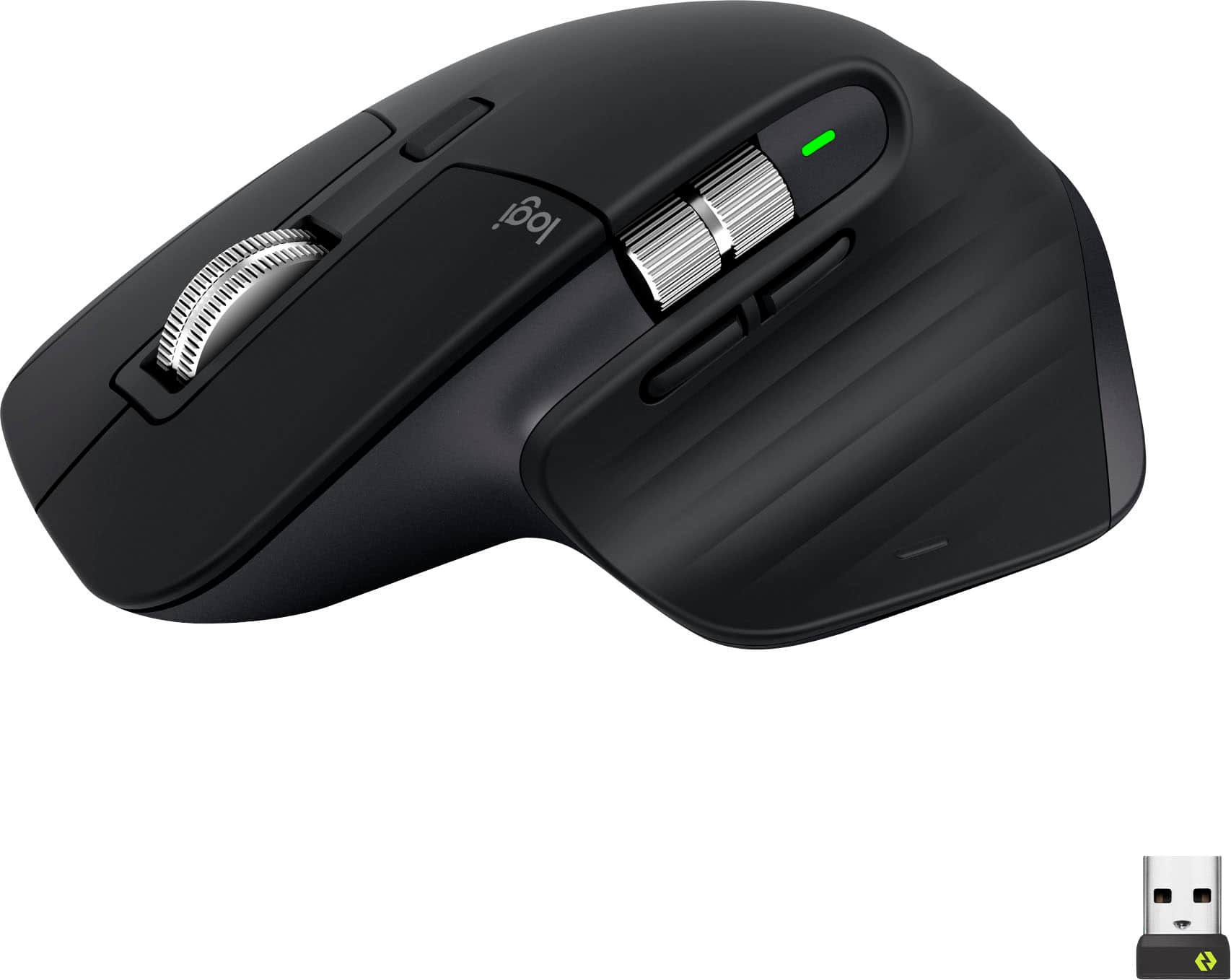








- Model:
- 910-006556
- SKU:
- 10839841
Rating by feature
- Value
Rating 4.6 out of 5 stars
- Quality
Rating 4.8 out of 5 stars
- Ease of Use
Rating 4.8 out of 5 stars
Left Click Button Issues
||Posted . Owned for 1 month when reviewed.This reviewer received promo considerations or sweepstakes entry for writing a review.Never had a mouse with this problem. Could not drag and highlight text using left mouse button and would only register single click. Very strange.
No, I would not recommend this to a friendBrand response from Logitech
Posted .Thanks for sharing your experience. That’s definitely not how the MX Master 3S should perform. Please reach out to our support team or email socialcare@logitech.com so we can help resolve this for you.

Great addition to my Mac
||Posted . Owned for 1 month when reviewed.This reviewer received promo considerations or sweepstakes entry for writing a review.I got this to upgrade a very old Logitech mouse and I wish I had done it sooner. It’s great and works perfect with my Mac
I would recommend this to a friendLooses connection
||Posted . Owned for 6 months when reviewed.This reviewer received promo considerations or sweepstakes entry for writing a review.If you are a mac user: every week or two you’ll need to restart your macbook to be able to use your mouse again. It seems to be a common problem for a long time (google it).
No, I would not recommend this to a friendBrand response from Logitech
Posted .Thank you for sharing your experience. We sincerely apologize for the inconvenience caused and appreciate your feedback. To address this issue, we recommend reaching out to our social care team via email at socialcare@logitech.com with your
- Name:
- Email Address:
- Country:
- Product Name:
- Brief description of issue:
She loves it!
||Posted . Owned for 2 weeks when reviewed.This reviewer received promo considerations or sweepstakes entry for writing a review.We bought this mouse for my daughter for Christmas and she loves it! She really likes all the features with it.
I would recommend this to a friendAVOID. Left mouse button fails after ~ 1 year.
||Posted . Owned for 1 year when reviewed.This reviewer received promo considerations or sweepstakes entry for writing a review.AVOID. My left mouse button is failing after just over a year after purchase. Click and drag is very unreliable and it'll drop things early or not even start dragging the file or folder to begin with. Very disappointed.
No, I would not recommend this to a friendBrand response from Logitech
Posted .Thank you for sharing your experience with the Logitech MX Master 3S. We apologize that you're encountering issues with the left mouse button failing and the unreliability of click and drag after just over a year of use. To address this issue, we recommend reaching out to our social care team via email at socialcare@logitech.com with your
- Name:
- Email Address:
- Country:
- Product Name:
- Brief description of issue:
- Pros mentioned:Ergonomics

Logitech's Most Comfortable and Ergonomic Mouse
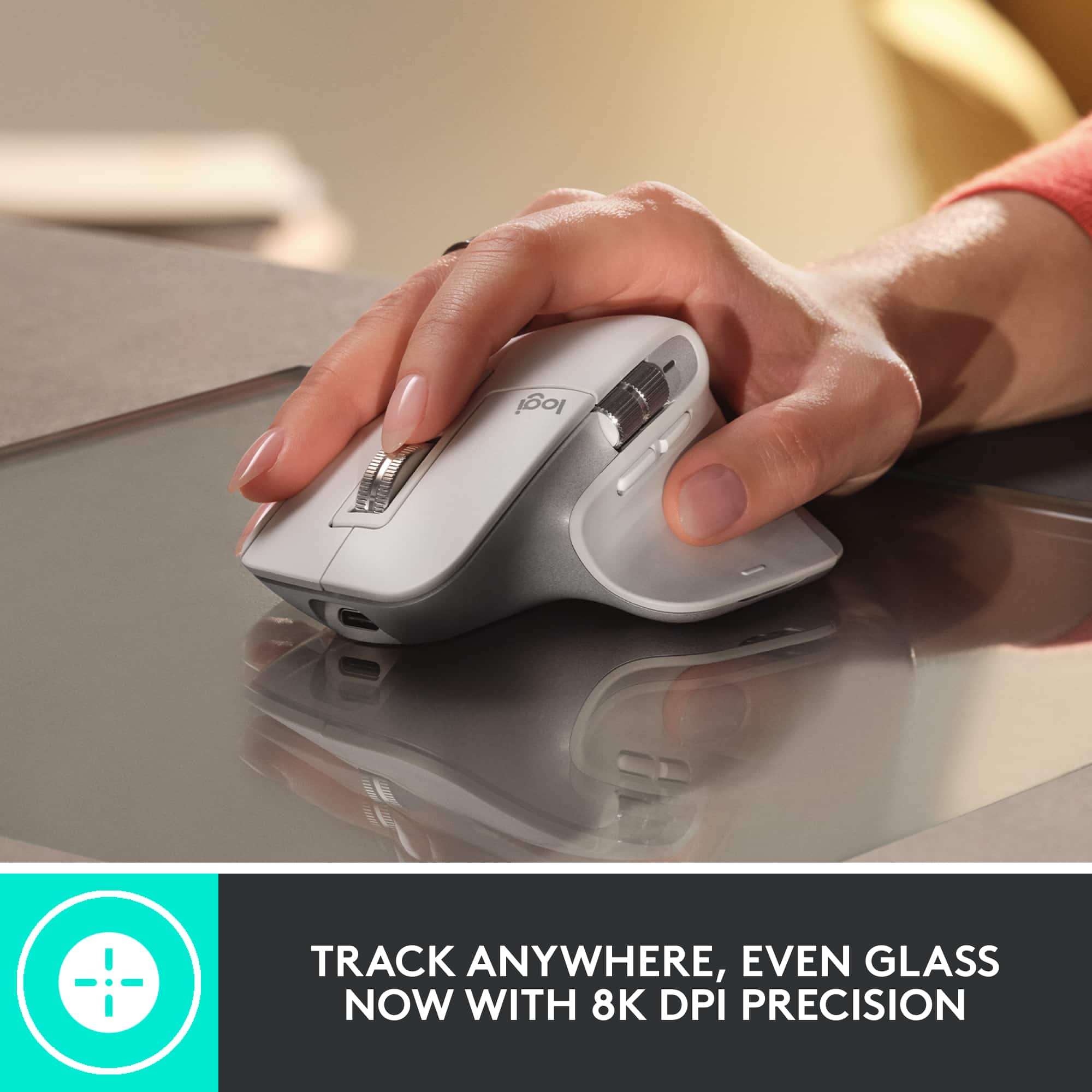
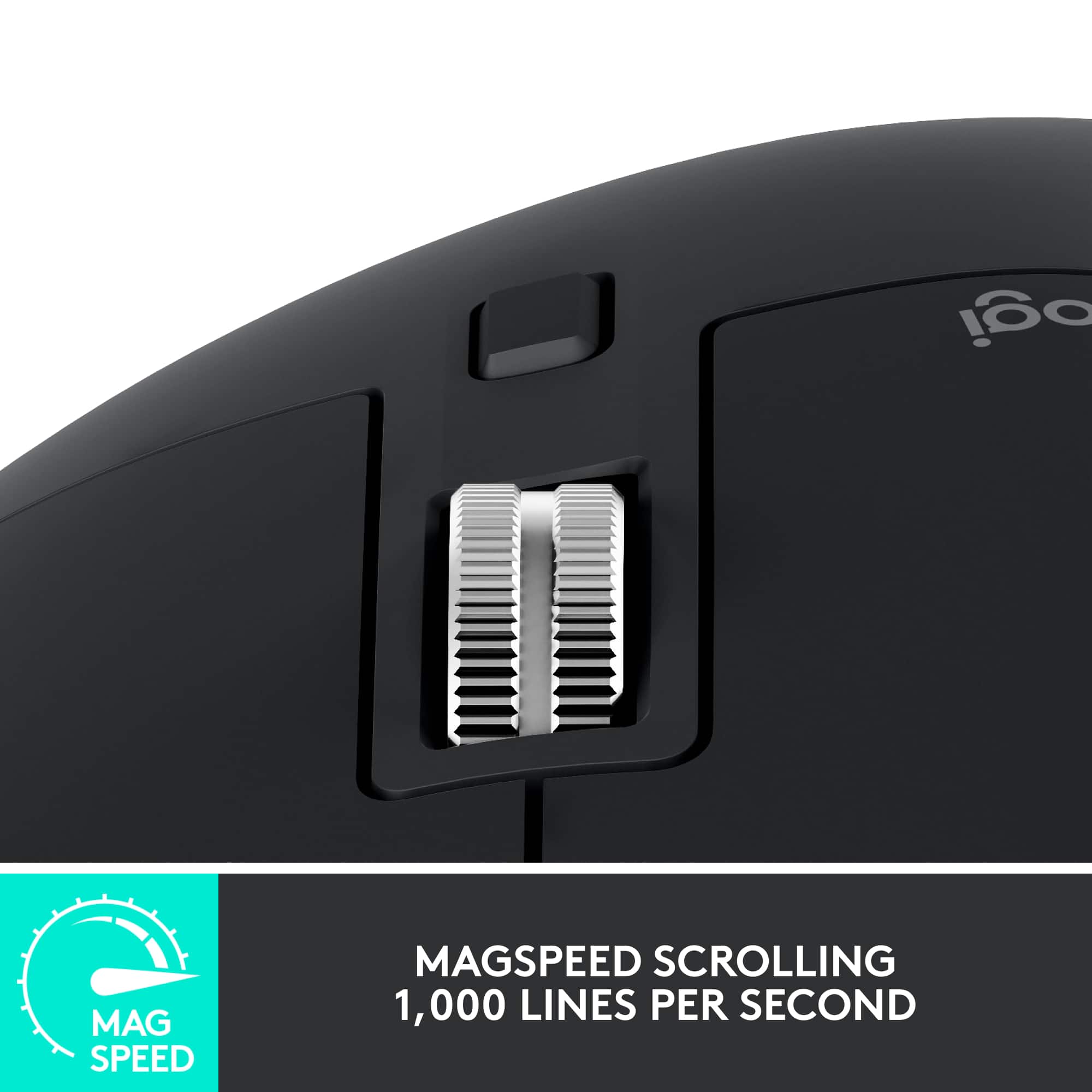
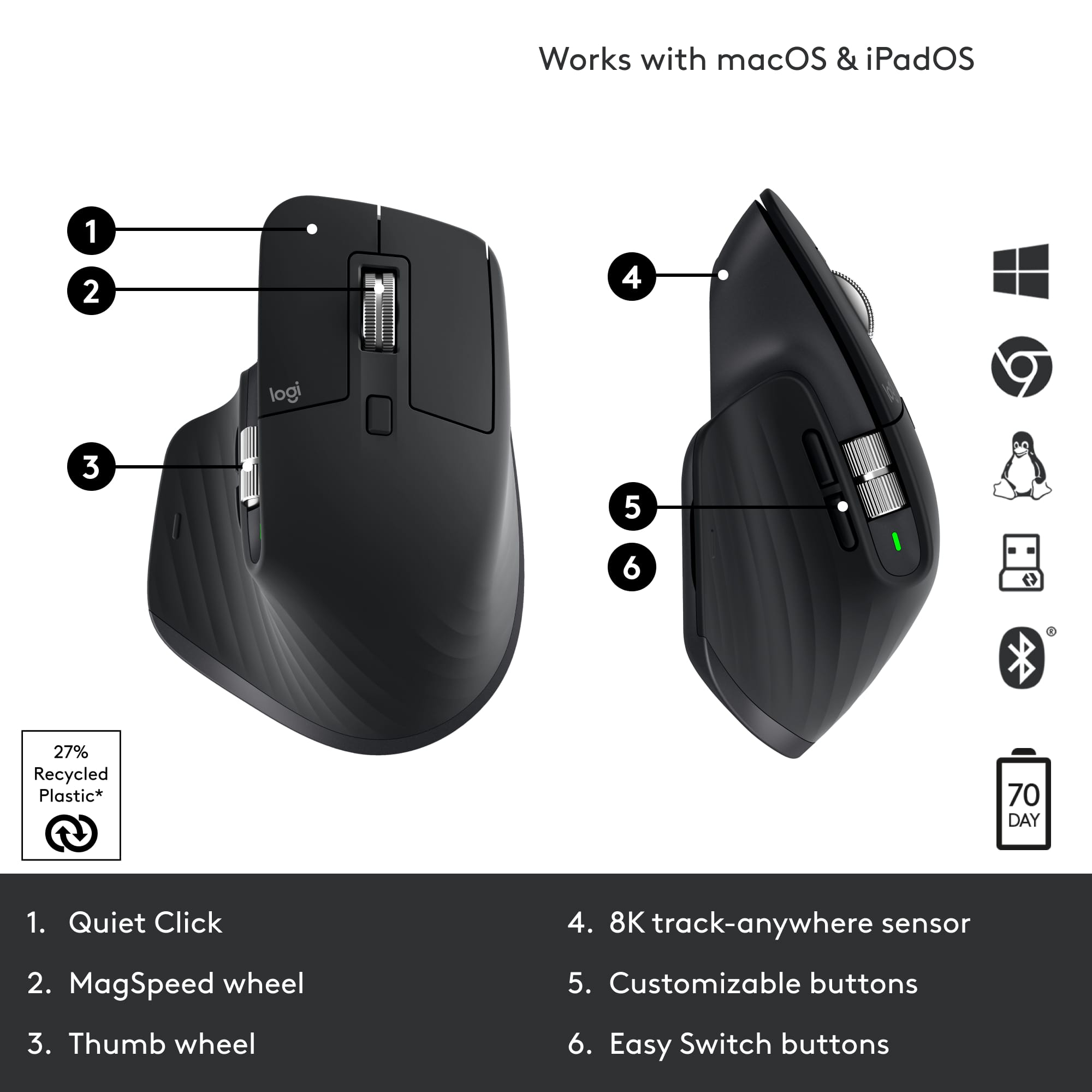
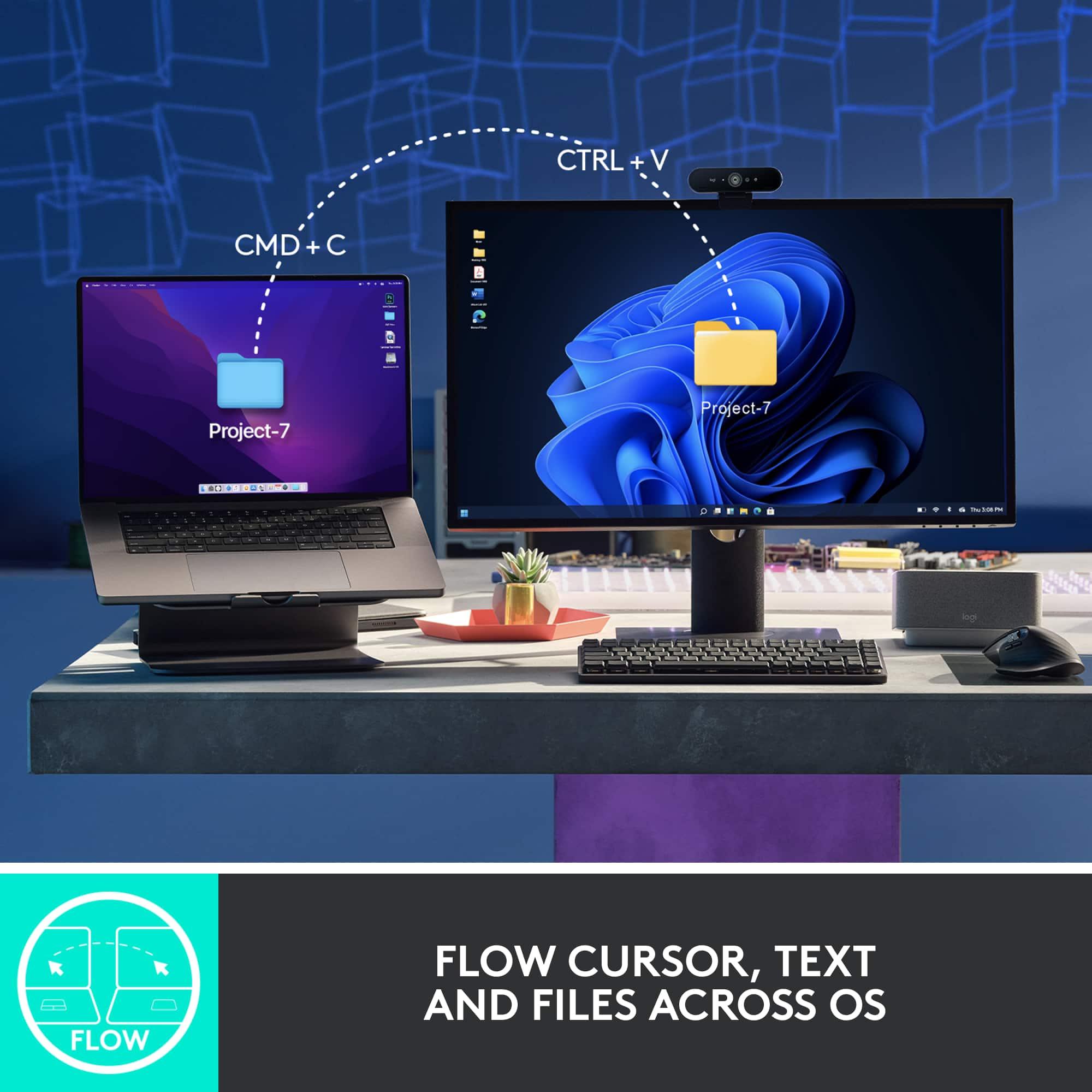
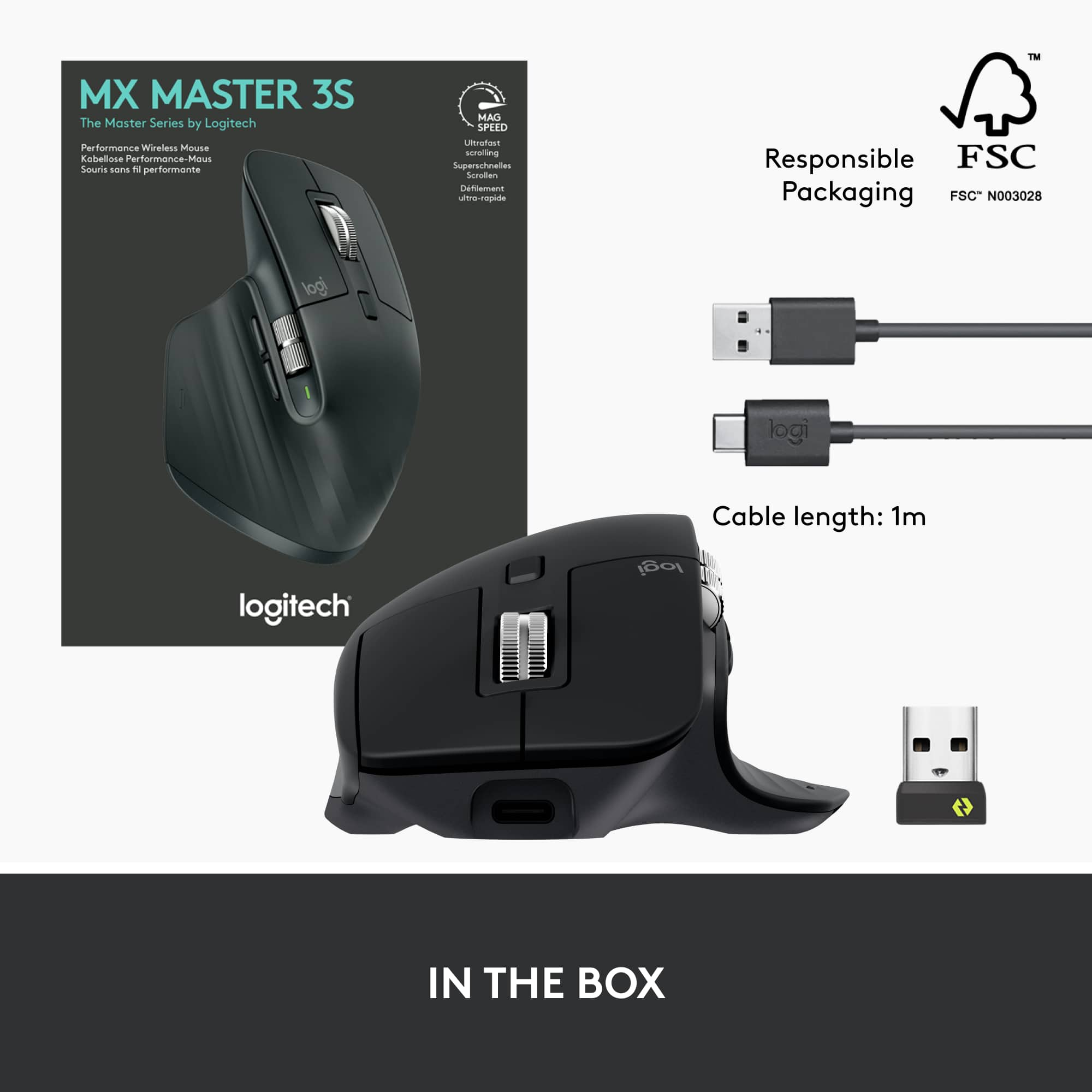
|Posted .This reviewer received promo considerations or sweepstakes entry for writing a review.This has got to be the most comfortable mouse I have ever used. It may cost well above the price of your typical, run-of-the-mill regular mouse, but it is well worth it. When they say "ultrafast scrolling" they mean it. No more zig-zagging up and down and left and right all over the place next to your keyboard. You just move the mouse a small distance and the cursor is there, just where you want it, in a fraction of the time. The scrolling and movement, both on the screen and physically with the mouse, is as smooth as butter. The ergonomics of the mouse is superb. I am not exaggerating when I say that it is so comfortable. The soft, rubbery-feeling thumb rest placement combined with the natural curvature of the mouse itself makes for an almost cloud-like, pillowy feel when you place your hand upon it. It's not too tall, not too short. The customizable buttons, both on the side by the thumb rest and on top, are in perfect placement, as are the scroll wheels. And the sound--the clicking is virtually silent, it's so quiet. You do get the satisfying click sound so you know the click was registered, but it is very subtle. It pairs via Bluetooth or USB receiver; I utilized Bluetooth pairing, which was seamless and quick. It also charges via a USB-A to USB-C charging cable that is included--no messing around with batteries. I tried this mouse with several of my own devices as well as others' in my household--my iMac and iPads, my husband's Samsung and ASUS laptops, my kids' Dell and Chromebook laptops and desktops, etc. All the different operating systems and web browsers worked well with this mouse, as did the switching between devices. (So I could switch seamlessly between my iMac and iPad, or from our Dell desktop to one of our laptops, etc. It can be paired simultaneously with up to three devices.) Among the several mice we've had over the years, from different brands and different kinds and at different price points, this is definitely one of the best. Highly recommended.
I would recommend this to a friend Unreliable Junk
||Posted . Owned for 1 year when reviewed.This reviewer received promo considerations or sweepstakes entry for writing a review.I have two of these, both failed right after warranty expired.
No, I would not recommend this to a friendBrand response from Logitech
Posted .I am truly sorry to hear that both of your Logitech MX Master 3S Wireless Mice failed shortly after their warranties expired. It is completely unacceptable for a product to be unreliable, especially when purchased in duplicate. We sincerely apologize for this frustrating experience and the inconvenience caused by these failures.
Love it!
||Posted . Owned for 1 month when reviewed.This reviewer received promo considerations or sweepstakes entry for writing a review.Best mouse rhat I didnt know I needed. Major help to my wrist compared to what I used to have.
I would recommend this to a friendTher are better out there
||Posted . Owned for 3 weeks when reviewed.This reviewer received promo considerations or sweepstakes entry for writing a review.The spring on the left mouse button is very weak. Its difficult to do quick clicks with it. I've already went to my old mouse again.
No, I would not recommend this to a friendBrand response from Logitech
Posted .Apologize about the experience and it's surely not what we expect to deliver. We understand your displeasure and we will forward it along to the right team so they can look into it. Thanks for bringing this to our attention.
- Pros mentioned:Battery life, Ergonomics, Scroll wheel
Next Level Mouse
Posted .This reviewer received promo considerations or sweepstakes entry for writing a review.Absolutely love this mouse! I previously used the MX anywhere from Logitech, but wanted to try something with a bit more of an ergo approach. Thus far the experience has been phenomenal! Comfortability (4/5) - for the most part this has been extremely comfortable to use. It seems to have decreased the stress on my wrist and hands. I especially appreciate the vertical and horizontal scroll wheels — the weight on them really gives this a premium feel. One thing that might improve these benefits is increased girth; the mouse feels a little small for my larger hands. Functionality (5/5) - the mouse does everything as advertised. The tracking is excellent and the mouse glides on almost any surface. The battery life has been fantastic; I’ve only charged it once since I bought it and I use it every day. Design (5/5) - the mouse is handsome piece of office gear. It looks and feels well designed and like it will last.
I would recommend this to a friendBrand response from Logitech
Posted .Your review of the Logitech MX Master 3S is spot on! It's a fantastic choice for those seeking a premium wireless mouse with excellent ergonomics and functionality.
Greag option for those who are wanting a quality m
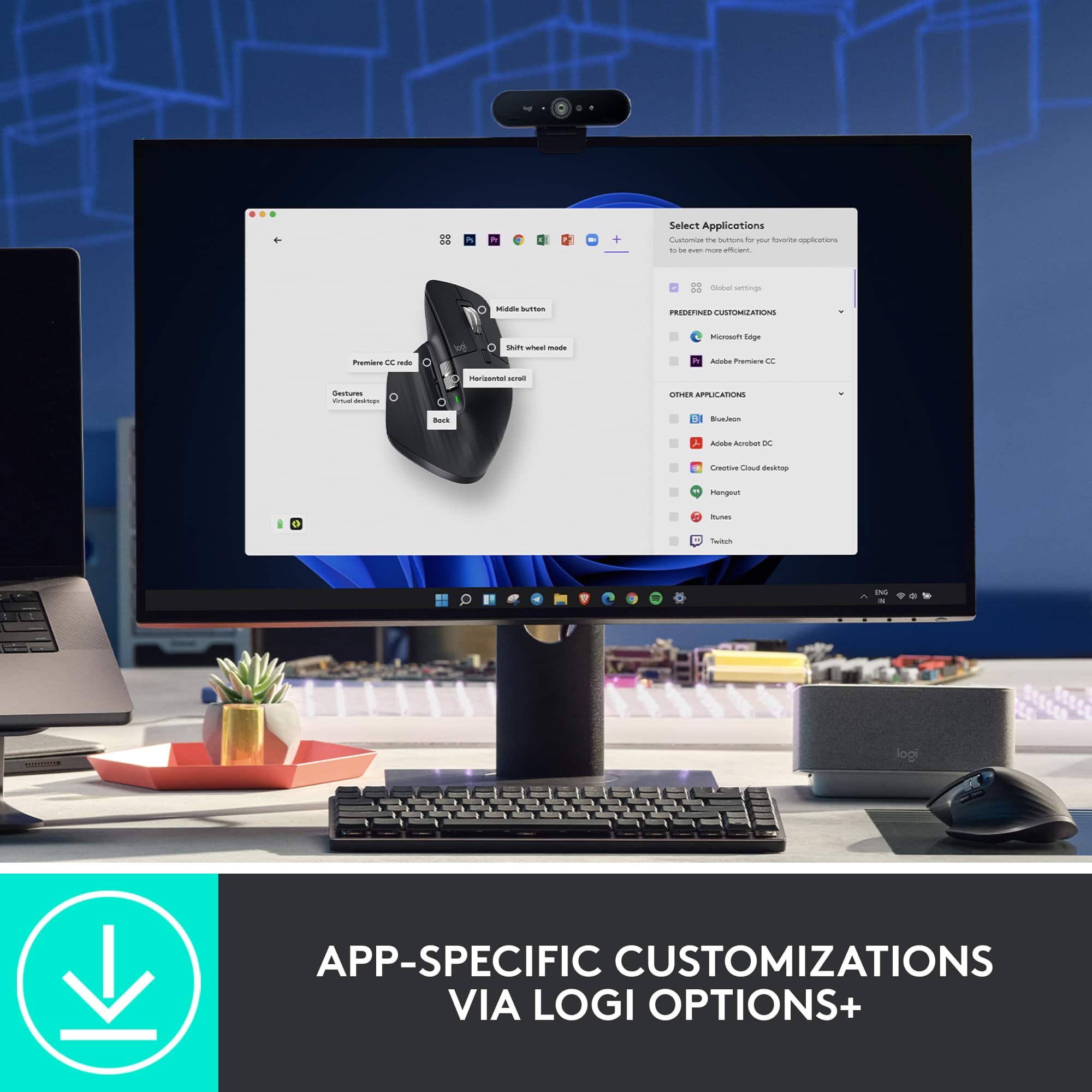
||Posted .This reviewer received promo considerations or sweepstakes entry for writing a review.Good mouse a bit jerky and the scroll is too fast at first but with the help of the logitech app you download to support the mouses functions it becomes easier to deal with.
I would recommend this to a friendGreat device
||Posted .This reviewer received promo considerations or sweepstakes entry for writing a review.Comfortable overall fit. Convenient buttons for back and forward navigation
I would recommend this to a friendMost frustrating mouse ever
||Posted . Owned for 1 month when reviewed.This reviewer received promo considerations or sweepstakes entry for writing a review.Has a major problem with Bluetooth. You will be turning off Bluetooth and back on again repeatedly during the day because this mouse loses its connection about once an hour. Logitech won't help you. Stick with the older version of this.
No, I would not recommend this to a friendBrand response from Logitech
Posted .Thank you for your feedback on the MX Master 3S. We understand your frustration with the Bluetooth connectivity issues and apologize for the inconvenience. To address this issue, we recommend reaching out to our social care team via email at socialcare@logitech.com with your
- Name:
- Email Address:
- Country:
- Product Name:
- Brief description of issue:
Love the mouse but Logitech is using junk switches
||Posted . Owned for 1 year when reviewed.This reviewer received promo considerations or sweepstakes entry for writing a review.Left click is not activating exactly a year after purchase. I expected more out of a 150 dollar mouse.
No, I would not recommend this to a friendBrand response from Logitech
Posted .That sounds like an issue. In order to help you effectively, please provide your information to our support team by emailing socialcare@logitech.com. Name – Email address – Country – Product name – Brief description of the issue –
Perfect mouse
||Posted . Owned for 2 weeks when reviewed.This reviewer received promo considerations or sweepstakes entry for writing a review.This was a gift for my wife and it worked out to be pefrct for her
I would recommend this to a friendBad Mouse can't last more than 1 year
||Posted .This reviewer received promo considerations or sweepstakes entry for writing a review.I've only had this mouse for one year, and it can't be charged anymore.
No, I would not recommend this to a friendBrand response from Logitech
Posted .We are very sorry to hear that your Logitech mouse stopped charging after only one year of use. We value your feedback and apologize for the inconvenience this has caused. To help resolve this, we recommend contacting our social care team at socialcare@logitech.com. Please include the following information in your email:
- Name:
- Email Address:
- Country:
- Product Name:
- Brief description of issue:
Excellent mouse.
||Posted . Owned for 1 month when reviewed.This reviewer received promo considerations or sweepstakes entry for writing a review.Very responsive and versatile. I like the feel of the movement.
I would recommend this to a friendSilent and large
||Posted . Owned for 1 week when reviewed.This reviewer received promo considerations or sweepstakes entry for writing a review.This mouse is silent and fits my large hand perfectly.
I would recommend this to a friend- Cons mentioned:Lag
Poor connectivity
||Posted . Owned for 1 week when reviewed.This reviewer received promo considerations or sweepstakes entry for writing a review.Pointer was very laggy for me. Never had an issue with a wireless device prior to this one. Returned.
No, I would not recommend this to a friend Great for the price
||Posted . Owned for 3 weeks when reviewed.This reviewer received promo considerations or sweepstakes entry for writing a review.Great precision and works well on multiple devices.
I would recommend this to a friend