Customer Ratings & Reviews
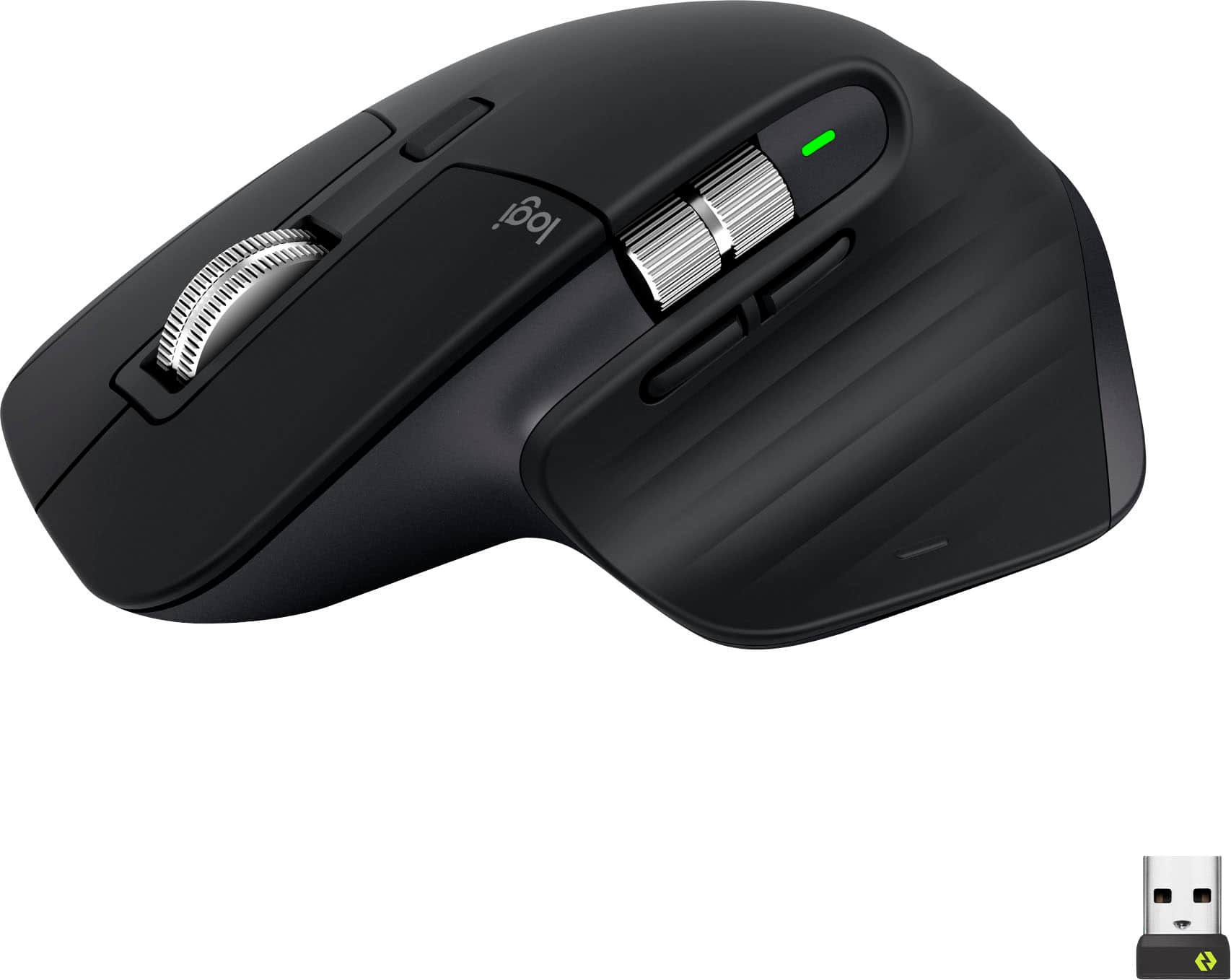
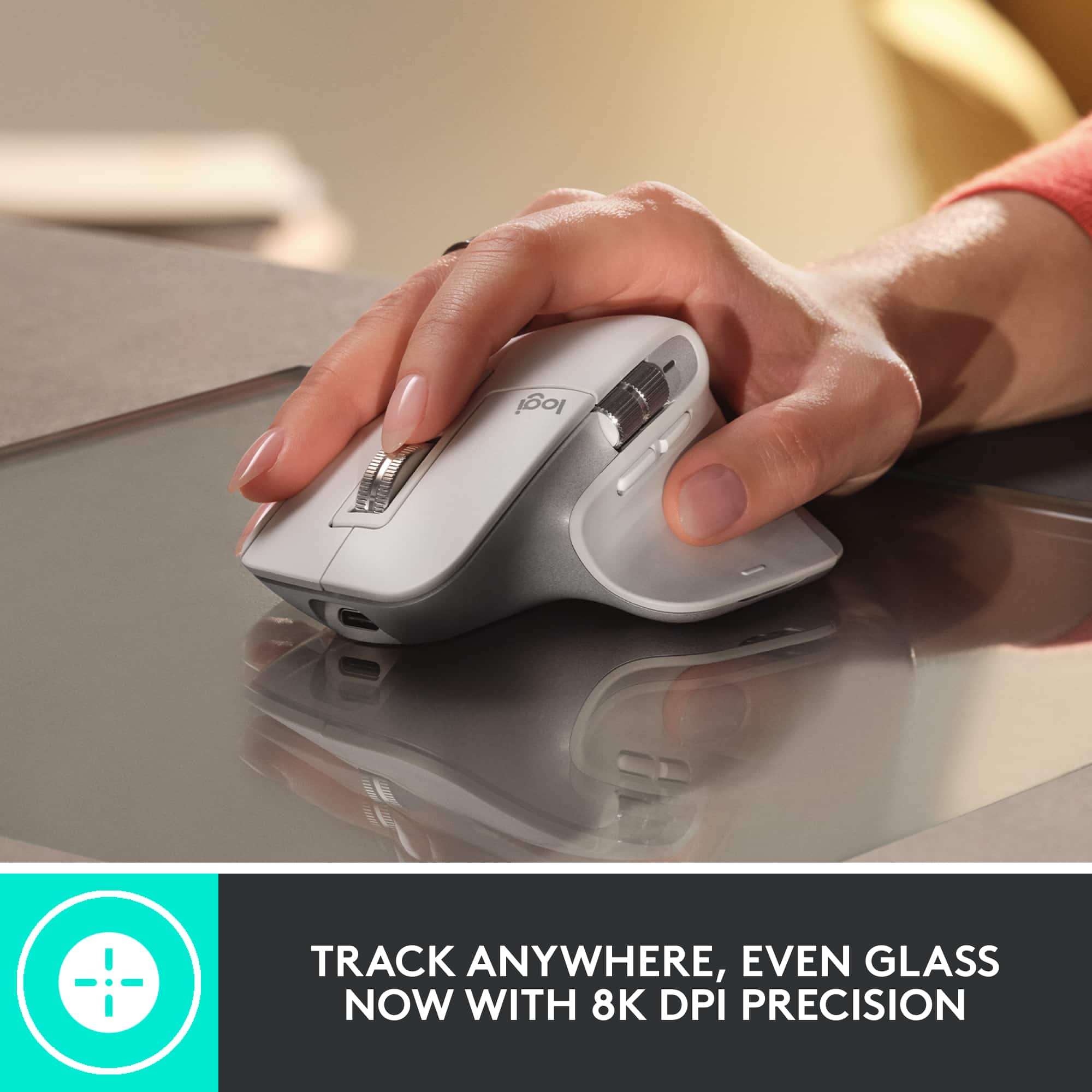








- Model:
- 910-006556
- SKU:
- 10839841
Rating by feature
- Value
Rating 4.6 out of 5 stars
- Quality
Rating 4.8 out of 5 stars
- Ease of Use
Rating 4.8 out of 5 stars
- Pros mentioned:Ergonomics
Best mouse on the market
||Posted . Owned for 3 weeks when reviewed.This reviewer received promo considerations or sweepstakes entry for writing a review.This is by far the best mouse I have ever owned, this is my second of the Master series. I would recommend this mouse for anyone who has multiple computers or is at their computer for an extended period of time.
I would recommend this to a friendBrand response from Logitech
Posted .Thank you for your kind words about the Logitech - MX Master 3S. We’re delighted to hear that it has exceeded your expectations and seamlessly integrated into your multi-device setup.
Best Mouse Ever
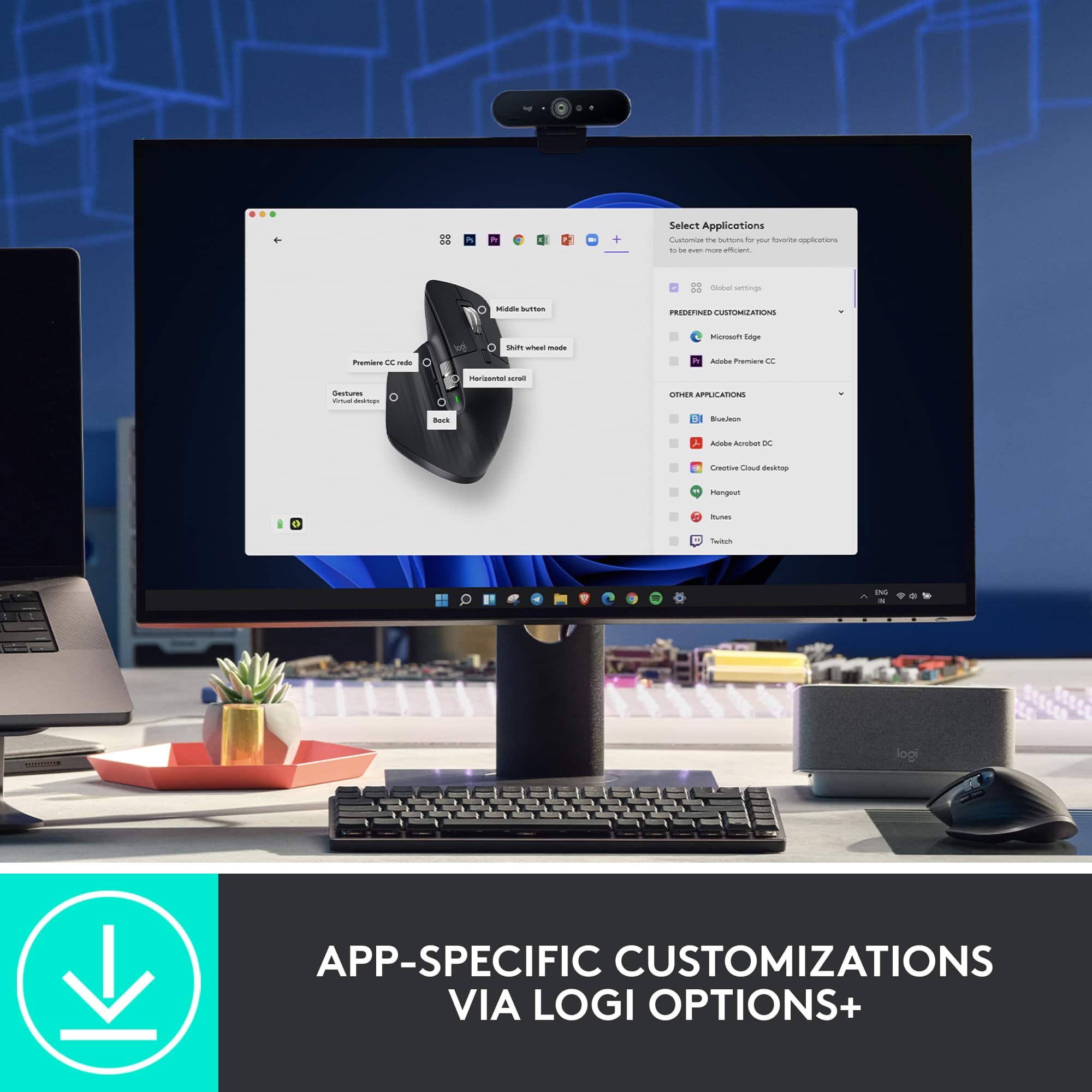
||Posted . Owned for 1 year when reviewed.This reviewer received promo considerations or sweepstakes entry for writing a review.I use it for Cad/Cam work on a workstation. Easy to custom program each of the buttons and thumb wheel to fit my needs for each program I use.
I would recommend this to a friendBrand response from Logitech
Posted .Hey! We appreciate your thoughtful feedback. It’s great to hear our product is meeting your expectations. Thanks for being a valued user.

Good but a little bit fragile
||Posted . Owned for 10 months when reviewed.This reviewer received promo considerations or sweepstakes entry for writing a review.It’s a very good mouse very useful but I have used for less of a year and the right click isn’t working anymore, but with the warranty of logitech the send me a new one so I hope it’s just an exception
I would recommend this to a friendBrand response from Logitech
Posted .Thank you for sharing your feedback, we appreciate you taking the time to let us know about your experience.
- Pros mentioned:Scroll wheel
Excellent Mouse
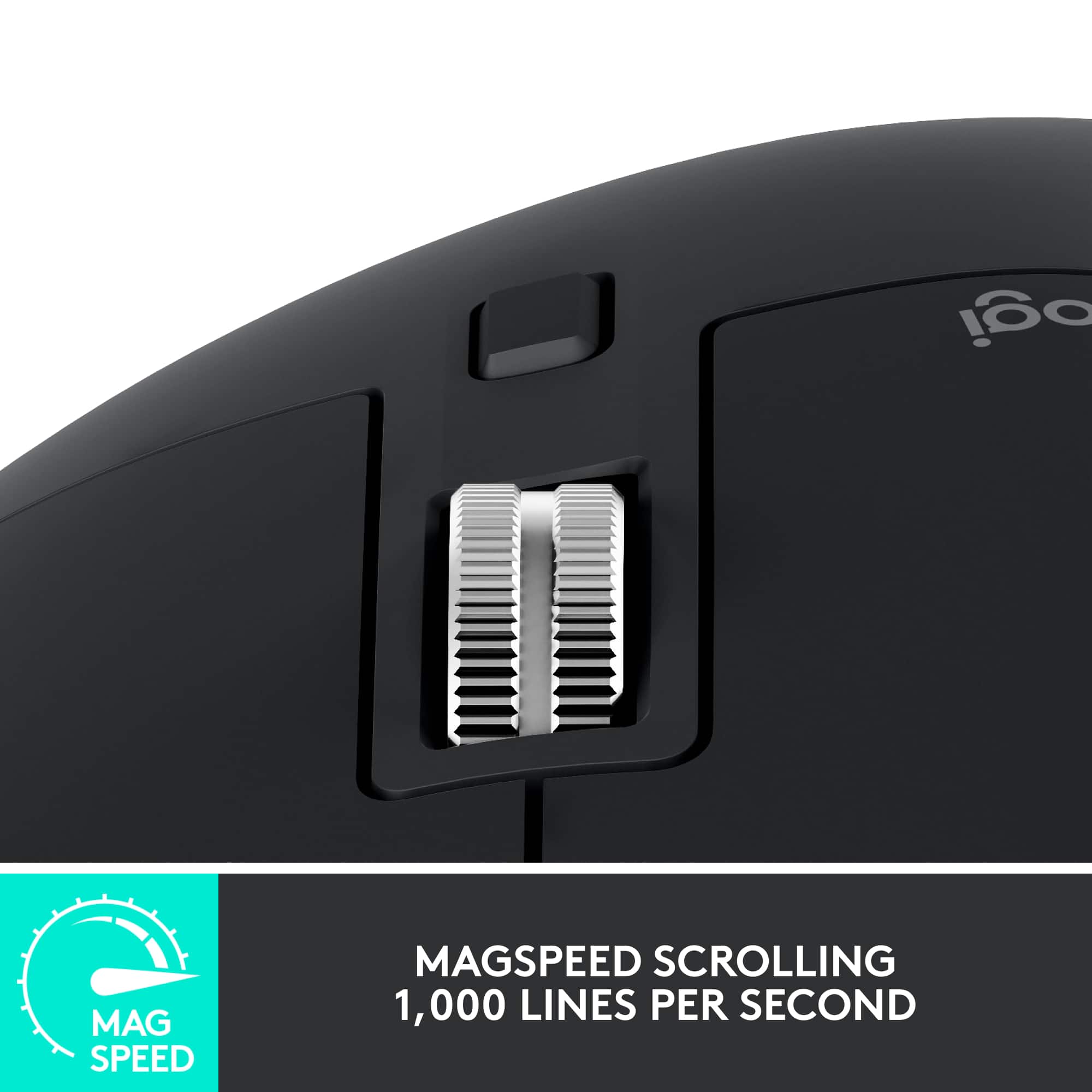
||Posted . Owned for 1 month when reviewed.This reviewer received promo considerations or sweepstakes entry for writing a review.I purchased this to replace an aging wireless mouse. As advertised, I've used the selling features (Vertical and Horizontal scroll wheels) to breeze through lines of code. Would definitely recommend this mouse for that feature..
I would recommend this to a friend - Pros mentioned:Ease of use
Best Mouse for general use!
||Posted . Owned for 3 weeks when reviewed.This reviewer received promo considerations or sweepstakes entry for writing a review.I use this mouse everyday, and for gaming as well. It's ease of use is practically it's selling point, and is well worth its price. Would definetly buy again, since I don't see myself buying a different mouse when this one gets all the jobs done.
I would recommend this to a friend Amazing mouse for Claw style Grip
||Posted . Owned for 1 month when reviewed.This reviewer received promo considerations or sweepstakes entry for writing a review.I've used almost every generation of the Logitech MX master mouse. I have loved all of them yet they somehow always find a way to improve it. This generation is by far the best one yet. Keep up the great work. Super comfortable for my style of use (bear claw) vs palming.
I would recommend this to a friendthis is the mouse you're looking for.
||Posted . Owned for 3 weeks when reviewed.This reviewer received promo considerations or sweepstakes entry for writing a review.I bought this to use at work. it's now probably my favorite mouse, I wish it was compatible with the Logitech powerplay mat because I would probably get rid of my 502 lightspeed. that's how nice this mouse is.
I would recommend this to a friendBrand response from Logitech
Posted .Thank you for your valuable review of the Logitech - MX Master 3S. We appreciate you sharing your positive experience and we're thrilled it's become your favorite mouse. We understand your desire for Powerplay compatibility, and your feedback is appreciated.
- Pros mentioned:Ergonomics
Great for students
||Posted . Owned for 2 months when reviewed.This reviewer received promo considerations or sweepstakes entry for writing a review.As a cs grad student I will recommend this if you do coding and also work for long time.
I would recommend this to a friendBrand response from Logitech
Posted .Hey! Thank you for your feedback! It's helpful to hear specific use cases like coding and long work sessions. I appreciate you sharing your experience as a CS grad student.
The Best Work Mouse
||Posted . Owned for 1 week when reviewed.This reviewer received promo considerations or sweepstakes entry for writing a review.The best mouse for work ever made. Very comfortable with programmable buttons. Logitech only makes the best.
I would recommend this to a friendBrand response from Logitech
Posted .Thank you for your kind words about the Logitech - MX Master 3S! We're delighted to hear that you're finding it so comfortable and productive for work. We strive to create the best possible user experience, and we appreciate your recognition of our commitment to quality.
A little upgrade
||Posted . Owned for 2 weeks when reviewed.This reviewer received promo considerations or sweepstakes entry for writing a review.Way more comfortable than my previous cheaper Logitech mouse. It is not cheap but if you use it everyday worth it
I would recommend this to a friendBrand response from Logitech
Posted .We're pleased to hear that you're experiencing a noticeable difference in comfort with the MX Master 3S. We strive to create premium products that enhance your daily workflow, and we're happy it's worth the investment for you.
- Pros mentioned:Ergonomics
Great Mouse for the House
||Posted . Owned for 11 months when reviewed.This reviewer received promo considerations or sweepstakes entry for writing a review.Great for hands as large as mine. Smooth movement on screen and has all of the necessary features I expect
I would recommend this to a friendBrand response from Logitech
Posted .Thank you for your positive review of the Logitech - MX Master 3S! We're glad to hear that it provides a comfortable experience for your hand size and that you're enjoying its smooth performance and comprehensive feature set. We appreciate your feedback.
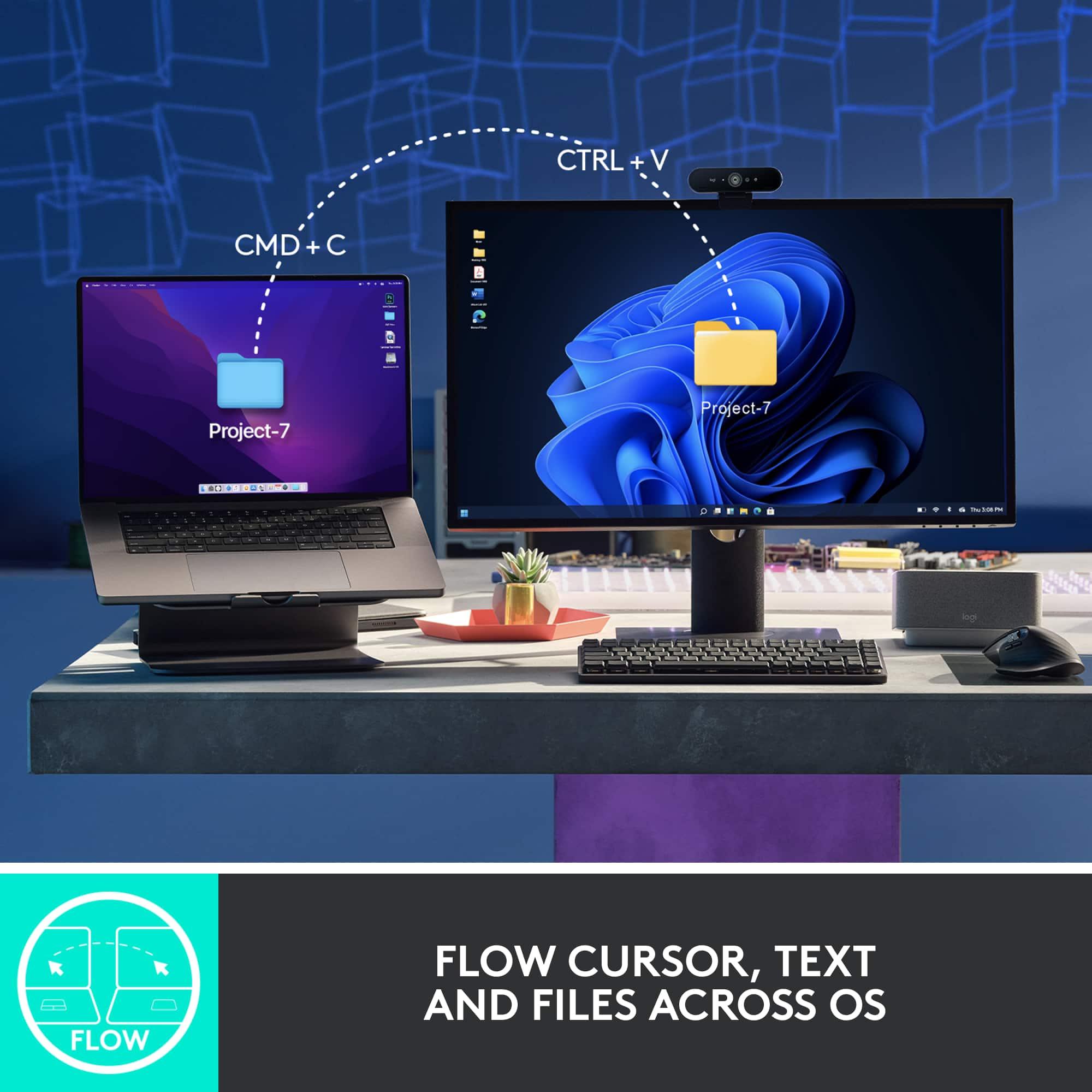
Good for multiple PCs not actively switched
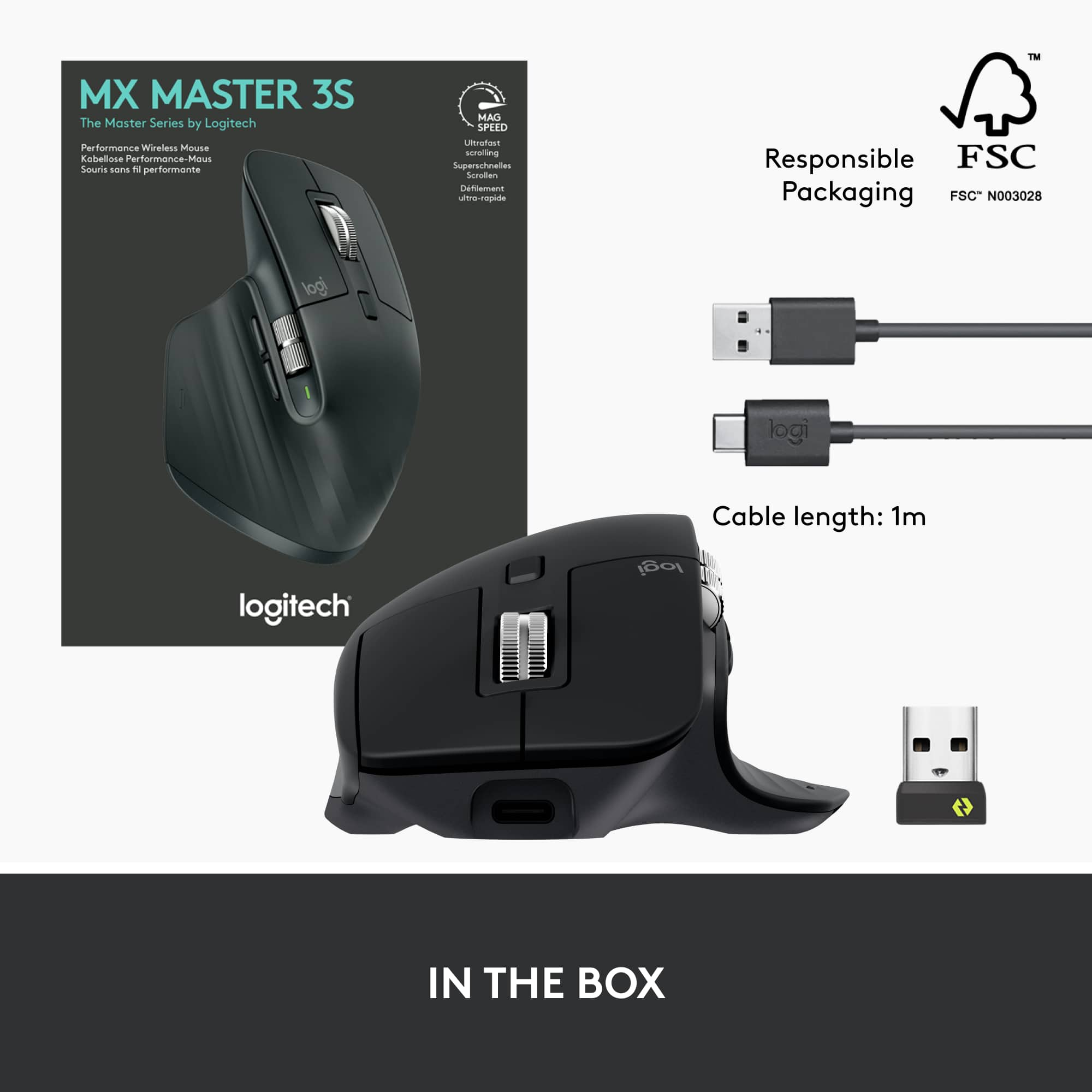
||Posted . Owned for 2 weeks when reviewed.This reviewer received promo considerations or sweepstakes entry for writing a review.This mouse works fine, has a lot of customizable features. I'm still getting used to the shape. With my mac the lower thumb button for showing everything open is nice. I'm coming from the trackball that can control two PCs. I was hoping that the mouse button behind the wheel functioned in the same way as the trackball. Unfortunately, it just changes from scrolling with haptic feel to smooth scrolling. So if you want to change which PC your using, you have to lift the mouse and press the button on the bottom to change. If you have situations where you need to switch back and forth between PCs actively, this will be annoying. My only other complaint is that it doesn't seem to work with unifying USB dongles, only Bolt dongles (which are $15 each) and bluetooth. I'd probably buy it again for my situation where I don't have to switch back and forth actively, but I'd wait for a sale to save some money for extra bolt dongles.
I would recommend this to a friendBrand response from Logitech
Posted .Hey! Thanks for your detailed feedback on the MX Master 3S! We appreciate you recognizing its functionality and customization options. We understand the button behind the scroll wheel isn't ideal for actively switching between multiple PCs and apologize for any inconvenience. To get that issue resolved, we recommend reaching out to our social care team via email at socialcare@logitech.com with your
- Name:
- Email Address:
- Country:
- Product Name:
- Brief description of issue:
- Pros mentioned:Scroll wheel
Actual Game changer!
||Posted . Owned for 3 weeks when reviewed.This reviewer received promo considerations or sweepstakes entry for writing a review.The scroll wheel is incredible! I genuinely enjoy swapping back and forth.
I would recommend this to a friendBrand response from Logitech
Posted .Thanks for sharing your positive feedback on the MX Master 3S scroll wheel. It's great to hear you're enjoying the ultrafast scrolling and finding value in swapping modes.
- Pros mentioned:Battery life
Great mouse for productivity
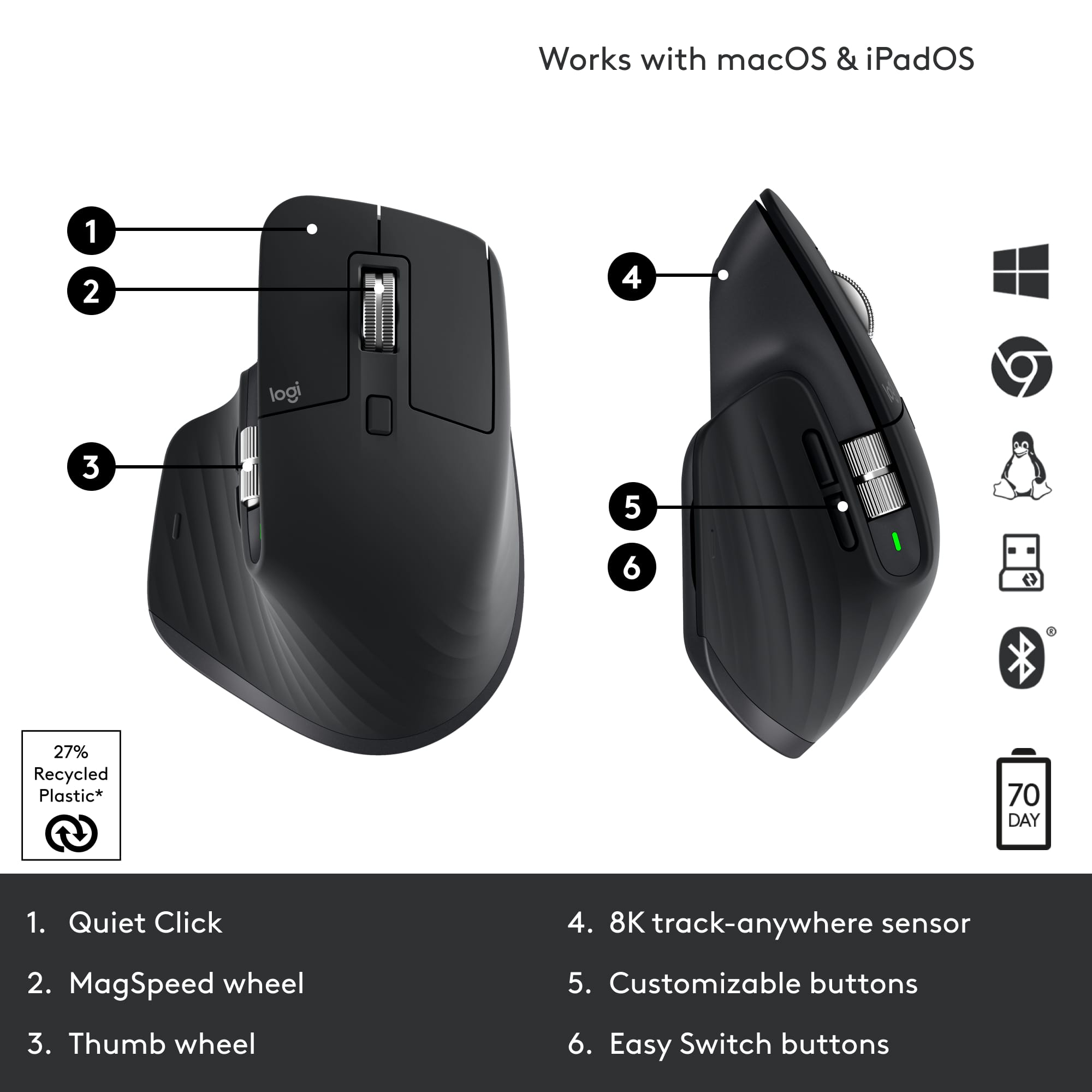
||Posted . Owned for 3 weeks when reviewed.This reviewer received promo considerations or sweepstakes entry for writing a review.Took some getting used to, as I was using the same Performance MX mouse since 2017, however I like it alot. battery life is excellent, clicks are surprisingly quiet but with enough feedback. Highly Recommend!
I would recommend this to a friendBrand response from Logitech
Posted .Thank you for your valuable feedback! We appreciate you sharing your experience with the Performance of Logitech - MX Master 3S quiet clicks and extended battery life. We understand the adjustment period when switching to a new device, and we're glad you've acclimated so well.
- Pros mentioned:Battery life
Gamining
||Posted .This reviewer received promo considerations or sweepstakes entry for writing a review.Runs smoothly Battery life is amazing Not overly expensive
I would recommend this to a friendBrand response from Logitech
Posted .Thank you for your fantastic review of the MX Master 3S Wireless Laser Mouse! We're thrilled to hear that you're experiencing such a smooth and efficient workflow with it.
- Pros mentioned:Ergonomics
Perfect mouse
||Posted . Owned for 1 month when reviewed.This reviewer received promo considerations or sweepstakes entry for writing a review.This mouse is perfect for my needs using AutoCAD and is perfectly ergonomic!
I would recommend this to a friendBrand response from Logitech
Posted .That's fantastic to hear the MX Master 3S is such a great fit for your AutoCAD work and provides excellent comfort. It's always rewarding to know our design meets the needs of professionals.
- Pros mentioned:Overall performance
MX Master to master them all.
||Posted . Owned for 1 month when reviewed.This reviewer received promo considerations or sweepstakes entry for writing a review.Best business mouse on the market. Have 1 at the office and 1 at home.
I would recommend this to a friendBrand response from Logitech
Posted .That's fantastic to hear the MX Master 3S is serving your needs so well in both your office and home setups! It's great to know it's become your go-to business mouse.
- Pros mentioned:ErgonomicsCons mentioned:Price
Pure joy
||Posted .This reviewer received promo considerations or sweepstakes entry for writing a review.Excellent product. Great ergonomics (though not as good as MX Vertical). Buttons and controls are well tuned, great customization using the Logi Options+ app. Bit pricey. Very happy overall
I would recommend this to a friend Great, but... 2 years and it stops charging
||Posted . Owned for more than 2 years when reviewed.This reviewer received promo considerations or sweepstakes entry for writing a review.Well - I had hoped I would never have to write a review like this, but I guess it had to happen. For starters, I LOVE my MX Master 3S - All the features, are exactly as described and have been GREAT with my Mac. Never had to use the wireless dongle as all of the Macs that I have used this with (and iPads) have worked flawlessly! The reason I'm only giving 3 stars is because it's now DEAD. Battery won't charge. I bought this in April of 2023, and in June, 2025 I noticed that it wouldn't charge past 50% - today, July 5th 2025, it won't charge past 10%. I thought to myself, no big deal, I'm sure I can just get a replacement battery for it and everything will be great. Well... you can get a replacement battery for it for around $25 - but you have to heat the feet, remove the foot pads, without removing the adhesive, then take it apart, then separate the battery from the adhesive holding it in, replace the battery, then get it all back together. If you are lucky enough not to have bent the feet, or separated the adhesive from the feet when you were taking them off, you can reuse those - otherwise you'll need replacement feet. I don't have the time for all of that. So I will buy another one (because it is awesome) and likely get the extended warranty, if it's offered - because it looks like 2 years is about all you'll get out of them. I would highly recommend them, but know that you'll be replacing it in a couple of years.
I would recommend this to a friendBrand response from Logitech
Posted .Thank you for your detailed feedback on the Logitech MX Master 3S. We're glad to hear you’ve enjoyed its features and performance, though we’re sorry to learn about the battery issue after two years of use. Your experience is important to us and will be shared with our team to help improve product longevity.
Silent click mouse
||Posted . Owned for 1 month when reviewed.This reviewer received promo considerations or sweepstakes entry for writing a review.Really great mouse, super silent without noise clicking. Really comfortable
I would recommend this to a friendBrand response from Logitech
Posted .Thank you for your wonderful feedback on the MX Master 3S! We're so pleased to hear you find it to be a really great mouse with super silent clicks and a comfortable design. It's fantastic to know it's meeting your needs so well.