Customer Ratings & Reviews
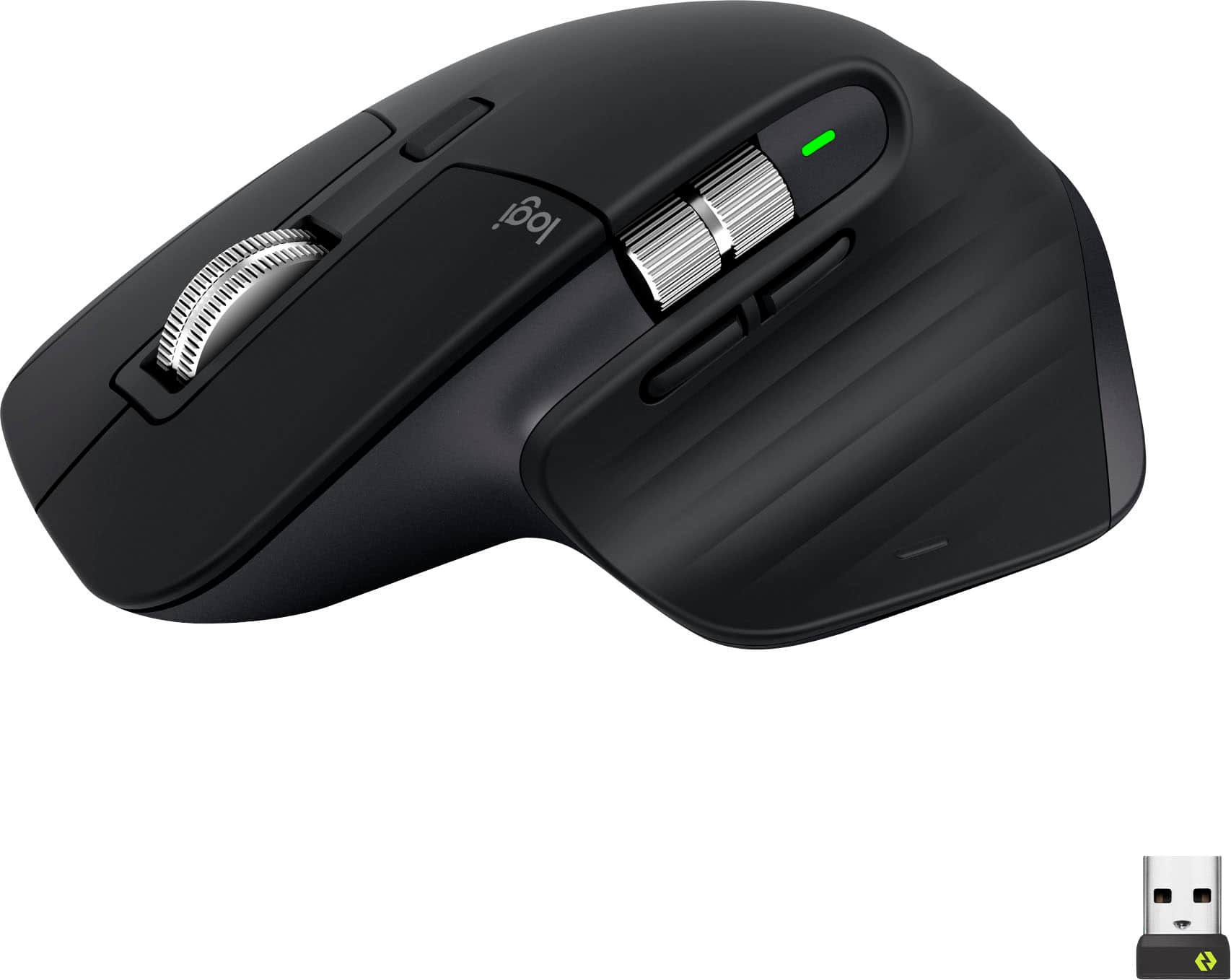








- Model:
- 910-006556
- SKU:
- 6502577
Rating by feature
- Value
Rating 4.6 out of 5 stars
- Quality
Rating 4.8 out of 5 stars
- Ease of Use
Rating 4.8 out of 5 stars
Customers are saying
Customers recognize the MX Master 3S Wireless mouse for its comfort, excellent battery life, and amazing scroll wheel. Many appreciate its overall performance and customization options, as well as its reliable connectivity and quiet click. Some users find the size and weight less than ideal, and a few consider the price to be a bit high. While a small number of users dislike the software, most do not experience any lag.
This summary was generated by AI based on customer reviews.
- Pros mentioned:Battery life
Exceptional Performance and Ergonomics
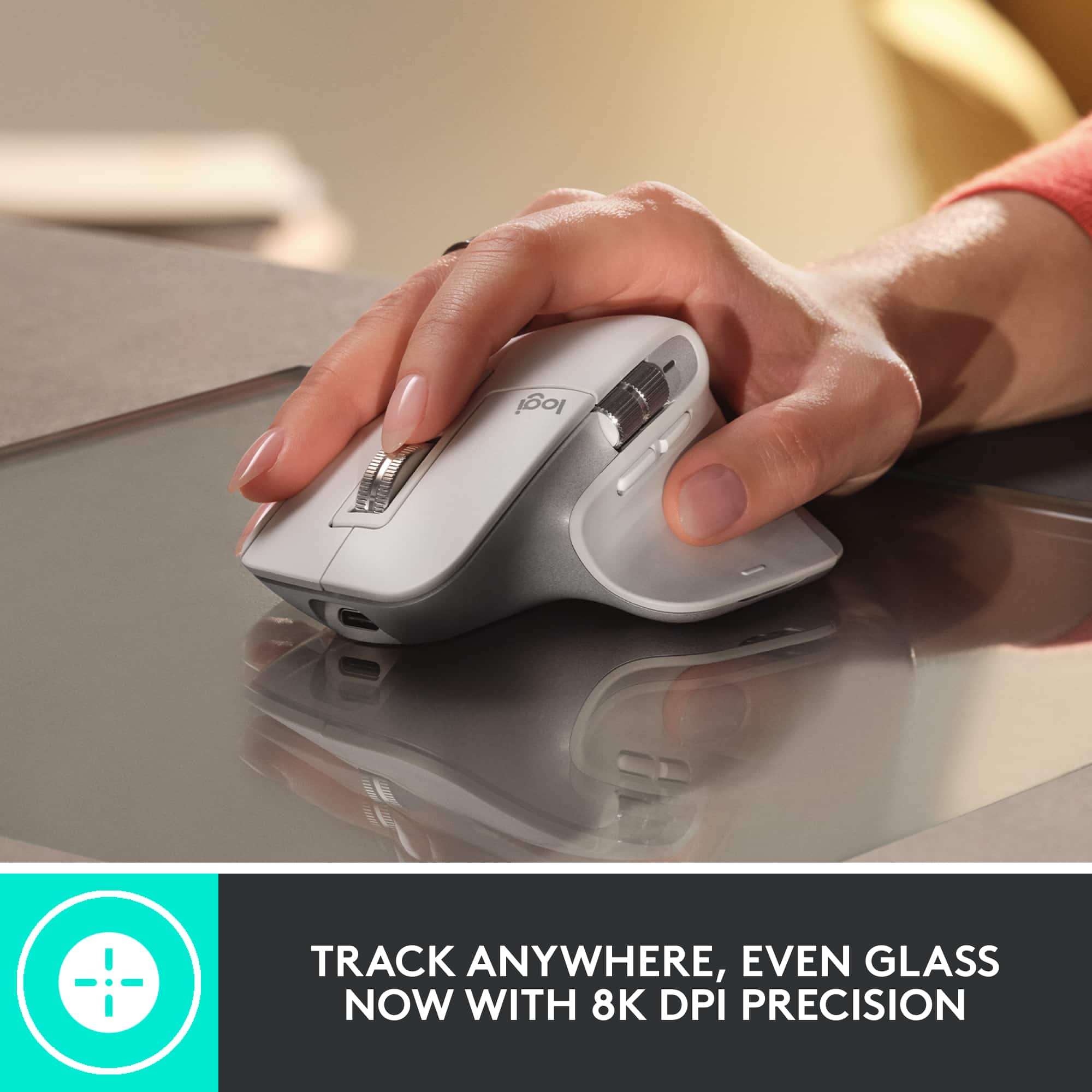
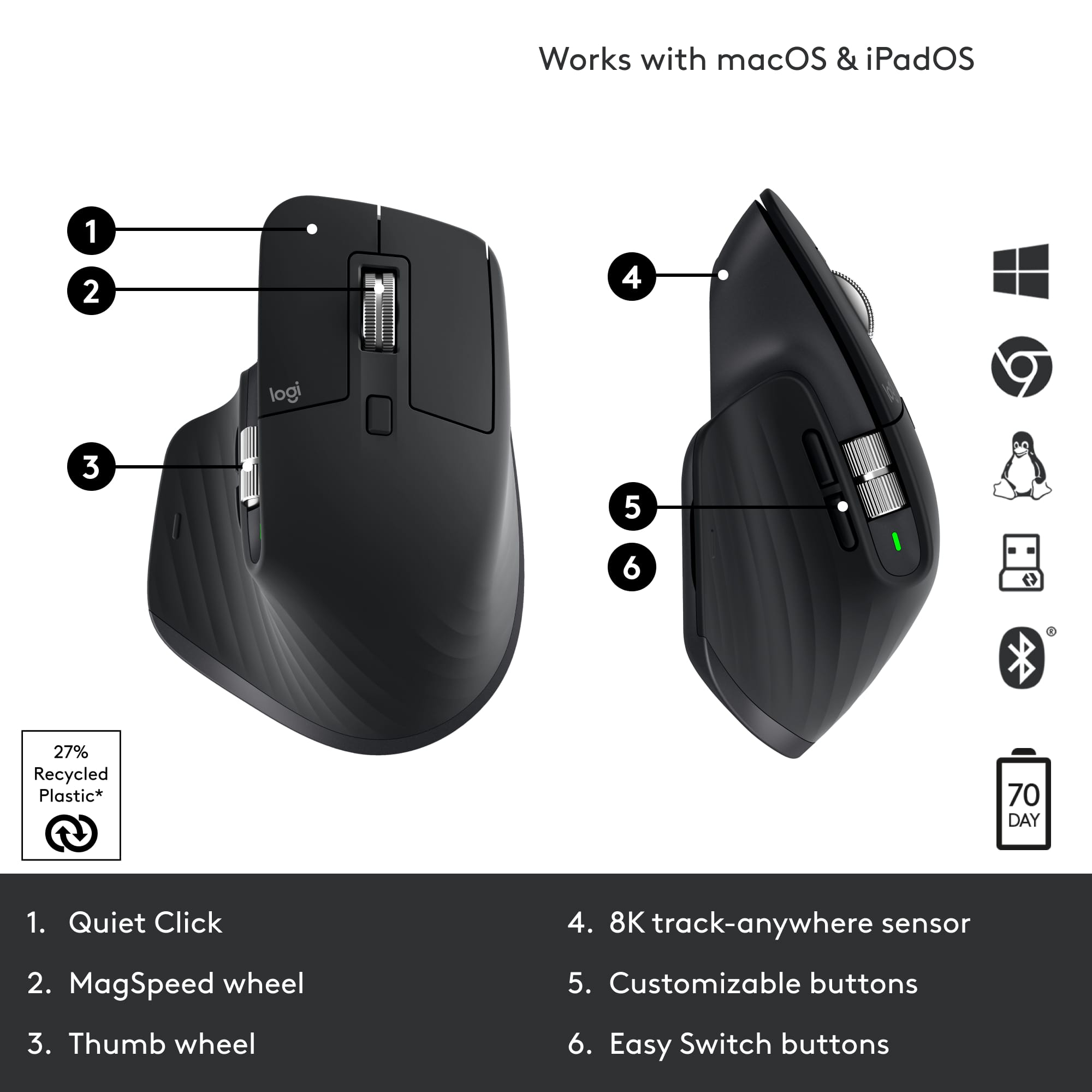
||Posted . Owned for 3 weeks when reviewed.This reviewer received promo considerations or sweepstakes entry for writing a review.I recently purchased the Logitech MX Master 3S mouse, and I must say, it has exceeded my expectations in every way. As someone who spends hours at a computer daily, a reliable and comfortable mouse is essential, and the MX Master 3S delivers on both fronts. The first thing that struck me about this mouse is its ergonomic design. The contoured shape fits perfectly in my hand, providing a natural and comfortable grip. I appreciate the thumb rest, which reduces strain during extended use. The customizable buttons are well-placed and easy to reach, making it effortless to assign functions like copy, paste, and navigation shortcuts, streamlining my workflow. The precision of the MX Master 3S is truly remarkable. The Darkfield Laser Sensor tracks on virtually any surface, including glass, with incredible accuracy. This is a game-changer for me as I often work on various surfaces, and I no longer need a mousepad. Another standout feature is the fast and seamless switching between devices. I can effortlessly switch between my desktop, laptop, and even tablet with the touch of a button, thanks to Logitech’s Easy-Switch technology. It has improved my productivity significantly, eliminating the need for multiple mice. The battery life is impressive. I can go weeks between charges, and the USB-C port allows for quick recharging when needed. The side-scrolling wheel is also a great addition, especially when navigating through long documents or spreadsheets. In terms of build quality, the MX Master 3S feels robust and durable. The materials used are of high quality, and the scroll wheel has a satisfying tactile feel. This mouse has become an indispensable tool in my daily work routine. Overall, the Logitech MX Master 3S is a top-tier productivity mouse that combines ergonomic design, precision, and seamless multi-device connectivity. It has significantly improved my workflow and comfort during extended computer use. I highly recommend it to anyone in need of a versatile and high-performance mouse.
I would recommend this to a friend It's a game-changer. Still flawless after 1+ years
||Posted . Owned for 1 year when reviewed.This reviewer received promo considerations or sweepstakes entry for writing a review.I bought this mouse back in February last year, and honestly, it’s been an absolute luxury to use. The performance is top-notch, the battery life/sensor is incredible, and it just feels great in the hand even after hours of use. If you're on the fence about getting it, just go for it. It’s worth every single penny.
I would recommend this to a friendAfter several months of use
||Posted . Owned for 9 months when reviewed.This reviewer received promo considerations or sweepstakes entry for writing a review.I use the Logitech MX Master 3. Overall, it is a very comfortable mouse: it fits well in the hand, has a great scroll wheel, convenient side buttons, easy switching between devices, and excellent battery life. For work, especially when using multiple windows, browsers, spreadsheets, and remote connections, it is genuinely very comfortable. I also want to mention the warranty service. My mouse developed an issue, so I contacted support under warranty. The case was handled properly, and the mouse was replaced. After the replacement, everything works fine. The only downside is the fairly high price, so I would expect the reliability to be a bit more consistent. However, in terms of comfort and functionality, the MX Master 3 is still one of the best mice for everyday work.
I would recommend this to a friend- Pros mentioned:Ergonomics
a great mouse for daily work
||Posted . Owned for more than 2 years when reviewed.This reviewer received promo considerations or sweepstakes entry for writing a review.i been using this mouse for a few weeks now, and overall its a very good choice. here are my thoughts: pros: the ergonomic design is really nice, it fits well in hand and no strain even after long use. the scrolling is super smooth and fast, makes working with documents and websites much easier. works on almost any surface, i tried it on glass table, no problem at all. connecting it to multiple devices is simple, switching between them is also quick. cons: The left key button stopped working for me, although with a factory reset it went back on the pale gray color can get dirty quickly, need to clean often. in general, it's a solid mouse that works very well for daily tasks, but there some small things to consider. if you ok with the price, i think you will be happy with it.
I would recommend this to a friendBrand response from Logitech
Posted .We appreciate your detailed review of the Logitech MX Master 3S. We're glad to hear that you've found it to be a comfortable and efficient mouse for your daily tasks. We'll take your feedback about the left key button issue and the pale gray color into consideration for future improvements. Thank you for sharing your experience.
- Pros mentioned:Battery life, Ergonomics
Mousekateer
||Posted . Owned for 10 months when reviewed.This reviewer received promo considerations or sweepstakes entry for writing a review.Very sleek mouse. Comfortable in hand, and I have very small hands. Feels high quality and has been durable thus far. Charge holds for a while. I like that the charging port is located in a way that makes it easy to use the mouse even when plugged in. The white color does start to get visibly dirtier after a few uses.
I would recommend this to a friendBrand response from Logitech
Posted .Hey! We appreciate your feedback on the MX Master 3S! We're glad to hear that you find it comfortable despite having small hands, and that the build quality and battery life meet your expectations. The easy charging access while in use is definitely a thoughtful design choice.
- Pros mentioned:Battery life, Scroll wheel
Super smooth and comfortable mouse
||Posted .This reviewer received promo considerations or sweepstakes entry for writing a review.Feels great to use all day. Scrolling is super fast and smooth. Battery lasts long. Worth it for work or daily use!
I would recommend this to a friendBrand response from Logitech
Posted .Thank you for the glowing review! The MX Master 3S sounds like a powerhouse—ergonomic comfort, lightning-fast scrolling, and long battery life make it a top-tier choice for both work and play. Definitely a mouse that earns its keep day after day!

- Cons mentioned:Color, Price
Great buy when on sale. ONLY BUY BLACK
||Posted . Owned for 5 months when reviewed.This reviewer received promo considerations or sweepstakes entry for writing a review.Great mouse with very quiet clicks vs previous generations. There is definetely a bit of latency so I would not recommend this for gaming, but it's great for work and very comfortable. Do not get any colors other than black as the previous generation white mice discolored very quickly. Price is a bit steep so definetely try to get it on sale.
I would recommend this to a friend The mouse I never knew I wanted/needed
||Posted . Owned for 1 month when reviewed.This reviewer received promo considerations or sweepstakes entry for writing a review.I’ve known of the MX Master series for years but always saw it as a “nice-to-have” or a luxury non-necessity because, how much more can a $100 mouse really do to justify buying it over a $10 mouse from the same brand? Logitech products are always well built but this mouse is a game-changer. I highly recommend this mouse. Extremely comfortable, accurate, quiet and versatile. The accomoanying software for it adds a new way of using your computer. I didn’t initially notice that there’s a hidden button to the left that allows you to use all the gestures of your Mac without the use of a trackpad and, now that I do, I can’t live without the convenience. The unlimited scroll is another feature I never knew I needed, let alone that it even existed. In the age of zoom meetings, it’s sweet to have a silent mouse (the models that end in “s” are silent variants) so that clicks don’t make their way into meetings when you’re unmuted. All-in-all, if you work with your mouse daily, you deserve an excellent mouse, you owe it to yourself. For me, this is that excellent mouse.
I would recommend this to a friend- Pros mentioned:Ergonomics
Solid mouse, mostly good for big hands.
||Posted .This reviewer received promo considerations or sweepstakes entry for writing a review.I truly do love this mouse, upgraded from the M720 Triathlon. I have bigger hands and this has been really good design for ergodynamics. The scroll wheel is solid and much more durable. I'm only doing 4 stars because the software does has times where it lags or doesn't load properly when updating and has caused me to not have my settings until its done. Additionally, while the ergo is good, my thumb could use a little more support, i do find myself stretching it out at times to avoid my knuckle locking up. Finally, after a year of daily use the left/right buttons do have some wear.
I would recommend this to a friendBrand response from Logitech
Posted .Thanks for sharing such a thoughtful review! It’s great to hear the MX Master 3S has been a solid upgrade in terms of ergonomics and durability, especially for larger hands. Your feedback on software lag and thumb support is super valuable—those little design tweaks can make a big difference. Daily wear after a year is definitely worth noting for long-term users.
- Pros mentioned:Battery life
Logi mouse
||Posted . Owned for 1 month when reviewed.This reviewer received promo considerations or sweepstakes entry for writing a review.Excellent mouse, easy connection to computer, no lag or disconnecting, long battery life between charges
I would recommend this to a friendBrand response from Logitech
Posted .We're thrilled to hear such positive feedback about your Logitech MX Master 3S! It's fantastic to know you're experiencing seamless connection, no lag, and excellent battery life. Thank you for sharing your appreciation!
- Pros mentioned:Battery life, Ergonomics
Mouse review
||Posted . Owned for 3 weeks when reviewed.This reviewer received promo considerations or sweepstakes entry for writing a review.Long lasting battery, fits into my hand well The buttons on side could be stacked vertically, and this 50 word answer is not cool, you asked me about the product and I gave you my answer
I would recommend this to a friendBrand response from Logitech
Posted .Hey! Thanks for your feedback on the Logitech MX Master 3S! It's valuable to hear that you find the battery life long-lasting and the fit comfortable. Your insights are valuable for us as we continuously strive to improve our offerings.
- Pros mentioned:Scroll wheelCons mentioned:Lag
Very Nice!
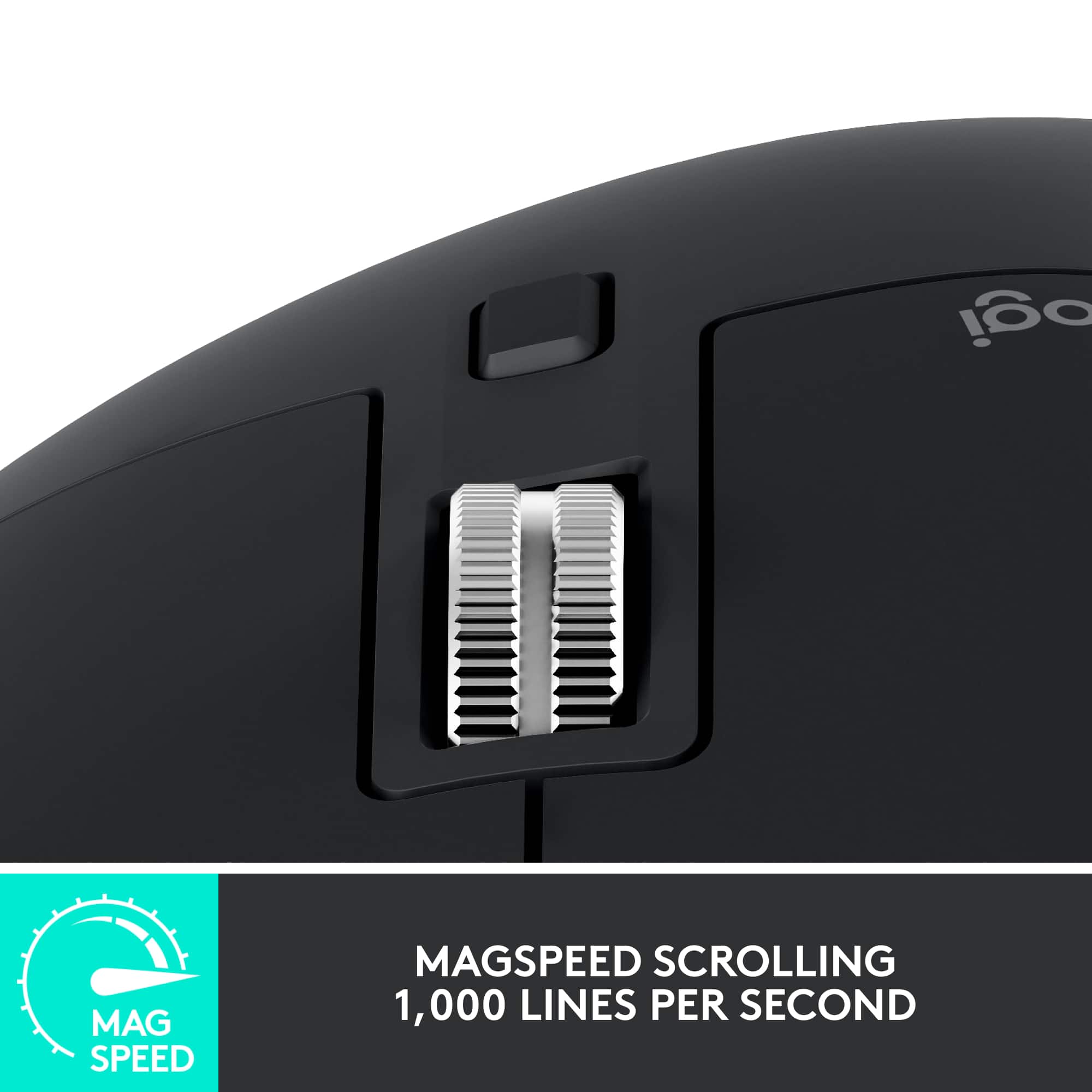
||Posted . Owned for 3 weeks when reviewed.This reviewer received promo considerations or sweepstakes entry for writing a review.Contours to my hand. Track wheel is nice it adjusts to the speed you turn it for fast or precise scrolling. Zoom in and out works well across browsers. No lag in movement and Logitech just centralized their firmware so you dont need to go to several apps for your devices.
I would recommend this to a friend - Pros mentioned:Ergonomics, Overall performance
Best Computer Mouse Ever!
||Posted . Owned for 1 week when reviewed.This reviewer received promo considerations or sweepstakes entry for writing a review.Great product! Works as advertised. Excellent for persons challenged with full use of hands.
I would recommend this to a friendBrand response from Logitech
Posted .Thanks for sharing your positive experience with the MX Master 3S! It's fantastic to hear it's making a difference for users facing hand mobility challenges, and this feedback is truly valuable.
- Cons mentioned:Weight
Great for Productivity!
||Posted . Owned for 2 weeks when reviewed.This reviewer received promo considerations or sweepstakes entry for writing a review.This would be the ultimate mouse if it had all the functionality with a shape closer to the DeatherAdder V3 Pro. The extreme shape makes it comfortable to hold but difficult to move around especially after an hour of video editing. Upgraded skates would also help with handling this for longer periods. The weight is heavy but not a deal breaker when you understand all the tech in this shell. Going back to a lighter mouse feels like you took the weighted clothes off after training with Goku in the hyperbolic time chamber for a year. This is still worth a look at even with those faults. My ability to have all my major functions over on one hand instead of having to do a keyboard combos all day greatly speeds up my productivity. The side scroll wheel makes it great with zoom in/out and moving forward/backwards in the time line. The ability to assign any shortcut to a button and on specific apps is game changing. I do go back to another mouse for everyday use like browsing and of course gaming but this is a must have for productivity work.
I would recommend this to a friendBrand response from Logitech
Posted .Thank you for your detailed review of the Logitech MX Master 3S mouse! We appreciate your insights into the product's features and your comparison with other options. We'll continue to work on improving our product offerings to address potential limitations and cater to diverse user preferences.
Nice mouse
||Posted .This reviewer received promo considerations or sweepstakes entry for writing a review.Nice mouse. Wanted a white mouse that was not a gamer mouse to match my setup. This color is called pale grey and it’s definitely more white with a tint of grey. The silver accents are a nice touch. Lots of programmable buttons. Quiet but tactile feedback. Feels premium. No signs of discoloration or materials peeling after almost a year of use. Especially good if you can get it on sale!
I would recommend this to a friendBrand response from Logitech
Posted .We're so glad to hear you're enjoying your Logitech MX Master 3S Wireless Mouse! It's wonderful that its pale grey color, tactile feedback, and premium feel are a perfect match for your setup. We appreciate you highlighting its durability after almost a year of use!
Worthy upgrade to the Master 3
||Posted . Owned for 3 weeks when reviewed.This reviewer received promo considerations or sweepstakes entry for writing a review.As a Mac user I bought the previous Mx Master 3 mouse, 3 days before the release of the 3s. I didn't like the loud click of the 3 so got tempted to order the 3s. Instantly knew I prefer the 3s. The advantages are the silent click and higher Dpi sensor. The sensor is beneficial if you want to move across the screen with minimal wrist movement or if you have multiple monitors. At 8k dpi you'll be able to move across a 27" screen with almost no noticeable wrist movement. If you never used the MX Master mouse before, the magic are the custom programmable buttons in the Options software. I always used the magic trackpads from Apple but now use this mouse mainly.
I would recommend this to a friendBrand response from Logitech
Posted .Hey Mark, thanks for this great review! We really appreciate your feedback. Please let us know if any issues come up by contacting us via our support site, and thank you for being a Logitech customer! -Weston from Logitech
Excellent mouse, white color gets dirty easily.
||Posted . Owned for 1 year when reviewed.This reviewer received promo considerations or sweepstakes entry for writing a review.This is an excellent working tool, fells like an extension of my hand because it is so comfortable to hold, the style is great, and have some functionalities that are unique to this mouse that creates a flawless experience when working. I bought the white version because I think it looks cleaner in my set-up however it tends to get dirty really quick, and even if you clean it frequently, it always remains dirty/yellow in some parts and never look as clean as before. That's the reason I am getting this time the black version after a year and a half OF USE.
I would recommend this to a friendI own like 3 of these
||Posted . Owned for 1.5 years when reviewed.This reviewer received promo considerations or sweepstakes entry for writing a review.One of the best mouses I have ever owned. Whether it’s office work, gaming etc. It connects via Bluetooth and can remember/quickly connect to 3 devices via a button underneath it. This particular one doesn’t make a loud click noise when left clicking.
I would recommend this to a friend- Pros mentioned:Ease of useCons mentioned:Size
Best Mouse for Workflow Optimization
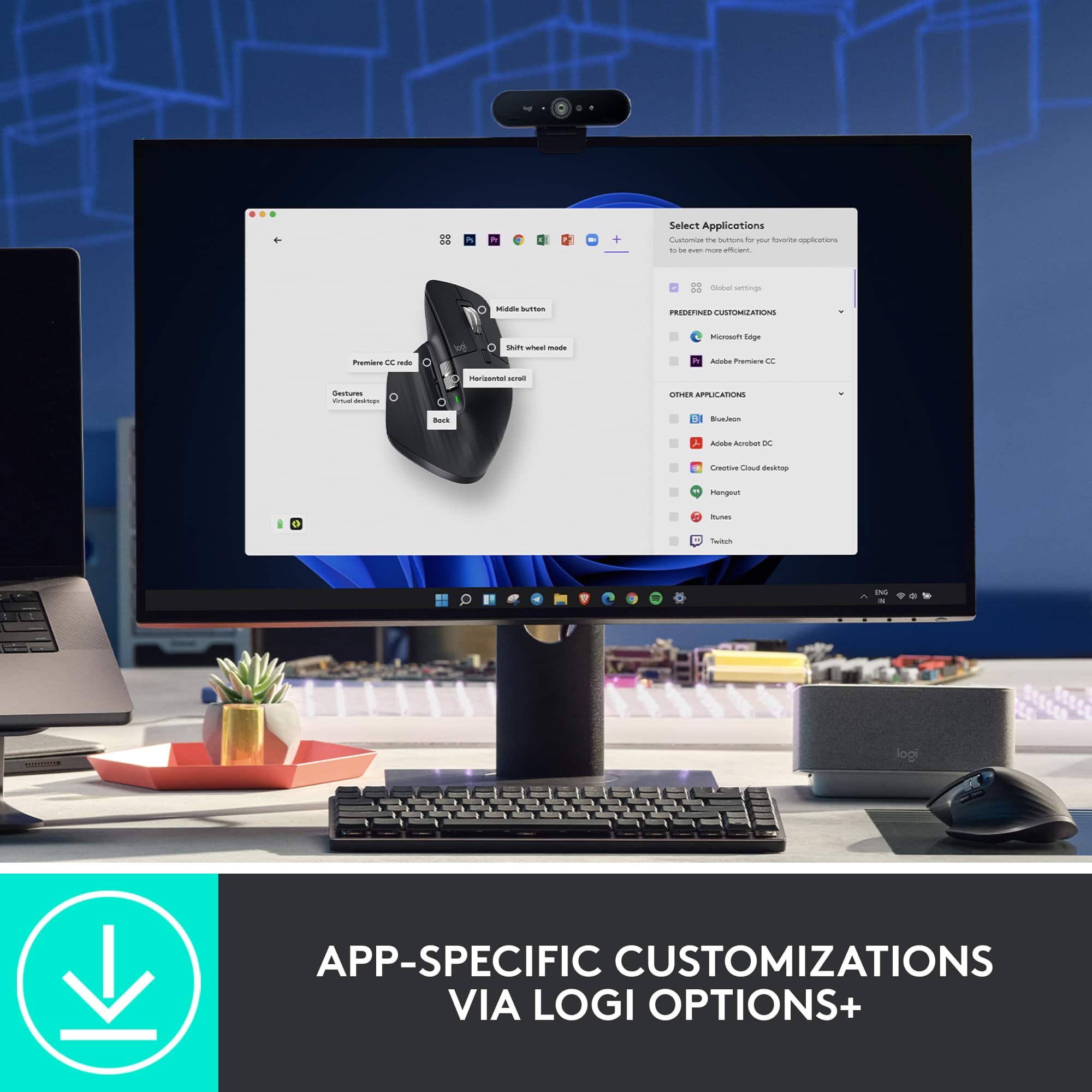
||Posted . Owned for 3 weeks when reviewed.This reviewer received promo considerations or sweepstakes entry for writing a review.I love this mouse! I purchased for work and the customization for the buttons in different applications has been life changing. I can't use a regular mouse ever again! The only down side, for me, is I wish it came in a smaller size for smaller hands!
I would recommend this to a friend Great functionality and usability packed in
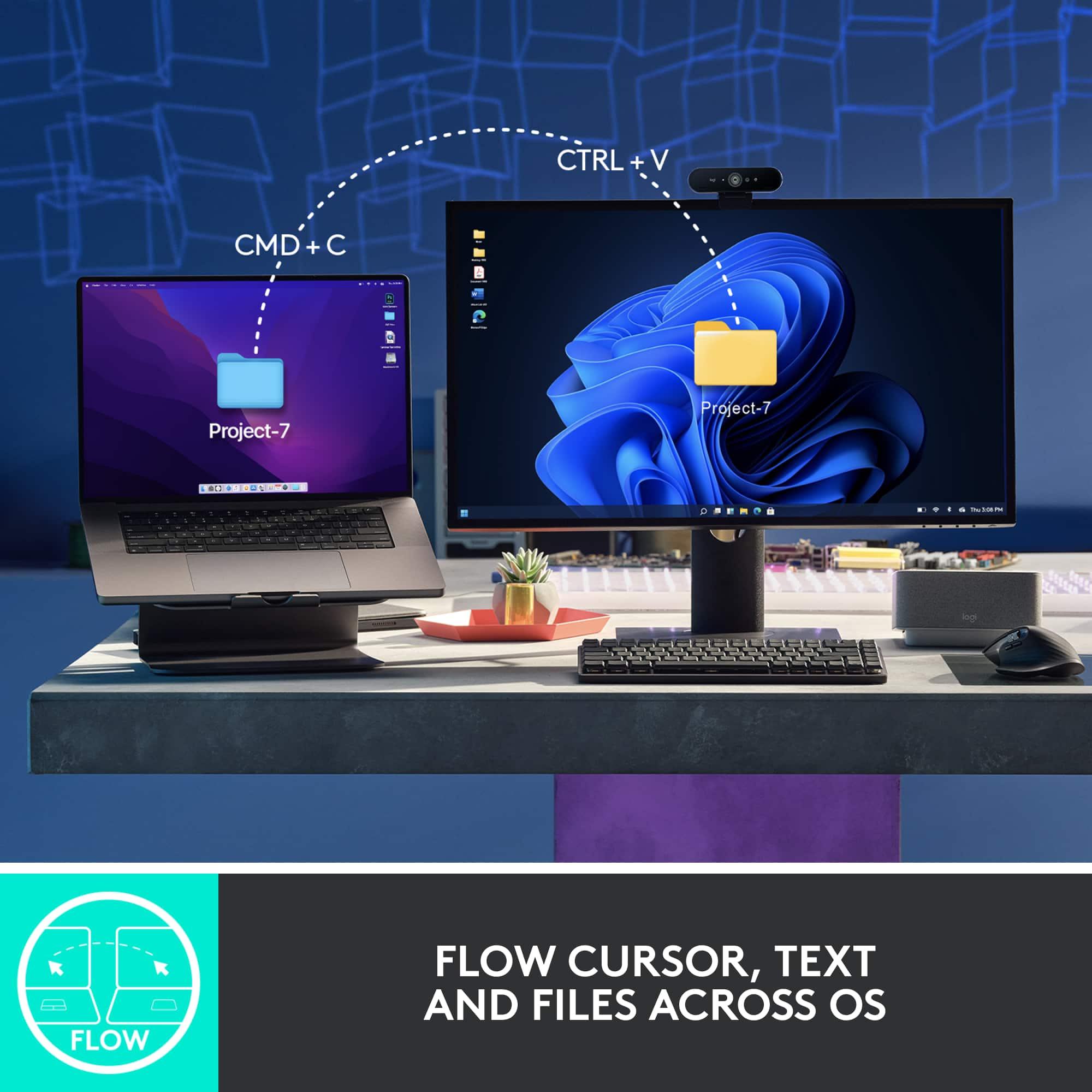
||Posted . Owned for 1 month when reviewed.This reviewer received promo considerations or sweepstakes entry for writing a review.This mouse is wonderful, Although it's not a gaming mouse, I still get good reaction time when playing my games. And it's very quiet, which was my #1 requirement when looking for a mouse because any excess clicking annoys my wife. I love the ability to control multiple computers. Feels very good in my hand (both the texture and the ergonomics), and all the extra buttons are actually getting some use. The only thing I wished that it could do is somehow link with my Logitech MX Keys keyboard, so that I could switch to a computer on the keyboard and it would automatically switch the mouse with it. Other than that, I love it.
I would recommend this to a friend