Customer Ratings & Reviews
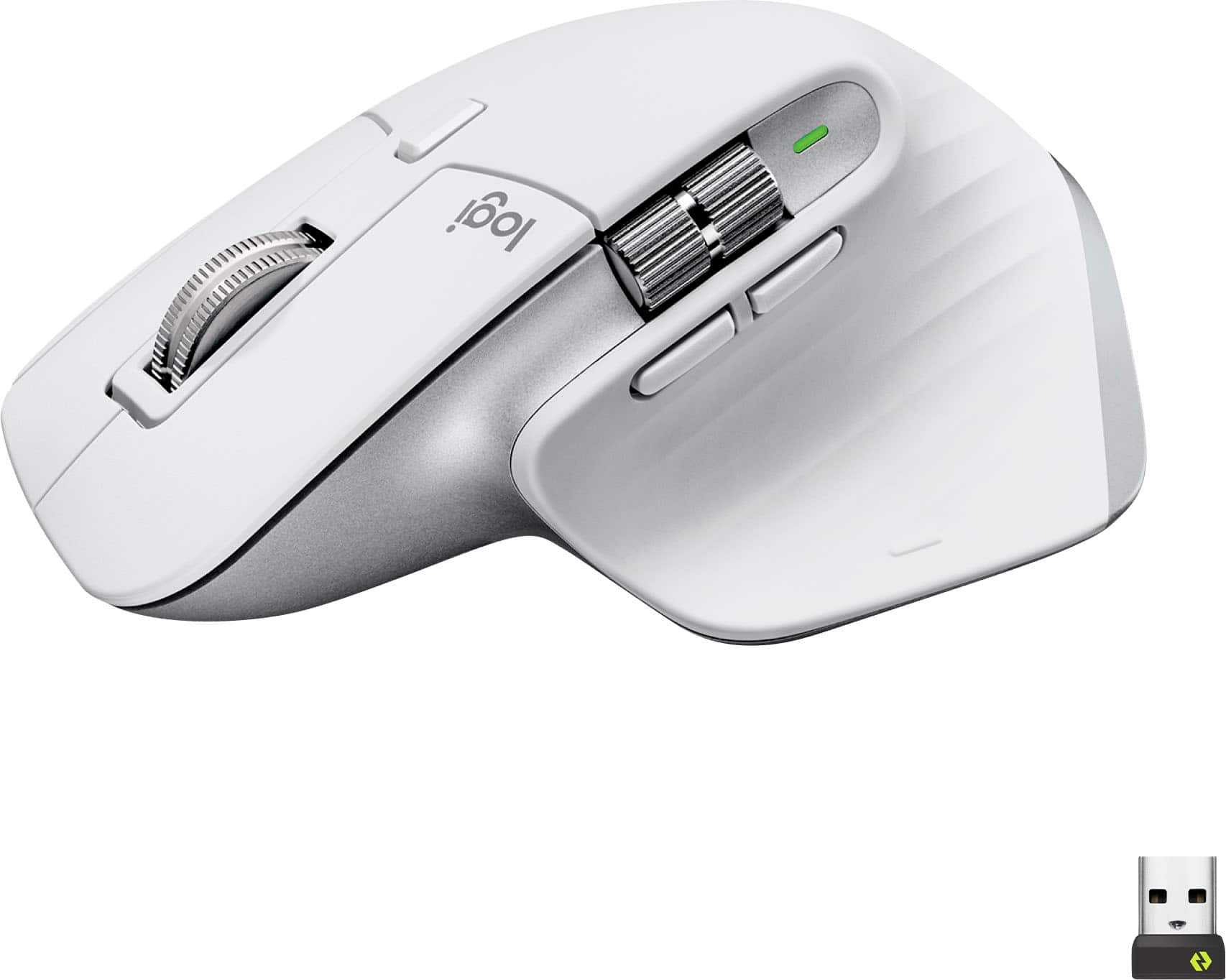
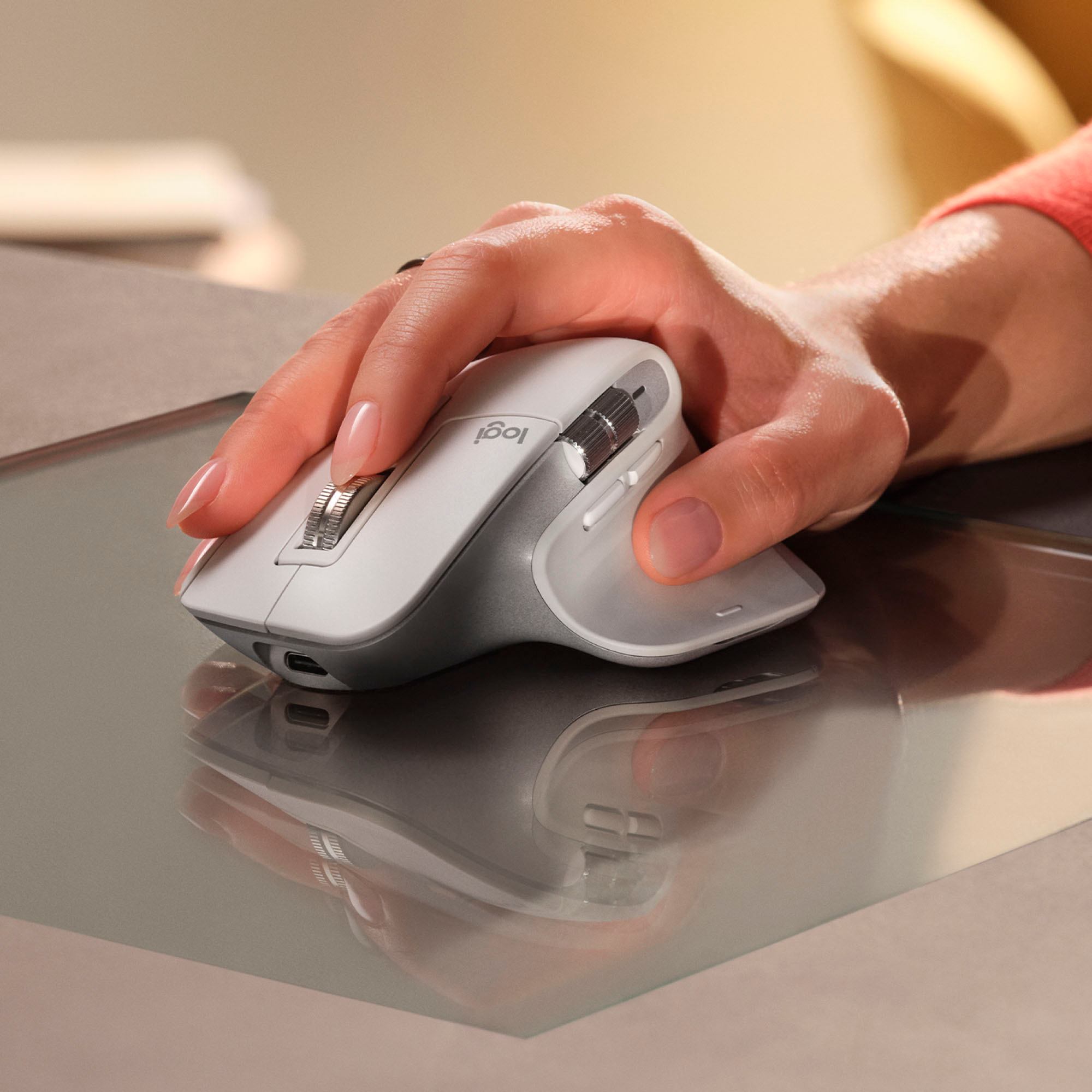








- Model:
- 910-006558
- SKU:
- 10116915
Rating by feature
- Value
Rating 4.6 out of 5 stars
- Quality
Rating 4.8 out of 5 stars
- Ease of Use
Rating 4.8 out of 5 stars
to a friend
Best mouse i've ever had
||Posted . Owned for 4 months when reviewed.This reviewer received promo considerations or sweepstakes entry for writing a review.The quiet clicks and ability to change between bluetooth devices is a huge help.
I would recommend this to a friendBrand response from Logitech
Posted .Thanks for the great feedback. We're glad the MX Master 3S is making multitasking smoother and keeping things quiet while you work.

The last mouse you’ll buy
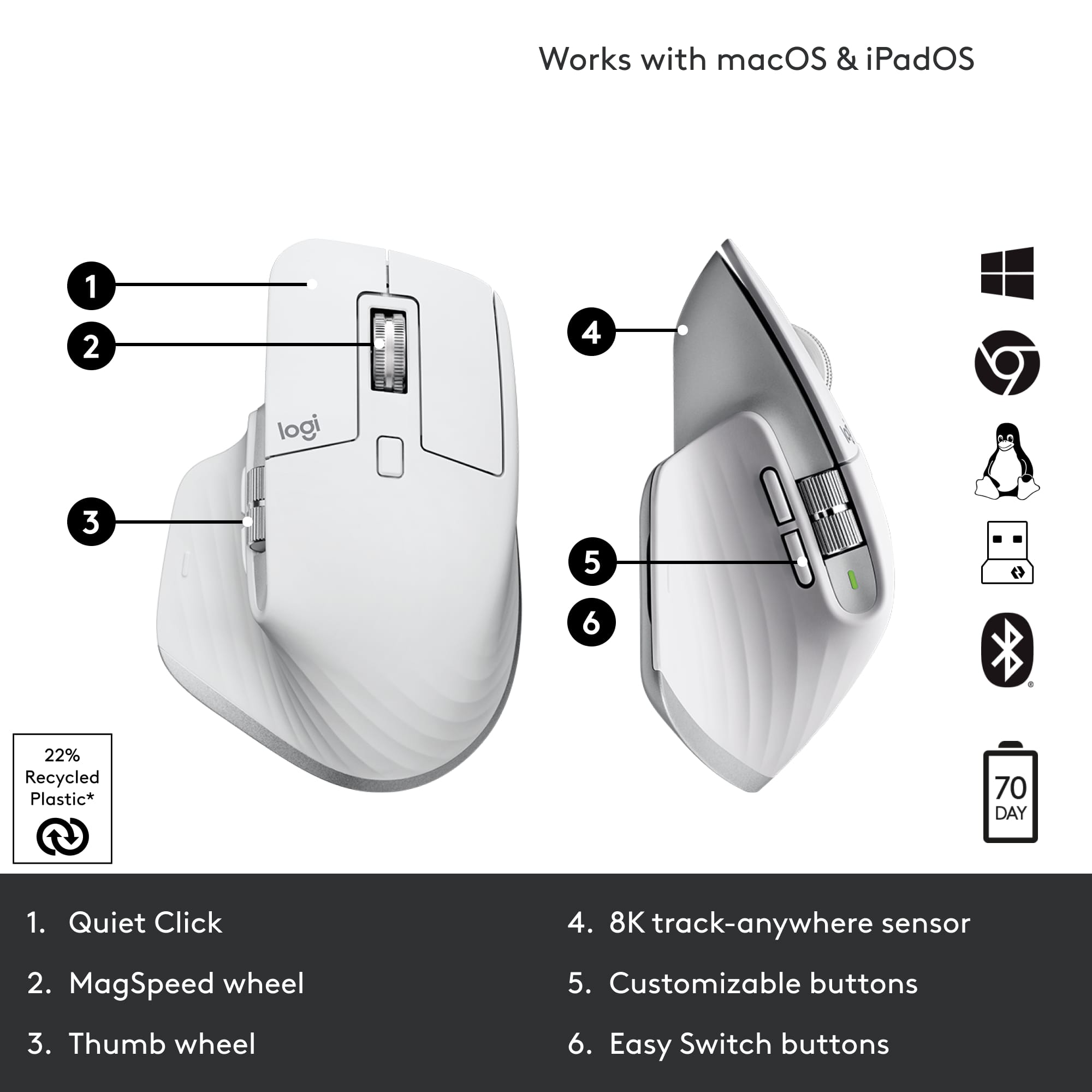
||Posted . Owned for 1 month when reviewed.This reviewer received promo considerations or sweepstakes entry for writing a review.This is the last mouse you’ll ever need! You can customize the 4 buttons and 2 scroll wheels to facilitate different functions in different applications. Can’t be beat.
I would recommend this to a friendGreat mouse for everyday use
||Posted .This reviewer received promo considerations or sweepstakes entry for writing a review.Works great and it is very comfortable. Love all the features and how customizable it is through the Logi Options app.
I would recommend this to a friendBrand response from Logitech
Posted .Thank you for your wonderful feedback! We're thrilled to hear that you find the Logitech MX Master 3S comfortable and appreciate its customizable features through the Logi Options app.
Perfect buy!
Posted .This reviewer received promo considerations or sweepstakes entry for writing a review.I really love this mouse! I bought the MX Keys S Combo. It has the Logitech 'bolt' connector. With great precision, it's fast and customizable. The only thing that would make it better would be to add the ability to tilt the wheel to the left and right.
I would recommend this to a friendHight tech device.
||Posted . Owned for 1 month when reviewed.This reviewer received promo considerations or sweepstakes entry for writing a review.It’s a pricey device but it’s worthy. Comfortable. Very accurate. It’s rechargeable which is a cool thing… my unique con. It’s the color. Looks amazing in this gray but you need to need to clean it almost daily.
I would recommend this to a friendNice for editing
||Posted . Owned for 6 months when reviewed.This reviewer received promo considerations or sweepstakes entry for writing a review.Great tool for editing and browsing. Battery life is fantastic. No lag with Bluetooth. Solid quiet clicks. Lots of assigned customization options. Good comfort.
I would recommend this to a friendGold standard mouse
||Posted . Owned for 1 week when reviewed.This reviewer received promo considerations or sweepstakes entry for writing a review.Its comfortable and tracks on anything. There are features that i dont see in any other mouse but now cant be without: horizontal scroll wheel, super smooth wheel thst can be set to free roll (no click), thumb buttons and middle top button that can easily be set to any shortcut or gesture (mac or windows), and rechargable with a long life. I guess the only complaint i can think of is all black is boring and the white one supposedly stains easy. But there is no way i csn consider another mouse.
I would recommend this to a friendBrand response from Logitech
Posted .We're thrilled to hear about your positive experience with the MX Master 3S and we are grateful that you took the time out to leave us a review. We appreciate all the insights that you have shared. At Logitech, our goal is to make sure that our customers enjoy the products as much as we do. Thanks so much!
Review on using it with a Macbook
||Posted . Owned for 2 months when reviewed.This reviewer received promo considerations or sweepstakes entry for writing a review.This mouse is a great package with additional controls and precision scrolling. I use the two buttons on the side for App Expose and Mission Control. I use the side wheel for zoom in and zoom out. The thumb button at the bottom is a bit uncomfortable to use. So, I leave it out from my daily use. I like the fact that it charges using USB-C and the charge lasts for weeks together. But, overall, this mouse is a game changer for the Mac.
I would recommend this to a friendBrand response from Logitech
Posted .Hey, Thanks for the detailed review of the Logitech MX Master 3S for Mac! We appreciate you highlighting its strengths for Mac users, especially the programmable buttons, precision scrolling, and long battery life. It sounds like a great fit for your workflow! While the thumb button placement wasn't ideal for you, we're glad you were able to customize the other buttons for app expose, mission control, and zoom.
Best mouse there is.
||Posted . Owned for 1.5 years when reviewed.This reviewer received promo considerations or sweepstakes entry for writing a review.I love this mouse. It feels perfect in my hand. The scrolling wheels are precise and have a premium feel. The battery lasts a very long time (months) between charges. I've had this mouse for a year now and haven't had any issues. I use it to connect to both my PC and my Macbook and switches between the two with ease (there's a button on the bottom).
I would recommend this to a friendGreat mouse
||Posted . Owned for 3 weeks when reviewed.This reviewer received promo considerations or sweepstakes entry for writing a review.Solid, nice feel, plenty of customizable buttons. Connects easily and decent battery life
I would recommend this to a friendBrand response from Logitech
Posted .Hey! Thanks for the solid endorsement of the MX Master 3S USB-A edition! We're glad it's delivering that premium tactile feel, effortless connectivity, and customizable control, precision meets personalization in a mouse built to keep up with your pace.
Smooth, Comfortable, and Built for Long Hours
||Posted .This reviewer received promo considerations or sweepstakes entry for writing a review.The Logitech MX Master 3S has been a great upgrade for my desk setup. It fits comfortably in my hand, even during long work sessions, and the ultrafast scrolling makes moving through large spreadsheets or documents effortless. The precision is spot-on, and switching between devices is seamless. Battery life is excellent, so I’m not constantly charging it. A solid choice for anyone who works at a computer all day.
I would recommend this to a friendBrand response from Logitech
Posted .We are absolutely delighted to hear such a glowing review of the Logitech MX Master 3S! It's fantastic to know it's been such a great upgrade for your desk setup and that it's enhancing your long work sessions.
Best mouse even after 4 years
Posted .This reviewer received promo considerations or sweepstakes entry for writing a review.When I tell you that I have been using the crap out of this mouse for 4 years, no breaks 8-12 hour days for 5-7 days a week and not once has it faltered or slowed down. I also have the mx master keyboard, same quality. Nothing comes close to it and I have tried every ergo/ fast scrolling mouse. Well worth the price. The only thing I have noticed is the battery doesn't last as long as it used to but that's to be expected after 4 years of constant use. I am a heavy typer and scroller, use excel everyday all day.
I would recommend this to a friendBrand response from Logitech
Posted .Incredible review! We're thrilled to hear that the Logitech MX Master 3S has been such a reliable and durable mouse for you, even after four years of intensive use. Your positive feedback about its performance, comfort, and value is fantastic. Thank you for sharing your amazing experience!
Reliable
||Posted .This reviewer received promo considerations or sweepstakes entry for writing a review.I love using this device with my Mac Studio. It pairs easily and has been very reliable since I replaced with gaming device with this.
I would recommend this to a friendBest mouse
||Posted .This reviewer received promo considerations or sweepstakes entry for writing a review.This is the best mouseThe mouse offers a comfortable grip, allowing for extended use without strain. Its responsiveness is impressive, making navigation a smooth and efficient experience. The design is sleek and modern, complementing any workspace aesthetic. Furthermore, the buttons are well-placed and provide a satisfying click. Overall, the mouse is a fantastic addition to any computer setup.
I would recommend this to a friendBrand response from Logitech
Posted .Your feedback means a lot to us, and we’re so glad to hear you’re enjoying your Logitech device. We work hard to create products that make life easier and more enjoyable, and it’s great to know we hit the mark. Thanks again for your support!
"Exceptional Performance and Comfort: Logitech MX
||Posted . Owned for 1 month when reviewed.This reviewer received promo considerations or sweepstakes entry for writing a review.I am absolutely thrilled with my Logitech MX Master 3S Wireless Laser Mouse in Black! This mouse has completely transformed my computer usage experience, and I can't imagine going back to any other mouse. First and foremost, the ergonomic design is exceptional. It fits perfectly in my hand, providing ultimate comfort even during long hours of use. The textured surface feels great, and the mouse buttons are conveniently placed for easy access. The Ultrafast Scrolling feature is a game-changer. Whether I'm browsing through long documents, editing photos, or simply scrolling through web pages, it's incredibly smooth and efficient. Plus, the customizable button layout allows me to tailor the mouse to my specific needs, increasing my productivity. The wireless connectivity is reliable and the battery life is impressive. I don't have to worry about constantly recharging it, which is a huge plus for me. Furthermore, the Darkfield Laser Sensor works flawlessly on virtually any surface, even on glass, which is a fantastic feature for those who need versatility in their workspace. Overall, the Logitech MX Master 3S is a top-notch mouse that offers exceptional performance, comfort, and customization options. It has become an essential tool for my daily workflow, and I couldn't be happier with my purchase. If you're looking for a high-quality, versatile, and stylish mouse, the MX Master 3S is definitely the way to go!
I would recommend this to a friendGreat mouse
||Posted . Owned for 1 month when reviewed.This reviewer received promo considerations or sweepstakes entry for writing a review.Great mouse. The Logitech software allows you to customize every button to your liking. Comfortable to use and feels like great quality
I would recommend this to a friendBest mouse out there
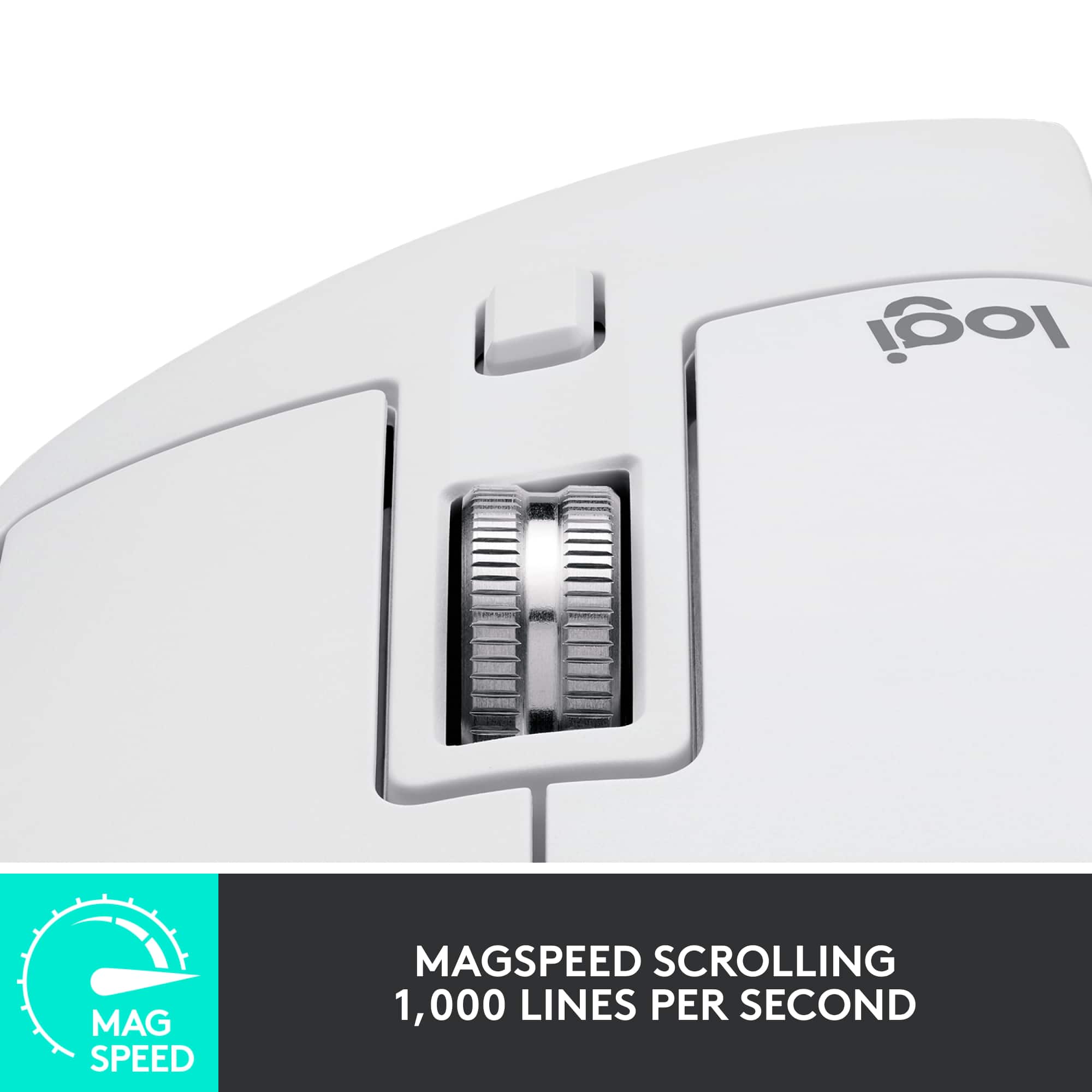
||Posted . Owned for 6 months when reviewed.This reviewer received promo considerations or sweepstakes entry for writing a review.This is the best mouse I have ever owned. I use it for work and my hand feels so relaxed. I am a HUGE fan of the scrollwheel. it feels so premium and I love the free scrolling button too.
I would recommend this to a friendBrand response from Logitech
Posted .Wow, that's fantastic to hear! We're absolutely thrilled you're calling the MX Master 3S the best mouse you've ever owned. The comfort for long work sessions is a top priority for us, and we're delighted your hand feels so relaxed. And we completely understand your love for the scroll wheel! Its premium feel and the free-scrolling button are definitely standout features. Thank you for sharing your passionate feedback – we're so glad you're enjoying it!
Scrolling is glitchy
||Posted . Owned for 1 week when reviewed.This reviewer received promo considerations or sweepstakes entry for writing a review.I had to return this mouse because scrolling is not responsive. It stutters or gets lost for a split second when initiating a scroll. It's hard to describe exactly what happens but it feels like it glitches for a split second. This video shows exactly what I mean: https://www.reddit.com/r/logitech/comments/wpp1c6/logitech_mx_master_3s_scrollwheel_is_still/ The left and right mouse buttons are great. I hope all mice will feel like that in the future. Overall the mouse feels premium, but I don't really like the thumb canal. I like to hold the mouse with my fingertips and moving it left and right feels a bit more awkward with my thumb slightly tucked inward. The side buttons are okay but maybe a bit too out of the way for my liking. The side scroll I didn't use much but I could see it being nice to have. The gesture button would be better if it was more accessible. For me, I had to curl my thumb down into a strange position to press the button. The button below the mouse wheel is pretty stiff which I didn't like since I remap that button to alt-tab. I also didn't like the weight of the mouse - it's fairly heavy. I'm not that familiar with wireless mice so I can't really comment how it compares to others. Maybe it's average. I just prefer a light and responsive mouse. I just had to return this mouse because I find it unacceptable for scrolling not to work perfectly on a premium flagship mouse. The wheel is heavy so that you can fling it up or down and it keeps scrolling with momentum. Interesting idea but I didn't find it useful in any real way. Just caused me to zoom way in/out a couple times inadvertently. In chrome and some other apps it seemed like the window would stop scrolling even though the wheel was still spinning. As far as I could tell making the mouse wheel heavy so that it can keep momentum is totally useless. It seems like nothing will ever beat my G403. That mouse is just perfect. I just wish it had the left and right button click of this mouse and perhaps another button or two.
No, I would not recommend this to a friendBrand response from Logitech
Posted .Thanks so much for your detailed and thoughtful review. We’re sorry to hear the scrolling experience didn’t meet expectations—especially on a device designed for precision and performance. Your insights on the design and button placement are incredibly valuable, and we appreciate the comparison to your G403. If you'd like to explore this further or share more, feel free to reach out to our social care team at **socialcare@logitech.com** with the following details:
- Name
- Email Address
- Country
- Product Name
- Brief description of the issue
We’d love to help however we can and make sure your next experience is a smoother one.
MX Master 3S: B/C Clicking Shouldn't Be a Workout!
||Posted . Owned for 1 month when reviewed.This reviewer received promo considerations or sweepstakes entry for writing a review.I recently upgraded to the Logitech MX Master 3S Mouse, and let me tell you, it's been a game-changer in my otherwise sedentary lifestyle. Who knew clicking could be such a workout? Move over, gym membership! First off, the design is so sleek that I'm pretty sure it increased my desk's street cred by at least 200%. I feel like a tech guru every time I grab it. The sleek black finish makes it look like it means business, and my cat even gave it a nod of approval (she's quite picky about her tech accessories). Now, onto the real highlight: the clicks. Clicking has never been this effortless. It's like the mouse is telling me, "Hey, I got this. You just relax and let me handle the hard work." I've developed a newfound appreciation for the delicate art of double-clicking, and I can confidently say I'm a pro now. My index finger has never felt so accomplished. The scroll wheel is like a miniature roller coaster for your fingertips. Smooth, precise, and with just the right amount of resistance. I've caught myself scrolling through pages just for the sheer joy of it. It's the little things, you know? Oh, and let's talk about the side buttons. I didn't even know I needed them until now. They're like the secret agents of the mouse world, ready to execute your every command with the stealth of a ninja. I've assigned them to do all sorts of things, like opening my most-used apps or summoning a virtual confetti explosion on my screen. Productivity has never been so much fun. In conclusion, the Logitech MX Master 3S Mouse is not just a mouse; it's a lifestyle upgrade. It's sleek, it's efficient, and it's the only workout I need for my fingers. If you want to feel like a digital superhero without breaking a sweat, this mouse is your sidekick. Click away, my friends, click away!
I would recommend this to a friendFantastic mouse for work and hobby
||Posted . Owned for 1 week when reviewed.This reviewer received promo considerations or sweepstakes entry for writing a review.I work in IT and do photo work as a hobby. Looking for a mouse that meets my standards limits me to those above the $100 mark. I run Mac with virtualized Windows for work. I didn’t buy the Mac version of this mouse as the non Mac version had the cable I needed and came with a wireless dongle too. I turned on the Bluetooth and paired it to my Mac effortlessly. I love the feel, size, and silent clicking. The wheel has a magnetic catch, which is amazing. If you give the wheel a good spin it spins freely. If you spin it slowly it has graduated clicks. As far as mice go for work and hobby purposes, I think you be hard pressed to find anything better. For gaming, the DPI is low, but still far higher than most mice. I’ve only run it with Minecraft, so I can’t comment on gaming with it. Logitech is a solid brand that I’ve trusted over the years and usually am pleased with their products.
I would recommend this to a friendBrand response from Logitech
Posted .We appreciate your detailed review of the Logitech MX Master 3S. Your feedback on its versatility and performance is valuable. Thank you for sharing your experience!