Customer Ratings & Reviews
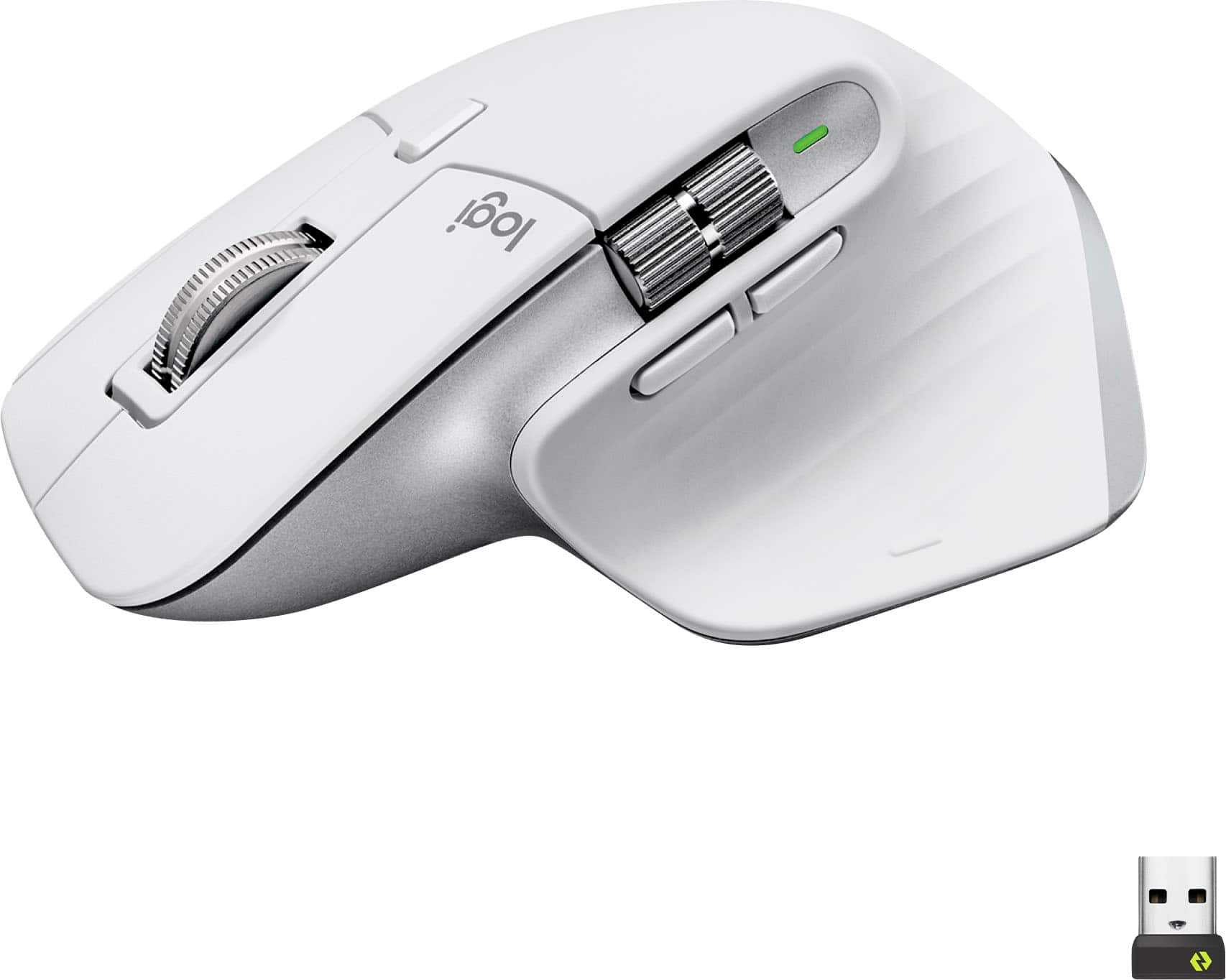
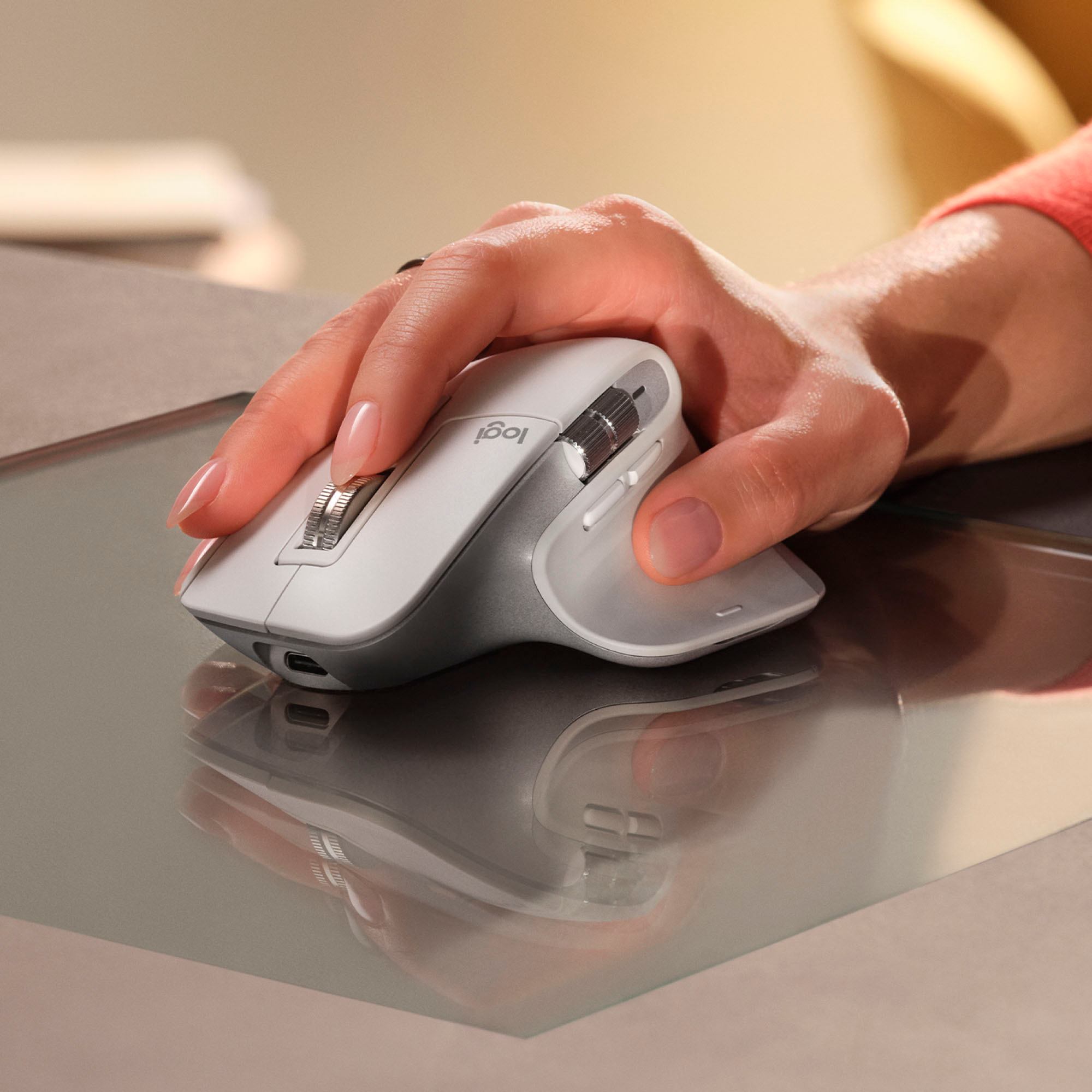

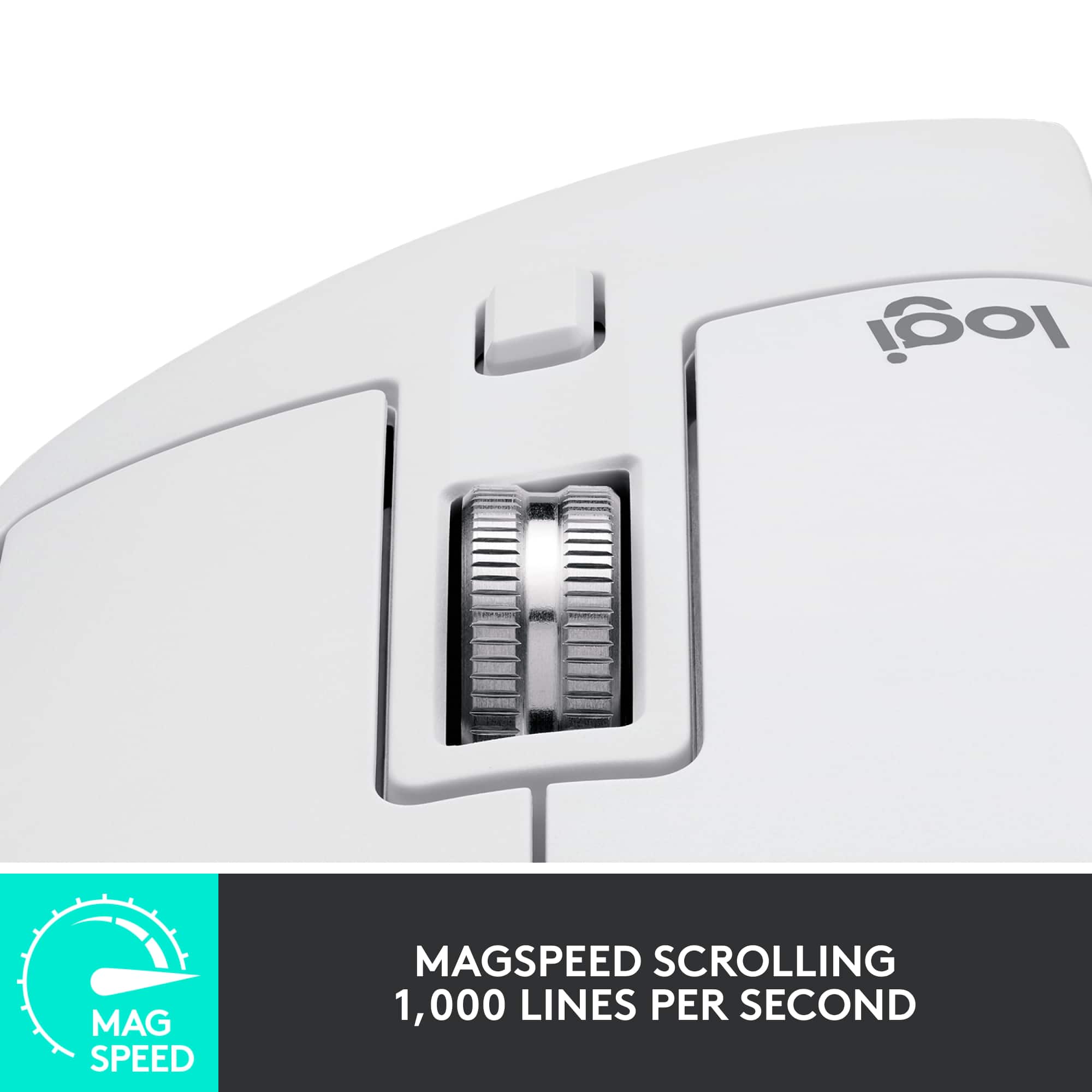

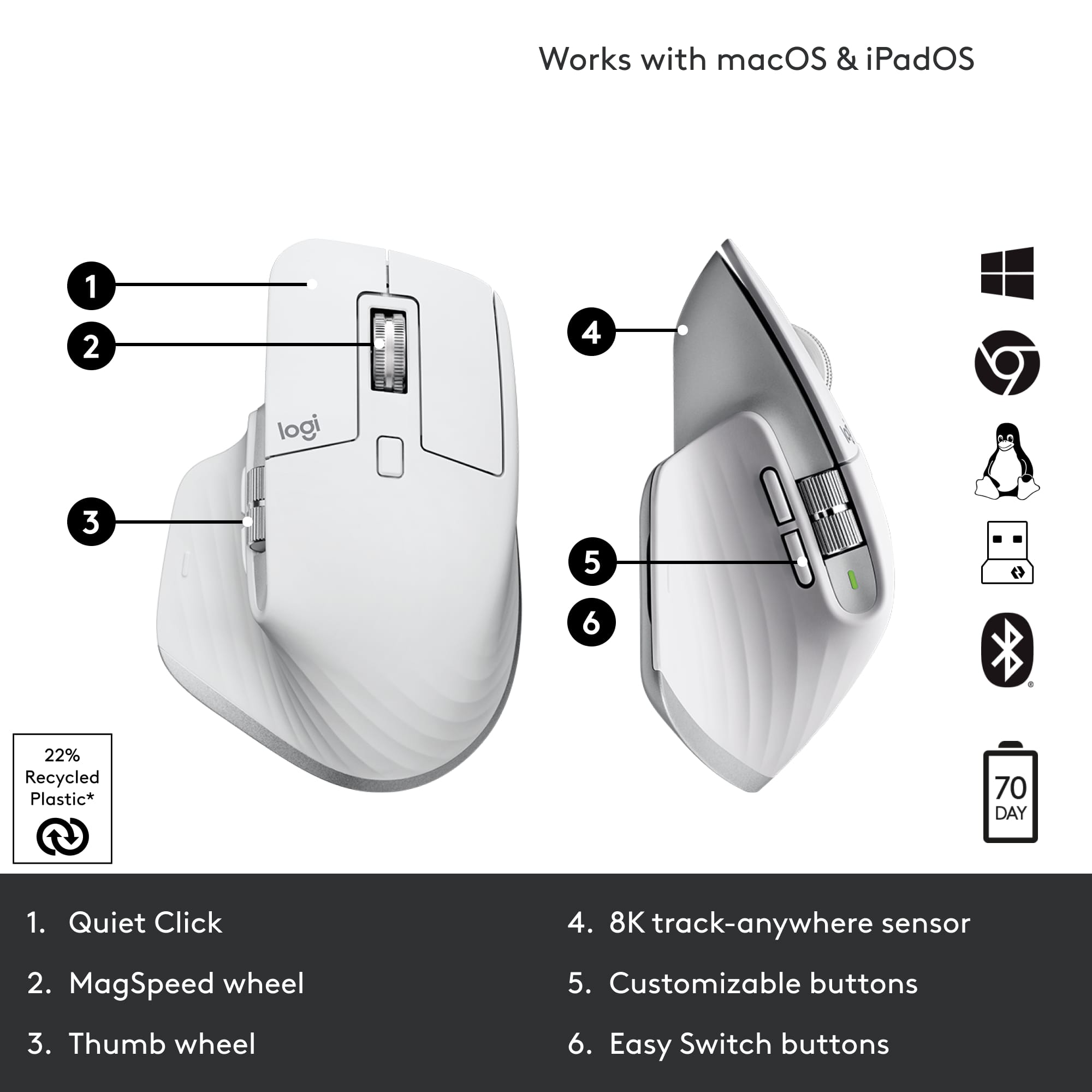






- Model:
- 910-006558
- SKU:
- 11068535
Rating by feature
- Value
Rating 4.6 out of 5 stars
- Quality
Rating 4.8 out of 5 stars
- Ease of Use
Rating 4.8 out of 5 stars
- Pros mentioned:Battery life, Scroll wheel
Amazing mouse
||Posted . Owned for 1 month when reviewed.This reviewer received promo considerations or sweepstakes entry for writing a review.The Logitech MX Master 3S is hands-down the best wireless mouse I’ve ever used! From the moment I started using it, the ergonomic design stood out—it fits perfectly in my hand, making long hours of work feel effortless and comfortable. The ultrafast scrolling is a game-changer. It glides through long documents and web pages with incredible speed and precision, and the scroll wheel adapts seamlessly between ratchet and free-spinning modes. Whether I’m working on detailed projects or navigating large files, this mouse handles it all with ease. Another standout feature is the customizable buttons and the Logi Options+ software that allows me to tailor the mouse to my workflow. It has greatly improved my productivity, especially with the side scroll wheel that makes switching between tasks even more efficient. The laser tracking is exceptional—I’ve used it on multiple surfaces, and it’s flawless every time. Add to that the long battery life and smooth wireless performance, and this mouse becomes an essential tool for any professional or creative. If you want a top-tier mouse that combines comfort, speed, and precision, the MX Master 3S is unbeatable!
I would recommend this to a friendBrand response from Logitech
Posted .Thank you for your amazing review of the Logitech MX Master 3S mouse! We're thrilled to hear that it's the best wireless mouse you've ever used and has exceeded your expectations. Your positive feedback means a lot to us as we continue to create exceptional products that elevate your computing experience.
- Pros mentioned:Scroll wheel
Pretty efficient
||Posted . Owned for 1 year when reviewed.This reviewer received promo considerations or sweepstakes entry for writing a review.Really good for a office mouse, especially if you need to scroll to the side and the infinite scroll can help out, and really like the weight of the mouse and the silent mouse click, the biggest downsides the feet of the mouse wear really quickly and if there are multiple wireless mouse the connection can be unsteady but that is an uncommon occurrence
I would recommend this to a friend - Pros mentioned:Battery life

A great mouse with some flaws
|Posted .This reviewer received promo considerations or sweepstakes entry for writing a review.I've been using this mouse at work and home for several days, and I really want to love it. To start with, there's a lot of good here. The tracking sensor is very accurate and works on every surface I've tried, from a glass tabletop to a bedsheet that always gives other mice trouble when using my laptop in bed. It's got a variety of DPI settings from 200 to 8k that make working on high resolution displays or small surfaces a breeze. I'm still figuring out all of the stuff a horizontal scoll wheel is useful for. I was surprised when I found it allows me to quickly zoom in and out or adjust the size of brush in photoshop, for example. The buttons and scroll wheels are near silent, which is interesting, but not particularly useful to me, so I can take it or leave it. As quiet as they are, they still have enough tactile feedback that it doesn't feel strange. In general, this mouse feels different to other mice I have, and I'm not entirely sure why. I feel like it sits higher overall, but fits to my hand in much the same way. It's not really any more or less comfortable, just different. Battery life so far is great. I've been using it for five days and haven't had to recharge it yet. The wireless mouse I normally use needs to be plugged in about every two or three days to charge with moderate use. Unfortunately, it's got a bit of a problem with the vertical scroll wheel. It's just not accurate. Sometimes I'll wheel down a "notch" and nothing happens, or I'll be scrolling down and it'll just stop for a moment before it starts registering again. It's noticeable when it happens, and it happens often enough to be annoying. Even the cheapest of basic mice don't tend to have this problem, so I really don't expect it to happen with a premium product like this. I tried the Logi Options+ software to see if there was a firmware update available, but it said the mouse was up to date. Hopefully a future update can fix it. All things considered, it's a great mouse in a lot of ways, and Logitech products are generally high quality, so I'll recommend it under the assumption that that mine just has a rare defect.
I would recommend this to a friend Awesome Mouse
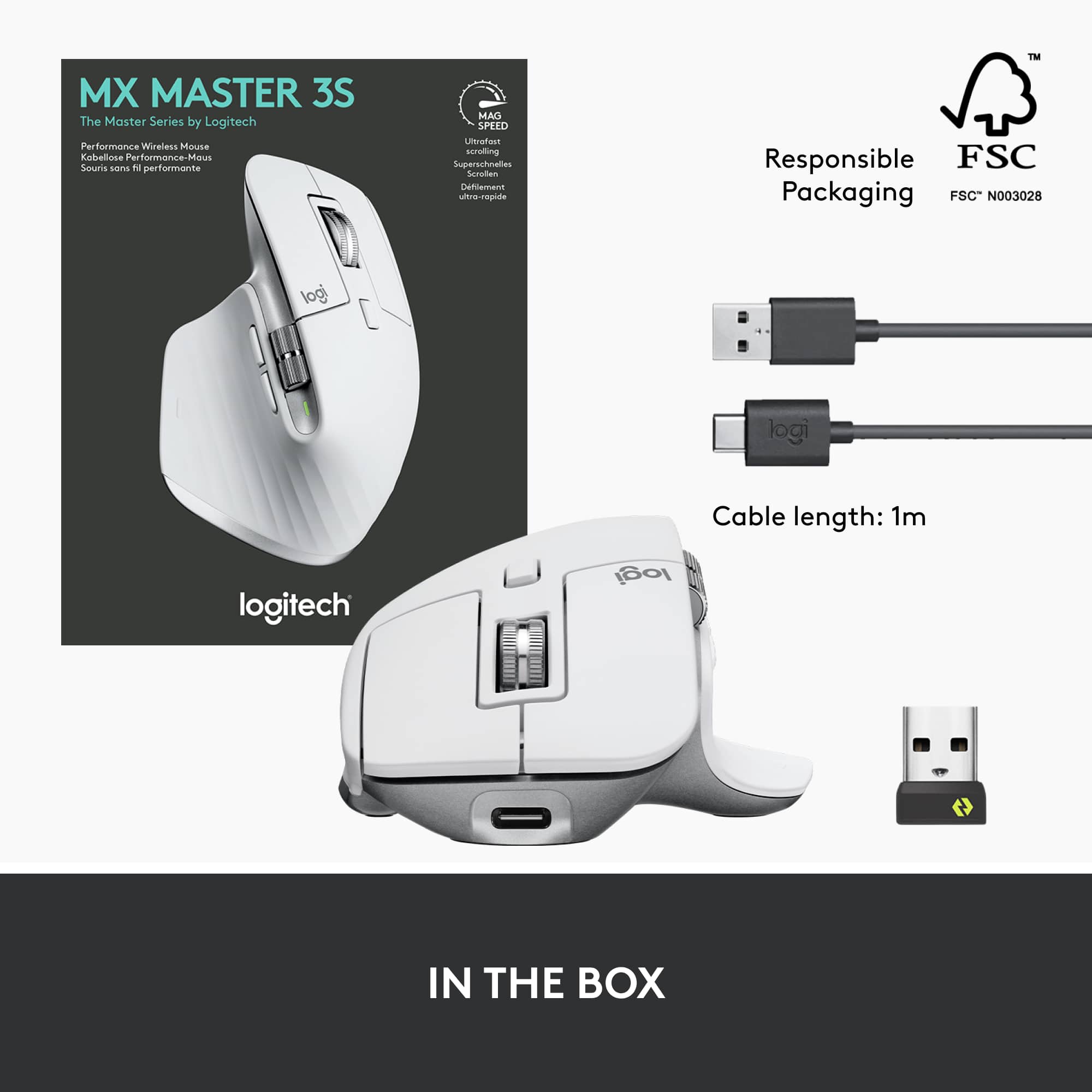
|Posted .This reviewer received promo considerations or sweepstakes entry for writing a review.Logitech has long been known for quality PC mice and keyboards and the MX Master 3S does not disappoint. It balances style and comfort, looking great on the desk while comfortable in your hand. The Logitech MX Master 3S connects to the PC using either Bluetooth or a small USB device called the Logitech Bolt receiver. Most laptops will have Bluetooth and even many desktops and so that’s likely your preferred method of connecting. If using a PC that doesn’t support Bluetooth you can use the supplied Logitech Bolt USB receiver. Note that this is the traditional style USB-A and not the more recent USB-C. Arguably this is understandable as more devices still use the older style USB ports so it increases compatibility, especially with devices that do not support Bluetooth. Charging the mouse is done with the supplied USB-A to USB-C cable and it charges quickly. One nice feature is that the port on the mouse is on the front and so it can be used while the device is charging. Overall, if you’re looking for a great mouse for home, work or school, this is an excellent option that will not disappoint.
I would recommend this to a friend- Pros mentioned:Battery life, Ergonomics, Overall performance
Great all around mouse
||Posted . Owned for 3 weeks when reviewed.This reviewer received promo considerations or sweepstakes entry for writing a review.Fantastic mouse! After a long time away from the Logitech MX series, the 3s is a dream to return to. The multi select for using it on different devices is top-notch, & lets me switch between laptop and desktop wherever I take it with me. Ergonomics are great for working. I wouldn't game with this, so keep that in mind, mainly because there are lighter options for gaming out there. Also, battery life is phenomenal, lasts quite a while, and it charges fairly quickly!
I would recommend this to a friend - Pros mentioned:Battery life, Ergonomics
"Exceptional Performance and Comfort: Logitech MX
||Posted . Owned for 1 month when reviewed.This reviewer received promo considerations or sweepstakes entry for writing a review.I am absolutely thrilled with my Logitech MX Master 3S Wireless Laser Mouse in Black! This mouse has completely transformed my computer usage experience, and I can't imagine going back to any other mouse. First and foremost, the ergonomic design is exceptional. It fits perfectly in my hand, providing ultimate comfort even during long hours of use. The textured surface feels great, and the mouse buttons are conveniently placed for easy access. The Ultrafast Scrolling feature is a game-changer. Whether I'm browsing through long documents, editing photos, or simply scrolling through web pages, it's incredibly smooth and efficient. Plus, the customizable button layout allows me to tailor the mouse to my specific needs, increasing my productivity. The wireless connectivity is reliable and the battery life is impressive. I don't have to worry about constantly recharging it, which is a huge plus for me. Furthermore, the Darkfield Laser Sensor works flawlessly on virtually any surface, even on glass, which is a fantastic feature for those who need versatility in their workspace. Overall, the Logitech MX Master 3S is a top-notch mouse that offers exceptional performance, comfort, and customization options. It has become an essential tool for my daily workflow, and I couldn't be happier with my purchase. If you're looking for a high-quality, versatile, and stylish mouse, the MX Master 3S is definitely the way to go!
I would recommend this to a friend - Pros mentioned:Battery life, Scroll wheel
Great mouse, not so great scroll wheel
||Posted . Owned for 3 weeks when reviewed.This reviewer received promo considerations or sweepstakes entry for writing a review.It's a really good mouse. Excellent battery life and connectivity, though I have only tried using it with one computer at a time. The silent clicks are fun too! One of it's best features is probably the software, which is intuitive and super easy to use. Although, it is sometimes unnecessarily limited (like you have limited options for the horizontal scroll wheel). One of my main nitpicks though is that while the scroll wheel is physically the best I have used, and I like the ability to switch between two modes. The scroll effect on screen does not always match the scrolling I do on the wheel. I don't know if it's a software issue, but it is not smooth or consistent as I'd have expected.
I would recommend this to a friendBrand response from Logitech
Posted .Thanks for your detailed feedback on the MX Master 3S Wireless Laser Mouse! We're glad you're enjoying its battery life, connectivity, silent clicks, and software. We appreciate your feedback on the horizontal scroll wheel and the scrolling effect. We'll take your suggestions into consideration for future improvements.
- Pros mentioned:Scroll wheelCons mentioned:Size
MX Master 3 is great for work!
Posted .This reviewer received promo considerations or sweepstakes entry for writing a review.Its a great feeling mouse with functional wheels and buttons. It is on the big/heavier side in terms of size/weight. Clicks are muted and very pleasant. Love the mag wheel!
I would recommend this to a friendBrand response from Logitech
Posted .Thank you for your positive feedback on the MX Master 3S Wireless Laser Mouse! We're glad to hear that you appreciate its comfortable feel, functional buttons, and quiet clicks. Your review is valuable to us.
- Pros mentioned:Ergonomics, Scroll wheel
MX Master 3S: B/C Clicking Shouldn't Be a Workout!
||Posted . Owned for 1 month when reviewed.This reviewer received promo considerations or sweepstakes entry for writing a review.I recently upgraded to the Logitech MX Master 3S Mouse, and let me tell you, it's been a game-changer in my otherwise sedentary lifestyle. Who knew clicking could be such a workout? Move over, gym membership! First off, the design is so sleek that I'm pretty sure it increased my desk's street cred by at least 200%. I feel like a tech guru every time I grab it. The sleek black finish makes it look like it means business, and my cat even gave it a nod of approval (she's quite picky about her tech accessories). Now, onto the real highlight: the clicks. Clicking has never been this effortless. It's like the mouse is telling me, "Hey, I got this. You just relax and let me handle the hard work." I've developed a newfound appreciation for the delicate art of double-clicking, and I can confidently say I'm a pro now. My index finger has never felt so accomplished. The scroll wheel is like a miniature roller coaster for your fingertips. Smooth, precise, and with just the right amount of resistance. I've caught myself scrolling through pages just for the sheer joy of it. It's the little things, you know? Oh, and let's talk about the side buttons. I didn't even know I needed them until now. They're like the secret agents of the mouse world, ready to execute your every command with the stealth of a ninja. I've assigned them to do all sorts of things, like opening my most-used apps or summoning a virtual confetti explosion on my screen. Productivity has never been so much fun. In conclusion, the Logitech MX Master 3S Mouse is not just a mouse; it's a lifestyle upgrade. It's sleek, it's efficient, and it's the only workout I need for my fingers. If you want to feel like a digital superhero without breaking a sweat, this mouse is your sidekick. Click away, my friends, click away!
I would recommend this to a friend - Cons mentioned:Color
Kinda Amazing Mouse
||Posted . Owned for 3 weeks when reviewed.This reviewer received promo considerations or sweepstakes entry for writing a review.Love this mouse! What more can I say that hasn't been said. It is responsive, lightweight, sturdy, and full of awesome customizations that really speed up my workflow as a designer and editor. Highly recommend! I will say, if you are a mac user, I've experienced better connectivity and more seamless integrations with the Mac version of this mouse. Also, the white gets dirty a little too easy. But that's me being nit-picky. Overall, great all-around mouse that anyone who spends time using a computer should have.
I would recommend this to a friend - Pros mentioned:Battery life, Ergonomics
Great mouse
||Posted . Owned for 3 weeks when reviewed.This reviewer received promo considerations or sweepstakes entry for writing a review.Very responsive, easy to pair and I like the weight. It feels solid and is good for larger hands. I use it as a middle school teacher and can stand across the room from my laptop (25-30ft) while projecting slides and have no problem with Bluetooth range. One charge lasts weeks and USB-C makes charging fast.
I would recommend this to a friendBrand response from Logitech
Posted .We're thrilled to hear that you're loving the Logitech MX Master 3S! Your positive feedback about its responsiveness, ease of use, weight, and battery life is much appreciated. It's great that it's been so useful for your work as a middle school teacher. Thank you for sharing your experience.
- Pros mentioned:Scroll wheel
Great for graphic designers
||Posted . Owned for 1 month when reviewed.This reviewer received promo considerations or sweepstakes entry for writing a review.The Logitech MX Master 3S is a powerhouse mouse tailored perfectly for graphic designers seeking precision and customization. Its ergonomic design fits comfortably in hand for extended periods, minimizing fatigue during intensive design sessions. The standout feature is its unparalleled customization options, allowing users to program buttons and gestures to streamline workflows, whether it's switching between design tools or executing complex commands with a flick of a finger. The high-precision sensor ensures smooth and accurate cursor movement, crucial for intricate design work, while the adaptive scroll wheel adjusts to the task at hand, whether it's scrolling through lengthy design documents or navigating pixel-perfect illustrations. For graphic designers, the Logitech MX Master 3S is a game-changer, offering a seamless blend of comfort, precision, and customization. Its ergonomic design reduces strain during long hours of use, while its extensive customization options empower users to tailor the mouse to their unique workflow needs. With its precise sensor and adaptive scroll wheel, navigating intricate design projects becomes effortless, making the MX Master 3S an indispensable tool for any creative professional's arsenal. Whether you're crafting intricate illustrations or fine-tuning typography, this mouse elevates the design experience to new heights, setting a new standard for productivity and comfort in the digital workspace.
I would recommend this to a friendBrand response from Logitech
Posted .Thank you for your enthusiastic review of the Logitech MX Master 3S! Your in-depth analysis highlighting its benefits for graphic designers is incredibly valuable. We appreciate you taking the time to share your positive experience with the product. Your feedback is a testament to the mouse's exceptional design and functionality.
- Pros mentioned:Battery life, Ergonomics
Smooth, Comfortable, and Built for Long Hours
||Posted .This reviewer received promo considerations or sweepstakes entry for writing a review.The Logitech MX Master 3S has been a great upgrade for my desk setup. It fits comfortably in my hand, even during long work sessions, and the ultrafast scrolling makes moving through large spreadsheets or documents effortless. The precision is spot-on, and switching between devices is seamless. Battery life is excellent, so I’m not constantly charging it. A solid choice for anyone who works at a computer all day.
I would recommend this to a friendBrand response from Logitech
Posted .We are absolutely delighted to hear such a glowing review of the Logitech MX Master 3S! It's fantastic to know it's been such a great upgrade for your desk setup and that it's enhancing your long work sessions.

- Pros mentioned:Battery life
MX Master 3S USBC - Great piece of technology
||Posted . Owned for 3 months when reviewed.This reviewer received promo considerations or sweepstakes entry for writing a review.I’ve been using the Logitech MX Master 3S for three months, and it’s been a reliable tool for my daily work. The mouse is comfortable and responsive, with near-silent clicking that’s ideal for quiet environments. It handles scrolling, zooming, and frequent clicking without issues. Battery life is excellent, and you can continue using it while it’s charging, which minimizes downtime. A dependable wireless mouse that performs consistently well. Recommended purchase
I would recommend this to a friendBrand response from Logitech
Posted .It's truly rewarding to hear that your MX Master 3S has been such a consistently reliable tool for your daily work over the past three months! We're thrilled that its comfortable design, near-silent clicking, and excellent battery life are all contributing to a seamless and productive experience for you. It sounds like it's performing exactly as we intended, minimizing downtime and maximizing efficiency.
- Pros mentioned:Battery life
MX Master 3 Review
||Posted .This reviewer received promo considerations or sweepstakes entry for writing a review.Got this as a gift for my Mother and she loves it. Battery life is excellent and very comfortable for her. The tracking sensor works flawlessly on her desk even without a mouse pad. The mouse clicks are also quiet but still feel clicky when using the mouse. All in all an excellent mouse for office work.
I would recommend this to a friendBrand response from Logitech
Posted .Hey! Your feedback helps us understand what we’re doing right. We’re pleased our product is meeting your needs. Thanks for being part of our journey.
- Pros mentioned:Ease of use, Scroll wheelCons mentioned:Size
Best mouse I’ve ever purchased.
||Posted . Owned for 3 weeks when reviewed.This reviewer received promo considerations or sweepstakes entry for writing a review.Best mouse I’ve ever purchased. It puts your most frequently used apps and tools right at your fingertips. Great for maneuvering spreadsheets. Love the way it scrolls through massive amounts of data. Minor Drawback: The mouse is almost too large for my hand, which might be a consideration for those with smaller hands.
I would recommend this to a friendBrand response from Logitech
Posted .Hey there! We're thrilled to hear such amazing feedback about the MX Master 3S! It's designed to be a productivity powerhouse, so it's fantastic to hear it's living up to expectations.
- Pros mentioned:Battery life, Ergonomics, Scroll wheel
Logitech MX Mouse
||Posted . Owned for 4 months when reviewed.This reviewer received promo considerations or sweepstakes entry for writing a review.Works great. At first the mouse seemed large; previous mouse in use was a Microsoft surface mouse. After using it for a few months now, the ergonomics of it are great. I very much enjoy the side scroll wheel and find it helpful when conducting work on spreadsheets. Battery life is great and the charge port is conveniently at the front in the event that it needs to be used while charging. Main Scroll wheel is the best!
I would recommend this to a friend - Pros mentioned:Battery life, Ergonomics, Scroll wheel
No complaints
||Posted . Owned for 1 month when reviewed.This reviewer received promo considerations or sweepstakes entry for writing a review.I've been using this mouse for a little over a month at this point and would definitely recommend it. Super smooth clicks and scrolling, comfy in the hand, no issues with Bluetooth connection, and the battery life has been good. The logitech software is also very useful and it was easy to set up multiple profiles for the mouse, I seamlessly switch between my windows computer and steam deck.
I would recommend this to a friend - Cons mentioned:Color, Size, Weight
size and color
||Posted . Owned for more than 2 years when reviewed.This reviewer received promo considerations or sweepstakes entry for writing a review.Pale Gray gets dirty fast. The light color shows smudges easily. It is large and heavy.
I would recommend this to a friendBrand response from Logitech
Posted .Thank you for your feedback regarding the MX Master 3S. We appreciate you taking the time to share your thoughts on the Pale Gray color and the size of the mouse. While we understand your concerns about smudges and the weight, the MX Master 3S is designed with a focus on comfort and performance for extended use. We are always looking for ways to improve, and your input is valuable to us.
- Pros mentioned:Battery life, Ergonomics
Mouse in the house!
||Posted . Owned for 2 months when reviewed.This reviewer received promo considerations or sweepstakes entry for writing a review.This mouse has been a game changer for me. I had a regular wireless mouse before, but this one has a resting place for my thumb. So nice not to have to drag my thumb on my desk anymore! Plus there is a dial button for scrolling left to right in addition to the up and down scroll button. Very convenient! It also plugs in to charge and holds the charge for a long time.
I would recommend this to a friendBrand response from Logitech
Posted .We're thrilled to hear that the Logitech MX Master 3S Wireless Mouse has been a game-changer for you! It's fantastic that the thumb rest and side-scrolling dial have added so much convenience and comfort to your experience. We're also glad to know you appreciate its long-lasting rechargeable battery!