Customer Ratings & Reviews








- Model:
- 910-006558
- SKU:
- 11068535
Rating by feature
- Value
Rating 4.6 out of 5 stars
- Quality
Rating 4.8 out of 5 stars
- Ease of Use
Rating 4.8 out of 5 stars
- Pros mentioned:Ergonomics

When you think it couldn't get any better...
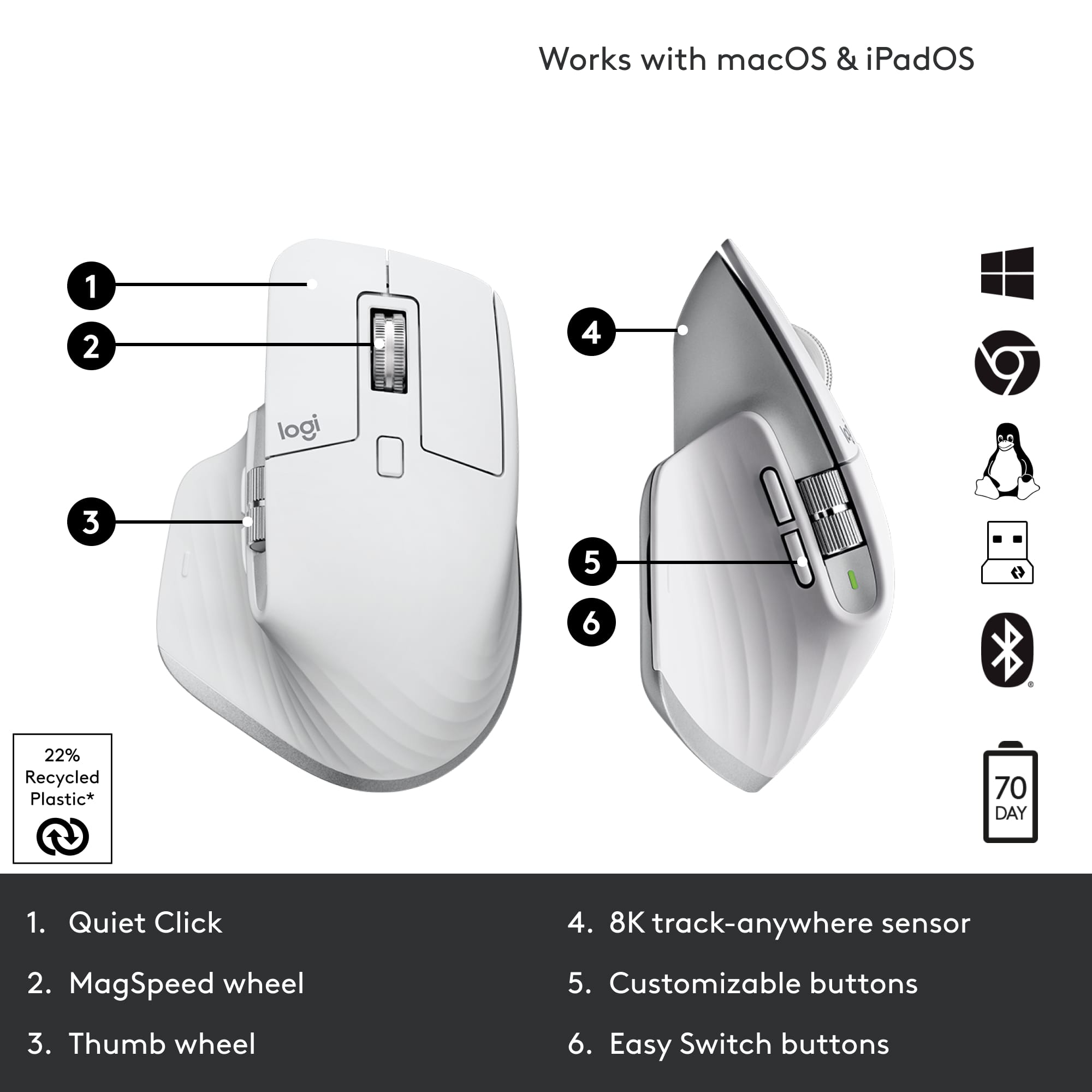
|Posted .This reviewer received promo considerations or sweepstakes entry for writing a review.After 3 years of heavy usage, I was able to upgrade from the Master 3 as my main mouse (which is now my travel mouse) to the Master 3s. Though the look of the mouse is practically identical to its predecessor, the mechanical upgrade does make a big difference. One of the biggest pain points from the Master 3 was how loud the clicking noise was. As a designer, I do click a lot and it was the most annoying thing to other people. When you're clicking away in an isolated room, it probably doesn't matter as much but if you're next to someone using the mouse as a designer - its pretty distracting. I didn't realize until a colleague commented on it. But with the Master 3s, I was blown away how quiet the clicking was. There's also more sensor sensitivity options for those with higher resolution screens, I usually set mine at 1800 DPI,you can set it up to 8k max. Same as its predecessor, you can easily switch between different devices and adjust the settings of the horizontal/vertical scrolls, and other buttons depending on the program you're using through the Logi options app. Which as a designer, I fully take advantage of programing zooming in/out for the scrolling, copy/paste buttons and much more. Maybe because the mouse is newer the side scroll has a little more friction when scrolling which I personally like more. The design of the mouse allows my full hand to rest comfortably on the entire mouse. This essentially ruins me when I try to use the traditional mouse that is less comfortable and makes me long for my logitech master 3s. The only downfall is the USB-A bolt receiver, as it is incompatible with the other logitech devices and I would have to use a USB-A to C converter. Waiting on logitech to finally give us the USB-c. But overall no connection issues with the receiver or through Bluetooth. Overall, logitech never fails to deliver.
I would recommend this to a friend - Pros mentioned:Scroll wheel
Logitech Is At It Again!!!!!
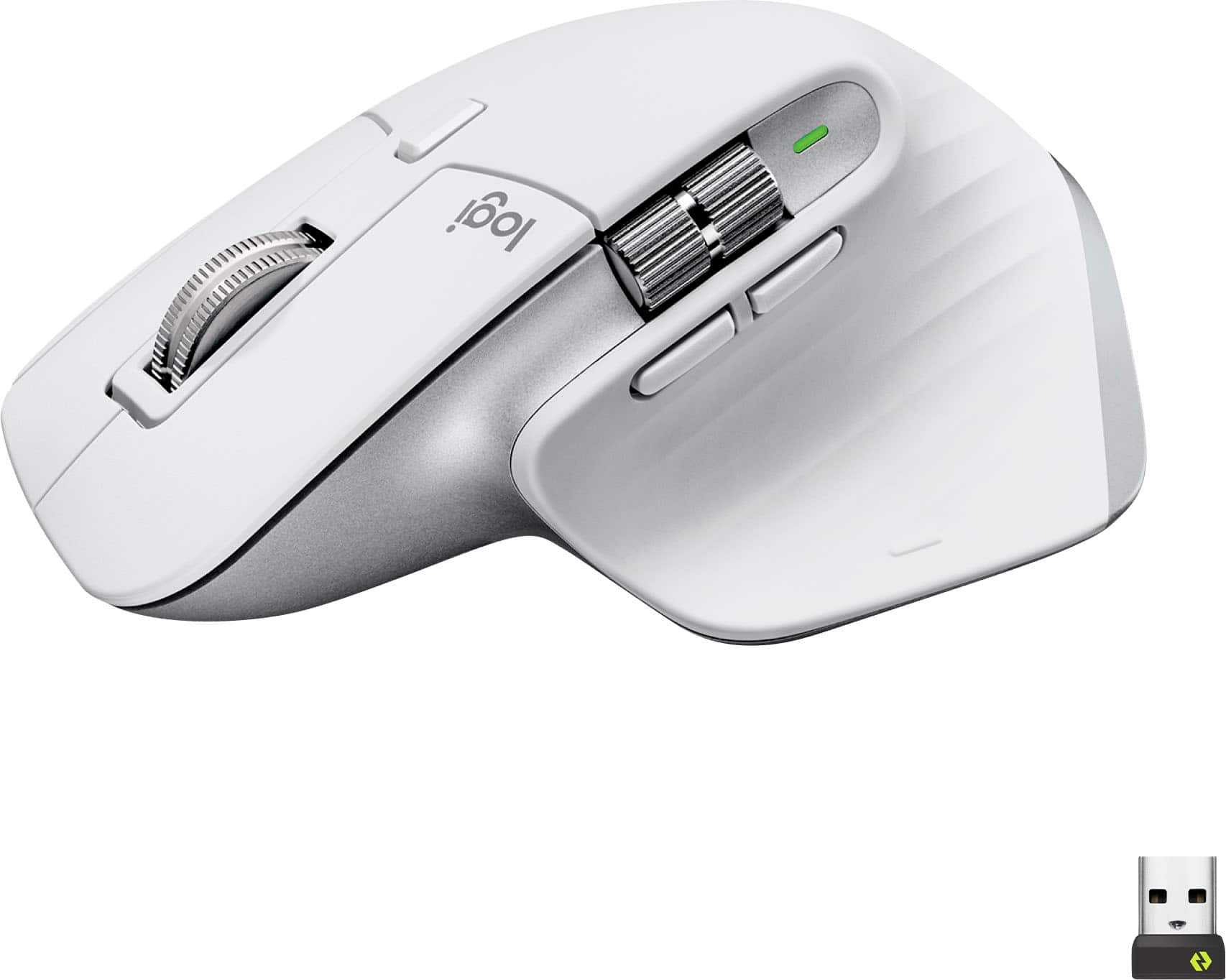
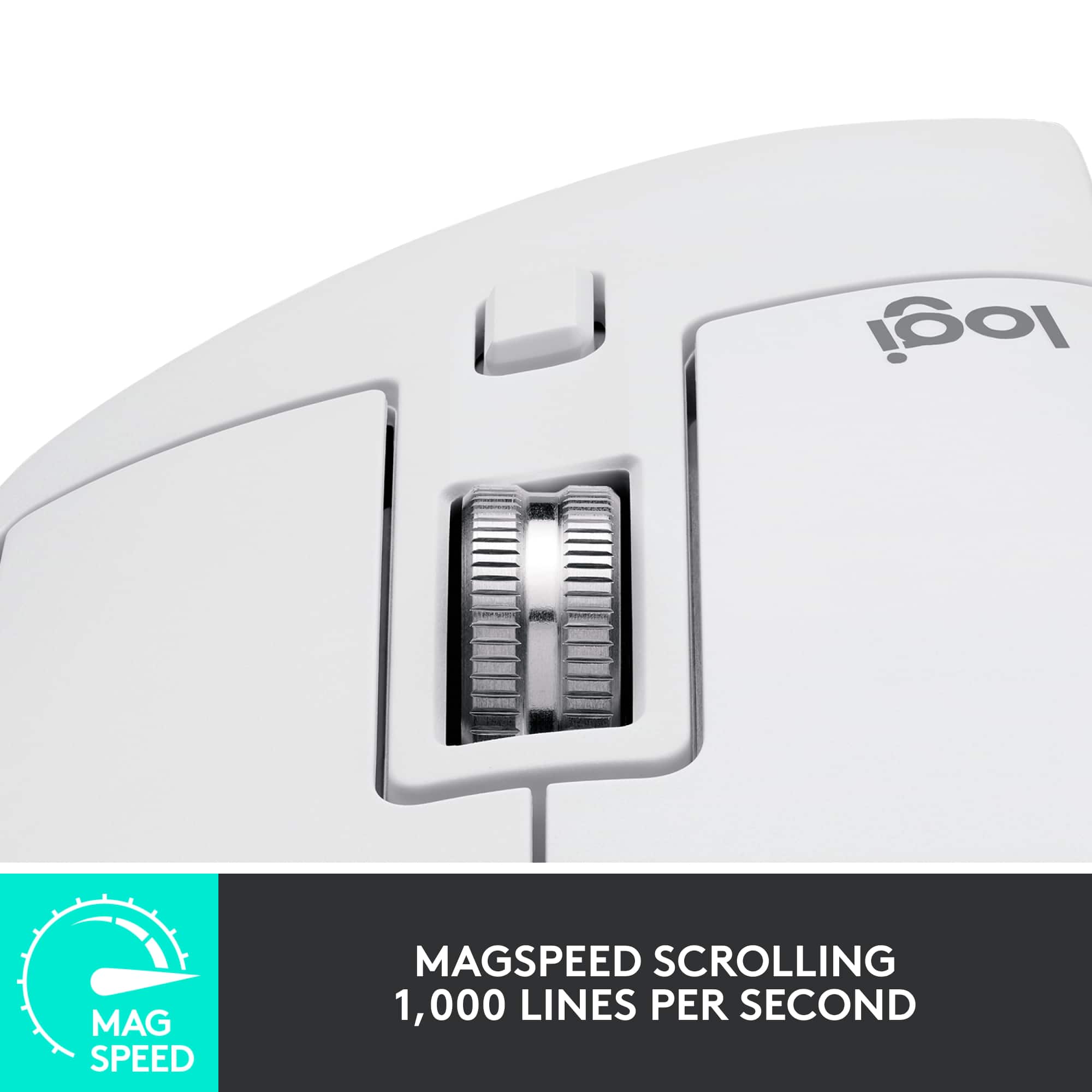
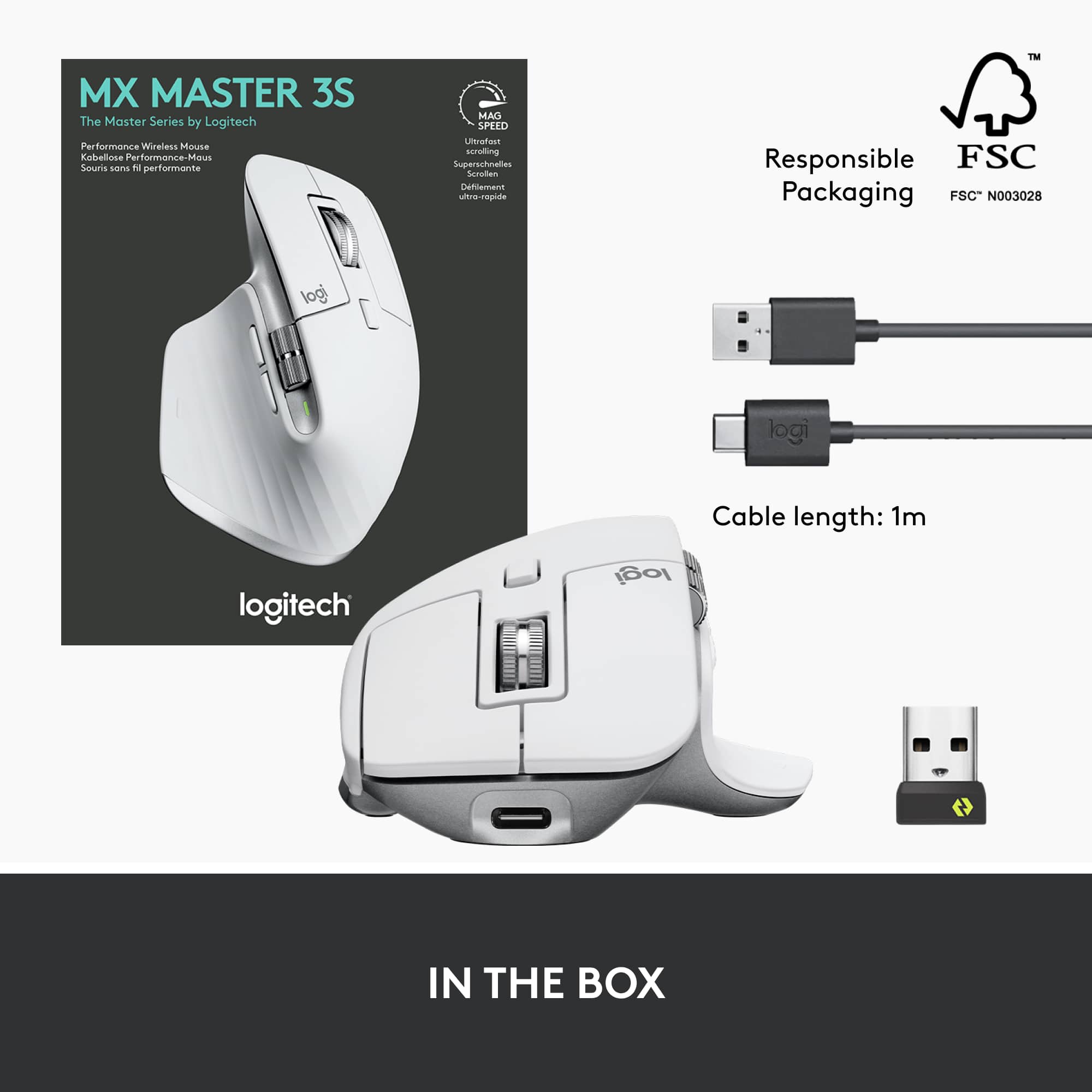
|Posted .This reviewer received promo considerations or sweepstakes entry for writing a review.Right off the bat I can honestly say that I recommend this upgraded Logitech MX Master 3S Wireless Laser Mouse with Ultrafast Scrolling being it's made by Logitech. Inside the package is the new upgraded MX Master 3S mouse, Bolt USB receiver, and USB-C charging cable and user documentation. The Bolt receiver is resemblance to the Unifying Receiver from the last model, however, this connects via Logitech Options+ software and not the regular Logitech Options software. The mouse itself is identical to its older sibling the MX Master 3 Wireless Laser Mouse, that I reviewed a couple years ago. On looks alone, everything looks the same. Simply pop the Bolt USB Receiver into a free USB port on your laptop/desktop and its ready to go. However, its recommended to download and install the Logitech Options+ software as stated above. This allows you to tweak the settings to your liking. The build quality is solid and sturdy as we've all come to love about Logitech products. In this upgraded model, Logitech fined tuned an already awesome wireless laser mouse with ultrafast scrolling and made it better. Precision and movement is like buttery smooth. The DPI is now 8000 compared to 4000 and the left and right button clicks are ever so quiet. In the MX Master 3 you can hear and audible click when you press down on the buttons, but on the 3S there's no click sound. This was the first thing I noticed after I got everything installed and loaded. My favorite feature on both the 3 and 3S is that ultrafast flywheel. You can spin that scroll wheel as if you're on The Price is Right, or you can press the button below the scroll wheel and switch the wheel mode into more of a line by line scroll. This mouse can also be connected via Bluetooth instead of the Bolt USB receiver. Bluetooth mode is great for when I want to connect it to my iPad.
I would recommend this to a friend Nice mouse, but uncomfortable
||Posted . Owned for 1 month when reviewed.This reviewer received promo considerations or sweepstakes entry for writing a review.Good features and build quality. Something about the design hurt my hand/wrist/arm, so I returned it.
No, I would not recommend this to a friendBest Mouse for your home office.
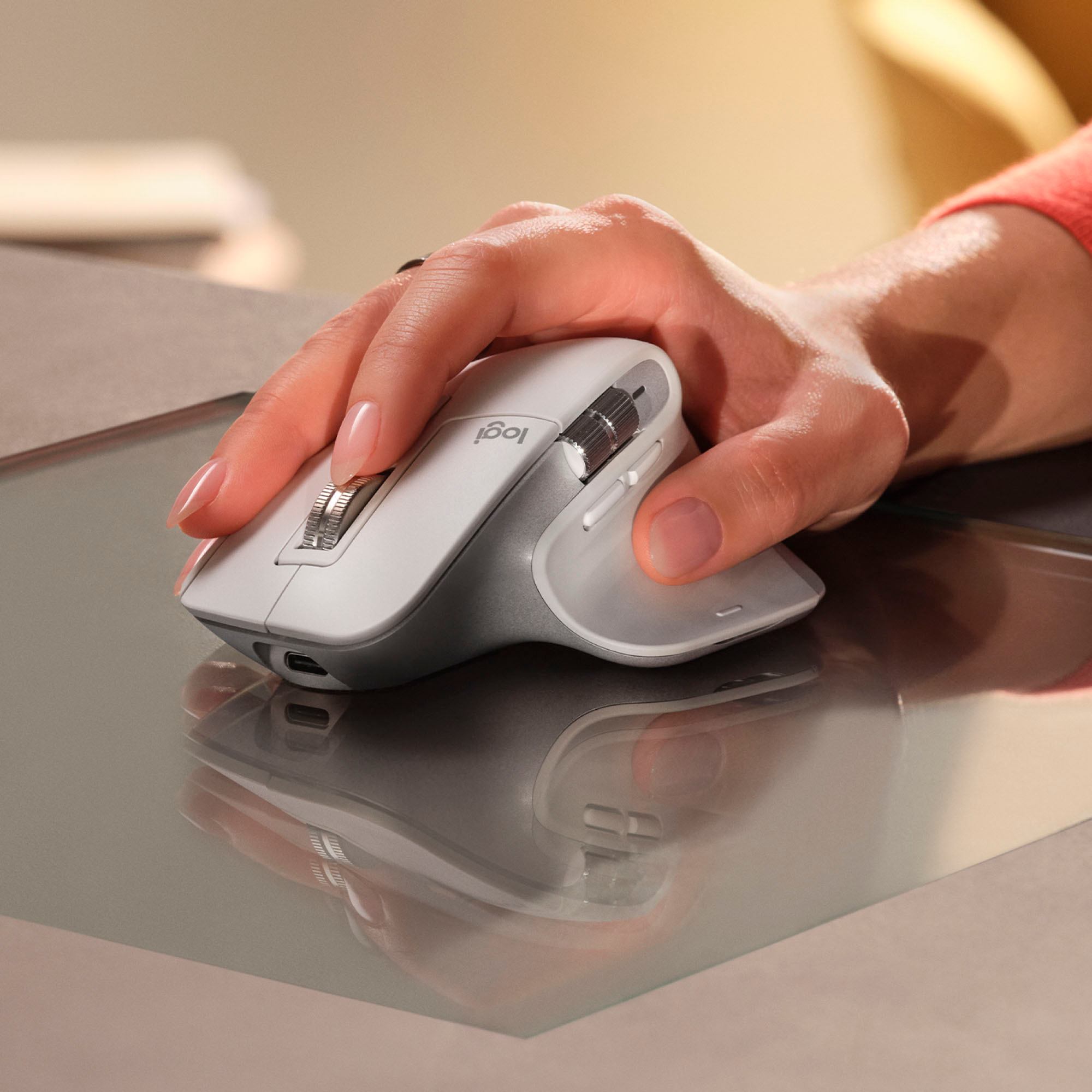
|Posted .This reviewer received promo considerations or sweepstakes entry for writing a review.I've been using this new MX Master for the past couple days of work, syncing this both to my work computer and personal computer. I have the original MX Master from 2017 and its been nice noticing the upgrades and changes that have come along in the last 5 years. The form factor feels better in my hand and I like the visual aesthetic with some harder edges that the original. There were two major features that Logitech highlighted with the release of the 3S: Softer click buttons and a finer DPI laser that allows you to use the mouse on any surface. I'm not sure if I were buying this in a vacuum I would notice how soft the buttons are, but when comparing to the original Master the sound of clicking is night/day different and allows my to click around through documents while on calls without my mic picking it up. While I confess that I did not try the mouse on glass, I was really impressed with how smooth this mouse moves on cork, leather and wood. I feel confident that it would be smooth on any conference room table or office setup and allows you to move exactly where you want. In short this mouse will work with any device - I've connected it to my work ChromeOS and MacOS machines and my personal Windows 11 machine, provides high quality movement on any surface, is extremely (ALL DAY) comfortable in your hand, and has made notable improvements on what was already a great platform. I highly recommend this as the best mouse you can buy for a home office
I would recommend this to a friend- Pros mentioned:Ease of use, Scroll wheel
Great Mouse for Editors
Posted .This reviewer received promo considerations or sweepstakes entry for writing a review.This is a must have for anyone who is an editor or that uses excel. Very useful for horizontal scrollings. The scrolling is a bit slow in Adobe Audition, but it is amazing when used in Descript. The mouse is also helpful if you use more than 1 setup. I can seamlessly switch between 3 computers with ease.
I would recommend this to a friend - Pros mentioned:Battery life
Great, comfortable, multi-device mouse
|Posted .This reviewer received promo considerations or sweepstakes entry for writing a review.Great mouse. I also have a MX Master 3 which is almost the same, and find it super comfortable in my hand. Smooth and responsive on my Mac Mini, MacBook Air and Windows laptop, and I love the option for multiple devices (up to 3) via the USB dongle or bluetooth. Simply flip it over and tap the button. Super convenient since I have multiple computers connected to the same monitor and keyboard setup as well. The side thumb roller wheel is great for panning large Excel files or CAD drawings. Top roller wheel smooth as well. Great battery life, and easy to connect to a charge cord and still use like an "old-time" wired mouse. Definitely recommend!
I would recommend this to a friend - Pros mentioned:Battery life
This is awesome
Posted .This reviewer received promo considerations or sweepstakes entry for writing a review.One of the best peripheral companies around. This mouse is well built and feels so good in the hand. Battery life is fantastic. bluetooth and can be used with a dongle also. Logitech is hard to beat for price and reliability. Great Mouse.
I would recommend this to a friendBrand response from Logitech
Posted .What a fantastic review! We're absolutely thrilled to hear how much you're enjoying your MX Master 3S. It sounds like its excellent build, comfortable design, and great battery life are making a real difference in your daily use. We're also glad the flexible connectivity options with both Bluetooth and the dongle are proving valuable. Thanks so much for highlighting what makes it such a great mouse for you!

- Pros mentioned:Scroll wheel
Comfortable, Accurate and Stylish
|Posted .This reviewer received promo considerations or sweepstakes entry for writing a review.Coming from an MX Master 2S, the 3S is a very good upgrade. The main button action is softer, the scroll wheels are fluid, and the DPI settings are ultrafine and ultrafast...and probably way more than I need. Overall, the mouse is incredibly comfortable in the hand and button placement is intuitive. If there is one thing I would love for Logitech to bring back would be a main scroll when that also moves side-to-side. This is a rechargeable mouse and I'm happy that it includes USB-C for the charging port (as opposed to micro-USB.) Control of the mouse uses the updated Logi Options +, and I'm happy to see this updated software covers all of the basics in a simpler interface and gives many button/wheel configuration options. Some older Logitech peripherals are not yet compatible with Options +. One other thing: This mouse can connect via Bluetooth or the newer Logi Bolt receiver (as opposed to the Unifying receiver.). I'm not sure it this receiver is backwards compatible, but it appears all of Logitech's newer peripherals are making the switch.
I would recommend this to a friend - Pros mentioned:Ergonomics
MX Master 3S - You won't be disappointed
Posted .This reviewer received promo considerations or sweepstakes entry for writing a review.The Logitech MX Master Mouse is a graphic artist's dream tool, offering an unparalleled level of precision and control. Its ergonomic design ensures comfort during prolonged creative sessions, allowing me to focus on my work without any discomfort. The customizable buttons and scroll wheel provide quick access to frequently used tools and functions, streamlining the creative process. The high-resolution sensor delivers pixel-perfect accuracy, essential for intricate design work and detailed editing. Overall, the Logitech MX Master Mouse seamlessly blends functionality and comfort, making it an indispensable companion for my craft.
I would recommend this to a friend - Pros mentioned:Scroll wheel
Actually premium
Posted .This reviewer received promo considerations or sweepstakes entry for writing a review.The best Logitech product I've owned. Which admittedly isn't a high bar. The freescroll wheel makes it hard to go to a stiff, clicky, normal one. Being able to re-assign the middle "freescroll" button to something else shows that the engineers designing it actually use this thing. I had two of the MX Master 1 but Im going on 3 years with this one and it still feels premium. I figured with my history that the Scroll would get messed up and start being janky, Thankfully I was wrong. One of the few times a premium item from Logitech is worth the recommendation. Higher DPI would be nice but doesn't really affect my usage of it. It has really just disappeared into my desk and usage, and only calls attention to itself when I have to use other "lesser" mice, Which is exactly what you want from any peripheral.
I would recommend this to a friend - Pros mentioned:Overall performance
Well worth it
Posted .This reviewer received promo considerations or sweepstakes entry for writing a review.The device works well. It is a bit pricey for a mouse. The value is in how it works. The setup was smooth. This can connect to three devices. Definitely will enjoy using this.
I would recommend this to a friendBrand response from Logitech
Posted .Thanks so much for your thoughtful review! We're glad to hear the MX Master 3S is living up to its reputation—versatile, smooth to set up, and packed with features that make it well worth the investment. Enjoy the multi-device magic and ultrafast scrolling!
- Pros mentioned:Battery life, Ergonomics
best mouse for productivity
Posted .This reviewer received promo considerations or sweepstakes entry for writing a review.Long lasting battery, great ergonomics and so many functions with its software. Best mouse for productivity!
I would recommend this to a friendBrand response from Logitech
Posted .That's a fantastic review of the Logitech MX Master 3S! It's clearly a popular choice for those who prioritize productivity and comfort.
Best mouse
Posted .This reviewer received promo considerations or sweepstakes entry for writing a review.Great for productivity. Pairs great with 3 different computers. Switchs profile really fast. Tons of configurations in logi+ app to customize your mouse.
I would recommend this to a friend- Pros mentioned:Ease of use
Best mouse
Posted .This reviewer received promo considerations or sweepstakes entry for writing a review.This is a game changer. Love this mouse. Easy to set up and totally customizable
I would recommend this to a friendBrand response from Logitech
Posted .Thank you for your kind words about the Logitech - MX Master 3S. We're glad to hear that you find it easy to set up and customize to your preferences. Your feedback is valuable to us.
Might be the perfect mouse
Posted .This reviewer received promo considerations or sweepstakes entry for writing a review.My Apple Magic Mouse was driving me nuts with the multi-gesture feature - I couldn't rest my fingers on top or it would cause bizarre, erratic behavior. I tried several cheaper Logitech mice and wasn't happy with them but one is comfortable, with a natural hand position, responsive, easy to control - everything I'd hoped for. I also like that the USB plugin tab isn't needed for Bluetooth connection, as these newer Macs don't have a lot of extra ports.
I would recommend this to a friend- Pros mentioned:Ergonomics
My biggest tech regret
Posted .This reviewer received promo considerations or sweepstakes entry for writing a review.I had this mouse for too short of a time, yet it’s my favorite mouse of all time. I made the mistake of returning this mouse for an Apple Magic Mouse thinking I’d prefer the “Apple” ecosystem experience and the multi-touch controls, but I was so wrong and have been living with the wrong mouse since. I’ll likely be buying another of these before the year ends and seling my Apple Mouse 2. Definitely buy if youre a multi-tasker and need/want multi device switching on the fly. Programability of the functions is nice as well. 10/10 great design. Oh, and it was comfortable too!
I would recommend this to a friend - Cons mentioned:Price
Meh...Not impressed.
Posted .This reviewer received promo considerations or sweepstakes entry for writing a review.My 3-star rating is based on three negatives.... 1) Logitech Options software. It's terrible, uses way more system resources than should be needed, and has way too much needed updates. Seems like almost every time I log into the computer it starts bothering me for a needed update. 2) I don't like that the button to switch between devices is on the bottom. It should be like the M720, and be located near your thumb. 3) Price is too high for what it is
No, I would not recommend this to a friendBrand response from Logitech
Posted .Thank you for your feedback on the Logitech MX Master 3S is valuable. It's clear that while it's a high-quality product, it has some areas that could be improved.
- Pros mentioned:Battery life
Love This Mouse!
Posted .This reviewer received promo considerations or sweepstakes entry for writing a review.This mouse is absolutely worth every penny. It can be a little frustrating when it disconnects, however...that is part of the reason why it can last so long on a charge and it quickly reconnects. Other than that, this is as close as it gets to perfection when it comes to a mouse.
I would recommend this to a friendBrand response from Logitech
Posted .We're glad to hear that you're enjoying the ultrafast scrolling and overall performance. Thank you for your positive feedback on the MX Master 3S Wireless Laser Mouse!
Great hardware, as usual, buggy software install
|Posted .This reviewer received promo considerations or sweepstakes entry for writing a review.Logitech has pretty much cornered the market for excellent quality mice, trackballs and keyboards. I can't really think of any other brand to consider when I'm in the market for one of these devices. And, this holds true for the latest MX Master 3S mouse. I normally use a trackpad with my Mac, but wanted to give the Logitech mouse a spin. The build quality is excellent and the configurability options are almost endless. You can literally change every button and the scroll wheels to do almost anything you want when picking from a very long list of possibilities. Although the default options for each button/scroll wheel make the most sense, I changed a few to suit my needs and workflow better. The only real issue I had and I have with any of these Logitech products is the software. It tends to be a bit buggy, especially at the time of original installation. I already had Logitech Options installed on my Mac, but to use this mouse ones needs Options+. The Options software told me I needed to update to Options+, but didn't tell me how. Any other software will have an "update" option in one of the drop down menus, but Options did not. After about 15 minutes of trying to figure out what to do, I finally realized I just need to go the website and download the latest version of regular Options after which I would be guided to update to Options+. None of that made any sense, but I finally got it figured out. However, I can imagine someone who is not as techy as me would probably need to contact Logitech support.
I would recommend this to a friend- Cons mentioned:Price
great production mouse
Posted .This reviewer received promo considerations or sweepstakes entry for writing a review.I bought this mouse for production. I have a separate gaming mouse, though this one would not be horrible at it. It is a little pricey, but if you use it all day like I do, you might find it worth the cost. I do.
I would recommend this to a friendBrand response from Logitech
Posted .Hey! Thanks for the insightful review of the MX Master 3S! We appreciate you highlighting its strengths for productivity tasks. It's definitely a great choice for users who value comfort and efficiency during long workdays. The point about its usability for some gaming applications is also valuable to consider!