Customer Ratings & Reviews
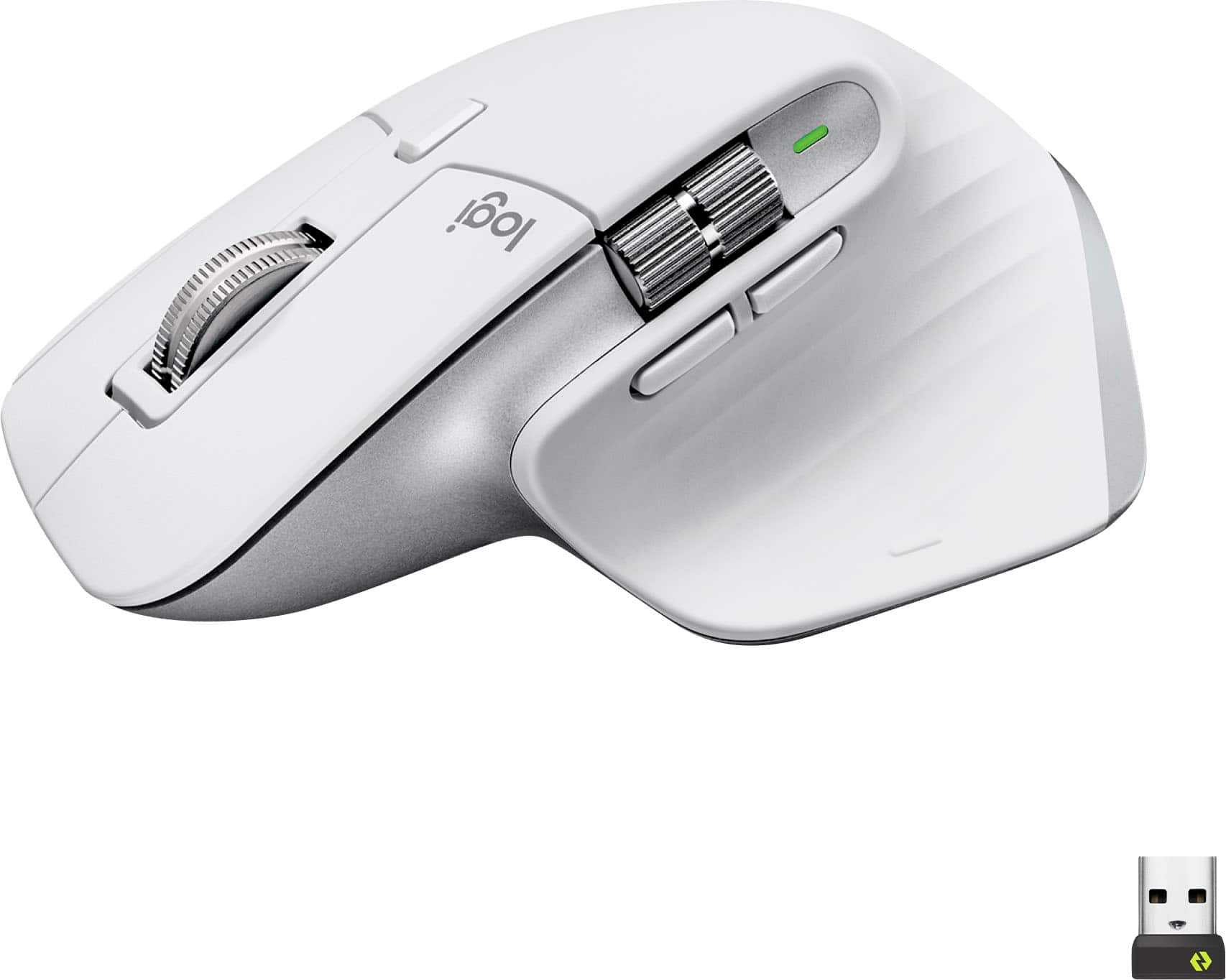
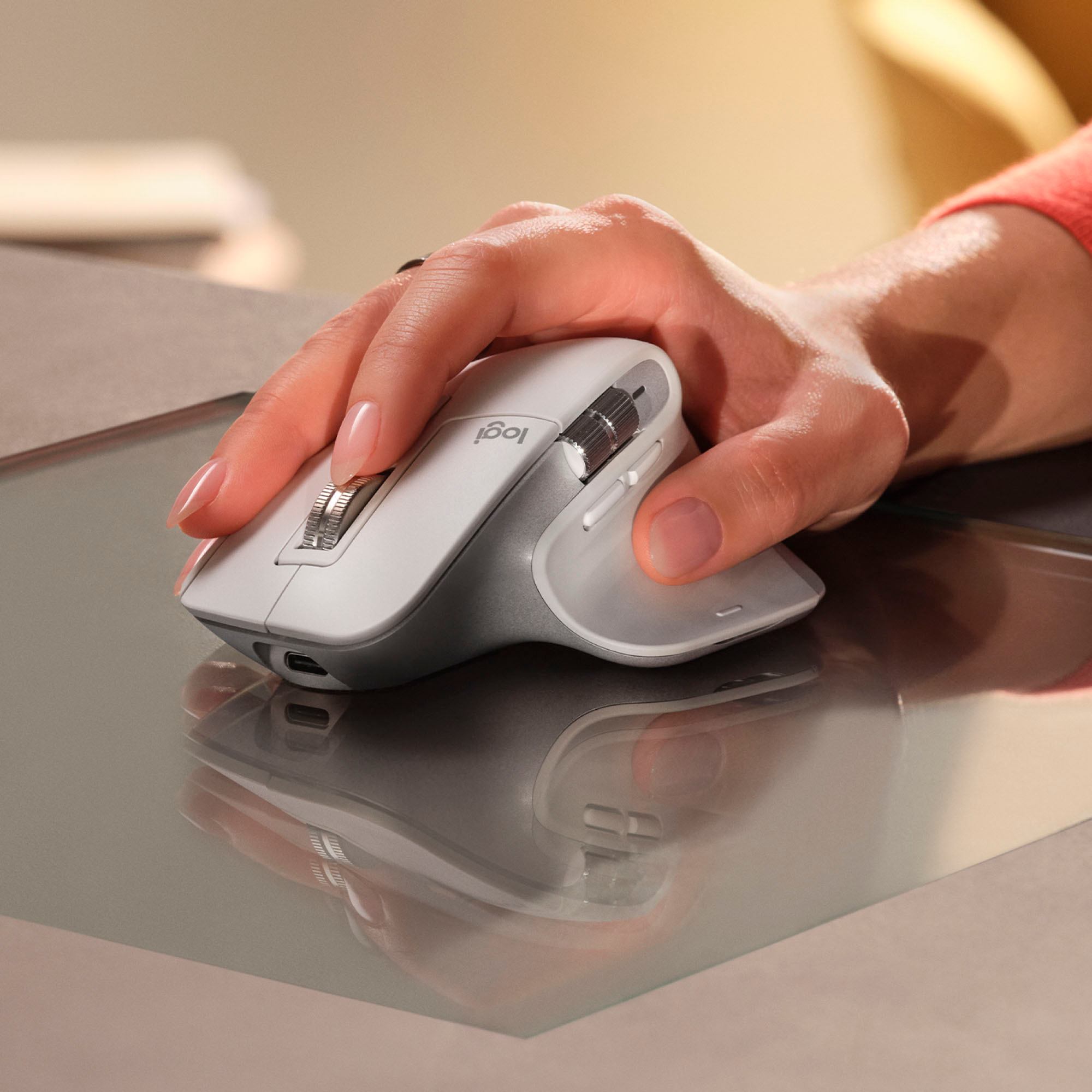


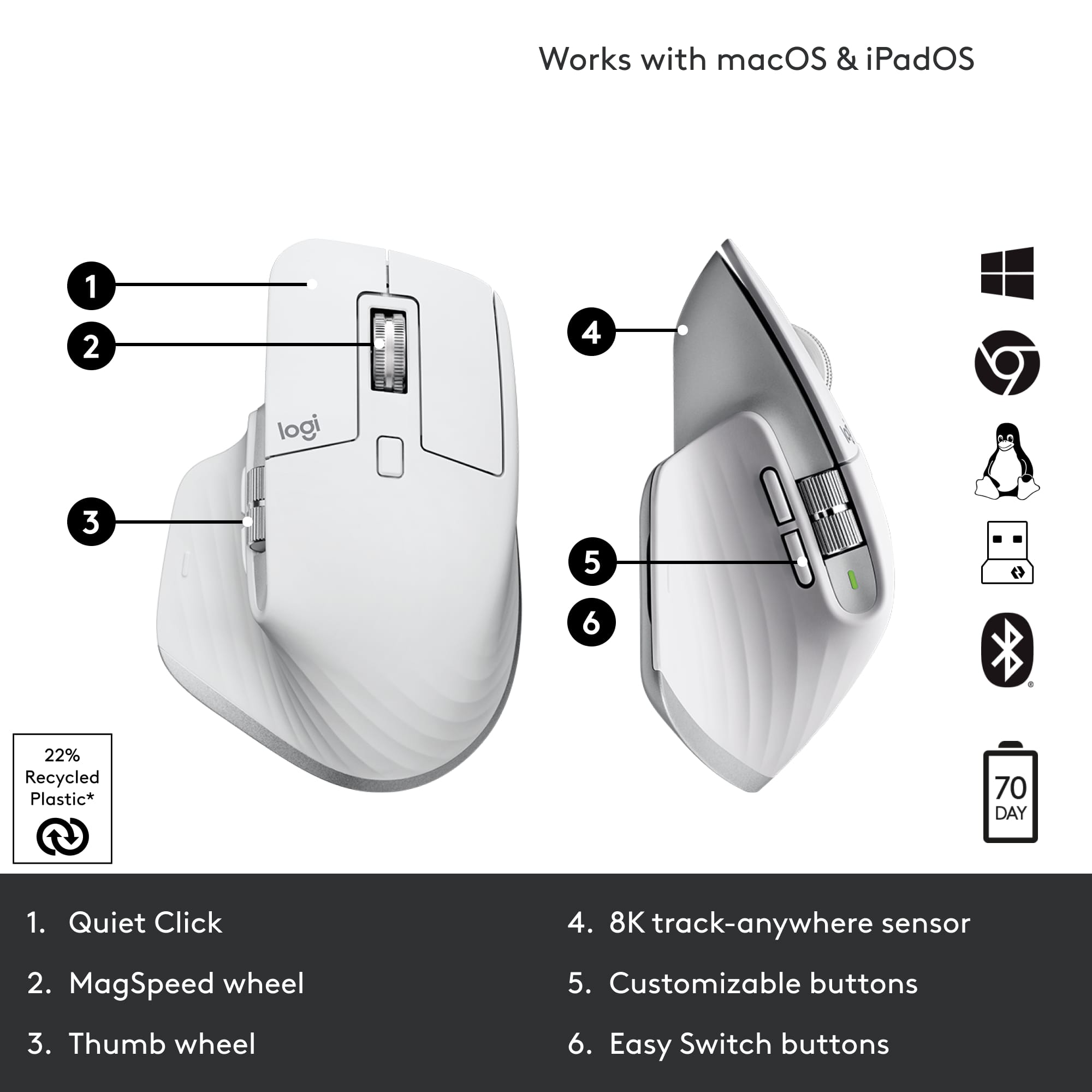






- Model:
- 910-006558
- SKU:
- 11068535
Rating by feature
- Value
Rating 4.6 out of 5 stars
- Quality
Rating 4.8 out of 5 stars
- Ease of Use
Rating 4.8 out of 5 stars
Love you MXMaster
||Posted . Owned for 1 year when reviewed.This reviewer received promo considerations or sweepstakes entry for writing a review.I like this mouse so much I push it on others. Look at all the buttons you have to choose from, this mouse will surprise you. Current version has more than enough sensitivity for any game play. Battery life goes on for weeks. Comfortable. BTooth very easy to connect up to 3 devices. Honestly I won't use another mouse. If I could I would get everyone one except those with smaller hands and then would suggest another Logitech such as MX Anywhere etc.
I would recommend this to a friendBrand response from Logitech
Posted .Thank you for your kind words about the Logitech MX Master 3S! We're thrilled to hear that you're so impressed with its features and performance. We strive to create products that enhance your productivity and provide a comfortable user experience.

Quality Quiet Mouse
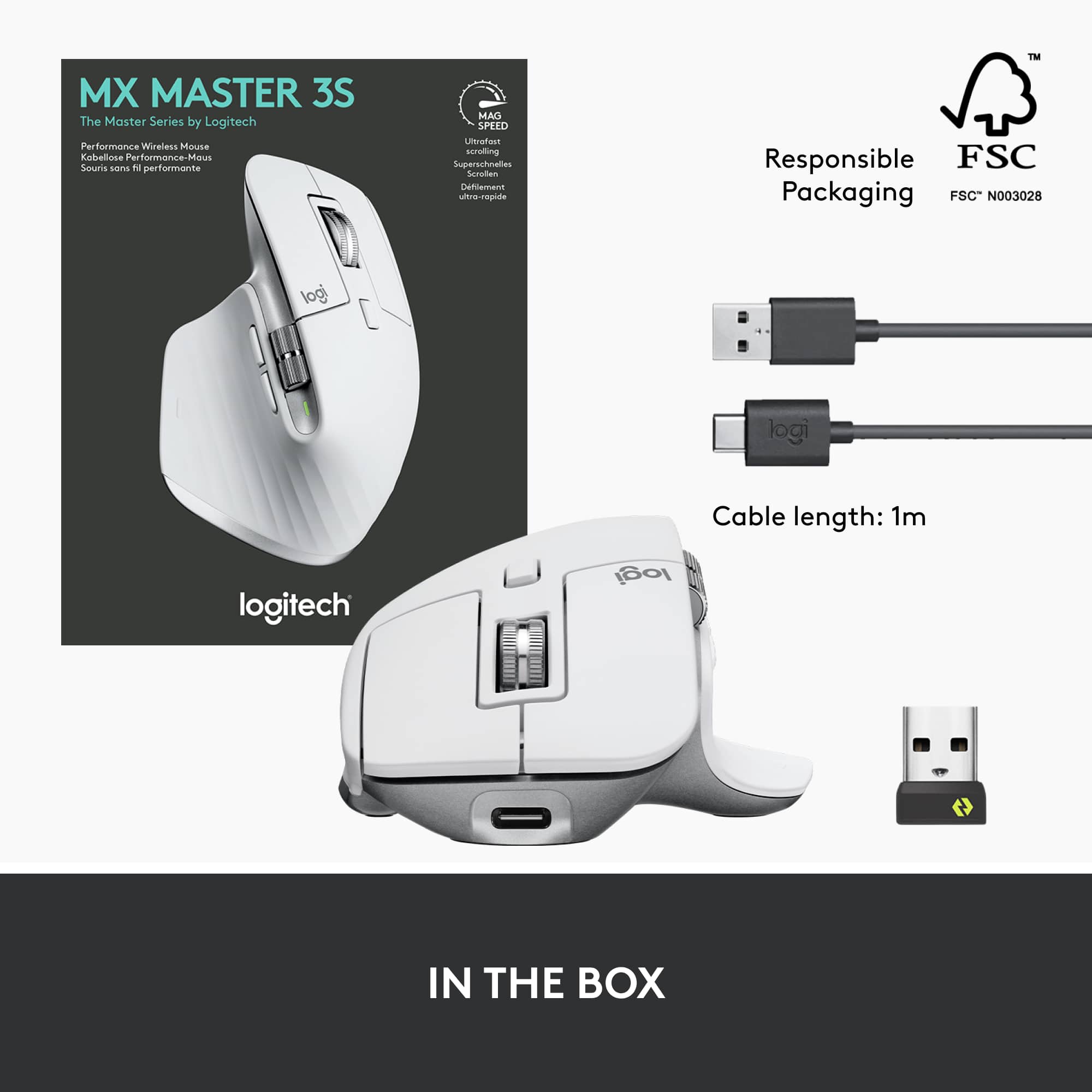
||Posted . Owned for 1 week when reviewed.This reviewer received promo considerations or sweepstakes entry for writing a review.As someone who is used to trackpad for the past decade, I wasn’t sure how I’d feel with a mouse. I initially used the mouse with a new PC for a couple days (before the PC auto-updated and stopped booting) but have since been using it exclusively with an M2 Mac Mini. The Logi Options+ software that allows customization for the mouse is downloadable for both operating systems. If your computer has a solid bluetooth connection then you can connect the mouse directly without the included dongle. I love the quiet clicking and scrolling, as well as the easy access to Mission Control by pressing your thumb down. The ergonomics are great for my hand, but of course that’s different for everyone. If you’re interested in a right-handed mouse that’s quiet, this is an excellent option.
I would recommend this to a friend- Pros mentioned:Overall performance
Best mouse I have ever used
||Posted . Owned for 10 months when reviewed.This reviewer received promo considerations or sweepstakes entry for writing a review.I have spent 35 years in IT. I have spents dozens of thousands of hours in front of a computer. This is the best mouse i have ever used. The ability to connect to multiple machines is also a great feature for someone like me.
I would recommend this to a friendBrand response from Logitech
Posted .Wow, 35 years in IT—that's incredible experience! We're absolutely thrilled to hear the Logitech MX Master 3S Wireless Mouse is the best you've ever used. It's fantastic that the multi-device connectivity is also proving so valuable for your workflow.
Works perfectly and feels solid
||Posted . Owned for 10 months when reviewed.This reviewer received promo considerations or sweepstakes entry for writing a review.I’m very happy with this mouse. It was easy to set up and works perfectly right out of the box. The tracking is smooth and responsive, and it feels comfortable to use even for long periods. The buttons are solid and click nicely without feeling cheap. Overall, it’s a reliable mouse and a great value for the price. I would definitely recommend it.
I would recommend this to a friendBrand response from Logitech
Posted .Thank you so much for taking the time to share your experience. We're thrilled to hear that the product is working well for you and meeting your expectations. Your feedback helps us continue to improve and innovate. We truly appreciate your support of Logitech.
- Pros mentioned:Battery lifeCons mentioned:Weight
Ideal for everything except heavy gaming
||Posted . Owned for 1 month when reviewed.This reviewer received promo considerations or sweepstakes entry for writing a review.Really comfortable to use. I’ve had it for about a month now and can confidently say it was worth the purchase. The only issue it would have would be its weight but besides that everything works out perfectly. If your someone with a bit hand I highly recommend as that was basically what sold this to me. When looking for a mouse i was looking for a greater size as well as a comfortable hand/finger placement. This mouse does both. The response time is also fine you’d only notice a delay if you’re an fps gamer. And finally battery life. I completely forgot that i needed to charge it as two weeks later after much use it died on me. BUT since then i’ve charged it for about thirty min and comfortably been using it for 2+ weeks at a time. For reference i use the mouse 3-6h a day. Cahoots to the team well made product.
I would recommend this to a friend - Pros mentioned:Battery life
A mouse with precision and excellent features
||Posted . Owned for 3 weeks when reviewed.This reviewer received promo considerations or sweepstakes entry for writing a review.Long-term user of MX Anywhere 2S mouse primarily shared between a Galaxy Tab 7+ Android tablet and an Acer 15" Windows laptop. That same mouse was occasionally used with a Samsung smart TV, a couple of other tablets and three different smart phones. That 2S mouse traveled the world with me for more than a decade because it performed so well and was also pretty small. When I added a 27" iMac to my machines collection, I decided to seek another mouse. I tried several, mostly inexpensive, with varying results. Some were pretty good, others not so hot. Many that were supposed to work in both a Mac and Windows environment had something that actually didn't work in one or the other. I already knew the MX Anywhere 2S was the best mouse I had ever used, and I have been working with computers since the mid-1970s, so I have seen and tried many along the way. I figured it was time to add the MX Master 3S Wireless Laser Mouse to the mix. The DPI, UltraFast scrolling and Logi Options+ features, especially the workflow enhancements, seemed to be similar to the Anywhere 2S I loved. but on steroids. I also wanted to add the MX Key S full-size keyboard for similar reasons to the mouse. But those two items were kind of expensive, so I waited a couple months to see if I could get the combo at some discount. Didn't happen! I ended up scoring the mouse for $85 and paid list for the keyboard, both from Best Buy. I am so pleased with my acquisition! The mouse and keyboard are everything as advertised and more. They perform like a Ferrari drives! My 2S is still in service with the iMac & Android tablet and the 3S mouse & MX Keys S keyboard are primarily used with a Herk Orion1 Mega minicomputer. And some of those other ones are used with the other devices around the house. I do not regret for a minute having sprung for the MX S combo because using them is so much easier than any other keyboard and mouse I have used.
I would recommend this to a friendBrand response from Logitech
Posted .Thank you for your amazing review of the Logitech MX Master 3S mouse and MX Keys S keyboard! We're thrilled to hear that they've exceeded your expectations and are the perfect additions to your tech setup. Your positive feedback means a lot to us as we continue to provide exceptional products that enhance your computing experience.
- Pros mentioned:Battery life, Scroll wheel
Best. Mouse. Ever.
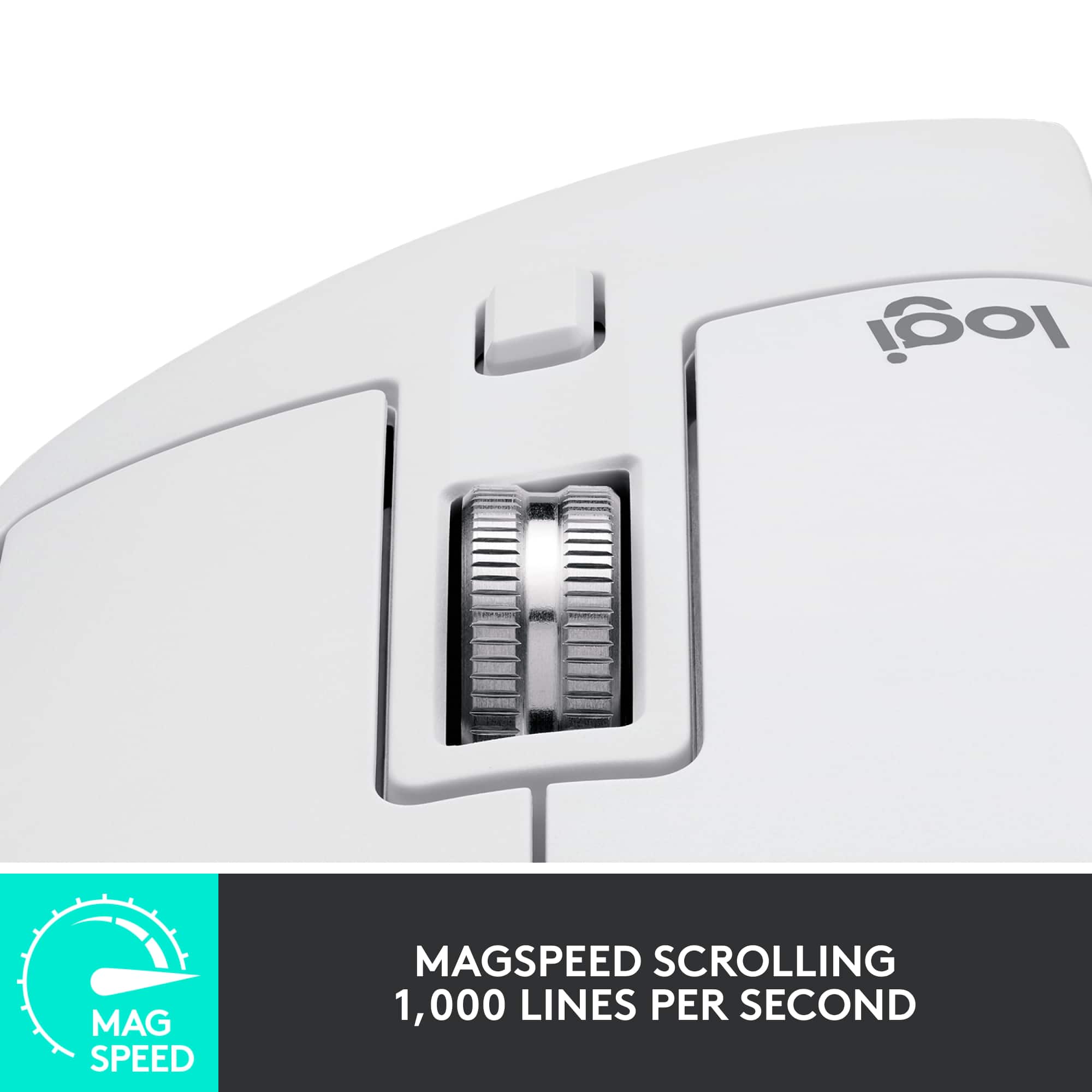
||Posted . Owned for 3 weeks when reviewed.This reviewer received promo considerations or sweepstakes entry for writing a review.This mouse is the best I've ever had. I immediately had a "where have you been all my life" moment upon first use. The shape is good. I have big hands and the body is allows for various hand positions. It would be good for a small handed person, too. Maybe even better. The scroll wheel is unlike anything I've used before. There is a "brake" on it, and when engaged, it has those small clicks like a normal mouse scroll wheel. You'd want to use that for scrolling down a web page, for example. Whenever you want a lot of control. But the best part is if you spin that scroll wheel hard, or disengage the brake, it will just spin...for a very long time. You could scroll down 1000 pages with one flick of your finger. No joke. The scroll wheel must have a little weight to it because it will spin forever. If you find yourself scrolling large distances in large documents or code, you will love this mouse. Battery life is outstanding. There's no RGB but that's okay. Best. Mouse. Evar.
I would recommend this to a friend - Pros mentioned:Ergonomics
Logitech MX Master 3S - A Great Addition, with One
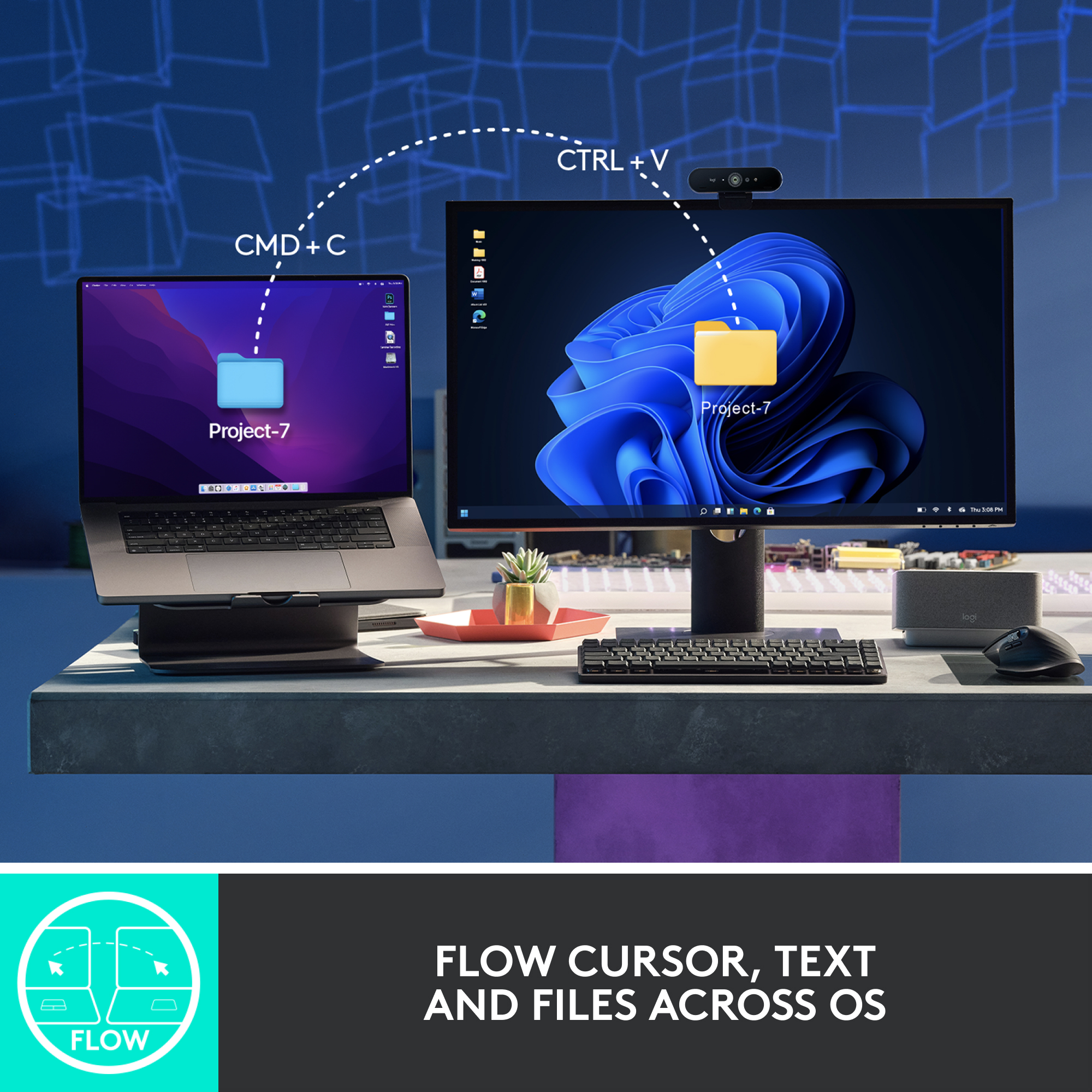
||Posted . Owned for 3 months when reviewed.This reviewer received promo considerations or sweepstakes entry for writing a review.I recently acquired the Logitech MX Master 3S in Pale Gray, and it's been an excellent addition to my setup. This mouse is truly impressive for productivity, and here's why: To start, the MX Master 3S boasts an ergonomic design that feels comfortable in hand, and the thumb controls are intuitively placed for extended use. The any-surface tracking with an 8K DPI sensor works like a charm, and the Quiet Clicks, as advertised, are indeed quiet and satisfying. However, there's a slight drawback to be aware of – the Pale Gray color is prone to staining. I noticed some discoloration on the mouse when it rubbed against the fabric case I used to store it. It's a minor issue but worth noting if you're particular about keeping your peripherals looking clean. On the positive side, the Magspeed scrolling feature is excellent for efficient document navigation. The multi-device and multi-OS compatibility, along with the Flow cross-computer control, make it versatile for users who work across different platforms. Despite the minor issue with staining, the Logitech MX Master 3S is a solid product that significantly enhances productivity. It's a reliable addition to any setup.
I would recommend this to a friend - Pros mentioned:Ergonomics
Perfect
||Posted . Owned for 3 weeks when reviewed.This reviewer received promo considerations or sweepstakes entry for writing a review.This mouse is exactly what I was looking for. Rechargeable, wireless and Bluetooth. Even the clicking is quiet. It feels robust and fits in my hand perfectly. I definitely recommend this to people looking for a premium mouse.
I would recommend this to a friend - Pros mentioned:Ease of use
Honestly... The Best Mouse for Productivity.
||Posted . Owned for 5 months when reviewed.This reviewer received promo considerations or sweepstakes entry for writing a review.About a year ago. I was MAD. I had one of these mice (mouses?) and the left click stopped working. It started double tapping and cutting out of functionality. Well... that was my fault. I bring this thing everywhere and I dropped it a bunch. I'd only had it for about a year, and I was quite upset that I had to spend ANOTHER $100s on my second one. This was AFTER I had an MX 2s that stopped working with my M1 Macbook. So $300 in mice later.... I admit that Logitech was right all along. I work professionally as a videographer. I spent a LOT of time at a computer! I have all kinds of shortcuts on my keyboard and mouse. So when I broke my other one? I was mad... But I replaced it within an hour. Went to Best Buy and picked up another one immediately. You don't realize just how crucial a good mouse is to your workflow until you don't have it. I was able to switch out the mouse immediately, remap my shortcuts and get back up and running all in an hour. I use it on MY macbook, my WIFEs macbook. And I use the dongle as the 3rd connected slot to use on my Xbox and Steamdeck. It works seamlessly on all 3 without a moments notice. Now that I've been nicer to this one, it has been nicer to me. Mapping custom keys to the buttons could perhaps be more intricate, but realistically, I've gotten very accustomed to it and I love my MX Masters I've had over the years. If you need a mouse for productivity, stop wasting time researching and just get this mouse. It's the best.
I would recommend this to a friendBrand response from Logitech
Posted .Thank you for your insightful and honest review of the Logitech MX Master 3S! We appreciate you sharing your detailed experience, including the initial frustrations and your eventual appreciation for its performance and reliability. Your feedback is incredibly valuable to us.
- Pros mentioned:Overall performance
Best Mouse on the Planet
||Posted .This reviewer received promo considerations or sweepstakes entry for writing a review.Best mouse I've ever owned. I use it on a Mac and refuse to use anything else. I'll use this one until it doesn't work anymore, then I'll buy the same one again. Perfect for everything. Video editing, spreadsheets, graphic design, gaming, general use... You name it, it does it perfectly.
No, I would not recommend this to a friend - Pros mentioned:Battery life, Ergonomics
Perfect
||Posted . Owned for 2 months when reviewed.This reviewer received promo considerations or sweepstakes entry for writing a review.This mouse is fantastic! It’s incredibly comfortable to use, with a sleek design and responsive buttons. The precision tracking is flawless, making it perfect for work or gaming. Wireless connectivity is seamless, and the battery life is impressive. Compact yet durable, it’s a reliable and stylish addition to any setup. Highly recommend!
I would recommend this to a friendBrand response from Logitech
Posted .Thank you for your enthusiastic review of the Logitech - MX Master 3S! We're delighted to hear you're enjoying its comfort, precision, and seamless connectivity. Your positive feedback on its design and durability is greatly appreciated.
- Pros mentioned:Ergonomics, Scroll wheelCons mentioned:Weight
great mouse
||Posted . Owned for 2 weeks when reviewed.This reviewer received promo considerations or sweepstakes entry for writing a review.very ergonomic mouse, really tactile button clicks and excellent scrolling. it's a bit heavy if you're not used to it but it feels great in hand. hyperscroll is probably one of the best features of this mouse.
I would recommend this to a friend - Pros mentioned:Ease of use, Scroll wheelCons mentioned:Size
Productivity king, highly customizable!
||Posted . Owned for 2 months when reviewed.This reviewer received promo considerations or sweepstakes entry for writing a review.Tons of programable buttons and scroll wheel make this a great choice for busy productivity people. Great for everything from video editing to spreadsheets. Logitech software makes it easy to program buttons. Only issue for me was the size which was a bit large for my small hands. Highly recommend.
I would recommend this to a friendBrand response from Logitech
Posted .Thanks for the feedback! We're glad you find the MX Master 3S's programmability and scrolling useful for your work. For users with smaller hands, we also offer the MX Anywhere 3S which might be a more comfortable size.
- Pros mentioned:Battery life, Scroll wheel
Does The Job
||Posted . Owned for 1 month when reviewed.This reviewer received promo considerations or sweepstakes entry for writing a review.After having a gaming mouse with a perpetually broken scroll wheel, the MX master 3S is a welcome change. It just works and the LogiOptions+ software is straight forward and gives you a ton of customization options. Returning to Logitech's scroll wheel that can either click or spin makes me wonder how I ever got work done without it. Battery life is outstanding too and you can use it while charging (I'm looking at you Apple). All around a good product and not too pricey.
I would recommend this to a friendBrand response from Logitech
Posted .Thank you for sharing your positive experience with the MX Master 3S. We're glad to hear that the scroll wheel and battery life have been a game-changer for you. Happy Clicking!
- Pros mentioned:Battery life
Great mouse, definitely recommend
||Posted .This reviewer received promo considerations or sweepstakes entry for writing a review.Excellent mouse! Very comfortable to use, excellent battery life, and no cables or usb stubs. Has lots of features I haven't used with software but just wanted a high quality mouse and it delivers!
I would recommend this to a friendBrand response from Logitech
Posted .Thank you for the wonderful review! We're thrilled to hear you're enjoying the MX Master 3S, especially the comfort, excellent battery life, and overall quality. It's great to know it's delivering on what you wanted in a high-quality mouse. We appreciate your recommendation!
- Pros mentioned:Battery life, Ergonomics
Feels great but needs a couple design tweaks
||Posted . Owned for 3 weeks when reviewed.This reviewer received promo considerations or sweepstakes entry for writing a review.Ergonomically, it's perfect. It holds a charge exceptionally well. Improvement is needed in the smoothness of the finger roller. It's not an operational problem, but it's weird. It should be a smooth roll. What I don't like is that the screen moves exact opposite direction (up/down) when you roll. It moves the screen exactly opposite of every other mouse I've ever had. I really don't like that at all but I guess I'll adjust.
I would recommend this to a friendBrand response from Logitech
Posted .We're so glad to hear you find the MX Master 3S ergonomically perfect and appreciate its exceptional battery life! Your feedback on the finger roller's smoothness and the inverted scroll direction is really valuable. We understand that adjustment can be a bit challenging, and we appreciate you sharing these insights with us.
- Cons mentioned:Price
Great ergonomic mouse
||Posted . Owned for 1 month when reviewed.This reviewer received promo considerations or sweepstakes entry for writing a review.Love this product; it connects instantly and is customizable to your needs in terms of the what you want buttons to execute. I should have bought this years ago; but it is a bit pricey. I would definitely recommend this product.
I would recommend this to a friend - Pros mentioned:Ease of use, Scroll wheel
King of productivity mice.
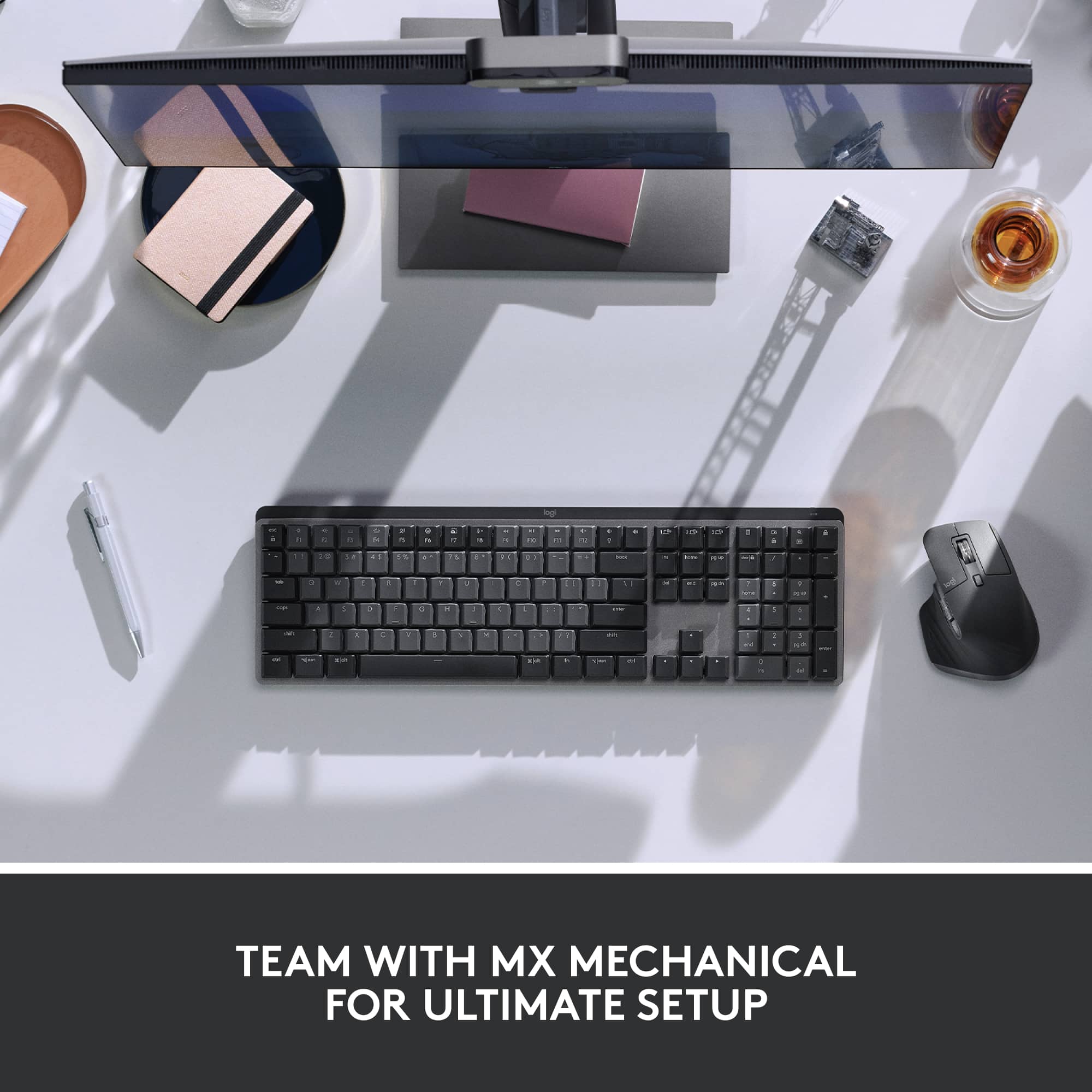
||Posted . Owned for 1 week when reviewed.This reviewer received promo considerations or sweepstakes entry for writing a review.I have this mouse paired with my MX Keys mechanical. Best duo ever. It is comfortable to hold and use. I love the sidescrolling wheel but I had to change the settings as it felt inverted to me. The main scroll wheel has that great freespin that can be adjusted. It is so much easier to scroll through long web pages or excel sheets. Best part is I didn't even know there was an extra button on the thumb rest area. It's not easy to press so you can't accidentaly push it either. My only issue is that the profile switch is under the mouse and there is no way to remap it to the button on top. This makes switching back and forth between two devices a bit more tedious.
I would recommend this to a friend - Pros mentioned:Overall performance
Perfect for productivity
||Posted .This reviewer received promo considerations or sweepstakes entry for writing a review.Coming from the master 2s not much of a performance leap. I do appreciate the if it ain’t broke don’t fix it mentality. Best mouse for productivity period. Not the best for gaming but it’ll do. Logitech software is a pain but I’ll deal with it for the mouse.
I would recommend this to a friend