Customer Ratings & Reviews
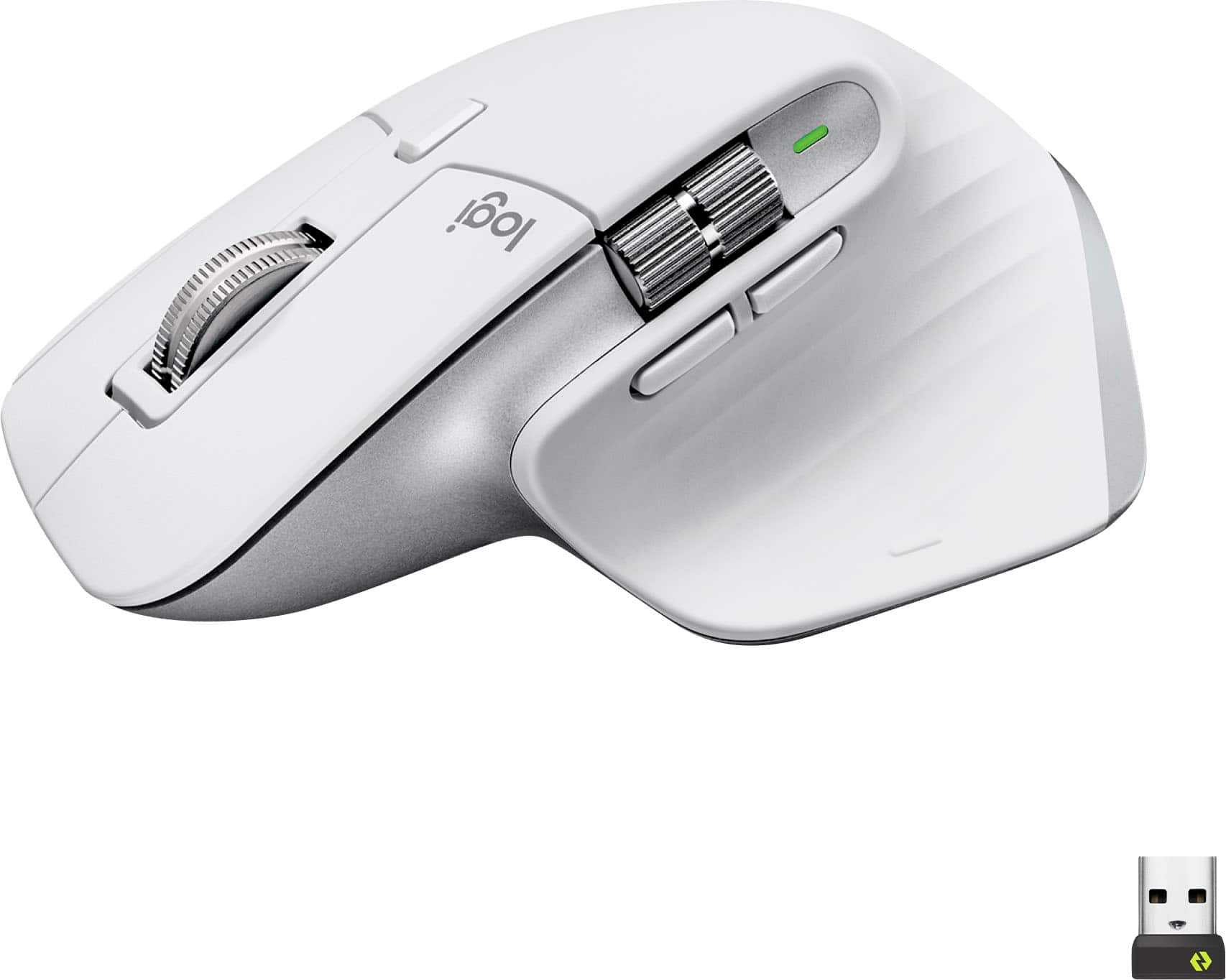
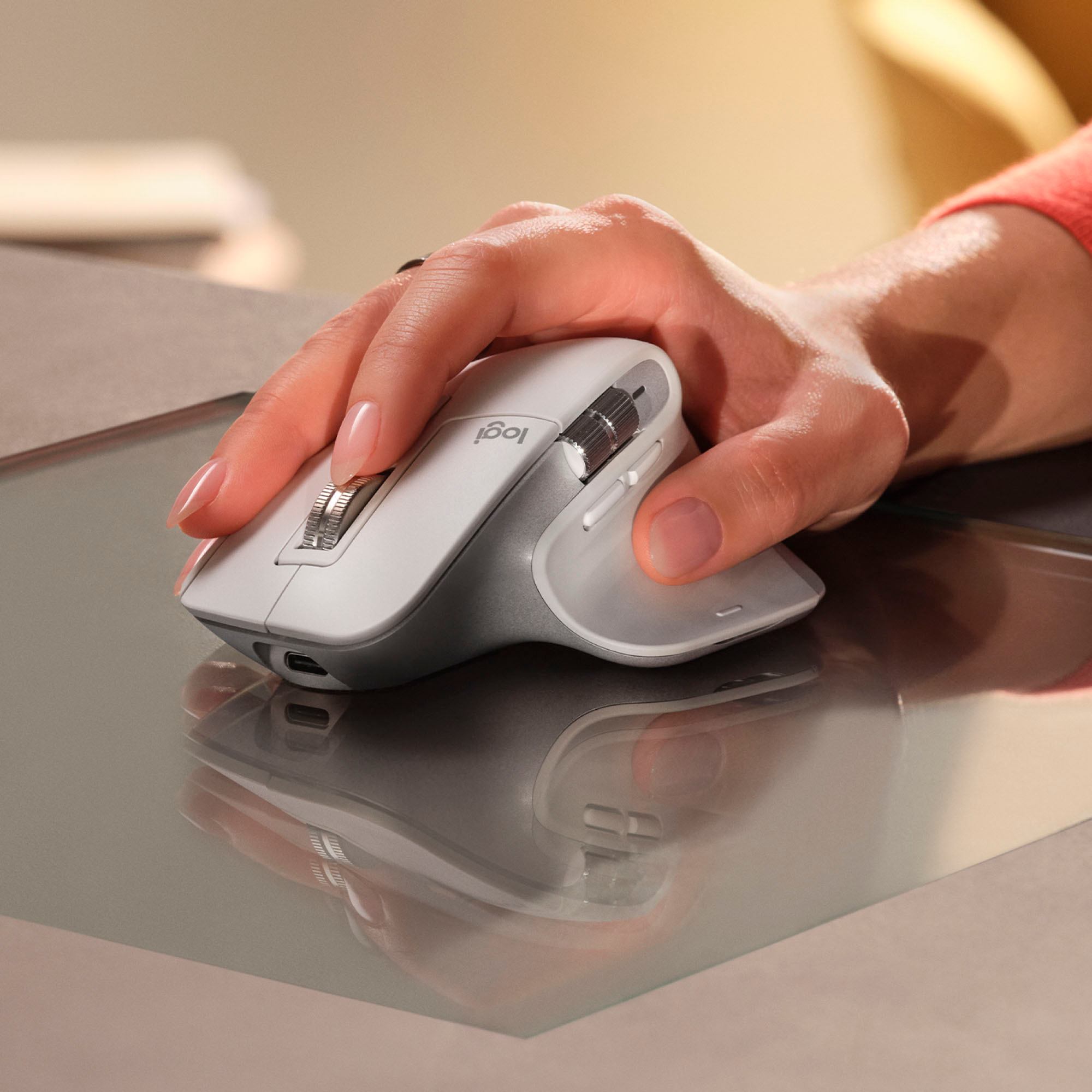

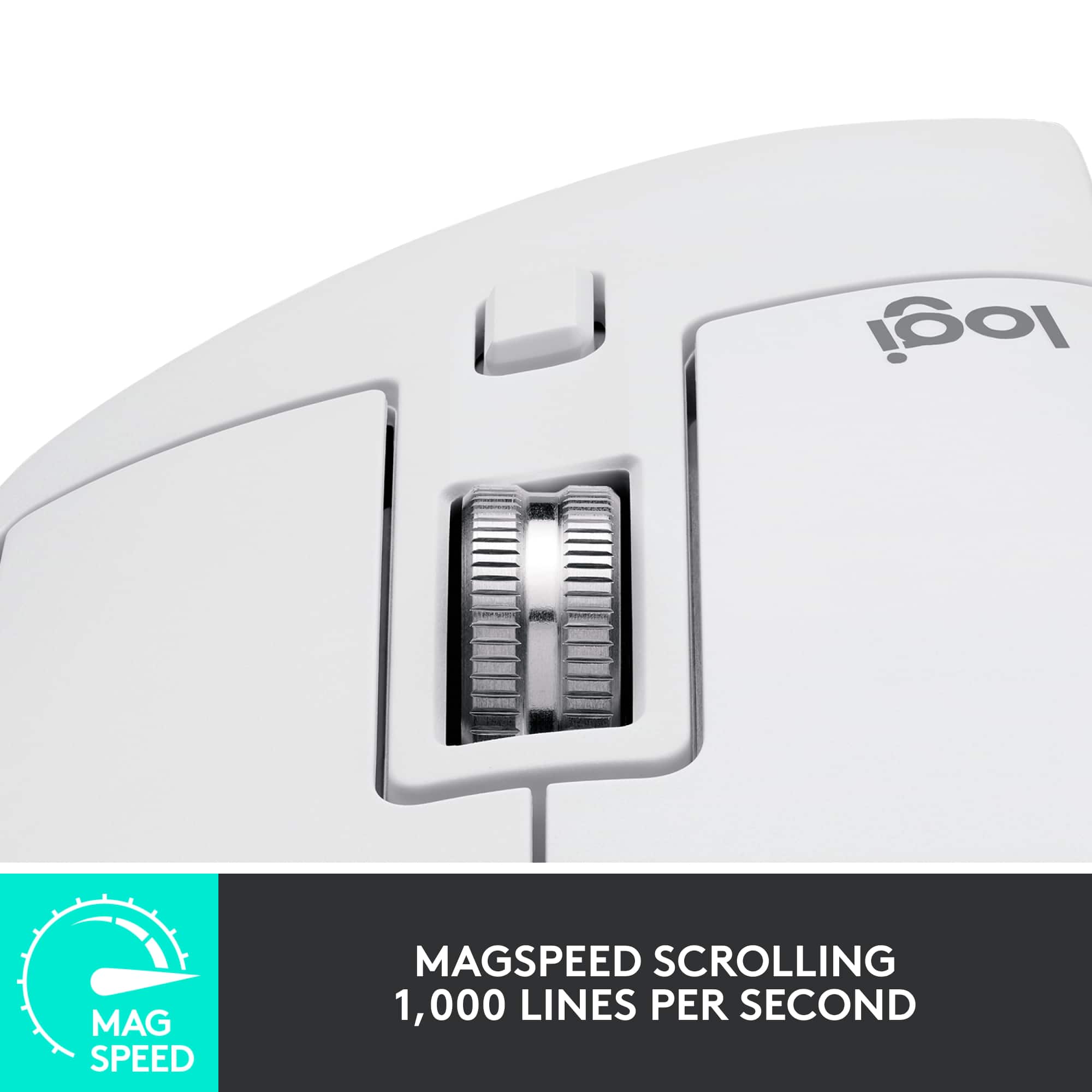

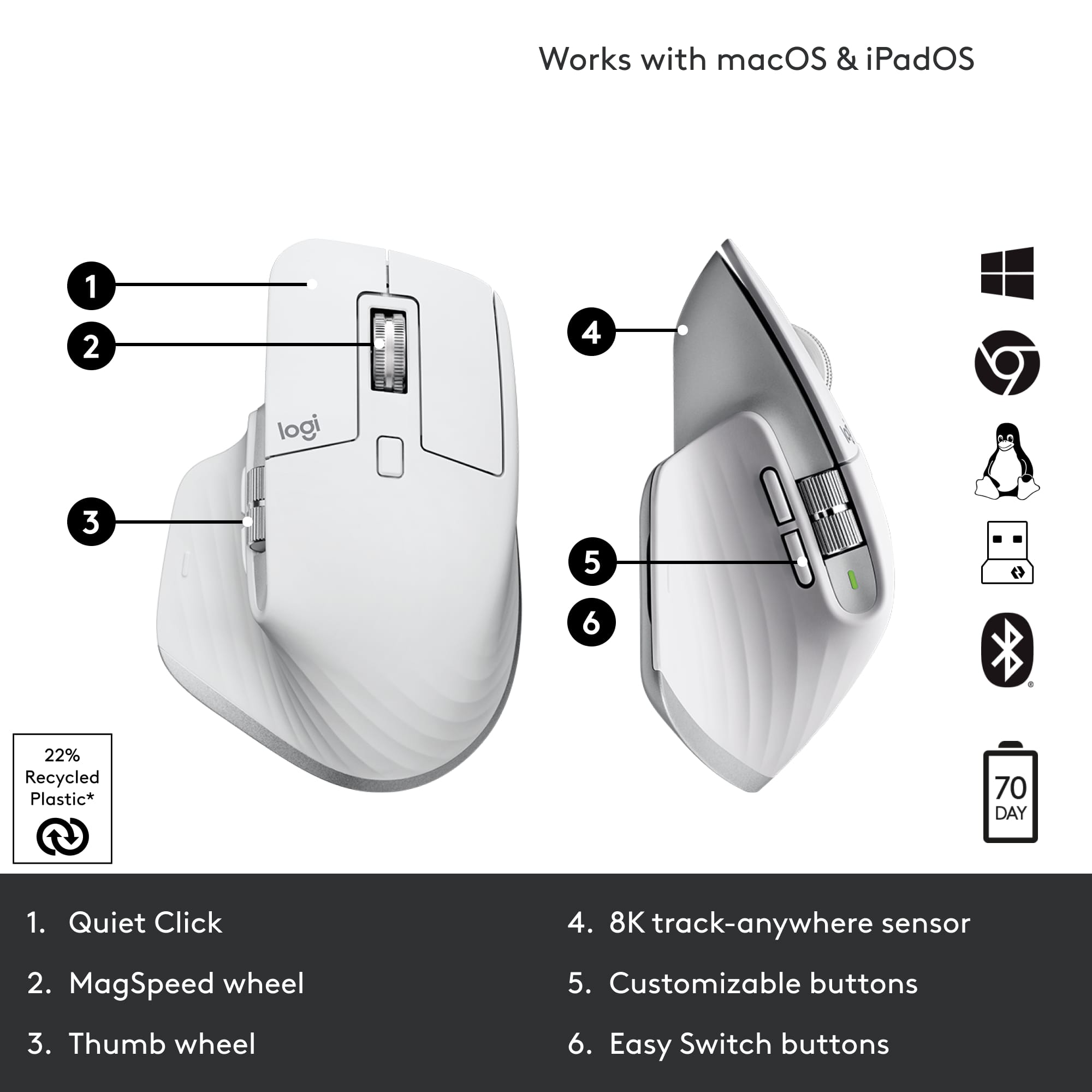






- Model:
- 910-006558
- SKU:
- 11068535
Rating by feature
- Value
Rating 4.6 out of 5 stars
- Quality
Rating 4.8 out of 5 stars
- Ease of Use
Rating 4.8 out of 5 stars
- Pros mentioned:Ergonomics
My new daily driver with a few friendly quirks
||Posted . Owned for 1 month when reviewed.This reviewer received promo considerations or sweepstakes entry for writing a review.This mouse has great precision cursor movement and comfort for the hand. The primary right and left buttons are slightly forward which only took 2 minutes to adjust to and seem to improve comfort and hand posture. The horizontal scroll wheel is a new and useful that makes me excited to see if could master diagonal scrolling by using the vertical scroll wheel at the same time. I enjoy using this mouse every day. I do have two challenges with the mouse. First, if you vertical scroll woth force, it keeps going and scrolls VERY far. Second, I have observed the cursor start skipping or jumping around, almost as if the mouse is half asleep. Switching the mouse off and on returns the cursor to full precision. A firmware update may correct both of thes issues. I have used and replaced my previous logitech mouse several times for 10 years and look forward to mastering my new daily driver!
I would recommend this to a friendBrand response from Logitech
Posted .Thank you for the detailed feedback on your MX Master 3S. The observations regarding the scrolling behavior and cursor movement are valuable, and the team is looking into these areas for potential improvements. We appreciate your long-term loyalty and are glad to hear you're enjoying many aspects of the mouse.

- Pros mentioned:Ergonomics
Best mouse ever
||Posted .This reviewer received promo considerations or sweepstakes entry for writing a review.Well, all the hype I was hearing about this mouse turned out to be true. It is one of the best out there. The main reason I got this was hopefully to help with wrist pain. Since I have been using this I have had no pain at all. It is very comfortable to use and the large size is just right. It has a ton of features for professionals who need them. I however do miss the rubberized wheel that my last Logi mouse had. Still, this mouse is well worth the cost and I would not hesitate to buy it again.
I would recommend this to a friendBrand response from Logitech
Posted .Thanks for the detailed review! We're thrilled the MX Master 3S is living up to the hype and helping ease wrist pain—comfort and performance are exactly what it's built for. Noted on the rubberized wheel; your feedback helps us keep improving.
- Pros mentioned:Battery life, Ergonomics
Best Mouse Hands Down
||Posted .This reviewer received promo considerations or sweepstakes entry for writing a review.Best mouse hands down. Super ergonomic, great button feel and battery life. Best part is that when the battery is low, you can just plug into the front USB port and continue to use while charging.
I would recommend this to a friendBrand response from Logitech
Posted .Thanks so much for the awesome feedback! We're thrilled you're loving your Logitech MX Master 3S Wireless Mouse.
It's great to hear that the ergonomics, button feel, battery life, and especially the charge-and-use feature are making such a difference for you.
Enjoy your mouse!
- Pros mentioned:Battery life
So comfy and functional
||Posted . Owned for more than 2 years when reviewed.This reviewer received promo considerations or sweepstakes entry for writing a review.This mouse is so comfy and functional. Using the software they provide you can assign all the buttons on the mouse different functions depending on which application you’re using. You can also pair the mouse to 3 different devices and use a button under the mouse to toggle between them. I have mine set to connect to my laptop, desktop and iPad. The battery last a long time. I charge it once a month and it’s still at 70% or so.
I would recommend this to a friendBrand response from Logitech
Posted .Hey! It’s wonderful to know our product has met your expectations. Your review gives us insight into what we’re doing right. We appreciate your support and the time you took to write.
- Pros mentioned:Battery life
Great Smart Mouse for Multiple PCs/Macs
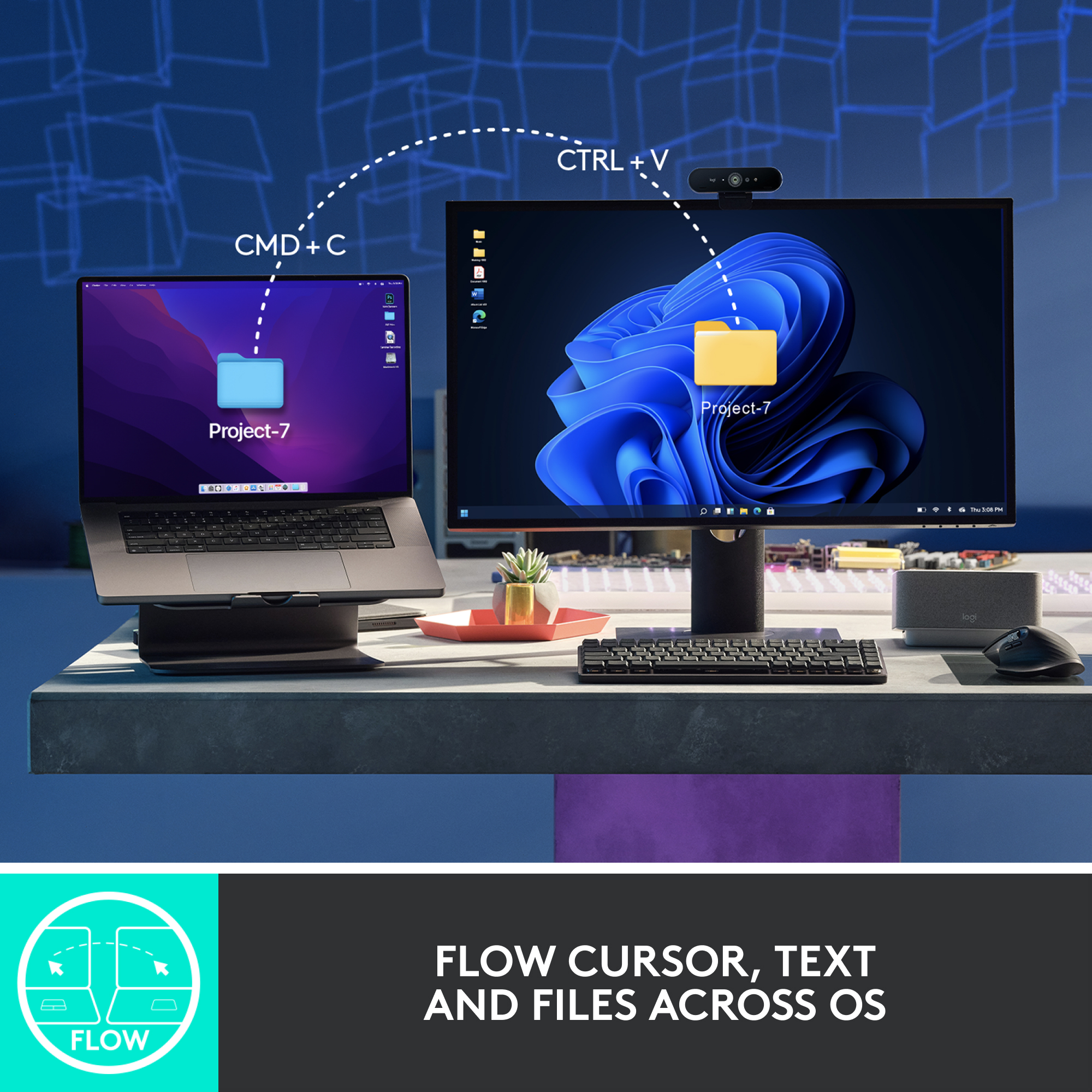
||Posted . Owned for 6 months when reviewed.This reviewer received promo considerations or sweepstakes entry for writing a review.My first smart mouse and it’s awesome. I’m able to connect my work laptop (PC) and personal MacBook. You can switch between the two with a click of the button on the bottom. You can connect up to three computers and switch between them easily. You can also program the several buttons on the smart mouse with the companion app. With daily use, the battery seems to last about three weeks or more before needing to recharge.
I would recommend this to a friendBrand response from Logitech
Posted .We're glad the Logitech MX Master 3S has become such a valuable tool for your multi-device workflow! Its ability to seamlessly switch between computers is a game-changer for productivity. Thank you for your detailed review and for highlighting the product's strengths!
- Pros mentioned:Battery life, Overall performance
Good mouse not for me
||Posted . Owned for 1 year when reviewed.This reviewer received promo considerations or sweepstakes entry for writing a review.Mouse works very well, I didn’t personally like the way it fit in my hand but it’s got great battery life.
I would recommend this to a friend ogitech MX Master 3S MUST have
||Posted .This reviewer received promo considerations or sweepstakes entry for writing a review.The Logitech MX Master 3S is widely regarded as the best productivity mouse available today, offering silent clicks, an upgraded 8,000 DPI sensor, and Logitech’s signature MagSpeed scroll wheel. It’s ideal for professionals with complex workflows, though it remains pricey and is designed only for right-handed users
I would recommend this to a friendBrand response from Logitech
Posted .It’s great to hear your experience has been positive. Your feedback helps us refine and improve our products. Thanks for choosing Logitech!
- Pros mentioned:Scroll wheel
Love the mouse
||Posted . Owned for 2 weeks when reviewed.This reviewer received promo considerations or sweepstakes entry for writing a review.The mouse feels great, is much better than my previous one. Particularly, love the quiet clicks, the unlocked scroll wheel, and the side scroller. Would definitely buy again.
I would recommend this to a friendBrand response from Logitech
Posted .Thank you for your feedback on the Logitech MX Master 3S! We're thrilled to hear you're enjoying the quiet clicks, smooth scrolling, and overall feel. It's great to know it’s made such a positive difference—happy clicking!
The Logitech MX Master 3S
||Posted . Owned for 1 year when reviewed.This reviewer received promo considerations or sweepstakes entry for writing a review.The Logitech MX Master 3S is one of the most polished and capable productivity mice you can buy — especially if you spend long hours working at a computer. It’s designed first and foremost for comfort, efficiency, and smooth control, and in most areas it delivers exceptionally well
I would recommend this to a friendBrand response from Logitech
Posted .Thanks for the positive feedback! We’re happy to hear the Logitech MX Master 3S Wireless Mouse is performing well. Your support helps us keep improving.
- Pros mentioned:Ergonomics, Scroll wheel
Almost GREAT!
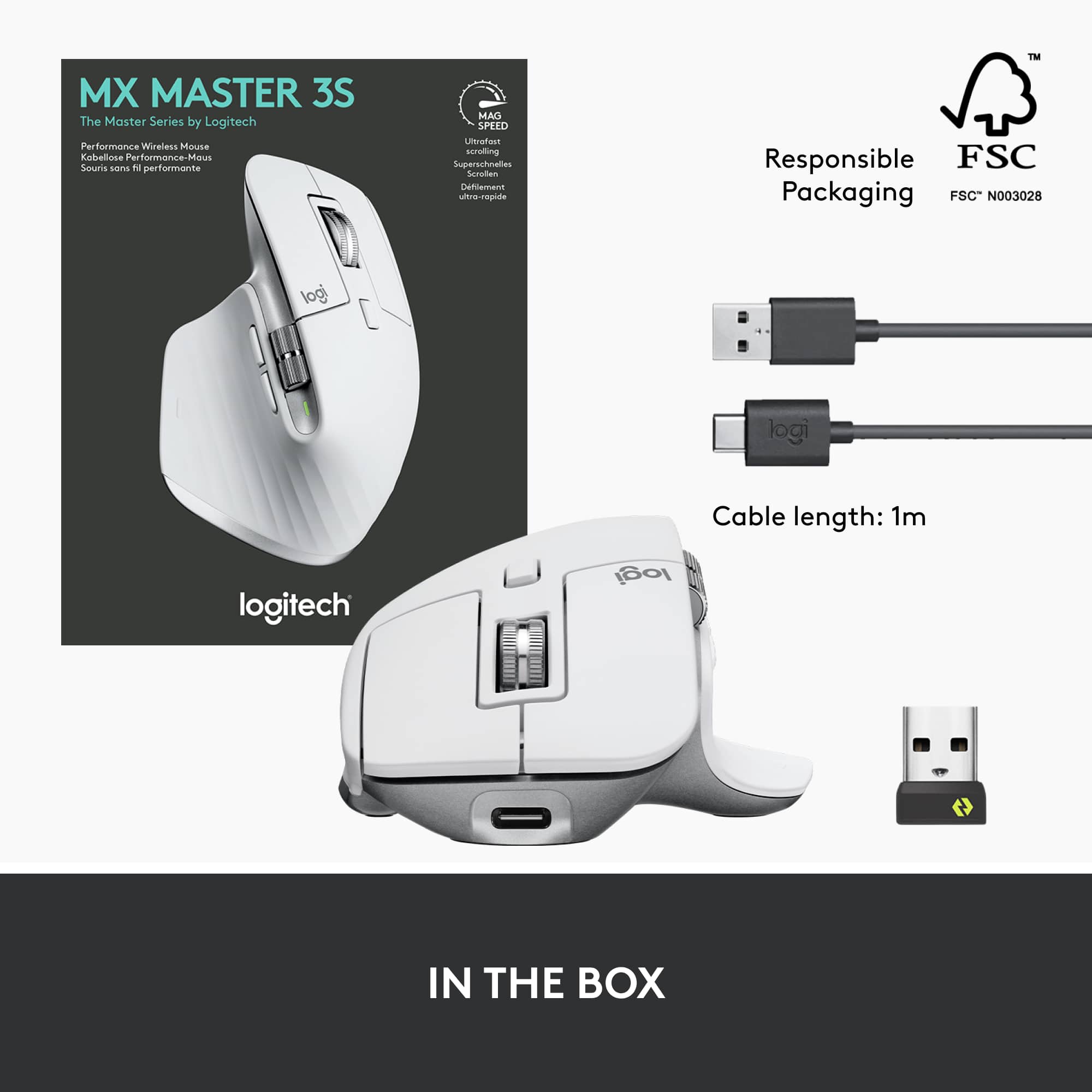
||Posted . Owned for 1 month when reviewed.This reviewer received promo considerations or sweepstakes entry for writing a review.With _one_ design flaw, this is the best mouse I have owned. The form and functionality of the mouse are exceptional. It is ergonomically sculpted for use with a large, right hand. The scroll wheel is amazing and effortlessly zips through large amounts of vertically oriented information. Buttons are well placed (i.e., out of the way but easily enabled). My only complaint is that the wireless dongle is USB A. My new laptop has only USB C ports and the dongle requires a C to A USB adapter. I wound up using Bluetooth for a dongle-free connection. This required that I keep Bluetooth active when in sleep mode. Otherwise, the mouse had to be reacquired every time the laptop woke up. @Logitech, please design a USB C wireless dongle and include a USB C charging cable for this mouse.
I would recommend this to a friend - Cons mentioned:Color
Hight tech device.
||Posted . Owned for 1 month when reviewed.This reviewer received promo considerations or sweepstakes entry for writing a review.It’s a pricey device but it’s worthy. Comfortable. Very accurate. It’s rechargeable which is a cool thing… my unique con. It’s the color. Looks amazing in this gray but you need to need to clean it almost daily.
I would recommend this to a friend Perfect buy!
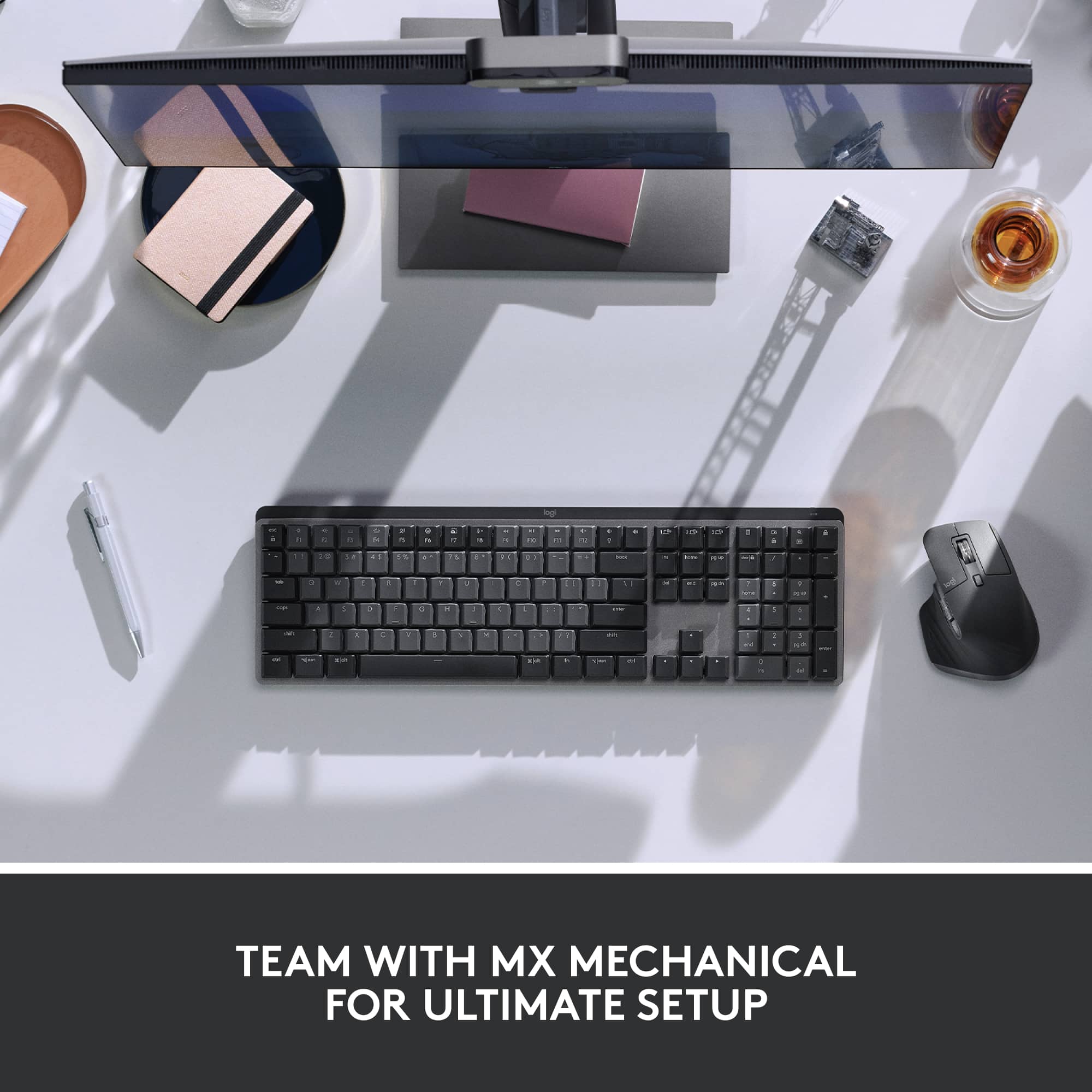
Posted .This reviewer received promo considerations or sweepstakes entry for writing a review.I really love this mouse! I bought the MX Keys S Combo. It has the Logitech 'bolt' connector. With great precision, it's fast and customizable. The only thing that would make it better would be to add the ability to tilt the wheel to the left and right.
I would recommend this to a friend- Pros mentioned:Ease of useCons mentioned:Size
Overall great mouse - not for gaming
||Posted . Owned for 2 weeks when reviewed.This reviewer received promo considerations or sweepstakes entry for writing a review.I like this mouse at a professional level, this jsnt a faming nouse in my opinion. Especially because this conpany has many more models thats are better suited for gaming (size wise as well as button options). That being said, its great for office work. Have bought their model before and everyone in my family uses this series. Literally nothing else you need in a mouse. Even if they let you post on facebook from just your mouse, this is all youll need LOL.
I would recommend this to a friendBrand response from Logitech
Posted .Thanks for the honest review! The MX Master 3S is indeed designed for productivity. For gaming mice, check out our Logitech G line. We're happy to help you find the perfect fit!
- Pros mentioned:Overall performance
Great on PC, Mac too but …
||Posted . Owned for 3 weeks when reviewed.This reviewer received promo considerations or sweepstakes entry for writing a review.I got this because you can switch easily between different computers, that part works like a charm. Also read lots of reviews That said the extra buttons are very helpful when using Davinchi Resolve (video editor) I have not used it yet for that so I can’t comment there. On my Mac — everything works but the vertical scrolling is not as smooth as my apple Magic Mouse. It’s a line by line scroll, so as you scroll it jumps from one line to the next, which makes the scrolling appear choppy. It’s more Like the scroll on a PC — and nothing wrong with that really, I’m just used to the pixel perfect smooth scrolling I’ve gotten used to on my Mac. Overall though, love this mouse!
I would recommend this to a friendBrand response from Logitech
Posted .Thank you for your valuable feedback on the Logitech MX Master 3S! We're thrilled to hear that its easy multi-computer switching works like a charm and that you love the mouse overall. We appreciate your detailed comparison of the vertical scrolling experience on Mac versus PC, and your insights regarding its potential use with DaVinci Resolve.
- Pros mentioned:Ease of use, Ergonomics
Feels Good
||Posted . Owned for 1 year when reviewed.This reviewer received promo considerations or sweepstakes entry for writing a review.Plugged and play out of the box with minimal fuss. Feels really good on surface slide, in the hand, and button ergonomics. Also like how quiet the clicking is. Been using the three different bluetooth settings to jump between three different systems with ease for a while now and have zero complaints.
I would recommend this to a friendBrand response from Logitech
Posted .Thank you for your kind words about the MX Master 3S! We're thrilled to hear that you're enjoying the seamless plug-and-play experience, the comfortable ergonomics, and the quiet clicking. We're also glad that the multi-device connectivity with Bluetooth is working flawlessly for you. We appreciate your feedback and hope you continue to enjoy the many benefits of the MX Master 3S for years to come.
- Pros mentioned:Ergonomics, Scroll wheel
Great mouse to pair with the MX Keys S
||Posted . Owned for 9 months when reviewed.This reviewer received promo considerations or sweepstakes entry for writing a review.Great mouse! Ergonomically sound and extremely comfortable in my hand. I spend my days writing software and this mouse, along with the MX Keys S keyboard, are a great addition to my system. The mouse, just like the keyboard, supports up to 3 different computers and can be changed with the push of a button on the bottom side. The thumb scroll can be programmed to flip through pages of a document, change font size, etc. The scroll wheel is now magnetically tied so it feels nice and smooth.
I would recommend this to a friend - Pros mentioned:Battery life, Scroll wheel
Review on using it with a Macbook
||Posted . Owned for 2 months when reviewed.This reviewer received promo considerations or sweepstakes entry for writing a review.This mouse is a great package with additional controls and precision scrolling. I use the two buttons on the side for App Expose and Mission Control. I use the side wheel for zoom in and zoom out. The thumb button at the bottom is a bit uncomfortable to use. So, I leave it out from my daily use. I like the fact that it charges using USB-C and the charge lasts for weeks together. But, overall, this mouse is a game changer for the Mac.
I would recommend this to a friendBrand response from Logitech
Posted .Hey, Thanks for the detailed review of the Logitech MX Master 3S for Mac! We appreciate you highlighting its strengths for Mac users, especially the programmable buttons, precision scrolling, and long battery life. It sounds like a great fit for your workflow! While the thumb button placement wasn't ideal for you, we're glad you were able to customize the other buttons for app expose, mission control, and zoom.
- Pros mentioned:Battery life, Ergonomics
I Love This Mouse
||Posted . Owned for 1.5 years when reviewed.This reviewer received promo considerations or sweepstakes entry for writing a review.This has to be my favorite Logitech mouse of all time. It is very comfortable to use and has all the functionality I usually look for in a mouse. The fact that it is rechargeable is an added bonus for me.
I would recommend this to a friendBrand response from Logitech
Posted .It's fantastic to hear the MX Master 3S has become your favorite! The comfort and functionality, along with the convenience of being rechargeable, are key features we aim for. Thanks for sharing your positive experience.
Best mouse even after 4 years
Posted .This reviewer received promo considerations or sweepstakes entry for writing a review.When I tell you that I have been using the crap out of this mouse for 4 years, no breaks 8-12 hour days for 5-7 days a week and not once has it faltered or slowed down. I also have the mx master keyboard, same quality. Nothing comes close to it and I have tried every ergo/ fast scrolling mouse. Well worth the price. The only thing I have noticed is the battery doesn't last as long as it used to but that's to be expected after 4 years of constant use. I am a heavy typer and scroller, use excel everyday all day.
I would recommend this to a friendBrand response from Logitech
Posted .Incredible review! We're thrilled to hear that the Logitech MX Master 3S has been such a reliable and durable mouse for you, even after four years of intensive use. Your positive feedback about its performance, comfort, and value is fantastic. Thank you for sharing your amazing experience!
Can never go wrong with the ultimate mouse!
||Posted . Owned for 1 week when reviewed.This reviewer received promo considerations or sweepstakes entry for writing a review.I have always been a fan of the MX Master lineup; I'm glad they brought the Type C connector because I'm looking for a micro USB that can be demanding now. Clicking with this mouse is quiet and not a lot, and it's still enjoyable. I love the new white finish. I will follow up to see if it gets dirty immediately. The additional features of being able to pre-set the buttons and use the horizontal scroll are ideal for Excel users. Love it!
I would recommend this to a friendBrand response from Logitech
Posted .It's great to hear that you appreciate the upgrade to the Type-C connector on the MX Master 3S. It's a welcome change for many users.