Customer Ratings & Reviews








- Model:
- 910-006558
- SKU:
- 12593698
Rating by feature
- Value
Rating 4.6 out of 5 stars
- Quality
Rating 4.8 out of 5 stars
- Ease of Use
Rating 4.8 out of 5 stars
to a friend
Simple to use
||Posted . Owned for 1 month when reviewed.This reviewer received promo considerations or sweepstakes entry for writing a review.Works as expected, love the feature to charge instead of using batteries.
I would recommend this to a friendGlitchy and disconnects
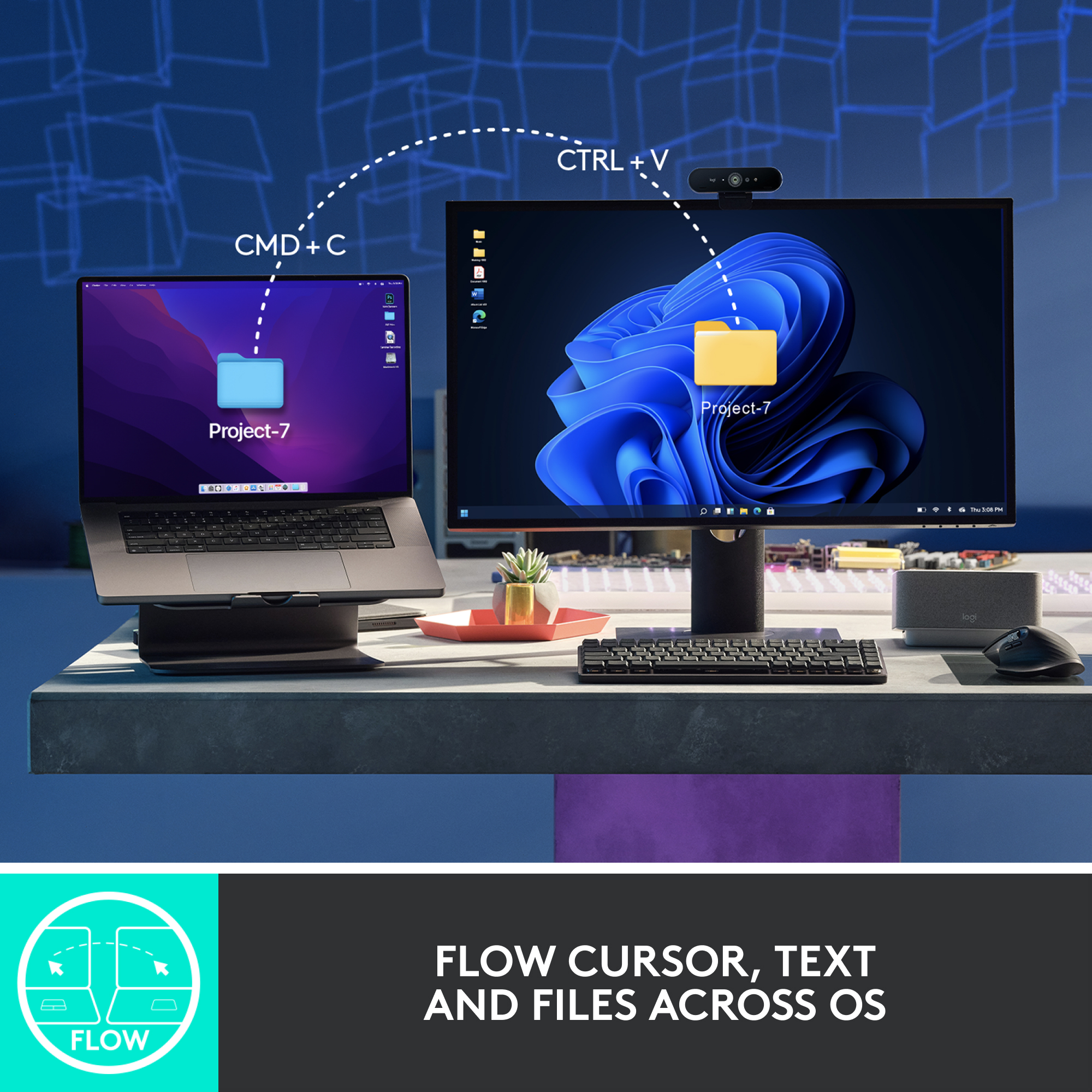
||Posted . Owned for 2 weeks when reviewed.This reviewer received promo considerations or sweepstakes entry for writing a review.The flow doesn’t work clean. Disconnects and jumps across the screen when reconnecting with flow. Going to try bolt usb on each computer to see if it improves. I only recommend it for features and smoothness but its frustrating using it with flow across computers.
I would recommend this to a friendBrand response from Logitech
Posted .We apologize for the inconvenience caused by the flow connectivity issues with the Logitech MX Master 3S. We understand how frustrating it can be when a product doesn't work as expected. To address this issue, we recommend reaching out to our social care team via email at socialcare@logitech.com with your
- Name:
- Email Address:
- Country:
- Product Name:
- Brief description of issue:
AVOID unless you like ugly things.
||Posted . Owned for 1 month when reviewed.This reviewer received promo considerations or sweepstakes entry for writing a review.This was my second MX Master Mouse. I have another in black. DO NOT GET THE WHITE ONE. DO NOT DO IT. For the love of all that is good in this world - stick to the black one. Yes, the white one looked waaaaay better than the black. But the black looks great too. It's just that the white one turns yellow almost immediately and just continues to get worse after only a few regular work weeks. Also, this one didn't operate as smoothly as my black one. The wheel didn't spin as well and the gestures button was not as smooth either. I'm sure that's a one off though. What is not a one off is that the white mouse turns yellow after just a little bit of use. Many people have reported this. As of 3/10/23 it didn't seem anyone had a fix for it either. Just a bunch of angry people about this one. Otherwise it looks amazing out of the box. AVOID!!!
No, I would not recommend this to a friendHesitates a LOT. Very short return time policy
||Posted . Owned for 2 months when reviewed.This reviewer received promo considerations or sweepstakes entry for writing a review.The first week or so, it seemed like a nice mouse to use between my new MacBook Pro and my HP Pavilion laptop. Just slide left or right and it jumped from one device to the other. Now you have to manually press the button on the mouse to switch screens. Also the when using the scroll button, many times you have to keep spinning the wheel to get it to move. I was hoping to return and replace it, but didn't realize how short the return policy is on this pretty expensive mouse. Very disappointed in BB's policies. One more thing is that the metal scroll wheel is uncomfortable to the index finger. Feels like it will cause callouses eventually.
No, I would not recommend this to a friendBrand response from Logitech
Posted .We apologize for the inconvenience caused by the issues you've encountered with the Logitech MX Master 3S. In order to help you effectively, please provide your information to our support team via email at socialcare@logitech.com with your
- Name:
- Email Address:
- Country:
- Product Name:
- Brief description of issue:
Good for medium/large hands
||Posted . Owned for 8 months when reviewed.This reviewer received promo considerations or sweepstakes entry for writing a review.Favorite mouse, can be difficult to use if you have smaller hands
I would recommend this to a friendGreat mouse
||Posted . Owned for 1 month when reviewed.This reviewer received promo considerations or sweepstakes entry for writing a review.I've been using this mouse at work and home for several days, and besides some minor issues with the scroll is a great mouse.
I would recommend this to a friendMouse works
||Posted . Owned for 1 year when reviewed.This reviewer received promo considerations or sweepstakes entry for writing a review.It's been good, reliable and working like a mouse should.
I would recommend this to a friendBrand response from Logitech
Posted .Thank you for your positive feedback. We are glad to hear that the Logitech - MX Master 3S has been reliable and performs as expected. Your satisfaction is important to us.
Over hyped, under performing mouse!
||Posted . Owned for 5 months when reviewed.This reviewer received promo considerations or sweepstakes entry for writing a review.This mouse was beyond disappointing for a price tag of 100$ and targeted at professionals. The scrolling was cheap and ruined the smooth-scrolling experience you get from the built-in trackpad. Specifically, inside Code editors, this mouse was scrolling way too fast, to a point where it was unusable. 15$ mouse does a better job than this. Though there were options provided in Logi + app, I needed help. Finally, I installed a third-party app to bring a smooth scrolling experience. I wish I could return this. If you are in the market for a mouse, you would be better off with other cheaper mice. Do not give in to the hype around this product! Period!
No, I would not recommend this to a friendBrand response from Logitech
Posted .We deeply empathize with the challenges you're facing, and we genuinely apologize for any difficulties experienced. We sincerely appreciate your valuable feedback, and rest assured, we will ensure it reaches the appropriate team. Thank you for taking the time to share your insights with us, and we apologize for any inconvenience caused.
Mouse
||Posted . Owned for 1 month when reviewed.This reviewer received promo considerations or sweepstakes entry for writing a review.Needed for work computer and it seems to work for that.
I would recommend this to a friendBrand response from Logitech
Posted .The Logitech MX Master 3S is a solid choice for work productivity. Its performance and functionality seem to be meeting your needs.
Point and shoot
||Posted . Owned for 1 month when reviewed.This reviewer received promo considerations or sweepstakes entry for writing a review.Nice smooth. Roller spins for days. Works with multiple dongles. Love it
I would recommend this to a friendProfessional
||Posted . Owned for 1 month when reviewed.This reviewer received promo considerations or sweepstakes entry for writing a review.This mouse has way more bells and whistles than i need, but i love using all of them. It has made my workflow much easier with customizable buttons and other features
I would recommend this to a friendExcellent response
||Posted . Owned for 1 week when reviewed.This reviewer received promo considerations or sweepstakes entry for writing a review.This mouse lives up to the expectations. Solidly built, easy to setup (windows computer). Multi functionality. I’m a logitech fan for a reason. They never let me down!
I would recommend this to a friendLag
||Posted . Owned for 4 months when reviewed.This reviewer received promo considerations or sweepstakes entry for writing a review.Wish it wasnt so laggy. I use the dongle, and it starts to get so laggy throughout the day . I have to shake the mouse in order to get it to return to normal. I use the dongle 12” from the mouse and still get lag. I love the functionality and the flexibility the mouse offers, but its unreliable with its connection.
No, I would not recommend this to a friendBest Mouse
||Posted . Owned for 1 week when reviewed.This reviewer received promo considerations or sweepstakes entry for writing a review.I have only had this mouse for a little less than a month. And it is a game changer with it’s programmable buttons.
I would recommend this to a friendComfortable
||Posted . Owned for 7 months when reviewed.This reviewer received promo considerations or sweepstakes entry for writing a review.Comfortable and works well. No onboard capabilities
I would recommend this to a friendBrand response from Logitech
Posted .Thank you for sharing your experience! We're glad to hear the MX Master 3S delivers comfort and reliable performance. Your feedback on onboard capabilities is appreciated—it helps us continue refining features to better meet user needs.

Amazing mouse
||Posted . Owned for 2 weeks when reviewed.This reviewer received promo considerations or sweepstakes entry for writing a review.It sometime have delay while using Bluetooth. Need yo update thr software.
I would recommend this to a friendLogitech MX Master 3S,
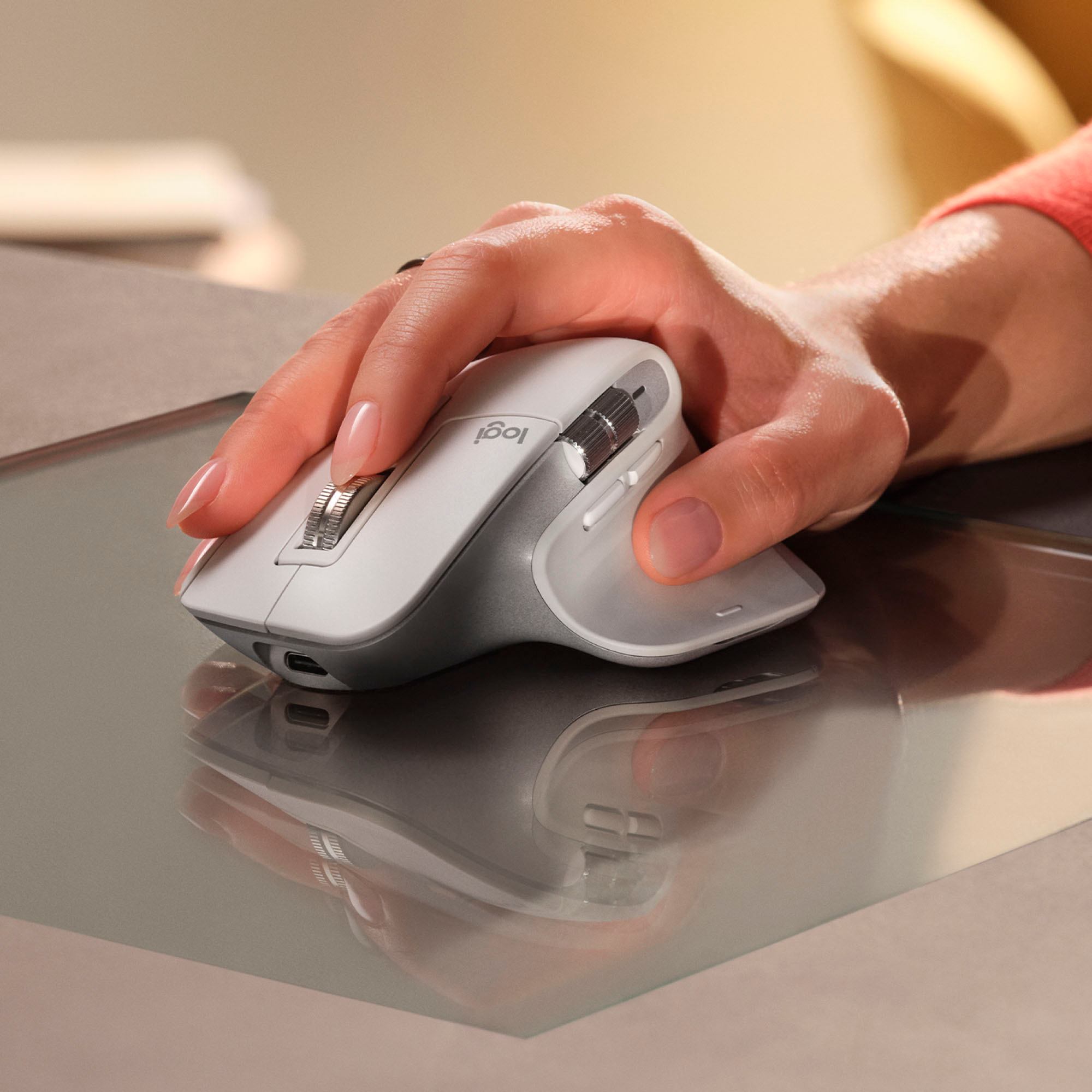
||Posted . Owned for 2 weeks when reviewed.This reviewer received promo considerations or sweepstakes entry for writing a review.I purchased this mouse because of the feel of it. This is a very quite mouse. Fit perfect for my hand. Easy to bluetooth quickly to all of my computers.
I would recommend this to a friendFantastic Mouse…..Worth the Price
||Posted . Owned for 3 weeks when reviewed.This reviewer received promo considerations or sweepstakes entry for writing a review.This mouse is actually worth the higher price. The claims that it improves productivity are accurate and I believe that is due to how customizable it is.
I would recommend this to a friendGood mouse
||Posted . Owned for 1 month when reviewed.This reviewer received promo considerations or sweepstakes entry for writing a review.Very good productivity mouse. Has low clicking noise and very responsive.
I would recommend this to a friend
Amazing mouse for productivity
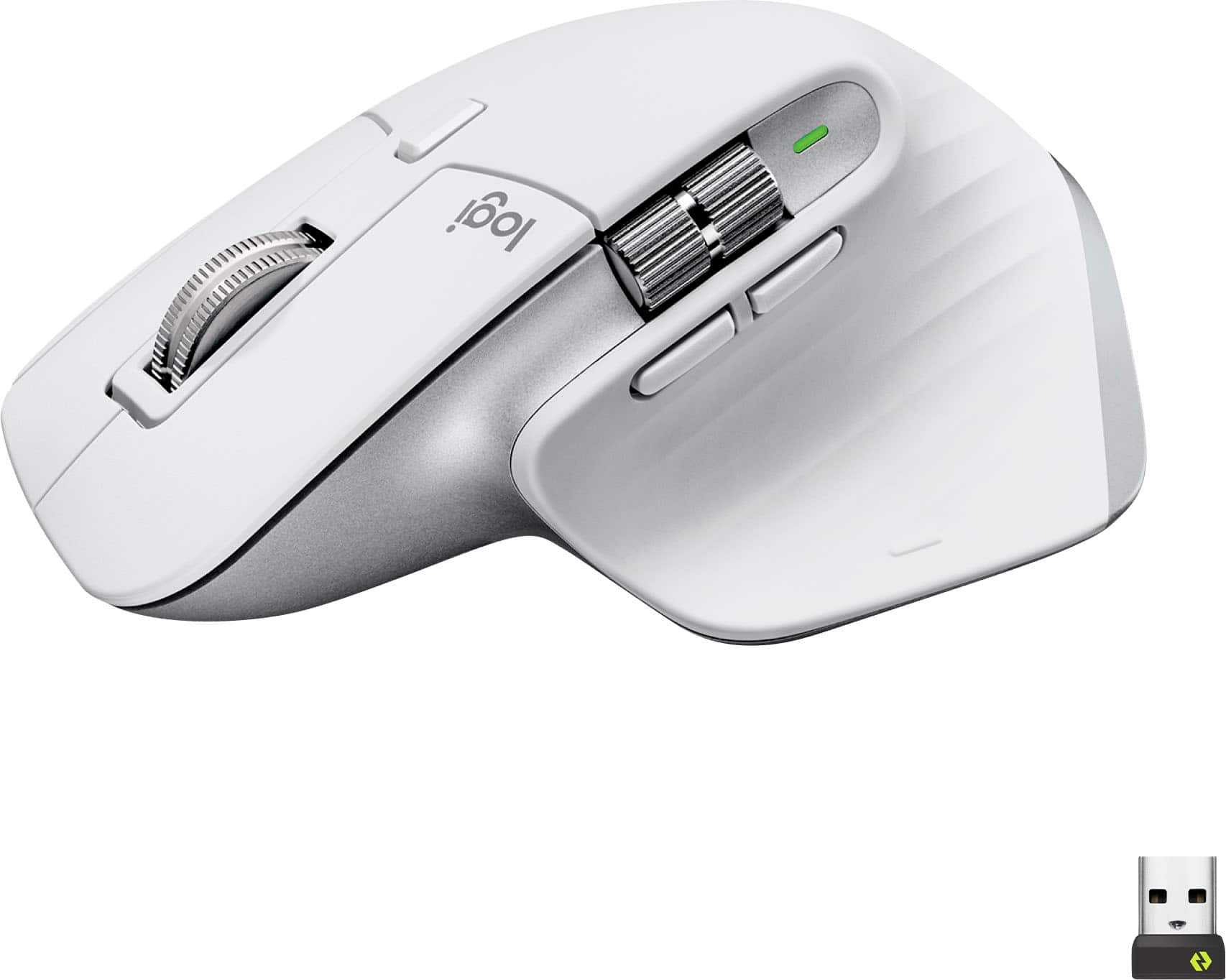
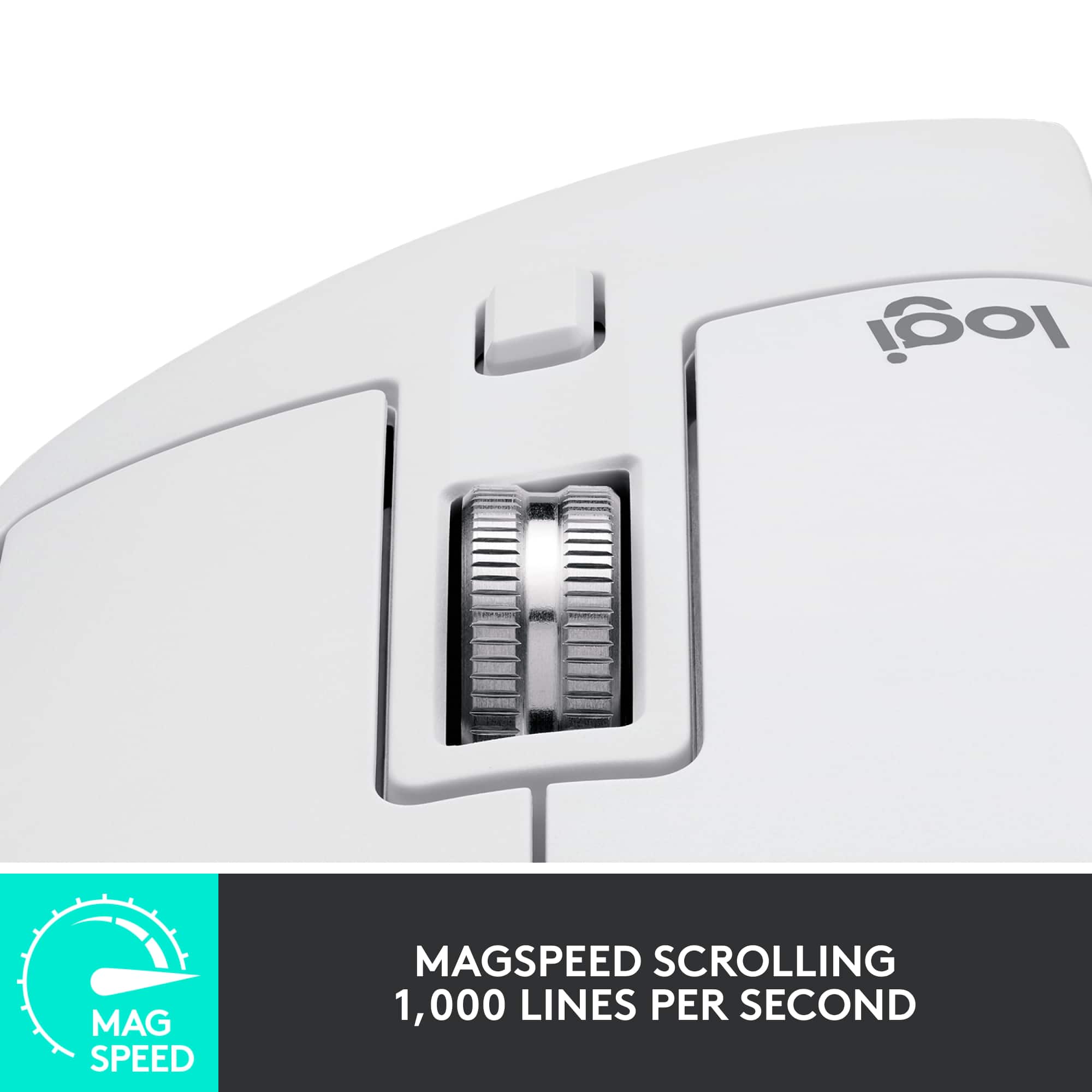
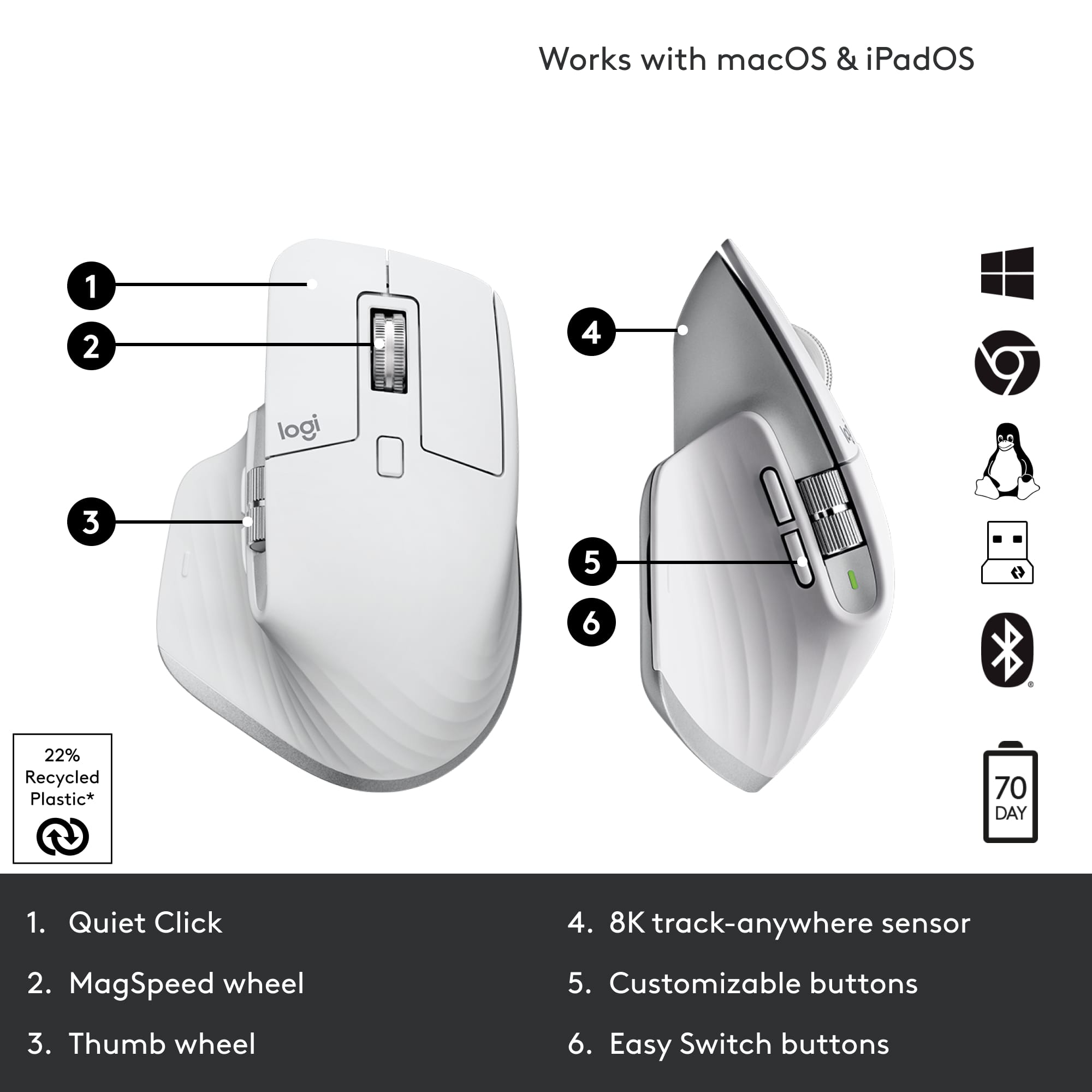
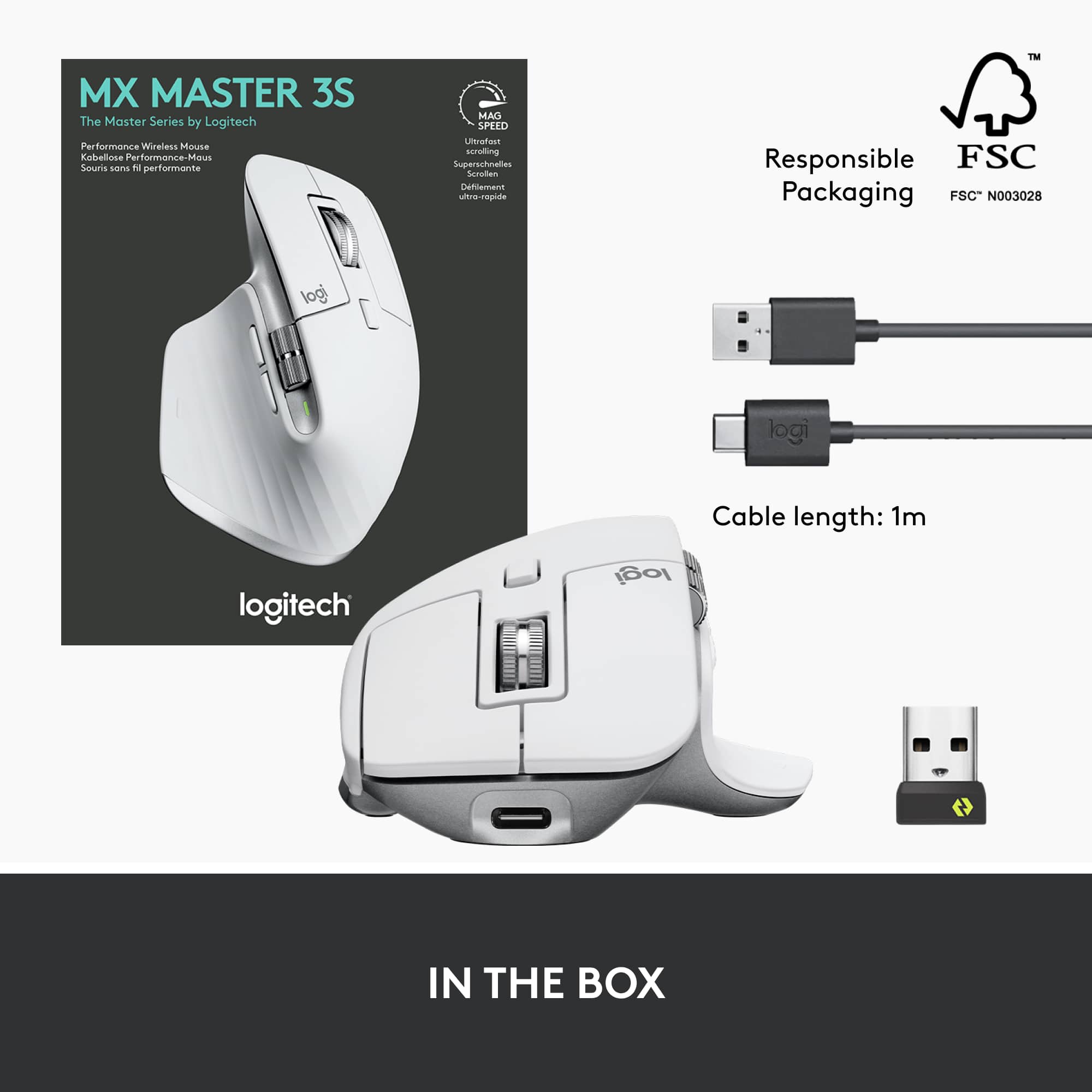
|Posted .This reviewer received promo considerations or sweepstakes entry for writing a review.Summary: Probably the best mouse I have ever owned. It has outstanding customization features for major productivity products (Office, Adobe, etc), great ergonomics and high quality build. Pros: Build quality Comfort Performance Style Ease of use Customization Battery life Bluetooth or USB wireless Cons: Dongle is USB-A only Unboxing / setup: The package is small and has the essentials, the mouse, a dongle (USB-A) and warranty info. Setup is easy. With the dongle you can just plug it into the system and the mouse is automatically paired. If you want to connect via bluetooth, long press the connection button on the bottom and pair via your computer. I highly recommend you install the Logitech software from the website as it will allow you to customize buttons/wheels with specific programs such as excel, photoshop and more. Build quality: The quality of this device is outstanding. It uses some sort of magnetic scrolling so the wheels feel buttery smooth. Button clicks are good and the device feels sturdy. Use: I test with a windows laptop, a Mac Mini and a Galaxy Tab 8 Ultra in Dex mode. All devices are easily supported or paired to the mouse. The PC and mac allow for 8k DPI mode which for me was a bit too fast but for some will allow insane amounts of accuracy. The scroll wheels are very useful, especially the horizontal wheel. On Mac it is great for scrolling through books, magazines and more whereas in productivity software it is great for navigation on spreadsheets, moving around zoomed photos and so on. The thumb rest area has a hidden button that you can use for multiple things. I use it for selection between open windows similar to alt-tab. Bluetooth seemed a little laggy to me in comparison to using the dongle but it was still useful. The USB-A dongle was a non issue for me but if you are using this with a device that is only equipped with USB-C this might be an issue without an adapter.
I would recommend this to a friend