Customer Ratings & Reviews








- Model:
- 910-006558
- SKU:
- 12593698
Rating by feature
- Value
Rating 4.6 out of 5 stars
- Quality
Rating 4.8 out of 5 stars
- Ease of Use
Rating 4.8 out of 5 stars
to a friend
Quality but no memory
||Posted .This reviewer received promo considerations or sweepstakes entry for writing a review.Great feeling, ergonomic mouse. I love the overall feel and the response time is great on WiFi or Bluetooth. My only qualm is that there is no onboard memory, meaning you have to install Logitech software to customize the functionality of any buttons.
I would recommend this to a friendBrand response from Logitech
Posted .It sounds like you're really appreciating the comfortable, ergonomic design and responsive performance of the MX Master 3S, whether you're using WiFi or Bluetooth. That's excellent to hear! Thanks for pointing out the need for the Logitech software for button customization due to the lack of onboard memory – that's a helpful detail for potential buyers.

Good mouse for general use and long term comfort
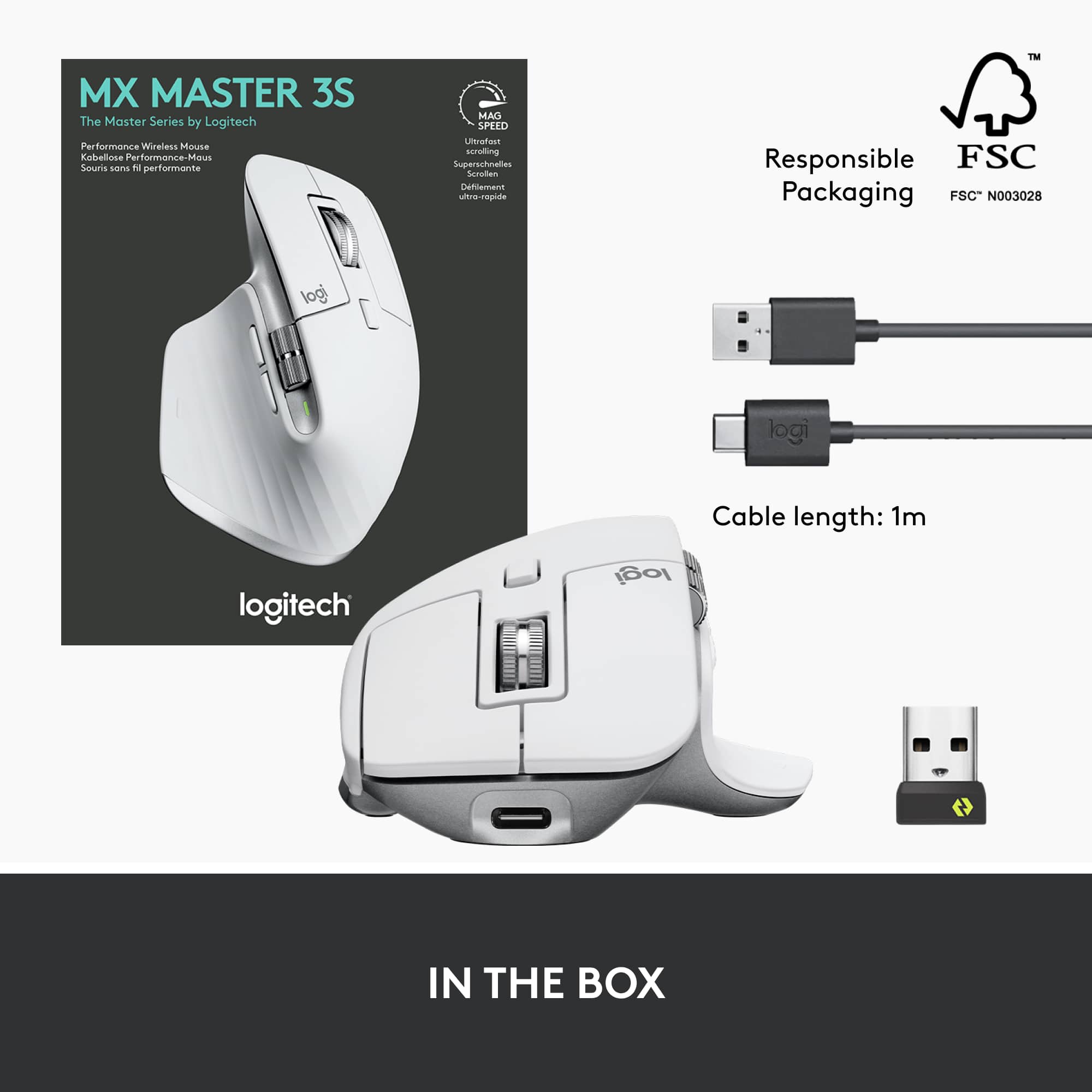
||Posted . Owned for 1 week when reviewed.This reviewer received promo considerations or sweepstakes entry for writing a review.Very similar to the 3. The 3S is Logi Bolt compatible and NOT Unifying Receiver compatible. As of today, these are two completely separate and similar technology. Bolt is newer, more secure and can be trained up to 3 separate Bolt receivers. The Master Keys Mini is also Bolt compatible. The quiet clicking is something that I do enjoy better and I also prefer Bolt as that's what my peripherals are moving towards. Do not expect a night and day difference to Master MX 3. I have not been able to see a difference when it comes to the benefits of the higher PPI tracker. I have very large hands, and this is very comfortable to me. People with smaller hands may find it too large. This is a right-handed product... lefties should look elsewhere.
I would recommend this to a friendGreat mouse for price
||Posted . Owned for 1 month when reviewed.This reviewer received promo considerations or sweepstakes entry for writing a review.Easy setup using the dongle. Battery life is great and recharge time is quick. Movement is smooth and accurate. I have larger hands, so mouse is really comfortable.
I would recommend this to a friendGreat mouse for work and productivity
||Posted . Owned for 3 weeks when reviewed.This reviewer received promo considerations or sweepstakes entry for writing a review.Got this mouse for work. Setup was super easy after downloading the software to program the buttons. The customizability allows you to increase your productivity over a normal mouse. Mouse also feels good in your hand.
I would recommend this to a friendBrand response from Logitech
Posted .Awesome to hear you're loving your MX Master 3S for work! It's fantastic that you found the setup easy and are really making the most of those customizable buttons to boost your productivity. We're also super happy it feels just right in your hand!
Cuts the cord, no batteries
||Posted . Owned for more than 2 years when reviewed.This reviewer received promo considerations or sweepstakes entry for writing a review.My favorite Mouse ever! Rechargeable, never replace a battery again! very comfortable!
I would recommend this to a friendBrand response from Logitech
Posted .We’re grateful you took the time to share your thoughts. It’s wonderful to know our product is meeting your expectations.
Nice for editing
||Posted . Owned for 6 months when reviewed.This reviewer received promo considerations or sweepstakes entry for writing a review.Great tool for editing and browsing. Battery life is fantastic. No lag with Bluetooth. Solid quiet clicks. Lots of assigned customization options. Good comfort.
I would recommend this to a friendGreat mouse
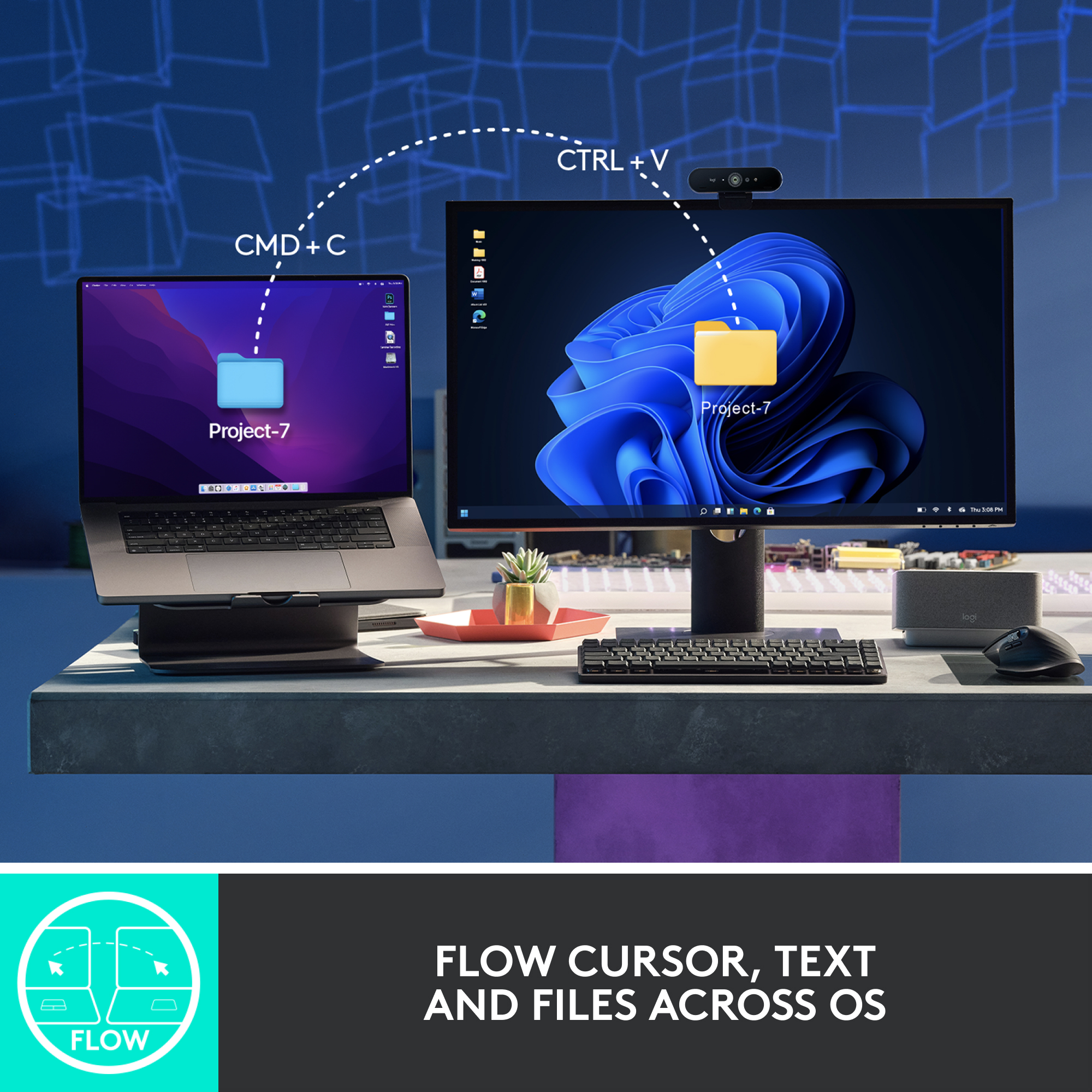
||Posted . Owned for 1 week when reviewed.This reviewer received promo considerations or sweepstakes entry for writing a review.I've been using the prior generation of this mouse at home for years. I wanted a second one for work now that we're back in the office. The side button placement is a little different than the 2S, but overall this feels very familiar, in the hand, which is exactly what I wanted. I love the fact that you can connect to one laptop via Bluetooth, but then connect to a second laptop via the USB dongle. I also love the Ultrafast scrolling....I use that all the time to quickly navigate the long documents I work on. Very happy.
I would recommend this to a friendExcellent office mouse
||Posted . Owned for 5 months when reviewed.This reviewer received promo considerations or sweepstakes entry for writing a review.I've been a 'one mouser' for a very long time. This mouse has changed my mind as I now have this mouse exclusively for work use. I've tried to go back to a single gaming mouse but after using this for a few months, it's tough to go back. Well worth the money for the efficiency, productivity and being very comfortable in the hand.
I would recommend this to a friendBrand response from Logitech
Posted .Thank you for your positive review of the Logitech MX Master 3S! We're glad to hear you're enjoying the efficiency, productivity, and comfortable fit, and that it has become your preferred mouse for work. We appreciate you taking the time to share your experience.
Comfortable
||Posted . Owned for 1 month when reviewed.This reviewer received promo considerations or sweepstakes entry for writing a review.Very comfortable mouse with a great battery life. No complaints or issues with anything so far. Also really liking the feel of the scroll wheel and its different settings.
I would recommend this to a friendWorth the money
||Posted . Owned for 3 weeks when reviewed.This reviewer received promo considerations or sweepstakes entry for writing a review.Great mouse, silent clicks compared to the predecessor MX Master 3. Build quality is great, lots of buttons you can customize. If you have small hands the MX Anywhere series may be more comfortable and better suited. Definitely try it out in store before you buy! Great for productivity, but not so much for gaming as it’s too heavy and may not be as accurate. Beware that the usb receiver is Logitech Bolt, not Logitech Unifying so your previous Unifying devices (like Mx anywhere) will not connect with new receiver. This mouse can connect to multiple devices and switch in between with button on bottom. Works flawlessly with MacOS and Windows although it works better on mac if you plug in usb receiver (with usb c to a adapter)
I would recommend this to a friendThe only mouse you want in your house!
||Posted . Owned for 1 month when reviewed.This reviewer received promo considerations or sweepstakes entry for writing a review.This mouse - it's ability to recharge, ergonomics, everything about it; I have not found any flaws to date!
I would recommend this to a friendBrand response from Logitech
Posted .Hey there! We're thrilled to hear you're loving your MX Master 3S! It's designed to be an extension of your hand, delivering peak performance and comfort.
Excellent daily use/productivity mouse.
||Posted . Owned for 8 months when reviewed.This reviewer received promo considerations or sweepstakes entry for writing a review.This mouse is awesome for work and productivity. Smooth scroll wheels makes navigating spreadsheets a breeze. Hand and wrist never tires. Would buy again.
I would recommend this to a friendMX Master 3S Mouse
||Posted . Owned for 3 weeks when reviewed.This reviewer received promo considerations or sweepstakes entry for writing a review.I bought this MX Master 3S Mouse to replace a dying five-year-old MX unified mouse. Same relative design feature as the previous version, so it felt similar. Hopefully, this will last as long.
I would recommend this to a friendBrand response from Logitech
Posted .That's great to hear you've upgraded to the Logitech MX Master 3S Mouse! We're thrilled you appreciate its familiar design and hope it provides you with just as many years of reliable use as your previous MX mouse. Thanks for sharing your experience!
Highly recommend
||Posted . Owned for 1 month when reviewed.This reviewer received promo considerations or sweepstakes entry for writing a review.This is such a great mouse. This is the third one we purchased for my offices. Zero lag time , great connection and most importantly extremely comfortable to use all day. This is such a great mouse. This is the third one we purchased for my offices. Zero lag time , great connection, and most importantly, extremely comfortable to use all day.
I would recommend this to a friendBrand response from Logitech
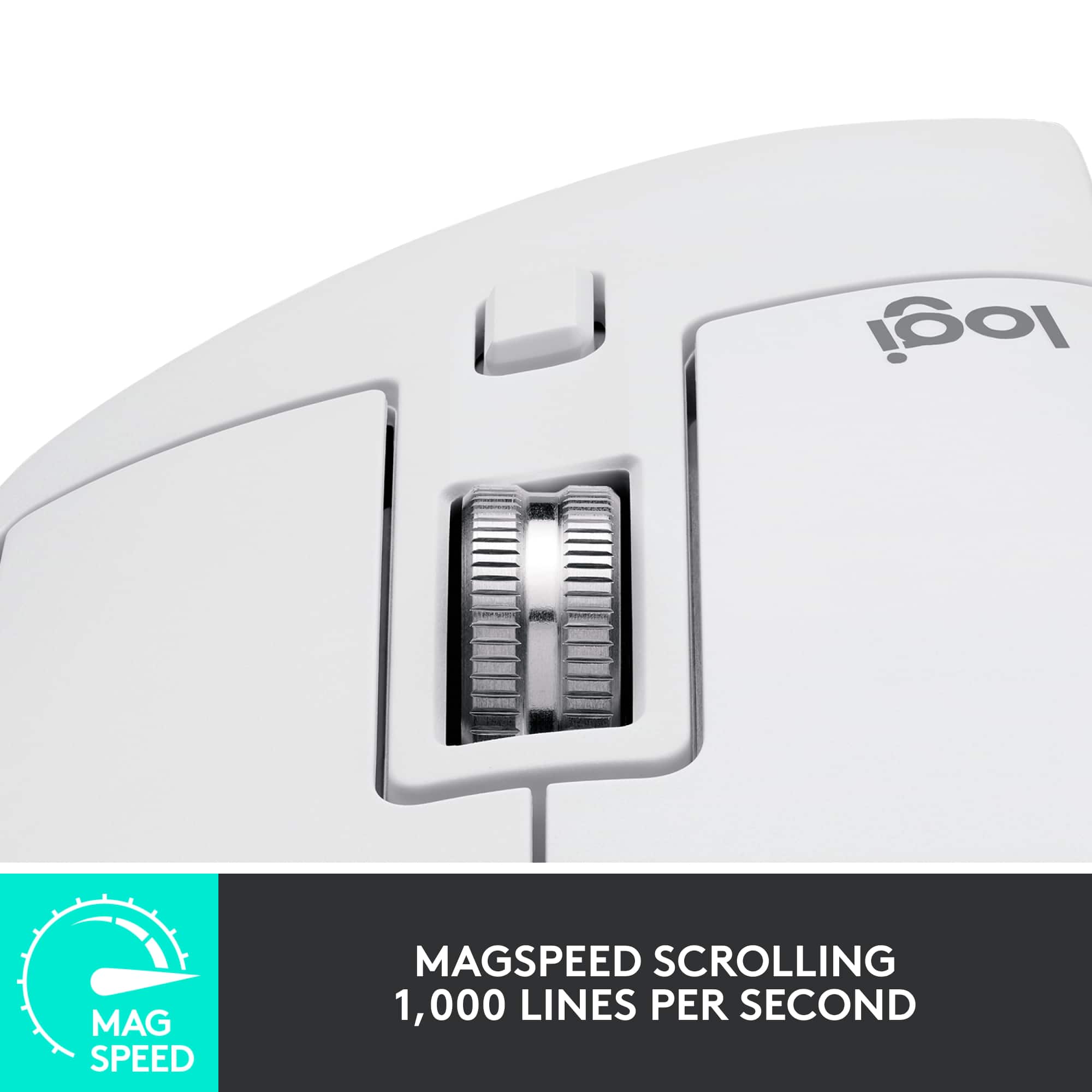
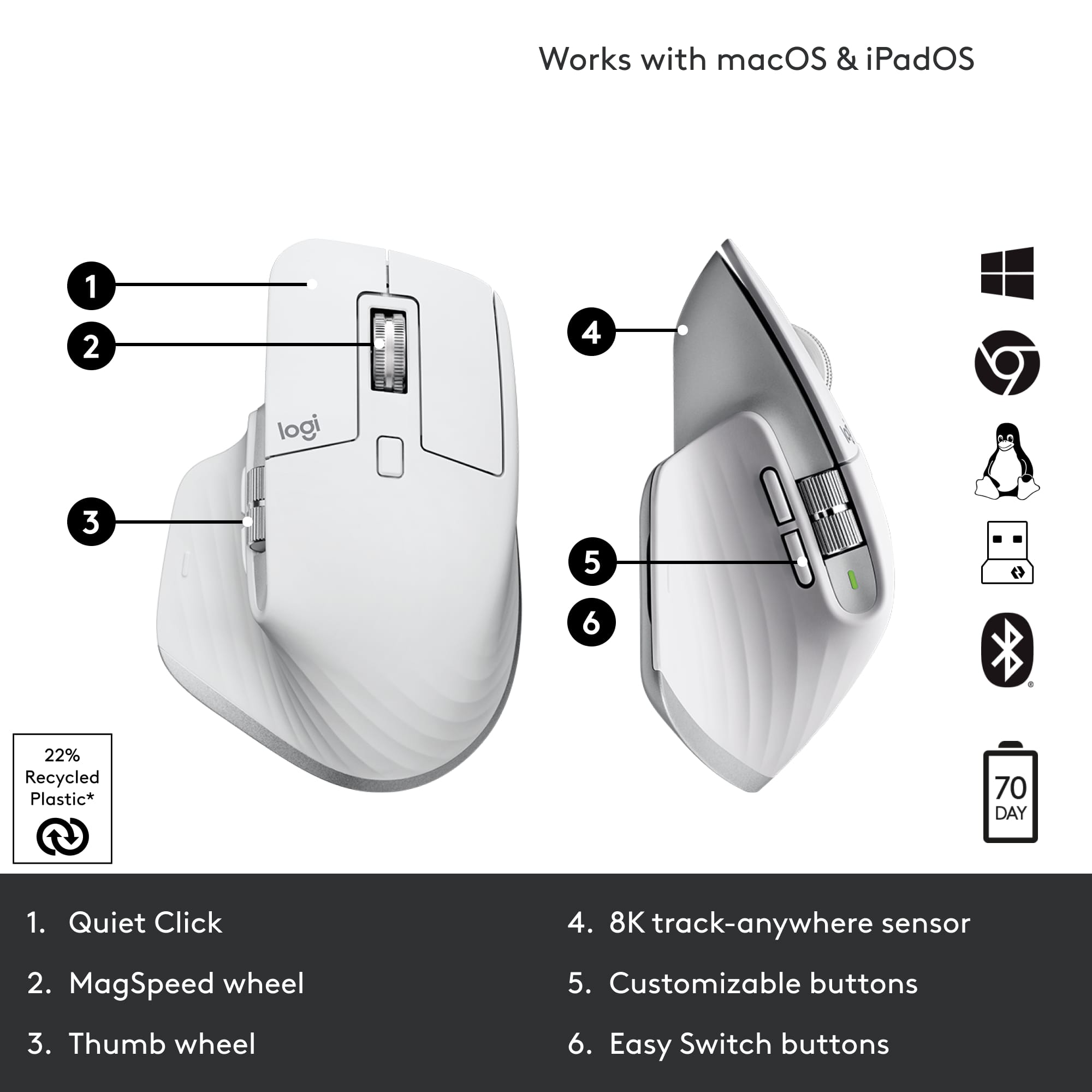
Posted .Thank you for your kind words about the Logitech MX Master 3S! We're thrilled to hear that it's been a great choice for your office setup. The MX Master 3S is designed to provide a premium experience, with features like MagSpeed scrolling, silent clicks, and multi-device connectivity. We're glad it's meeting your needs and enhancing productivity.
Durable, sturdy and nice quality mouse
||Posted .This reviewer received promo considerations or sweepstakes entry for writing a review.Nice satisfying clicks, never gives me any sensor issues and sturdy for long periods of use
I would recommend this to a friendBrand response from Logitech
Posted .It’s fantastic to hear you’re enjoying the Logitech - MX Master 3S Wireless. We truly appreciate you taking the time to share your experience!
Best Mouse around
||Posted . Owned for 1 month when reviewed.This reviewer received promo considerations or sweepstakes entry for writing a review.I've used the Logitech MX Master series for years, and the only reason I bought a new one was because I decided to replace my work mouse with my MX Master, and needed a new one for home. Would recommend to anyone!
I would recommend this to a friendBrand response from Logitech
Posted .The Logitech MX Master 3S clearly continues a legacy of excellence for you! It's fantastic to hear that your long-standing satisfaction with the MX Master series led you to get another, simply to have one for both work and home. Your strong recommendation speaks volumes about its consistent quality and performance.
A Programmable Mouse!
||Posted . Owned for 2 weeks when reviewed.This reviewer received promo considerations or sweepstakes entry for writing a review.This mouse rocks, i use it for my daily driver. The programmable buttons are amazing. I make a bunch of visio architectural networking diagrams and spreadsheets. The side scrolling and app based programmable buttons for excel, word, and other apps is amazing! My only complaint is the two buttons for you thumb should be moved forward towartfront of mouse. Otherwise, the battery life is perfect, I’ve recharged once in a month of use. Lastly the infinite scrolling wheel is the main reason i purchased this mouse!
I would recommend this to a friendAnother great mouse from Logitech
||Posted . Owned for 2 weeks when reviewed.This reviewer received promo considerations or sweepstakes entry for writing a review.Bought this to replace a previous Logitech mouse that I wore out. Loving this new mouse. It has a nice feel and I like that the click sound is quieter than my old mouse. I also like that it's Bluetooth so I don't have to use the USB connector anymore. I love these mice because they are rechargeable. I have carpal tunnel syndrome so am pretty particular on what mouse I use. These upper end Logitech mice are always the right shape to keep my carpel tunnel syndrome at a minimum since I use it all day for work.
I would recommend this to a friendSlow Scrolling and Kept Losing Mouse Settings
||Posted . Owned for 1 week when reviewed.This reviewer received promo considerations or sweepstakes entry for writing a review.I can see why people like this mouse but it's not for me. It's great for those who use their whole palm to grip their mouse, but I only use my fingertips which pushes my hand further back than what the mouse is designed for. I honestly need a pinkey rest for the way I hold my mouse too. The main issue I had was with the software. You NEED the logi options app to customize your mouse buttons. Even if you change your settings on one computer, those settings are saved in the app and not on the mouse, so if you're changing to another computer, you'll have to download logi options and login to get your settings back. My settings never saved so I had to go into the logi options settings and restore a backup everytime I turned on my laptop. The horizontal scroll wheel had this smoothing effect I don't like that just takes too long to stop moving. I would open excel, use the horizontal scroll wheel, and then use my regular scroll wheel before the horizontal "smoothing" was finished. This would cause the regular scroll wheel to move the page both vertically and horizontally. There's no way to turn this smoothing off in the app either. Something to mention is that logi options did work well with my personal computer, but not with my work computer. I have no idea why it wouldn't save my settings on my work laptop, even after uninstalling and resintalling several times. This would have a higher rating if I could turn off the horizontal smoothing and could save the settings locally on my mouse, but it was just so troublesome for me I'd rather just hold ctrl + shift with my old mouse to scroll horizontally.
No, I would not recommend this to a friendBrand response from Logitech
Posted .We appreciate your detailed feedback on the MX Master 3S. We understand your concerns regarding the grip style, reliance on Logi Options for settings, the horizontal scroll wheel's smoothing effect, and the software inconsistencies between your personal and work computers. We'll be sure to pass this information along to our product development team.
Excellent mouse
||Posted . Owned for 2 months when reviewed.This reviewer received promo considerations or sweepstakes entry for writing a review.Love the silent clicks and feel. The buttons are also highly customizable. Just wish that it didn't cost as much, or that a silent version of the M720 or M705 were also available.
I would recommend this to a friend