Customer Ratings & Reviews








- Model:
- 910-006558
- SKU:
- 6502578
Rating by feature
- Value
Rating 4.6 out of 5 stars
- Quality
Rating 4.8 out of 5 stars
- Ease of Use
Rating 4.8 out of 5 stars
Customers are saying
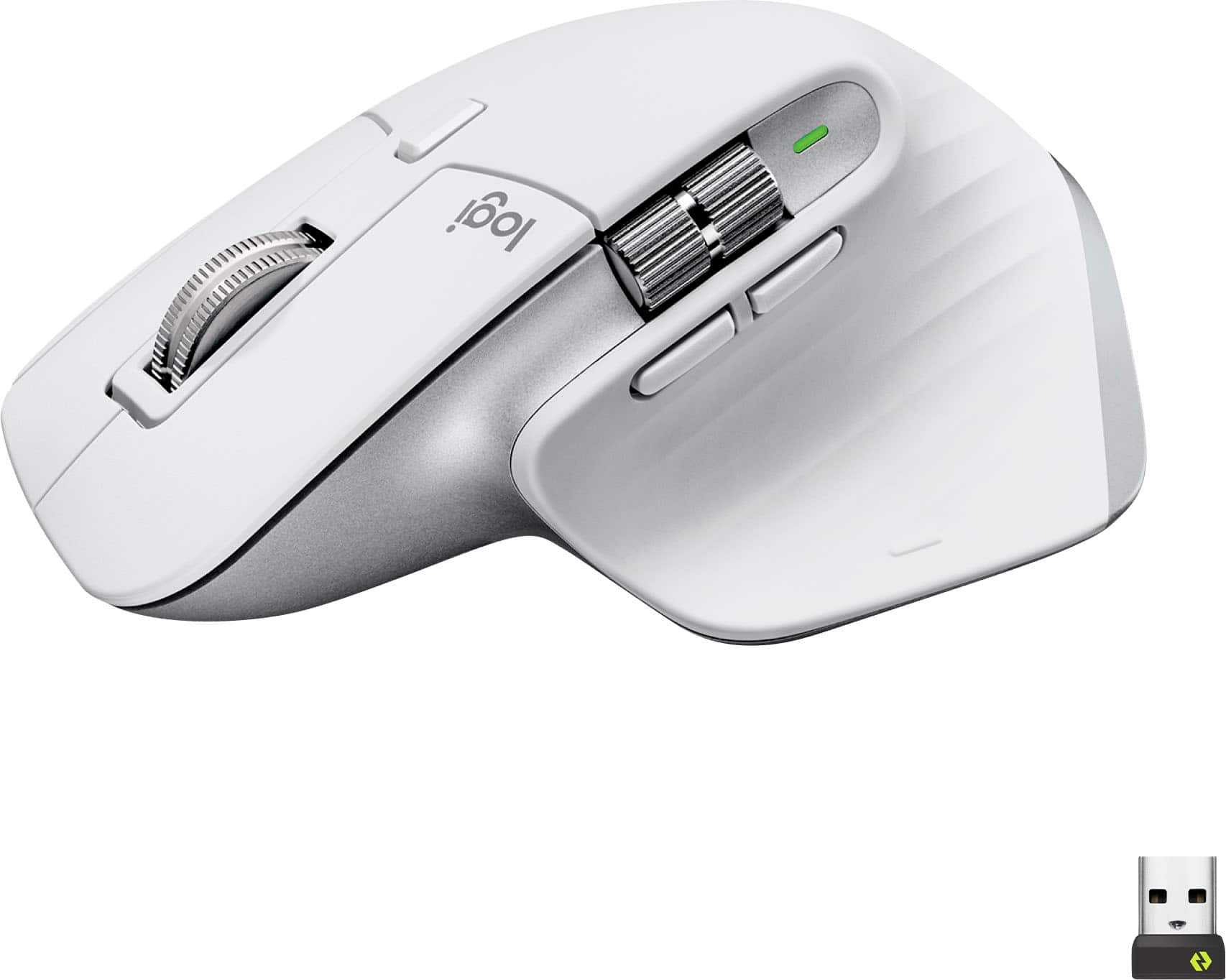
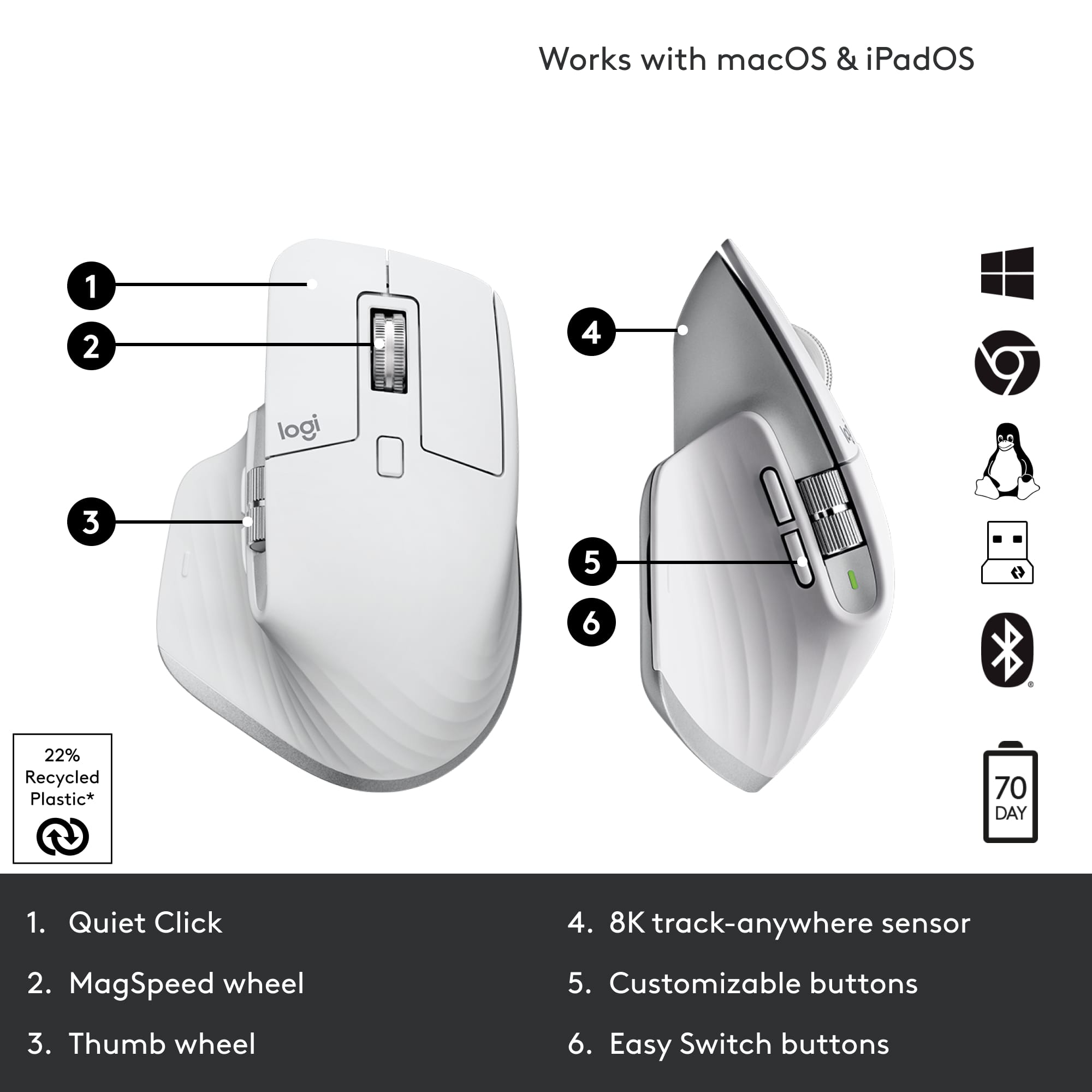
Customers love the MX Master 3S Wireless Mouse for its comfortable design and excellent overall performance. Users appreciate the near-silent click, long-lasting battery, and seamless connectivity. While the mouse boasts many features and is easy to use with top-notch tracking, some customers have noted that the color can stain easily.
This summary was generated by AI based on customer reviews.
Great mouse!
||Posted . Owned for 2 weeks when reviewed.This reviewer received promo considerations or sweepstakes entry for writing a review.Love this mouse. The right click is a little sensitive so I click on it by mistake sometimes but I will get used to it. Love the cutomizable settings.
I would recommend this to a friendBrand response from Logitech
Posted .Thank you for your feedback! We’re glad to hear you’re enjoying the MX Master 3S and its customizable features. Your note about the right-click sensitivity is valuable, and we appreciate you taking the time to share your experience.

- Pros mentioned:Ergonomics
The Ultimate Mouse for MacBook Users
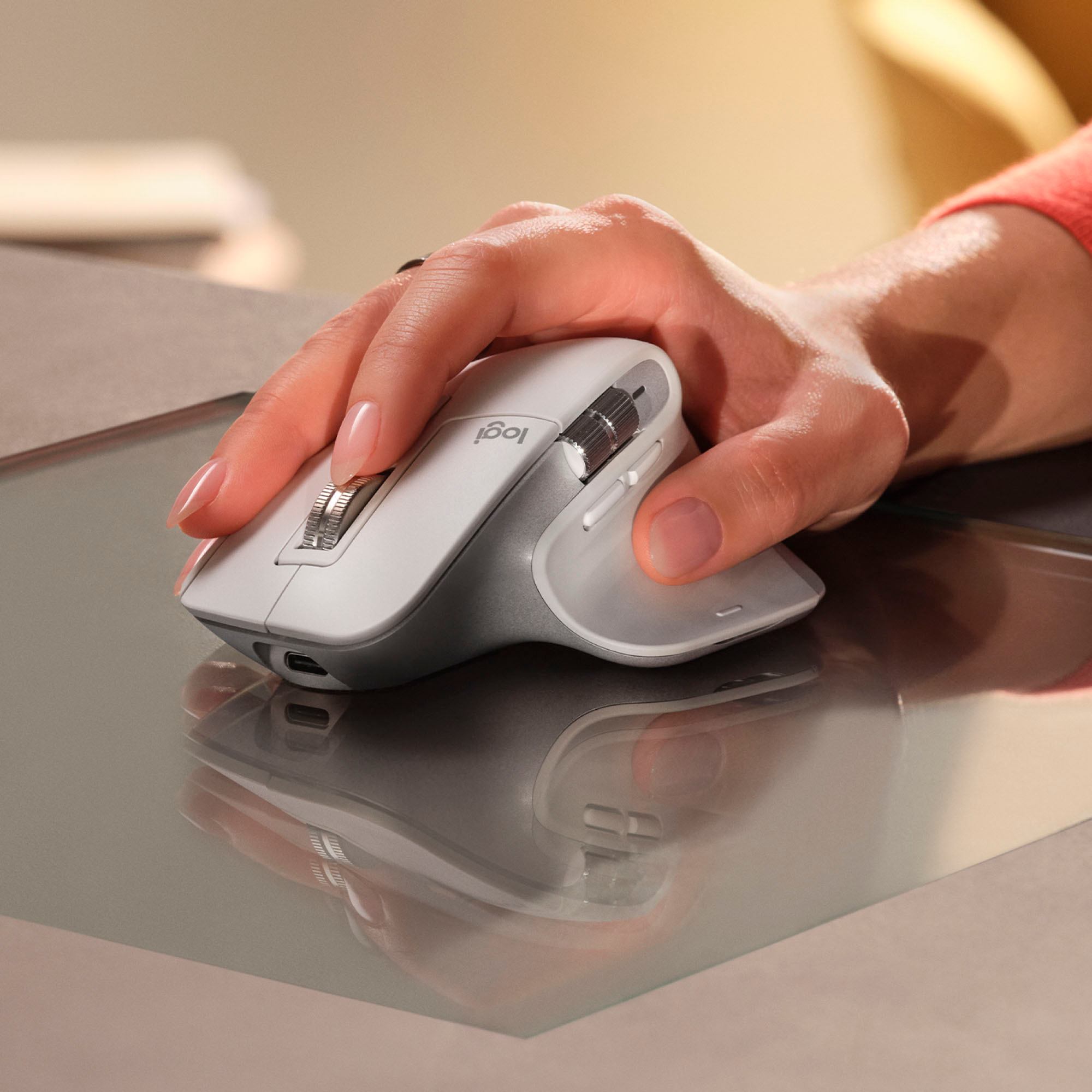
||Posted . Owned for 2 weeks when reviewed.This reviewer received promo considerations or sweepstakes entry for writing a review.The MX Master 3S is hands down one of the best mice I've ever used, especially for MacBook users. It brilliantly replicates the functionality of the MacBook trackpad, offering seamless gesture controls and precision. The ergonomics are top-notch, making it extremely comfortable to use even for extended periods, and the range of features and customization is impressive. The only minor downside is the choice of materials; the rubberized texture could be improved with a more durable material. Overall, it's an amazing tool for productivity.
I would recommend this to a friendBrand response from Logitech
Posted .Thank you for your amazing review of the Logitech MX Master 3S mouse! We're thrilled to hear that it's the perfect mouse for MacBook users and that you appreciate its features and ergonomics. We'll take your feedback about the materials into consideration for future product designs. Your satisfaction is our top priority.
The best
||Posted . Owned for 8 months when reviewed.This reviewer received promo considerations or sweepstakes entry for writing a review.Best mouse in the market, super fast and customizable
I would recommend this to a friend- Pros mentioned:Scroll wheel
Best Scroll Wheel I've Ever Used
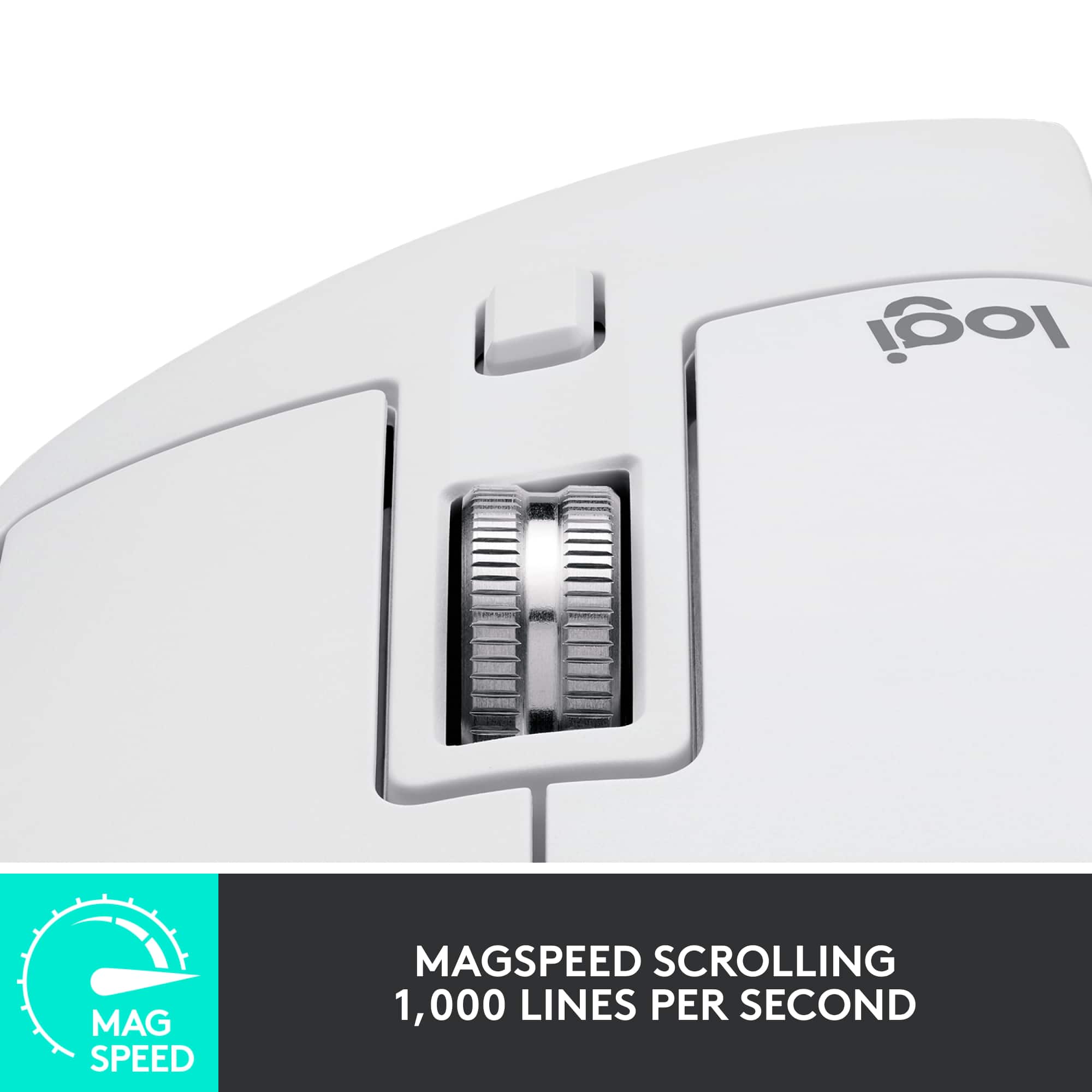
||Posted . Owned for 1 week when reviewed.This reviewer received promo considerations or sweepstakes entry for writing a review.The scroll wheel on this mouse is far and away the best I've ever used, and I use the horizontal scroll wheel far more than i thought I would. My only complaints are there's not a spot to store the USB receiver in the mouse (not a huge deal since it can connect to 3 Bluetooth devices) and the mouse has no onboard memory. The lack of onboard memory is the bigger issue, as I can't install the Options+ app on my work PC, meaning I am unable to take full advantage of the mouse on the PC where the customizability would be most useful. But even without onboard memory this is my favorite mouse I've used and I decided to keep it over the likes of the Logitech G604, Razer Basilisk, and JLab Epic Mouse.
I would recommend this to a friend - Pros mentioned:Overall performance
Top tier mouse!
||Posted . Owned for 1 month when reviewed.This reviewer received promo considerations or sweepstakes entry for writing a review.One of the best mouses, if not the best noise you can find. Customizable yet simple. It is also so smooth to use and very quiet. Highly recommend!
I would recommend this to a friendBrand response from Logitech
Posted .Hi there! Thanks for the enthusiastic review of the Logitech MX Master 3S! It sounds like you're really enjoying the quiet clicks, customizability, and smooth performance. We appreciate you taking the time to share your thoughts.
Highly recommended flat clicker
||Posted . Owned for 3 weeks when reviewed.This reviewer received promo considerations or sweepstakes entry for writing a review.The Logitech - MX Master 3S Wireless Laser Mouse is an excellent choice for anyone looking for a high-quality mouse that offers a great user experience. It features highly customizable additional button configurations that make it easy to perform a variety of custom tasks with ease. I originally bought this device over others for others because of it had one of the least audible mouse buttons to use without disturbing others around me. After using it quickly became my preferred device for its smooth gliding surface that makes it very responsive and easy to navigate around the screen.
I would recommend this to a friendBrand response from Logitech
Posted .We appreciate your kind words about the MX Master 3S! Its customizable buttons, quiet clicks, and smooth scrolling are designed to enhance your productivity. Thank you for choosing Logitech!
Best mouse I've ever owned.
||Posted . Owned for 1 month when reviewed.This reviewer received promo considerations or sweepstakes entry for writing a review.Great mouse, the slight lack of clickyness feels a little weird at first, but it's responsive. It's extremely comfortable, and I like having extra controls. But this mouse is HORRIBLE for gaming, it's only 100hz, and you can tell when gaming so you'll need a separate mouse for gaming. But it's very responsive and nice to use while working.
I would recommend this to a friendBrand response from Logitech
Posted .Thank you for your honest review of the MX Master 3S! We appreciate you highlighting its strengths, like the comfortable design, extra controls, and responsiveness for work tasks. We value your feedback and will take it into consideration as we continue to develop and improve our products.
- Pros mentioned:ErgonomicsCons mentioned:Size
Nice ergonomic mouse.
||Posted . Owned for 1 month when reviewed.This reviewer received promo considerations or sweepstakes entry for writing a review.This is a nice ergonomic mouse. I like all the optional controls and how easy it is to use. It is a little big for a travel mouse, but much more powerful.
I would recommend this to a friendBrand response from Logitech
Posted .Love the MX Master 3S! Super comfy, easy to use, and tons of buttons to customize. Great for work, though a bit big to travel with.
MacBook, PC, and tablet approved!
||Posted . Owned for 7 months when reviewed.This reviewer received promo considerations or sweepstakes entry for writing a review.I enjoy how smooth this mouse feel, the comfort of the grip and how quiet the clicks are when I’m working in the middle of the night and don’t want to wake the wife. Originally purchased this for my MacBook because of the many positive reviews around its performance when it comes to Apple’s unique ecosystem. I loved it so much that I decided to purchase another one for my Windows pc. The Logitech program allows for many customization options that make it useful for anyone looking to connect 3 different devices through Bluetooth and also multiple programming variations for those looking to optimize their productivity. Overall, a solid mouse! The white one can get dirty pretty fast and begin to turn yellow if you don’t wipe it down from time to time. I just use a bit of dish soap and water w/ a microfiber cloth. Last thing I would mention is that it’s very difficult to remove any pen/pencil marks if you have demons for kids or maybe jealous co-workers that don’t have the luxury of affording a high quality mouse like this. The utility it provides was well worth the price and maintenance! I prefer my black one instead though.
I would recommend this to a friendBrand response from Logitech
Posted .Thank you for your detailed feedback on the MX Master 3S! We're thrilled you're enjoying its smooth feel, quiet clicks, and customization options. We appreciate your tips on keeping the white mouse clean. We're glad it's become your go-to for both Mac and Windows!
- Pros mentioned:Overall performance
Best always getting better.
||Posted .This reviewer received promo considerations or sweepstakes entry for writing a review.I have been using Logitech mice for over 20 years and they have never disappointed. The MX Master 3S has to be the best I have had the pleasure to use an down.
I would recommend this to a friendBrand response from Logitech
Posted .Thank you so much for your wonderful feedback on the Logitech - MX Master 3S Wireless Mouse! We’re thrilled to know it’s meeting your expectations. Your support means a lot to us.
Excellante
||Posted . Owned for less than 1 week when reviewed.This reviewer received promo considerations or sweepstakes entry for writing a review.Huge upgrade from my wired mouse. Zero wire drag. The clicks are the quietest I ever used. Super comfortable. With Logi app, setup your buttons and it saves in mouse. I used half a dozen of gaming mouse before, this blow it all away.
I would recommend this to a friendFor maximum comfort and productivity
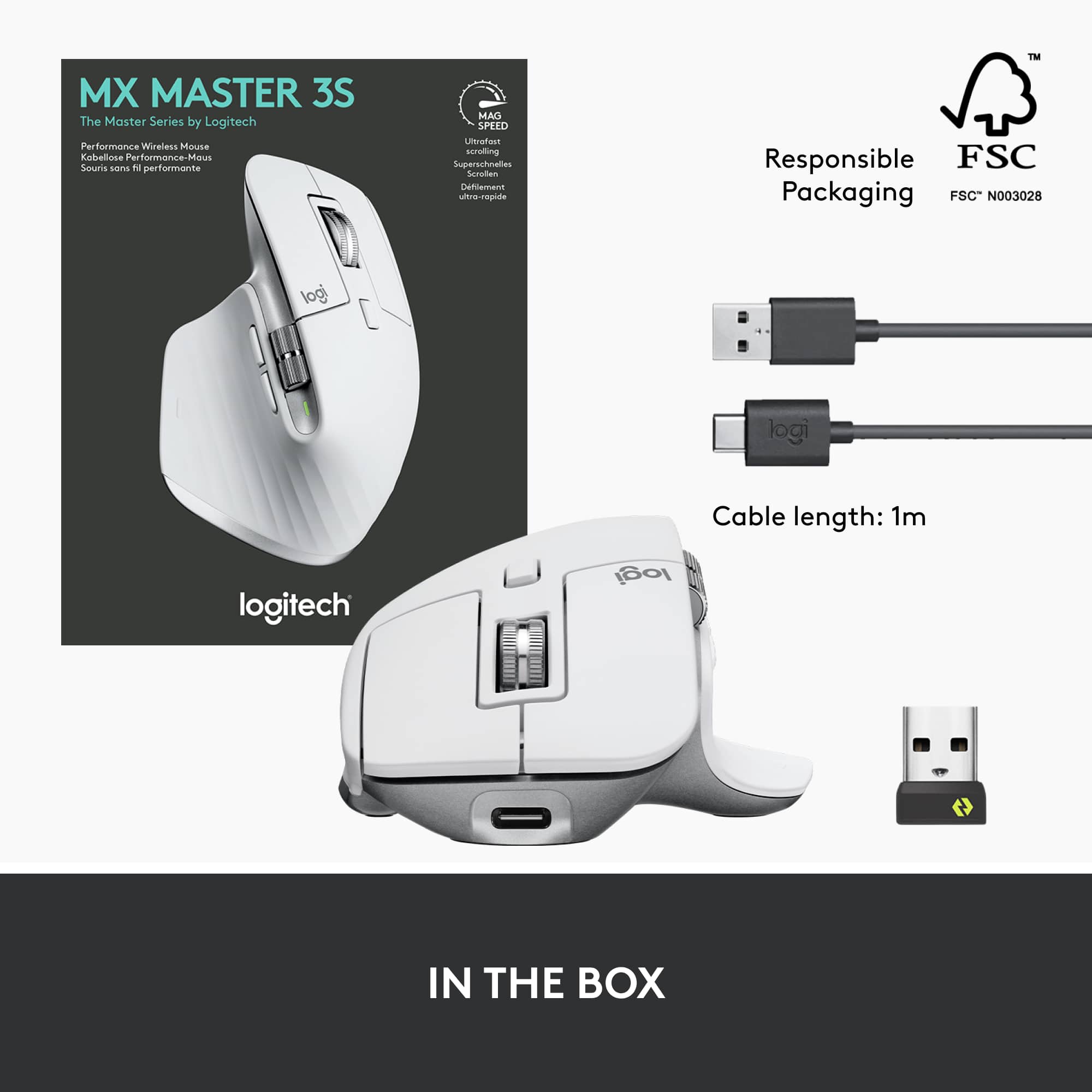
||Posted . Owned for 2 weeks when reviewed.This reviewer received promo considerations or sweepstakes entry for writing a review.For productivity, customizability, and overall ease of use, look no further. The Logitech MX Master 3S checks all the boxes with a nice ergonomic feel, button placement that feels organic, and accuracy. There are plenty of buttons to customize with Logi+ Options to maximize your productivity. The build quality is solid and the weight is appropriate. Coming from a MX Master, I enjoy the quiet click of the two main buttons. Connectivity is a breeze with bluetooth and/or the USB dongle. The price and overall value this mouse provides is appropriate and I would buy this again.
I would recommend this to a friend- Pros mentioned:Battery life, Ergonomics
Great mouse
||Posted . Owned for 3 weeks when reviewed.This reviewer received promo considerations or sweepstakes entry for writing a review.Battery life is amazing. Works on Mac and Pc. No latency issues. Usb c charging. Fits comfortably in my hands. Helped alleviate a lot of the cramps i was having in my fingers.
I would recommend this to a friend Great Ergo Mouse
||Posted . Owned for 2 months when reviewed.This reviewer received promo considerations or sweepstakes entry for writing a review.Nice mouse. Very comfortable and pairs well with a Carpio 2.0. I had the MX Master 2S and this definitely fixes the shortcomings of the other mouse. Love the larger side buttons and scroll wheel. Also very silent clicks instead of a loud click.
I would recommend this to a friendBrand response from Logitech
Posted .It's great to hear the new design addresses what you were looking for in an upgrade from the MX Master 2S! The comfortable feel and improved buttons and scroll wheel are definitely highlights. Thanks for sharing your positive experience.
- Pros mentioned:Ease of use
Best mouse i have ever owned!
||Posted . Owned for 1 month when reviewed.This reviewer received promo considerations or sweepstakes entry for writing a review.Able to use it on all the surfaces i have tried it on so far glass included. I work in spreadsheets and switch programs quite often so easy to do with this mouse. Paired with the mx keyboard my workflow and speed has increased. The only complaint i have is the switch to change devices being at the bottom having to pickup the mouse wakes up tge device its connected to so i then have to manually change my screen input sometimes.
I would recommend this to a friend - Pros mentioned:Ergonomics
Fantastic Mouse & Best Option for a Mac
||Posted . Owned for less than 1 week when reviewed.This reviewer received promo considerations or sweepstakes entry for writing a review.We also have the Apple Magic Mouse, and this is by far the better of the two. It is very, very comfortable in terms of ergonomic design. There is a great deal of customization. A hidden surprise I didn't know about until I purchased it, is a tiny soft button that is under the thumb which allows you to do mouse gestures. The only problem with this button is it is small and has to be hit just right, but as it is a "bonus" button this is a minor problem. This is the best mouse I have ever used.
I would recommend this to a friend - Cons mentioned:Price
Better Than Expected
||Posted . Owned for 5 months when reviewed.This reviewer received promo considerations or sweepstakes entry for writing a review.Better than I expected. Battery last longer, more accurate and does not lose connection often like previous versions. A little expensive though, could be cheaper.
I would recommend this to a friend Smooth and Easy on PC and MAC on the same time
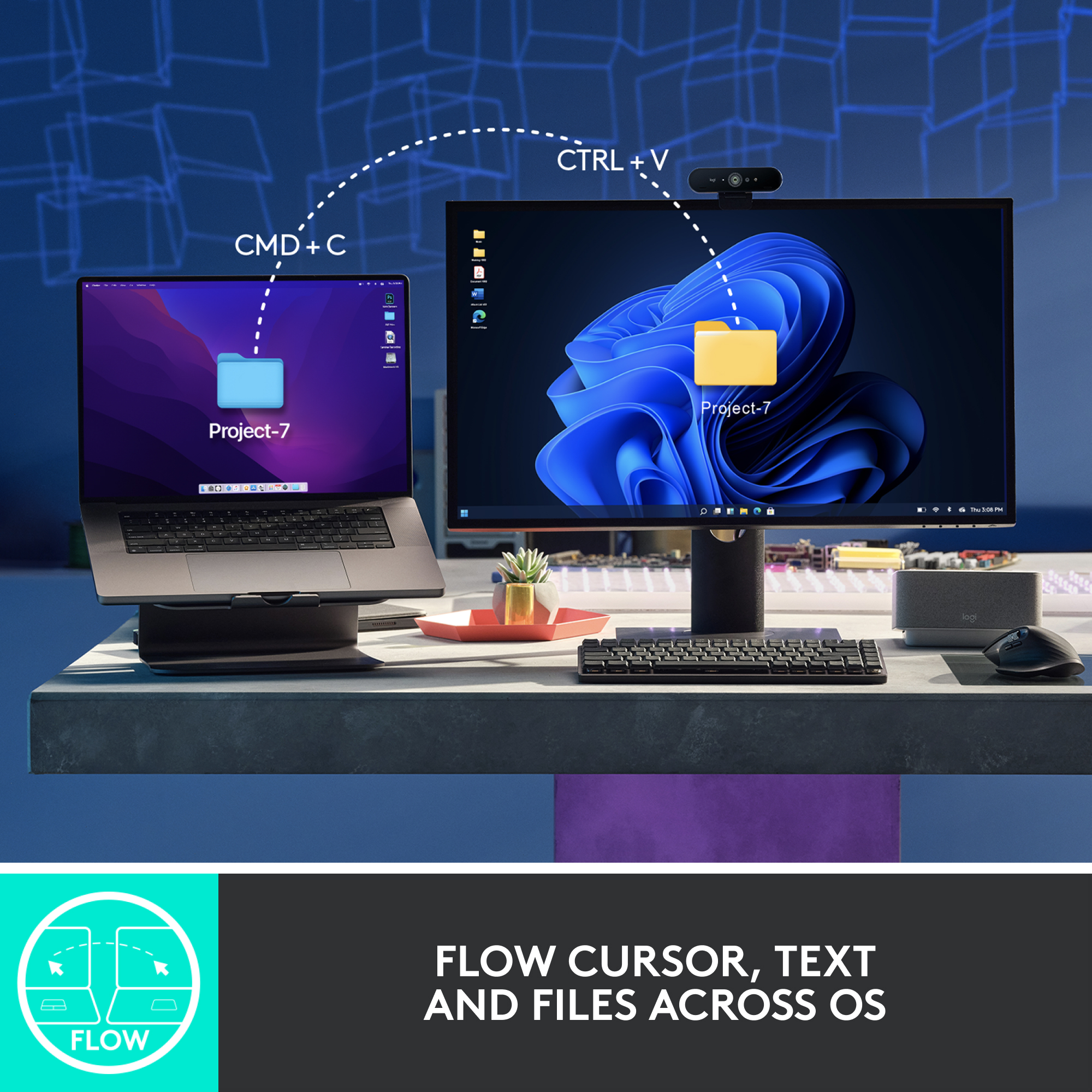
||Posted . Owned for 3 weeks when reviewed.This reviewer received promo considerations or sweepstakes entry for writing a review.This Logitech mouse lets me switch between my Mac and PC with just a press of a button. It’s smooth, reliable, and works flawlessly on both systems. Super convenient for multitasking across devices. Highly recommended!
I would recommend this to a friendBrand response from Logitech
Posted .This is fantastic to hear! The easy device switching and smooth performance of the MX Master 3S are key features we're proud of. Thanks for highlighting how it boosts your productivity.
Get this for your mac
||Posted . Owned for less than 1 week when reviewed.This reviewer received promo considerations or sweepstakes entry for writing a review.You dont need to spend the extra money for the “for mac” mouse. This is the same thing except you need to connect it via usb A. Save your money and get this. Plus in the world of macbooks users, people use the dangles or usb hubs, unless you got the pro. Doesn’t lag and there has been no connectivity issues. Feels amaing and the quality is exceptional. Best mouse ive used with the most features as well.
I would recommend this to a friendBrand response from Logitech
Posted .Hey! Thanks for the detailed feedback on the Logitech MX Master 3S Wireless Laser Mouse! We appreciate you highlighting that it works well on Macs via a USB-A connection, potentially saving users money. Your point about Mac users often using dongles or USB hubs is valuable for those considering this mouse. We're glad you find it comfortable, high-quality, and feature-packed!
Great Mouse! Highly Recommend!
||Posted . Owned for 1 year when reviewed.This reviewer received promo considerations or sweepstakes entry for writing a review.This is a great mouse! I do not experience any issues with fatigue during the work day.
I would recommend this to a friendBrand response from Logitech
Posted .Thanks for the encouraging feedback! We’re glad the Logitech MX Master 3S Mouse is working well for you. Your support helps us keep innovating.