Customer Ratings & Reviews



- Model:
- 910-007574
- SKU:
- 11209189
Rating by feature
- Value
Rating 4.6 out of 5 stars
- Quality
Rating 4.7 out of 5 stars
- Ease of Use
Rating 4.7 out of 5 stars
I don’t recommend it
||Posted . Owned for 1 month when reviewed.This reviewer received promo considerations or sweepstakes entry for writing a review.Unfortunately it didn’t work as I expected, the connection with my iPad was really bad and when it finally started working, it disconnected again, I tried to return it because I was told that I had a month to do it but when I get to the location the associate told me that it was actually just 15 days
No, I would not recommend this to a friendBrand response from Logitech
Posted .We’re sorry to hear that the Logitech - Pebble 2 Combo Compact Wireless Scissor Keyboard and Mouse Bundle didn’t fully meet your expectations. This isn’t the experience we want for you. We’ll pass this along to our product team, and our support team would be happy to assist you further at socialcare@logitech.com

Decent keyboard
||Posted . Owned for 2 weeks when reviewed.This reviewer received promo considerations or sweepstakes entry for writing a review.Nice keyboard. Kept mainly for mouse which can’t be purchased separately.
I would recommend this to a friendBrand response from Logitech
Posted .Thank you for your feedback! We're glad to hear that you're enjoying the Pebble 2 Combo keyboard and mouse.
Christmas present for my daughter!
||Posted . Owned for 3 weeks when reviewed.This reviewer received promo considerations or sweepstakes entry for writing a review.It worked as advertised, very pleased. It was a Christmas Present for my daughter and she loved it!!
I would recommend this to a friendDoes the job...
||Posted . Owned for 1 month when reviewed.This reviewer received promo considerations or sweepstakes entry for writing a review.Only drawback is that I wish they were readily rechargeable. Otherwise, both items work as expected.
I would recommend this to a friendProduct
||Posted . Owned for 1 month when reviewed.This reviewer received promo considerations or sweepstakes entry for writing a review.Great product! Works no issues great if no USB ports
I would recommend this to a friendBrand response from Logitech
Posted .Thank you so much for taking your time and providing your valuable feedback for the product. At Logitech, our goal is to ensure that our customer enjoy our products as much as we do.
Cute Keyboard
||Posted . Owned for 4 months when reviewed.This reviewer received promo considerations or sweepstakes entry for writing a review.Its a great keyboard but it would be better with a number keyboard added.
I would recommend this to a friendBrand response from Logitech
Posted .Thank you for your feedback on the Pebble 2 Combo. We appreciate you taking the time to share your thoughts. We'll consider your suggestion for future product development.
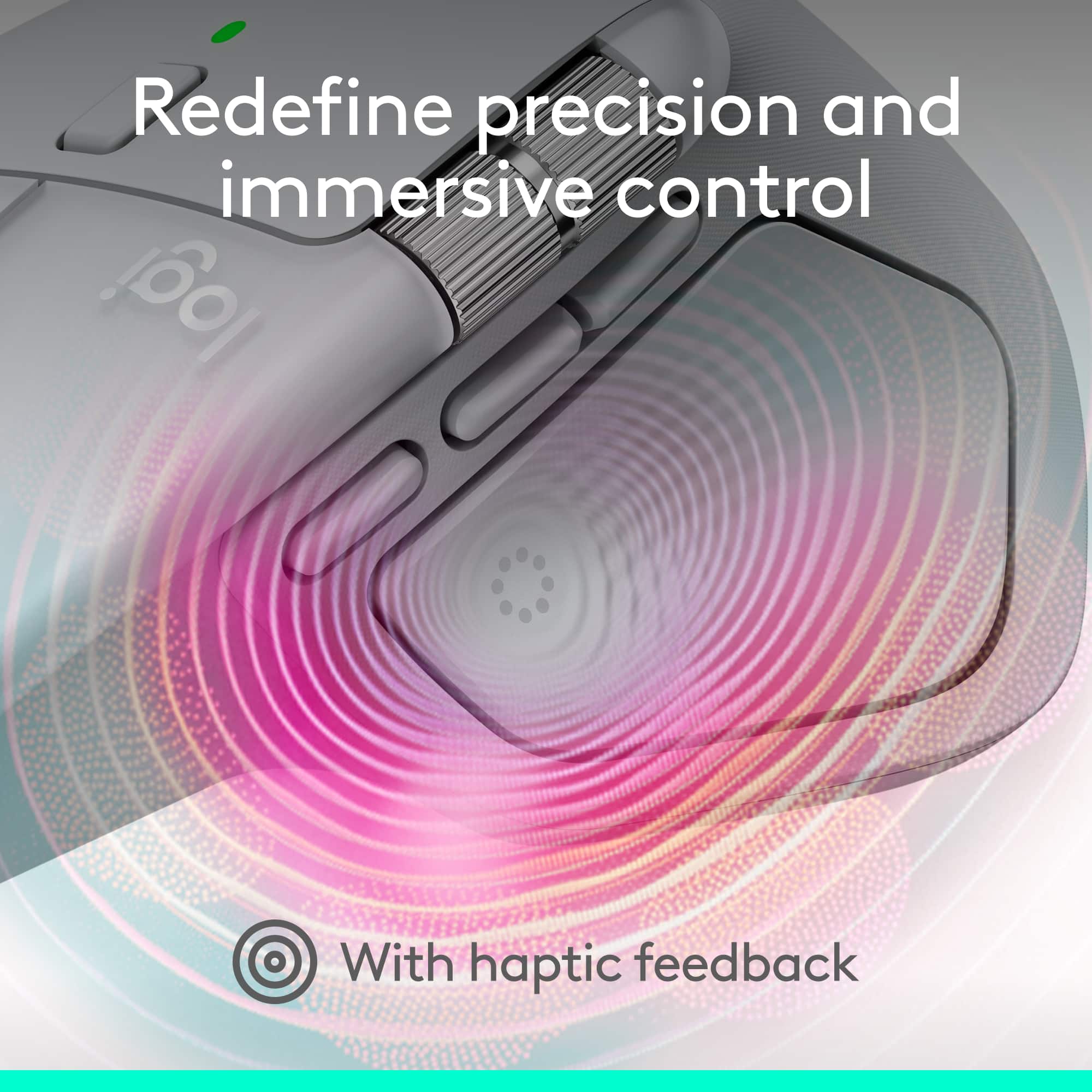
- Pros mentioned:Button functionality, Haptic feedback

MX Master 4 sets the bar for usability & features
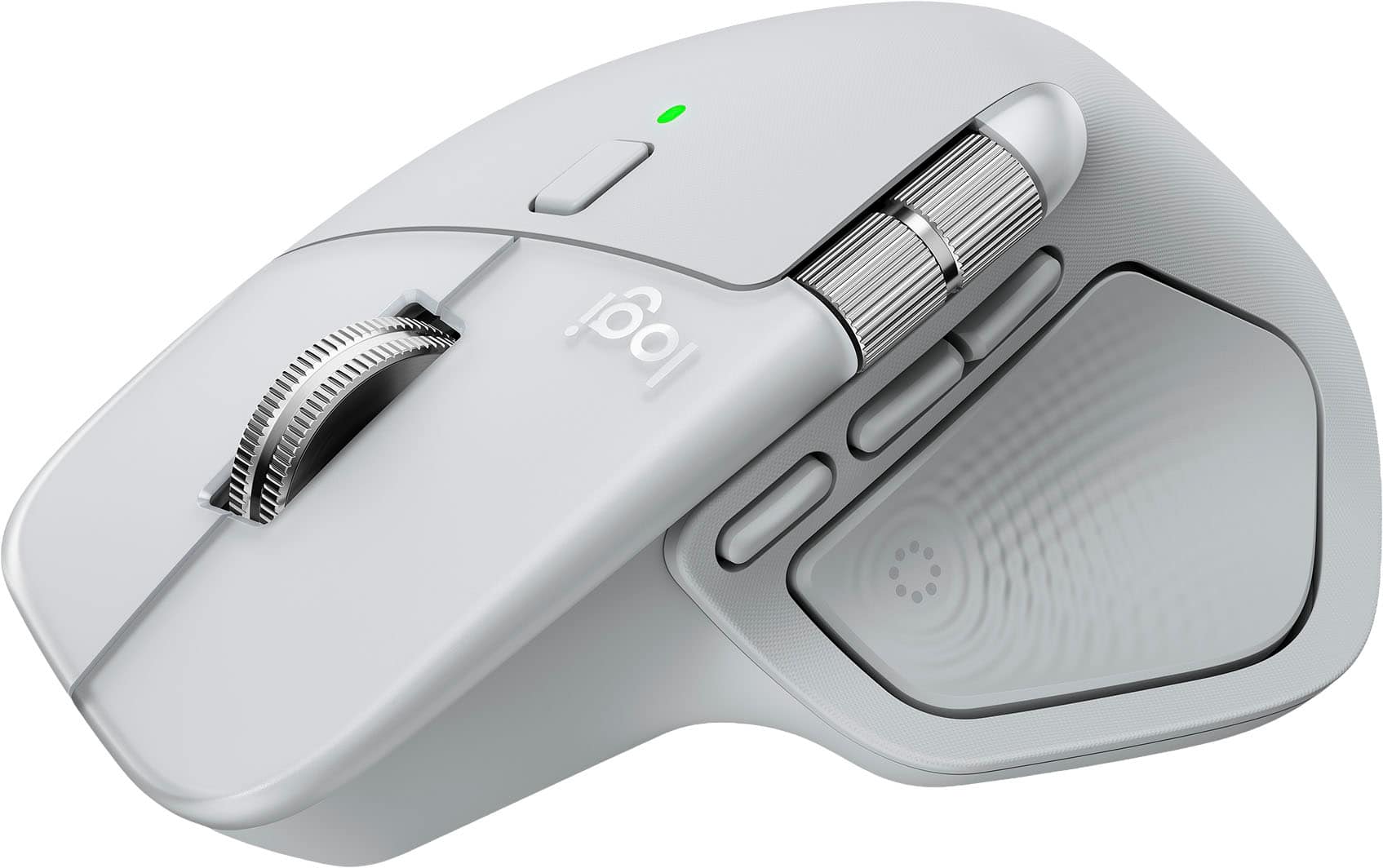
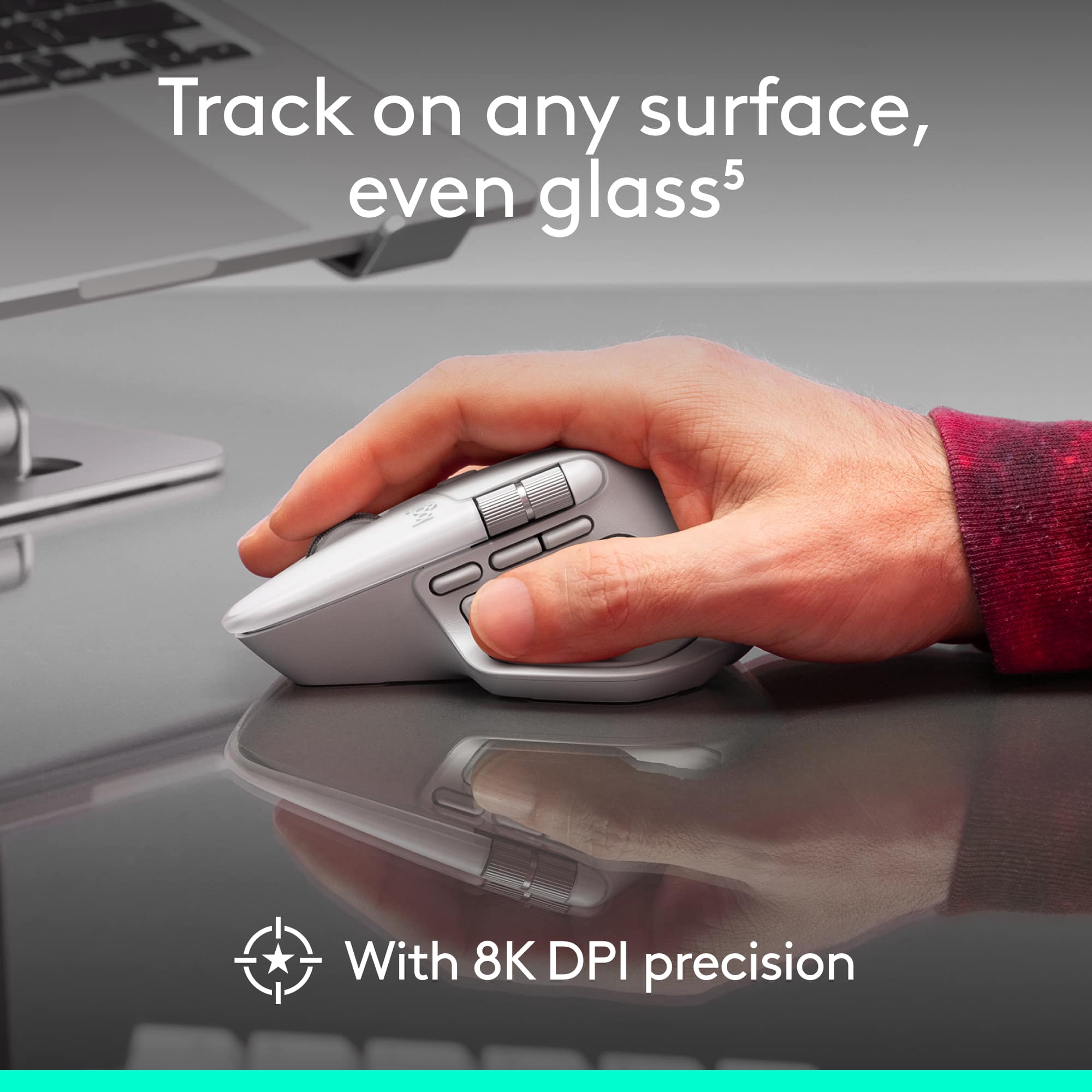
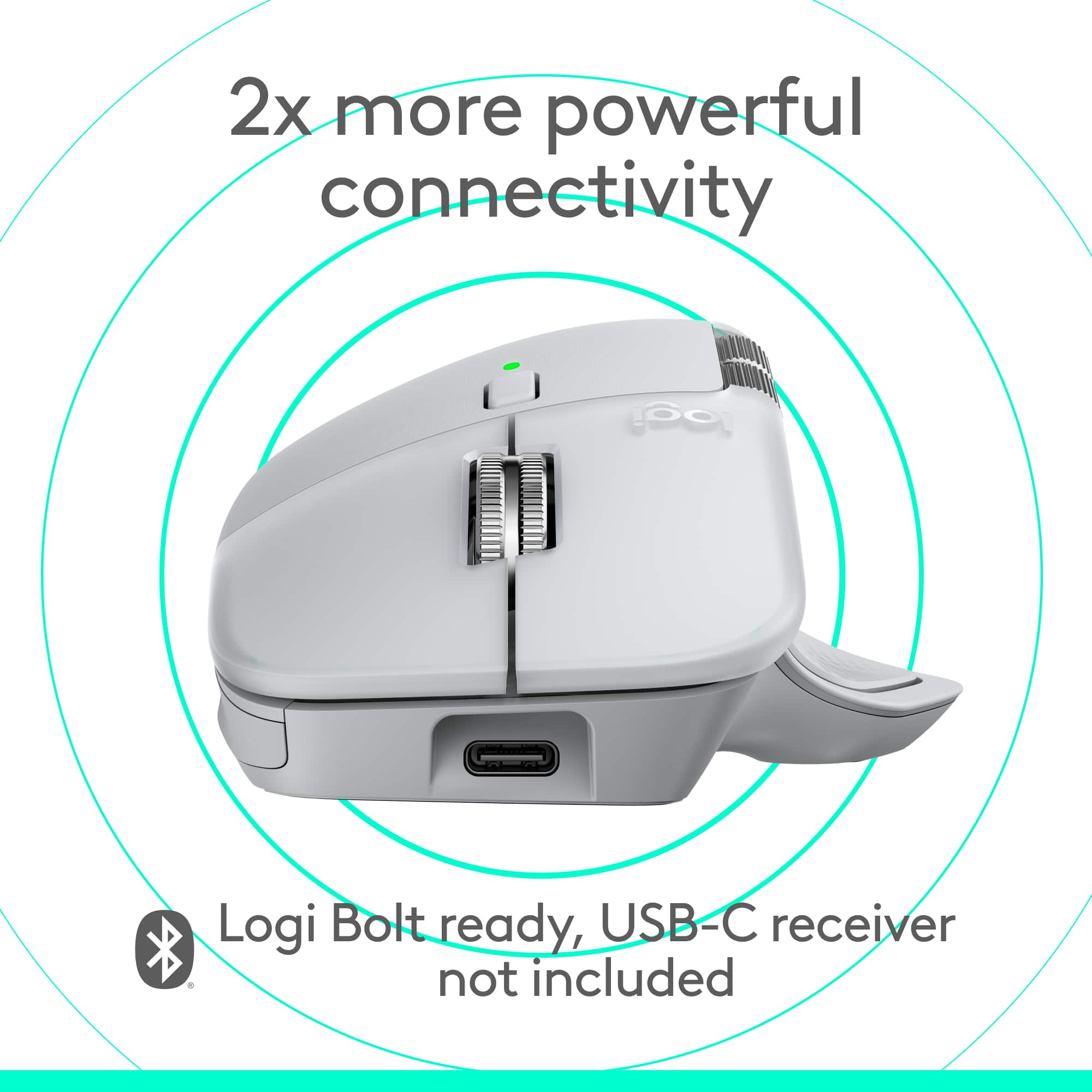
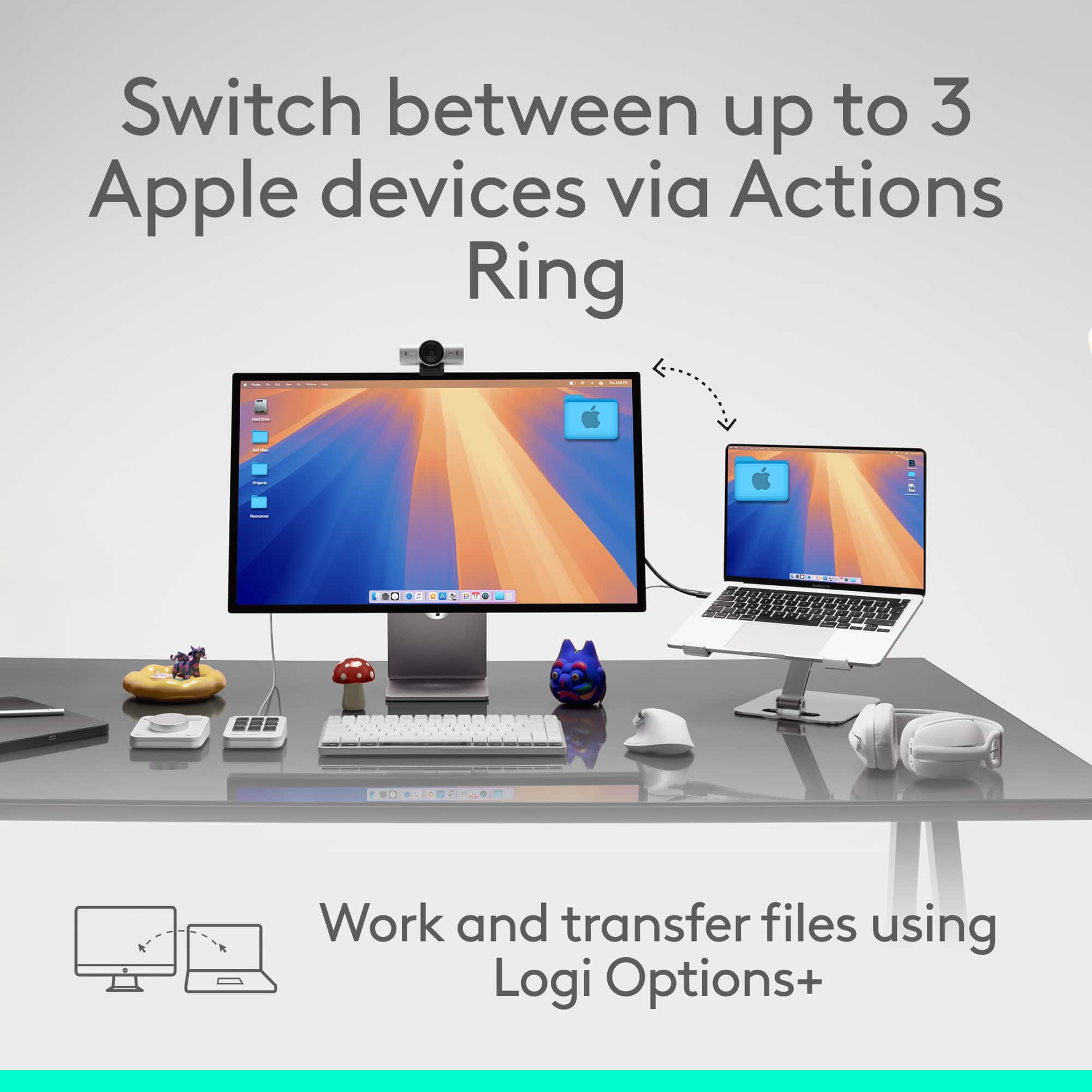
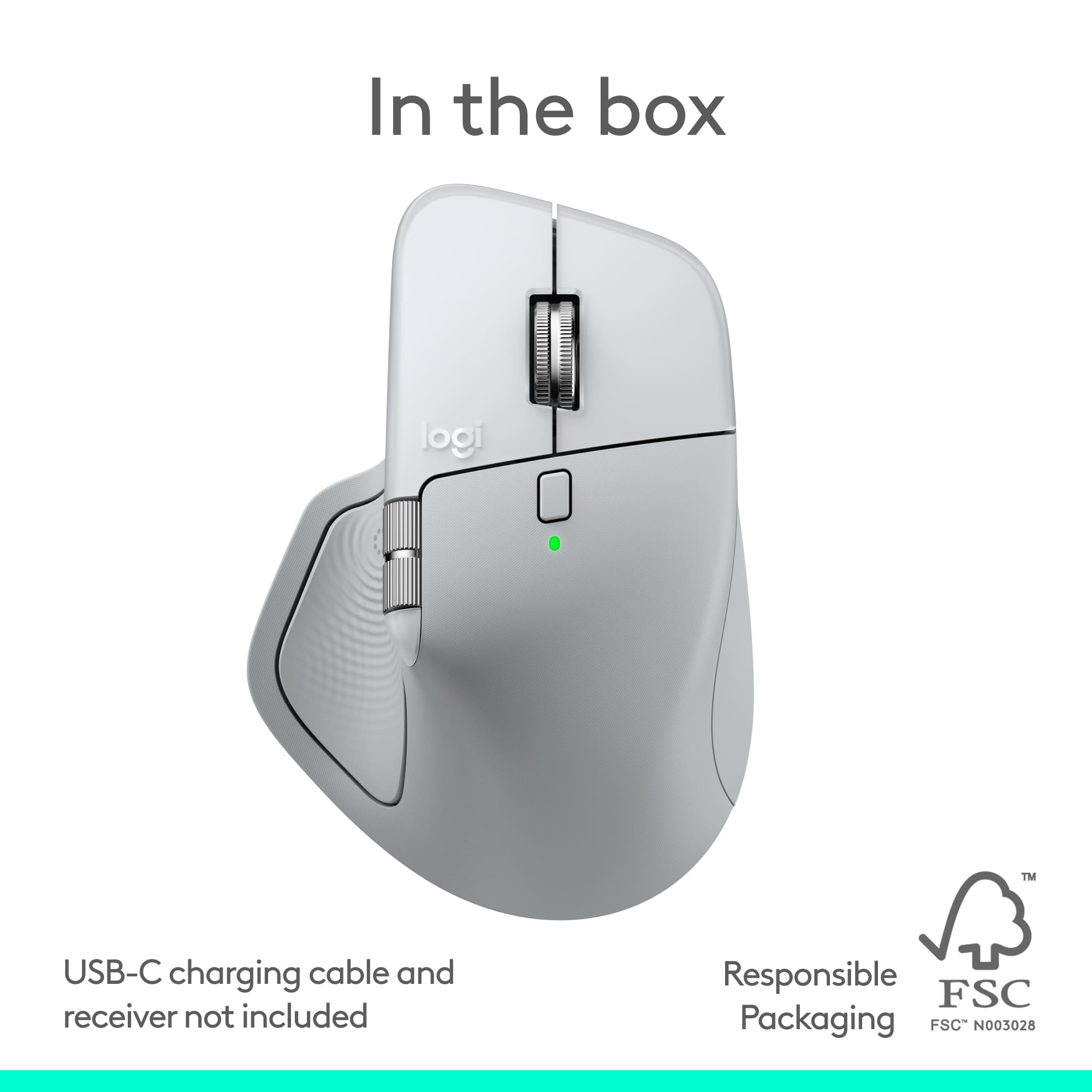
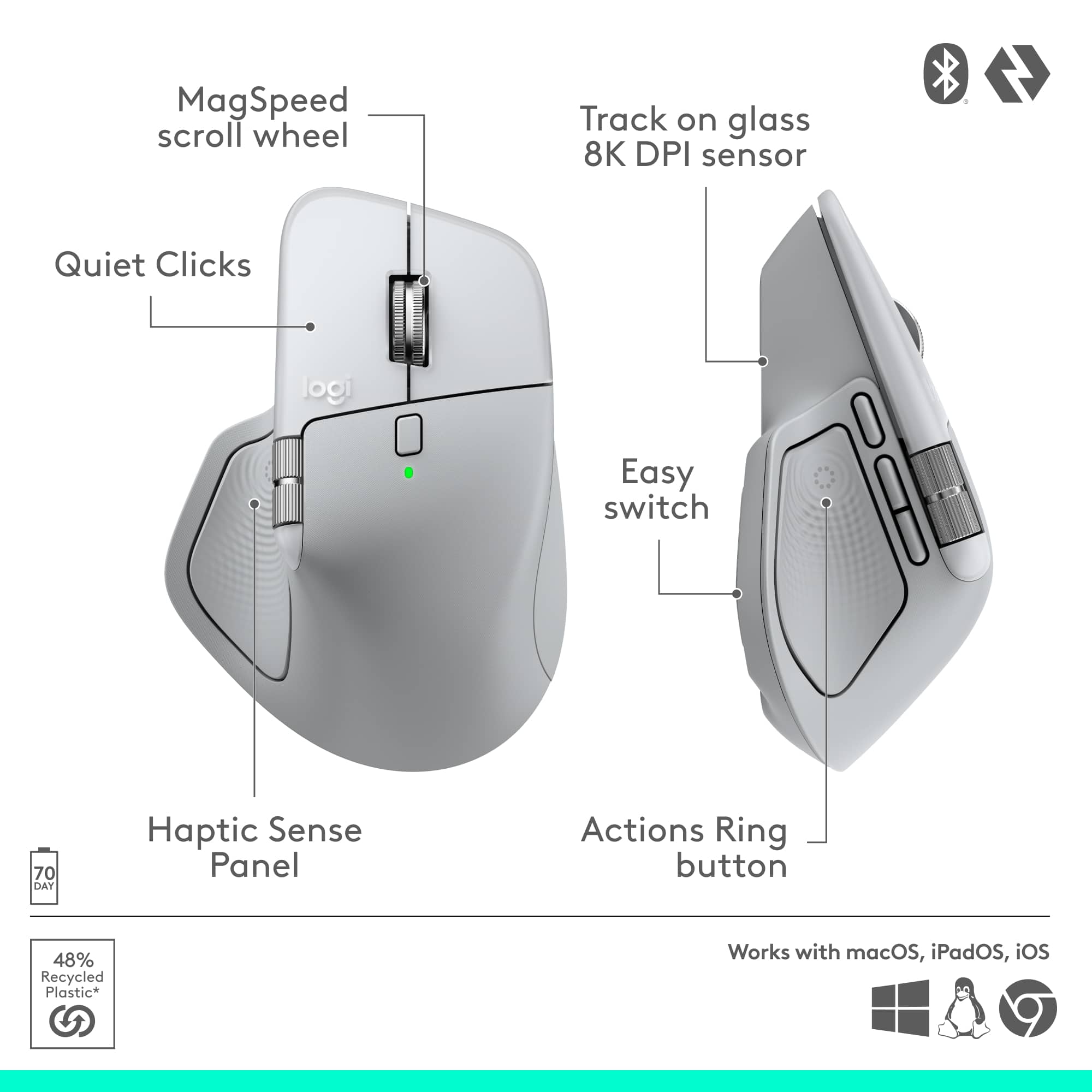
|Posted .This reviewer received promo considerations or sweepstakes entry for writing a review.Pros: • Customizable and powerful out of the box, with new buttons to control gestures, Smart Actions, and a new on-screen Actions Ring that makes your most-used functions available without moving your mouse. • Comfortable, with a "just-right-for-most" hand position and every button within reach. • Great battery life, around 40 days of regular office use. • Even more customization in the Logi Options+ app, which offers control over every aspect of mouse functionality, and allows users to create new Smart Actions and set Actions Panel functions for every app on their computer. Cons: • Hand position is relatively natural, but may not appeal to those who prefer vertical mice. • Not for left-handed users. Full review: The MX Master 4 is Logitech's latest and most profoundly usable entry in their famous MX Master series. The latest and greatest features are a dedicated Gestures button and the new Haptic Sense Panel, located on the thumb rest pad, which provides physical feedback for certain mouse actions, and is used to open the new on-screen Actions Ring that allows immediate app-level control of 8 different customizable functions without lifting your hand off the mouse. The MX Master 4 is every bit as comfortable to use as its predecessors, and the addition of the soft-touch, padded Haptic Sense Panel increases the comfort just a bit. Three large skates on the bottom of the mouse allow it to glide over surfaces both soft and hard, and it tracks cleanly over mouse pads, desktops, and even glass surfaces. The DPI is customizable from 200 to 8000, allowing you to dial in your perfect cursor movement speed. As with previous MX Master offerings, the mouse rises to a crest at the center of your palm, and the button area is tapered forward and to the right, allowing your right hand to rest naturally over it. Yes, this is a right-hand-only mouse. Logitech does make some ambidextrous mice, but none in its MX series. Before the MX Master 4, my daily-use mouse was a Logitech MX Vertical, which has a hand position I slightly prefer. The Master retains about a third of the verticality of its older sibling, which might not be good for someone who really loves the vertical position. The Master 4 is well suited to people with different-sized hands. My hands are quite large, and my middle finger rests all the way to the edge of the right mouse button, which feels comfortable to me. My partner has smaller hands, and says the mouse feels quite comfortable for her as well. Perhaps the most important feature of the MX Master 4 is its customizability. There are copious button-level control options, and programmable Smart Actions that can open apps, control media, and even remake your desktop for work, game playing, or entertainment. Clicking on the Haptic Sense Panel opens the Actions Ring, which offers eight special functions that can be customized depending on the app you're using. It comes programmed with common functions in software like Photoshop and Illustrator, and can be customized in the Logitech Options+ software. Battery life has been quite good, with only 10% consumed after 5 days of heavy usage. This is honestly excellent for a mouse with built in haptics. Speaking of haptics, the Haptic Sense Panel offers little motorized bumps whenever you activate the Actions Panel or hover over one of the functions. These bumps can be set to 4 different levels of sensitivity. For those who prefer not to feel the haptics, they are easy to disable in Options+. Overall, this mouse is simply excellent, and offers the most ways to customize your experience of any on the market. Only left-handed people and those who demand a more vertical hand position will be unable to find a combination of settings on the MX Master 4 that makes them happier and more productive in their digital lives.
Brand response from Logitech
Posted .Thank you so much for your wonderful feedback on the Logitech - MX Master 4 for Mac! We’re thrilled to know it’s meeting your expectations. Your support means a lot to us.
Flawless Connections
||Posted . Owned for 4 months when reviewed.This reviewer received promo considerations or sweepstakes entry for writing a review.Works flawlessly between multiple devices to keep them running.
I would recommend this to a friendBrand response from Logitech
Posted .Great point about the Pebble 2's multi-device functionality! It effortlessly connects to up to three devices, making switching between your desktop, laptop, and tablet a breeze. This is perfect for multitaskers who need a smooth workflow
Real Nice
||Posted . Owned for 3 weeks when reviewed.This reviewer received promo considerations or sweepstakes entry for writing a review.Pretty awesome and convenient for my work from home set up
I would recommend this to a friendBrand response from Logitech
Posted .Sounds like the Pebble 2 Combo is a perfect fit for your work-from-home setup! We love that you find it convenient and awesome. The compact size and wireless connection are great space savers, and it works seamlessly across multiple devices. Happy clicking and typing!
Great multi PC keyboard!
||Posted . Owned for 3 weeks when reviewed.This reviewer received promo considerations or sweepstakes entry for writing a review.Great combo, the only gripe is the round keys. But using it on two PC's is a breeze.
I would recommend this to a friendBrand response from Logitech
Posted .Your feedback is important to us, and we'll make sure to share it with the right team. Thank you so much! 😃
worth the money
||Posted . Owned for 1 month when reviewed.This reviewer received promo considerations or sweepstakes entry for writing a review.Perfect for multi device (worth the money). Good compact design.....
I would recommend this to a friendPerfect Keyboard on the fly
||Posted . Owned for 1 month when reviewed.This reviewer received promo considerations or sweepstakes entry for writing a review.Affordable, convenient, and comfortable. I like the cupped-round keys
I would recommend this to a friendCheap
||Posted . Owned for 3 weeks when reviewed.This reviewer received promo considerations or sweepstakes entry for writing a review.The price is what you are here for. Functional, but not built for comfort or longevity. Low quality. Mouse has very short bluetooth range before dropping out.
No, I would not recommend this to a friendBrand response from Logitech
Posted .Thank you for sharing your experience regarding the comfort, longevity, and mouse connectivity range. Your feedback is important and helps us understand areas for improvement in future designs.
GREAT
||Posted . Owned for 1 month when reviewed.This reviewer received promo considerations or sweepstakes entry for writing a review.Excellent product, glad I made my purchases. Will buy again
I would recommend this to a friendGood value
||Posted . Owned for less than 1 week when reviewed.This reviewer received promo considerations or sweepstakes entry for writing a review.Excellent...................... ............. .....
I would recommend this to a friendDon't leave home without the logi bolt
||Posted . Owned for 2 weeks when reviewed.This reviewer received promo considerations or sweepstakes entry for writing a review.Did not work wirelessly with my new Chromebook. I was on a trip and did not bring the plugin adapter.
No, I would not recommend this to a friendBrand response from Logitech
Posted .We note your experience with the Pebble 2 Combo's wireless connectivity on your Chromebook, especially while traveling. Our aim is to provide reliable performance across all compatible devices. Your input is valuable as we continuously refine our products.
Just perfect
||Posted . Owned for 3 weeks when reviewed.This reviewer received promo considerations or sweepstakes entry for writing a review.Loved by my niece, just what she was looking for especially the color.
I would recommend this to a friendBrand response from Logitech
Posted .The Logitech Pebble 2 is a great choice for those looking for a sleek and portable mouse. Its compact design and stylish colors make it a popular option, especially among younger users.
- Pros mentioned:Ergonomics
One of the Best Mice for Your Desk
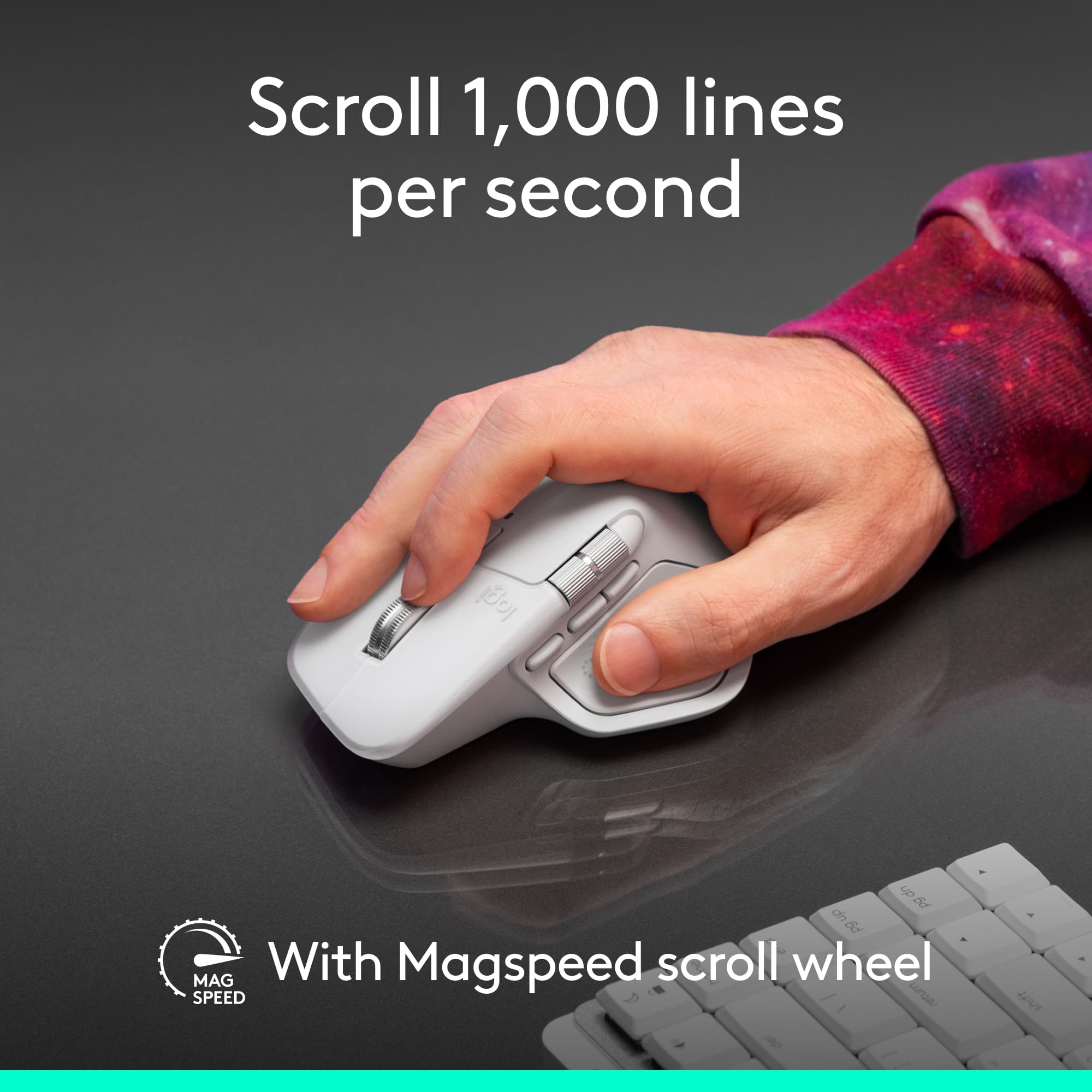
|Posted .This reviewer received promo considerations or sweepstakes entry for writing a review.The latest in the lineup of MX Master mice, the MX Master 4. The mouse design is very much the same as previous generations, but with a little twist. Logitech has added yet another button to the mouse; the button under your thumb now corresponds to a haptic feedback enabled actions ring button (more on that later). The button that it replaced (the gestures button) still exists on the mouse as a distinct button near the back/forwards buttons and still works just fine. The important part with any mouse is “how does it feel in the hand?” After all, you’re going to be using it all day and if it hurts to use it it’s not a good fit. From a purely ergonomic perspective, the mouse forces your hand in a certain way that is comfortable and well-suited for long-term use. Click noise is super quiet and the scroll wheel maintains the smart-shift scrolling option where if you scroll fast enough, the wheel unlocks to spin freely (one of my favorite features in this series of mice). In the hand though, this new design feels weird – specifically where your thumb rests. The MX Master 3 had a little divot behind the horizontal scroll wheel that was a nice place for your thumb to rest. The 4 instead has a protrusion behind the wheel which forces your thumb to rest on the back/forwards buttons. The way it rests on the buttons feels weird – almost like feeling the underside of a plastic injection-molded part. It’s not a terrible feeling, just unusual. One other offering that Logitech has placed in this mouse is the concept of haptic feedback. Actions on your computer like navigating the action wheel (I know, I’m getting to it) result in the mouse vibrating. It’s “cool,” but given that the only application that currently can use it is the one by Logitech, it feels a tad bit too gimmicky. Where Logitech wants this mouse to shine is through the app you install on your computer, Logi Options+. When you install that application and set up the mouse through it, the button under your finger becomes a sort of macro button. Tapping it will result in an action wheel launching, offering you options to control your computer like changing music tracks, taking screenshots, or controlling full applications like the Adobe suite or Figma. It is very clearly oriented to the creative professional type. As a software developer, I _want_ to find a use for the action wheel, but I have found other shortcuts to achieve similar results and frequently just forget about the action wheel. Excluding the action wheel, the Logi Options+ software is what makes this mouse truly shine. It provides the ability to remap almost any button on the mouse to do what you want in the program you want. For instance, if you wanted the “gesture” button to launch an emoji picker when you are in your web browser, that is an option. If you wanted that same button to then be a play/pause music button when you’re in your word processor of choice, that is also an option that will be seamlessly followed as you change applications. The mouse will work fine without this application installed; it just won’t be as powerful as what the people at Logitech designed it to be. I have mixed feelings about needing to install an application for a mouse to work fully, but I see the power it offers. One big question in my mind is “what makes this mouse ‘for Mac’?” The mouse is labeled as “for Mac” on the bottom and even shows up that way as its identifier, but it works well everywhere. My primary computer is a Mac and the family laptop is a PC – testing on both (and even my Android phone for giggles) resulted in no issues whatsoever. I am a huge fan of the MX Master series of peripherals – they have graced my desk for several years at this point. I was excited when I heard that Logitech was updating the Master series again. This keeps all the prestige of the previous versions, but the way my thumb sits feels more like a downgrade than an upgrade. If you have the choice between the Master 3 and 4 and can try both out, I strongly encourage you to feel which one you would like more and pay special attention to where your thumb naturally rests. If you don’t have the choice, you can’t go wrong with the MX Master 4. It is a best-of-breed mouse and belongs on any computer users desk.
I would recommend this to a friendBrand response from Logitech
Posted .Thank you so much for your detailed feedback on Logitech - MX Master 4 for Mac! We’re thrilled to know it’s meeting your expectations. We truly appreciate you taking the time to share your experience! Your support means a lot to us.
Serves the purpose .
||Posted . Owned for 2 weeks when reviewed.This reviewer received promo considerations or sweepstakes entry for writing a review.Its fast and vey responsive irs worth the money. And that was not bad either
I would recommend this to a friendBrand response from Logitech
Posted .Thank you for your positive feedback on the Pebble 2 Combo Compact Wireless Scissor Keyboard and Mouse Bundle! We're glad to hear that you appreciate its speed, responsiveness, and value.
Good
||Posted . Owned for 1 month when reviewed.This reviewer received promo considerations or sweepstakes entry for writing a review.Good, very sensitive but so small for someone who has bigger hand
I would recommend this to a friendBrand response from Logitech
Posted .Hey! Thanks for the feedback on the Logitech Pebble 2 Combo! We appreciate you mentioning that it's good and very sensitive. It's valuable to know that the size might be small for users with larger hands. Thanks for sharing your experience with us.