Customer Ratings & Reviews




- Model:
- 920-010547
- SKU:
- 10111500
Rating by feature
- Value
Rating 4.3 out of 5 stars
- Quality
Rating 4.7 out of 5 stars
- Ease of Use
Rating 4.7 out of 5 stars
- Pros mentioned:Keyboard quality
Great feedback, great feel, high price
||Posted . Owned for 1 month when reviewed.This reviewer received promo considerations or sweepstakes entry for writing a review.This thing has made using my laptop so mucb better. Such a satisfying experience to type, with great sound & feel feedback. Price is a bit higher that I'd lile, but still feel really good about purchase.
I would recommend this to a friendBrand response from Logitech
Posted .We appreciate your feedback on the typing experience and sound quality. It’s wonderful to know the keyboard has elevated your laptop use, even if the price felt a bit high.

- Pros mentioned:Keyboard quality
Legal
||Posted . Owned for 1 month when reviewed.This reviewer received promo considerations or sweepstakes entry for writing a review.It feels good under your fingers, the lights help increase your visual acuity and of course help increase your accuracy. The keys enable one to move more efficiently yet comfortably during one's work day.
I would recommend this to a friendBrand response from Logitech
Posted .Hey! We appreciate your honest feedback. It helps us understand what we’re doing well and where we can do better. Thanks for being a valued user.
- Pros mentioned:Key feel, Keyboard quality
Mighty capable keyboard
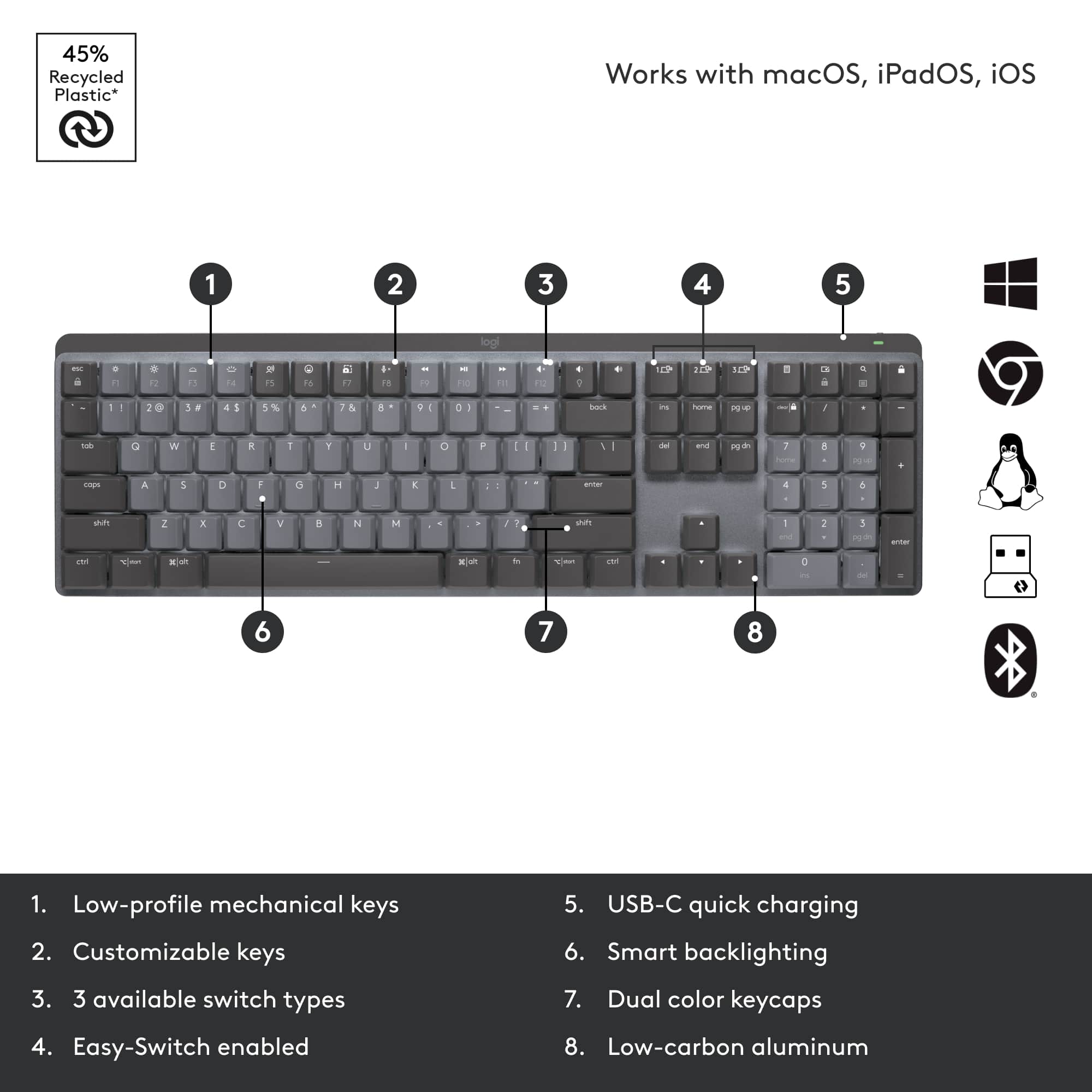
||Posted . Owned for 1 month when reviewed.This reviewer received promo considerations or sweepstakes entry for writing a review.This is a first for a logitech keyboard. It has a feeling of heft without being large or bulky for a full layout keyboard. It almost feels minimalist. But seems to have most functions snd then some. The keys are backlit. The keys felt good to use. They dont make a lot of noise and are fairly sensitive. Just what i was looking for. It is more expensive but definitely worth it.
I would recommend this to a friend - Pros mentioned:Keyboard quality
Keyboard Review
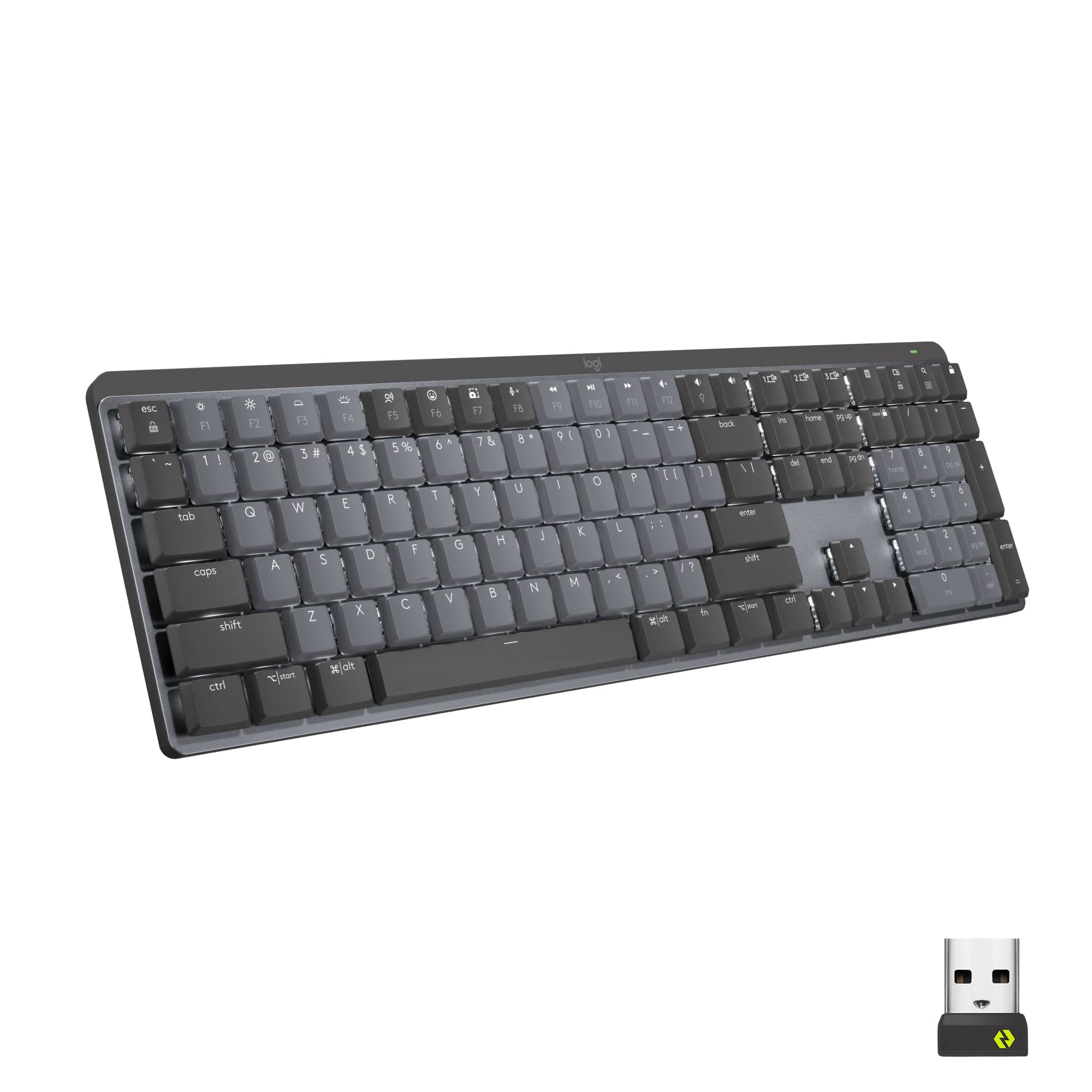
||Posted . Owned for 1 week when reviewed.This reviewer received promo considerations or sweepstakes entry for writing a review.Keyboard I got with my Mac didn't have a number pad. Liked the Logitech - MX Mechanical Full size wireless one I purchased. Also much easier to type on than the Mac as it has brackets in the back to lift the keyboard at an angle. The light up keys are also a bonus.
I would recommend this to a friendBrand response from Logitech
Posted .Thanks for sharing your experience! We're glad the MX Mechanical is delivering the comfort, functionality, and typing ease you were looking for. Enjoy the productivity boost.
- Pros mentioned:Battery life, Keyboard quality
Quality keyboard
||Posted . Owned for 1 month when reviewed.This reviewer received promo considerations or sweepstakes entry for writing a review.Sometimes it’s really worth it to spend a little extra on something you use a lot, and this keyboard is certainly one of those instances. The battery lasts really well. I can use both this keyboard and my wireless mouse (also Logitech) on Bluetooth at the same time, which is awesome. And the icing on the cake is typing on this keyboard- I like the feel of a mechanical keyboard so much over the clicking clack of a low end keyboard.
I would recommend this to a friend - Pros mentioned:Battery life
Great keyboard for work and productivity.
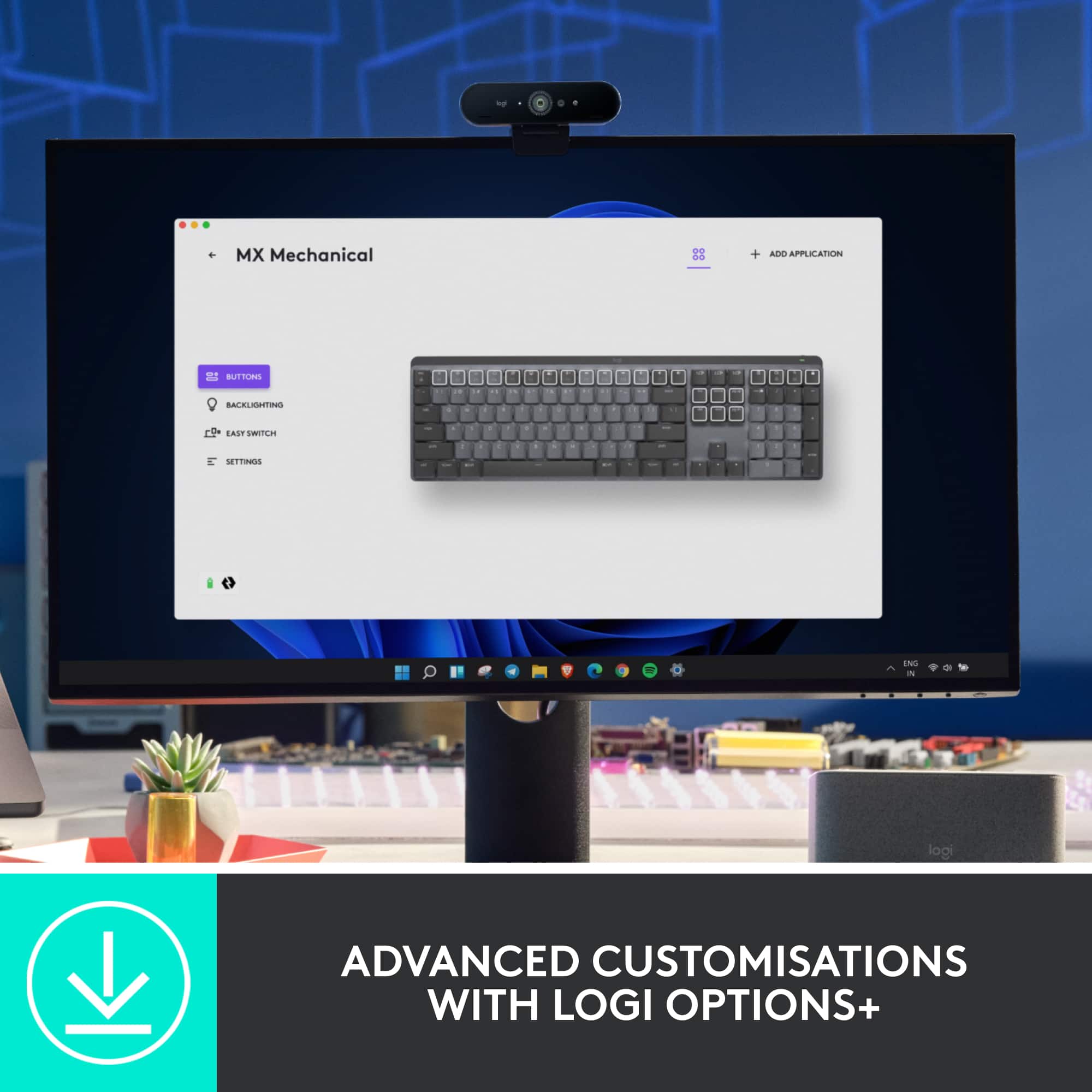
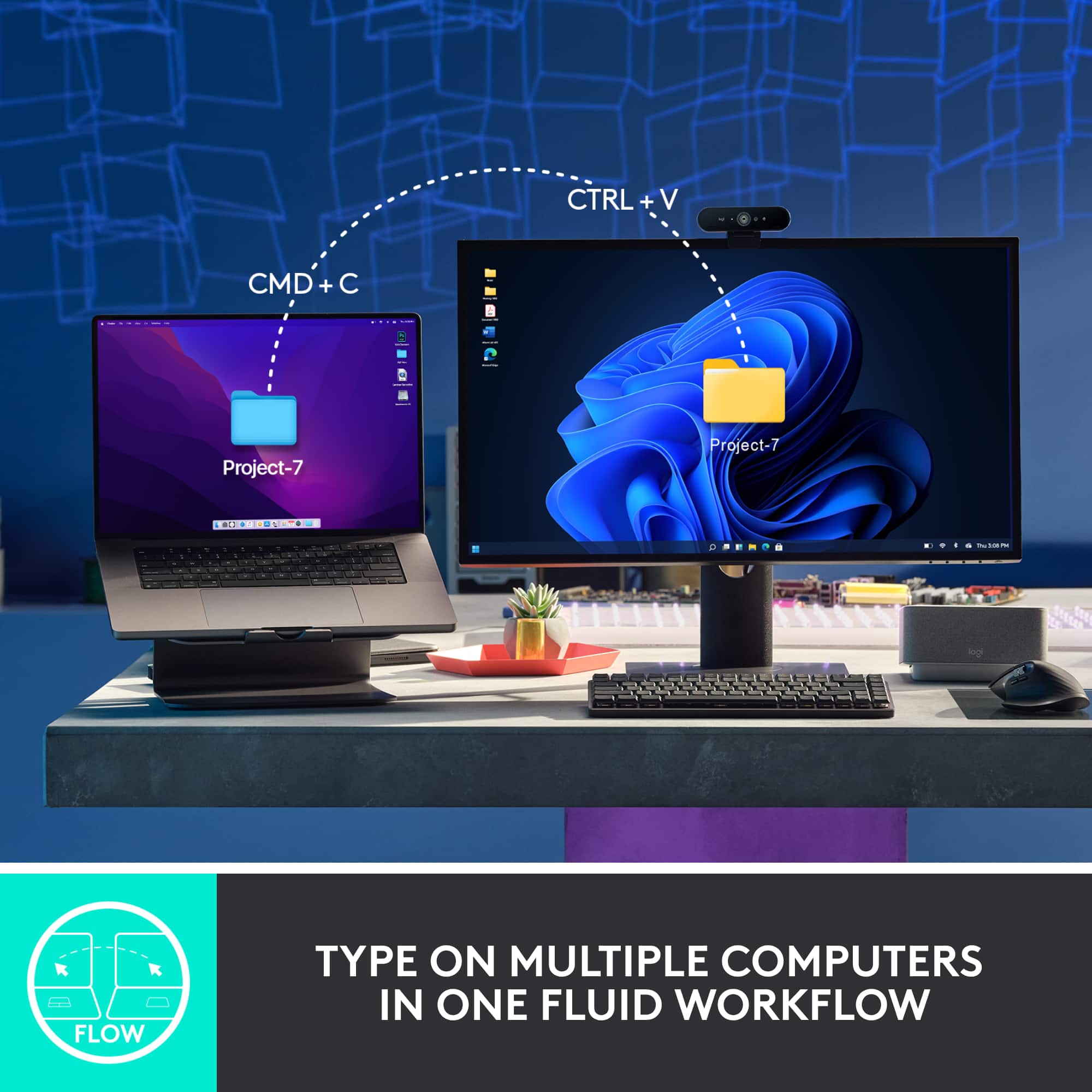
||Posted . Owned for 3 weeks when reviewed.This reviewer received promo considerations or sweepstakes entry for writing a review.Got this and a MX Master 3S to be my dedicated mouse and keyboard for my new work from home job, and I'm quite impressed. I like the Tactile switches on the keyboard even though I'm much more used to clicky switches like Cherry MX Blues or the clicky Switches on the G915. I charged the keyboard and mouse when I first bought these a few weeks ago, and they're still at around 70% after two and a half weeks of training, and a little bit of use in off hours as the system switching features also work nicely. You can mix and match connecting through Bluetooth, and the Logi Bolt dongles, and you can use up to 6 devices on a single logi bolt dongle. One of the neat features you can use if you opt for using a Dongle on two systems with the Logi Bolt dongles is you can drag your mouse from the monitor of one to the next and it will auto switch so if you have a workflow that uses two computers (Laptop and a desktop) you can easily move between the two systems as you work including sharing a clipboard between systems for both text and files. This used to be something that required an additional piece of software to do, but now it's just built into your mouse and keyboard software. Definite kudos for the first mechanical MX Keyboard especially when paired with an MX Master mouse. I've only tried using the Flow option between two windows systems, but I've heard it should work even if going from Windows to Mac which would make sense given that the keyboard has icons for both mac and Windows shortcut keys. Also bonus kudos to Logitech for getting over their fear of USB C connectors. I hope they do the same on their gaming keyboards soon.
I would recommend this to a friend Great keyboard.. but it’s a keyboard…
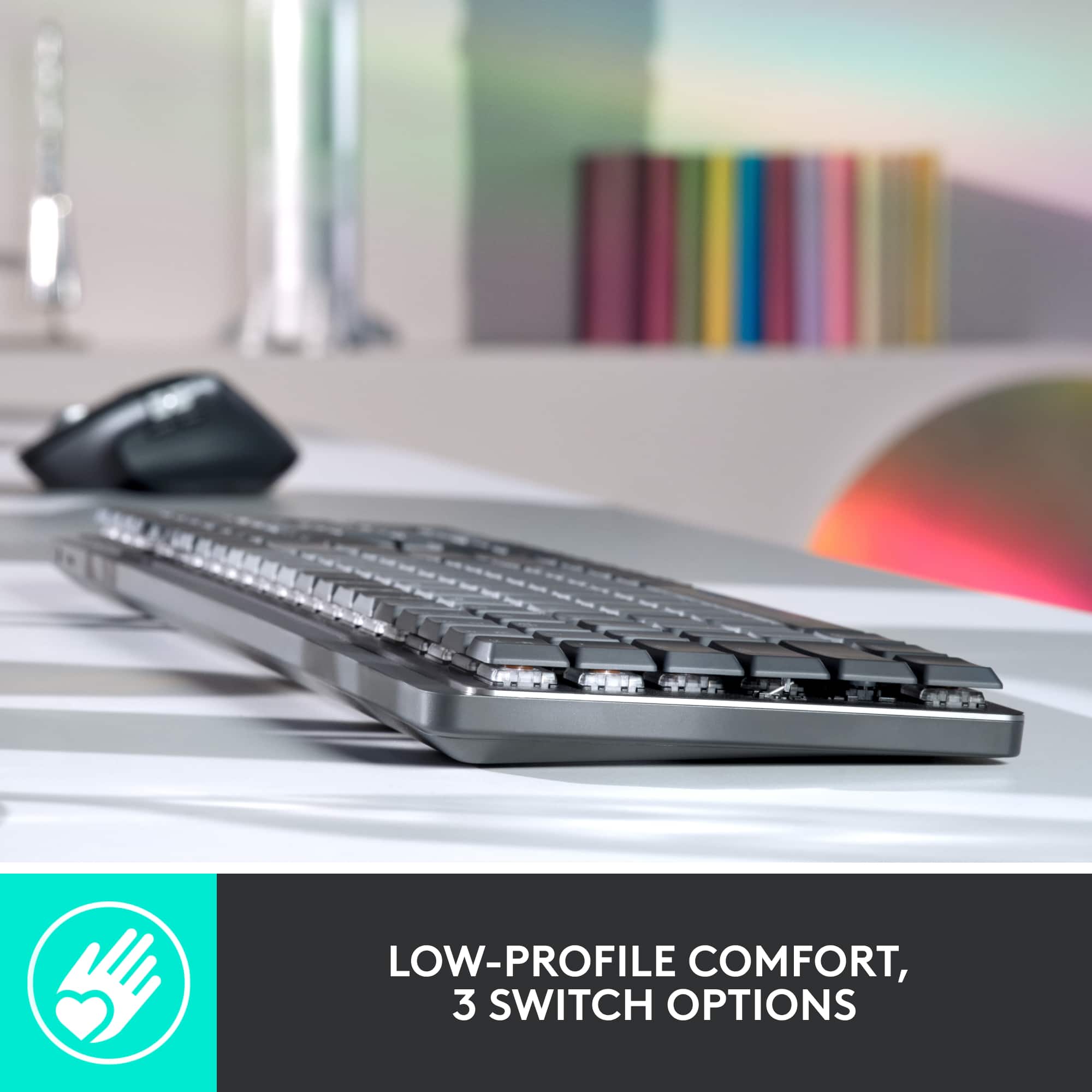
||Posted . Owned for 1 month when reviewed.This reviewer received promo considerations or sweepstakes entry for writing a review.Overall, it’s a great keyboard for typing. If you like the low-profile gimmickless feel of a membrane keyboard, but want the defined motion and response of a mechanical keyboard, then this is one for you. It does a great job combining the advantages of both. Most mechanical keyboards are reasonable for things like gaming (where your hands mostly stay in a fixed position on the keyboard), but are less practical for casual typing because of the key height: you really have to arch your hands just to press one individual key. But on this one, you get that defined key motion without having to dodge a key’s neighbors as you move your hand to press it. The pricepoint is a little high, and although I like that the lights don’t have RGB (it’s a waste and distracting) more direct programmability would be nice. So that little caveat is why I’m giving it 4 stars and not 5.
No, I would not recommend this to a friendBrand response from Logitech
Posted .Thank you for sharing your detailed feedback on the Logitech MX Mechanical keyboard! We appreciate you pointing out both the positives and areas for improvement, it helps us to better understand our customers' needs.
- Cons mentioned:Noise level
Good keyboard but noisy.
||Posted . Owned for 3 weeks when reviewed.This reviewer received promo considerations or sweepstakes entry for writing a review.Keyboard works great but I must have heavy hands because this is the loudest keyboard I’ve ever owned. I ended up returning the product for a differnt mechanical keyboard.
No, I would not recommend this to a friendBrand response from Logitech
Posted .Thank you for sharing your experience with the MX Mechanical Keyboard. We’re glad to hear it worked well for you overall, and we appreciate your honest feedback about the noise level—it helps us understand how different switch types can affect user comfort and satisfaction.
- Pros mentioned:Key feel, Keyboard quality
Good for office and gaming
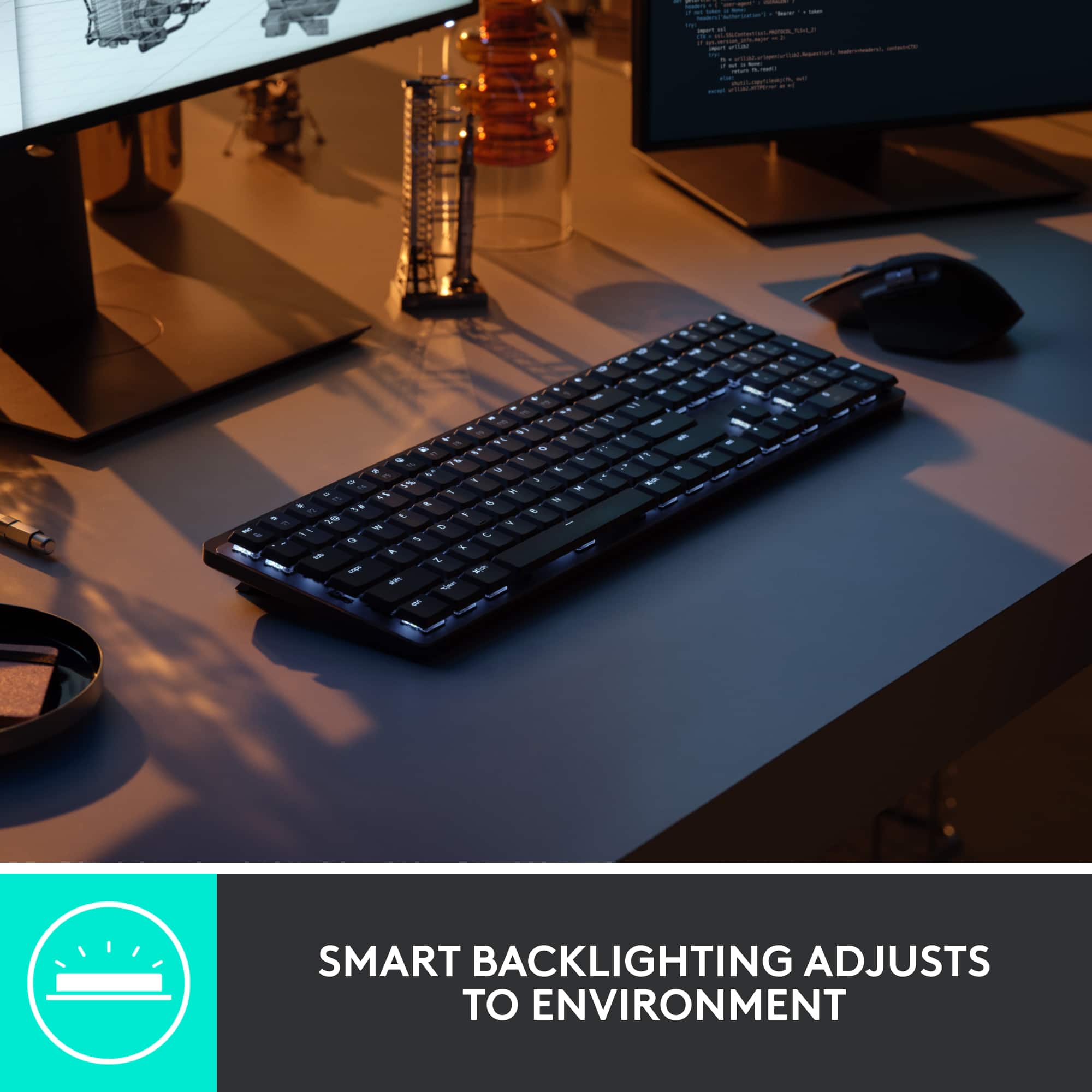
||Posted . Owned for 2 months when reviewed.This reviewer received promo considerations or sweepstakes entry for writing a review.Great keyboard for gaming and office work. I love the feel of the keyboard and the backlighting for use in darker rooms. I got tired of all the RGB on gaming keyboard but want the mechanical feel. I like how this one responds and it games quite nicely. It is not too loud but still feels good on the fingers when playing.
I would recommend this to a friend - Pros mentioned:Battery life, Keyboard quality
Fantastic Keyboard
||Posted .This reviewer received promo considerations or sweepstakes entry for writing a review.This keyboard is exactly what I wanted. It's incredibly responsive, not annoyingly loud (tactile is the way to go), feels well built, and the battery life is very impressive. Logitech Bolt is a definite upgrade over Logitech's old usb adapters as it can support multiple devices and the program allows you to manage the shortcut keys both globally and per application. I highly recommend this keyboard.
I would recommend this to a friend - Pros mentioned:Keyboard quality
Overall a good low-profile keyboard
||Posted . Owned for 4 months when reviewed.This reviewer received promo considerations or sweepstakes entry for writing a review.A decent low-profile keyboard. As far as low-profile keyboards go, this is one of the better ones I've tried, and the brown switches are perfect for the office. Works seamlessly on macOS or Windows without having to use a toggle switch, including plenty of shortcut keys programmed for both OS'. Backlighting is white only, which is probably fine for the office.
I would recommend this to a friendBrand response from Logitech
Posted .Thanks for your detailed feedback on the MX Mechanical Full Size Keyboard! We're glad to hear it's one of the better low-profile options you've tried and that the tactile brown switches are hitting the sweet spot for office use. Seamless compatibility across macOS and Windows—plus dual-OS shortcuts—is exactly what we designed it for. And while the white backlighting keeps things clean and professional, we appreciate your note on that too.
- Pros mentioned:Keyboard quality
High quality
||Posted .This reviewer received promo considerations or sweepstakes entry for writing a review.Well constructed, solid key strokes, classic mechanical keys. Couldn’t ask for more. Easy to swap between PC/Mac.
I would recommend this to a friendBrand response from Logitech
Posted .Thanks for your feedback! We’re glad you like the Logitech - MX Mechanical Full size Wireless Mechanical Tactile Switch Keyboard, and we appreciate your input to help us get even better!
- Pros mentioned:Keyboard quality
Not worth it if you have MX Keys already.
||Posted . Owned for 1 week when reviewed.This reviewer received promo considerations or sweepstakes entry for writing a review.It's an excellent keyboard, as mechanical keyboards go. I have been using the MX Keys for about two years because I love that it can pair with 3 devices and switch so easily. When I saw this announced, I ran to Best Buy and scooped one up as quickly as I could. It seems everyone who is anyone in the PC gaming world likes mechanical keyboards. I have to confess, I am failing to see the benefit over the standard MX Keys I've come to love. I'm louder, disturbing my family more while I work from home. Otherwise, the flatter the keyboard profile the more ergonomic it is. The sound of typing and the key presses are different, but in no way better than the MX Keys. I am still comparing them side by side for a few more days and will likely return the Mechanical.
I would recommend this to a friendBrand response from Logitech
Posted .Hello, stach! I'm happy to hear that you're enjoying your MX Mechanical keyboard! Feel free to reach out to our support team here https://support.logi.com/hc/en-us/requests/new?ticket_form_id=360000621393 if you ever need any assistance or if something happens in the 1-year limited hardware warranty. Personally, I find that I am making fewer mistakes using the Mechanical over the standard MX Keys due to the slightly raised keycaps. At the end of the day, it does come down to personal preference and what is comfortable for you. Thank you so much for the review and for shopping Logitech! - Maggie from Logitech
- Pros mentioned:Battery life, Keyboard quality
Great wireless mechanical keyboard option
||Posted . Owned for 7 months when reviewed.This reviewer received promo considerations or sweepstakes entry for writing a review.Great low profile keyboard with great battery life, multi-connection use, and build quality. The only slight negative I could think of would be the keycaps will start to have a “shine” effect on them after a few months of use, but not enough that should deter people from getting this keyboard in my opinion.
I would recommend this to a friend - Pros mentioned:Connectivity, Keyboard quality
Best Wireless Keyboard Ive used
||Posted . Owned for 1 month when reviewed.This reviewer received promo considerations or sweepstakes entry for writing a review.As the title suggests this is perhaps the best wireless keyboard ice used to date. Sometimes I want to sit on the couch or bed and game or work from there and this keyboard hasnt had any connection issues yet. Keys are increibly crisp and feel wonderful to type on.
I would recommend this to a friend - Pros mentioned:Keyboard quality
Keyboard
||Posted . Owned for 2 weeks when reviewed.This reviewer received promo considerations or sweepstakes entry for writing a review.Well made product as it was designed with me in mind… love it
I would recommend this to a friendBrand response from Logitech
Posted .Thank you for your wonderful feedback on the Logitech MX Mechanical Full Size Keyboard! We’re thrilled it feels perfectly designed for you and that you love using it.
- Cons mentioned:Noise level
Loud keyboard, must be charged often
||Posted .This reviewer received promo considerations or sweepstakes entry for writing a review.ChatGPT found this keyboard for me because I wanted one which "clicks" (& isn't totally silent). But I did NOT want one which clicks this loud, so ChatGPT told me to put a towel under it, which helped a little. The keys on this are different, and I don't know what to do with them, so I'll have to find out later--there were no instructions at all. Unfortunately, this keyboard has to be charged often. It is wireless & doesn't use batteries, so it has to be charged, especially because of the backlight. Wish I had NOT bought this keyboard. It takes a lot of effort & action to press the keys, but I'm getting used to it.
No, I would not recommend this to a friendBrand response from Logitech
Posted .We appreciate your honest feedback. It helps us identify where we can improve and provide a better experience with the Logitech - MX Mechanical Full size Wireless Mechanical Keyboard.
- Pros mentioned:Battery life, Keyboard quality
Great professional mechanical keyboard
||Posted . Owned for 1 year when reviewed.This reviewer received promo considerations or sweepstakes entry for writing a review.I've had this item for a year and I don't think I've charged it once... great value! I never use the backlight since I'm working at an office and it seems kinda redundant. I copywrite for a living and I love how it feels to type 100+ wpm on this.
I would recommend this to a friend - Pros mentioned:Key feel
Retired secretary
||Posted . Owned for 1 month when reviewed.This reviewer received promo considerations or sweepstakes entry for writing a review.I love it . Love the keys. The light is a big plus.
I would recommend this to a friendBrand response from Logitech
Posted .Thanks for your review! It’s great to know our product is living up to your expectations. Your support helps us stay focused.
- Pros mentioned:Battery life, Keyboard quality
Very Nice Keyboard
||Posted . Owned for 1 week when reviewed.This reviewer received promo considerations or sweepstakes entry for writing a review.The keyboard is well made and offers a lot of functionality. I am moving from a MS comfort keyboard and the change is taking a little while to get used to. Connection and set up was easy. The keyboard comes with about a 50% charge so no need to charge beforehand. Since the dongles for the mouse and the keyboard look alike it would be helpful to have some sort of marking to connect the dongle to the device. It is expensive but I spend all day working on a keyboard.
I would recommend this to a friend