Customer Ratings & Reviews



- Model:
- 920-010547
- SKU:
- 10116310
Rating by feature
- Value
Rating 4.3 out of 5 stars
- Quality
Rating 4.7 out of 5 stars
- Ease of Use
Rating 4.7 out of 5 stars
Bad value for a "premium keyboard"
||Posted . Owned for 2 months when reviewed.This reviewer received promo considerations or sweepstakes entry for writing a review.Decent keyboard, new bolt receiver is annoying for two reasons. One it disconnects so often the keyboard is not usable (I have to use bluetooth instead) and its a new dongle without the option of linking it to a unifying receiver if I so choose. I have an MX Master 3 and MX Keys that now need a separate dongle. Since I'm now using bluetooth for the mechanical its not the end of the world but its poor planning on Logitech's part. I would not recommend unless its price is lowered to $100 like the MX Keys and they fix whatever connectivity issues exist with the Bolt receiver.
No, I would not recommend this to a friendBrand response from Logitech
Posted .Hello gixxer,
I am sorry that the MX Mechanical is not working as expected. My first suggestion is to use the Logitech Options + app. If you are using the Logitech Options App, download the Bolt app to reprogram your USB Wireless adapter. If the issue continues after following these steps, contact the Logitech support team to receive personalized assistance. Logitech appreciates your product review. - Leo from Logitech
Had I known ......ARRGGHHH
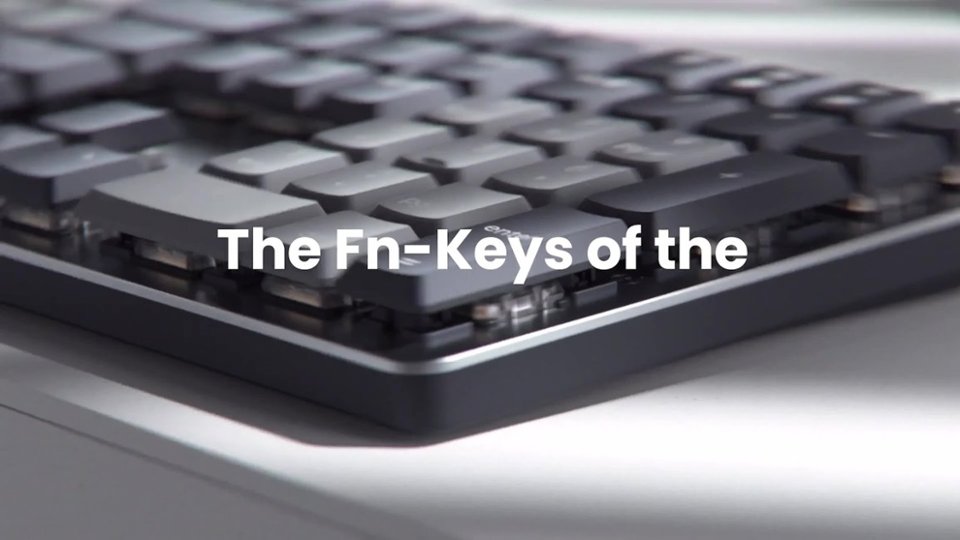
||Posted . Owned for 3 weeks when reviewed.This reviewer received promo considerations or sweepstakes entry for writing a review.Only wireless keyboard available, what a mistake. Keyboard is cramped. FN keys have default over the F# keys, so that you have to push the FN button to get the F# key to work and the FN key is only on the mouse side of the keyboard..cannot mouse+FN easily.
No, I would not recommend this to a friendBrand response from Logitech
Posted .We apologize for the inconvenience you've experienced with the Logitech MX Mechanical keyboard. We understand the frustration of limited key layout options and the Fn key placement. Your feedback is important to us as we continue to refine our product designs.
Fussy Bluetooth
||Posted . Owned for 3 weeks when reviewed.This reviewer received promo considerations or sweepstakes entry for writing a review.Nice keyboard, but sensitive to equipment around it as far as connecting to Bluetooth.
No, I would not recommend this to a friendBrand response from Logitech
Posted .Hey! Thanks for your honest feedback on the Logitech MX Mechanical Full-size Wireless Mechanical Tactile Switch Keyboard. We appreciate you liking the keyboard but understand the Bluetooth connectivity can be finicky with surrounding equipment. In order to help you effectively, please provide your information to our support team via email at socialcare@logitech.com with your
- Name:
- Email Address:
- Country:
- Product Name:
- Brief description of issue:
Its alright, not for me.
||Posted . Owned for 8 months when reviewed.This reviewer received promo considerations or sweepstakes entry for writing a review.Not bad. But was not a fan of it. Just felt cheap compared to my other mechanicals. I have two brown cherry and 1 blue, this was to replace all 3. Unfortunately, just didnt feel like i had hoped.
I would recommend this to a friendBrand response from Logitech
Posted .Understandably, the MX Mechanical might not have lived up to your expectations, especially if you're accustomed to Cherry MX switches. Personal preference plays a significant role in keyboard choice, and what feels good to one person may not feel the same to another. We will take this as feedback for future consideration.
- Pros mentioned:Keyboard quality
My favorite keyboard
||Posted . Owned for 1 week when reviewed.This reviewer received promo considerations or sweepstakes entry for writing a review.By far my favorite replacement keyboard for my Mac.
I would recommend this to a friend - Pros mentioned:Key feel
Great Keyboard
||Posted . Owned for 2 weeks when reviewed.This reviewer received promo considerations or sweepstakes entry for writing a review.Seamless connection and keys feel great to type on.
I would recommend this to a friend It’s ok,
||Posted . Owned for 1 month when reviewed.This reviewer received promo considerations or sweepstakes entry for writing a review.…don’t love it. But it’s ok………………………,,,,,,,,,,,….
No, I would not recommend this to a friendAverage at best.
||Posted . Owned for 1 month when reviewed.This reviewer received promo considerations or sweepstakes entry for writing a review.Switches feel odd. Back light timeout can’t be adjusted. For the price it’s not a good deal.
No, I would not recommend this to a friendPoor connection
||Posted . Owned for 1 month when reviewed.This reviewer received promo considerations or sweepstakes entry for writing a review.Not the best connection. With dongle and via Bluetooth still kept disconnecting.
No, I would not recommend this to a friendNot good for those who have joint pain
||Posted . Owned for 1 week when reviewed.This reviewer received promo considerations or sweepstakes entry for writing a review.I had to return it because it hurt my wrist. Not good for those who have joint pain
No, I would not recommend this to a friendNon working keyboard
||Posted . Owned for 1 week when reviewed.This reviewer received promo considerations or sweepstakes entry for writing a review.Never got it to work, had to exchange it for another one that would. No problems in doing that, it wasn’t the one that I wanted but it works .
No, I would not recommend this to a friendBrand response from Logitech
Posted .Thank you for sharing your experience. I’m sorry to hear the first product didn’t work as expected, but I’m glad the exchange process was smooth and that you now have one that works reliably, even if it wasn’t your original choice.

- Cons mentioned:Price
Not worth the price.
||Posted . Owned for 1 month when reviewed.This reviewer received promo considerations or sweepstakes entry for writing a review.I had nothing but trouble with this keyboard. Had a very difficult time trying to customize the F keys. Too expensive for no more than what you can do with it in my opinion.
No, I would not recommend this to a friendBrand response from Logitech
Posted .Thank you for your feedback. I’m sorry to hear you experienced so much trouble with the keyboard, particularly when trying to customize the function keys. I understand your frustration, especially given the price point. To address this issue, we recommend reaching out to our social care team via email at socialcare@logitech.com with your
- Name:
- Email Address:
- Country:
- Product Name:
- Brief description of issue:
Very solid wireless keyboard from Logitech
||Posted . Owned for 1 month when reviewed.This reviewer received promo considerations or sweepstakes entry for writing a review.Only 4 stars as not quite perfect, but close. I use via their USB connector to my SurfaceDock. App is nice to tweak settings, backlight is great. Only the is the "Windows" key doesn't work when say locking workstation.
I would recommend this to a friend- Pros mentioned:Battery life, Key feel, Keyboard quality
Great Quality Keyboard with no compromises
Posted .This reviewer received promo considerations or sweepstakes entry for writing a review.The Logitech mx mechanical keyboard is the best keyboard I have used in years. The keyboard has many features and that I found myself using more that I thought I would. The backlit keys are great. The keys have great feedback and travel distance is just right. One feature I love the most is being able to have different profiles for different devices connected via bluetooth. From what I have seen you do not have to use the included dongle and can connect to the device directly. I have a windows device and a Mac that I have to switch between during the course of the day and the seamless transition from one device to another has been amazing. The battery life is amazing. I've had the keyboard for about 2 weeks now and the battery level is still showing 100% after fulling charging on the first day. The only downside I have found with the keyboard so far is that I have not found a key that maps to the option key on Mac. This could be a mapping issue on my part. Everything else has been great.
I would recommend this to a friendBrand response from Logitech
Posted .Thank you for your amazing review of the Logitech MX Mechanical keyboard! We're thrilled to hear that it's the best keyboard you've used and has exceeded your expectations. Your positive feedback means a lot to us as we continue to create exceptional products that elevate your computing experience.
Slow reponse.
||Posted . Owned for 3 weeks when reviewed.This reviewer received promo considerations or sweepstakes entry for writing a review.Slow to respond. When you first start typing you have to push the key two or three time to get it to engage with the compute.r
No, I would not recommend this to a friendBrand response from Logitech
Posted .Sounds troublesome! Make sure the product or receiver is connected directly to the computer and not to a hub, extender, switch or something similar. Keep other electrical wireless devices away from the USB receiver to avoid interference. Also, move the device closer to the USB receiver. If your receiver is in the back of your computer, it may help to relocate the receiver to a front port. In some cases the receiver signal gets blocked by the computer case, causing a delay.
Good but is really prone to bending.
||Posted . Owned for 4 months when reviewed.This reviewer received promo considerations or sweepstakes entry for writing a review.I like the keyboard. The extra functions and the quick switching between devices is the major selling point. Major flaw is that the keyboard flex is really bad. I transport this keyboard with me from home, school and work. Noticed that if I just tossed it in my bag it would flex and stay bent. I would have to bend it back straight. I ended up getting a hard shell carrying case for it but it still flexes really bad. Didn’t notice it till after the 30 day return period was over so I couldn’t return it anymore.
No, I would not recommend this to a friend- Pros mentioned:Battery life, Key feel, Keyboard quality

Professional wireless keyboard with a Gaming heart
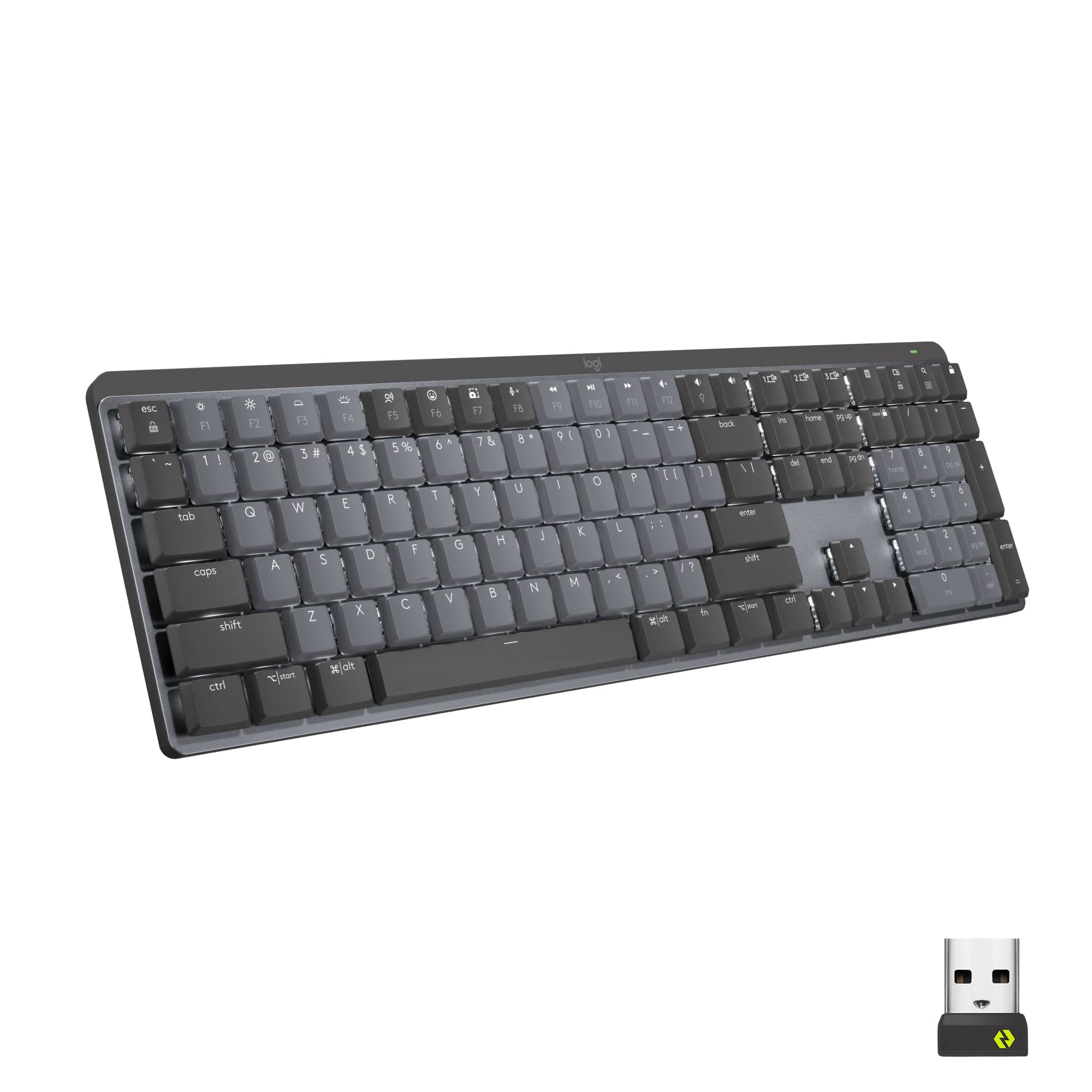
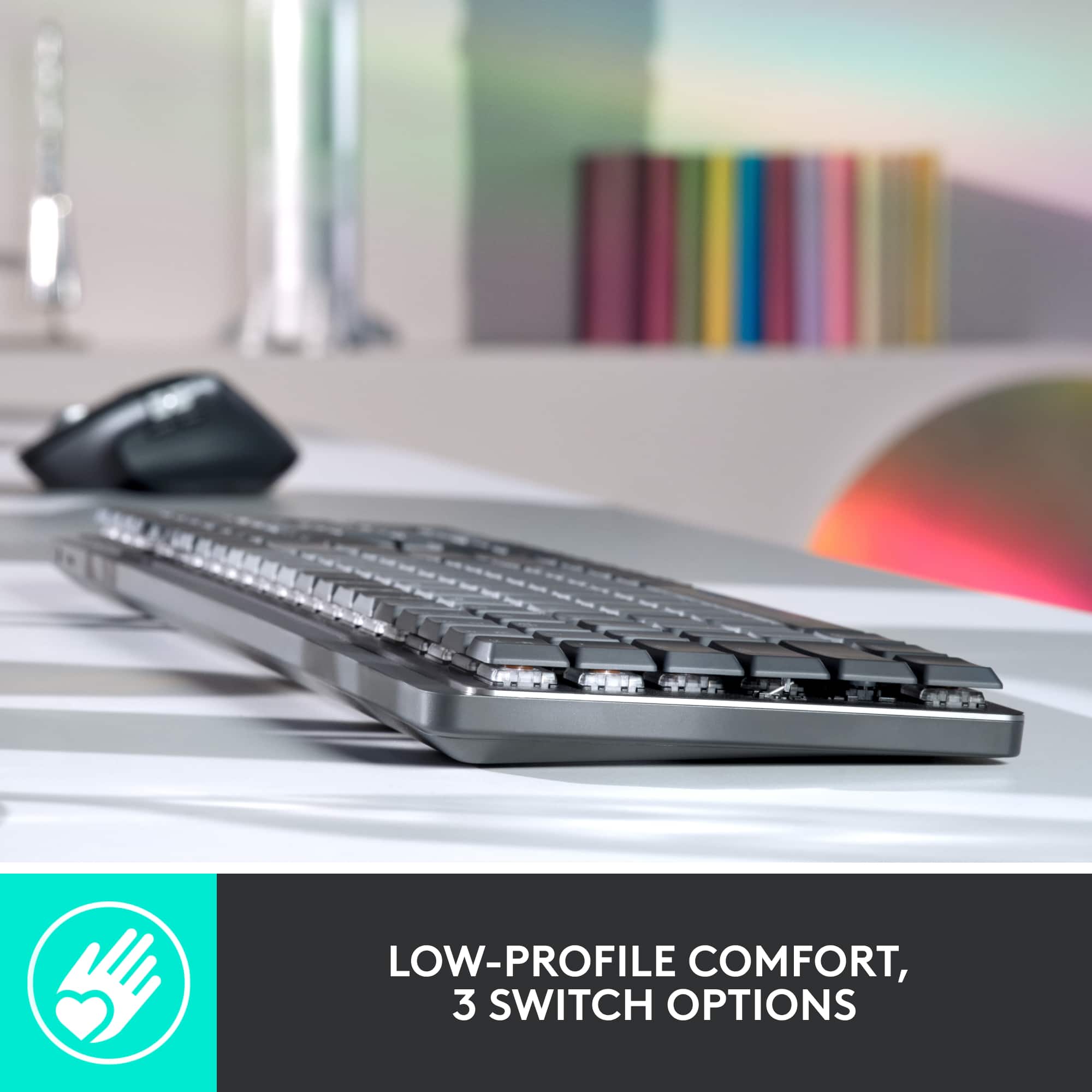
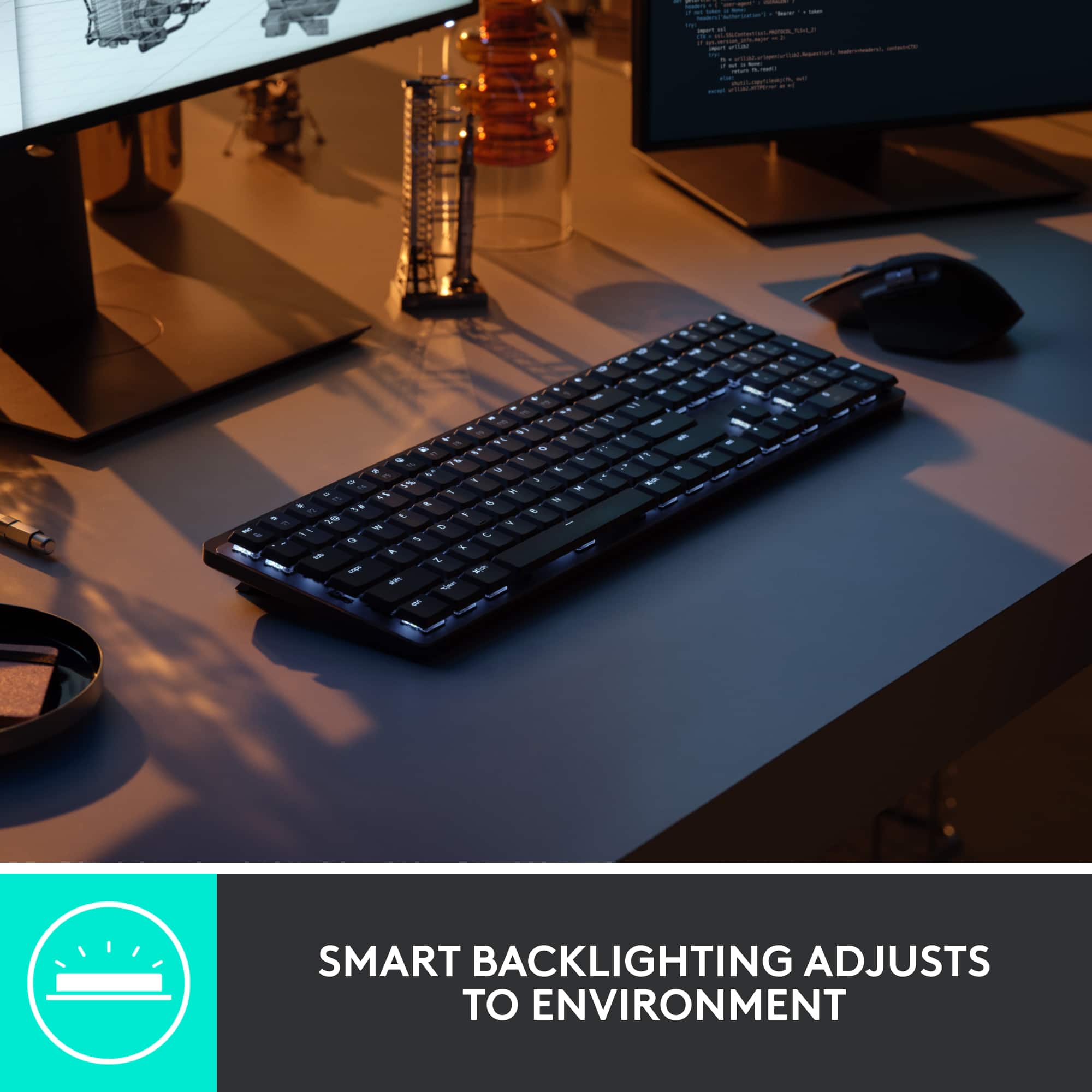
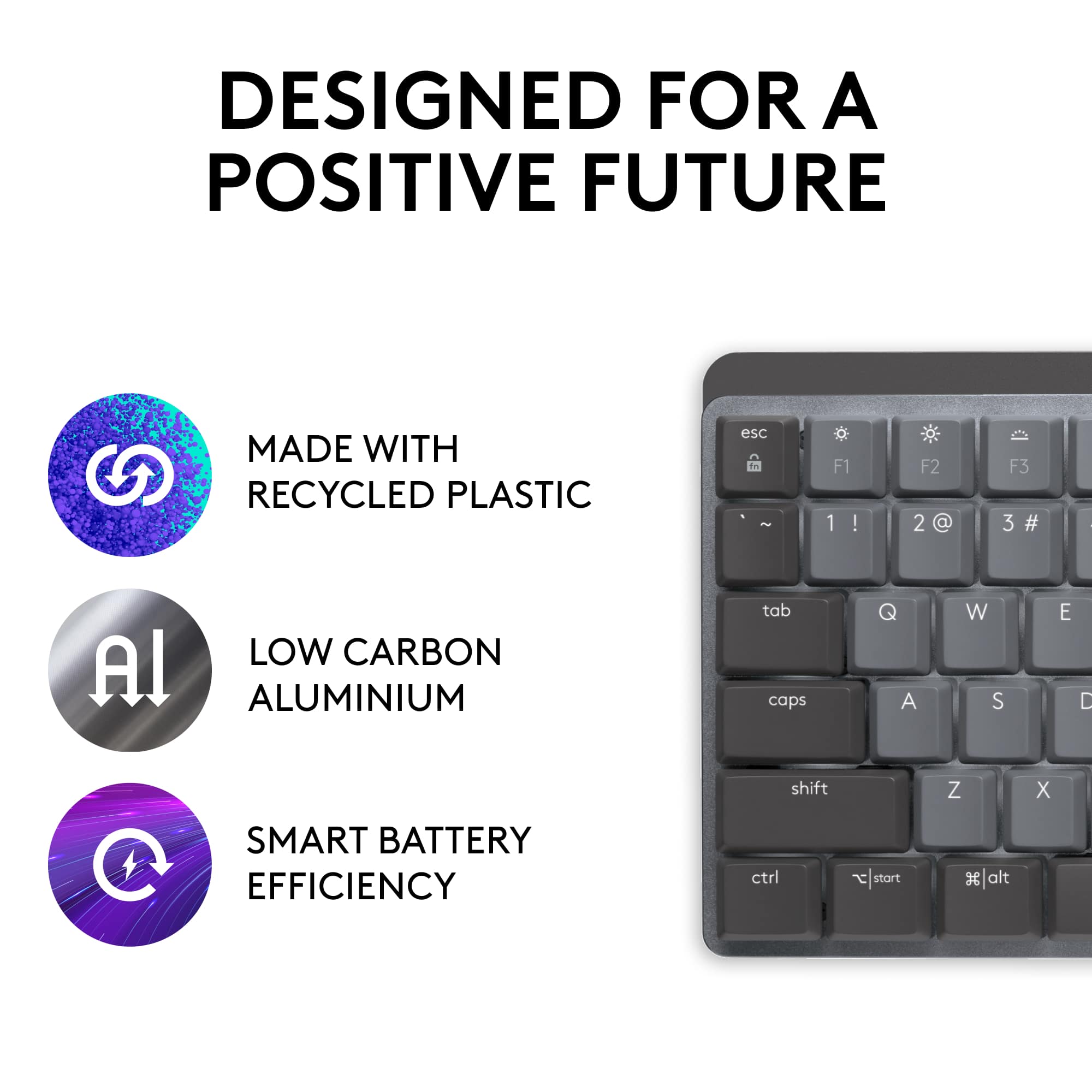
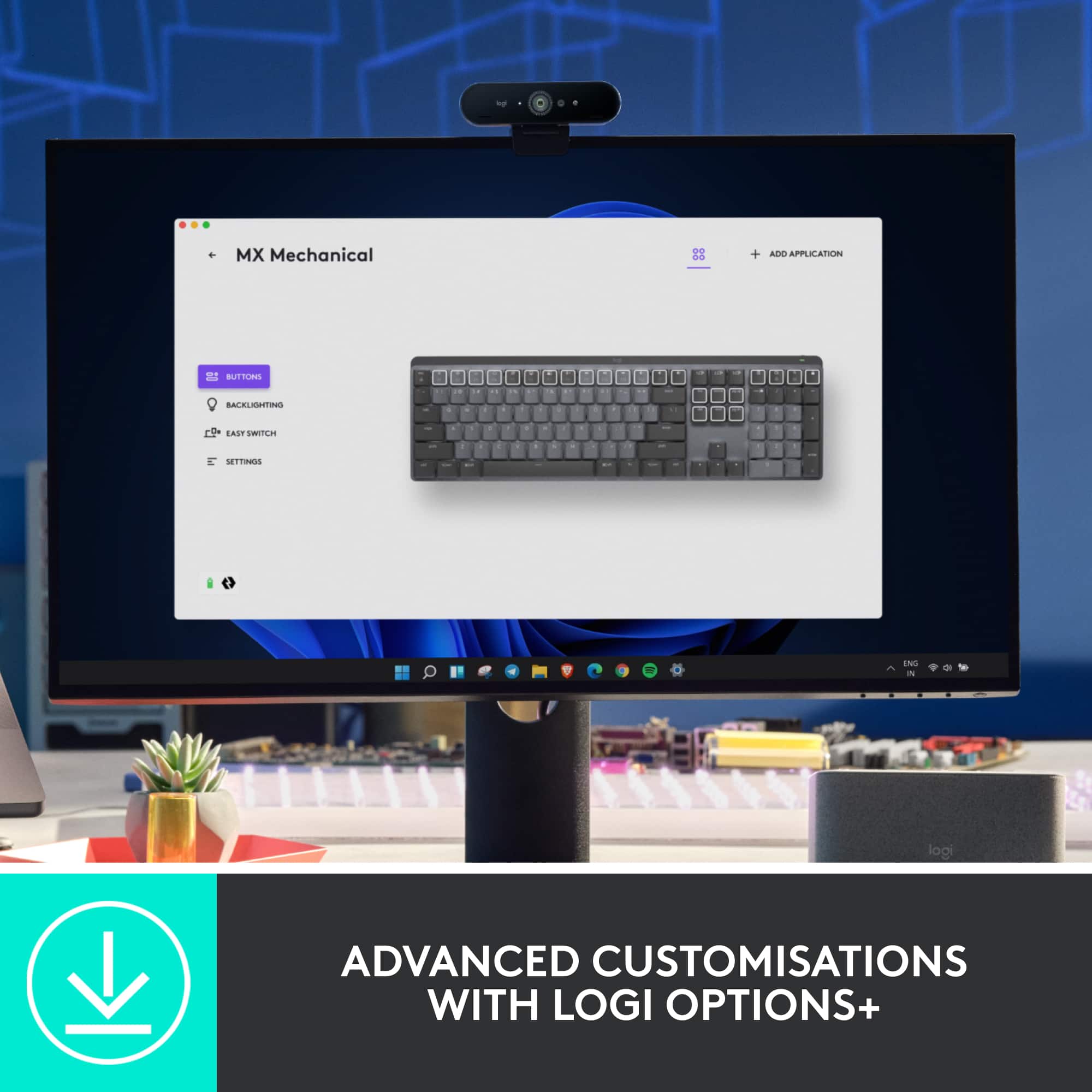
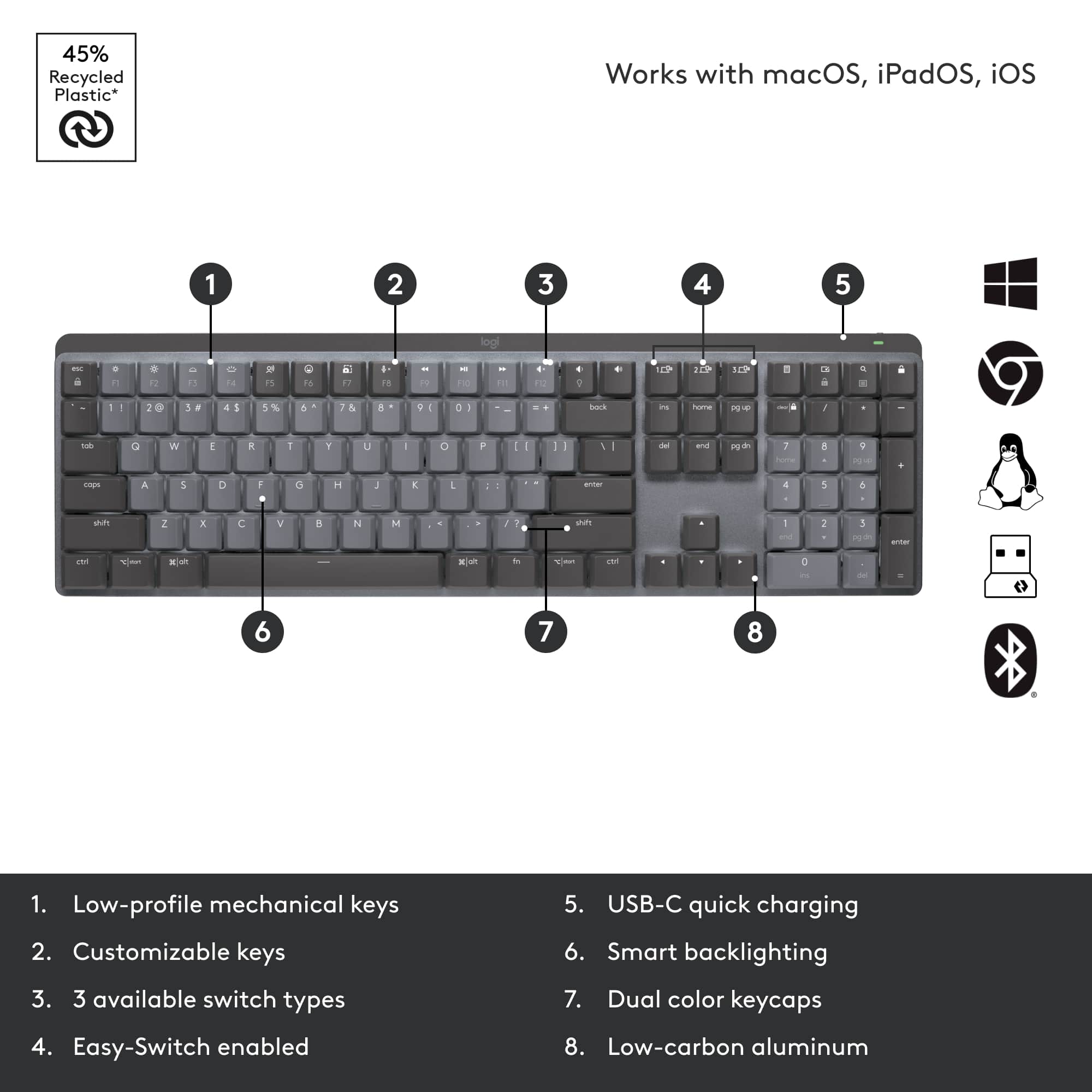
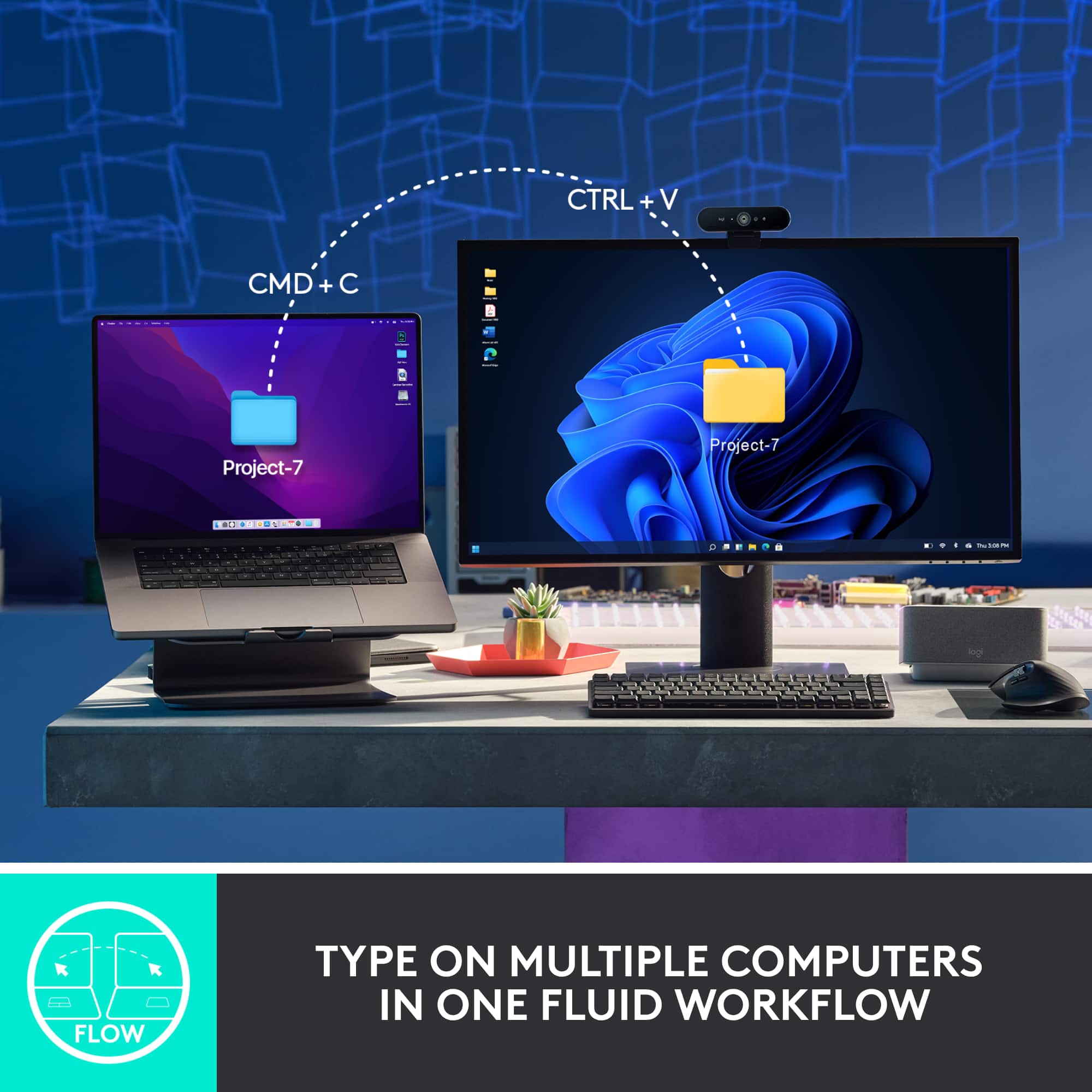
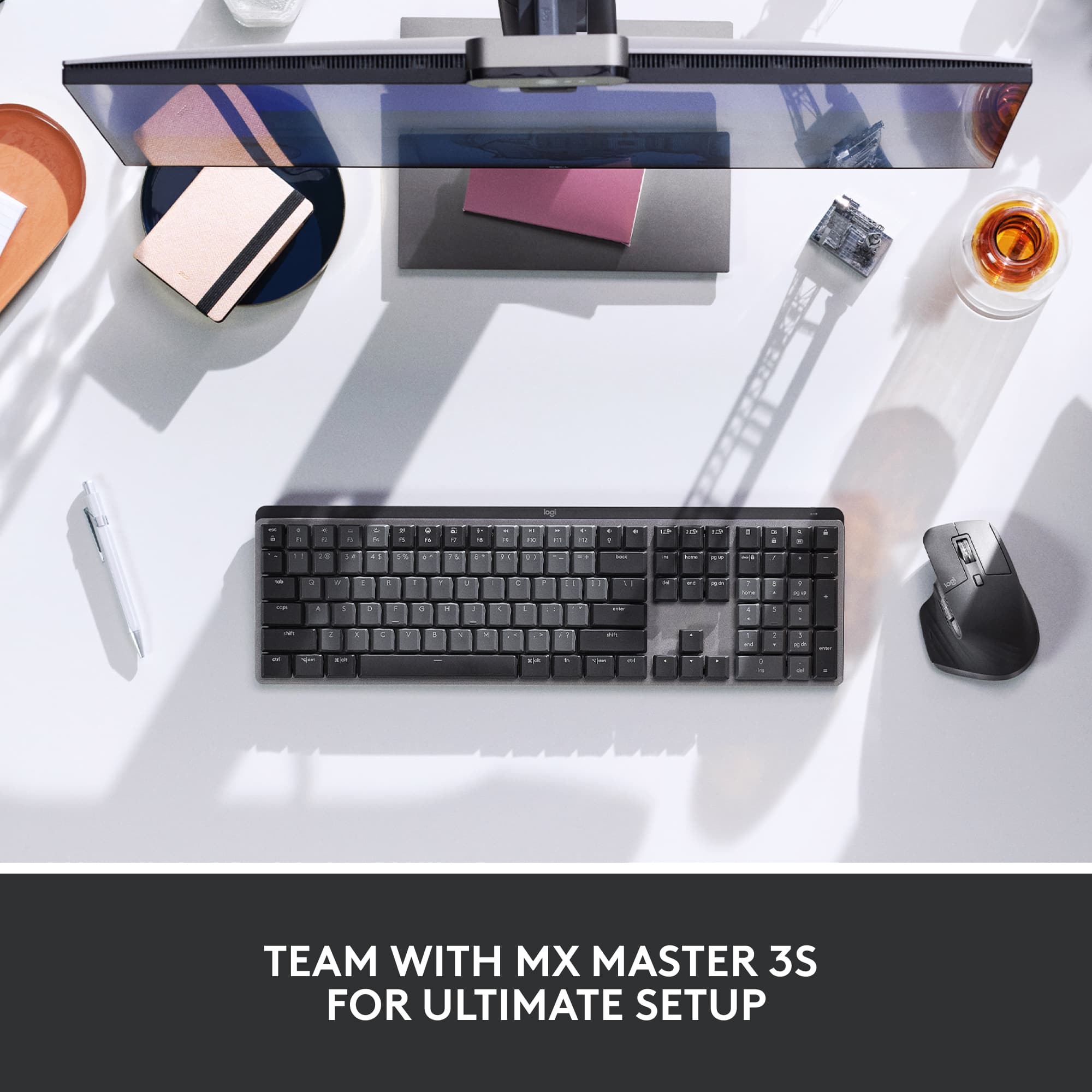
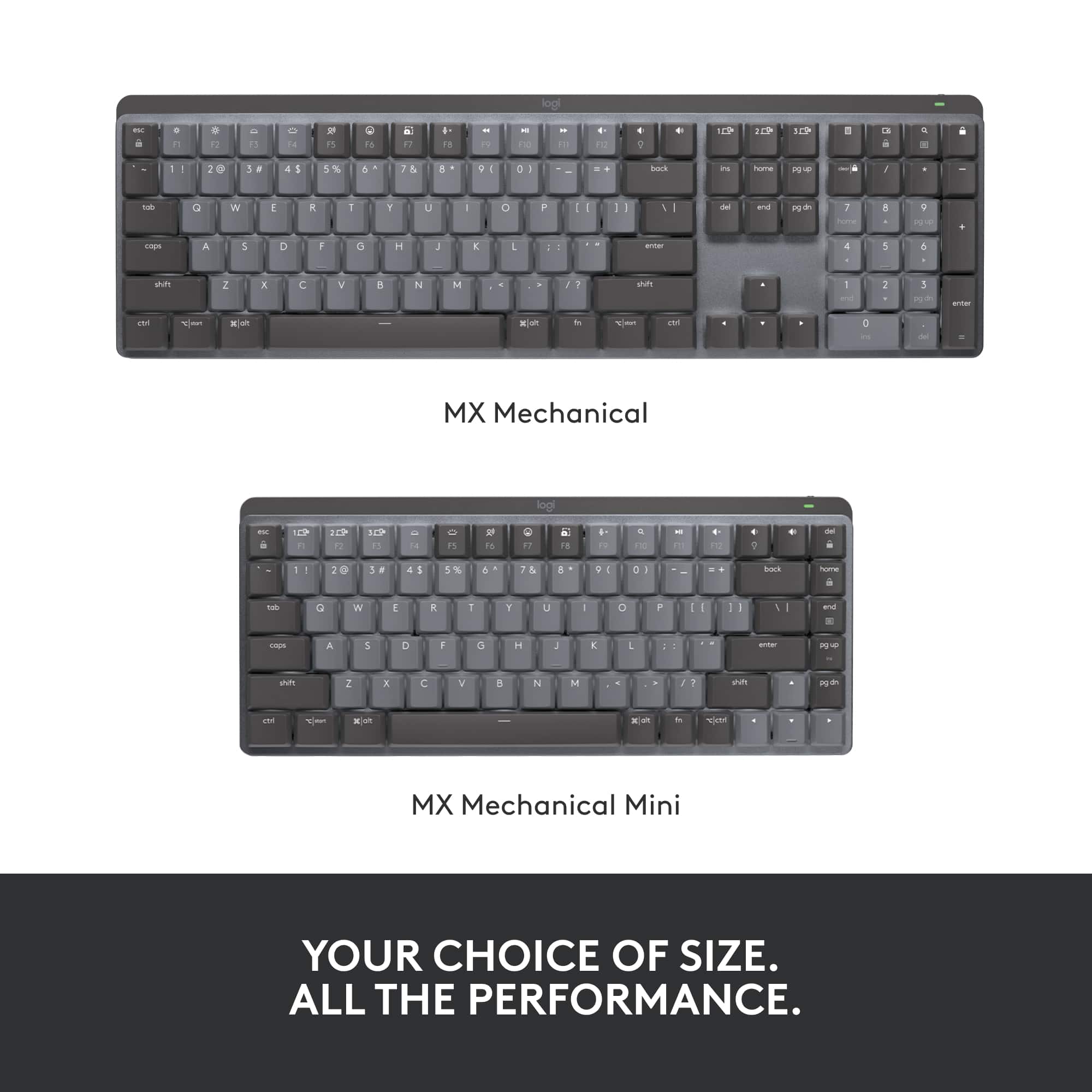
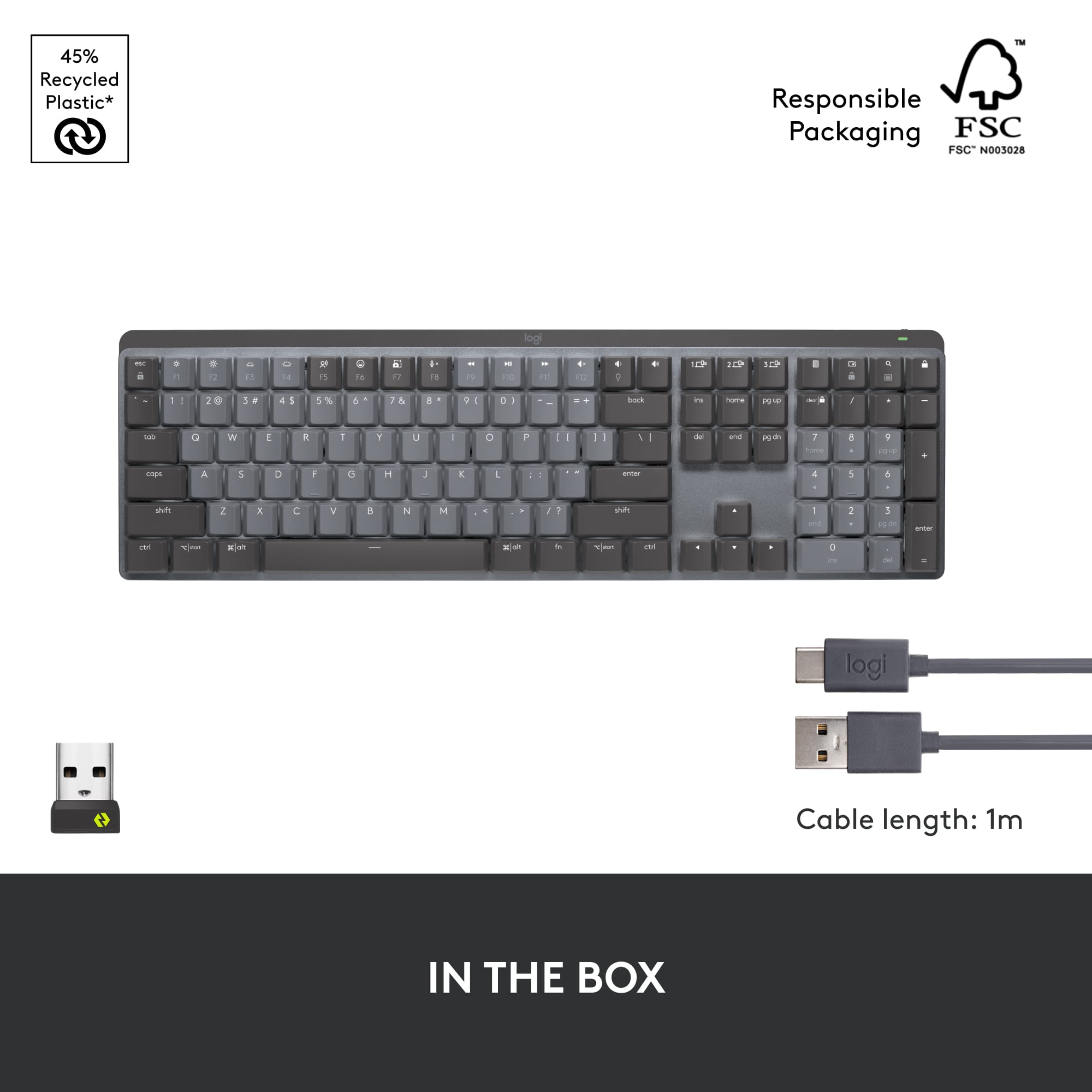
|Posted .This reviewer received promo considerations or sweepstakes entry for writing a review.The Logitech MX mechanical keyboard is a new professional keyboard that brings the best of gaming keyboards to the business world. The keyboard is wireless and connects with Bluetooth LE or the included Logitech dongle if your computer does not have Bluetooth. The keyboard is rechargeable lasting up to 15 days with lighting on or 10 months with it turned off. The keyboard is outfitted with Low-profile backlit mechanical switches with smooth feel and reduced actuation depth are great for typing. There are 3 switch types available the Tactile quiet, Linear or clicky. I have the tactile quiet keys and I think I would prefer the clicky type as they provide additional tactile feedback. The backlighting has what Logitech calls smart illumination automatically turning on when your hands approach the keys extending the battery life. You can use the Logi Options+ application to change the effects or directly from the keyboard by pressing the Function and bulb key. The keyboard has programmable keys and can be configured to have the function or media keys active with direct keypresses. The Logi Options+ application allows you to set the backlighting pattern, customize key functions, gives status and notifications and supports Logitech Flow. With flow you can copy content on one device and past it to another paired device even across operating systems. You can pair the keyboard with up to 3 devices and it supports all major operating systems. The keyboard layout is optimized for both Windows and Apple Macintosh. The keyboard has a built in battery and has a USB C charge port Logitech includes an USB A to USB C cable. You can get a full days use with just 15 minutes of charging. The build quality is great with an aluminum frame giving a solid feel and good weight. Logitech has made the keys and other plastic parts from 45% recycled plastic. Logitech has created a great keyboard with quality hardware and well thought out software to the business world!
I would recommend this to a friend Great Keyboard
||Posted . Owned for 2 weeks when reviewed.This reviewer received promo considerations or sweepstakes entry for writing a review.I like the way it feels when typing. My only issue is that the spacebar has more of a squeak than a click, but i get past that pretty easily.
I would recommend this to a friendGood Tactile Feedback
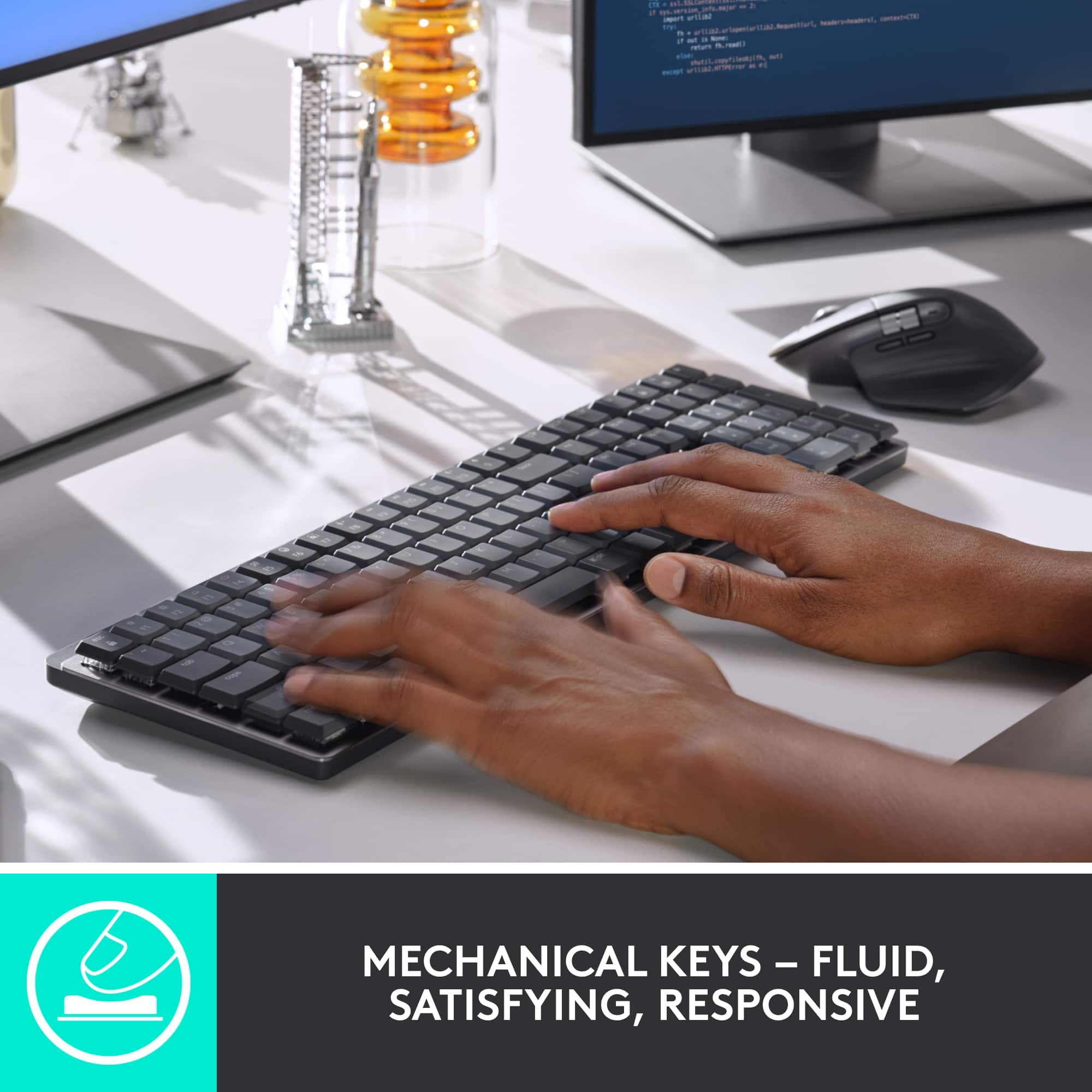
||Posted . Owned for 1 month when reviewed.This reviewer received promo considerations or sweepstakes entry for writing a review.Really good tactile feedback; very satisfying. Still very expensive for a keyboard.
I would recommend this to a friendSqueaky keys
||Posted . Owned for 1 month when reviewed.This reviewer received promo considerations or sweepstakes entry for writing a review.Quality for the price not worth it. Will be returning to the store.
No, I would not recommend this to a friendBrand response from Logitech
Posted .Thanks for your valuable feedback. We regret to know that the product did not meet your expectations. We'll make sure to share it with the right team so they can look into it.