Customer Ratings & Reviews
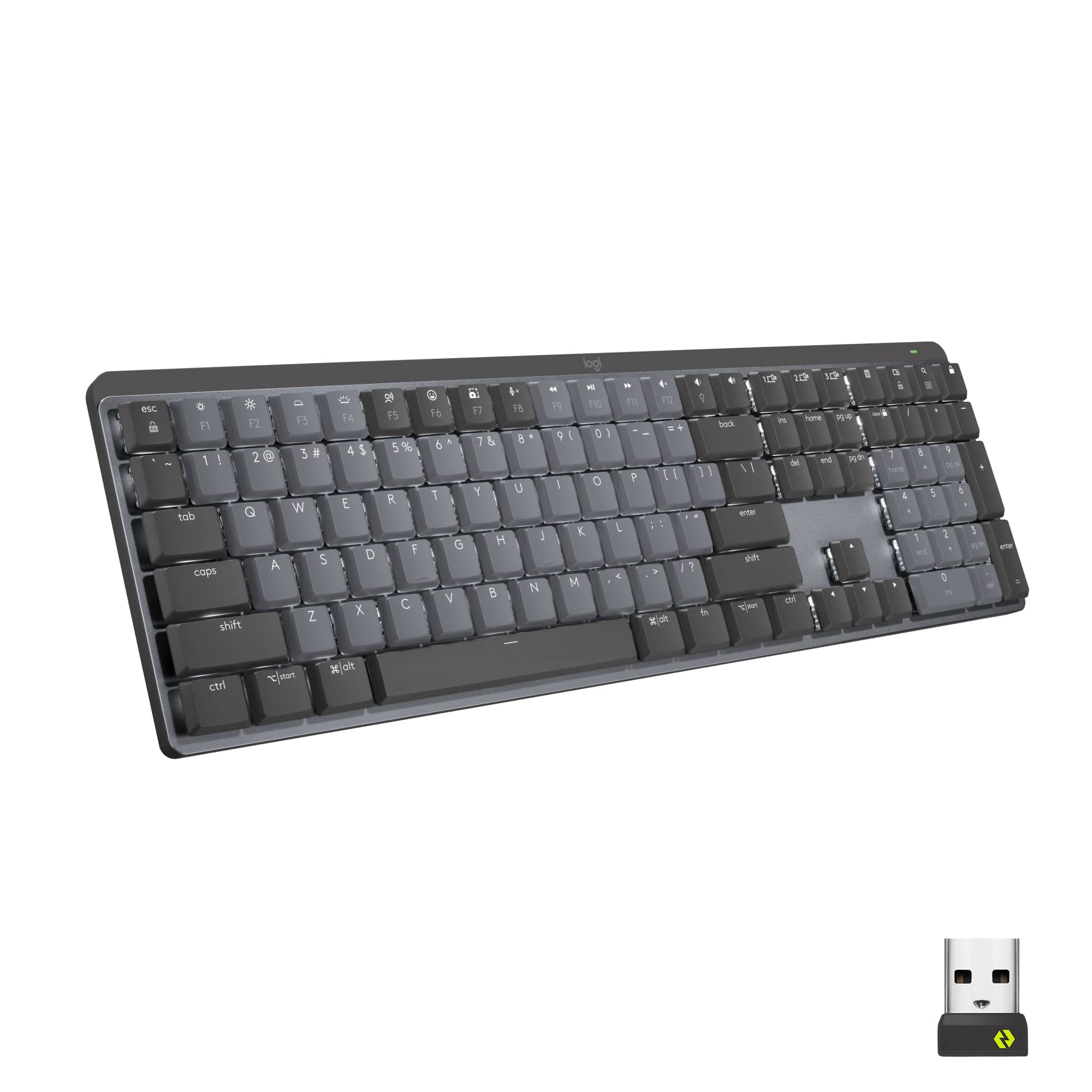
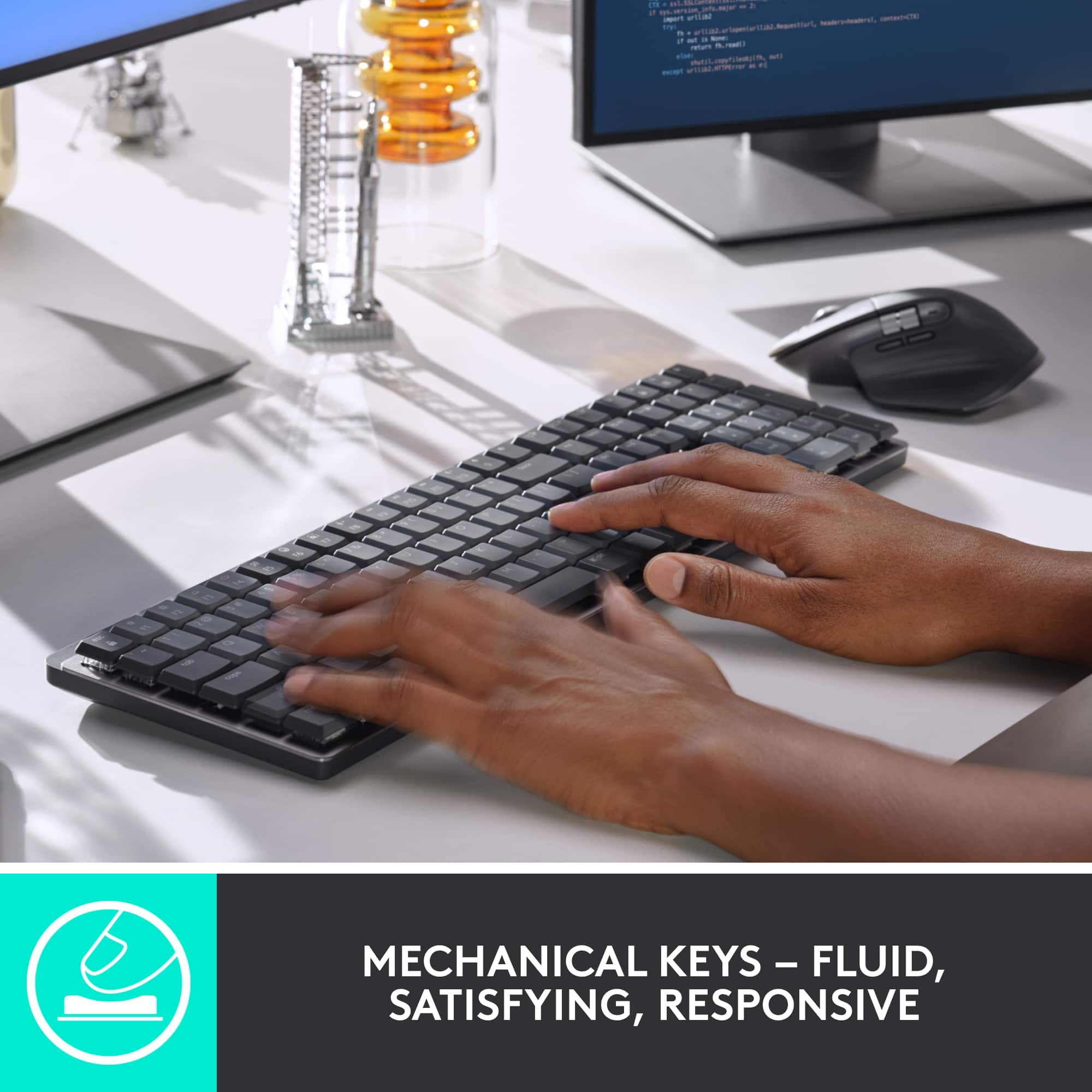
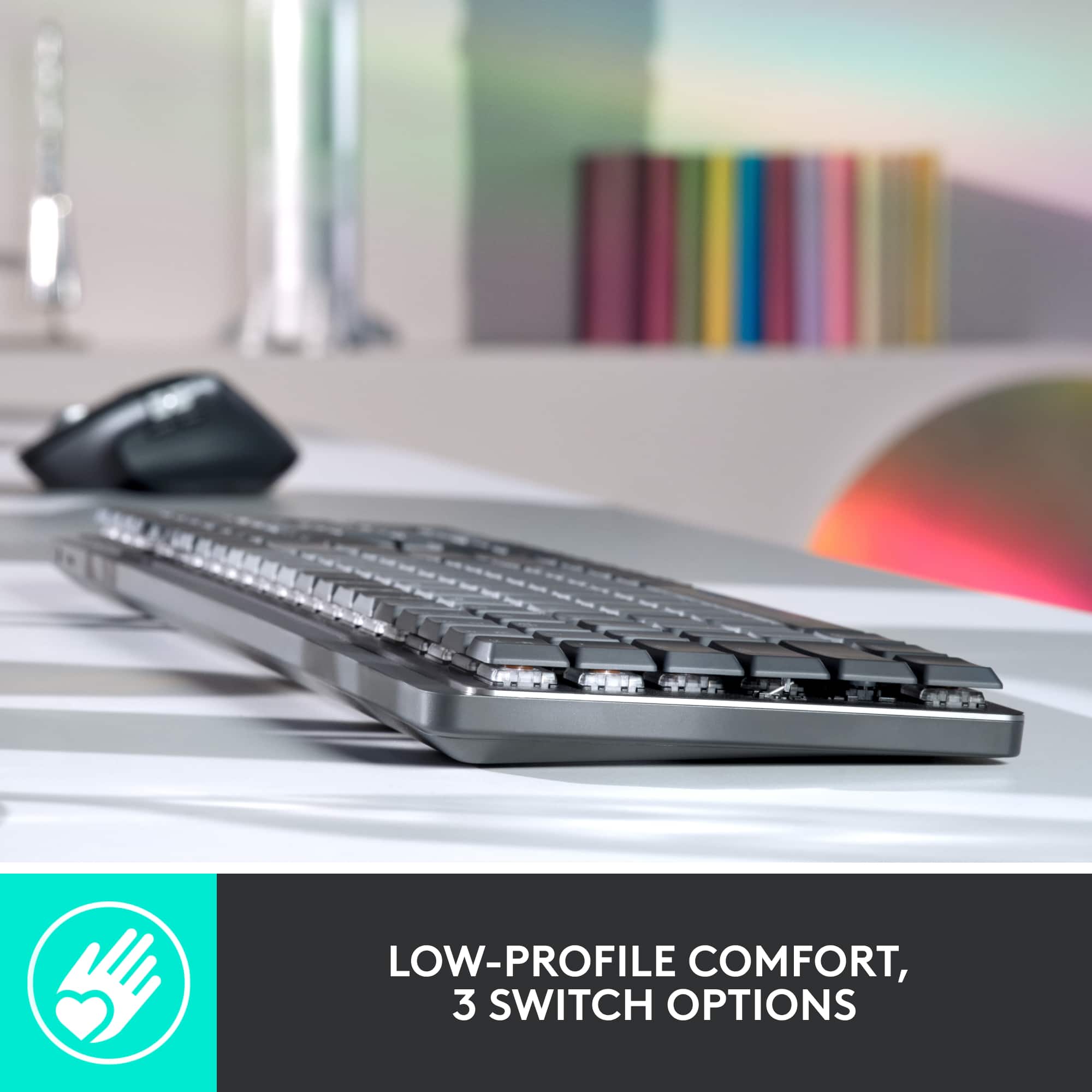
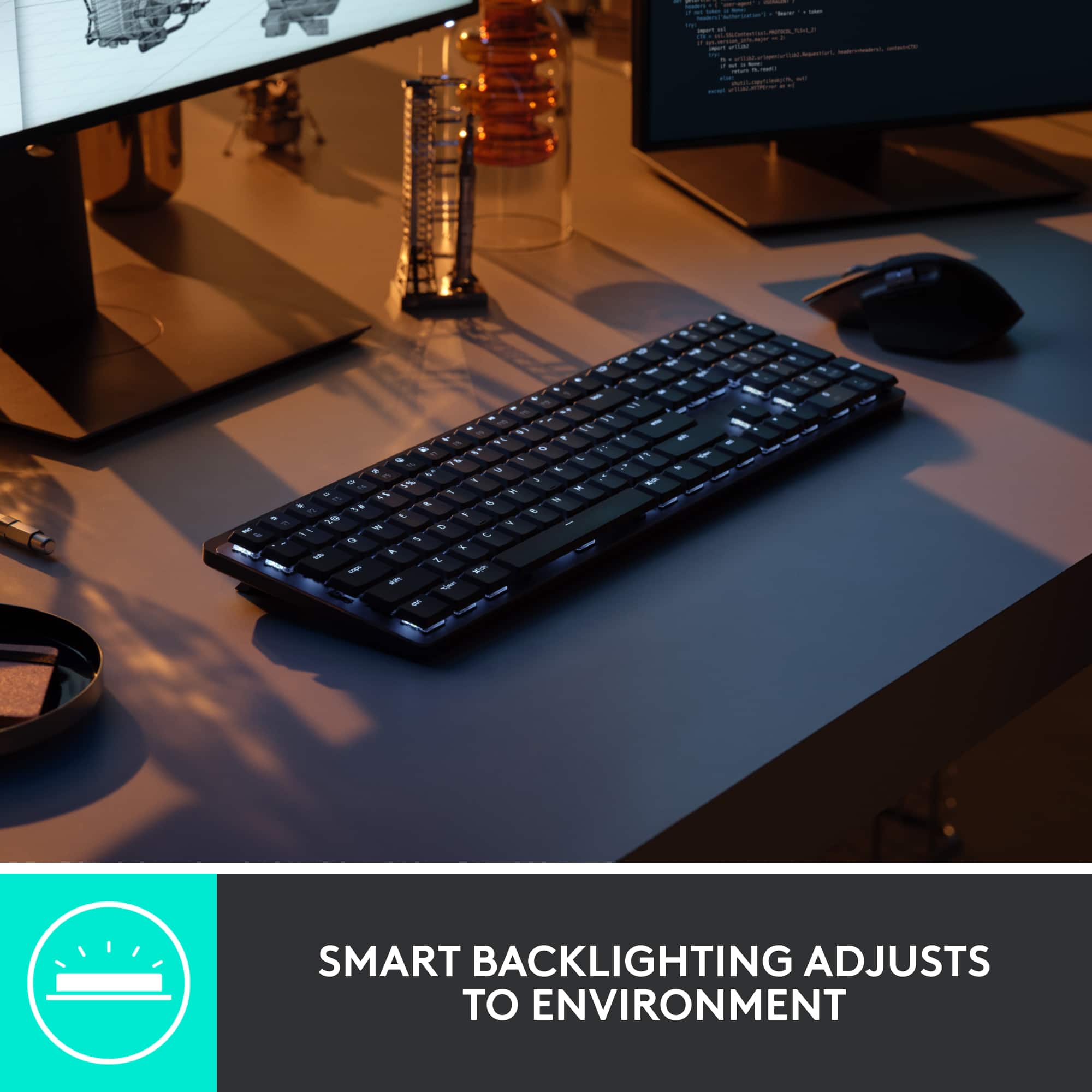



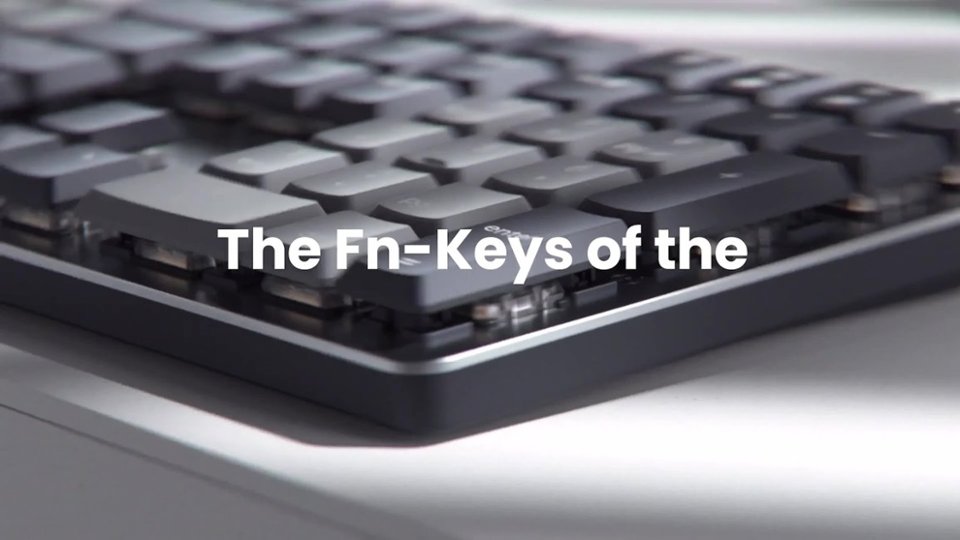
- Model:
- 920-010547
- |
- SKU:
- 10840025
Customer reviews
Rating 4.6 out of 5 stars with 740 reviews
(740 customer reviews)Rating by feature
- Value4.3
Rating 4.3 out of 5 stars
- Quality4.7
Rating 4.7 out of 5 stars
- Ease of Use4.7
Rating 4.7 out of 5 stars
Rated 5 out of 5 stars
Keyboard of the future
||Posted . Owned for 2 weeks when reviewed.This reviewer received promo considerations or sweepstakes entry for writing a review. Loving the smooth texture that the keyboard has, very smooth when typing
This review is from Logitech - MX Mechanical Full size Wireless Mechanical Tactile Switch Keyboard for Windows/macOS with Backlit Keys - Graphite
I would recommend this to a friendRated 5 out of 5 stars
Great keyboard
||Posted . Owned for 3 weeks when reviewed.This reviewer received promo considerations or sweepstakes entry for writing a review.I love the way it looks and pedorms. Love the backlit keyboard
This review is from Logitech - MX Mechanical Full size Wireless Mechanical Tactile Switch Keyboard for Windows/macOS with Backlit Keys - Graphite
I would recommend this to a friendRated 5 out of 5 stars
Lighted Keyboard
||Posted . Owned for 1 month when reviewed.This reviewer received promo considerations or sweepstakes entry for writing a review.Logitech was always a favorite of mine and this did not disappoint.
This review is from Logitech - MX Mechanical Full size Wireless Mechanical Tactile Switch Keyboard for Windows/macOS with Backlit Keys - Graphite
I would recommend this to a friendRated 5 out of 5 stars
Awesome keyboard
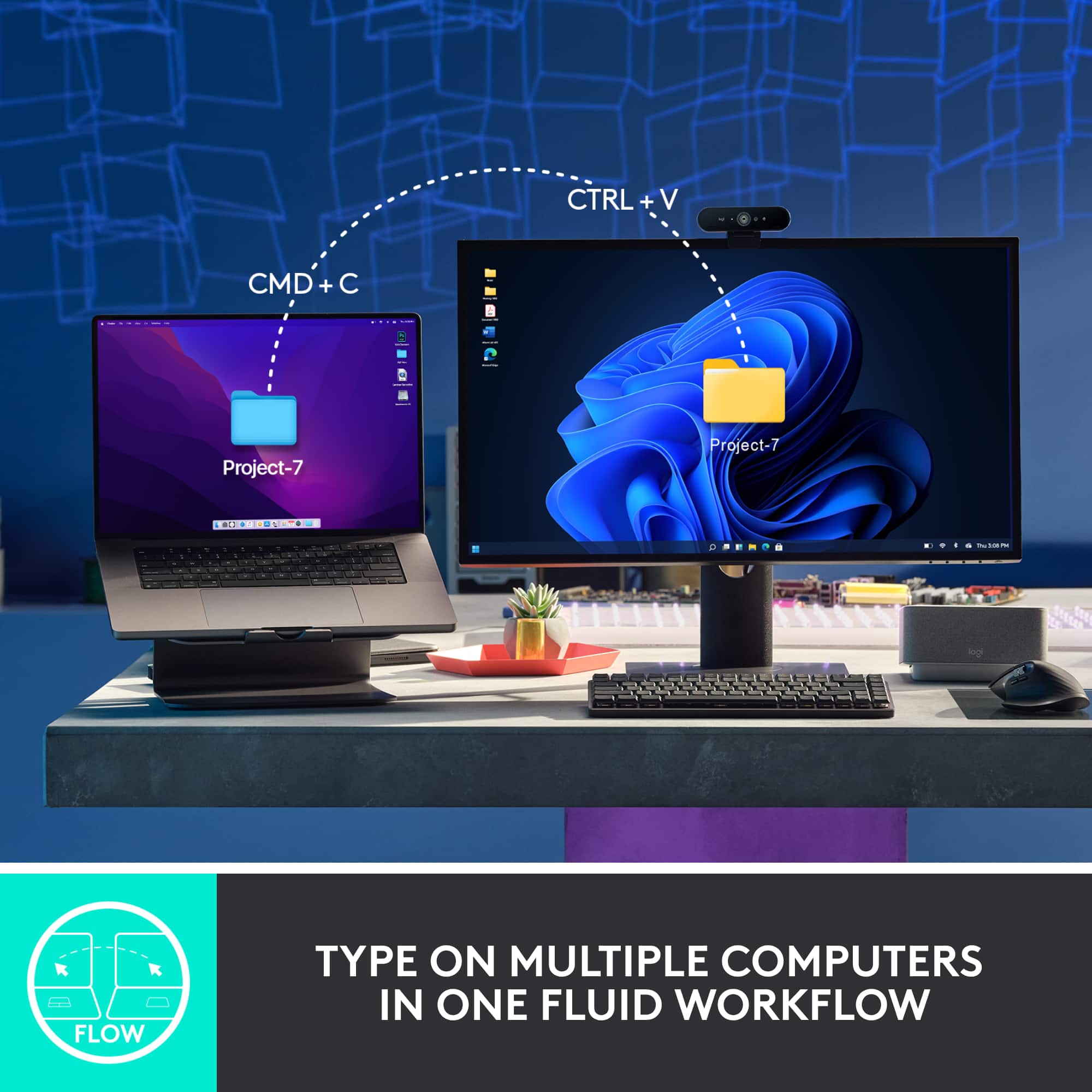
||Posted . Owned for 3 weeks when reviewed.This reviewer received promo considerations or sweepstakes entry for writing a review.I love this keyboard. I love the Flow function most.
This review is from Logitech - MX Mechanical Full size Wireless Mechanical Tactile Switch Keyboard for Windows/macOS with Backlit Keys - Graphite
I would recommend this to a friendRated 4 out of 5 stars
Great keyboard
||Posted . Owned for 3 weeks when reviewed.This reviewer received promo considerations or sweepstakes entry for writing a review.A bit expensive, but Love the feel and function of this keyboard. No sticking keys
This review is from Logitech - MX Mechanical Full size Wireless Mechanical Tactile Switch Keyboard for Windows/macOS with Backlit Keys - Graphite
I would recommend this to a friendRated 5 out of 5 stars
Great with MacBook Pro
||Posted . Owned for 3 weeks when reviewed.This reviewer received promo considerations or sweepstakes entry for writing a review.This is a great mechanical keyboard which I use with my MacBook Pro.
This review is from Logitech - MX Mechanical Full size Wireless Mechanical Tactile Switch Keyboard for Windows/macOS with Backlit Keys - Graphite
I would recommend this to a friendRated 5 out of 5 stars
Would definetly buy
||Posted . Owned for 2 months when reviewed.This reviewer received promo considerations or sweepstakes entry for writing a review.Awesome quality and love how it sounds and feels. I use it all the time.
This review is from Logitech - MX Mechanical Full size Wireless Mechanical Tactile Switch Keyboard for Windows/macOS with Backlit Keys - Graphite
I would recommend this to a friendRated 5 out of 5 stars
Logitech MX Mechanical
||Posted . Owned for less than 1 week when reviewed.This reviewer received promo considerations or sweepstakes entry for writing a review.Fantastic keyboard for ergonomics! I love Logitech just make good products!
This review is from Logitech - MX Mechanical Full size Wireless Mechanical Tactile Switch Keyboard for Windows/macOS with Backlit Keys - Graphite
I would recommend this to a friendRated 5 out of 5 stars
Love it!
||Posted . Owned for 1 week when reviewed.This reviewer received promo considerations or sweepstakes entry for writing a review.Love it! It’s exactly what I wanted. I wanted the louder keyboard but eh!
This review is from Logitech - MX Mechanical Full size Wireless Mechanical Tactile Switch Keyboard for Windows/macOS with Backlit Keys - Graphite
I would recommend this to a friendRated 5 out of 5 stars
Great keyboard
||Posted . Owned for 1 week when reviewed.This reviewer received promo considerations or sweepstakes entry for writing a review.Pros: Feels great Fast device switch Cons: Backlight is not super bright
This review is from Logitech - MX Mechanical Full size Wireless Mechanical Tactile Switch Keyboard for Windows/macOS with Backlit Keys - Graphite
I would recommend this to a friendRated 3 out of 5 stars
Good feel, not so great key layout.
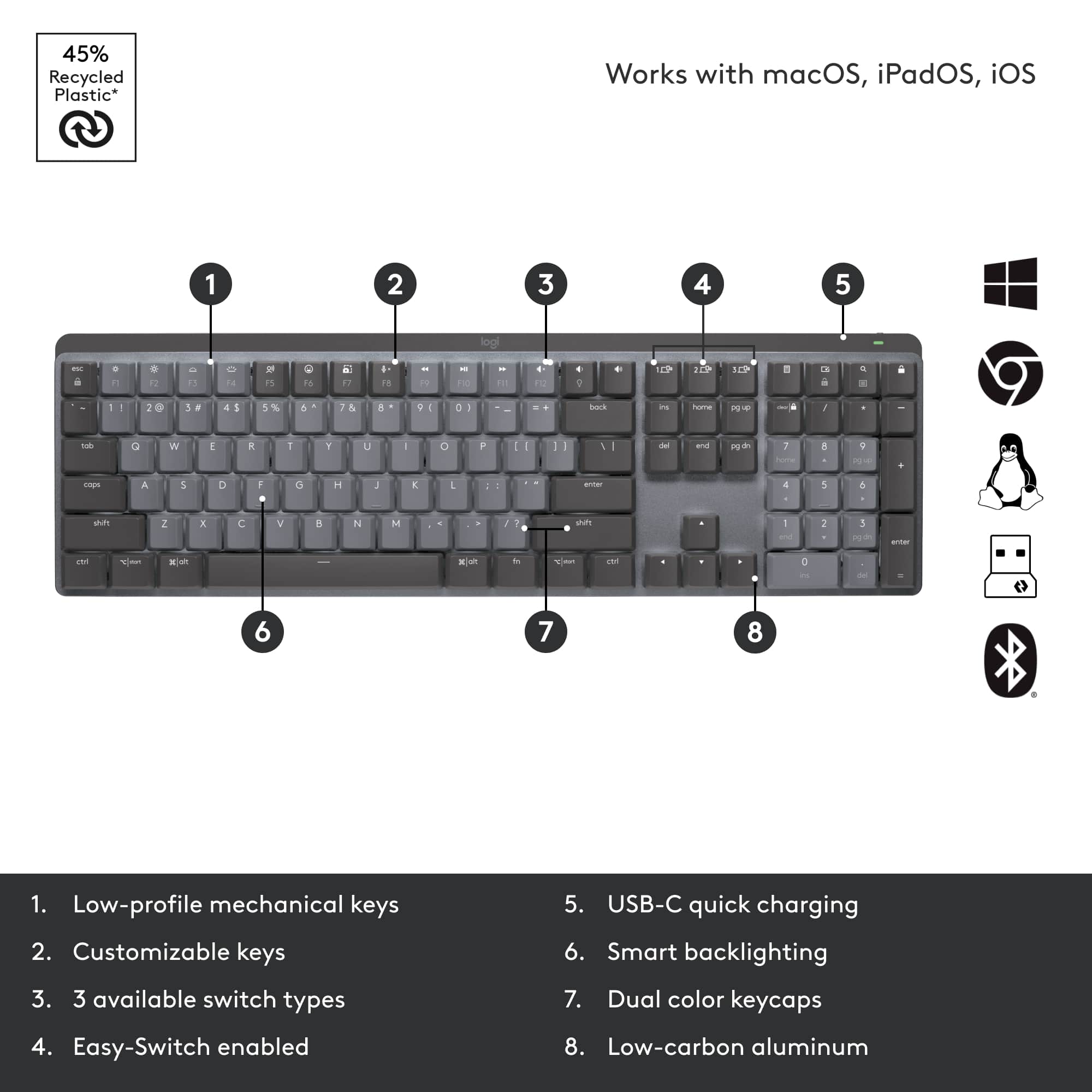
||Posted . Owned for 8 months when reviewed.This reviewer received promo considerations or sweepstakes entry for writing a review.While the feel of the keyboard is great, there is no space between the top row of F-keys and the row of number keys. I'm a pretty good touch typist, and the way that row of F-keys is positioned caused a lot of inadvertent presses of the f-keys, so I returned it for a different keyboard that had better layout.
This review is from Logitech - MX Mechanical Full size Wireless Mechanical Tactile Switch Keyboard for Windows/macOS with Backlit Keys - Graphite
No, I would not recommend this to a friendRated 5 out of 5 stars
you need this keyboard
||Posted .This reviewer received promo considerations or sweepstakes entry for writing a review.good keyboard, a little bit expensive! i REALLY LIKE IT!
This review is from Logitech - MX Mechanical Full size Wireless Mechanical Tactile Switch Keyboard for Windows/macOS with Backlit Keys - Graphite
I would recommend this to a friendRated 5 out of 5 stars
Must have keyboard!!
||Posted . Owned for 1 month when reviewed.This reviewer received promo considerations or sweepstakes entry for writing a review.Excellent keyboard!! Love the clicking sound and the functionality.
This review is from Logitech - MX Mechanical Full size Wireless Mechanical Tactile Switch Keyboard for Windows/macOS with Backlit Keys - Graphite
I would recommend this to a friendRated 4 out of 5 stars
Backlight
||Posted . Owned for 1 month when reviewed.This reviewer received promo considerations or sweepstakes entry for writing a review.Only issue is backlight cannot be controlled. It turns off after typing too quickly.
This review is from Logitech - MX Mechanical Full size Wireless Mechanical Tactile Switch Keyboard for Windows/macOS with Backlit Keys - Graphite
I would recommend this to a friendRated 4 out of 5 stars
Mechanical feel (and noise)
||Posted . Owned for 1 week when reviewed.This reviewer received promo considerations or sweepstakes entry for writing a review.Expensive for what it is. Has a nice feel but I am hoping it lasts longer than other Logitech keyboards.
This review is from Logitech - MX Mechanical Full size Wireless Mechanical Tactile Switch Keyboard for Windows/macOS with Backlit Keys - Graphite
I would recommend this to a friendRated 4 out of 5 stars
Quiet, Smooth Mechanical
||Posted . Owned for 1 month when reviewed.This reviewer received promo considerations or sweepstakes entry for writing a review.Very nice mechanical feeling, but smooth and fairly quiet. I got the Brown keys.
This review is from Logitech - MX Mechanical Full size Wireless Mechanical Tactile Switch Keyboard for Windows/macOS with Backlit Keys - Graphite
I would recommend this to a friendRated 3 out of 5 stars
Great keyboard, but uneven
||Posted . Owned for 1 month when reviewed.This reviewer received promo considerations or sweepstakes entry for writing a review.Awesome keyboard, would be 5 stars but had to penalize for the fact that it is not level when using the stands. One is too short. Easy fix but not something that should have to be done for a keyboard of this price. Otherwise, the technology itself is very easy to use, great key tactility, and helps make my workflow more seamless.
This review is from Logitech - MX Mechanical Full size Wireless Mechanical Tactile Switch Keyboard for Windows/macOS with Backlit Keys - Graphite
I would recommend this to a friendRated 5 out of 5 stars
Old school wireless keyboard
||Posted . Owned for 1 month when reviewed.This reviewer received promo considerations or sweepstakes entry for writing a review.I am so happy for the "old" feel but lighter touch keyboard.
This review is from Logitech - MX Mechanical Full size Wireless Mechanical Tactile Switch Keyboard for Windows/macOS with Backlit Keys - Graphite
I would recommend this to a friendRated 5 out of 5 stars
So so happy I love my keyboard
||Posted . Owned for 3 weeks when reviewed.This reviewer received promo considerations or sweepstakes entry for writing a review.I love the clicking sound it makes it’s pretty and slick .
This review is from Logitech - MX Mechanical Full size Wireless Mechanical Tactile Switch Keyboard for Windows/macOS with Backlit Keys - Graphite
I would recommend this to a friendRated 5 out of 5 stars
Best KB Ever!
||Posted . Owned for 1 month when reviewed.This reviewer received promo considerations or sweepstakes entry for writing a review.If you are thinking about it, get one, I love it so far.
This review is from Logitech - MX Mechanical Full size Wireless Mechanical Tactile Switch Keyboard for Windows/macOS with Backlit Keys - Graphite
I would recommend this to a friend