Customer Ratings & Reviews




- Model:
- 920-010547
- SKU:
- 10840025
Rating by feature
- Value
Rating 4.3 out of 5 stars
- Quality
Rating 4.7 out of 5 stars
- Ease of Use
Rating 4.7 out of 5 stars
- Pros mentioned:Keyboard quality
Don't Buy
||Posted . Owned for 2 weeks when reviewed.This reviewer received promo considerations or sweepstakes entry for writing a review.The keyboard hurts your fingers, if you are using it for work/leisure purposes. I bought a Jlab for less than 1/2 the price during Black Friday. JLAB mechanical keyboard. It's awesome compared to it and 1/3 the price for black friday. Def not for me. Well built though.
No, I would not recommend this to a friendBrand response from Logitech
Posted .We apologize that the Logitech MX Mechanical Keyboard did not meet your expectations, particularly in terms of comfort. We appreciate your feedback regarding the keystroke experience. We'll continue to refine our products to provide optimal comfort for all users.
Great ergonomics
||Posted . Owned for 3 weeks when reviewed.This reviewer received promo considerations or sweepstakes entry for writing a review.Keyboard works great, great ergonomics and compfoet
I would recommend this to a friendMy First Mechanical Keyboard
||Posted . Owned for 1 month when reviewed.This reviewer received promo considerations or sweepstakes entry for writing a review.I like the weight and tactile feedback of this keyboard.
I would recommend this to a friendwobbly keys
||Posted . Owned for 1 month when reviewed.This reviewer received promo considerations or sweepstakes entry for writing a review.good keyboard, but the keys felt a bit to wobbly to the touch.
I would recommend this to a friendChunki
||Posted . Owned for 1 week when reviewed.This reviewer received promo considerations or sweepstakes entry for writing a review.Nice action on the keys! Good weight and coloration
I would recommend this to a friendBig Fan
||Posted . Owned for 2 weeks when reviewed.This reviewer received promo considerations or sweepstakes entry for writing a review.Big fan, love this product would definitely recommend
I would recommend this to a friendDecent Keyboiard
||Posted . Owned for less than 1 week when reviewed.This reviewer received promo considerations or sweepstakes entry for writing a review.Slow action makes it less than ideal. It's good for people with big, thick fingers like mine, however. Moreover, it's a lot better than the one I used to struggle with for the past few years.
No, I would not recommend this to a friendBrand response from Logitech
Posted .Thank you for sharing your feedback on the Logitech - MX Mechanical. We appreciate your insights regarding the keystroke feel, which can vary among users. We're glad to hear you've found a keyboard that provides a comfortable typing experience, especially for those with larger hands.
Good enough but broke 2 in a month.
||Posted . Owned for 1 month when reviewed.This reviewer received promo considerations or sweepstakes entry for writing a review.Bought 2 both broke within a month. I work doing data entry on the keyboard and i thought it looked professional and the key response was good enough. Logitech sends out new ones without too much hassle. Makes me wish that i popped a razr one instead for a few extra bucks.
No, I would not recommend this to a friendGood Keyboard
||Posted . Owned for 1 week when reviewed.This reviewer received promo considerations or sweepstakes entry for writing a review.It is a very versatile keyboard, and being able to charge it through usb is nice.
I would recommend this to a friendGreat until it wasn’t
||Posted . Owned for 1 month when reviewed.This reviewer received promo considerations or sweepstakes entry for writing a review.The first two weeks I had this keyboard I enjoyed it. I thought it was way too expensive for what you got, but I was looking for a pre-built mechanical keyboard that would feel much more comfortable to type on than what I currently had. Typing feels a bit “pingy.” The spacebar in particular feels a bit loose. After I set it up, I noticed I could not have an always on backlight. This was not a dealbreaker for me but I thought it was odd considering the price point. the logitech software (that is required) would instantly fail to recognize my keyboard as active as soon as I connected it. I also didn’t think this was that big of a deal, since my keyboard continued to work and perform fine. That is until suddenly the keyboard began acting strange. If I stopped using the keyboard for a few minutes at a time, it was like the keyboard “went to sleep” and if I started typing on it again it would have to “wake up” and there would be a delay between my typing and the letters appearing. Eventually this turned into the keys getting “stuck” and letters appearing over and over onscreen (for example, “aaaaaaaaaaa”.) This happened regardless of connection via bluetooth, bolt, or even having it plugged in via wire. I tried every single troubleshooting trick, and discovered this is a common problem. Of course, all this began happening for me outside the return window, so now I’m stuck with an overpriced keyboard I can’t use.
No, I would not recommend this to a friendBrand response from Logitech
Posted .That's unfortunate! Refer the mentioned steps and check if that helps to resolve the issue: 1. Verify the product or receiver is connected directly to the computer and not to a hub, extender, switch or something similar. 2. Move the device closer to the USB receiver. If your receiver is in the back of your computer, it may help to relocate the receiver to a front port. In some cases the receiver signal gets blocked by the computer case, causing a delay. 3. Keep other electrical wireless devices away from the USB receiver to avoid interference. 4. Try on a different computer. Incase if the issue still persists, reach out to Logitech Support Team.
Poor performing and overpriced for short lifespan
||Posted . Owned for 1.5 years when reviewed.This reviewer received promo considerations or sweepstakes entry for writing a review.I don't recommend the Logitech MX Mechanical keyboard. After little more than one year of use, it has always had issues with backlighting and the Bolt wireless/bluetooth system disconnecting randomly. This is incredibly irritating since I thought this was a premium keyboard, but no, and it only has a one-year warranty. At this price point I can buy any keyboard I want, so the choice seems to be why buy a clunky, expensive one every other year? I don't think I will.
No, I would not recommend this to a friendBrand response from Logitech
Posted .Hello there, We're very sorry to hear about the issues you've been experiencing with your Logitech MX Mechanical keyboard, specifically the backlighting problems and unreliable Bluetooth connection. To get that issue resolved, we recommend reaching out to our social care team via email at socialcare@logitech.com with your
- Name:
- Email Address:
- Country:
- Product Name:
- Brief description of issue:
Ok
||Posted .This reviewer received promo considerations or sweepstakes entry for writing a review.It's ok. Not the best keyboard out there but pretty well built.
I would recommend this to a friend- Pros mentioned:Keyboard quality
Keys illumination timesout
||Posted . Owned for less than 1 week when reviewed.This reviewer received promo considerations or sweepstakes entry for writing a review.I have to return mine. I purchased it mainly because of the keys illumination. I found out that the illumination timeout after a few minutes, even with the charging cable plugged in all the time.
No, I would not recommend this to a friendBrand response from Logitech
Posted .We regret to hear that you had to return the product and we apologize for any inconvenience caused. We'll surely take this feedback and make sure to share it with the right team. Thanks for bringing it to our notice.
Veryunreliable. Do not buy.
||Posted . Owned for 3 months when reviewed.This reviewer received promo considerations or sweepstakes entry for writing a review.There is no way the price for this can be justified. The backlighting comes and goes without reason. I can be in the middle of typing and the backlight turns off. The most frustrating thing, however, is the Bluetooth connection just disappears frequently. The keyboard cannot be reconnected and must be removed and reinstalled. That is until now. Now, the keyboard cannot be recognized by Bluetooth or receiver. Total waste of my money.
No, I would not recommend this to a friendBrand response from Logitech
Posted .We apologize for the extremely frustrating and unreliable experience you've had with your Logitech MX Mechanical Full-size Wireless Mechanical Tactile Switch Keyboard, including the inconsistent backlighting and frequent Bluetooth disconnection issues. To address this issue, we recommend reaching out to our social care team via email at socialcare@logitech.com with your
- Name:
- Email Address:
- Country:
- Product Name:
- Brief description of issue:
Backlight Won't Stay On!
||Posted . Owned for 3 weeks when reviewed.This reviewer received promo considerations or sweepstakes entry for writing a review.Backlight turns off automatically and you CANNOT adjust the settings to leave it on. I specifically purchased to use at night. Having to wave my hand over the keyboard every 60[?] seconds to see the keys is extremely annoying. If backlight is a critical feature for you, stay far away from this model. Apparently Logitech is well-aware of the complaints and doesn't care to facilitate the most effortless resolution in the history of tech.
No, I would not recommend this to a friendBrand response from Logitech
Posted .We sincerely apologize for the frustration you're experiencing with the backlight on your MX Mechanical keyboard. We understand how important a consistent backlight is for nighttime use, and we regret that it's not meeting your expectations. We appreciate you bringing this issue to our attention, and we'll take your feedback into consideration for future product improvements.
Needs documentation badly
||Posted . Owned for 2 months when reviewed.This reviewer received promo considerations or sweepstakes entry for writing a review.Lack of documentation is a real hassle I need an explanation of the function keys I am sure there are features I am missing because there is no documentation
No, I would not recommend this to a friendMight be nice for gaming..
||Posted . Owned for 2 months when reviewed.This reviewer received promo considerations or sweepstakes entry for writing a review.Got this for the wife to use at work. After a week or so of trying it out, she asked me to replace it. The keys have strated to far from the traditional keyboard
No, I would not recommend this to a friendBacklight not great
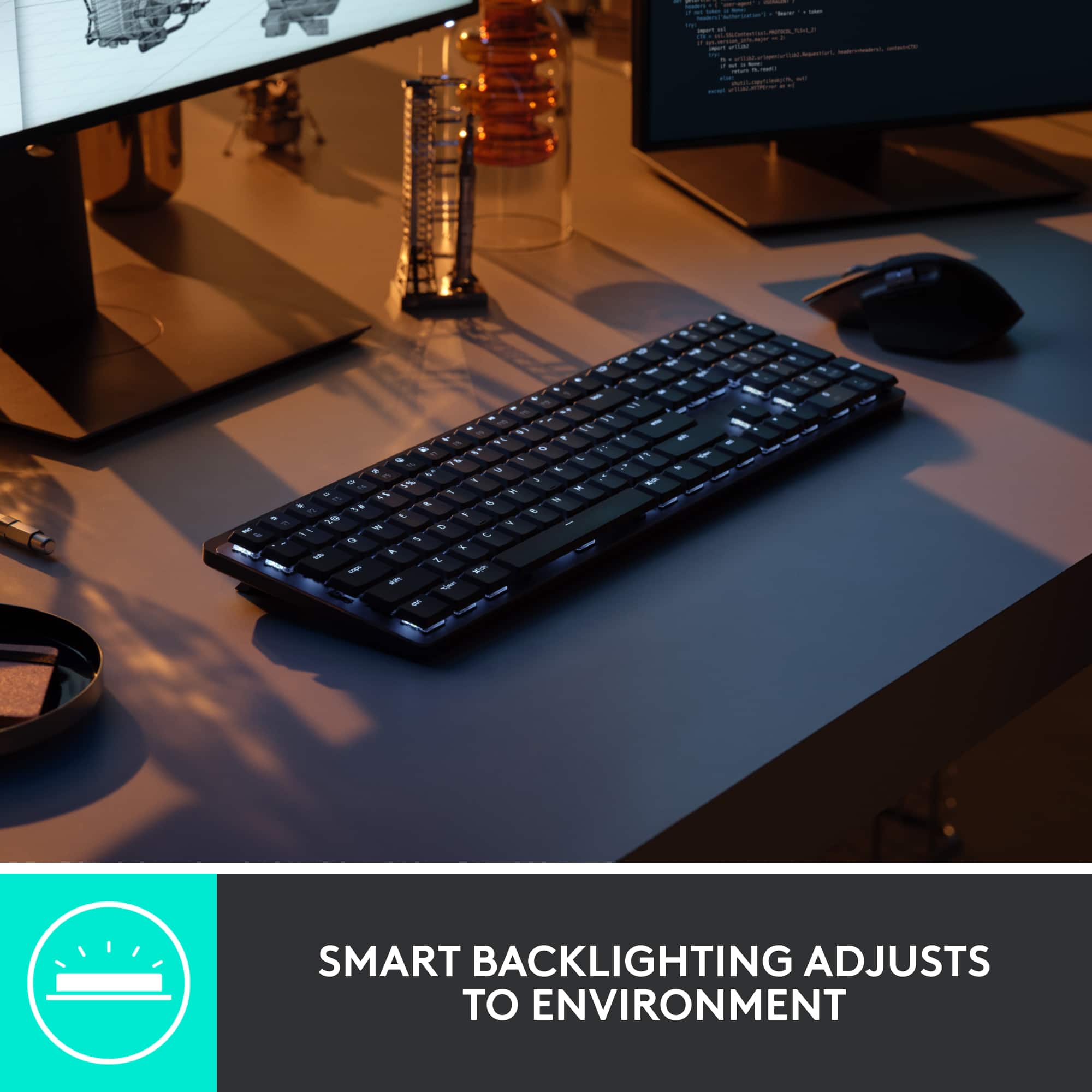
||Posted . Owned for 1 month when reviewed.This reviewer received promo considerations or sweepstakes entry for writing a review.The keyboard is ok lowlight working quarters the backlight goes off super fast after non use. The feel is great tho just dis pointed that there no options in software tell it leave backlight on
I would recommend this to a friend- Pros mentioned:Battery life, Connectivity, Key feel

Excellent rechargeable keyboard
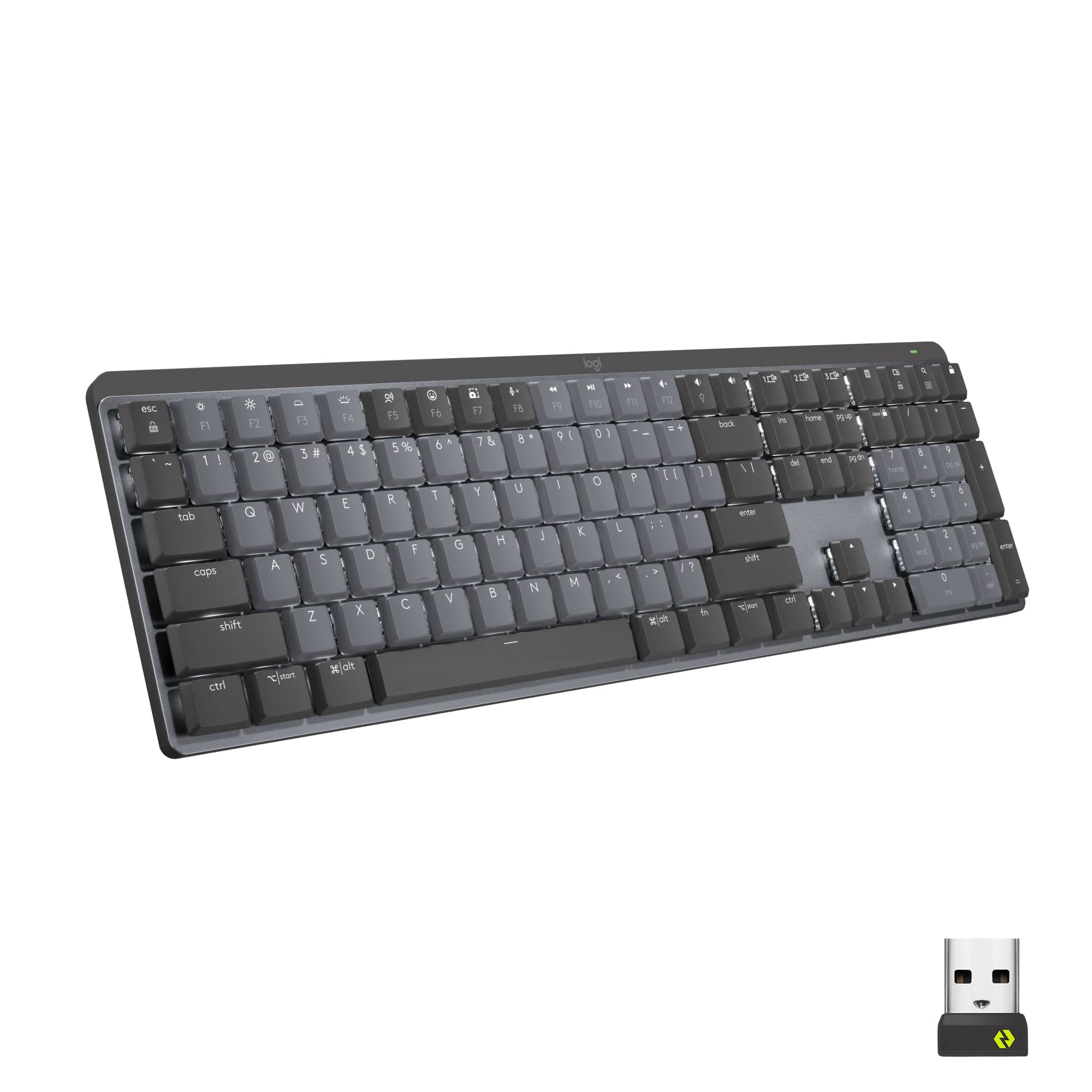
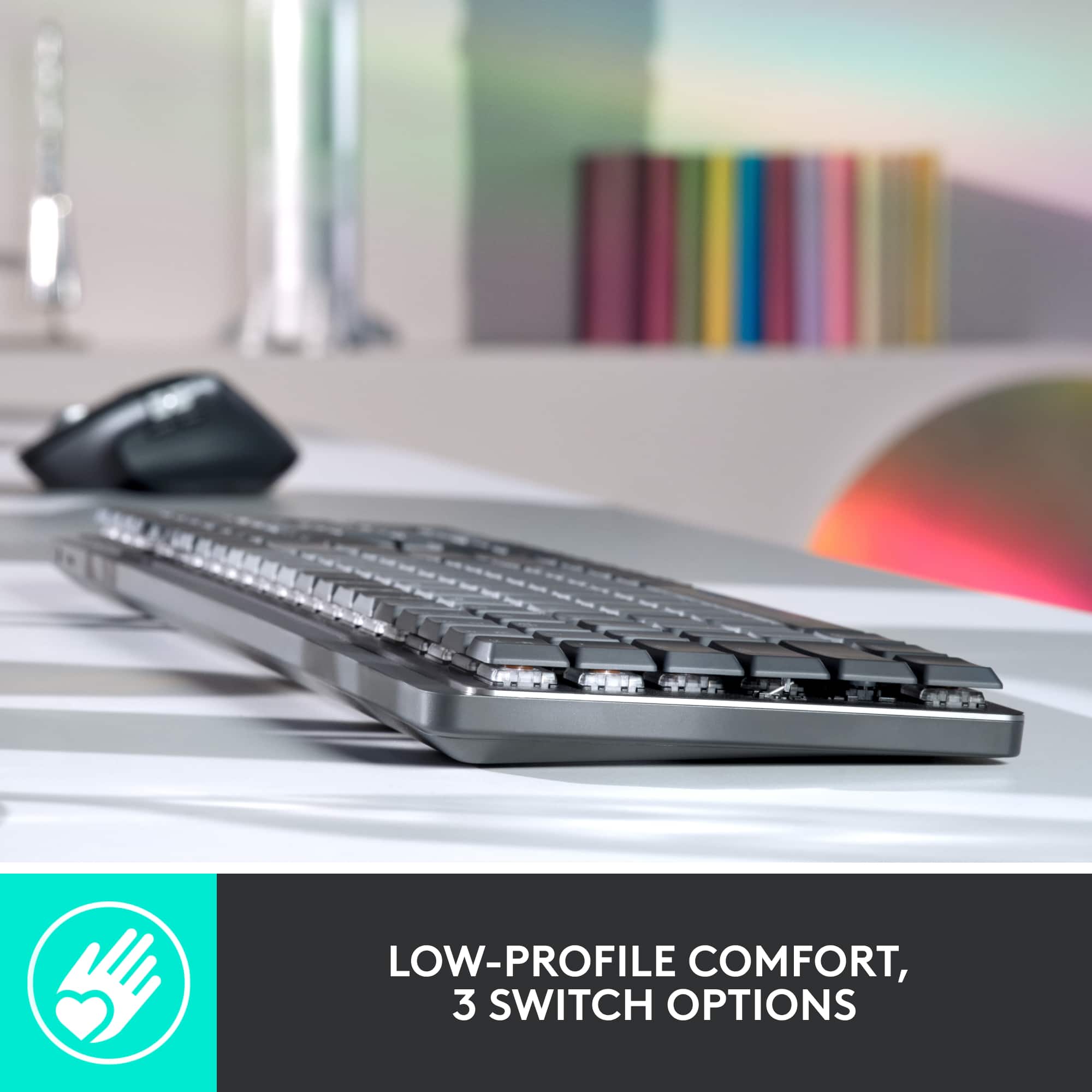
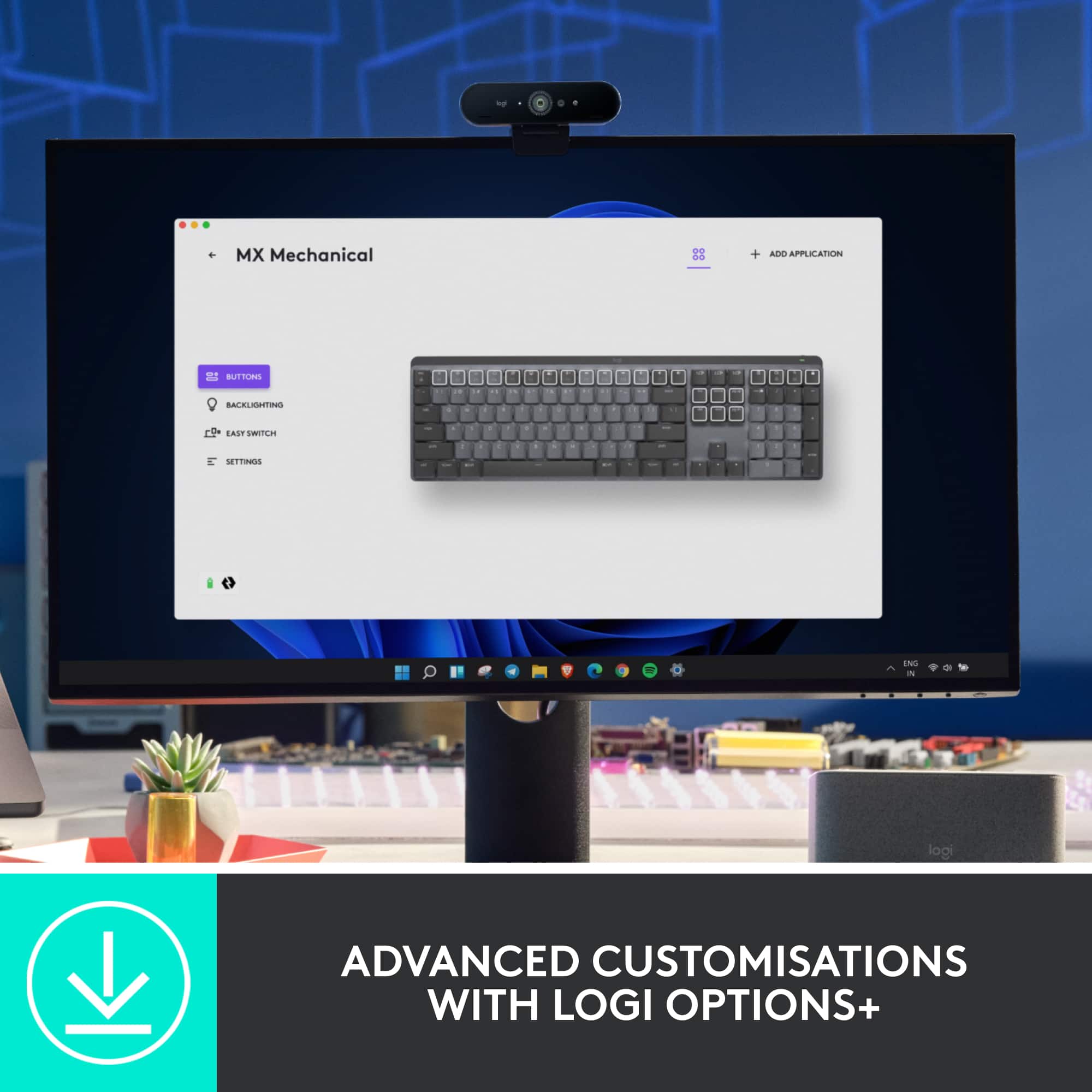
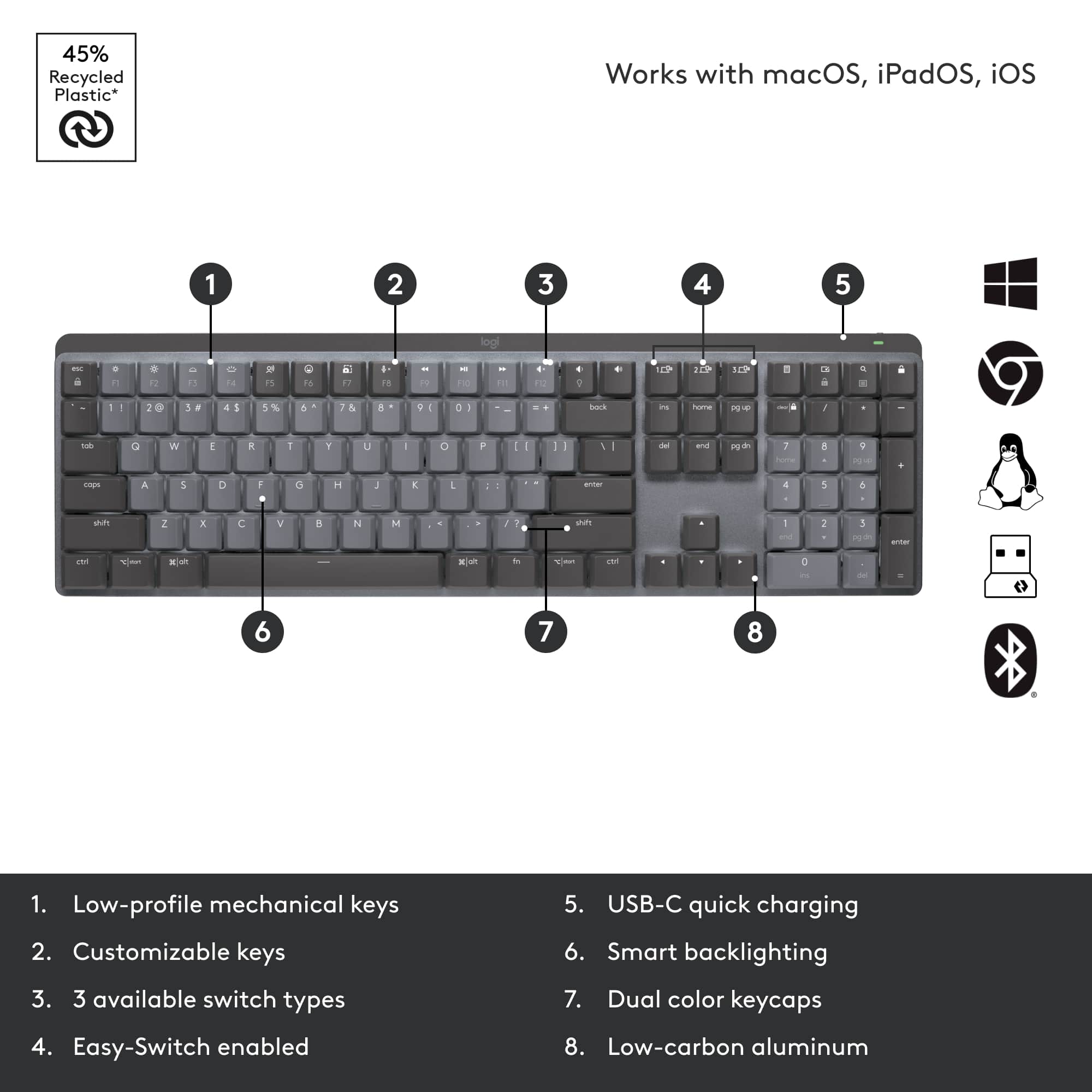
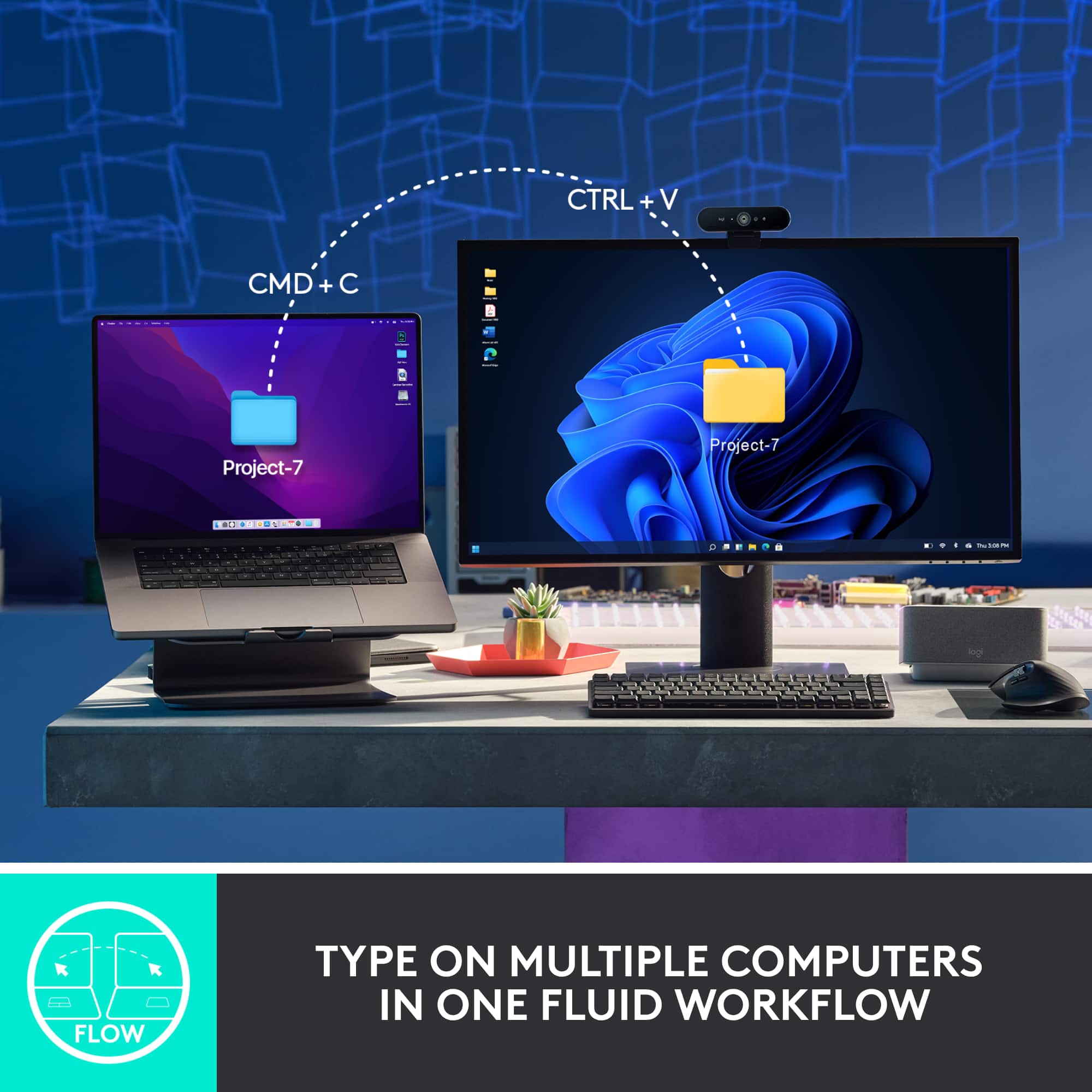
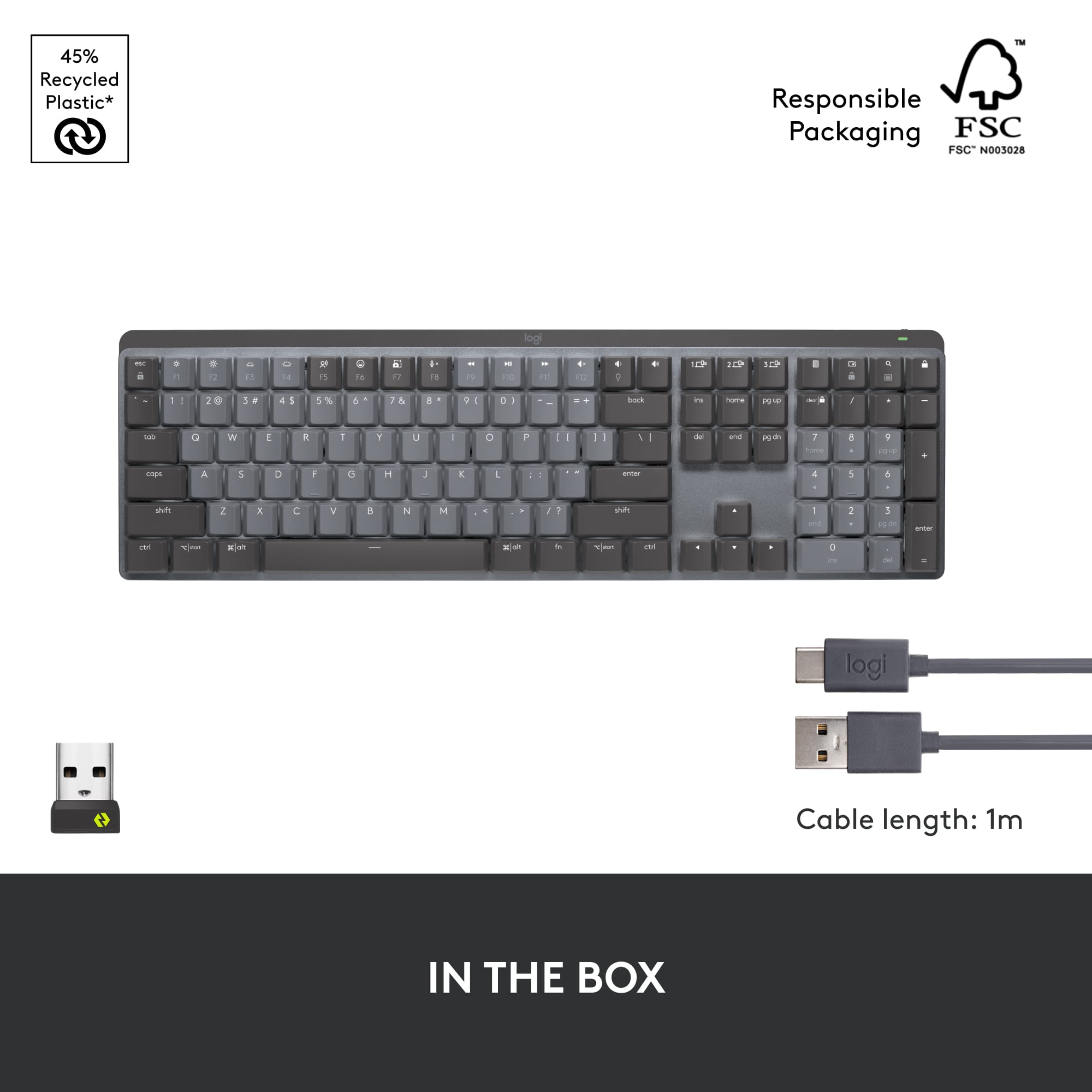
|Posted .This reviewer received promo considerations or sweepstakes entry for writing a review.The Logitech MX Mechanical keyboard is a really nice keyboard. It is USB-C rechargeable, can be used on multiple devices, and has everything a keyboard should have. Out of the box, I could tell this keyboard had a sturdy frame. The low-profile aluminum keys feel great to the fingertips. The keys come in 2 colors: a light-colored gray for commonly used QWERTY keys and the 10 key number pad, and a darker gray for other function keys. The background behind the keys is a metallic, even-lighter gray. My keyboard came with tactile quiet switches, which was a big change from my older keyboard's clicky switches. I liked the quiet switches right away, but there are clicky and linear switches available if you like. All of the keys are backlit in white and I appreciated that the keys would light up at the approach of my hand; I didn't have to make a useless keystroke to wake it up. The backlight options can all be controlled via downloadable Logitech software. The keyboard can connect via Bluetooth or via a Logitech receiver (included) that will plug into a USB A port on the computer. The keyboard can connect to up to 3 devices at once via Bluetooth and all you have to do is push the corresponding easy-switch button on the keyboard to move between those devices. It comes with a USB C to USB C charging cable that is about 2.5 feet long. For me, it charged in about an hour. The back lights can be turned off with the software, and that will extend the charge to last many months. On the first charge and with the back lights on, it has been going for over 7 days and appears to still be about half-charged. Coming from a keyboard with tall keys, I really like the low-profile keys. It is simpler easier on my hand and fingers to glide to the right key and push. Overall, this is a nice keyboard for any use. I have gamed with it, used it at night, and used it for work; it did well every time. I would recommend this keyboard for any user and any use.
I would recommend this to a friend Bad value for a "premium keyboard"
||Posted . Owned for 2 months when reviewed.This reviewer received promo considerations or sweepstakes entry for writing a review.Decent keyboard, new bolt receiver is annoying for two reasons. One it disconnects so often the keyboard is not usable (I have to use bluetooth instead) and its a new dongle without the option of linking it to a unifying receiver if I so choose. I have an MX Master 3 and MX Keys that now need a separate dongle. Since I'm now using bluetooth for the mechanical its not the end of the world but its poor planning on Logitech's part. I would not recommend unless its price is lowered to $100 like the MX Keys and they fix whatever connectivity issues exist with the Bolt receiver.
No, I would not recommend this to a friendBrand response from Logitech
Posted .Hello gixxer,
I am sorry that the MX Mechanical is not working as expected. My first suggestion is to use the Logitech Options + app. If you are using the Logitech Options App, download the Bolt app to reprogram your USB Wireless adapter. If the issue continues after following these steps, contact the Logitech support team to receive personalized assistance. Logitech appreciates your product review. - Leo from Logitech