Customer Ratings & Reviews
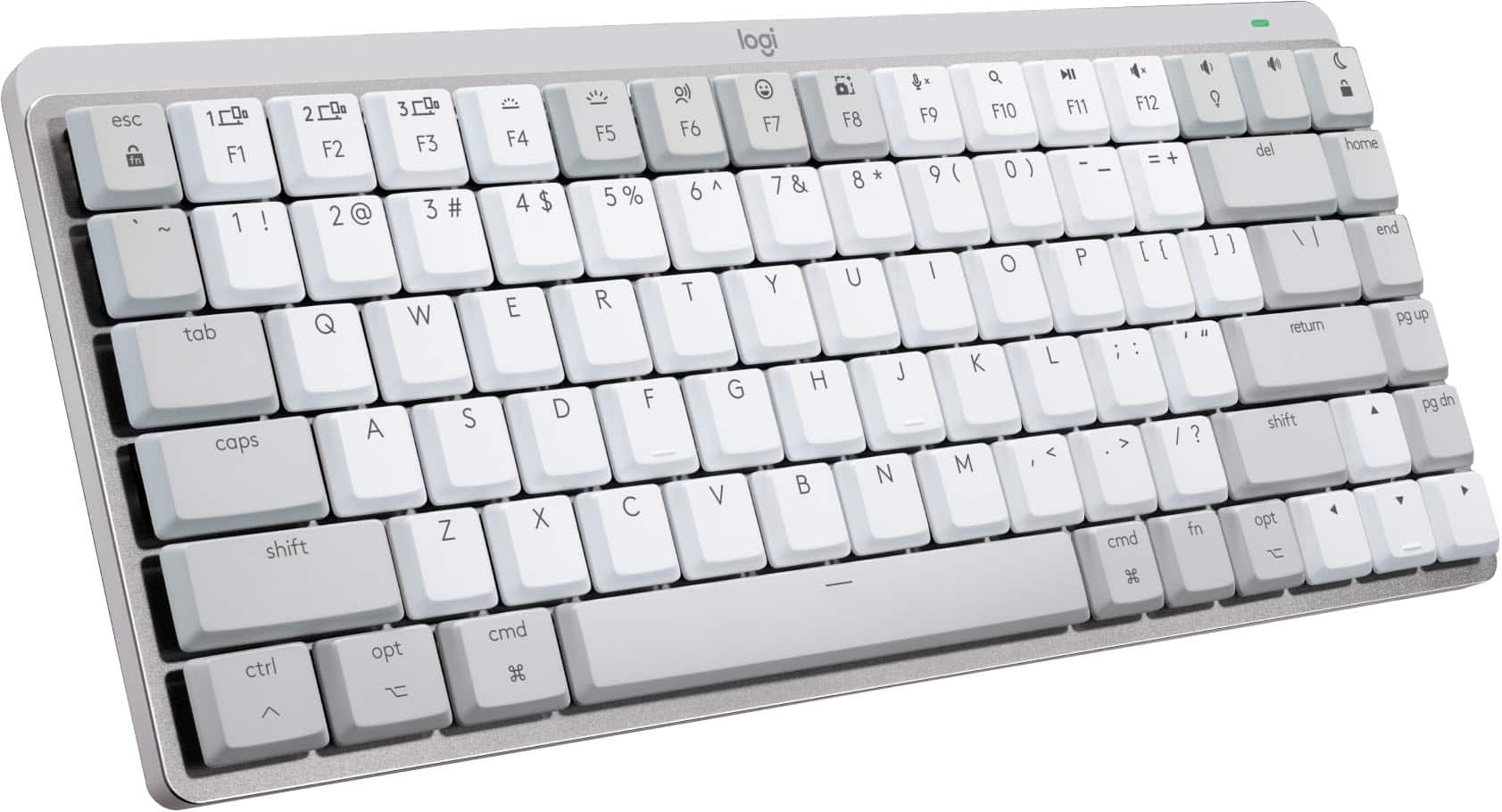
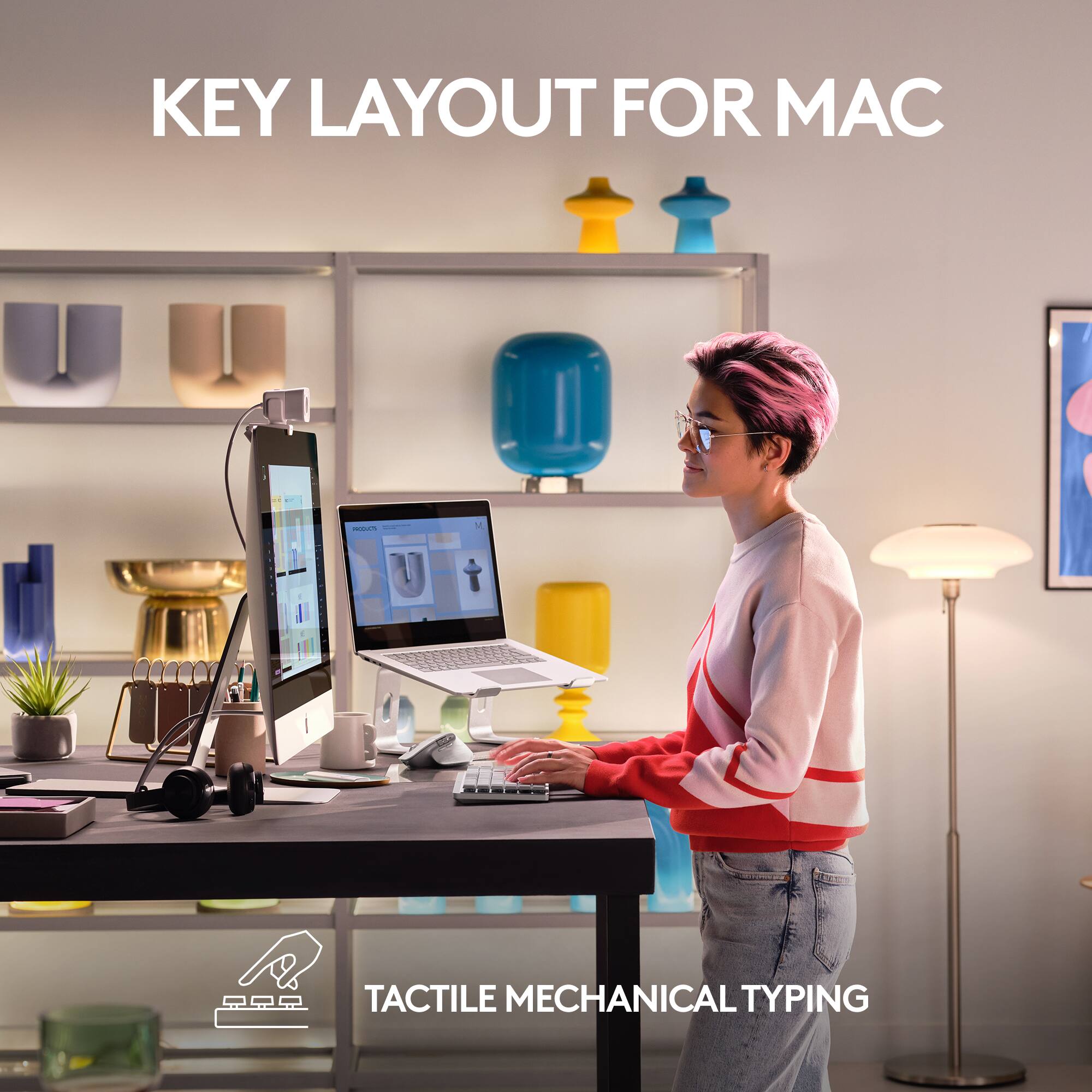
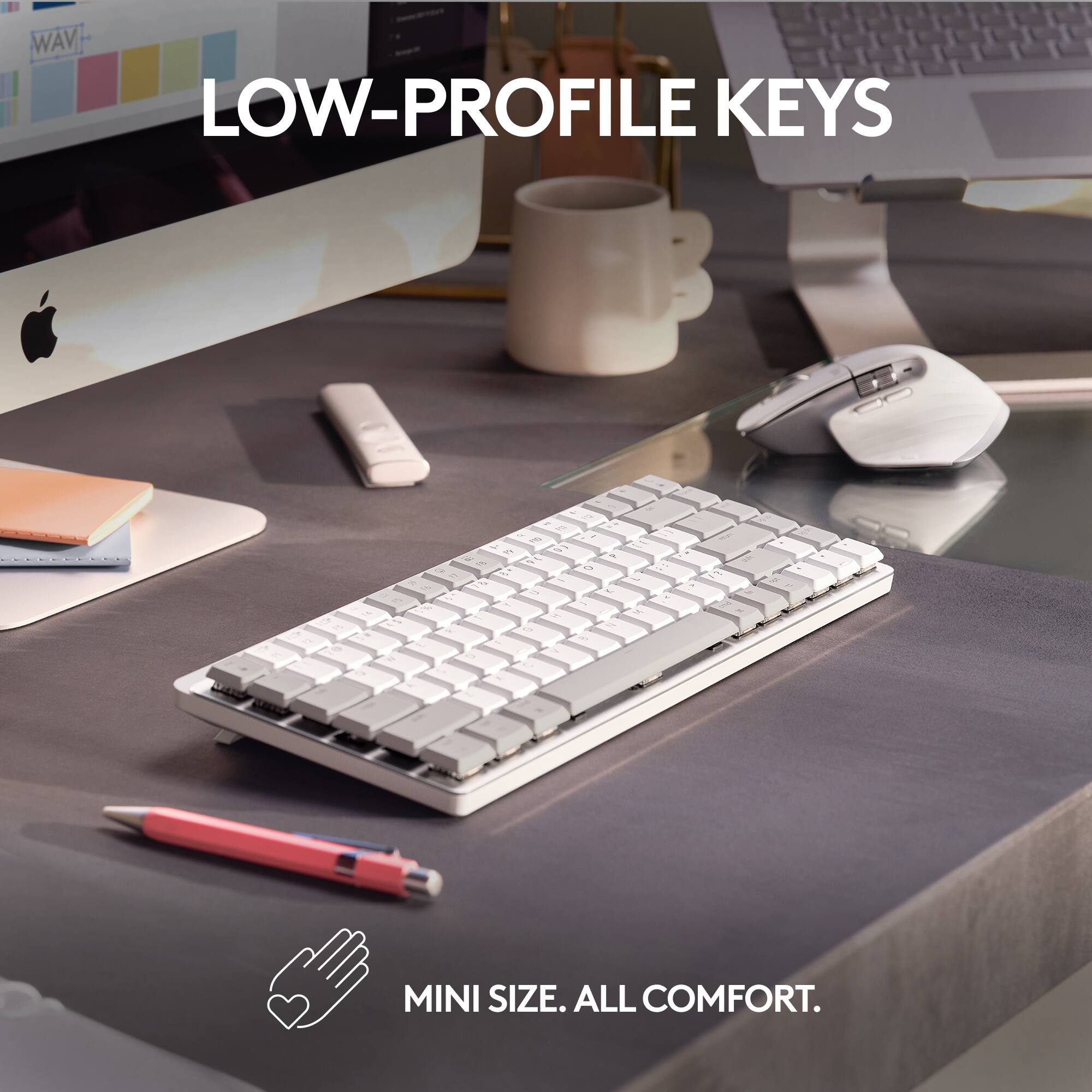
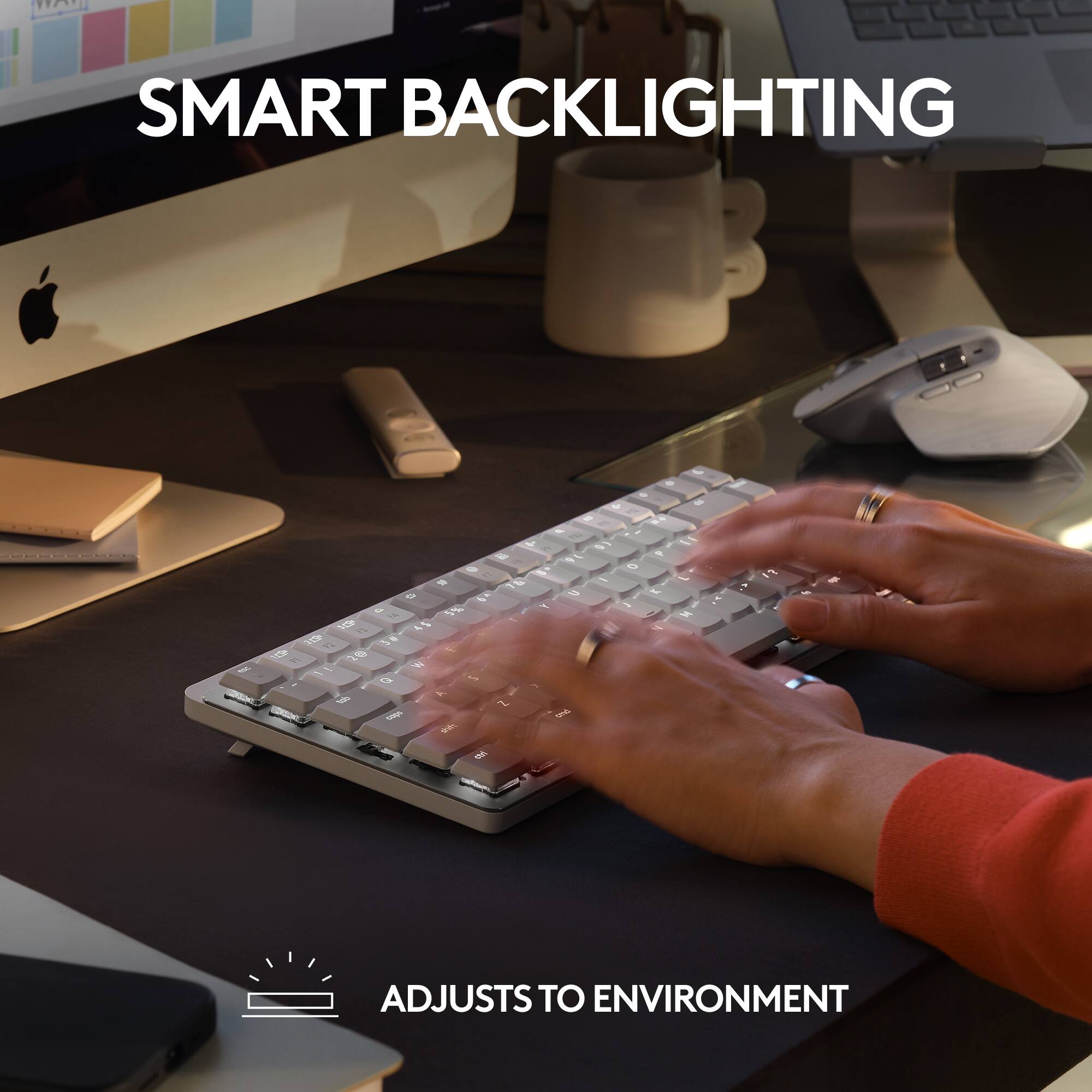
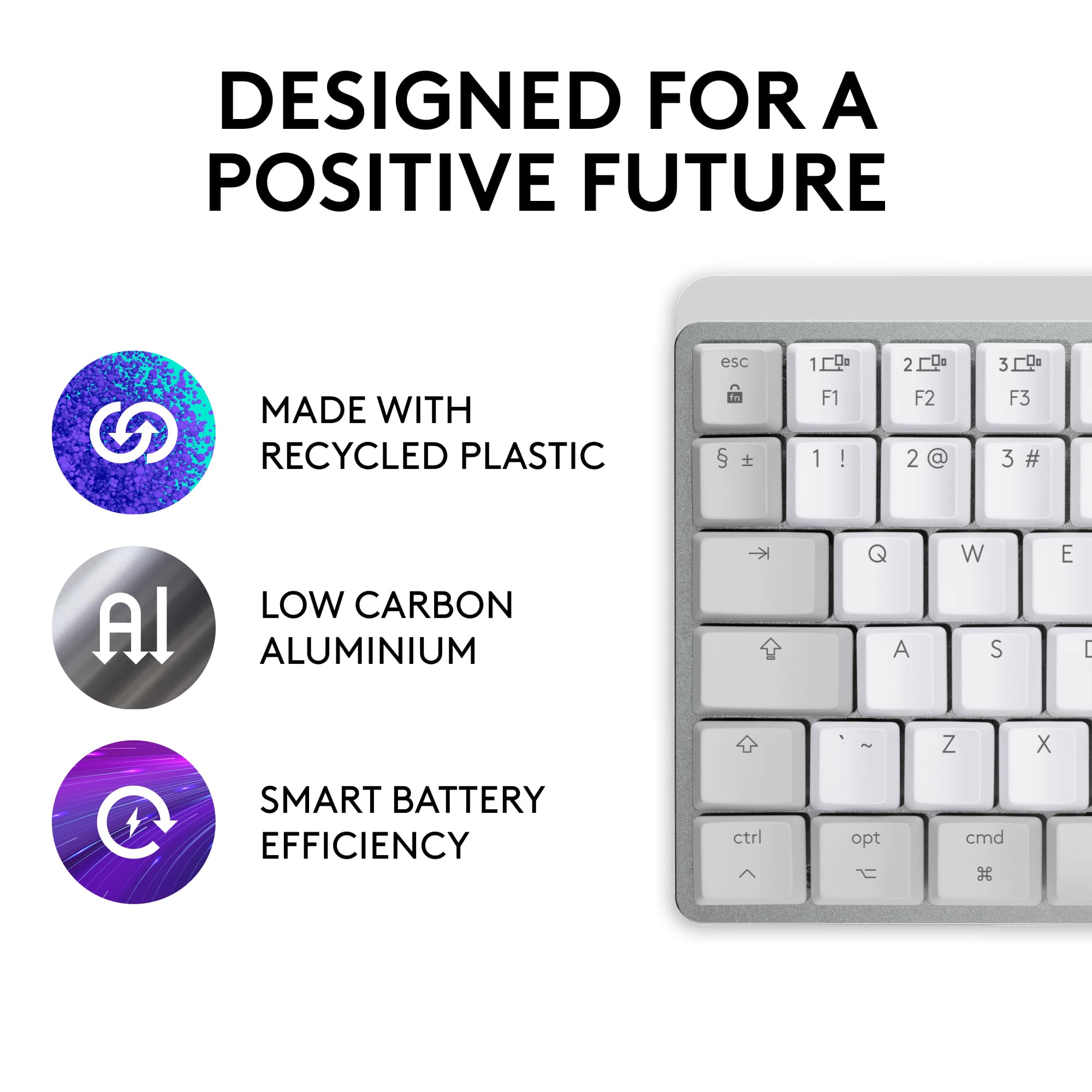
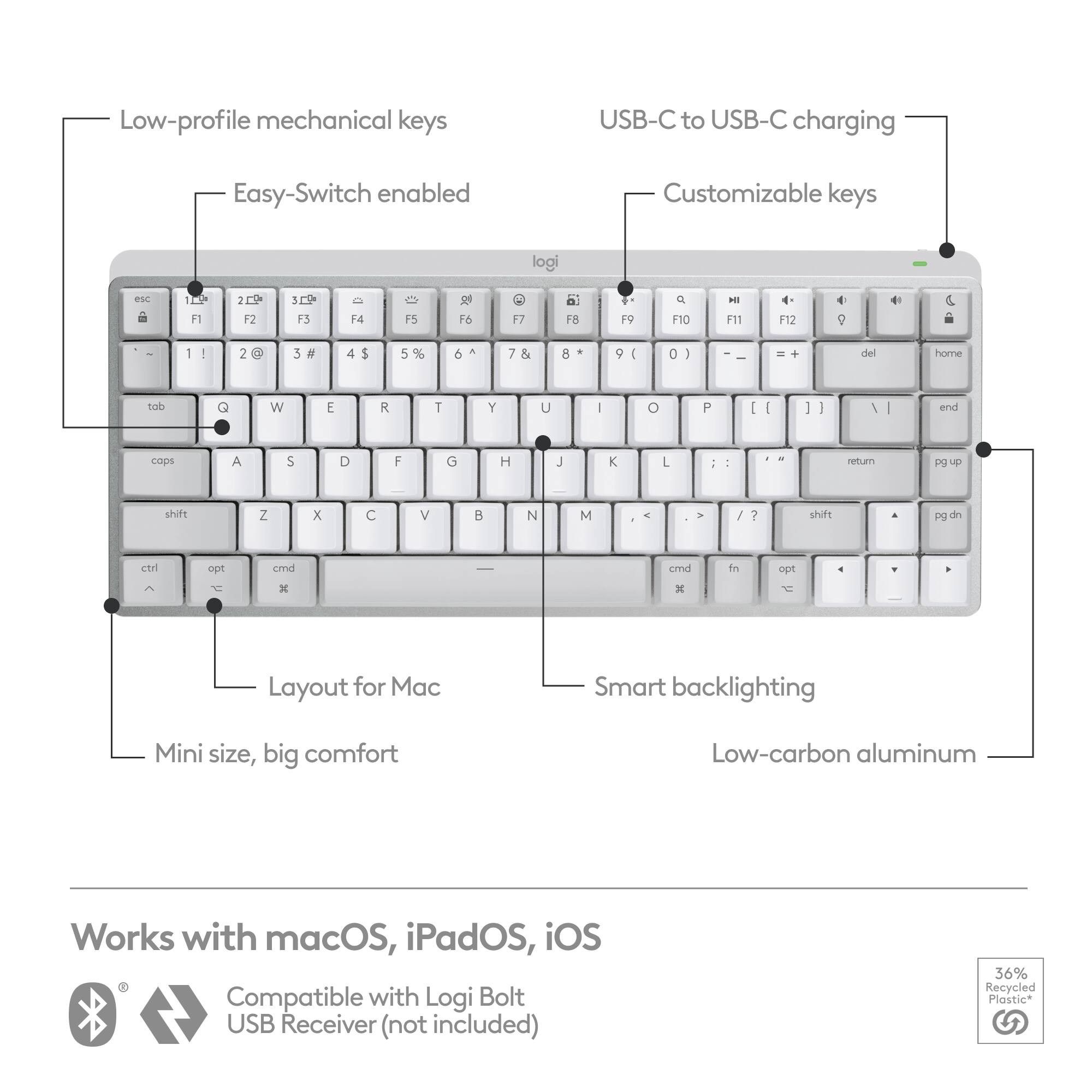
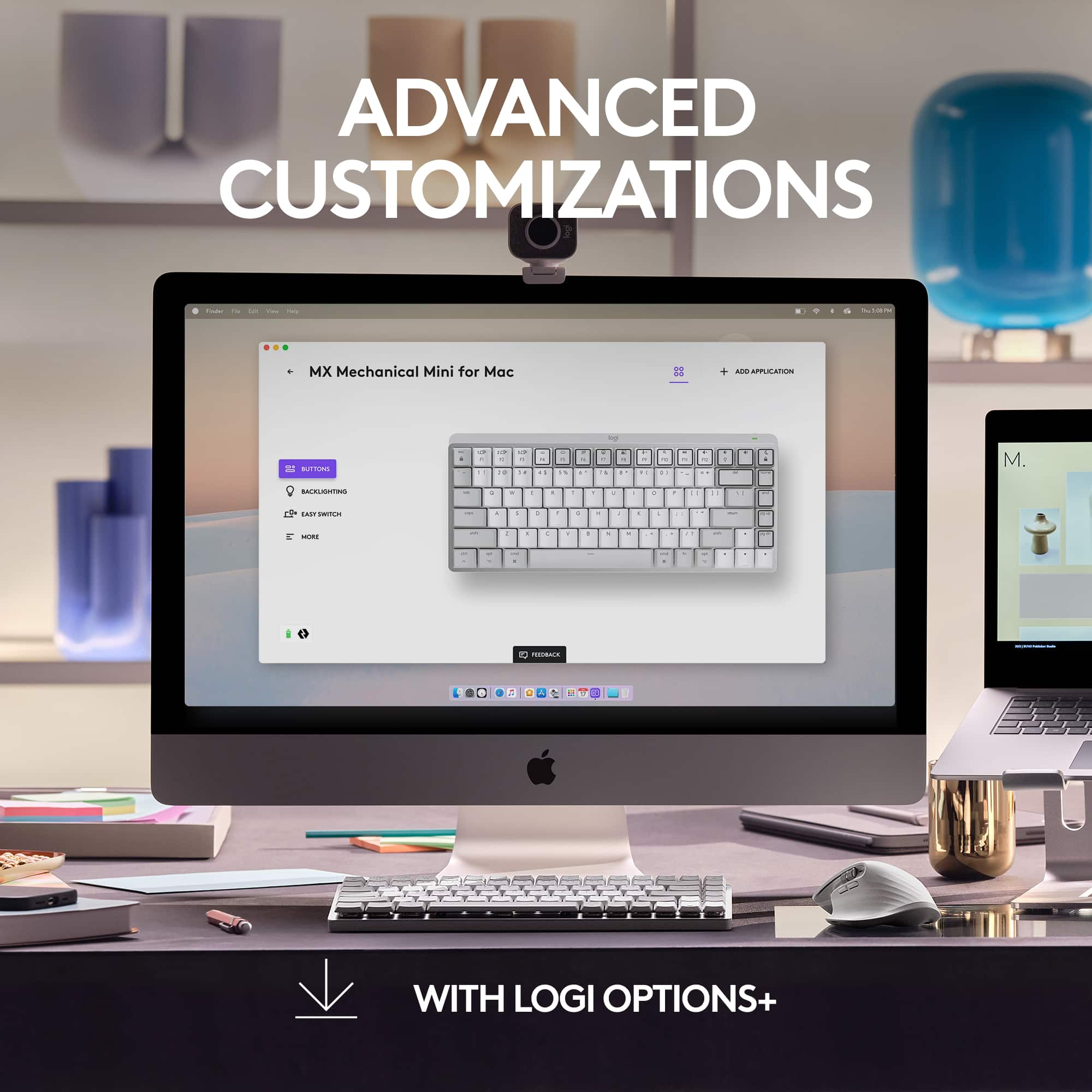
![EASY-SWITCH ACROSS APPLE ECOSYSTEM
1. [Image of a monitor]
2. [Image of a laptop]
3. [Image of a tablet]
[Keyboard with keys labeled 1, 2, 3 above the function keys]](https://pisces.bbystatic.com/image2/BestBuy_US/images/products/26b2cebf-eca8-465d-95ed-00e031235ae2.jpg)
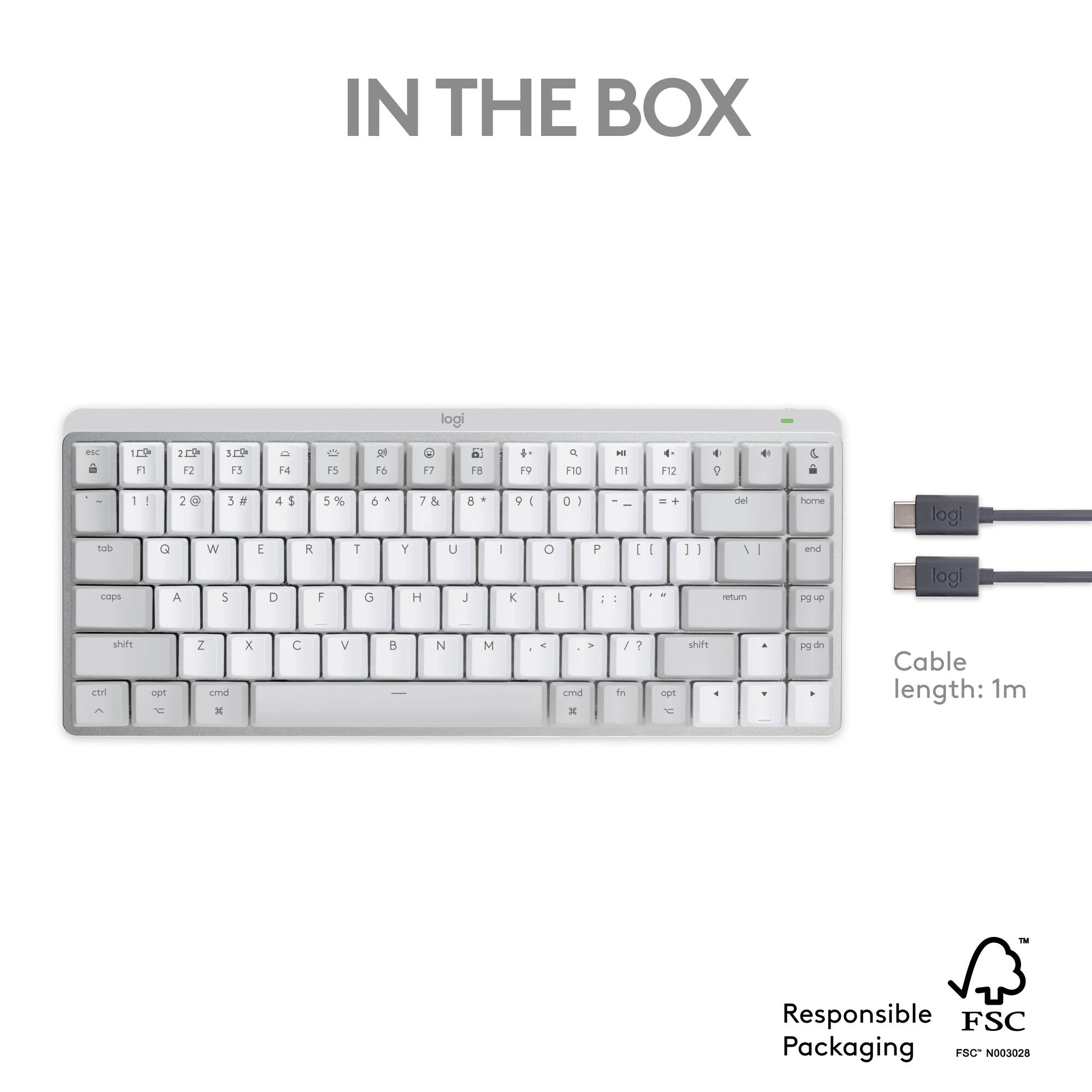
![USB-C TO USB-C RECHARGING
F11 F12 ) - - = + del home P [ { ] } \ I end](https://pisces.bbystatic.com/image2/BestBuy_US/images/products/61cf644c-82ee-424b-961d-0170d3df2062.jpg)
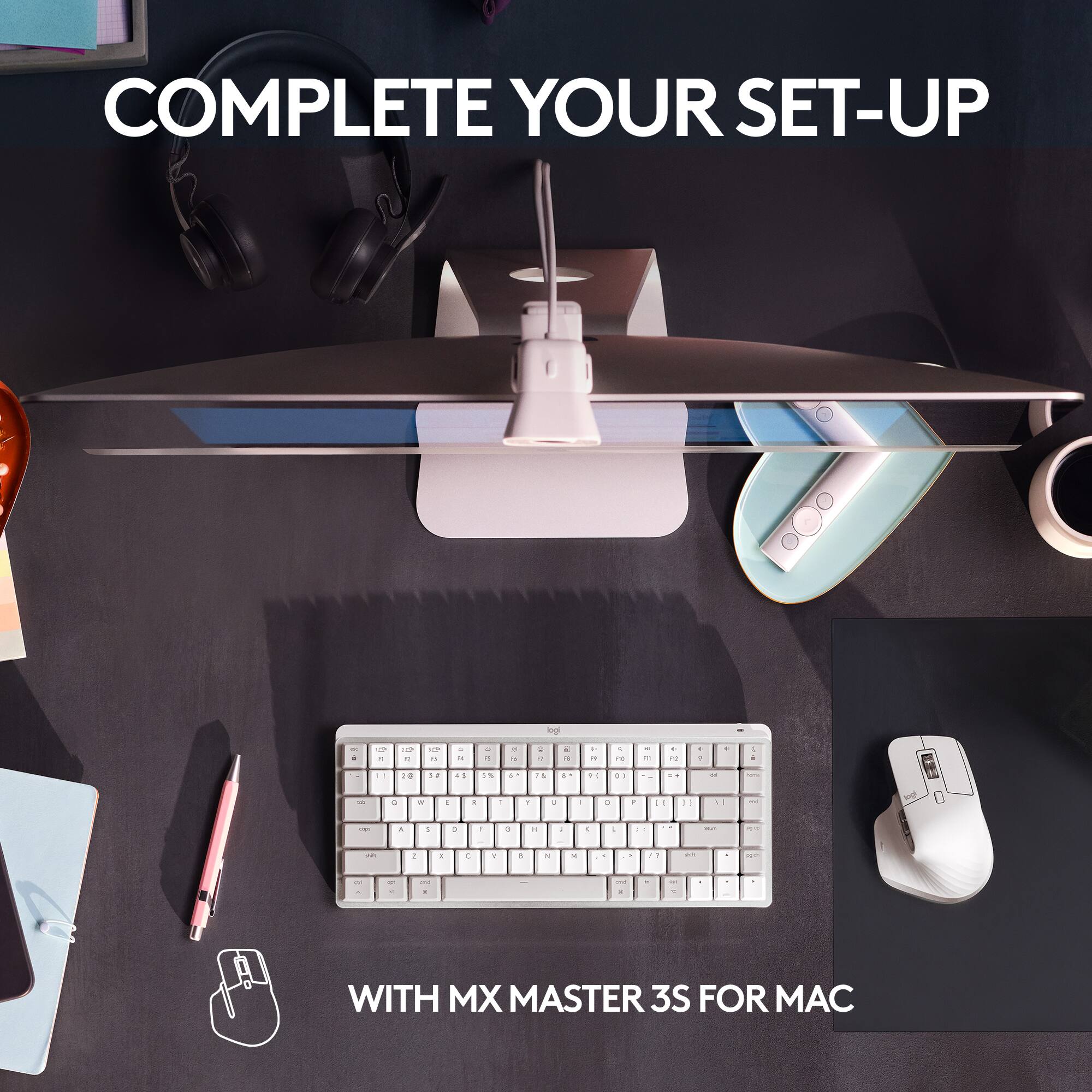


- Model:
- 920-010553
- SKU:
- 6516302
Rating by feature
- Value
Rating 4.5 out of 5 stars
- Quality
Rating 4.8 out of 5 stars
- Ease of Use
Rating 4.8 out of 5 stars
Customers are saying
Customers value the high-quality feel and responsive keys of the MX Mechanical Mini keyboard, praising its excellent battery life and compact size ideal for various setups. Many appreciate the ease of use and satisfying clicky keystrokes. The only significant drawback mentioned was the absence of a number pad.
This summary was generated by AI based on customer reviews.
Works fine
||Posted . Owned for 1 week when reviewed.This reviewer received promo considerations or sweepstakes entry for writing a review.Solid device. Works as advertised. Wireless is the best option.
I would recommend this to a friend- Pros mentioned:Keyboard quality
Keyboard
||Posted . Owned for 3 weeks when reviewed.This reviewer received promo considerations or sweepstakes entry for writing a review.Works very well, Actually prefer it over the Apple Magic that came with the computer
I would recommend this to a friend Could be better
||Posted . Owned for 1 week when reviewed.This reviewer received promo considerations or sweepstakes entry for writing a review.Good enough, but could be better. Clicks aren’t as satisfying as other mechanical keyboards I’ve tried. The connection reliability via Logitech Bolt USB dongle (not included) helps as long as you are already in their ecosystem.
No, I would not recommend this to a friend- Pros mentioned:Battery life, Key feel, Keyboard quality
Excellent for authors and writers
Posted .This reviewer received promo considerations or sweepstakes entry for writing a review.I purchased in store after reading up on it and I was not disappointed. I’m used to mechanical keyboards because I had them when I had a gaming PC, but that was years ago. As an author, writing is what I do for long chunks of the day and I realized I needed a better keyboard for it. After comparing various products, I came across the Mechanical Mini from Logitech. I purchased the tactile quiet version and it’s amazing. The key travel is perfect as I tend to push down hard on membrane keyboards due to my muscle memory of mechanical boards. It’s also low profile with a set of feet to help it stand up further should you need the height. The most impressive thing is it is very comfortable to write on for long periods. With my older keyboard, I would become aware of my typing fairly quickly, but I barely notice I’m even typing on the mechanical mini. I use an iPad as my main computing source so the Bluetooth functionality is imperative. It connected quickly and has never, not once, disconnected randomly on me. It’s rated for fifteen days of battery life with the backlight and up to ten months without it. I haven’t had it long, but I can say I used it straight out of the box without charging it at all and used it for a week solid. The backlight is adjustable to various levels so I’d turn it off in the day and have it on an ambient level at night. The board itself feels very premium. I enjoy the heft and metallic nature of its parts. For those not used to mechanical keyboards, it would probably feel heavier than you’re used to, but the positive is that this weight prevents it from sliding around the surface you have it on as you type. I’d recommend getting a case for it because the keys stand taller than your average board and dust can it fairly easily. Otherwise, it’s a rock solid choice if you’re an author or a serious writer of any kind. If there are any negatives, I’d say it’s the cost. It’s pretty expensive, but then that’s why I’d only recommend it to serious writers who value in the experience having to type a lot. For causal people, no need to spend this much unless you really see yourself enjoying the mechanical feel of keystrokes when you do type.
I would recommend this to a friend Great
||Posted . Owned for 2 weeks when reviewed.This reviewer received promo considerations or sweepstakes entry for writing a review.Love the keyboard and sound it makes. Def will buy more for other computers and recommend
I would recommend this to a friendExcellent keyboard!!!
||Posted . Owned for 2 weeks when reviewed.This reviewer received promo considerations or sweepstakes entry for writing a review.Once you use this keyboard, you’ll not want a normal one. Excellent, excellent buy!
I would recommend this to a friendGreat for everything apple
||Posted . Owned for 1 week when reviewed.This reviewer received promo considerations or sweepstakes entry for writing a review.Amazing priduct ready any apple product ti have love its wireless connectivity and everything is a plus about this item
I would recommend this to a friendGreat Keybord
||Posted . Owned for 1 week when reviewed.This reviewer received promo considerations or sweepstakes entry for writing a review.Love this keyboard! Exactly what I needed and would recommend to anyone!
I would recommend this to a friendNot worth the money
||Posted . Owned for 1 month when reviewed.This reviewer received promo considerations or sweepstakes entry for writing a review.Just a regular keyboard that’s not worth the high cost.
No, I would not recommend this to a friendBrand response from Logitech
Posted .Thanks for your valuable feedback. We regret to know that the product did not meet your expectations. We'll make sure to share it with the right team so they can look into it.
- Pros mentioned:Battery life, Keyboard qualityCons mentioned:Number pad

Pricey Solid Keyboard
|Posted .This reviewer received promo considerations or sweepstakes entry for writing a review.For those who crave a more tactile keyboard like those in “the old days,” Logitech has introduced their MX Mechanical Mini keyboard for PCs and Macs a few months ago. Now they have released their MX Mechanical Mini for Mac with Apple-specific keys. This keyboard is “Pale Gray” to match other Logitech devices to be used with Apple products. This keyboard has an incredible solid feel, both in weight and key pressure. The keyboard weighs 1 lb., 5 oz. This compares to my current keyboard, the MX Keys for Mac, a full-size keyboard at 1 lb., 12 oz. When you press on the keys, you feel a solid connection missing on most modern flat keyboards. Admittedly, this is a personal consideration. While some prefer the tactile feel, others may prefer the flat keyboard. Logitech was not the first to introduce a tactile keyboard since they have been around for 30 years or more. But Logitech has added extra features to their tactile keyboards: (1) Backlit display, (2) Easy-switch connect to 3 devices, and (3) Tactile quiet keys just to name a few. Some smaller benefits include a Caps Lock light that flashes to make sure you notice and a USB-C cable for charging. Logitech promises up to 15 days or up to 10 months with backlighting off with a full charge. Installation was a breeze. You can connect this keyboard to Bluetooth. Pairing was just so easy: (1) Press the correct device key and check your Bluetooth window to make sure this keyboard appears and(2) Press the 6-digit number and press Enter and you’re paired! You can also connect with one of the new Bolt receivers (not included). This receiver is only included with the PC/Mac version. The Bolt receiver can be purchased separately. There are some drawbacks, however. There are very few spaces between the keys unlike larger keyboards so typing mistakes are easy to make. But after using the keyboard for few days, this was not a problem. There is no number pad on this keyboard. But if you pay $50 more, Logitech will offer this same keyboard with a number pad. The main complaint is the pricing. You can easily buy a Logitech MX Keys Mini Keyboard for Mac for $100 or less. This keyboard has all the same features as this mechanical one, but does not have the tactile feel. Is paying $50 more that important to get a tactile keyboard? Only the user can answer this question. Yes this MX Mechanical Mini for Mac keyboard seems pricey compared to other keyboards in the market, but only the user can determine if the features included are worth it.
I would recommend this to a friend Mmmmmmm
||Posted . Owned for 3 weeks when reviewed.This reviewer received promo considerations or sweepstakes entry for writing a review.I plan to return this item, it is functional for me
No, I would not recommend this to a friendBrand response from Logitech
Posted .That sounds like an issue. In order to assist you effectively, please provide your information to our support team by emailing socialcare@logitech.com. Name – Email address – Country – Product name – Brief description of the issue –
Prone to making more mistakes
||Posted . Owned for 1 week when reviewed.This reviewer received promo considerations or sweepstakes entry for writing a review.Travel on keys is a bit too much. Connection was easy for M1 Mac but it didn’t even come with the usb dongle for less Bluetooth congestion. Had to buy it separate for $15. Also, having issues with lag in Final Cut Pro, could be due to the new Logitech mouse, but started at the time of switching to this keyboard.
No, I would not recommend this to a friend- Pros mentioned:Battery life, Keyboard quality
Compact, mechanical illuminated keyboard
|Posted .This reviewer received promo considerations or sweepstakes entry for writing a review.I have a variety of Logitech keyboards, mice and even other accessories such as gaming headphones. Logitech makes quality hardware that not only performs well but is also built to last. My latest acquisition is the Logitech MX Mechanical Mini for Mac, but what I primarily got it for is my iPad. This being a mini-size keyboard, it is taking up a lot less desk space and allows ample room for a mouse as well. For the last week I've used it for both work and personal computing and for me personally it does wonders. I've always had ergonomic challenges with full size keyboards being off-center because of the numpad that I never use anyway. Now I don't have to stretch my hand out as much for the mouse, therefore less neck/shoulder strain. The way it achieves the smaller size is by eliminating the numerical keypad keys and squeezing the arrow and edit keys under, and to the right of the shift and enter keys, much like a laptop keyboard. It does not compromise on key sizes though, so it feels much like a full size keyboard. Speaking of “feel”, this is actually a mechanical keyboard but with tactile quiet switches that do not make the louder clicking sound other mechanical keyboards make. It is also fairly low profile, so you don’t really need a wrist pad to type comfortably. Connectivity wise, since it is a Bluetooth keyboard, you can connect it to both MAC and Windows as well as iPads. Moreover it supports pairing to 3 different MACs or iPads via low energy Bluetooth and easily switching between them by using the 3 dedicated keys on the F1-F3 function keys. You can also get an even faster question using the Logi Bolt connector if you have a USB-A style port. In terms of portability, this keyboard needs no wires, except for charging via the included USB-C cable. On a full charge it’s supposed to last 15-days even when using the illuminated keys and many months with illumination turned off. Speaking of illuminated keys, they work great by sensing the motion of your hands approaching the keys, so they illuminate exactly when you need it, and are also light-sensitive, so they’ll dim or get brighter depending on the lighting conditions in your room. Overall, this is a well built mini wireless, rechargeable mechanical illuminated keyboard that is light enough to carry with you from room to room and easily connect to multiple compatible devices.
I would recommend this to a friend - Pros mentioned:Battery life, Keyboard quality
Small and Smart!
|Posted .This reviewer received promo considerations or sweepstakes entry for writing a review.I already have the full-size version of this keyboard for my desktop, but I thought this one would be better for use with my laptop and iPad. I was right! The easy touch typing interface is great for writers, like me, who want a sufficient response from the keyboard when typing, but hate the typical “clackiness” of mechanical keyboards. The keys have a soft press and response with practically perfect touch feedback. When I’m at my desktop, I appreciate the extended keyboard, but when I’m traveling or just using my laptop or iPad in another room, this keyboard is ideal to bring along. The backlit keys are excellent in low light and the “Smart Illumination” works as soon as your hands approach the keyboard. The battery is designed to last for more than two weeks with backlighting on or up to 10 months with it switched off! When you need to, it’s very easy to recharge with the included three foot USB-C to USB-C cable. The brushed aluminum base and light gray plastic keys have a classic look. Since you can pair the keyboard with up to three devices, I can use this with my laptop and my iPad and still have a spare share for another device, like my wife’s iPad. Since the keyboard is designed specifically for use on a Mac or iPad, the Alt and Windows keys, often found on hybrid keyboards are absent, while the Option and Command keys are present and familiar, meaning a Mac lover like me doesn’t have to stop and hunt for them. Programmable function keys and nice touches like a blinking caps lock key make this small keyboard a big hit for me!
I would recommend this to a friend - Pros mentioned:Battery life, Keyboard quality
Wireless Keyboard - Perfect Compliment for the Mac
|Posted .This reviewer received promo considerations or sweepstakes entry for writing a review.This Logitech - MX Mechanical Mini for the Mac wireless keyboard is an excellent addition to the Mac computer. The keyboard is well designed. The keys have good firm compression per key stroke, and the keyboard is amazingly responsive. All of the functions on the keyboard work natively with Mac OS so it's literally like an extension of using the standard built-in keyboard (if you have a laptop) or a more mechanical version of the standard wireless keyboard from Apple. The keyboard has a really good battery life. I have been using it for days (as I use it for work and personal use) and it remains as sharply responsive as it was when I initially started using it. I love the design of the keyboard. It has a very nice quality feel to it. Ergonomically it's comfortable to use for long periods of time. Also, I like how the keys are appropriately spaced and arrangement of the color shades on the keys. Really adds a nice touch. The keyboard is easy to use. Only takes a few minutes to connect to your computer. It has a pretty good wireless range which allows you to move back from your computer and continue typing. I find this really helpful when typing on a larger monitor where I may want to have ample distance between myself and the screen. The Logitech - MX Mechanical Mini for the Mac is an excellent option for a wireless keyboard that supports the native Mac OS functions. You will not be disappointed. I would definitely recommend this keyboard to a friend.
I would recommend this to a friend - Pros mentioned:Battery life, Keyboard quality
Connected seamlessly with my iPad Pro & iPhone
|Posted .This reviewer received promo considerations or sweepstakes entry for writing a review.Connected seamlessly with my iPad Pro via Bluetooth. Out of the box, the keyboard has enough charge to turn it on and quickly was recognized by the iPad. I also was able to connect it with my iPhone 12 and toggle between devices using the function keys. I like that the keyboard has some weight on it and it is very reactive when I type. The backlit keys lights up when there is not enough light in the room and automatically turns off when it is bright in the surroundings. I know this is designed for Mac and iPad, however, I was also able to connect it with my Windows laptop with no issues. I use this keyboard for work and although I miss the separated numbers section, the feel of typing on this keyboard makes the experience of typing lots of emails so much more fun. The mini size makes this keyboard portable and it fits in my laptop bag. This will not fit on a regular laptop sleeve though, although it is a mini, the design is not that flat so I place this on a separate compartment inside my purse. I am surprised that the battery last longer. I forgot to bring the charging cable when I was away for a 3 day conference and the battery was still at 50% when I got home. Overall, I am satisfied with this keyboard and will recommend to those using Macs and other iOS devices for its design and overall feel.
kept disconnecting
||Posted . Owned for 3 weeks when reviewed.This reviewer received promo considerations or sweepstakes entry for writing a review.Terrible connection. kept disconnecting. Bluetooth only. definitely not for gaming
No, I would not recommend this to a friendBrand response from Logitech
Posted .Sorry about that! We'd recommend you to get in touch with the Logi support team and they will see what best can be done.
- Pros mentioned:Battery life, Keyboard quality
This keyboard plus a laptop stand = my new PC desk
|Posted .This reviewer received promo considerations or sweepstakes entry for writing a review.Its a very subdued and quiet keyboard overall. The keys feel soft to the touch and the sensitivity produces very predictable results while typing. I'm not a speed typist by any means but I'm pretty fast with this keyboard. The way your words glide from typing word to word is pretty great and something you would want to try yourself for sure. There is a feature that automatically turns on the backlit keys when your in a dark room which is very efficient and saves the battery. This is an Apple licensed keyboard so all your Apples shortcuts are there - complete with Opt and Cmd keys. You have the ability to pair this keyboard with up to 3 different devices and switch them using the F1,F2, and F3 keys. Even though this is an Apple keyboard, it will work fine with Windows PCs as well. The Cmd just turns into the Win logo key so you can pair this with multiple OS environments. The build quality is premium and having such an efficient battery powered bluetooth keyboard is really nice. No annoying wireless USB dongles to carry - just Bluetooth. I highly recommend this keyboard be one of your first choices for your tech bag.
I would recommend this to a friend - Pros mentioned:Key feel, Keyboard quality
Great Keyboard!
Posted .This reviewer received promo considerations or sweepstakes entry for writing a review.The logitech- MX Mechanical mini is one of the best keyboards I have owned. I usually go with apple products, but decided to try something different with this purchase. And this keyboard has the same feel of quality, in its weight and feel, as all my other apple keyboards. However, the typing is better. It has a high quality classic mechanical keyboard experience and the same satisfying sound. I was also amazed that, although not an apple product itself, shares many of the same features and great "apple family" compatibility.
I would recommend this to a friend - Pros mentioned:Keyboard quality
Stunning!
|Posted .This reviewer received promo considerations or sweepstakes entry for writing a review.I have a mid-2012 13 inch Macbook Pro on which I wanted to add a remote keyboard and have had great luck with Logi products in the past. This computer was running Catalina. Installation is fairly straight forward. I went to system preferences, then went to bluetooth and turned on the keyboard and the system detected the keyboard after a short time. Then I hit connect and followed the steps that the Mac said to do and waited for the computer to recognize and followed the onscreen confirmation process screens detecting the keys left and right to configure and this installed just fine. The keyboard feels premium and I love that it feels like it has some weight to it. Too many times have I bought a flimsy and cheap feeling item for a computer. Once the computer detected the keyboard the one short-coming I noticed about how hard the keys were to read without lighting was resolved as the keyboard immediately backlit and the experience was what you'd expect from Logi. Works great! You can connect this keyboard to up to three other devices which is nice for future upgrades if you want a remote keyboard for something else. I love the mechanical feel of the keyboard as I am not fond of many modern laptop keyboards (this vintage mac has a wonderful one before Apple screwed it up). I touch type and this is just great to use to type. Supplied in the box is a usb c cable for charging/connecting.
I would recommend this to a friend