Customer Ratings & Reviews

![A customizable pair ... I <3> - - - + d a - - a - . e - . - . - + d - - 1 1 O B a . . 1 I N CUSTOMIZABLE KEYS & BUTTON WITH LOGI OPTIONS+ APP [2]](https://pisces.bbystatic.com/image2/BestBuy_US/images/products/840917da-8639-4794-b1a0-6aed4b1b949c.png)


- Model:
- 920-012061
- SKU:
- 6554350
Rating by feature
- Value
Rating 4.6 out of 5 stars
- Quality
Rating 4.7 out of 5 stars
- Ease of Use
Rating 4.7 out of 5 stars
Customers are saying
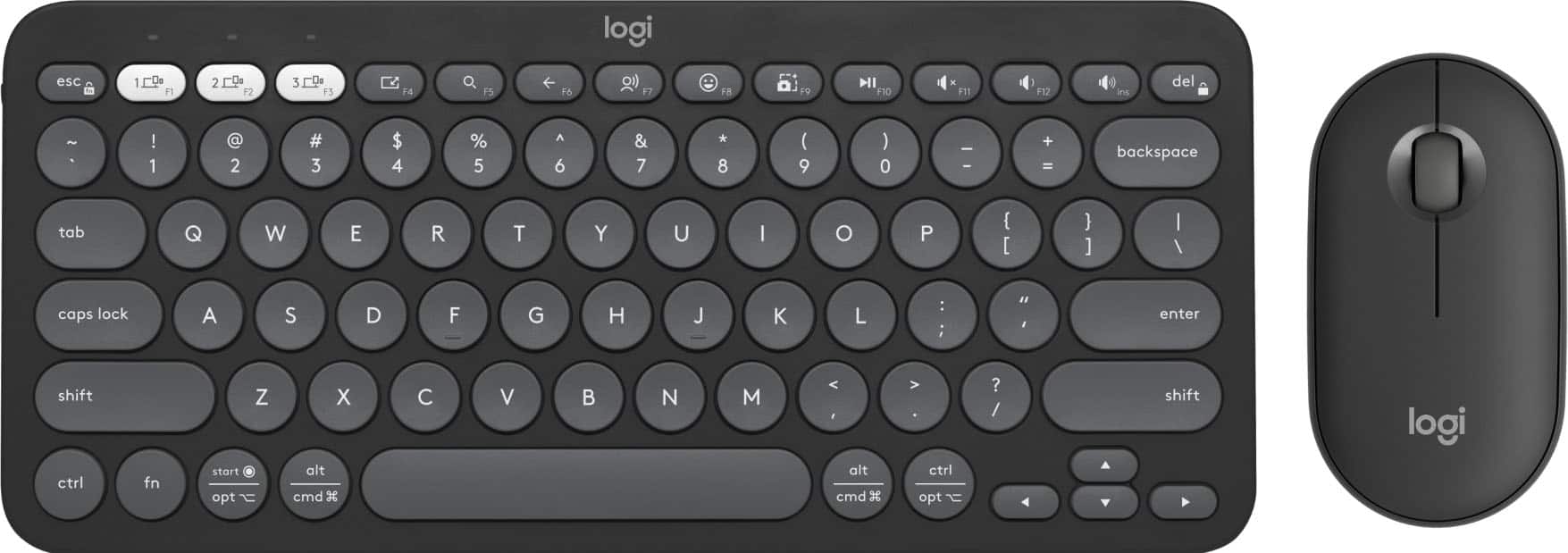
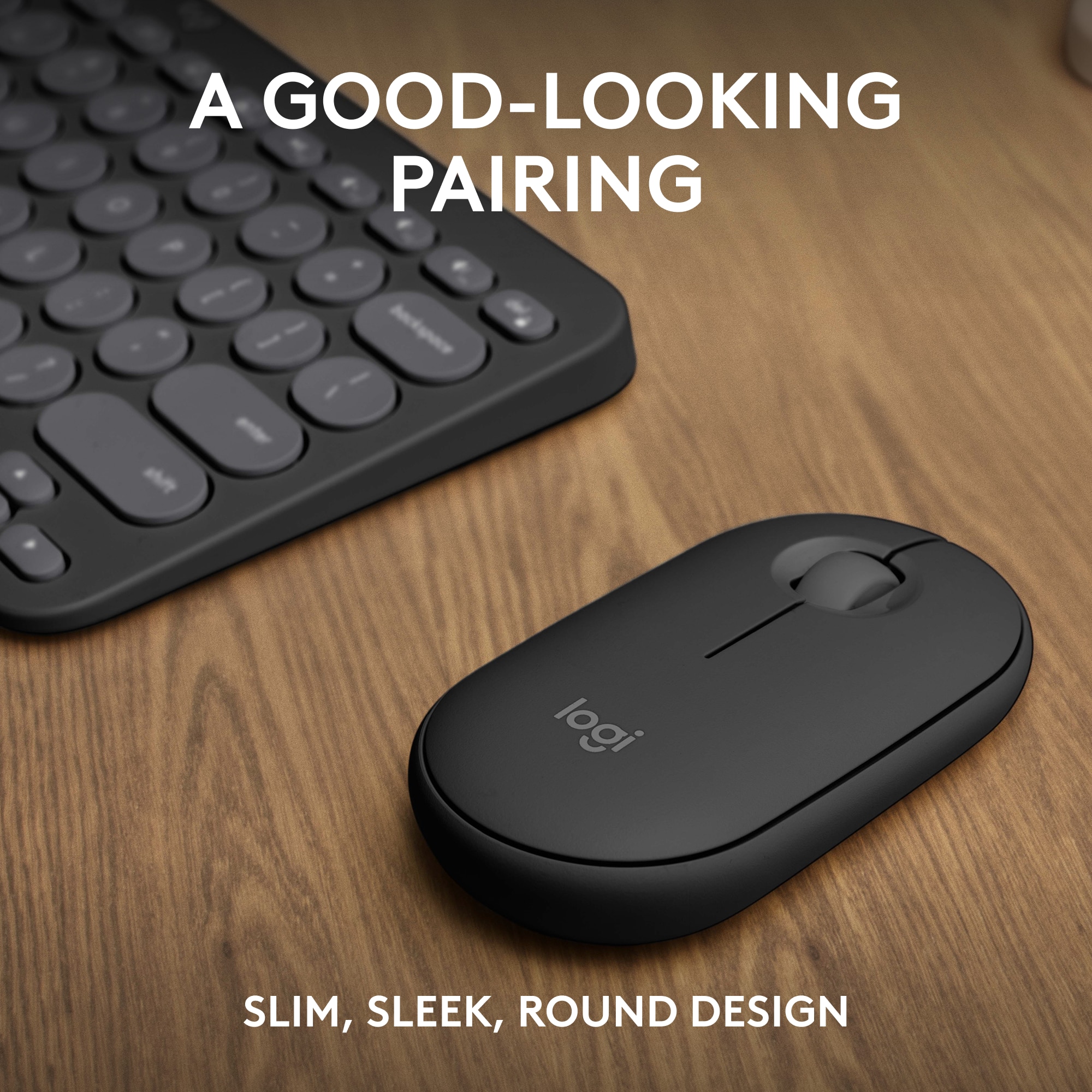
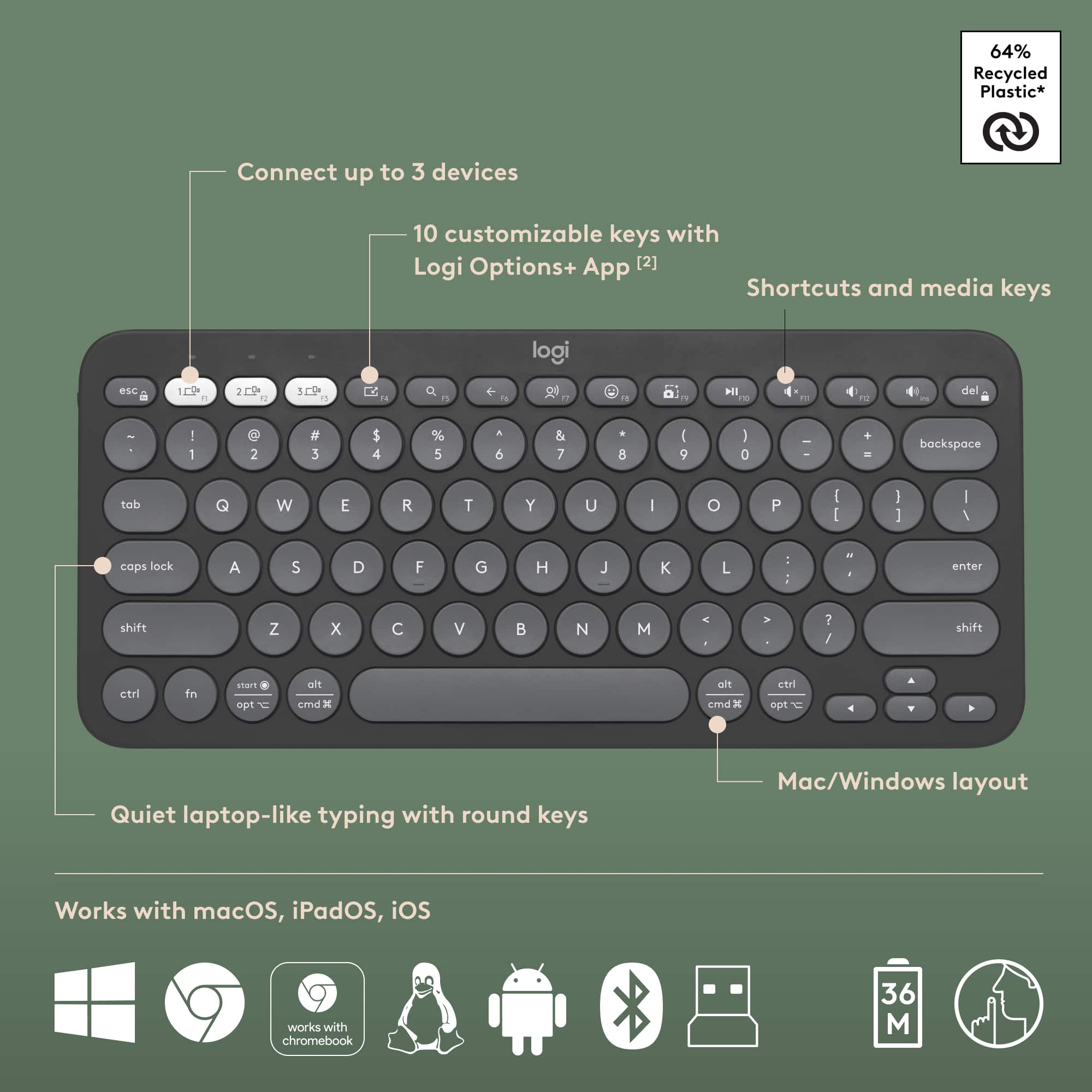
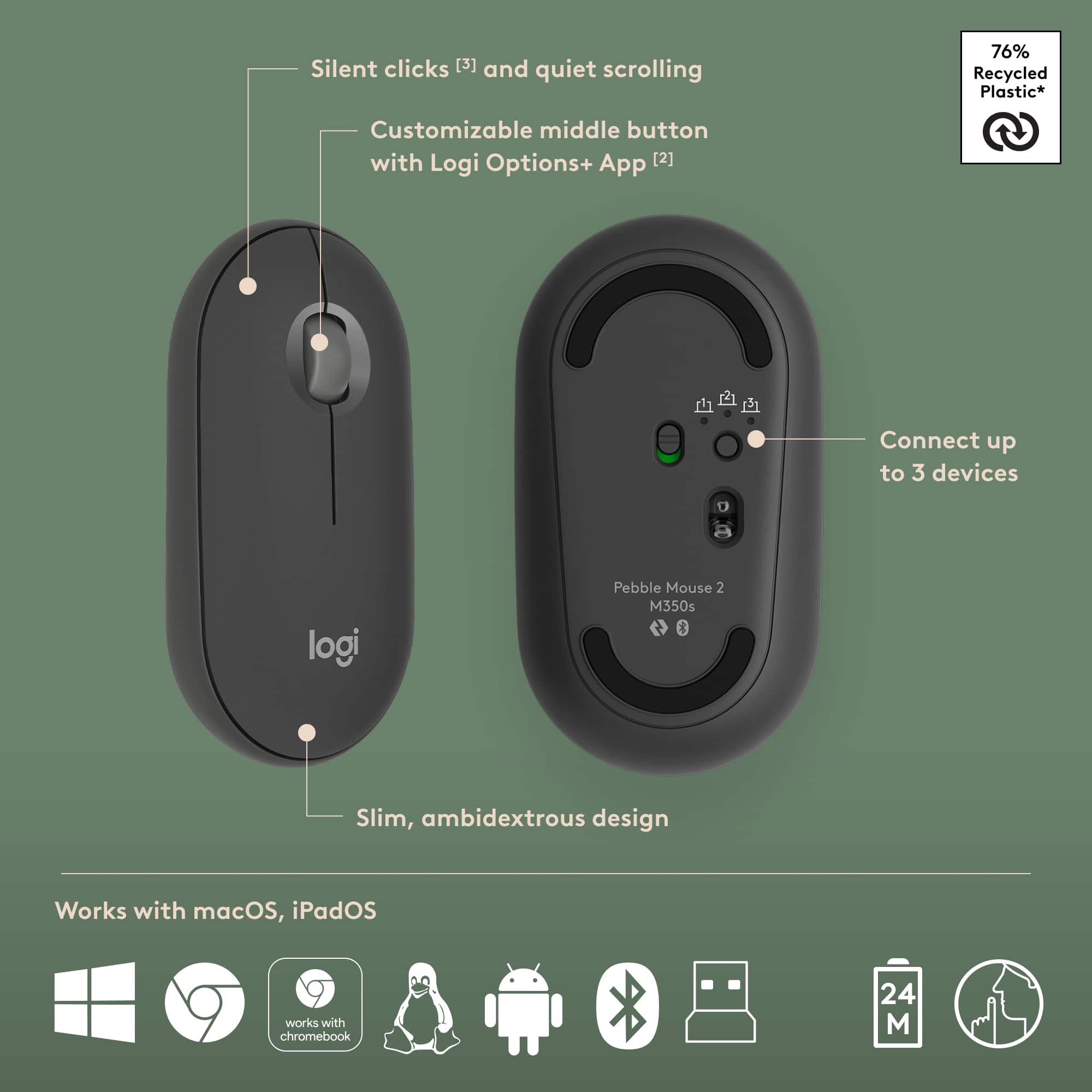
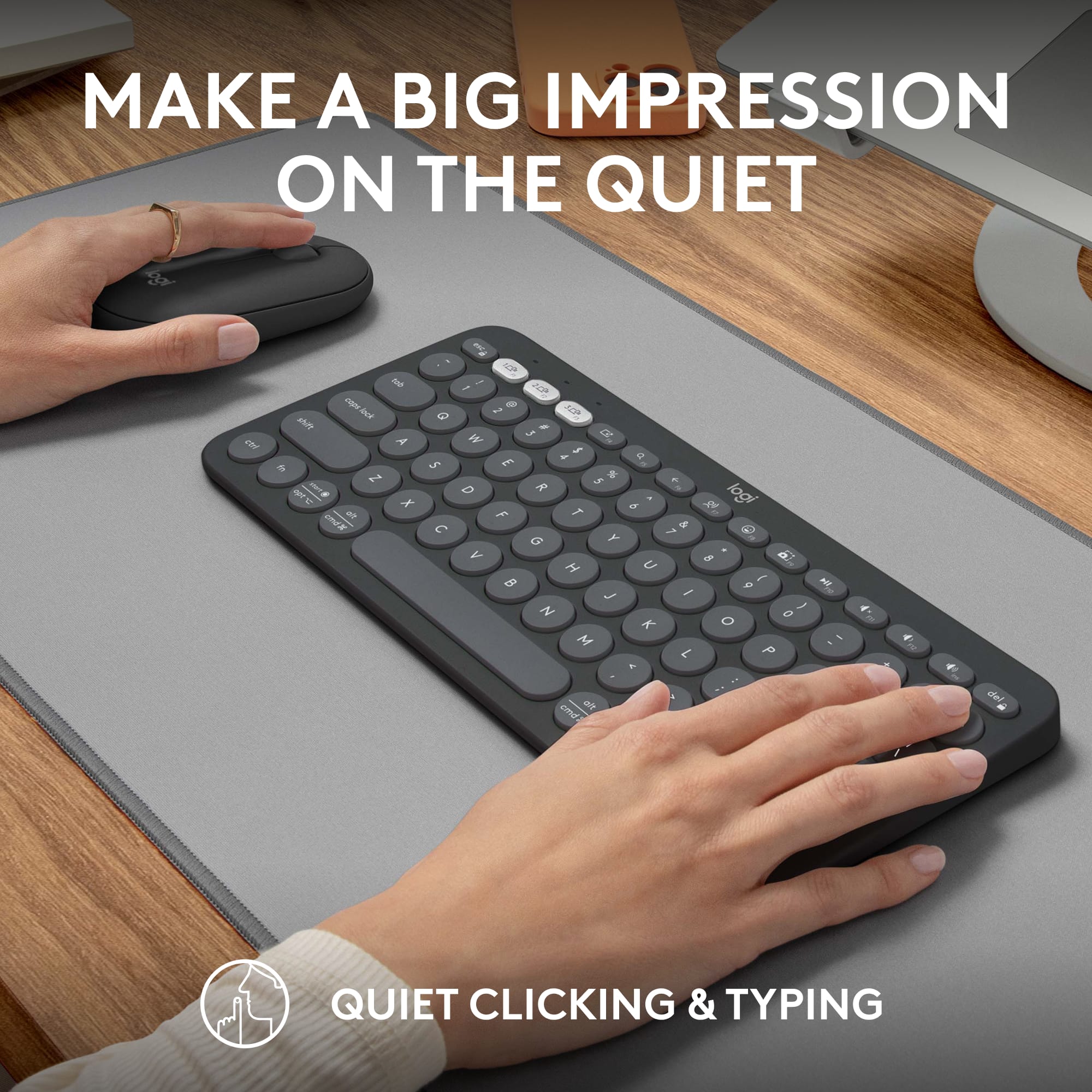
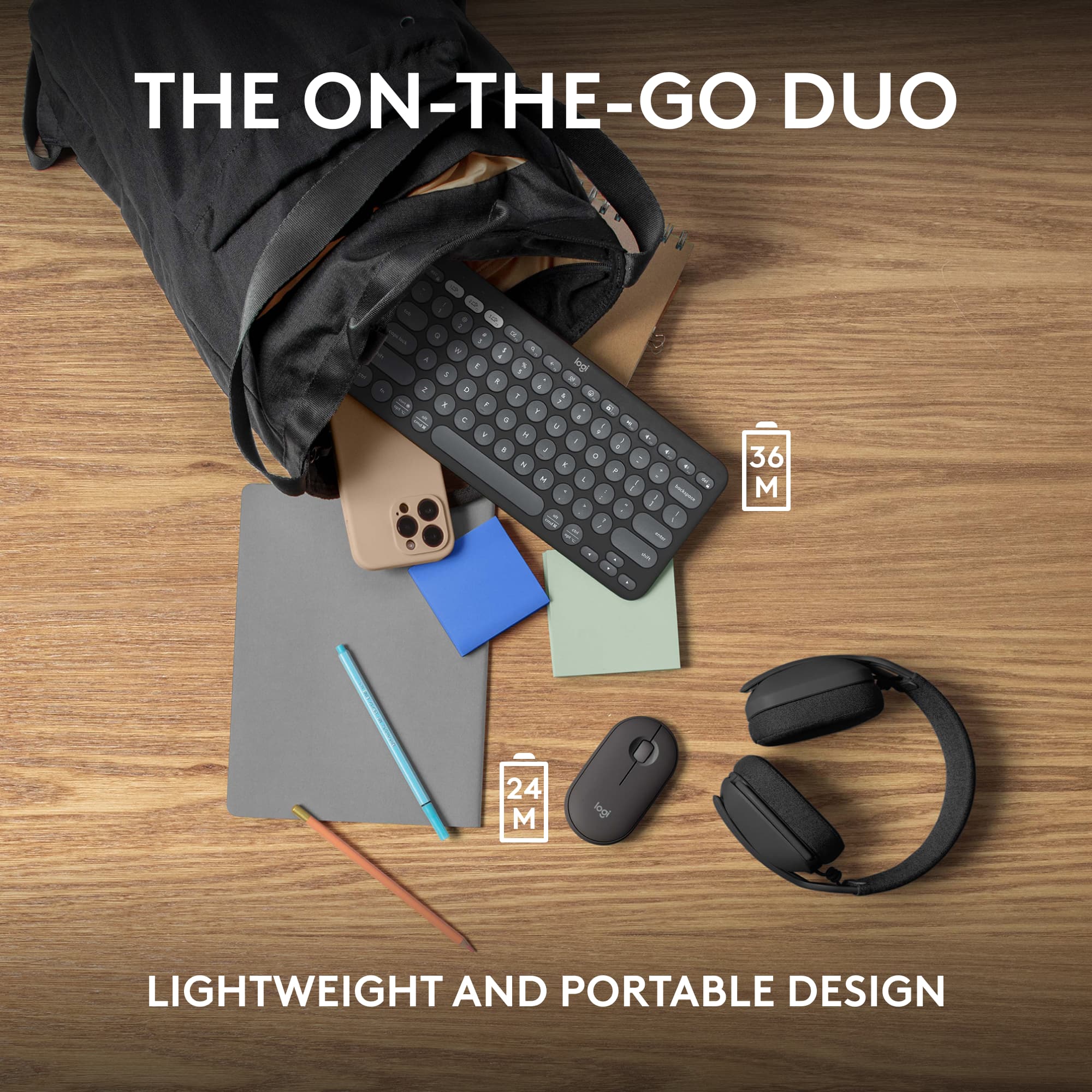
Customers have good things to say about the Pebble 2 Combo Compact Wireless Scissor Keyboard and Mouse Bundle, especially its portability and size, making it ideal for laptop use. The keyboard's quality and multiple connectivity options are also appreciated. Users also praise its outstanding battery life, compatibility with various operating systems, quiet operation, and sleek design.
This summary was generated by AI based on customer reviews.
- Pros mentioned:Battery life
Good keyboard and mouse set!
||Posted . Owned for 3 months when reviewed.This reviewer received promo considerations or sweepstakes entry for writing a review.I am a big fan of this keyboard and mouse. The mouse isn't the most comfortable thing, relatively flat. But it's fine and I like that the whole setup takes up very little space. Easy to move out of the way. Battery life is measured in months if not years. Love it. The keyboard is comfortable to type on and I love the added keys for emoji, screenshot, etc. Recommended!
I would recommend this to a friendBrand response from Logitech
Posted .We're delighted to hear that you're so happy with your keyboard and mouse set! It's designed to provide a comfortable and efficient typing experience. Thank you for your recommendation.
This mouse is amazing
||Posted . Owned for 3 months when reviewed.This reviewer received promo considerations or sweepstakes entry for writing a review.This mouse is amazing, compare to others. Plus for mac users its the best.
I would recommend this to a friendBrand response from Logitech
Posted .We appreciate you taking the time to share your experience. Knowing our product is working well for you makes all the difference. Thanks for being with Logitech.

Optical mouse
||Posted . Owned for 1 month when reviewed.This reviewer received promo considerations or sweepstakes entry for writing a review.Great product, I recommend it to others. I use it on my laptop, it makes my job easy.
I would recommend this to a friendBrand response from Logitech
Posted .We appreciate your support and are happy to hear the product is serving you well. Your feedback helps us improve every step of the way.
key mouse
||Posted . Owned for 2 weeks when reviewed.This reviewer received promo considerations or sweepstakes entry for writing a review.It works well. It solved a problem I was having entering text.
I would recommend this to a friendBrand response from Logitech
Posted .Thank you for your feedback! We’re glad to hear the Logitech Pebble 2 Combo helped solve your typing issue and works well for you. Your satisfaction is truly rewarding for us.
- Pros mentioned:Portability
Best “Buy”
||Posted . Owned for 1 month when reviewed.This reviewer received promo considerations or sweepstakes entry for writing a review.Compact and functional. I use the keyboard and mouse in my home office and while traveling. Fits nicely in my travel backpack, connects and works great!. Good price as well!
I would recommend this to a friendBrand response from Logitech
Posted .It's great to know the Pebble 2 Combo is both functional and a good value! We're glad it fits seamlessly into your travel setup and provides a reliable experience. Thanks for your positive feedback!
- Pros mentioned:Portability
Good value
||Posted . Owned for 2 weeks when reviewed.This reviewer received promo considerations or sweepstakes entry for writing a review.Is that good very portable and reliable would recommend
I would recommend this to a friendBrand response from Logitech
Posted .Thanks for taking the time to share your experience. We’re delighted the product is working well for you. Your feedback means a lot.
- Pros mentioned:Portability
Logi pebble 2
||Posted . Owned for 3 weeks when reviewed.This reviewer received promo considerations or sweepstakes entry for writing a review.Use this combo with my ZFold its great for traveling
I would recommend this to a friendBrand response from Logitech
Posted .We’re so grateful for your thoughtful feedback. It’s wonderful to know that your Logitech product is performing well and fitting into your routine the way you hoped. Every review we receive is a chance to learn and grow, and yours will certainly encourage us to keep striving for even better.
- Pros mentioned:Connectivity
Excellent product
||Posted . Owned for 5 months when reviewed.This reviewer received promo considerations or sweepstakes entry for writing a review.Excellent product, easy to use and conect with my Ipad 13 pro M4.
I would recommend this to a friendBrand response from Logitech
Posted .We’re so glad to hear you’re enjoying your Logitech experience. Your input helps us continue to deliver quality and reliability.
- Pros mentioned:Size
Logitech is changing the game!!!
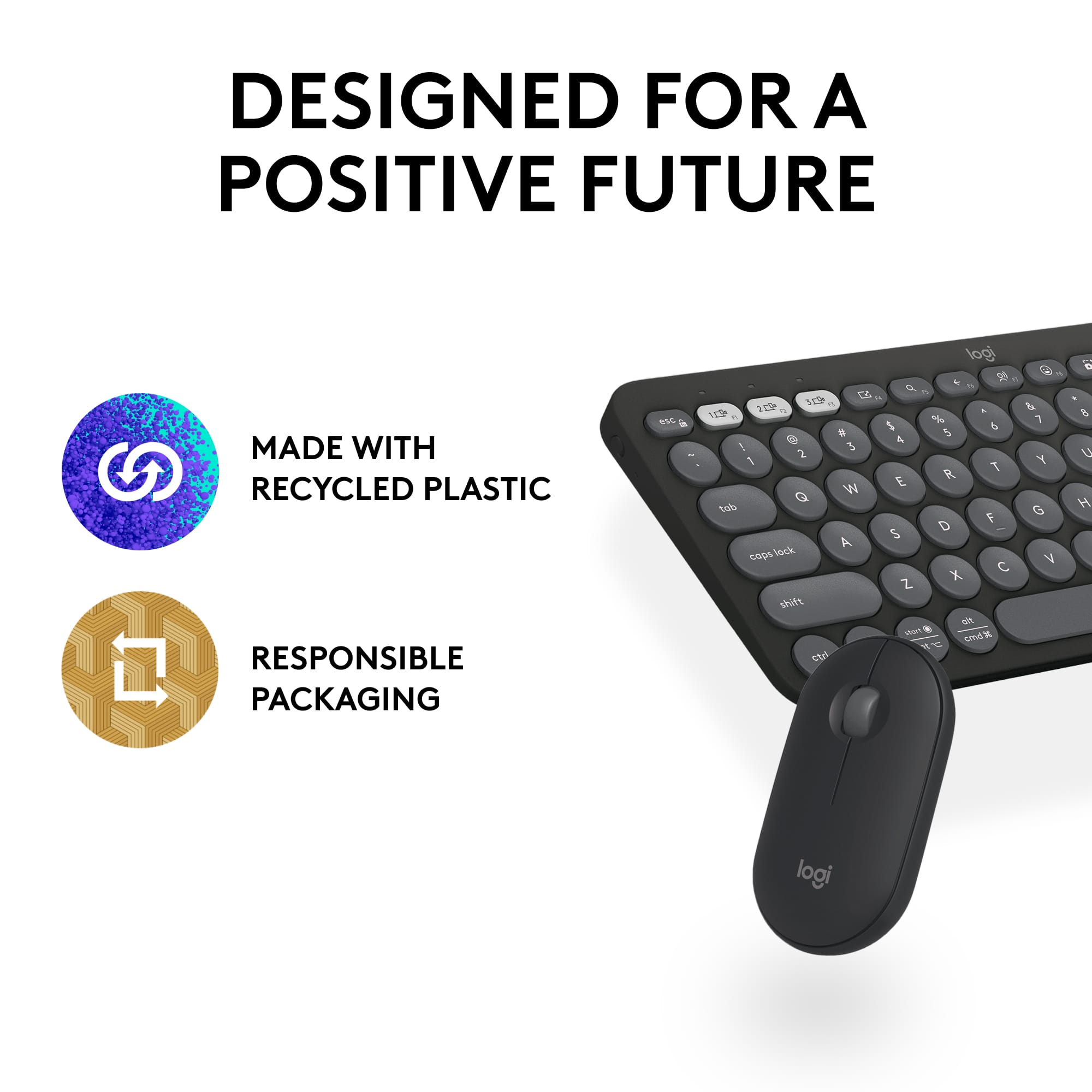
||Posted . Owned for 2 months when reviewed.This reviewer received promo considerations or sweepstakes entry for writing a review.Very sensible and sleek! Appreciate the eco friendly gesture with no plastic footprint with packaging. Over satisfied with how compact and comfortable both mouse and keyboard work.
I would recommend this to a friendBrand response from Logitech
Posted .Thank you for your kind words about the Logitech - Pebble 2 Combo! We're delighted you appreciate the eco-friendly design and packaging. We're also glad you're enjoying the compact and comfortable experience of both the mouse and keyboard. We value your feedback and hope you continue to enjoy using the Combo.
Amazing mouse for transitioning PC users
||Posted . Owned for 1 week when reviewed.This reviewer received promo considerations or sweepstakes entry for writing a review.Amazing mouse, helped me get use to apples user interface and its multiple functions
I would recommend this to a friendBrand response from Logitech
Posted .We’re thrilled to know you’re satisfied with your Logitech product. Your input helps us shape better experiences for everyone. Thanks for your continued support!
- Pros mentioned:Keyboard quality
Combo
||Posted . Owned for 3 weeks when reviewed.This reviewer received promo considerations or sweepstakes entry for writing a review.Great quality and very cute pink combo. Very girly.
I would recommend this to a friendBrand response from Logitech
Posted .Thank you for your kind words and for letting us know how our product is working for you. We’re thrilled that it’s meeting your needs and making a positive impact. Your feedback is incredibly valuable to us, and we’re grateful you chose Logitech.
Mac king
||Posted . Owned for 2 weeks when reviewed.This reviewer received promo considerations or sweepstakes entry for writing a review.Works like a charm and love the gesture controls. Best when used with a mac
I would recommend this to a friendBrand response from Logitech
Posted .It’s always a pleasure to hear from satisfied users. Thanks for sharing your experience—it helps us keep doing what we love.
- Pros mentioned:Keyboard quality, Portability
Keyboard and pad
||Posted . Owned for 3 weeks when reviewed.This reviewer received promo considerations or sweepstakes entry for writing a review.Wonderful key pad and mouse! Light and easy to use
I would recommend this to a friendBrand response from Logitech
Posted .We love hearing you enjoy the Logitech Pebble 2 duo! It's a great choice for those on the go, with its lightweight design and easy-to-use keyboard and mouse. Happy clicking and typing!
- Pros mentioned:Portability
Great for the price.
||Posted . Owned for 1 month when reviewed.This reviewer received promo considerations or sweepstakes entry for writing a review.Great for the price and gets the job done. Works well with my Surfaces Pro 10 and it's super light weight and the pink is beautiful.
I would recommend this to a friendBrand response from Logitech
Posted .Thank you for your positive feedback on the Logitech Pebble 2 Combo! We're so glad to hear you find it great for the price, that it gets the job done well with your Surface Pro 10, and that you love its lightweight design and the beautiful pink color!
Great mouse
||Posted . Owned for 2 weeks when reviewed.This reviewer received promo considerations or sweepstakes entry for writing a review.I upgraded from the 3S I only upgraded because I got the new space black MacBook Pro, and one in my mouth color to match can’t go wrong with this product
I would recommend this to a friendBrand response from Logitech
Posted .It’s great to hear your experience has been positive. Your feedback helps us refine and improve our products. Thanks for choosing Logitech!
Great product
||Posted . Owned for 1 month when reviewed.This reviewer received promo considerations or sweepstakes entry for writing a review.This has been great to use for my ipad. Have had zero issues with it. Comes with a mouse which also works great!
I would recommend this to a friendBrand response from Logitech
Posted .Thanks for sharing your experience! We’re happy to hear everything’s working well. Your feedback helps us improve.
- Pros mentioned:Size
Great Keyboard!
||Posted . Owned for 1 month when reviewed.This reviewer received promo considerations or sweepstakes entry for writing a review.Great size and comfortable to use! I really enjoy using it and it makes my life easier.
I would recommend this to a friendBrand response from Logitech
Posted .This is fantastic to hear! We're thrilled you're enjoying the Pebble 2 Combo and that its compact size and comfortable design are making your life easier.
Excellent Ergonomic Mouse
||Posted .This reviewer received promo considerations or sweepstakes entry for writing a review.Really easy set up, great comfort and performance. Looking forward to figuring out how to maximize my productivity with all the options it offers
I would recommend this to a friendBrand response from Logitech
Posted .Thanks for your feedback! We’re glad you like the Logitech - MX Master 4 for Mac, and we appreciate your input to help us get even better.
- Pros mentioned:Size
Keyboard
||Posted .This reviewer received promo considerations or sweepstakes entry for writing a review.Love the feel of the keys, fits my desk perfectly. Great product.
I would recommend this to a friendBrand response from Logitech
Posted .Thanks for the kind words! It’s great to hear the Pebble 2 combo not only feels great to use but also fits your setup perfectly. Sounds like a win for both comfort and style!
Perfect for Xbox
||Posted . Owned for 1 month when reviewed.This reviewer received promo considerations or sweepstakes entry for writing a review.Perfect Keyboard for my Xbox Series X. Works with FF14!
I would recommend this to a friendBrand response from Logitech
Posted .Thanks for the great feedback! We’re proud to offer products that deliver performance and reliability. Glad to hear yours is doing just that.