Customer Ratings & Reviews
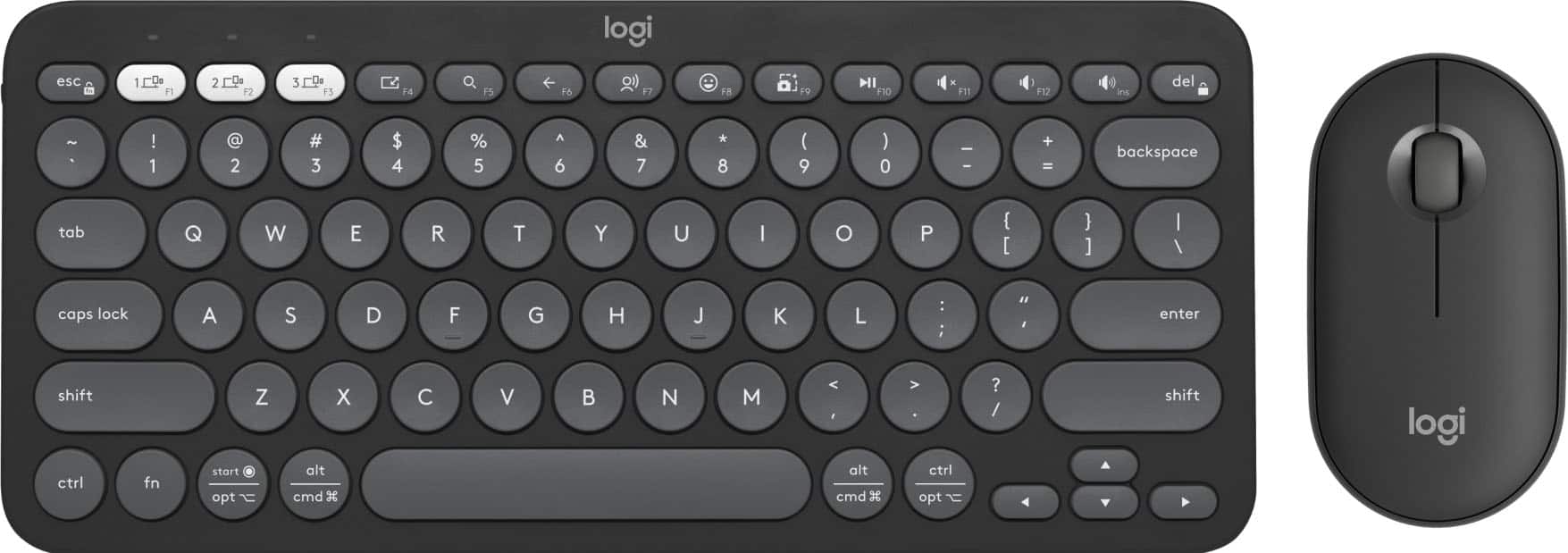
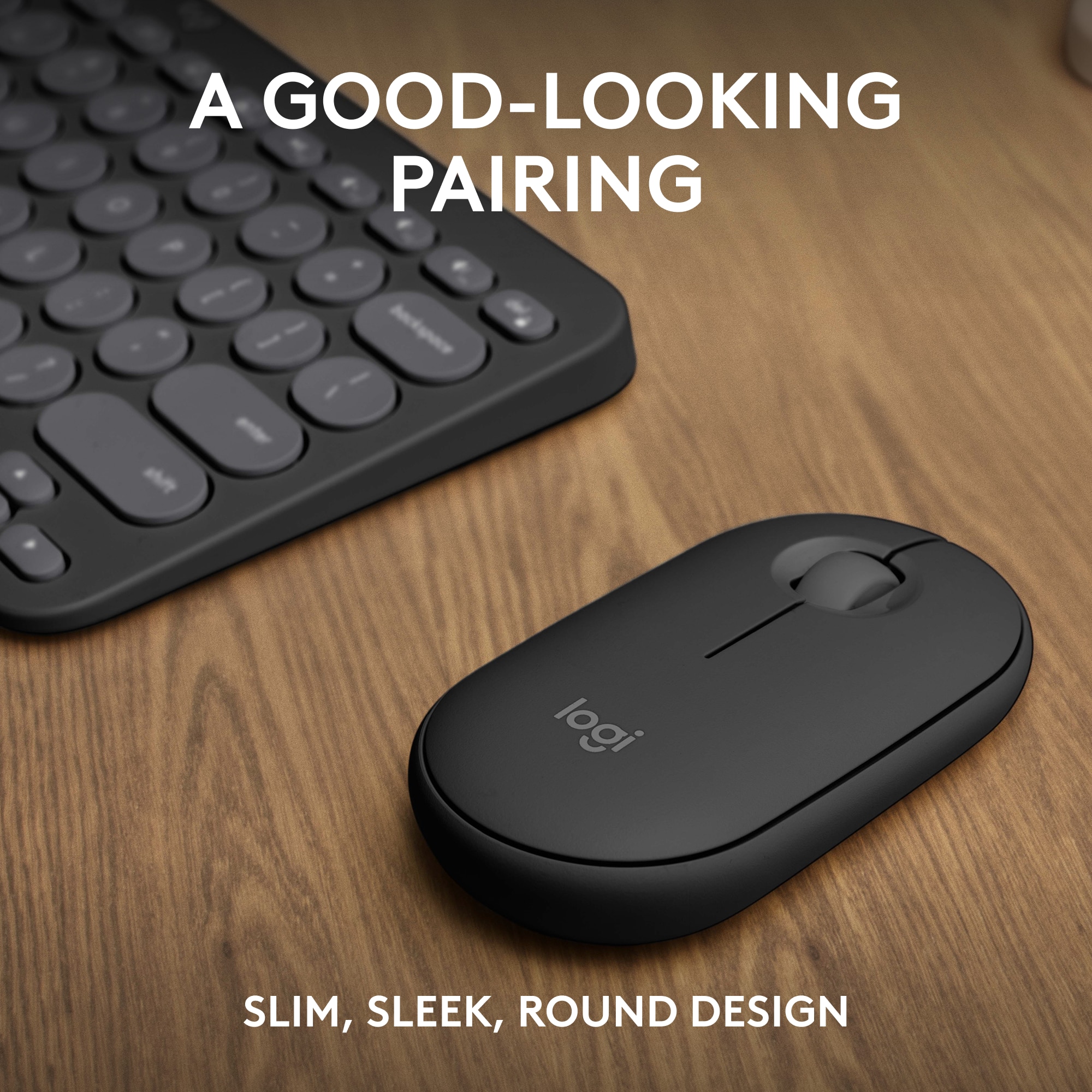

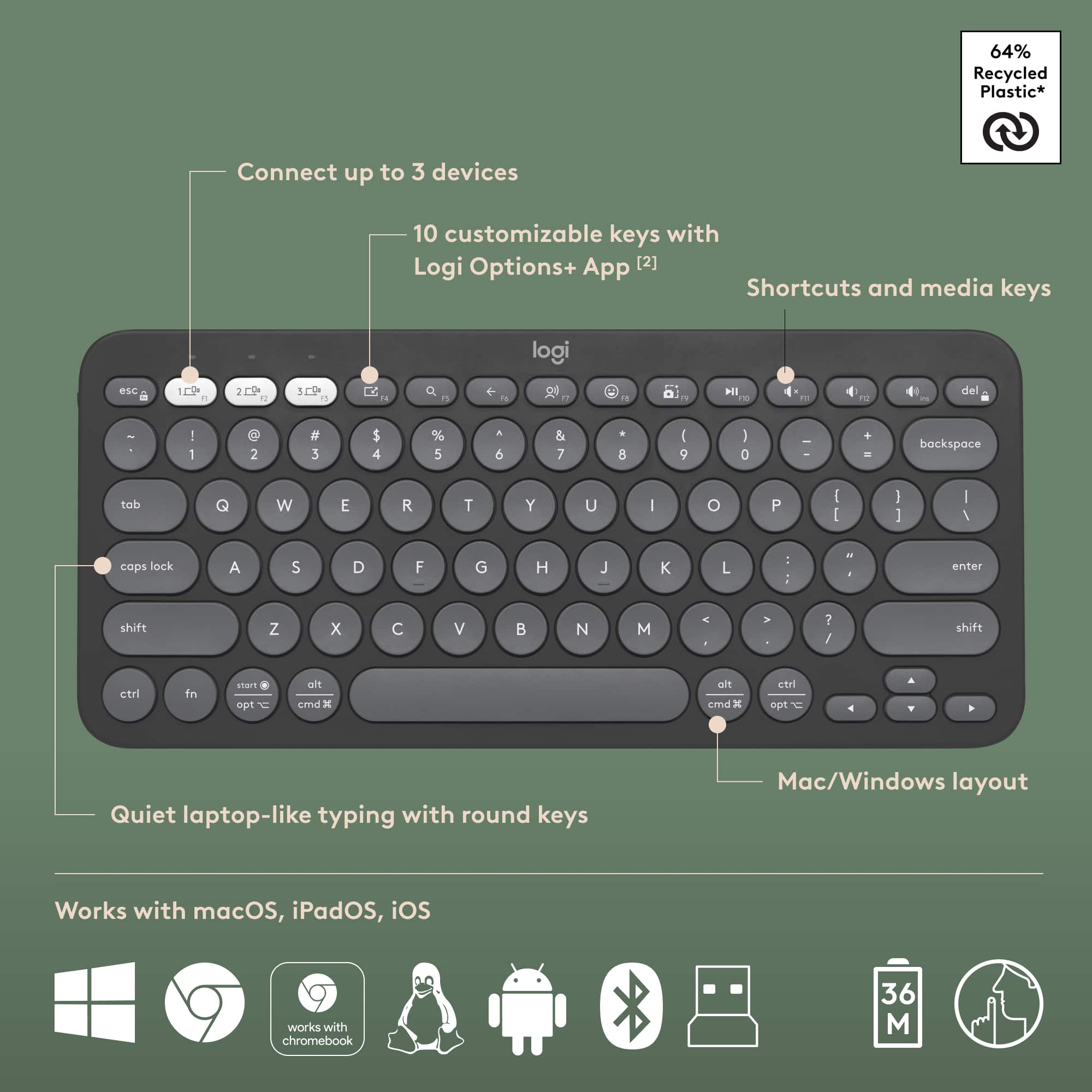
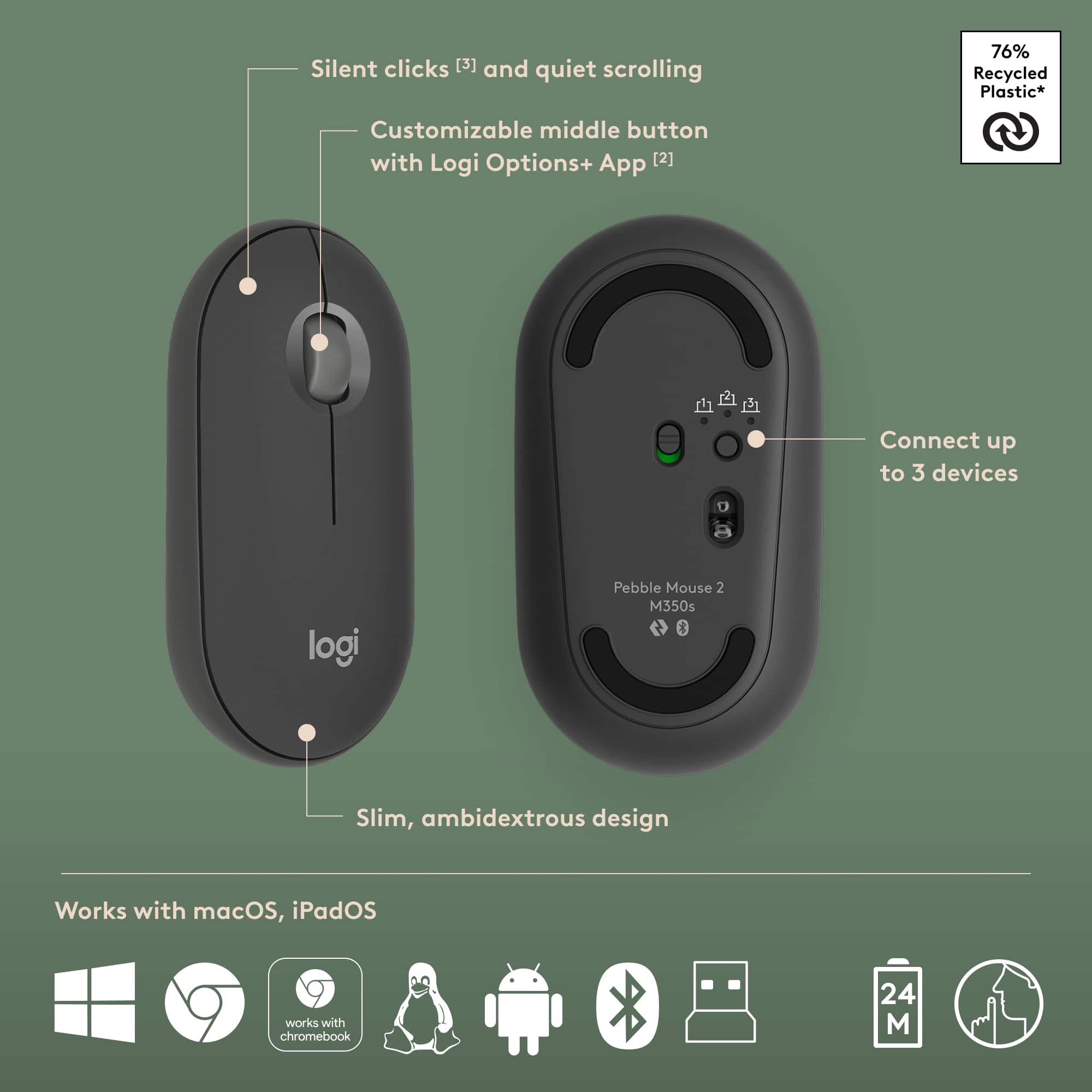
![A customizable pair ... I <3> - - - + d a - - a - . e - . - . - + d - - 1 1 O B a . . 1 I N CUSTOMIZABLE KEYS & BUTTON WITH LOGI OPTIONS+ APP [2]](https://pisces.bbystatic.com/image2/BestBuy_US/images/products/840917da-8639-4794-b1a0-6aed4b1b949c.png)


- Model:
- 920-012061
- SKU:
- 6554350
Rating by feature
- Value
Rating 4.6 out of 5 stars
- Quality
Rating 4.7 out of 5 stars
- Ease of Use
Rating 4.7 out of 5 stars
Customers are saying
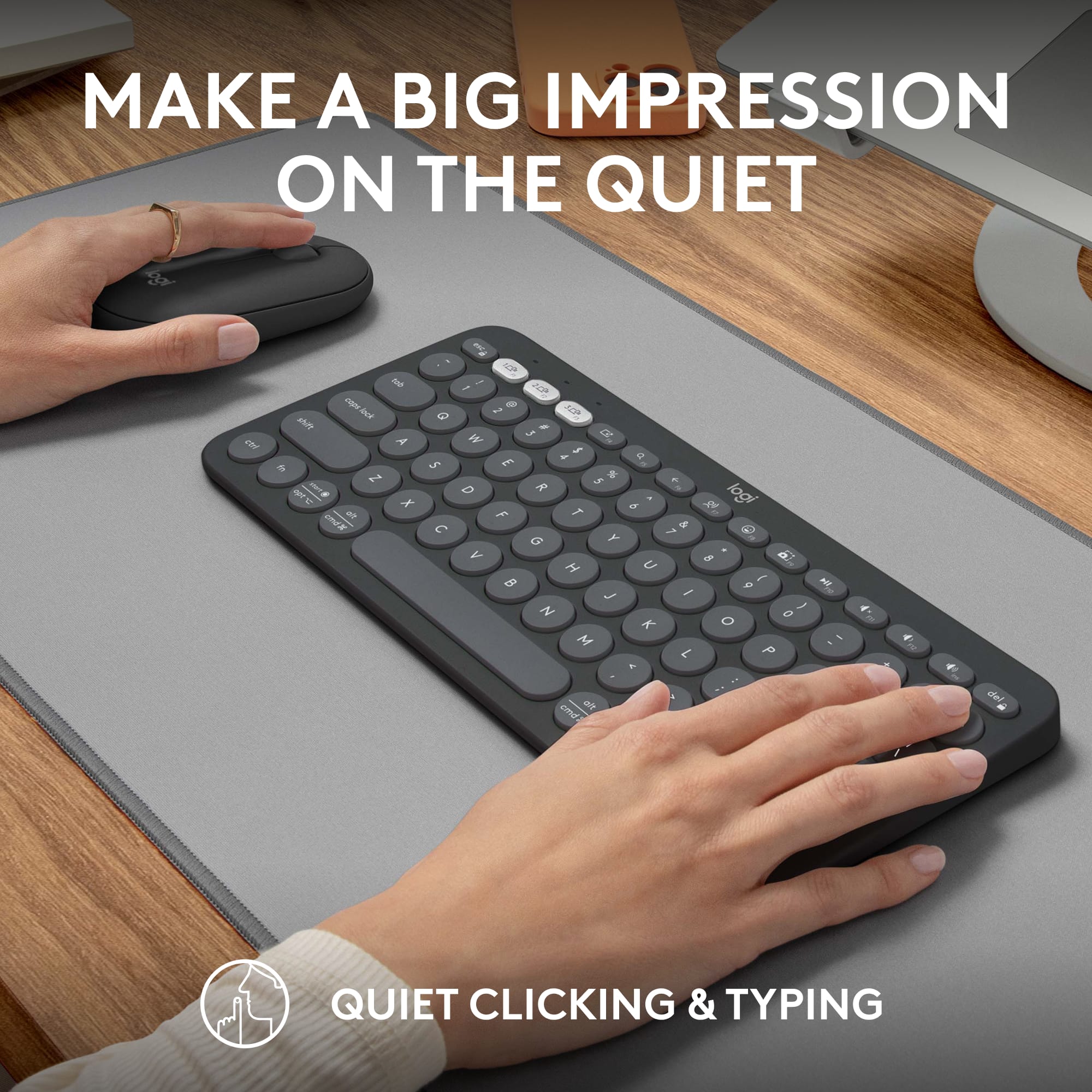
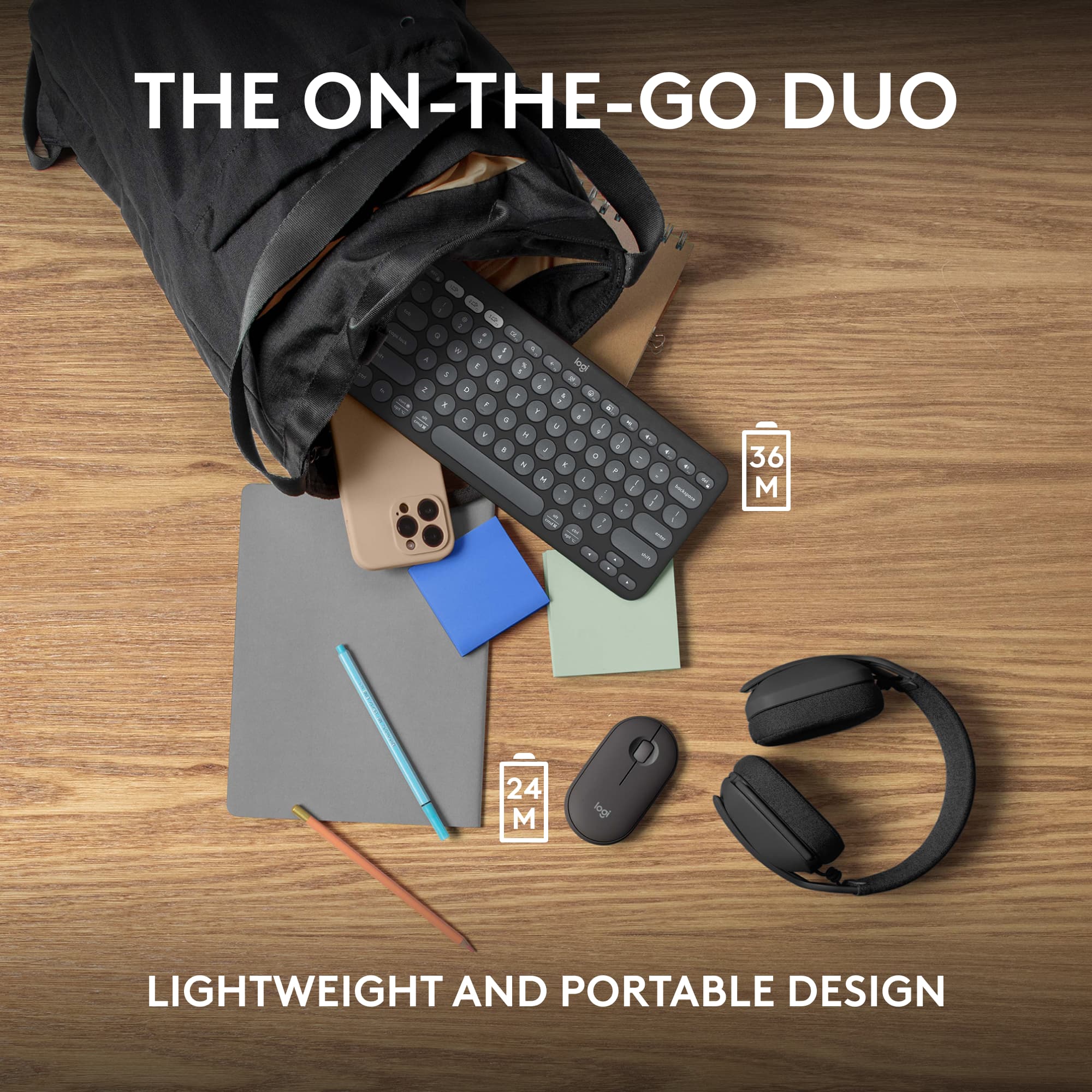
Customers have good things to say about the Pebble 2 Combo Compact Wireless Scissor Keyboard and Mouse Bundle, especially its portability and size, making it ideal for laptop use. The keyboard's quality and multiple connectivity options are also appreciated. Users also praise its outstanding battery life, compatibility with various operating systems, quiet operation, and sleek design.
This summary was generated by AI based on customer reviews.
- Pros mentioned:Connectivity
Pebble 2 combo
||Posted . Owned for 1 month when reviewed.This reviewer received promo considerations or sweepstakes entry for writing a review.Excelent product connects to all my devices. Lightweight
I would recommend this to a friendBrand response from Logitech
Posted .We're thrilled to hear that our Pebble 2 Combo has been such a great fit for your multi-device setup! Its compact design, wireless convenience, and compatibility across various operating systems are designed to streamline your workflow.
- Pros mentioned:Size
Keyboard
||Posted . Owned for 2 weeks when reviewed.This reviewer received promo considerations or sweepstakes entry for writing a review.So cute and perfect for what I need it for. Works as designed
I would recommend this to a friendBrand response from Logitech
Posted .Hey! Thanks for the adorable review of the Pebble 2 Combo! We're glad it fits your needs perfectly. If you ever have questions about its features, feel free to reach out to us.
- Pros mentioned:Size
Nice and small
||Posted . Owned for 1 week when reviewed.This reviewer received promo considerations or sweepstakes entry for writing a review.Needed sone time getting used too ,but its nice and small
I would recommend this to a friendBrand response from Logitech
Posted .That's great to hear! The Logitech Pebble 2 is a popular choice for its sleek design and quiet operation. While it may take some time to get used to the low-profile keys, many users appreciate its portability and comfort.
Amazing
||Posted . Owned for 3 weeks when reviewed.This reviewer received promo considerations or sweepstakes entry for writing a review.Amazing material color, everything was perfect its amazing
I would recommend this to a friendBrand response from Logitech
Posted .Thank you so much for sharing your experience! We're thrilled to hear that you're loving the Pebble 2 Combo—especially the material and color. It's great to know everything was just right. We appreciate your support and hope it continues to bring style and comfort to your setup.

- Pros mentioned:Portability
Works perfect
||Posted . Owned for 1 month when reviewed.This reviewer received promo considerations or sweepstakes entry for writing a review.I like everything !!! The keyboard and mouse are so easy to use
I would recommend this to a friendBrand response from Logitech
Posted .We love to hear it! Sounds like the Pebble 2 Combo is a perfect fit for you. Easy to use is a great quality in a keyboard and mouse.
Works as it should!
||Posted . Owned for 1 month when reviewed.This reviewer received promo considerations or sweepstakes entry for writing a review.Great keyboard and mouse combo, definitely works as it should.
I would recommend this to a friendBrand response from Logitech
Posted .Absolutely! The Logitech Pebble 2 sounds like a great combo for you, offering both a keyboard and mouse in a convenient and stylish package. Users love it for its affordability, quiet typing, slim design, and long battery life on both devices. That makes it a great value!
Works with Mac
||Posted . Owned for 2 months when reviewed.This reviewer received promo considerations or sweepstakes entry for writing a review.Bought for use with a Mac mini for my son. He hasn’t complained.
I would recommend this to a friendBrand response from Logitech
Posted .Thank you for your positive feedback on the Pebble 2 Combo Compact Wireless Scissor Keyboard and Mouse Bundle. We're pleased to hear that it's meeting your son's needs and expectations. Your satisfaction is our top priority.
Good devices
||Posted . Owned for 1 month when reviewed.This reviewer received promo considerations or sweepstakes entry for writing a review.Works well with our IPAD and laptop in restricted areas.
I would recommend this to a friendBrand response from Logitech
Posted .Great to hear the Pebble 2 Combo is working perfectly for your iPad and laptop in tight spaces! Its slim, compact design makes it ideal for portability, and the ability to connect to two devices with ease makes it a versatile choice for mobile work or entertainment. Enjoy using it!

macbook friendly
|Posted .This reviewer received promo considerations or sweepstakes entry for writing a review.nice clicks, holds up, find for price, glad i could find one that works with a macbook
I would recommend this to a friendBrand response from Logitech
Posted .It’s awesome to hear the Pebble 2 Combo is delivering crisp clicks and solid performance, especially at a great price! Even better that it pairs up nicely with your MacBook; finding that kind of compatibility is always a win.
- Pros mentioned:Portability
Good value keyboard and mouse
||Posted . Owned for 3 weeks when reviewed.This reviewer received promo considerations or sweepstakes entry for writing a review.Portable and easy to use. My only complaint is that it requires a USB wireless adapter.
I would recommend this to a friendBrand response from Logitech
Posted .Hi there! Thanks for the feedback! We're glad you find the Pebble 2 Combo to be a good value, portable, and easy to use. We appreciate you letting us know about your preference for a Bluetooth connection option in future iterations of the Pebble 2 Combo.
Very good
||Posted . Owned for 1 month when reviewed.This reviewer received promo considerations or sweepstakes entry for writing a review.……………:.::::::::::…:::::::::::::::::::::::::::::::;
I would recommend this to a friendBrand response from Logitech
Posted .Thanks for highlighting the Pebble 2 Combo. We're glad it's part of your setup. Its compact design, quiet typing, and seamless multi-device switching make it a great fit for modern workflows. We appreciate your support.
- Pros mentioned:Size
Great little keyboard!
||Posted . Owned for 1 month when reviewed.This reviewer received promo considerations or sweepstakes entry for writing a review.Perfect little keyboard and mouse. Great for travel and quiet.
I would recommend this to a friend - Pros mentioned:Portability
Excellent Purchase
||Posted . Owned for 3 weeks when reviewed.This reviewer received promo considerations or sweepstakes entry for writing a review.Works great with my MacBook Pro laptop. Very compact and portable.
I would recommend this to a friend One and done.
||Posted . Owned for 1.5 years when reviewed.This reviewer received promo considerations or sweepstakes entry for writing a review.Excellent value. Works great for just wanting to browse the web.
I would recommend this to a friendBrand response from Logitech
Posted .Thanks so much for sharing! We're glad to hear the Pebble 2 Combo delivers great value and fits your browsing needs perfectly. Simple, efficient, and just right—that’s always the goal!
- Pros mentioned:Size
office accessory
||Posted . Owned for 3 weeks when reviewed.This reviewer received promo considerations or sweepstakes entry for writing a review.I love the keyboard. It's small and compact. Great product
I would recommend this to a friend - Pros mentioned:Size
Small but mighty
||Posted . Owned for 3 weeks when reviewed.This reviewer received promo considerations or sweepstakes entry for writing a review.Great little keyboard. Doesn’t take up too much space.
I would recommend this to a friend - Pros mentioned:Portability
Great Portable keyboard/mouse combo
||Posted . Owned for 5 months when reviewed.This reviewer received promo considerations or sweepstakes entry for writing a review.The keyboard has performed as I expected. Light, portable without any lag
I would recommend this to a friendBrand response from Logitech
Posted .The Logitech Pebble 2 is a great choice for those looking for a compact and portable keyboard. Its lightweight design and responsive keys make it ideal for use on the go.
Great Value
||Posted . Owned for 1 month when reviewed.This reviewer received promo considerations or sweepstakes entry for writing a review.Wife loves the ability to use the mouse with her ipad
I would recommend this to a friendBrand response from Logitech
Posted .That’s lovely to hear! We’re glad the combo fits seamlessly into your setup and that the mouse pairs so nicely with the iPad. Here’s to convenience and comfort with every click!
- Pros mentioned:Battery life

Productivity Booster
|Posted .This reviewer received promo considerations or sweepstakes entry for writing a review.The MX Master 4 is the latest flagship mouse in Logitech’s lineup. The highlight new feature for this mouse is its ability to provide haptic feedback. While haptics don’t necessarily increase productivity, they do enhance feedback and give you confidence that the action you’re trying to do is successful, for example, snapping to smart guides in Photoshop. PROs • The center wheel allows precise scrolling when rotated slowly or at normal pace. But if you flick it quickly, it rotates freely for rapid scrolling. There is also a center button that by default activates rapid scroll, but there’s really no reason to use it when the flicking motion works just fine. Fortunately, that button can be configured for another function. For example, I have set the button to close browser tabs when in Chrome or Safari. • Charge port on the front means that it can continue being used while charging. If in a rush, one minute of charging is supposed to provide about 3 hours use. Fully charging, however, should last 70 days. • The haptic button can be pressed to bring up the Actions Ring by default. The Actions Ring is a menu wheel of selectable functions for general use or based on the app you’re in. You can even create a folder to nest additional functions. If you’re doing anything that requires a lot of mouse interaction like photo/video editing, the Actions Ring has the potential to boost productivity immensely. • Premium feel and mouse click sound. • The function of just about every button can be customized to truly let you get the most out the mouse. CONs • Note that the front port is only for charging, not for wired operation. That means it still needs to be connected via Bluetooth or via Logitech’s Bolt receiver, which inexplicably is not included in the Mac edition of the mouse despite being the same price as the non-Mac edition that does include the receiver. • The Logi Plugins Marketplace is confusing. There are plugins and there are profiles, and at a glance, it’s hard to tell what the difference is and what you should be using when. • Despite all the flexibility in configuring the buttons and wheels per application, there is no way to configure them per website. I spend most of my working day in Gmail. It would be nice if I could further configure the settings with shortcuts for deleting, archiving, replying etc. while in Gmail. But the settings only apply to the browser, not the website. OTHER • Logitech has really gone all-in on their Logi Options+ software. Firstly, it serves as a hub for configuring many Logitech devices including mice, cameras, and keyboards. Many of the buttons on these devices can be repurposed for different settings. But secondly, the Logi Options+ also allows customization by app, both by your own settings and by downloading app specific plug-ins in the Logi marketplace. • The long term usefulness of haptics is TBD. It requires software apps to incorporate it in meaningful ways. At launch, Photoshop, Lightroom and Zoom have incorporated haptics. The Logi marketplace will have additional plugins over time. I would not purchase this mouse based solely on the haptics feature, but it does give you an additional button to configure as you’d like. • The thumb wheel—unlike the scroll wheel—is always free rotating. You can adjust the sensitivity so, for example, horizontal scroll speed is faster or slower. But it’s also a natural wheel to use for switching browser tabs or Excel workbook sheets, and having some “clickability” like the scroll wheel would be useful. • One other functionality I wish the mouse had was the ability to use the scroll wheel to scroll application window menu items. This would be a killer feature and really improve productivity. I’m coming from using an Apple trackpad, so comparisons to the prior version of the mouse don’t mean much to me. I’ve been using a third party utility to customize my trackpad. Since that utility also customizes other peripherals and apps, I won’t be giving it up. But the MX4 and Logi Options+ will be my go to to configure anything mouse related. Overall I give this 4.5 stars, rounded down for not including a Bolt receiver in the Mac edition.
I would recommend this to a friendBrand response from Logitech
Posted .Thank you so much for your detailed feedback on Logitech - MX Master 4 for Mac! We’re thrilled to know it’s meeting your expectations. We truly appreciate you taking the time to share your experience! Your support means a lot to us.
- Pros mentioned:Portability
Worked good
||Posted . Owned for 1 month when reviewed.This reviewer received promo considerations or sweepstakes entry for writing a review.Worked good for what i needed and fast easy to use
I would recommend this to a friend