Customer Ratings & Reviews



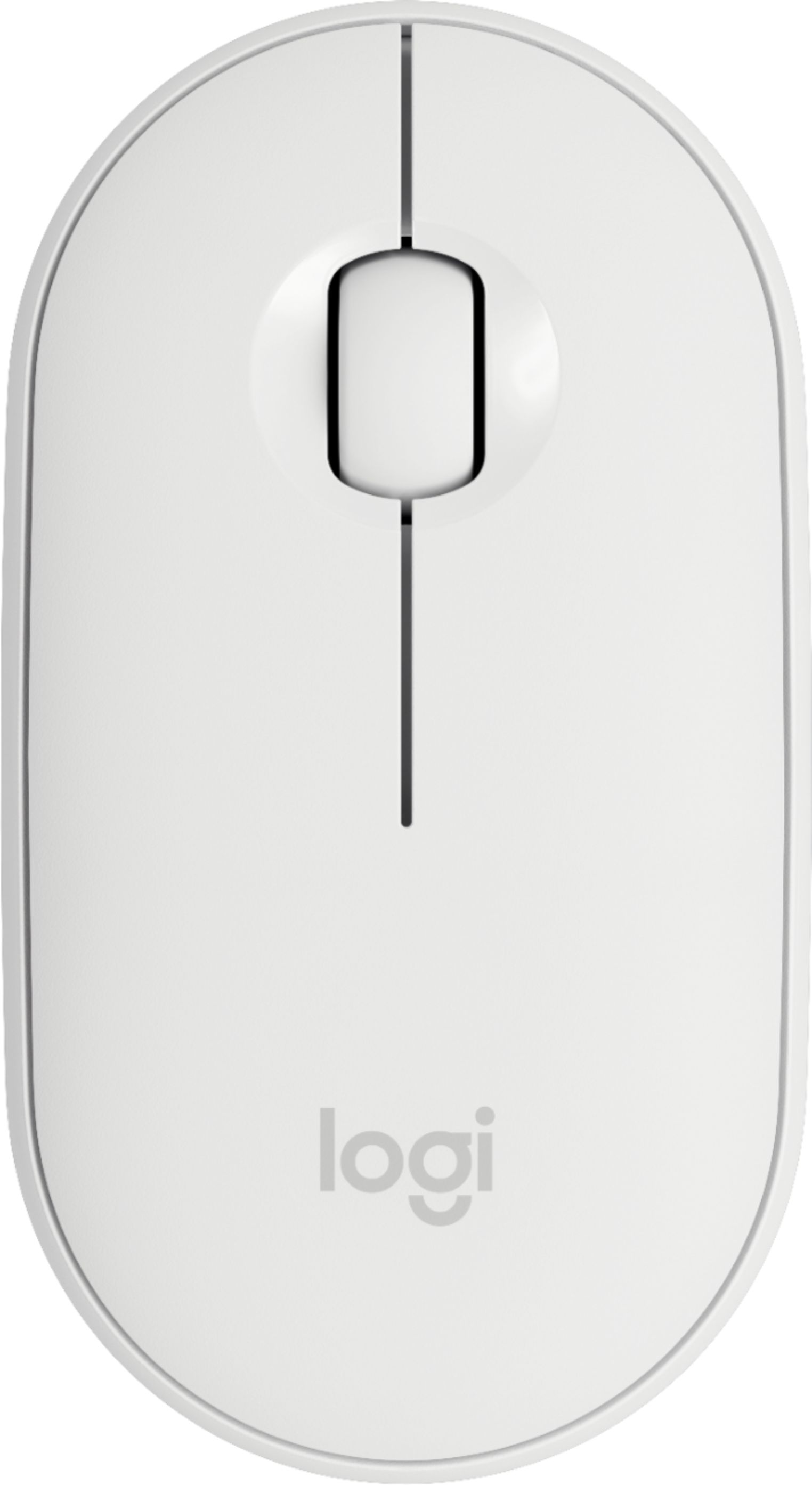
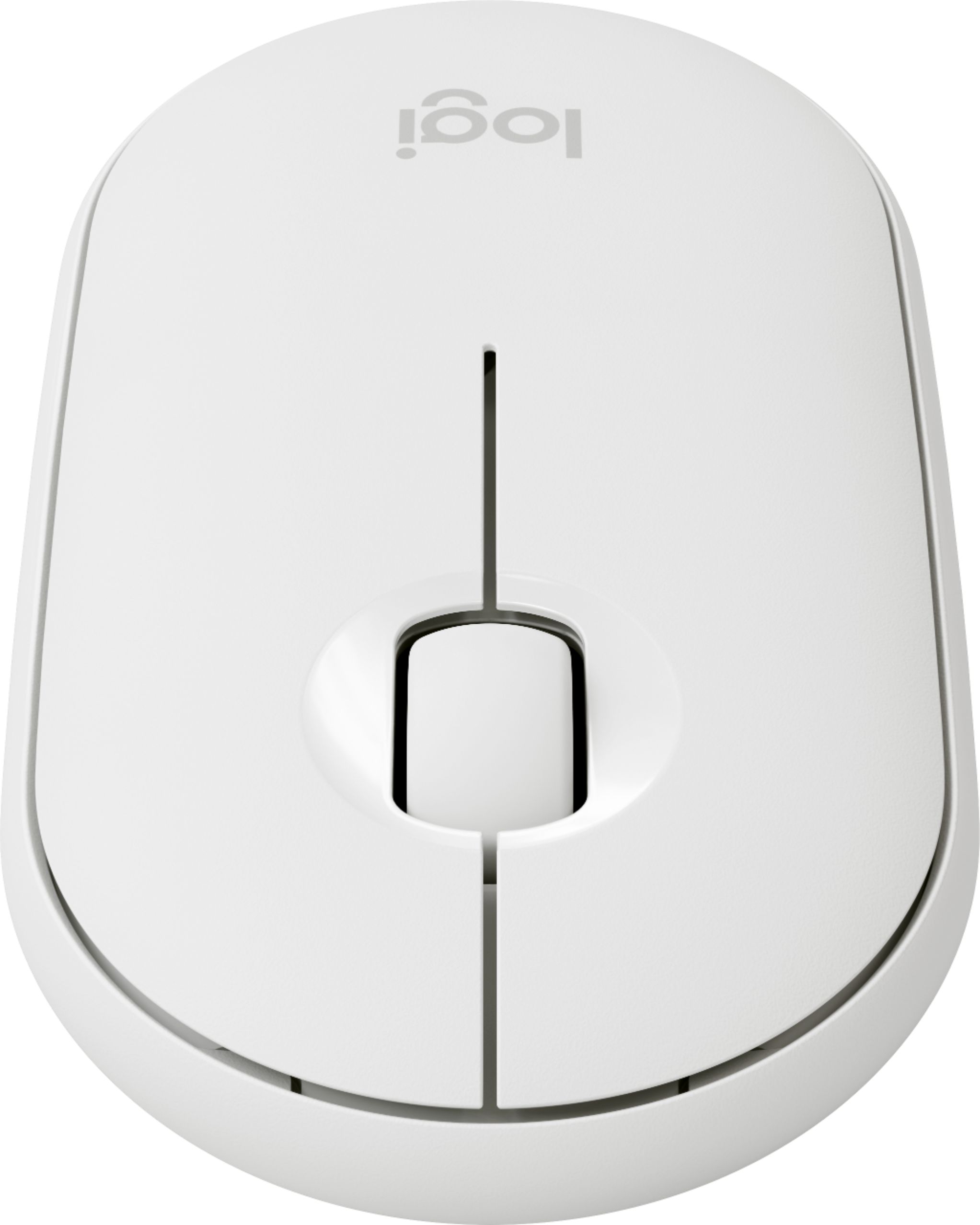
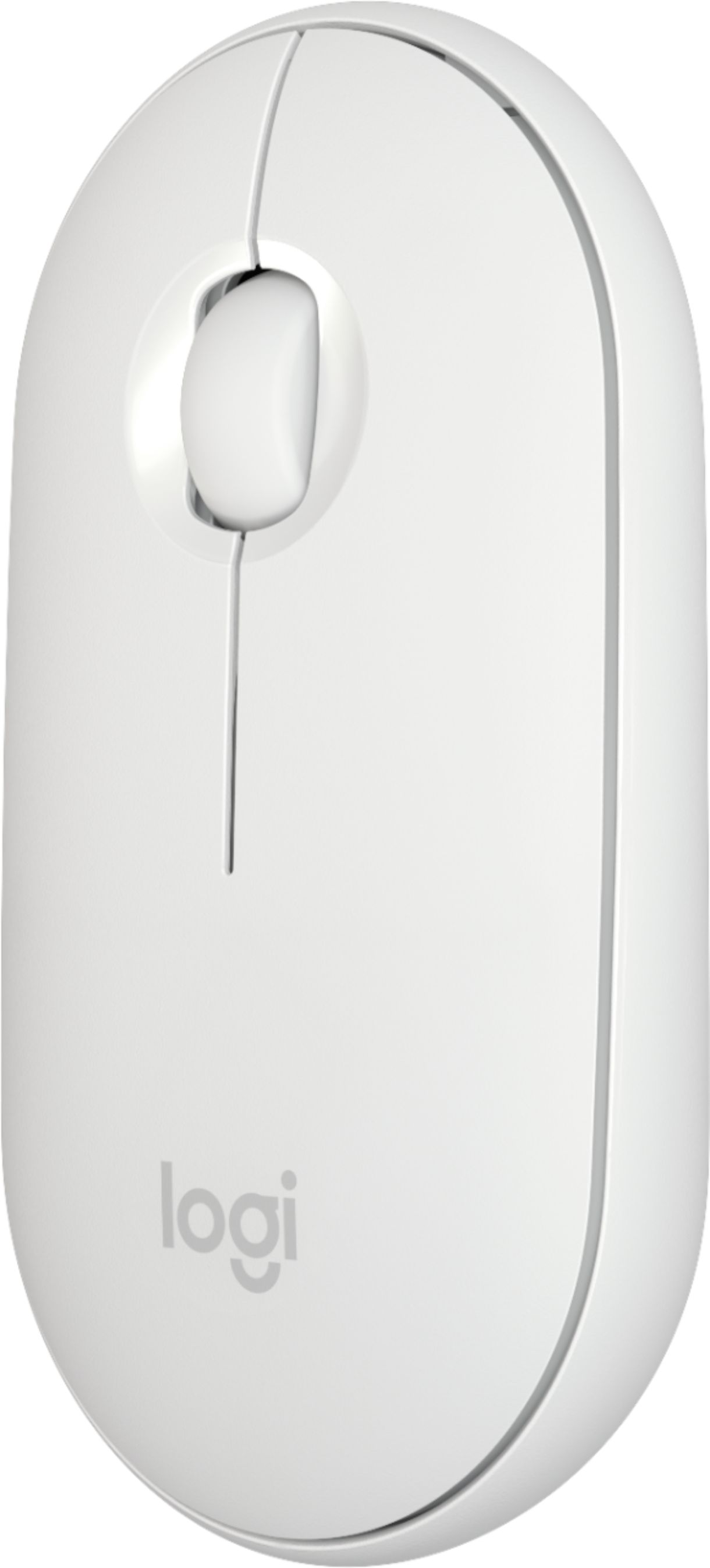
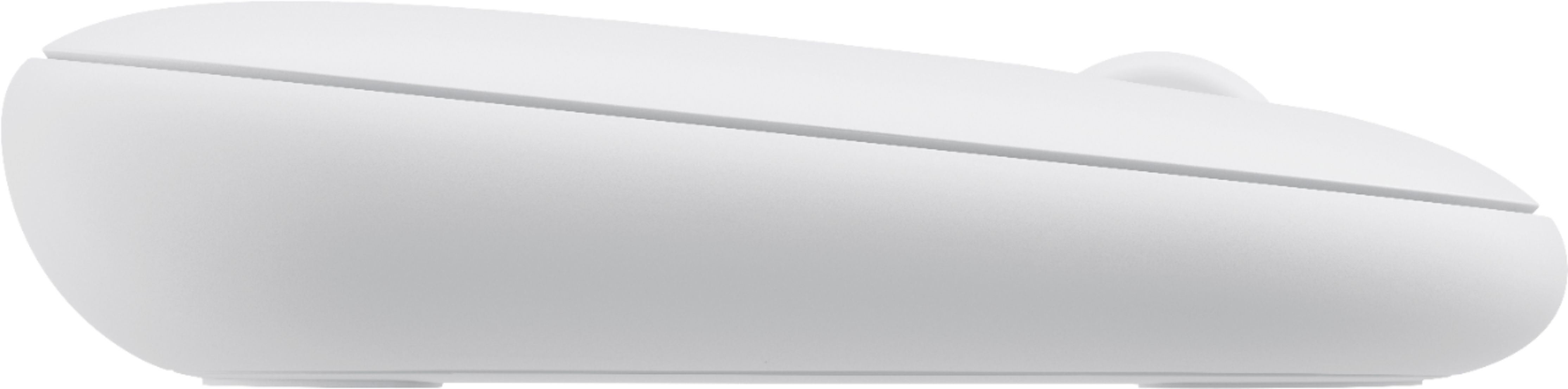
- Model:
- 910-005888
- SKU:
- 6409100
Rating by feature
- Value
Rating 4.7 out of 5 stars
- Quality
Rating 4.7 out of 5 stars
- Ease of Use
Rating 4.8 out of 5 stars
Customers are saying
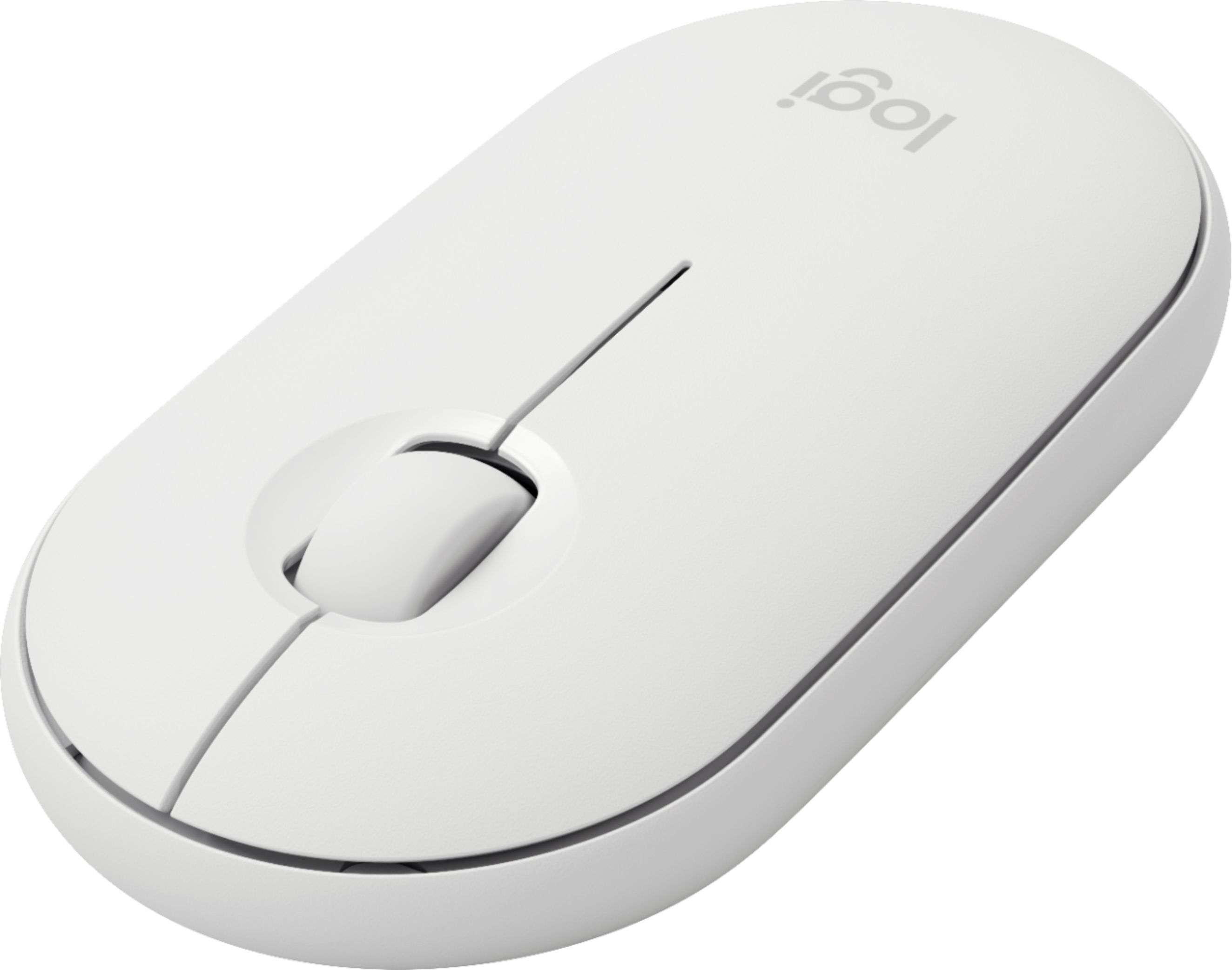
Customers find value in the Pebble i345 mouse's ease of use, compact size, and Bluetooth connectivity, frequently praising its compatibility with iPads and other devices. Positive feedback also highlights the long battery life, comfortable design, and quiet operation. While some users noted occasional lag, the overall experience is largely positive.
This summary was generated by AI based on customer reviews.
Perfect for iPad
||Posted .This reviewer received promo considerations or sweepstakes entry for writing a review.Perfect for my iPad. Very small and easy to control.
I would recommend this to a friendSomething is going on with it
||Posted . Owned for 1 week when reviewed.This reviewer received promo considerations or sweepstakes entry for writing a review.This is an okay mouse but there are many times where I am having to click multiple times on my Ipad pro for anything to happen, and when I finally switch to my finger to touch the screen it works, so that tells me that something is going on with the mouse.
No, I would not recommend this to a friendgood
||Posted .This reviewer received promo considerations or sweepstakes entry for writing a review.Was glad to finally find a bluetooth mouse that would sync to my ipad. It doesn't work perfectly like a mouse for a regular computer, which may be the ipad and/or the program that I am using (QuickBooks). Otherwise happy with it.
I would recommend this to a friendA little backward.
||Posted . Owned for 3 months when reviewed.This reviewer received promo considerations or sweepstakes entry for writing a review.I bought this as a portable mouse for my iPad. It does the job but I can't figure out the wheel. It spins backwards from the normal function of a mouse with a wheel.
No, I would not recommend this to a friendBluetooth mouse that can be used with iPad
||Posted . Owned for 1 month when reviewed.This reviewer received promo considerations or sweepstakes entry for writing a review.This is a good alternative mouse that can be used with an Apple iPad. Apple products are still superior but this is a nice lower budget alternative.
I would recommend this to a friendPretty nice
||Posted . Owned for 3 weeks when reviewed.This reviewer received promo considerations or sweepstakes entry for writing a review.Good battery life and nice build/quality. A little expensive compared to other small wireless mouse.
I would recommend this to a friend- Pros mentioned:Ipad compatible

Works Flawlessly
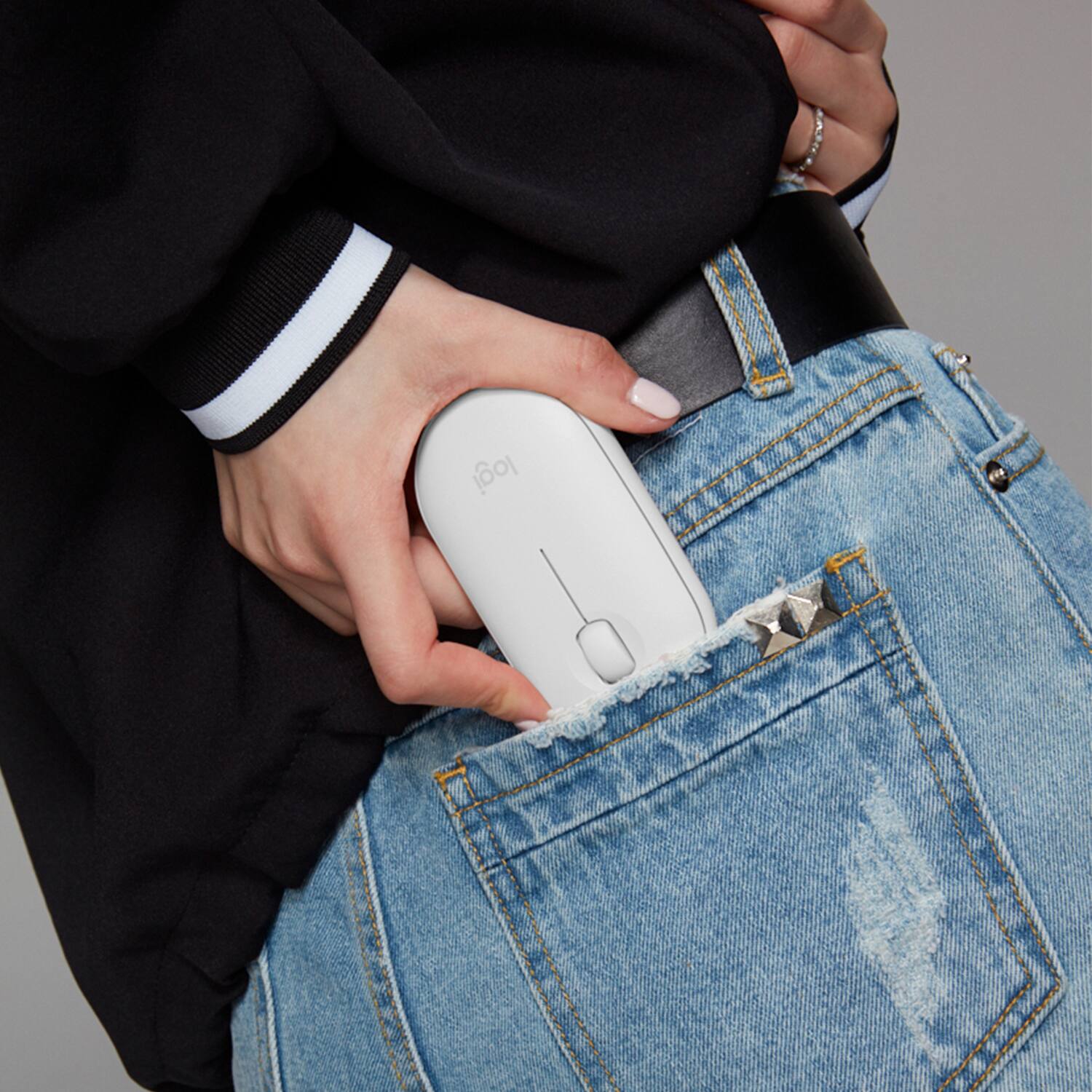
|Posted .This reviewer received promo considerations or sweepstakes entry for writing a review.Out of the box this mouse is very sleek and low profile. It's lightweight and not bulky so it fits into my iPad or MacBook sleeve easily. It took all of 30 seconds to connect it to my iPad. Which is super convenient, no passcodes or unnecessary steps to connect. As the date of this review, I'm using iPad iOS 13.4.1. I have average sized hands, but long fingers. At first it would be somewhat of an adjustment, only due to its low profile, but it was comfortable in my hands once I began to reach for and use it a couple of times. It is amazingly quiet, so much so, that you would really have to listen for clicking or scrolling sounds from the buttons and wheel. It still has the haptic touch so you can feel that you are clicking something, if you prefer that. I mainly use my iPad in my bed or on the couch and I must say that it is very responsive on multiple surfaces. There has been no lag, or loss of function while using the mouse on our couch or bed surface, or even on my pajama pants :). There is one thing that I have noticed, not a huge or worrisome negative, and I'm pretty sure its not due to limitations of the mouse but more so the limitations of the iPad when using a mouse, but I feel like I should mention...When using the mouse you aren't able to, or at least, I have not figured out how to back out of an app without having to manually hit the home button. I have found that if you scroll the mouse to the bottom of the screen then the bar with your last used apps pop up, but its not helpful if you don't want any of those apps and instead want to return to the home screen. So with that, there aren't any negatives that I have noticed with the mouse itself, and I highly recommend this mouse if you are looking for one that works flawlessly with an iPad.
I would recommend this to a friend Really good portable mouse
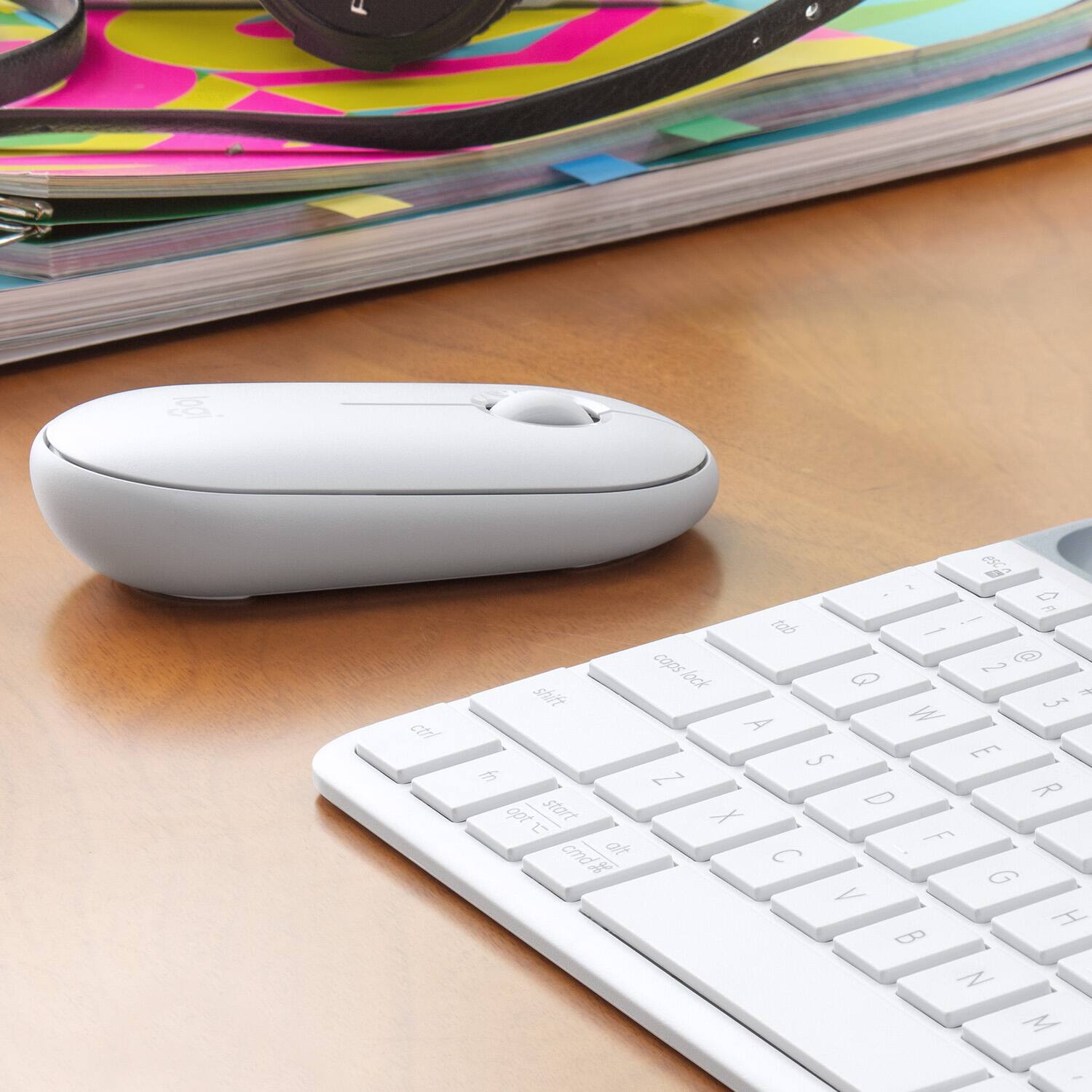
|Posted .This reviewer received promo considerations or sweepstakes entry for writing a review.The Logitech Pebble mouse is a great little mouse to use with your iPad. I never realized how useful a mouse would be with an iPad until I actually used one. Combined with a keyboard, it pretty much turns your tablet into a laptop. The Pebble is designed very well. The way that it’s shaped, it fits in your hand perfectly all while making it small enough to travel around with. The scroll wheel is very smooth and works really well, especially while browsing the internet. The right and left buttons feel good and make almost no noise when clicking them. I love how you can customize what the right button does under settings, you can make it do anything even turn off the power of your device. Connectivity is very easy, all you have to do is turn on bluetooth under setting and then select the mouse to pair it. You can also change the pointer speed on the mouse, as well as customize the on screen pointer. For example, you can make it bigger, outline it with a custom color, and change the transparency. The Pebble takes on AA battery and is suppose to last up to 18 months, according to the directions. I can neither confirm nor deny these allegations, as I have not had the mouse that long. The mouse works on pretty much any surface you can move it on, except clear glass unfortunately. It even works in the palm of your hand, which really impressed me. So, being able to scroll on almost any surface is a huge bonus, especially for a portable mouse. Overall, I am really impressed with the Pebble mouse. I’m amazed at how useful a mouse is with my iPad and all the functions that it supports. With the sleek and comfortable design and small form factor, I would definitely recommend this mouse to anyone with a tablet.
I would recommend this to a friendiPad 9th generation mouse
||Posted . Owned for 1 month when reviewed.This reviewer received promo considerations or sweepstakes entry for writing a review.Works well with my iPad. Sometimes it's hard to tell where the mouse indicator is using this mouse
No, I would not recommend this to a friendGood
||Posted .This reviewer received promo considerations or sweepstakes entry for writing a review.It is a good option, but it is not really introduced with apple gestures.
No, I would not recommend this to a friendStrictly for an iPad.
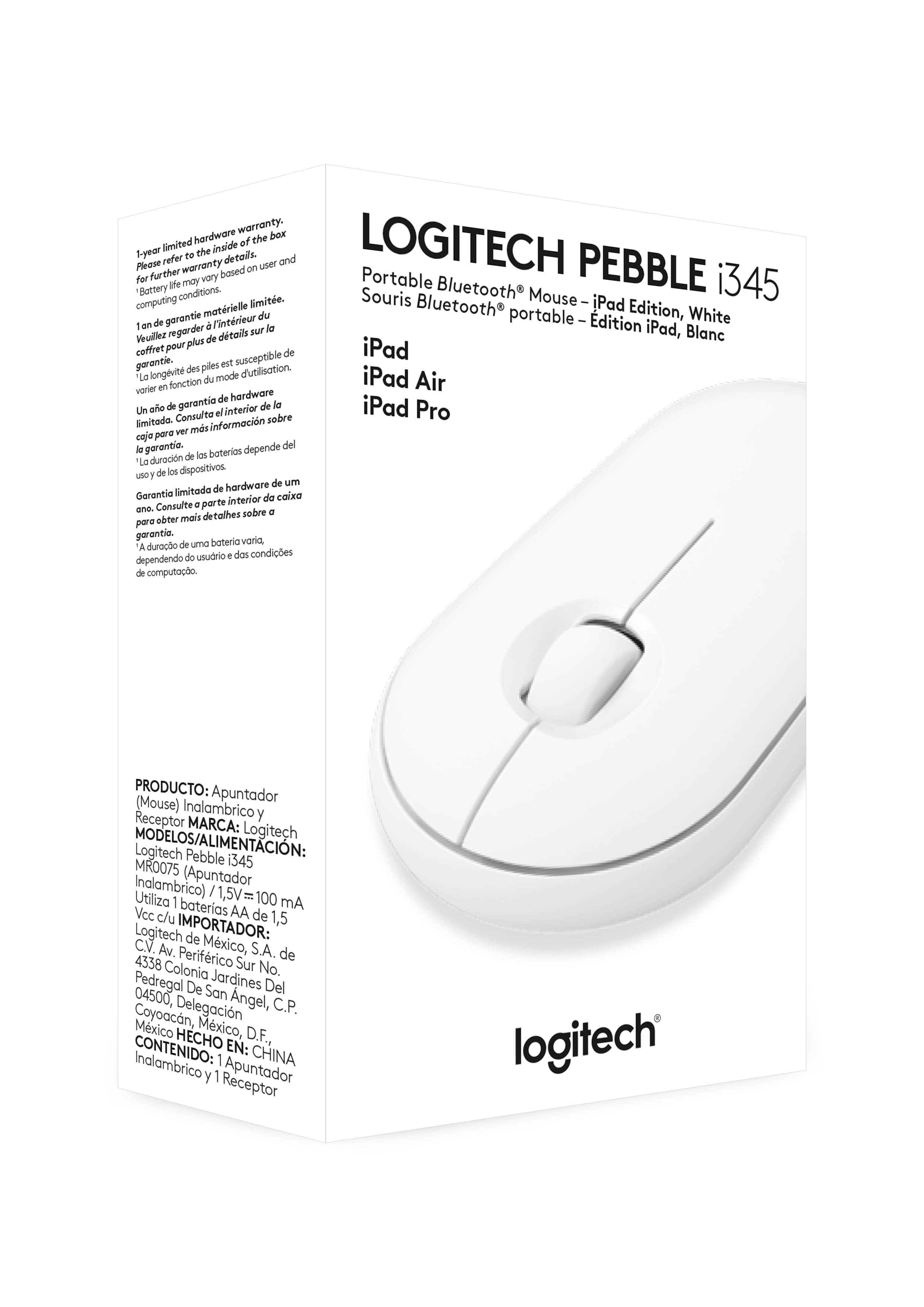
||Posted . Owned for 3 weeks when reviewed.This reviewer received promo considerations or sweepstakes entry for writing a review.I was misled by the sales clerk. The box said that it was a mouse Strictly for an iPad. I inform the clerk that I needed a mouse for my MacBook. He says because it’s Bluetooth it’ll connect to the pro book and my iPad. Sad to say it only was compatible for my iPad. So I had to return it
I would recommend this to a friendBrand response from Logitech
Posted .Hi Mickib09, thank you for sharing your experience with the Pebble i345. I'm sorry that you received misinformation about the Pebble. It does only work with iPads and is not designed to work with other devices. Logitech does make a mouse similar in shape and size that works with other platforms. Thank you for being a Logitech customer. Kristi from Logitech
- Pros mentioned:Compatibility
The Bluetooth-LE only Pebble.
|Posted .This reviewer received promo considerations or sweepstakes entry for writing a review.(I've received this product in exchange for my fair and unbiased review.) TL;DR - The Logitech Pebble Mouse M345 is a terrific mouse. While geared for iPad devices running iOS 13.4 or later. It's super easy to set up and makes sense to have for those who use their iPads for productivity purposes (constant stream of emails, Microsoft Office-type apps). It's super quiet and super comfortable to use, even all day long. I recommend it. For iPadOS 13.4 and 13.4.1 with mouse support, you'll need one of the following models of iPad: iPad 5th gen, 6th gen, or 7th gen iPad Air 2nd gen or 3rd gen iPad Mini 4th gen or 5th gen iPad Pro (any model) ---------------------------------------------------------------------- Unboxing and setup: This version of the Pebble came in a small box. Pop the security seals, pop the mouse out of the inner packaging, and pop a strip of paper out so the battery gets activated, and you're ready to go. You'll see a rapidly flashing blue light under the mouse; this means it's on and in Bluetooth pairing mode. On your iPad, you'll go to the Settings app, tap Bluetooth on the left side of the screen, tap the M345 on the right side of the screen, and tap Pair on the dialog that pops up. For those use to traditional scrolling in Windows versus "Natural" scrolling in Mac, you'll want to head to the General item on the left side of the screen, Trackpad & Mouse on the right side of the screen, and make sure you turn off "Natural" scrolling. Usage: It's a mouse. Outside of the few places in the settings app you can change things (you'll want to take advantage of the search feature in the settings app to find them all), there's not much difference between mousing in iPad OS or Windows, macOS, or ChromeOS. right-click gives you a context menu, left-click works like you'd expect, and the scroll wheel does too. iPad OS does treat the mouse pointer differently than any other OS, however, in terms of how it morphs as you use the computer. It's normally a circle instead of a pointer, and changes to different things depending on what you're doing (a bar for text insertion, morphing to the shape of whatever you're about to click on in dialog boxes or at the top and bottom of the screen, etc). This mouse is surprisingly quiet. Clicking and scrolling are tactile but you don't hear them from a normal user distance. Having other Pebble mice in the house, I can attest of the long battery life these units have. My wife has used one for the about 7 months now almost daily with her work and personal laptops and it's remaining battery life is around 55 percent. Bonus feature not mentioned on the box: One thing that isn't advertised by Logitech is compatibility with more than just iPad OS 13.4. It also works with Windows, macOS, ChromeOS, and Android devices that support Bluetooth-LE connections to devices. I was able to pair it to an Android TV set, a Mac running macOS 10.15.4 Catalina, a Windows 10 laptop, and my kid's ChromeBook. Under these other OSes, it works just like you'd expect a mouse to work. Drawbacks: If I were going to knock the M345 Pebble Mouse for anything, it would be the lack of compatibility with the Logitech Unifying Receiver (LUR). The other models of Pebble Mouse can be used with either Bluetooth-LE or LUR-connected devices, allowing you to switch between systems by tapping the pairing button. This mouse lacks that functionality. Because of that, I wish it were a little cheaper for the MSRP, considering the model that does support switching between Bluetooth-LE and LUR modes is the same price as of this review. Conclusion: All in all, it's another winner in the Logitech Mouse family. I'd recommend the Pebble family of mice to anyone who wants an inexpensive, comfortable, durable, and quiet mouse.
I would recommend this to a friendBrand response from Logitech
Posted .Hello, I am so glad to hear you are satisfied with the product. Thank you for taking the time to write this very informative review. We appreciate it!
Not the vest for Ipad
||Posted . Owned for 1 month when reviewed.This reviewer received promo considerations or sweepstakes entry for writing a review.This works ok. But just ok. Not real smooth and a bit touchy.
No, I would not recommend this to a friendPoor quality.
||Posted . Owned for 4 months when reviewed.This reviewer received promo considerations or sweepstakes entry for writing a review.Left mouse button gradually stopped working after 3 months - first needing many attempts to get it to register a click and then nothing. Logitech is giving me the run around to try and repair/replace. Too bad because otherwise it was a nice mouse to use.
No, I would not recommend this to a friendBrand response from Logitech
Posted .Hello, Very sorry to hear about the issue you're having with the left mouse button not working properly anymore on the Pebble i345 Mouse for iPad. Fortunately, this mouse does come with a 1 year limited hardware warranty. Here's the link to File A Claim: https://support.logi.com/hc/en-us/articles/360044741454-Warranty-Pebble-i345-Wireless-Mouse-for-iPad. Hope that you found this helpful and that all is going better. Thank you for being a Logitech customer. - Richard from Logitech
Same body, different insides
||Posted . Owned for 1 month when reviewed.This reviewer received promo considerations or sweepstakes entry for writing a review.This specific model can only sync with one device. If you want to use the mouse with multiple devices try a different model of Pebble than this. They LOOK the same but aren’t
No, I would not recommend this to a friendBrand response from Logitech
Posted .Hello Pioneer,
You are right, the Pebble does not have multidevice connectivity. I recommend you check out the POP Mouse, which is similar in design but has multidevice connectivity and other cool features that the Pebble lacks. Logitech appreciates your product review. - Leo from Logitech
Died Just Post 1yr Warranty
||Posted . Owned for 1 year when reviewed.This reviewer received promo considerations or sweepstakes entry for writing a review.Died around the 13/14mo mark, unfortunately the warranty is only 1yr. The planned obsolescence is getting ridiculous, spend a little extra on a quality one.
No, I would not recommend this to a friendBrand response from Logitech
Posted .Hello RipNDip,
I am sorry that the i345 mouse is not working as expected. Please, contact the Logitech support team for personalized assistance with your issue. Logitech appreciates your product review. - Leo from Logitech
an unnecessary purchase
||Posted . Owned for 8 months when reviewed.This reviewer received promo considerations or sweepstakes entry for writing a review.I dont like this mouse at all. I cant change the scroll direction on the wheel. I bought it and never use it. I use the mouse pad or screen mostly. I would return it if I could.
No, I would not recommend this to a friendBrand response from Logitech
Posted .Hello Jimmy. Thank you for taking the time to write your review of the Pebble mouse. I'm sorry to hear that you're not satisfied with the mouse. Are you using the mouse with an iPad or computer? Due to it being a mouse optimized for iPad, there is no way to reverse the scroll on the iPad. Here is the support site for the i345 mouse: https://support.logi.com/hc/en-us/articles/360045255493-Getting-Started-Pebble-i345-Wireless-Mouse-for-iPad
-Charlton at Logitech
Too flat
||Posted . Owned for 1 year when reviewed.This reviewer received promo considerations or sweepstakes entry for writing a review.The mouse is too flat in my palm and therefore quite uncomfortable after using it for an hour. I had to replace it with an ergonomic mouse.
No, I would not recommend this to a friend- Pros mentioned:Long battery life
Pairs Quickly but some small quirks
|Posted .This reviewer received promo considerations or sweepstakes entry for writing a review.It may seem odd to want to use the iPad Pro with a mouse, but as Apple continues to make the iPad more "computer-like" and I find myself using my iPad Pro (11") more with a keyboard a mouse makes sense especially now with official iOS 13.4.1 support. Pairing the i345 was easy. Turn it on, go into the iPad Bluetooth settings and it connects. Batteries are included and Logitech quotes an 18-month battery life. There's a weird warning message that then displays in iOS Bluetooth Settings after you pair the mouse. "Using "Pebble i345" may affect WiFi and Bluetooth connectivity." (see photo) This warning throws me a bit, as I wouldn't expect a device designed for an iPad to display this warning. It's Apple iOS giving this warning but I hope Apple/Logitech sort it out at this is unsettling. I didn't see any impact on my WiFi or my paired Airpods so it feels like an overly cautious warning. I think it's just a small quirk in iOS and not a deal-breaker. Once connected it works great. The mouse pointer is a little dot on the screen, it looks like the assistive touch dot for those familiar with the concept. Some tips. If you click on the bar at the bottom of your iPad, it will act to minimize everything so you can get to the home screen. You can scroll your home screen left/right by clicking on the home screen "dots". If you want to tweak settings on how the mouse works, use the Assistive Touch controls in Settings (search for Mouse in the Settings App. Right-click on the mouse is the same as a long touch/force touch. I also discovered that if you forget to turn the mouse off it goes to sleep and it doesn't seem to automatically repair without turning it off and on (not a big deal). That said, you can "wake" the iPad using just the mouse which is super cool. Scrolling with the scroll wheel, especially if you're reading a textbook or working through a spreadsheet. Personally, I like having the Logitech Mouse on my iPad. Especially right now when I am using the iPad A LOT more for video calls. It lets me have the iPad a little further away from me for calls, and I can still use the iPad easily without reaching across the camera. Get yourself a keyboard to use with the mouse and your iPad Pro will be all set as a computer replacement.
I would recommend this to a friendBrand response from Logitech
Posted .Hello, I am so glad to hear you are happy with the product. Thank you for being a Logitech customer and taking the time to write this review!
- Pros mentioned:Compatibility
Decent little cheap mouse
|Posted .This reviewer received promo considerations or sweepstakes entry for writing a review.There's not a whole lot that's special about this mouse but that's not necessarily a bad thing. It's just a small, bluetooth mouse that works like you'd expect a mouse to work. It's directed as a mouse for iPad specifically but it's just a bluetooth mouse so it'll work with other devices that accept bluetooth mice. I found it pretty comfortable to use for such a small mouse. The clicking felt good while being pretty quiet. Scroll wheel was probably the thing I liked the least. Setup was a breeze. Pull the battery tab and it starts up in pairing mode right away. Just open your iPad's bluetooth settings and select the Pebble device to pair. That's it. You need to make sure your iPad is updated to iPad OS 13.4 or greater or you won't have pointer support. I'm not sure if it's supposed to be enabled by default, but I went into the pointer settings in Accessibility and set up the middle mouse button to act as a home button. This requires Assistive Touch to be enabled which I'd rather not but it's not a fault of the mouse so I can't be upset about that. Usage on a flat, black, textured desk top worked well. Didn't notice any real issues with tracking. The right and left buttons feel really good to click while being very quiet at the same time. This isn't a very important feature for me but I still liked it. The middle mouse button feels pretty good as well. The scroll wheel is an enigma to me. The wheel FEELS pretty nice to scroll, but the reaction in iPad OS isn't super great to me. Scrolling feels clunky. I don't know if this is a fault of iPad OS or if it's a result of the "clicky" style mouse wheel so the scrolling just doesn't feel as smooth as when you're normally scrolling with a finger. I actually found myself clicking and dragging to scroll more than using the wheel. Again, this could be an iPad OS problem because the wheel feels pretty smooth while using it with very subtle notches you can feel. The feel of the mouse in my hand is generally good. It's light weight and small and great for taking it with you and your iPad (or your laptop). It didn't take very long to get used to the feel in my hand. I can't speak towards the reported 18 months of battery life on a single AA battery as I only tested the mouse for a couple of days. There's not much else to report about this mouse. It's a pretty good mouse and it's not very expensive. If you're looking for a small, portable mouse for your laptop or iPad, I can recommend this one to most people.
I would recommend this to a friendBrand response from Logitech
Posted .Hello, I am so glad to hear you are satisfied with the product! Thank you for being a Logitech, and taking the time to write this very informative review!