Customer Ratings & Reviews



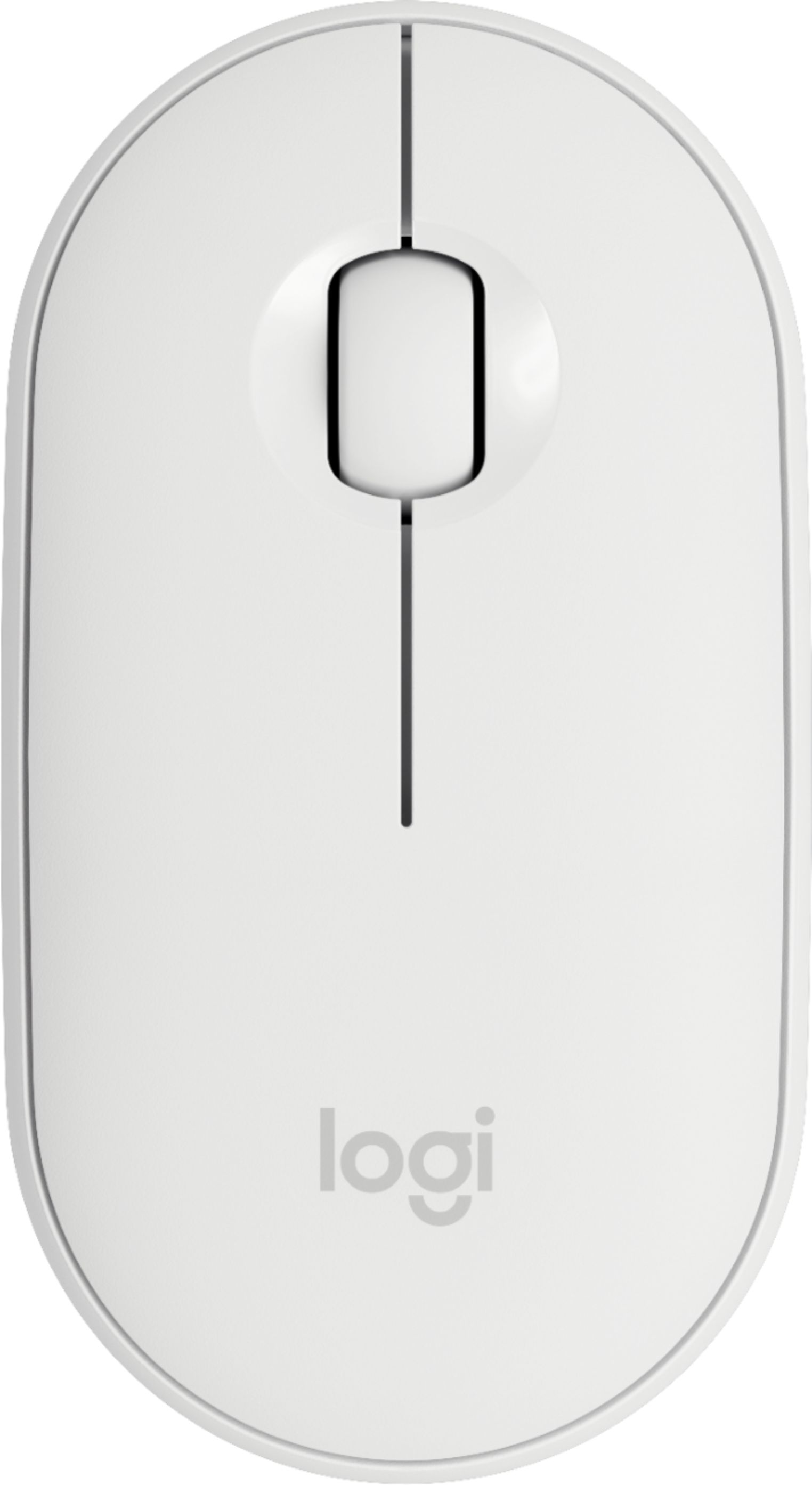
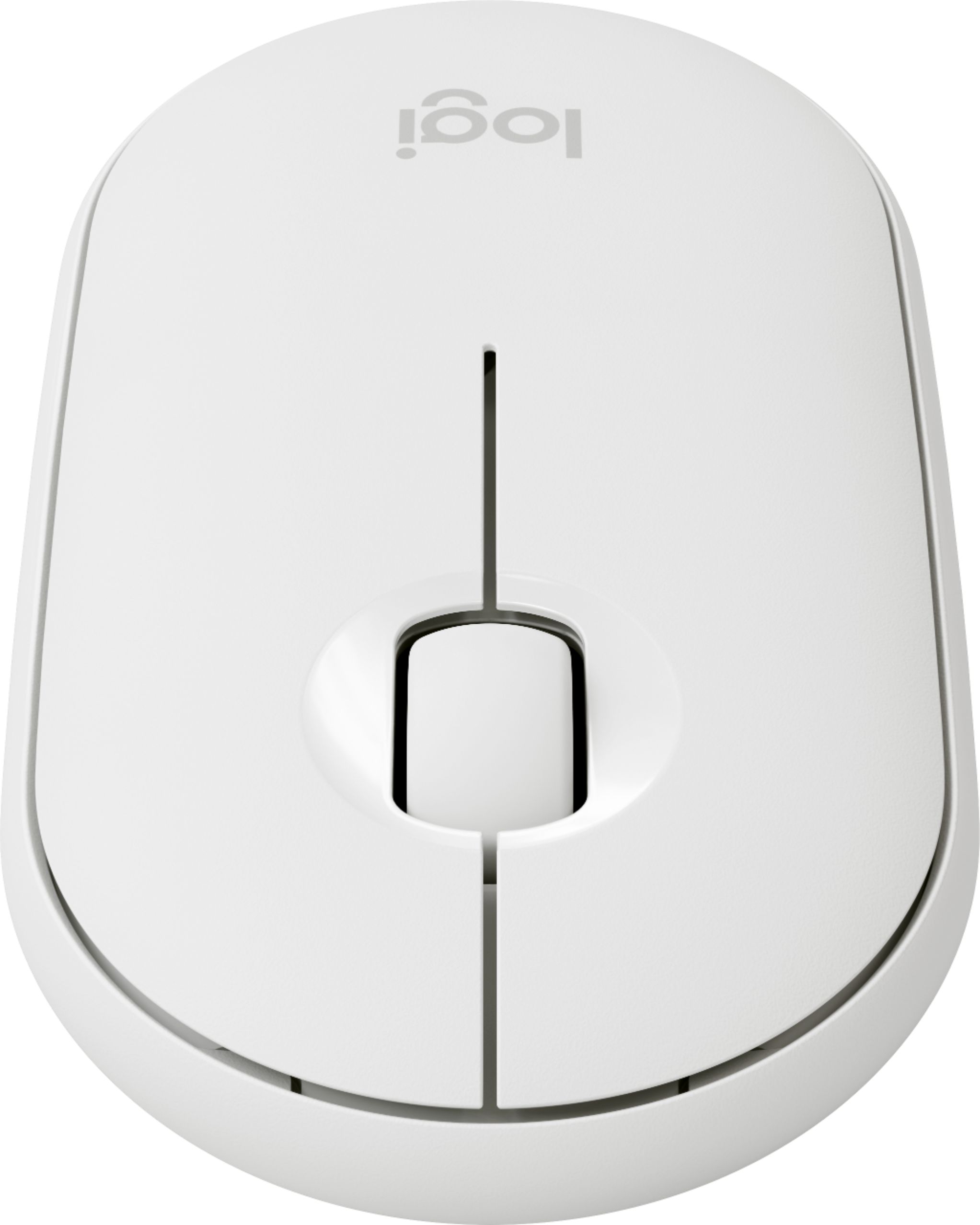
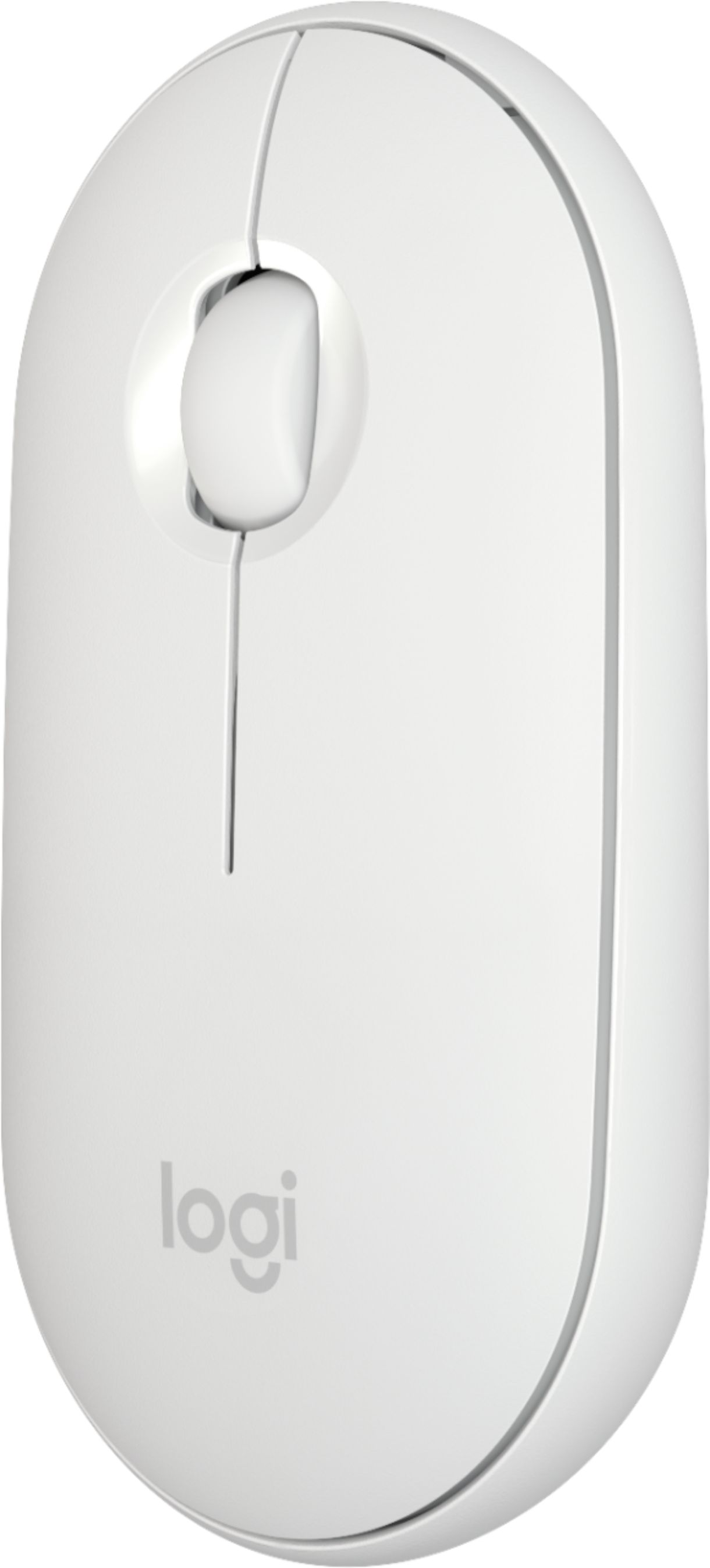
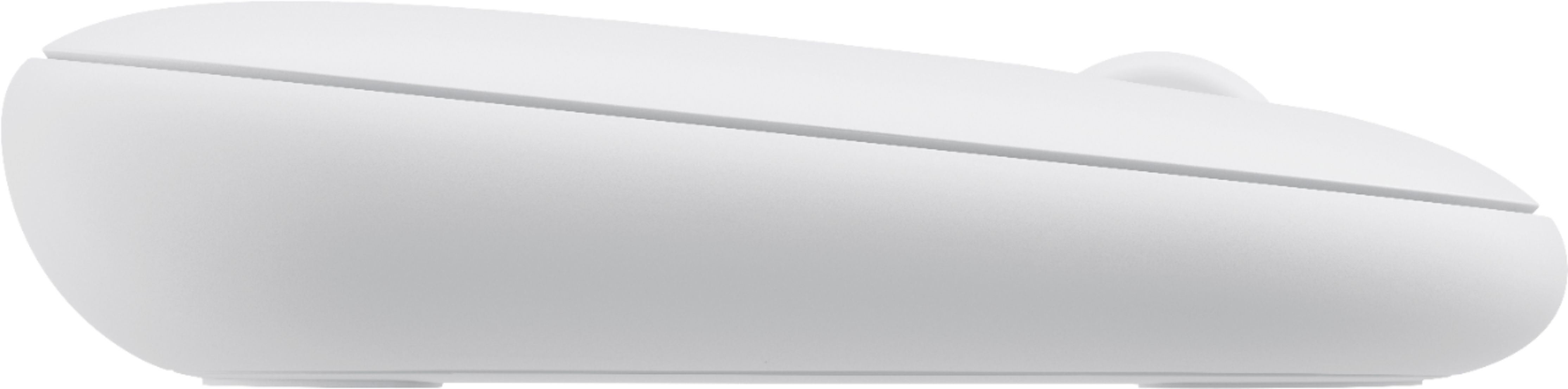
- Model:
- 910-005888
- SKU:
- 6409100
Rating by feature
- Value
Rating 4.7 out of 5 stars
- Quality
Rating 4.7 out of 5 stars
- Ease of Use
Rating 4.8 out of 5 stars
Customers are saying
Customers find value in the Pebble i345 mouse's ease of use, compact size, and Bluetooth connectivity, frequently praising its compatibility with iPads and other devices. Positive feedback also highlights the long battery life, comfortable design, and quiet operation. While some users noted occasional lag, the overall experience is largely positive.
This summary was generated by AI based on customer reviews.
- Pros mentioned:Long battery life

Best Mouse for iPad
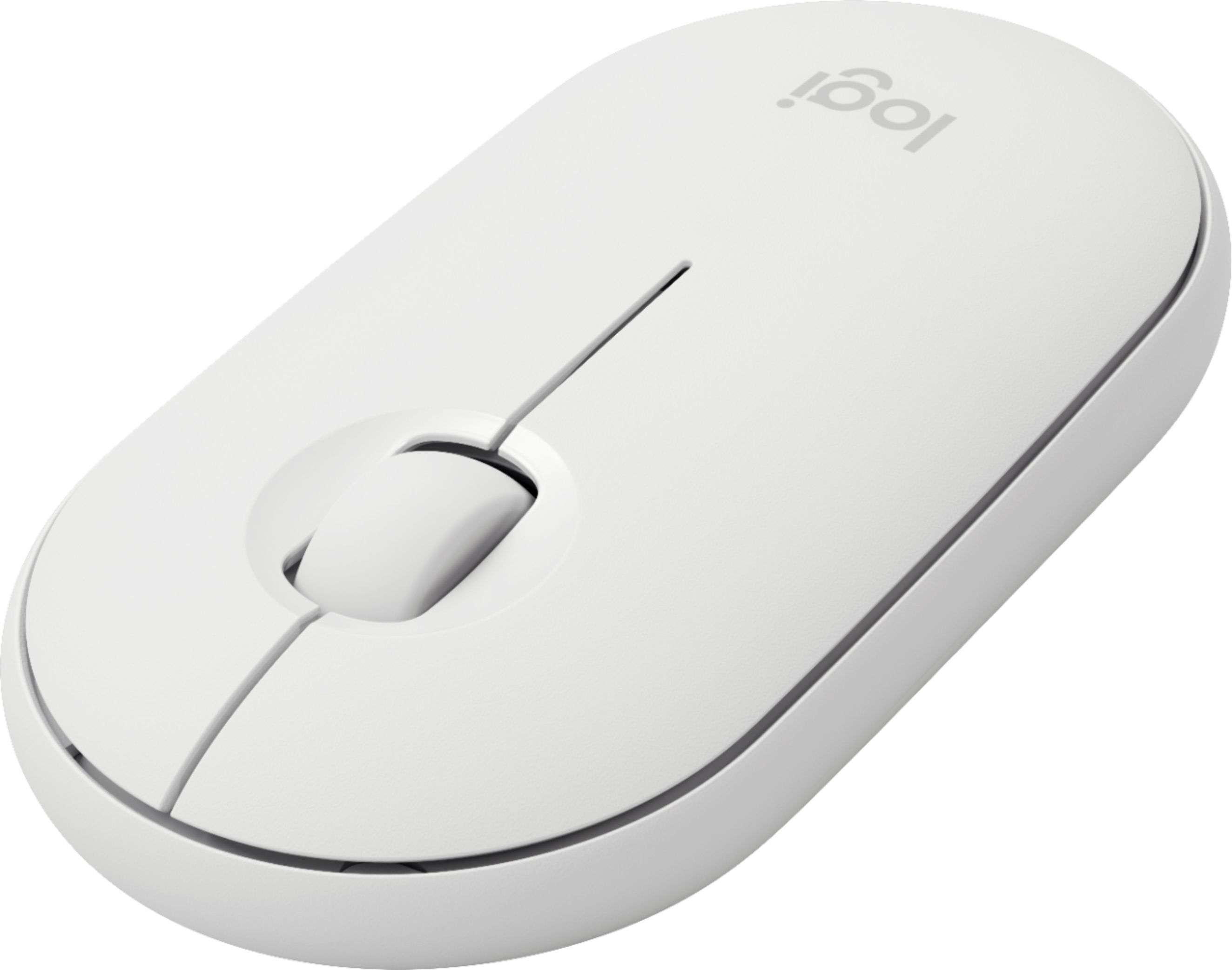
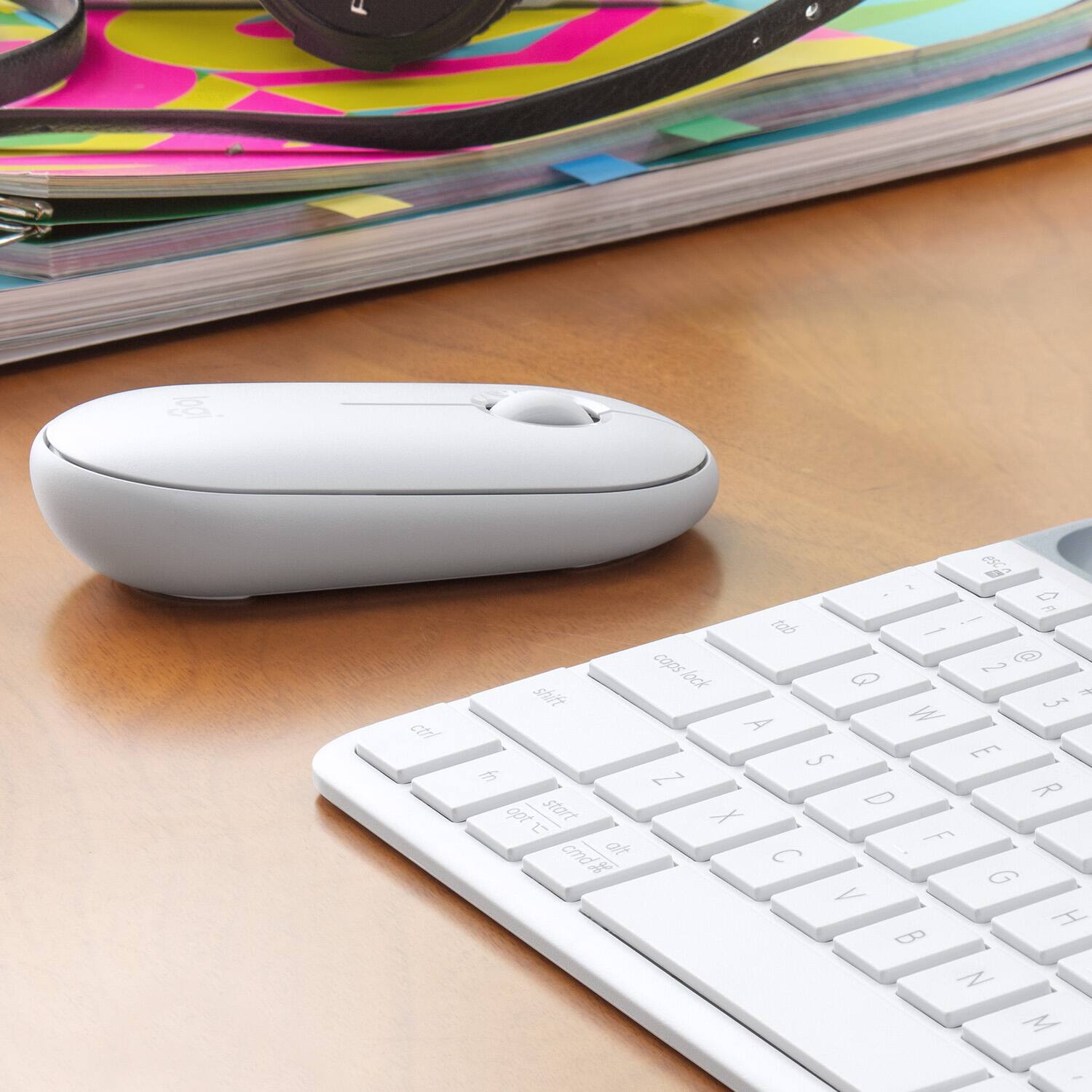
|Posted .This reviewer received promo considerations or sweepstakes entry for writing a review.REVIEW I am using this mouse with my 7th generation iPad and it is going to replace my Magic Mouse 2 which I am going to sell. Primary reason - I don’t want to keep charging the mouse every couple of weeks. This Logitech mouse can run a marathon at 18 months before replacing the AA battery. Second reason - it has a scroll wheel on the top although I can move my finger over the Magic Mouse 2, it does not work well for scrolling. BUILD It is made of plastic unlike the Magic Mouse 2 has an aluminum base but it is ok. It does look well built and will survive a few falls. It is almost the same size as that of the Magic Mouse 2 and weighs lesser. It is well rounded and feels good in your palm. SETUP Take it out of the box and pop in a AA battery and it automatically gets into a bluetooth pairing mode. I was able to pair with my iPad in a jiffy, It has a on/off button to turn it off when not in use to conserve battery, It has a pairing button but never had to use it. USAGE It’s a mouse, not complicated. It has a right click, left click and a scroll wheel (Big plus). There is no USB receiver, just connects through bluetooth. The movement is smooth and I actually do not like the way Magic Mouse moves may be because of the 2 Bar like things at the bottom. For the Logitech mouse, u do not even need a mousepad. I could just use it over a regular desk and it is smooth like butter. And not to mention that the button clicks are much smoother and quieter, better than the Magic mouse and you can actually use it in a room when someone is sleeping. PROS 1. Well built , rounded and fits well in palm 2. Uses a AA battery and never needs charging for 128 months 3. Smooth on the surface when moving it 4. No receiver needed and connects to the iPad in a Jiffy 5. Quiet CONS None. Highly recommended mouse for iPads.
I would recommend this to a friend - Pros mentioned:Long battery life, Portable
USING A MOUSE WITH AN IPAD!
|Posted .This reviewer received promo considerations or sweepstakes entry for writing a review.This works and functions like any other wireless mouse. THE ONLY DIFFERENCE IS using it for an IPAD! Buttons and scroll wheel work as expected. IOS enhancements to include the mouse (gray circle) cursor is a welcome change and further enhances my Ipad with logitech rugged folio as a true remote work station. I LOVE the size of this mouse and think it will forever be part of my mobile work bag. High quality and looking forward to testing the 18 month battery life.
I would recommend this to a friend Logitech Optical Mouse for iPad
||Posted . Owned for 1 week when reviewed.This reviewer received promo considerations or sweepstakes entry for writing a review.Not able to get to work with iPad as stated Works with Mac out of the box.
No, I would not recommend this to a friendBrand response from Logitech
Posted .Hello HomeOfficeTech,
Thank you for choosing Logitech. I am sorry that you have had trouble setting up your Pebble i345 Bluetooth Optical Mouse for iPad; I would like to help. According to Apple’s support website, “Connecting a Bluetooth accessory to your iPad requires iPadOS 13.4 or later. These iPad models support iPadOS 13 and later: iPad Pro (all models), iPad (5th generation) or later, iPad Air 2 or later, iPad mini 4 or later.
How to connect a Bluetooth mouse or trackpad to your iPad:
1. Turn on your Bluetooth accessory and place it near your iPad.
2. Make sure that your accessory is in pairing or discovery mode.
3. Open the Settings app on your iPad.
4. Tap Bluetooth.
5. Look under Other Devices for your Bluetooth accessory, then tap its name to pair it with your iPad”.
I have attached a link to the “Getting Started” support page for the Logitech i345 Bluetooth Optical Mouse for iPad for your reference. I hope these suggestions will resolve the issue that you experienced. For further assistance, please visit the Logitech support website.
Best regards,
John at Logitech
https://support.logi.com/hc/en-us/articles/360045255493
- Pros mentioned:Long battery life
Best wireless mouse on the market
|Posted .This reviewer received promo considerations or sweepstakes entry for writing a review.I'm already a huge fan of the model 345 Pebble mouse, so it was an easy decision to get this one marketed for the iPad. I've been using the Pebble 345 model with my MacBook for work which is a solid 8-9 hours each day and I love it. As far as I can tell, the only difference between the i345 and my other is the i345 doesn't have the USB dongle for connecting to devices that don't have bluetooth. However, I've never even used that feature so the two mice are essentially the same to me. The mouse is super easy to pair up with the iPad. It's also super easy to move and pair with another device even if you just want to use it temporarily. Just to test it out, I paired it with my Chromebook then paired it back with the iPad when I was finished. No problems at all doing that. The two things that really impress me about this mouse are: 1) how quiet it is clicking and scrolling and 2) how it only takes one AA battery that's supposed to last 18 months! The quiet clicking seems like a trivial thing until you're cooped up working at home with your spouse, and then it's a huge quality of life improvement. The battery life amazes me. I really don't know if it's going to last 18 months, but I've been using it 40+ hours a week for about 4 months now and it's still going strong. I highly recommend this mouse for any bluetooth device you have whether it's an iPad or something else.
I would recommend this to a friend Great mouse for the iPad
|Posted .This reviewer received promo considerations or sweepstakes entry for writing a review.This mouse connects easily to iPad. However, it cannot be paired to another iPad and switch between them. If you pair it to a second and iPad and wish to connect it back to the first iPad, you have to forget device in Bluetooth settings and repair it. It has a stylish lightweight design. The mouse pointer is smooth and accurate, as well as the scroll wheel. The scroll wheel is very quiet. If you need to change the direction of scrolling on the iPad using the scroll wheel go to Settings > General > Trackpad & Mouse and toggle Natural Scrolling. The top cover of the mouse can easily be removed to replace battery. The mouse can be used on all surface except for clear glass surfaces. My only gripe is the bottom surface of the mouse. It is made with very hard plastic. When moving the mouse around on a mouse pad or solid surface, it is much louder compared to other mouse I’ve used. It would have been nice if they used a softer plastic material. Other than that, it’s a great mouse to use with an iPad.
I would recommend this to a friend- Pros mentioned:Portable
Portable and Quick to Pair
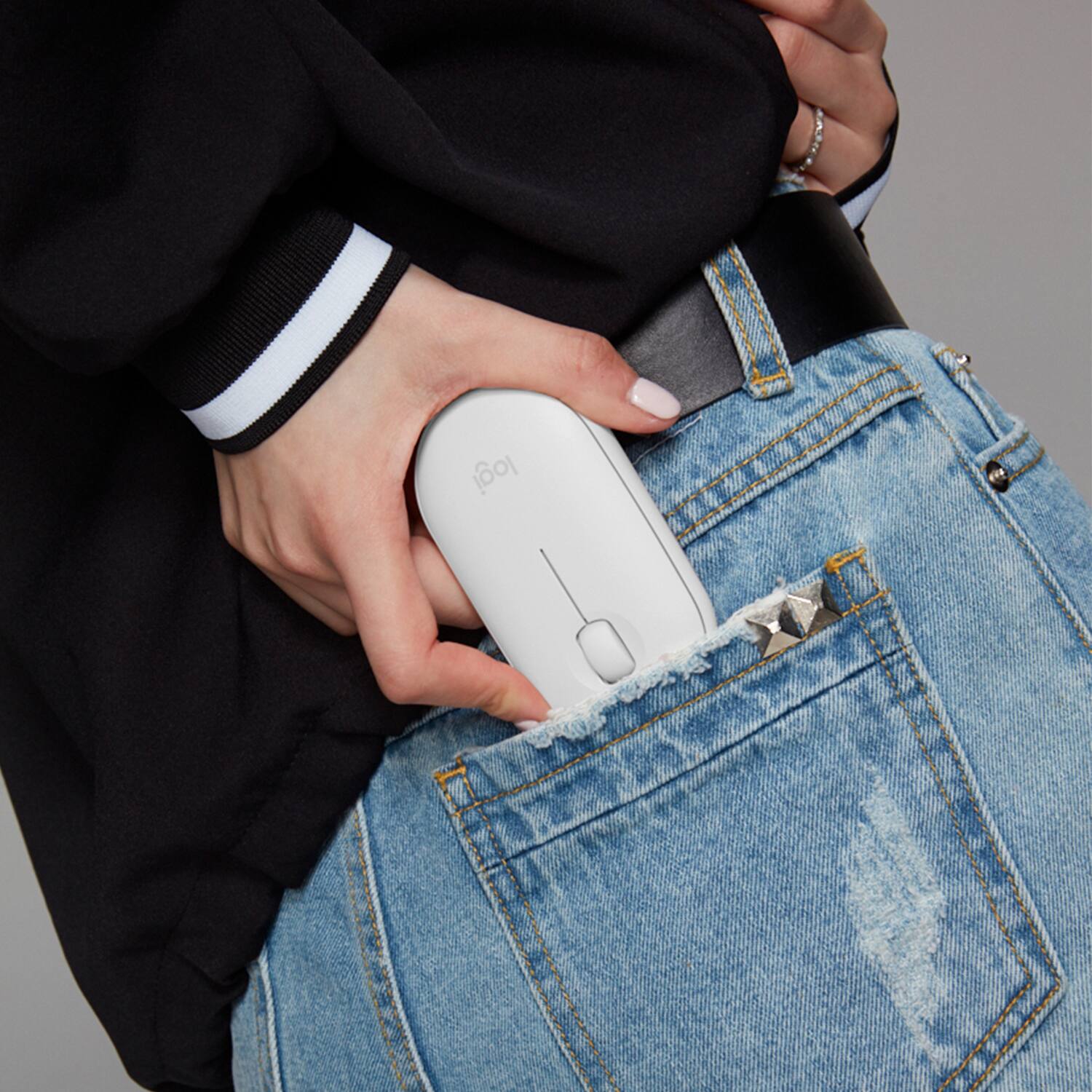
|Posted .This reviewer received promo considerations or sweepstakes entry for writing a review.This is a great mouse for those with an iPad, iPad Air, or iPad Pro. This Pebble mouse works like any other mouse. Left click, right click, and scroll wheel. The iPad easily paired to the device once I pulled the plastic tab from the battery. It has a simple toggle switch on the bottom, and already came with a battery installed. It also only uses 1 AA battery, and while I can't confirm the battery life, it's not showing any signs of draining. Being as portable as it is, makes it easy to pack this up in my small messenger bag with my iPad Pro. I didn't experience any lag or disconnects, which is huge compared to another off brand mouse I was using. This one also didn't have a lot of issues with surfaces, compared to other mouse, so there wasn't any jumping around of the cursor. Overall, this portable mouse has easily become my favorite iPad accessory, and works as advertised!
I would recommend this to a friend Nice size
|Posted .This reviewer received promo considerations or sweepstakes entry for writing a review.Overall I am very pleased with this product. The overall size is good, not to small so as to get lost under your hand but not super bulky either. Great size to go in a bag with the ipad. Having the on/off switch keeps it from using up the batteries from accidental contact in a bag. Pretty simple and straightforward operation. It connects by bluetooth and does not kick out other bluetooth devices such as the ipad pen. Takes a little getting used to but its not bad or anything major I think it is more the operation of the ipad to be honest. I did have to slow the cursor speed down to have the ipad respond better. Also it is a dot instead of an arrow not a big deal. The only downside is that the top of the mouse is also the battery cover and only held on basically by magnets so I worry about the durability or accidental drops. In my opinion a little door on the bottom like others have would have been a better design. The directions are lacking a bit but honestly not that hard to figure out if you have any tech/bluetooth knowledge. Feels like it is fairly well made and should last awhile. The matte black is nice as it is less likely to show wear and fingerprints than some of the more shiny or padded ones.
I would recommend this to a friendLocked us up
||Posted . Owned for 3 weeks when reviewed.This reviewer received promo considerations or sweepstakes entry for writing a review.This locked up our ipad 11 pro - rendered it nonresponsive, it wouldn't even power down. Returned and purchased an Apple mouse to use with it instead.
No, I would not recommend this to a friendBrand response from Logitech
Posted .Hi Taht, Thank you for your feedback. Sorry for any inconvenience. If you ever need assistance, please contact Logitech Support on the website. LaShonda from Logitech
Missing transceiver inside the mouse
||Posted . Owned for less than 1 week when reviewed.This reviewer received promo considerations or sweepstakes entry for writing a review.I got the mouse this afternoon but it’s unbelievable, the micro transceiver was not inside the mouse. I will return it soon and need to buy another one.
No, I would not recommend this to a friendBrand response from Logitech
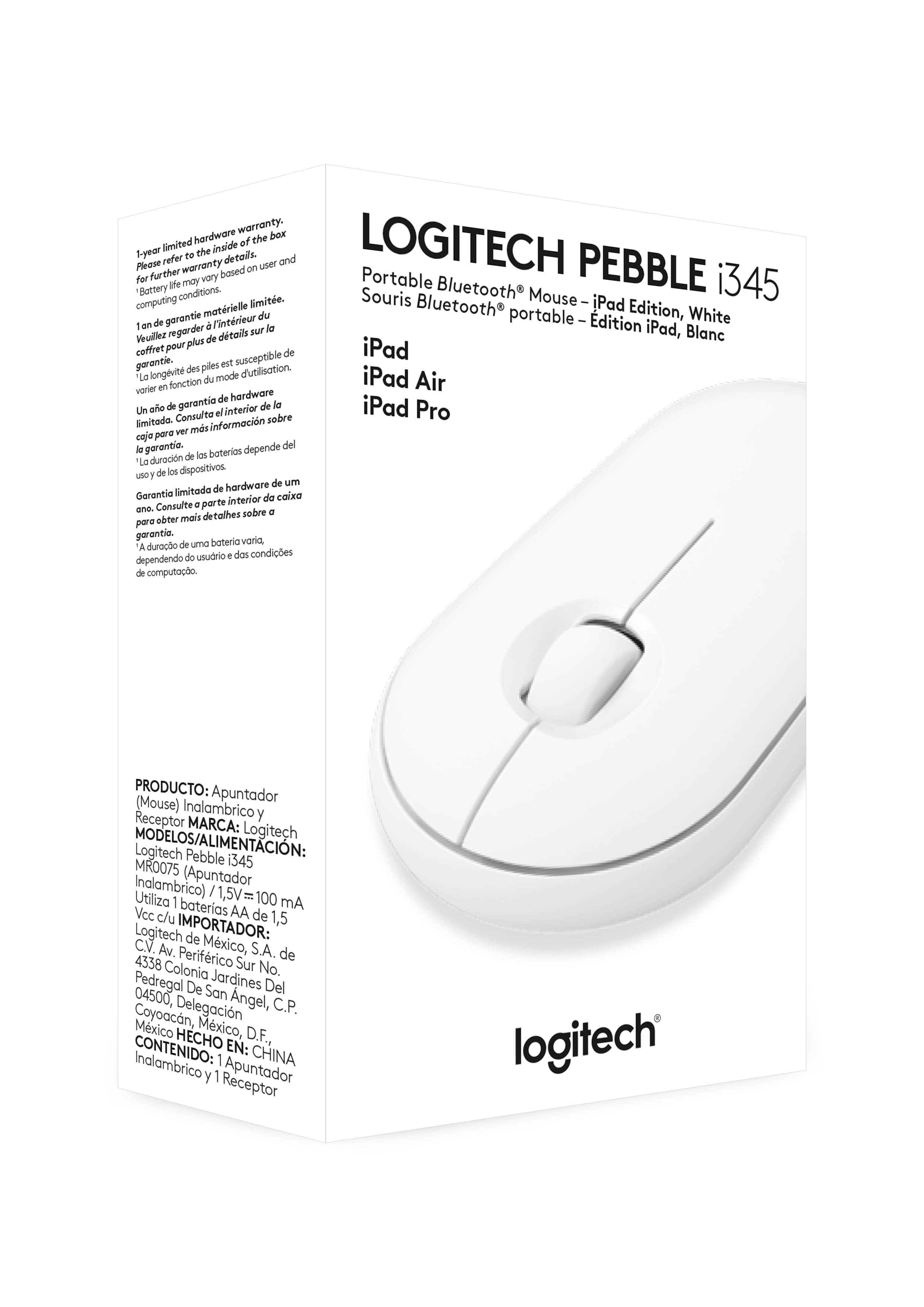
Posted .Hello, the i345 is a bluetooth only model. This model does not come with the USB dongle. If you ever have any feature/settings questions, please visit us for support at https://support.logi.com/hc/en-us
Mouse Glitches after using it for 6 months.
||Posted . Owned for 7 months when reviewed.This reviewer received promo considerations or sweepstakes entry for writing a review.Mouse is now glitching and clicks when I am not clicking. Unable to use anymore, it is throwing off my workflow.
No, I would not recommend this to a friendBrand response from Logitech
Posted .Hello Amanda, I am so sorry to hear about the click issues you are experiencing with this mouse. That is definitely not normal. Let us make this right. This mouse comes with a 1 year warranty through Logitech, so we can get that replaced for you. Here is the link in order to file a claim: https://support.logi.com/hc/en-us/articles/360044741454-Warranty-Pebble-i345-Wireless-Mouse-for-iPad. I hope this helps!
-Danielle from Logitech
Worked for 1 month
||Posted . Owned for 1 month when reviewed.This reviewer received promo considerations or sweepstakes entry for writing a review.Stopped working only after 30 days exactly.... Would not recommend purchasing.
No, I would not recommend this to a friendBrand response from Logitech
Posted .Hello, I am so sorry to hear you mouse is no longer functioning. Lets try and fix that for you! This mouse has a 1 year warranty through Logitech. If you would like to file a claim for a new one, please visit the support page for this item on Logitech.com. I hope this was helpful! Thank you for taking the time to write this review, we appreciate the feedback.
Don't buy
||Posted . Owned for 1 month when reviewed.This reviewer received promo considerations or sweepstakes entry for writing a review.Died after 1 month. Very disappointed in the quality of the mouse.
No, I would not recommend this to a friendBrand response from Logitech
Posted .Hello, I am so sorry to hear the mouse died on you only after a month of use. It does come with a 1 year warranty through Logitech, so we can get that replaced for you! Here is the link to file a claim: https://support.logi.com/hc/en-us/articles/360044741454-Warranty-Pebble-i345-Wireless-Mouse-for-iPad. I hope this helps! Thank you for taking the time to write this review, we appreciate the feedback.
Nice looking
||Posted . Owned for 1 month when reviewed.This reviewer received promo considerations or sweepstakes entry for writing a review.Never got it to work with ipad, had to return it, hassle free return !
I would recommend this to a friendBrand response from Logitech
Posted .Hello, I am sorry to hear you were not able to get it connected to your iPad. I am glad the return process was hassle free though. Thank you for taking the time to write this review, we appreciate the feedback.
1
||Posted .This reviewer received promo considerations or sweepstakes entry for writing a review.Never work with the tables, and iPads no work with None iPad tablets..!!!
No, I would not recommend this to a friendBrand response from Logitech
Posted .Hi Gadi, I am sorry to hear that the i345 would not work with your tablet. This model is designed for Apple iPad. Although many tablets cannot use a mouse feature at all, any of our Bluetooth mice will work as long as the tablet has the capability. Thank you for the feedback!
No bueno
||Posted . Owned for less than 1 week when reviewed.This reviewer received promo considerations or sweepstakes entry for writing a review.Very poor quality. Exchanged it for a better Logitech mouse.
No, I would not recommend this to a friendBrand response from Logitech
Posted .Hello Allie,
Thank you for choosing Logitech, and for taking the time top review the Pebble i345 Bluetooth Optical Mouse. I am sorry that you were not pleased with the Pebble i345, we appreciate your feedback. I am glad that you found another Logitech mouse that is a better fit. Please feel welcome to visit the Logitech website for product support.
Best regards,
John at Logitech
Mr.
||Posted . Owned for 2 months when reviewed.This reviewer received promo considerations or sweepstakes entry for writing a review.Becomes unresponsive when used after an hour or two.
No, I would not recommend this to a friendBrand response from Logitech
Posted .Hi Shusham,
Thank you for your feedback. Sorry you are having issues with your mouse. Here are possible solutions:
If your mouse is not working, the problem is likely to be a lost connection. The connection between the mouse and Unifying USB receiver can be lost for several reasons. Make sure you have fresh batteries in your mouse and is turned on. Make sure the Unifying USB receiver is securely plugged directly into a working USB port on your computer. Turn your computer on. Finally, download the correct version of Logitech SetPoint mouse and keyboard software. If you need further assistance, please contact Logitech support on the website.
LaShonda from Logitech
Needs a mouse pad
||Posted . Owned for 1 month when reviewed.This reviewer received promo considerations or sweepstakes entry for writing a review.Need to have mouse pad. Not sure I want a pad all the time.
No, I would not recommend this to a friendBrand response from Logitech
Posted .Hello, we are sorry to hear about your tracking issue with the sensor, the Pebble i345 is designed to be able to use on multiple surfaces. Please reach out to us at https://support.logi.com/hc/en-us for further support.
Great mouse
Posted .This reviewer received promo considerations or sweepstakes entry for writing a review.It was nice while I needed easy to set up and easy to use.
I would recommend this to a friend- Pros mentioned:Long battery life
Excellent design, so comfortable and easy to use!
|Posted .This reviewer received promo considerations or sweepstakes entry for writing a review.This mouse feels so nice; like an extension of your hand. The scroll ball and buttons are smooth and quiet, yet give you positive tactile feedback. Setup was simple and quick. I really like that it takes care of itself — powers down when not in use, has a long range, and excellent battery life. I’m always impressed with Logitech’s excellent design and careful attention to detail.
I would recommend this to a friend A must for iPad OS 13.4
|Posted .This reviewer received promo considerations or sweepstakes entry for writing a review.With iPad OS 13.4 mouse support has finally come to the iPad making it much closer to a full desktop OS experience like Mac OS and Windows. A keyboard can improve the experience when doing tasks that would normally require a laptop or PC. A keyboard without a mouse just won't cut it when trying to do a task similiar to your desktop counterpart. When iPad 13.4 finally rolled out I decided to get a mouse that would be portable enough to carry around. There’s plenty of mouse accessories to choose from but I went with Logitech having a good experience with them when it came to PC accessories. Some of the features I was looking for was portability and battery life. Logitech Pebble came in a small package and with strong battery life. After using it for a couple of days including typing my review I did not regret my decision. Mouse was responsive and even though it’s a much more slimmer device compared to my desktop counterpart it was still comfortable to use. What I also like is there is no small transmitter to worry about losing.Out of the box as soon as you pull the tag from the battery compartment it is ready to pair up with your iPad device. Out of curiosity it even paired with my Galaxy TAb S6 device. If you’re like me and have multiple tablet devices you will have to resync when switching devices. Even though the keyboard cases are much more practical compared to carrying a separate keyboard and mouse they don’t provide the same drop protection like a hard case. I have a 7 year old that likes to use my iPad but I wouldn’t risk handing over a device that cost over 1k without proper case protection. There’s plenty of portable bluetooth keyboards that you can pair up with the Logitech Pebble when you need to do some productive office work. Even without a keyboard it makes it much more practical to use when using your iPad for PowerPoint presentations when connected to a display. Overall the Logitech Pebble is an excellent mouse for your iPad device to take advantage of iPad OS 13.4 upgraded features.Logitech has proven track record on the PC Market and it shows here too.
I would recommend this to a friend