Customer Ratings & Reviews



- Model:
- 910-005888
- SKU:
- 6409100
Rating by feature
- Value
Rating 4.7 out of 5 stars
- Quality
Rating 4.7 out of 5 stars
- Ease of Use
Rating 4.8 out of 5 stars
Customers are saying
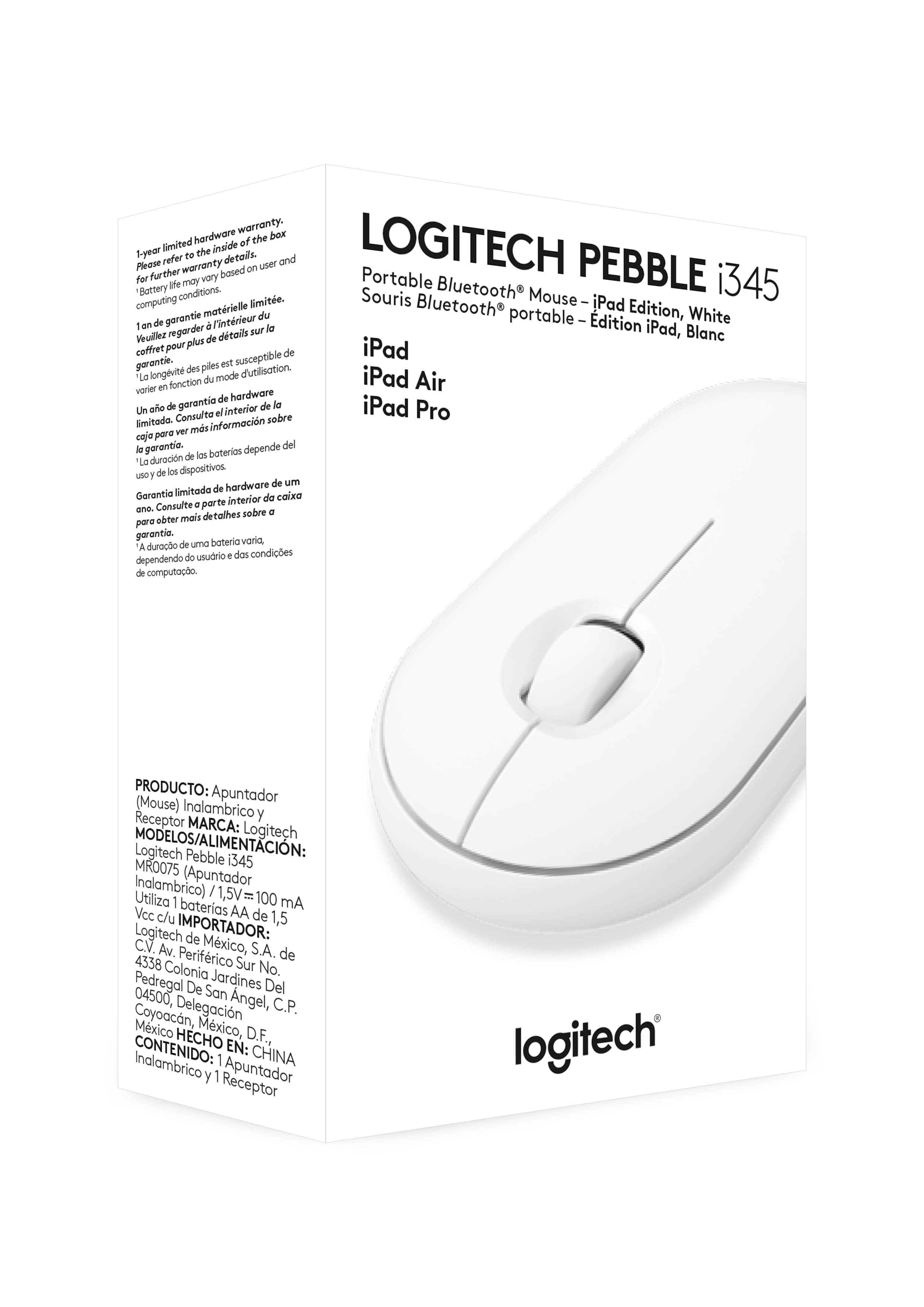
Customers find value in the Pebble i345 mouse's ease of use, compact size, and Bluetooth connectivity, frequently praising its compatibility with iPads and other devices. Positive feedback also highlights the long battery life, comfortable design, and quiet operation. While some users noted occasional lag, the overall experience is largely positive.
This summary was generated by AI based on customer reviews.
- Pros mentioned:Compatibility
Great
Posted .This reviewer received promo considerations or sweepstakes entry for writing a review.Works great. Never thought a mouse for an iPad would come in handy. I coupled with Logitech iPad case/keyboard. Makes for a good set up.
I would recommend this to a friend - Pros mentioned:Portable
Buy this mouse!
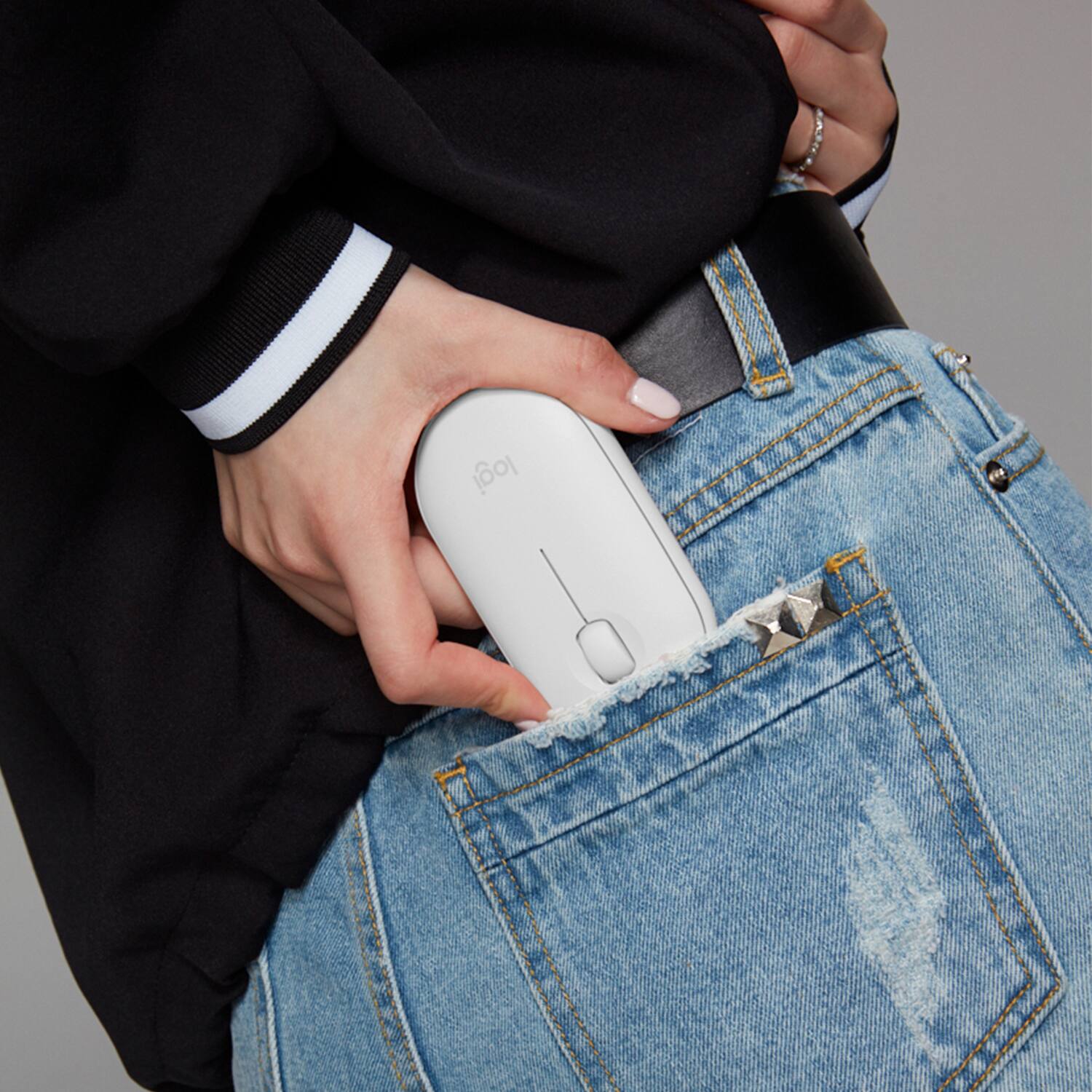
Posted .This reviewer received promo considerations or sweepstakes entry for writing a review.I love this thing. It’s super portable and very comfortable. Best extremely portable mouse for the money.
I would recommend this to a friend 
Best iPad mouse!
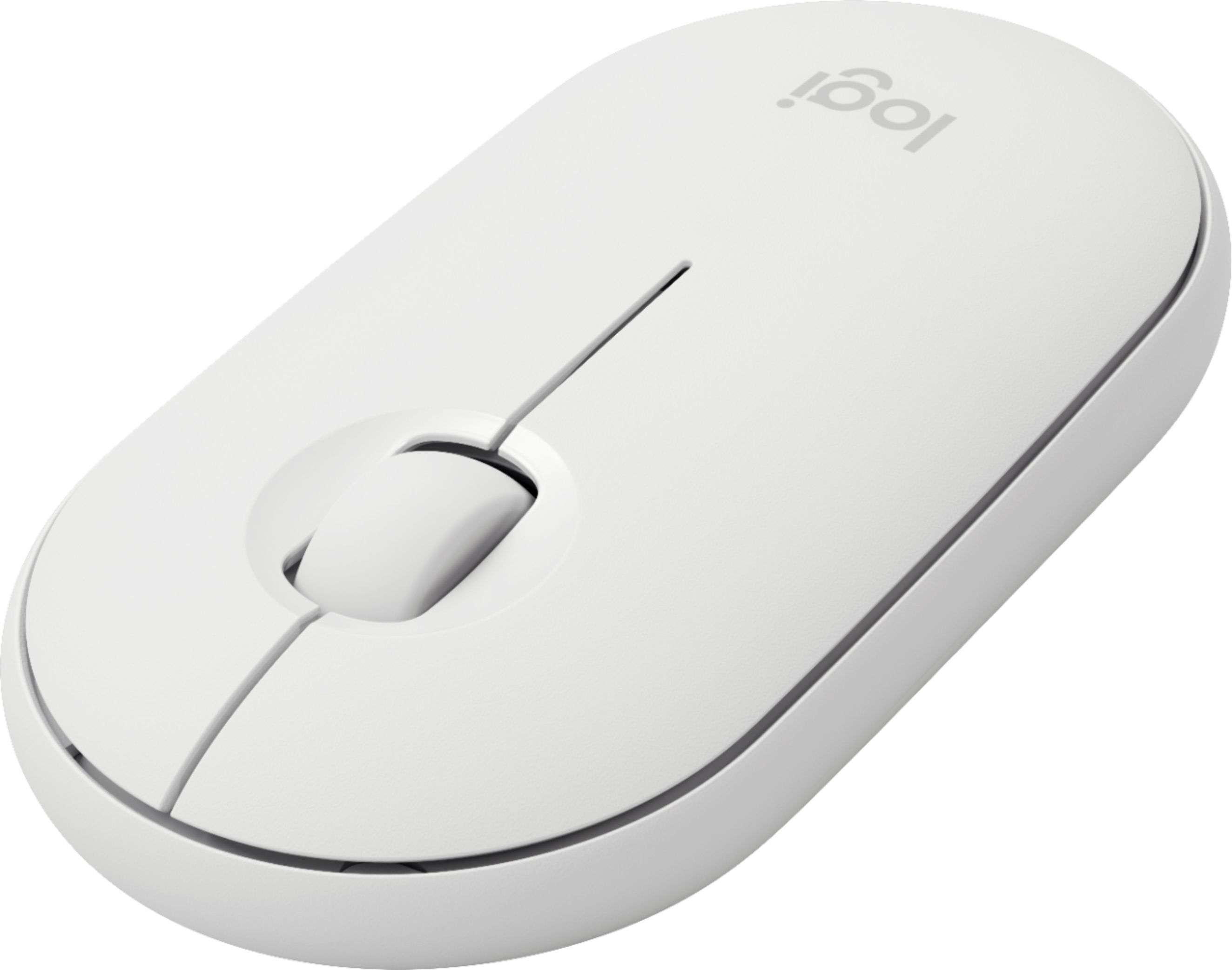
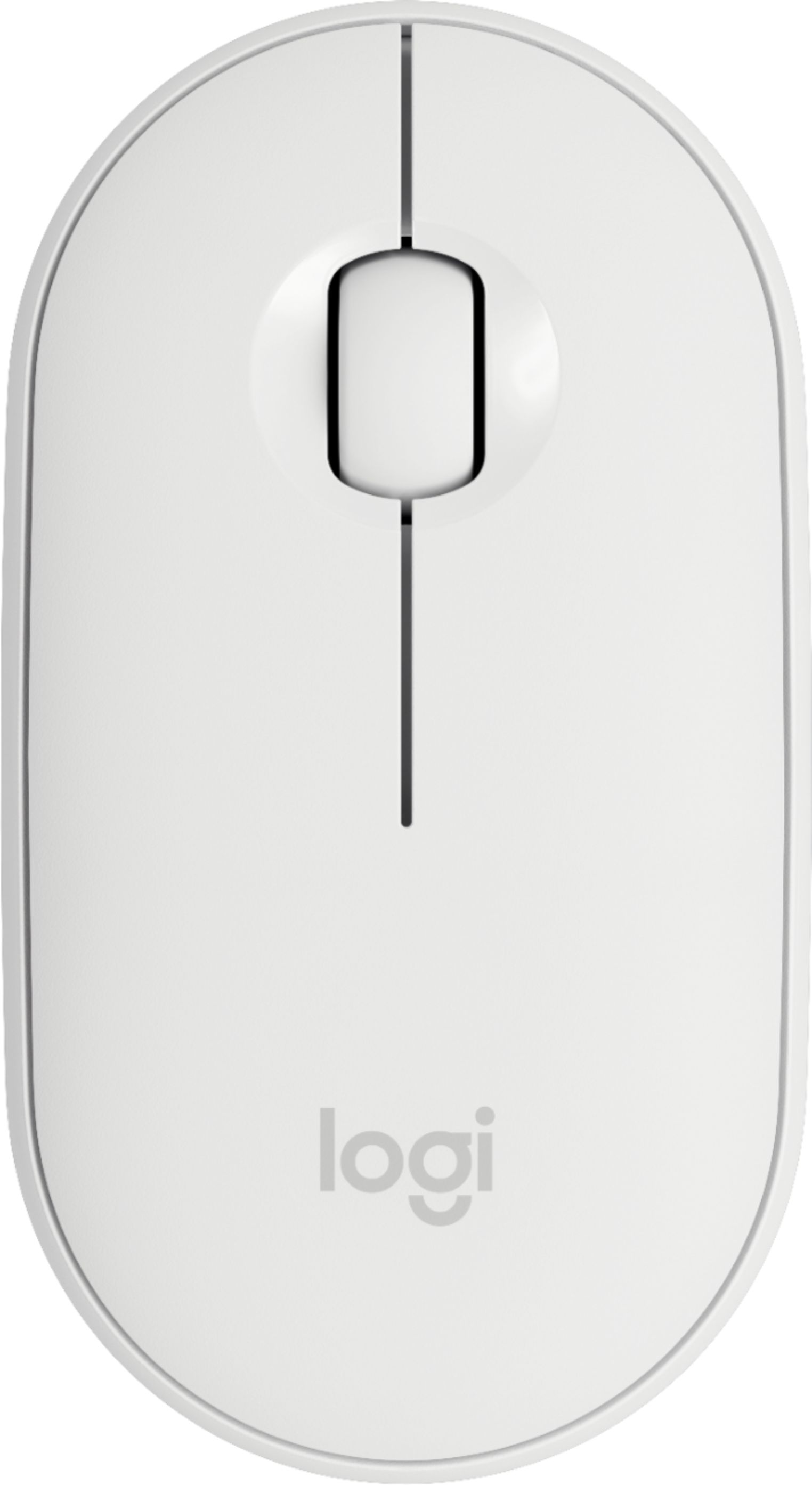
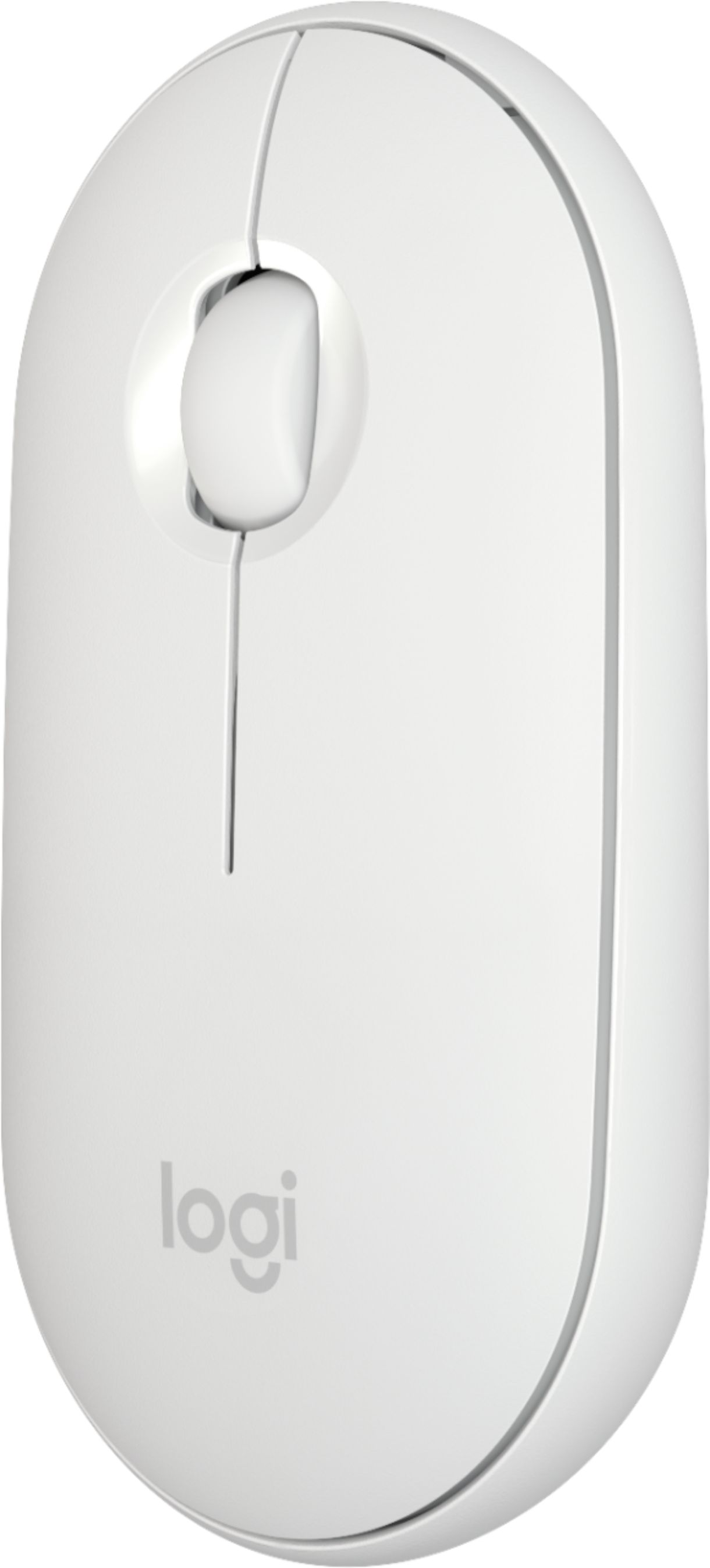
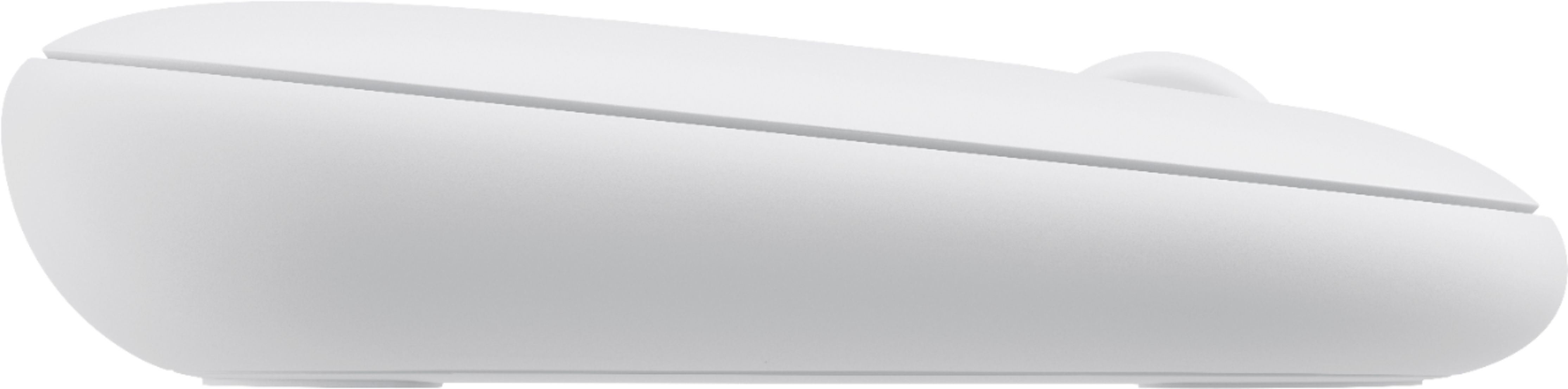
|Posted .This reviewer received promo considerations or sweepstakes entry for writing a review.This mouse, and every other mouse, are at the mercy of what iPad OS allows. Expect the same UI experience as any other mouse that is iPad OS compatible. However, the thing that separates this mouse from most is its form factor. The iPad is thought of as the smaller, lighter, and easier to travel version of a laptop. This mouse was built with that same mentality. Its small, light, and easy to travel with. Don't think its too small, however. It feels good in the hand, not awkward to use. It's a simple two-button and clickable scroll wheel setup which is all the iPad needs right now. Good mouse, good battery life, and feels "made" for the iPad.
I would recommend this to a friendGood alternative mouse
|Posted .This reviewer received promo considerations or sweepstakes entry for writing a review.Overall, this is a very nice mouse and works well for my iPad Pro. It does exactly what it should. The response is fast and it pairs easily. All features work as advertised. Apple devices work nicely with gestures and they are missing with the mouse. I believe that they are only possible with a trackpad. If I hadn’t used a trackpad first, I likely wouldn’t have known the difference. I wasn’t able to slide screens, but clicking on the dots switched screens very well. I couldn’t find a way to gather screens and dismiss easily. I did accomplish dismissing screens, but I was forced to use my fingers to gather them first. Given the very reasonable price for this device, it is a great worthy consideration. It is light, fast and feels great in the hand. The compact design makes it easy to carry along. The only thing missing are the gestures.
I would recommend this to a friendGreat, but not better than the previous version
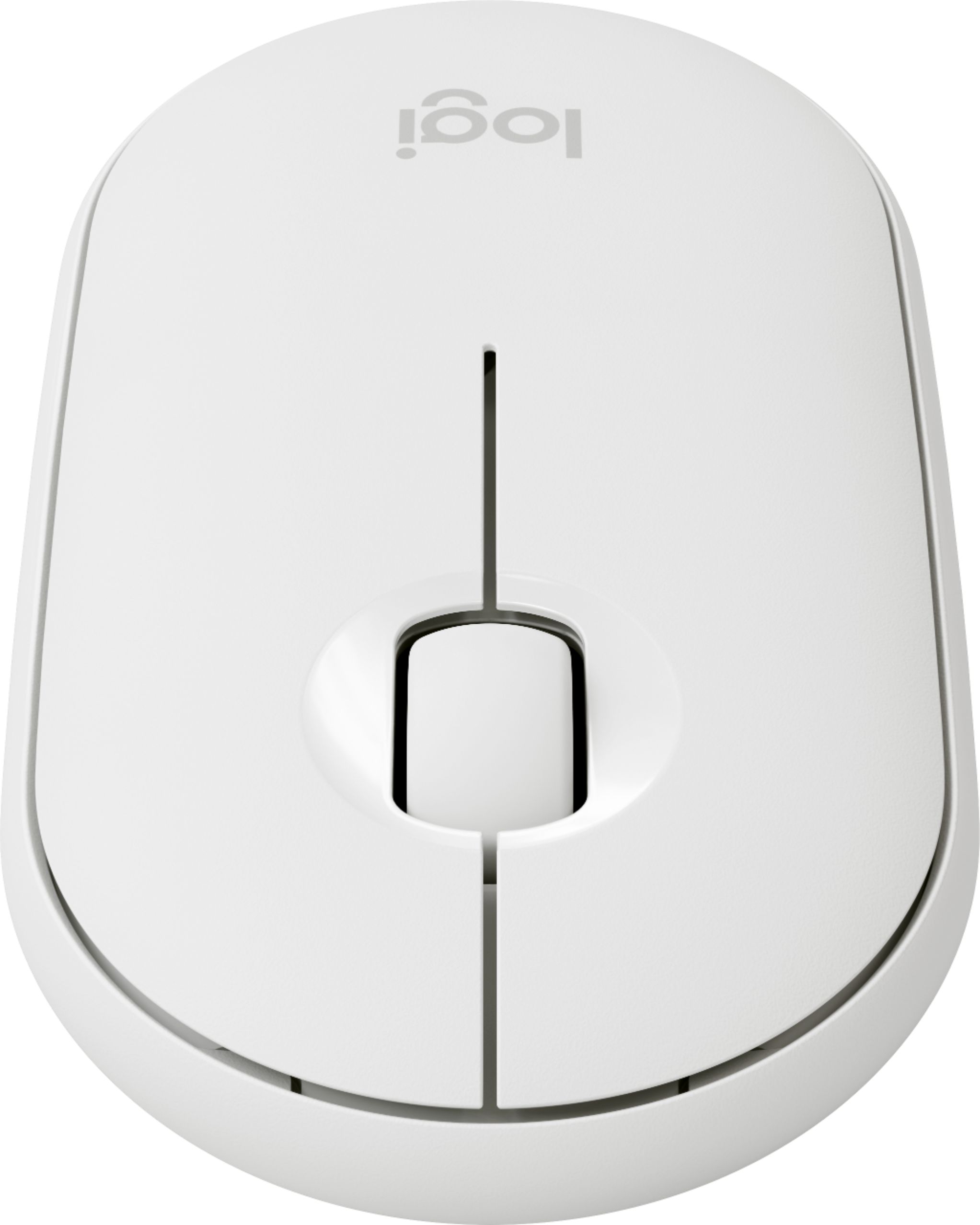
|Posted .This reviewer received promo considerations or sweepstakes entry for writing a review.Review of Logitech Pebble i345 Mouse Last fall, I bought the Logitech Pebble mouse to use as a travel mouse, due to its small, thin and light profile. I was very pleased with it, as it makes a great travel mouse, and due to its almost silent clicking is great for those times when you don’t want others to know that you’re mousing around. The new Pebble i345 mouse looks and feels just like the previous Pebble, but this one is targeted to iPad users. iPadOS was recently updated to add real mouse support, so Logitech was quick to come out with an iPad-specific mouse. Or did they? The main features of the original Pebble are all here. The low profile makes it easy to carry with you. Logitech has created a way for clicking to provide good haptic feedback (you feel the clicks), but eliminate 90% of the noise usually heard when clicking a mouse button. Logitech got this right. The Pebble has satisfying click and scroll feelings, but is very, very quiet. I was very impressed with how quiet this mouse is without being annoyingly loud when you’re in a quiet setting. The only thing it really lacks is forward/back buttons, but those might be difficult to incorporate in such a small body. If you’ve ever had to pry off the top cover of a mouse or futz around with a battery drawer to get to the battery, you’ll appreciate the top cover of the Pebble, which is held in place with magnets. It’s very easy to pop it off and get to the battery--this is one of those simple changes that is genius. In the previous Pebble, this is where you could also find the Logitech Unifying Receiver (“dongle” from here on). The dongle allowed you to use a 2.4 Ghz signal instead of Bluetooth, which is a great option to have if your computer doesn’t have Bluetooth (unlikely), or if it’s wonky and unreliable (like mine). The Pebble i345 does away with the option to use a dongle. You’ll still find the space for the dongle under the cover, but no dongle. The button on the bottom side of the mouse is only used for Bluetooth pairing, and not switching to dongle use as well. Why does this matter? Because the new i345 sells for the same price as the original Pebble, but without the dongle, it’s just less versatile. For the iPad, this doesn’t matter, since Bluetooth is your only option there. This would also be true of any computer that does not have a USB-A port for dongle use. In those cases, the dongle is useless anyway, but I’d prefer to have the option to use it with a broader range of computers. Who hasn’t repurposed an old mouse on an old machine? Wouldn’t you rather have the option to connect the mouse in multiple ways? I really like the Pebble, and this new version doesn’t change any of the mechanical and ergonomic features that make it a great mouse. But I don’t really see why we needed a copy of the original Pebble, without the dongle, in iPad-specific packaging, for the same price. If you’re looking for a smaller mouse, maybe even to use with your iPad, I suggest you just get the original Pebble, in the color that you like. The original has more color options and you get the dongle, in case you need it. If you see a good sale for the i345 and you only have Bluetooth connectivity available, then I’m sure you’ll be happy with the i345. Either way, you’re getting a great mouse!
I would recommend this to a friendExcellent
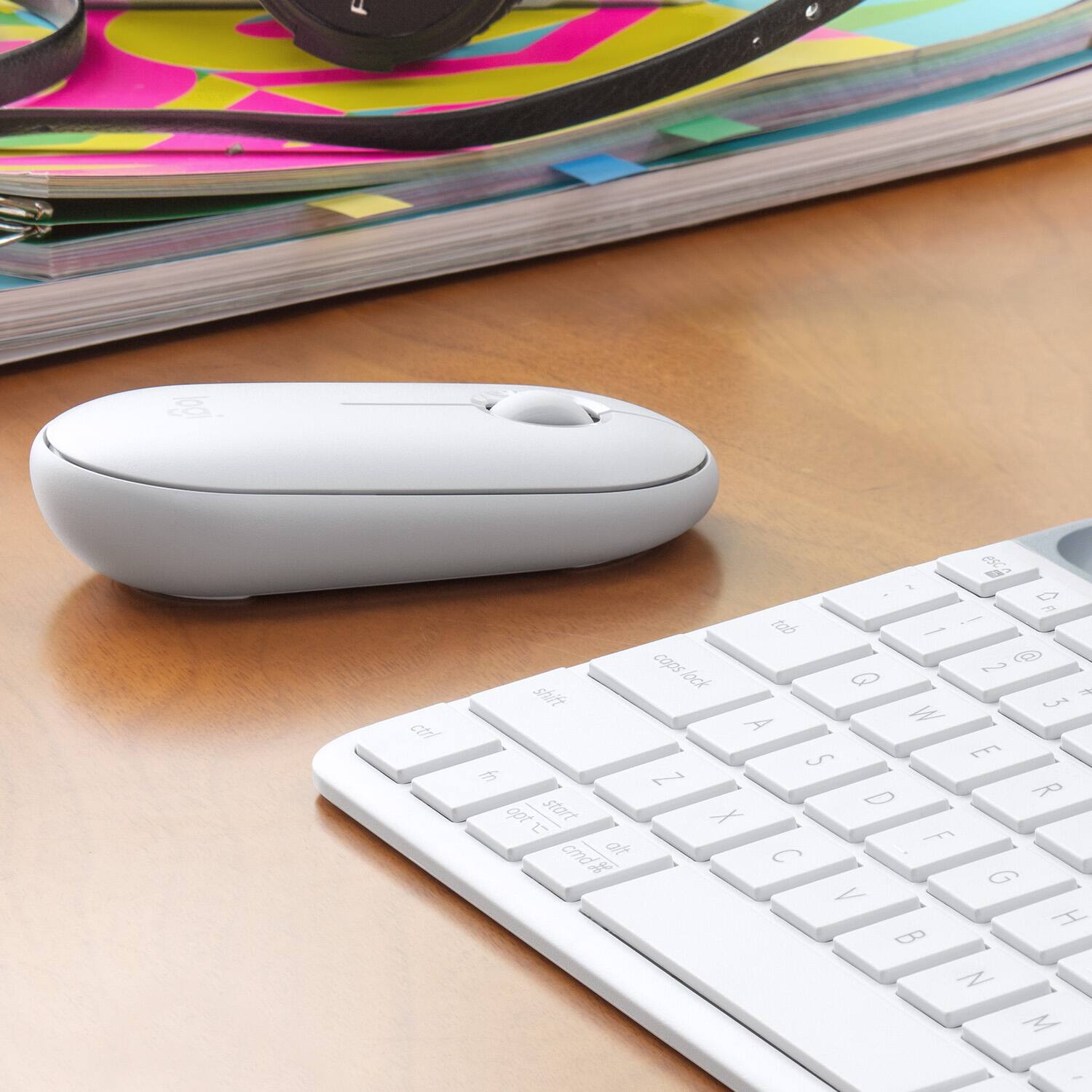
Posted .This reviewer received promo considerations or sweepstakes entry for writing a review.Great design and matches my Logitech keyboard! Does the job!
I would recommend this to a friendNo frills mouse
|Posted .This reviewer received promo considerations or sweepstakes entry for writing a review.I didn’t know you can connect a mouse to an iPad, But here we are, this is my review of Logitech‘s I345 wireless mouse. The quality and build is pretty simple, mostly plastic. Simple design, left and right click buttons as well as a center scrolling dial. Slim, lightweight design. nothing fancy about it but it gets the job done if you are looking for a wireless mouse to go with your iPad. Uses one AA battery which comes included., pretty simple to connect via Bluetooth
I would recommend this to a friendSturdy and smooth
Posted .This reviewer received promo considerations or sweepstakes entry for writing a review.Pairs fast, fees great in the hand, moves smoothly over surfaces. Perfect for travel. I've dropped this many times, and although the cover pops off, it snaps right back on. The functionality hasn't been impaired at all.
I would recommend this to a friendlogitech mouse
Posted .This reviewer received promo considerations or sweepstakes entry for writing a review.the item was missing the usb connected piece straight out the box and when the mouse feel for the first time it was like legos had fell on the floor
I would recommend this to a friendThe best mouse
Posted .This reviewer received promo considerations or sweepstakes entry for writing a review.I love this brand and this mouse. Is super light, soft, reliable, beautiful and works great.
I would recommend this to a friendA real mouse.
Posted .This reviewer received promo considerations or sweepstakes entry for writing a review.Excellent product fit in a small hand perfectly, left or right, allowing the hand resting while working.
I would recommend this to a friendPortable mouse
Posted .This reviewer received promo considerations or sweepstakes entry for writing a review.Works great .. faster connecting with iPad, accuracy of movements has Bern improved
I would recommend this to a friendNew mouse in-house
Posted .This reviewer received promo considerations or sweepstakes entry for writing a review.Works a treat with iPad mini and Logitech Keys-To-Go keyboard. Requires no feeding.
I would recommend this to a friendAmazing ipad mouse
Posted .This reviewer received promo considerations or sweepstakes entry for writing a review.This mouse hooked up seamlessly to my ipad and works great!
I would recommend this to a friendRight Click
Posted .This reviewer received promo considerations or sweepstakes entry for writing a review.Only returned because the right clicker would not work. Traded in for same mouse.
I would recommend this to a friendMini-Mouse and Slim for Travel
|Posted .This reviewer received promo considerations or sweepstakes entry for writing a review.I’m really enjoying the Pebble mousse for my iPad. I can’t say it’s a game changer just yet because it has some mechanical things like tracking and connectivity to work through. However, the mouse is so slim, and light that it’s pretty stinking cool! I work on various screens and smudging my screen is so annoying so this has helped avoid that. I wish it were rechargeable but I’m sure that’s something that could happen down the line. Set up was a breeze and I like that I was able to synch it with both my iPads.
I would recommend this to a friendGreat for office workers!
Posted .This reviewer received promo considerations or sweepstakes entry for writing a review.This mouse is very quiet. You can barely (if not at all) hear it when clicking. It is very small and compact, good for travel. I’d also like to say this mouse is indestructible, I have spilled water and juice on it and it worked like nothing happened. Then my puppy (he is large) chewed it all up, it look messed up but it worked perfectly fine. Then it got tossed around and hit against a sink for 15 mins and it still works. Don’t get how, but it is indestructible.
I would recommend this to a friend- Pros mentioned:Easy to connect
Great for iPad
Posted .This reviewer received promo considerations or sweepstakes entry for writing a review.Works very well and connected immediately to my iPad.
I would recommend this to a friend USB mouse
Posted .This reviewer received promo considerations or sweepstakes entry for writing a review.Simple but effective. I know that I can just plug it in and go. Reliable.
I would recommend this to a friendButtons die quickly
Posted .This reviewer received promo considerations or sweepstakes entry for writing a review.This is my second Pebble and it has the same problem as the first. The left click button, which is used most often, loses its receptiveness. That starts at about the two-month mark and gradually worsens. Don't waste the money on this mouse.
No, I would not recommend this to a friendBrand response from Logitech
Posted .Truly sorry about the experience! In order to help you effectively, please provide your information to our support team by emailing socialcare@logitech.com. Name – Email address – Country – Product name – Brief description of the issue –