Customer Ratings & Reviews






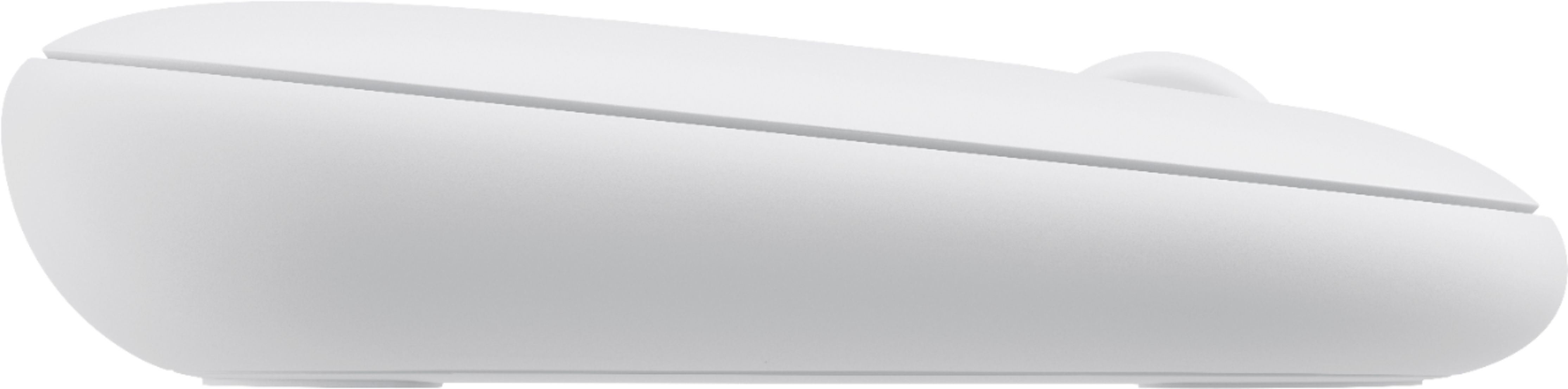
- Model:
- 910-005888
- |
- SKU:
- 6409100
Customer reviews
Rating 4.7 out of 5 stars with 743 reviews
(743 customer reviews)Rating by feature
- Value4.7
Rating 4.7 out of 5 stars
- Quality4.7
Rating 4.7 out of 5 stars
- Ease of Use4.8
Rating 4.8 out of 5 stars
Customers are saying
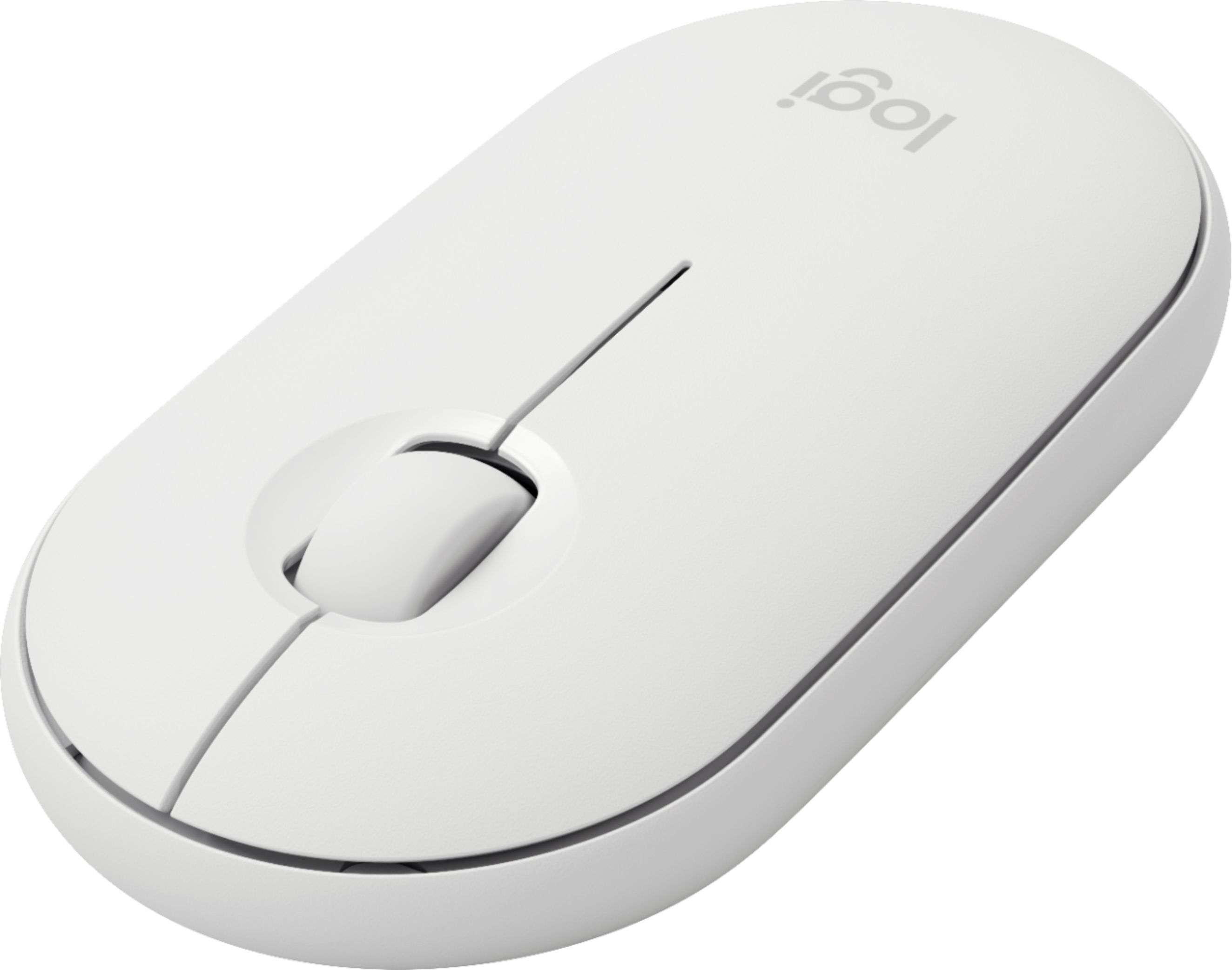
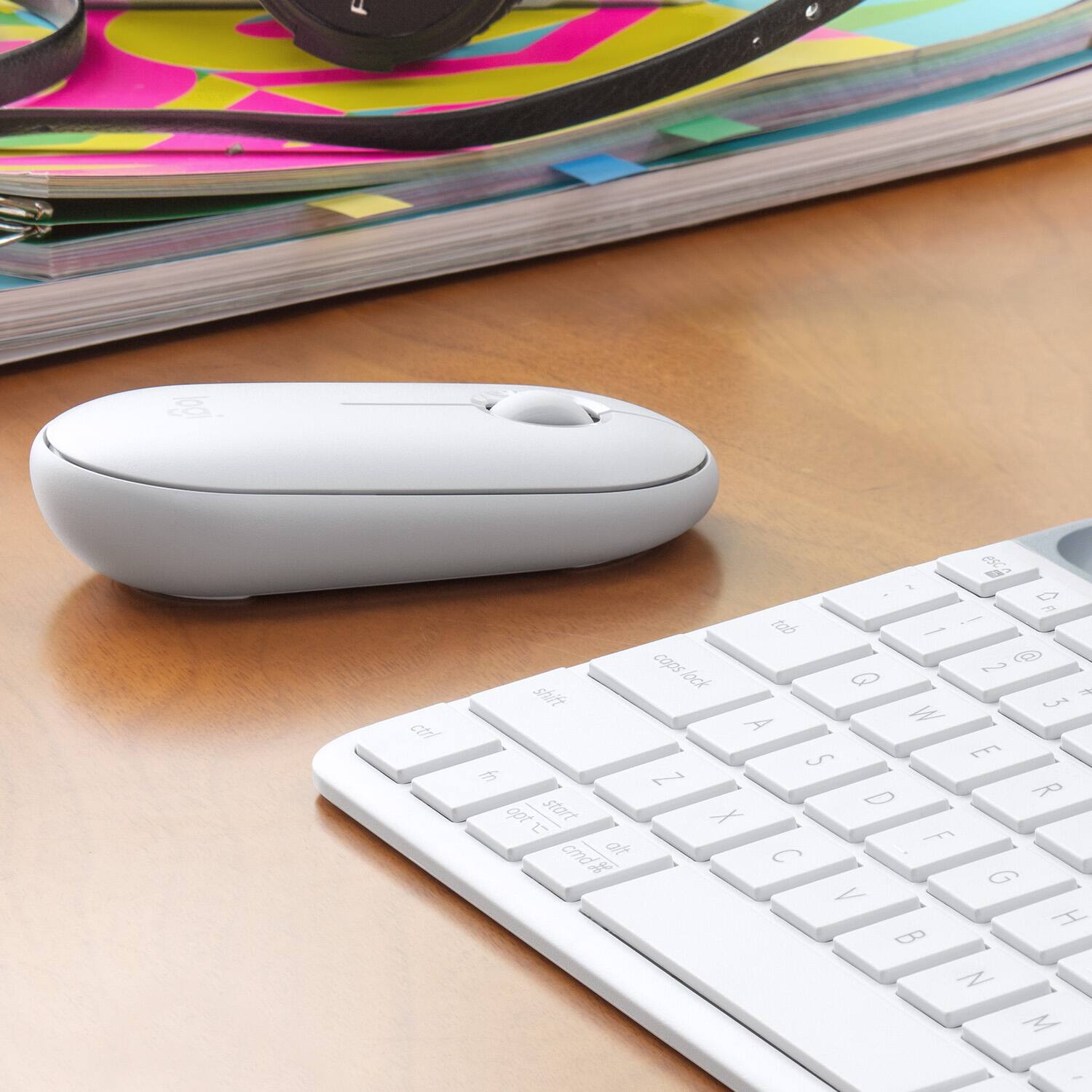
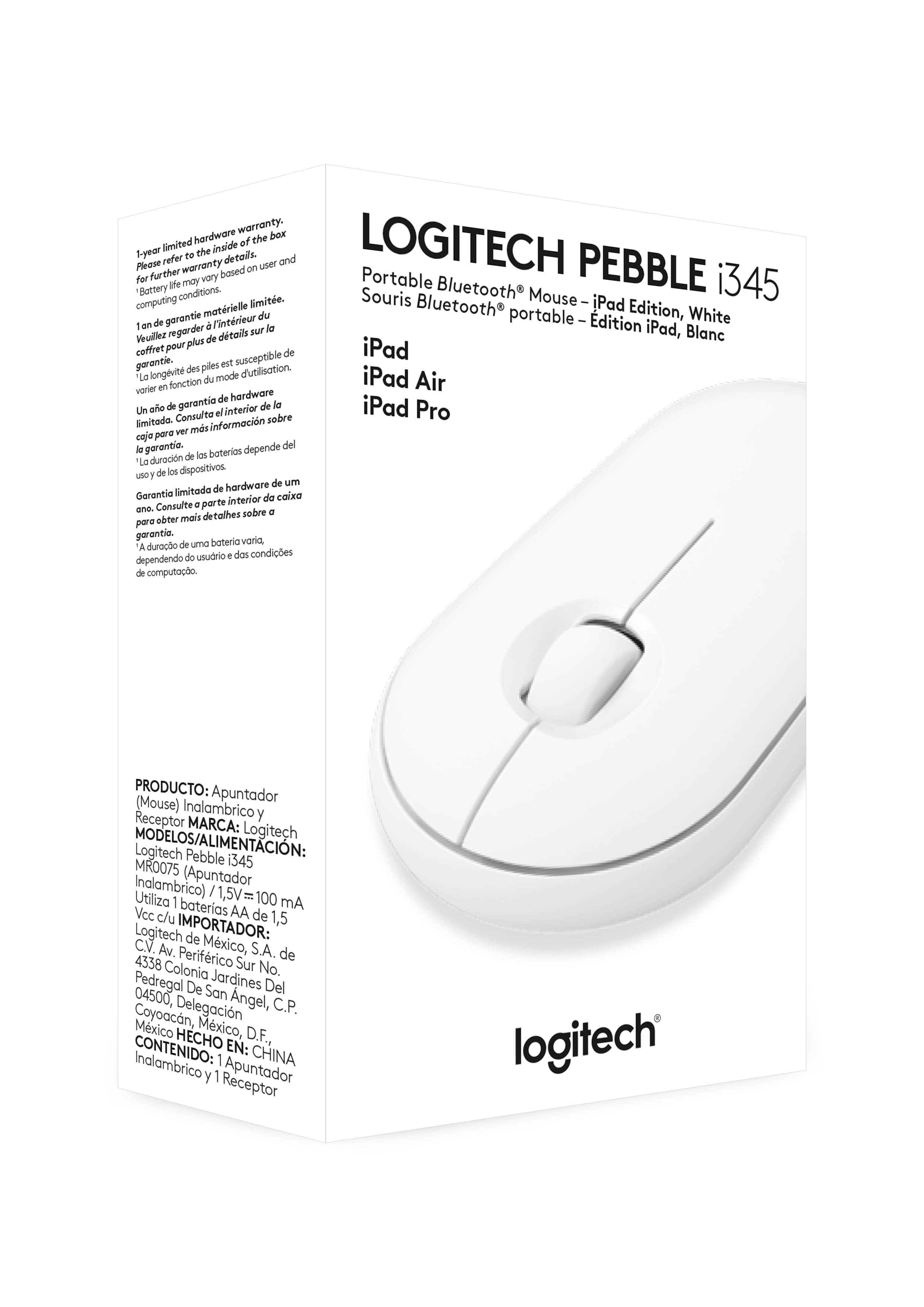
Customers find value in the Pebble i345 mouse's ease of use, compact size, and Bluetooth connectivity, frequently praising its compatibility with iPads and other devices. Positive feedback also highlights the long battery life, comfortable design, and quiet operation. While some users noted occasional lag, the overall experience is largely positive.
This summary was generated by AI based on customer reviews.
Rated 3 out of 5 stars
Feels Too Flat
Posted .This reviewer received promo considerations or sweepstakes entry for writing a review.This mouse feels too flat. There should be more roundedness to sit under your hand better. Material is nice.
This review is from Logitech - Pebble i345 Bluetooth Optical Ambidextrous Mouse for iPad - Wireless - Graphite
No, I would not recommend this to a friendRated 1 out of 5 stars
Missing piece
Posted .This reviewer received promo considerations or sweepstakes entry for writing a review.The mouse was missing the piece that goes connected to the computer
I would recommend this to a friendRated 1 out of 5 stars
Doesn't work on iPad Pro Model A1876
Posted .This reviewer received promo considerations or sweepstakes entry for writing a review.Doesn't work on iPad Pro Model A1876 Doesn't work on iPad Pro Model A1876
This review is from Logitech - Pebble i345 Bluetooth Optical Ambidextrous Mouse for iPad - Wireless - Graphite
No, I would not recommend this to a friendBrand response from Logitech
Posted .Hi TLC,
Sorry to hear about the issue you're having with your new Pebble mouse! Your iPad Pro model is capable of the iPad OS 13.4 update, which gives it the capability of using third-party Bluetooth mice. You may want to make sure your iPad Pro has the most up-to-date OS. If this still does not resolve the issue, you can always contact us on our Logitech Pebble support page! https://support.logi.com/hc/en-us/articles/360045255493-Getting-Started-Pebble-i345-Wireless-Mouse-for-iPad
-Jonathan from Logitech