Outlet EventEnds Jan. 19. Limited quantities. No rainchecks.Shop now

Skip to contentGo to Product SearchGo to Footer
Main Content

Customer Ratings & Reviews
Your price for this item is $47.98

Customer reviews

Rating 4.7 out of 5 stars with 254 reviews

Rating Filter

Rating by feature

  • Value

    Rating 4.8 out of 5 stars

  • Quality

    Rating 4.7 out of 5 stars

  • Ease of Use

    Rating 4.8 out of 5 stars

96%
would recommend
to a friend
The vast majority of our reviews come from verified purchases. Reviews from customers may include My Best Buy members, employees, and Tech Insider Network members (as tagged). Select reviewers may receive discounted products, promotional considerations or entries into drawings for honest, helpful reviews.
Page 12 Showing 221-240 of 254 reviews
  • Rated 4 out of 5 stars

    Small keys

    |
    |
    Posted . Owned for 1 week when reviewed.
    This reviewer received promo considerations or sweepstakes entry for writing a review.

    Good build quality, keys arw a little small and easy to miss, bluetooth is a little weird

    I would recommend this to a friend
    • Brand response from Logitech
      Posted .

      Hey there! Thanks for the feedback on the Pebble Keys 2. We're glad to hear you like the overall build quality!

  • Rated 5 out of 5 stars

    Keyboard

    |
    |
    Posted . Owned for 2 weeks when reviewed.
    This reviewer received promo considerations or sweepstakes entry for writing a review.

    Did what it was suppose to. Very simple and efficient.

    I would recommend this to a friend
  • Rated 4 out of 5 stars

    Keyboard

    |
    |
    Posted . Owned for 2 months when reviewed.
    This reviewer received promo considerations or sweepstakes entry for writing a review.

    Works well for my laptop. I prefer not to use the keyboard on the laptop.

    I would recommend this to a friend
    • Brand response from Logitech
      Posted .

      Thanks for letting us know you prefer using the Pebble Keys 2 with your laptop! We completely understand the comfort an external keyboard can provide. Glad it's working great for you!

  • Tech Insider Network Member

    Rated 5 out of 5 stars

    The Ultimate Companion for Business Travel

    |
    Tech Insider Network Member
    Posted .
    This reviewer received promo considerations or sweepstakes entry for writing a review.

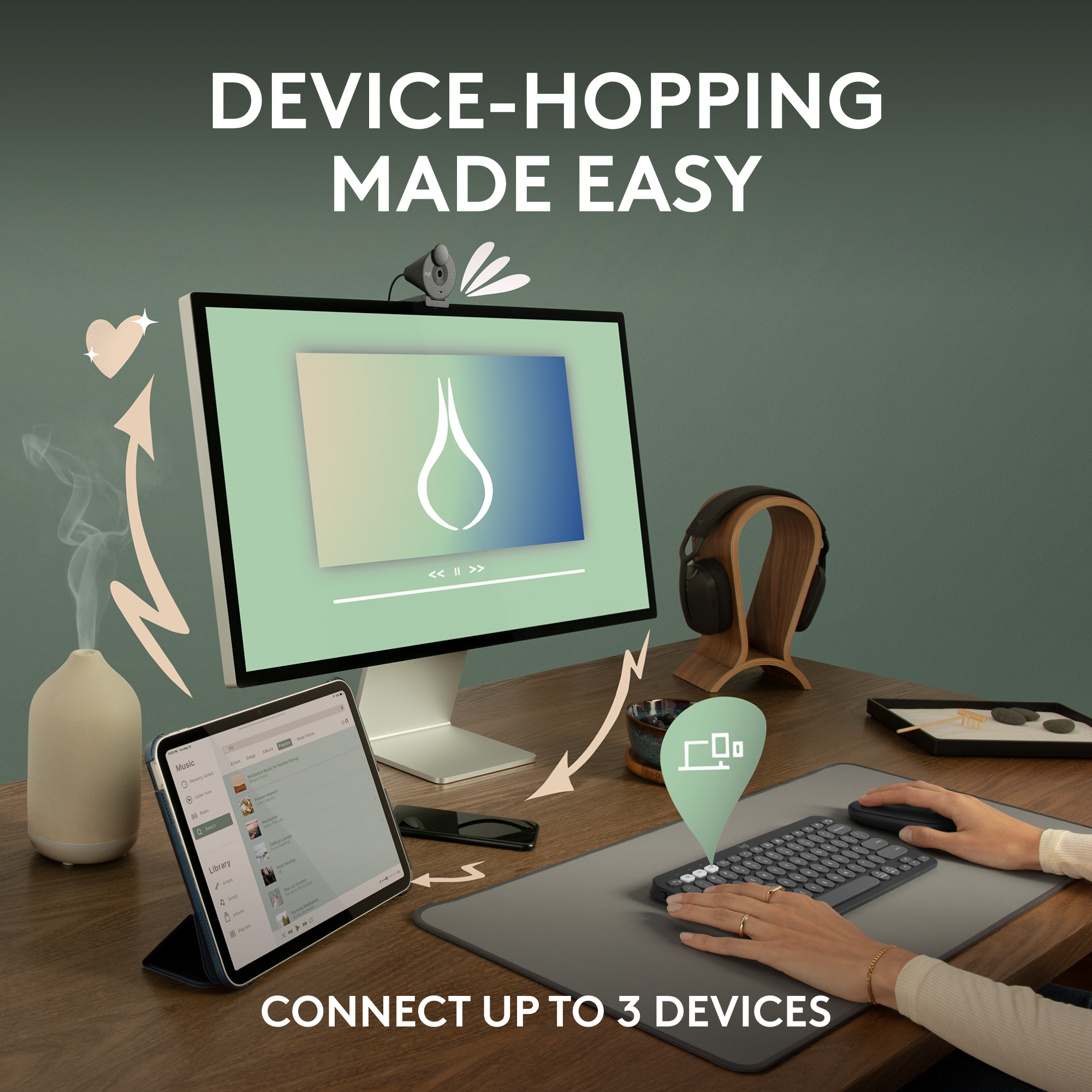
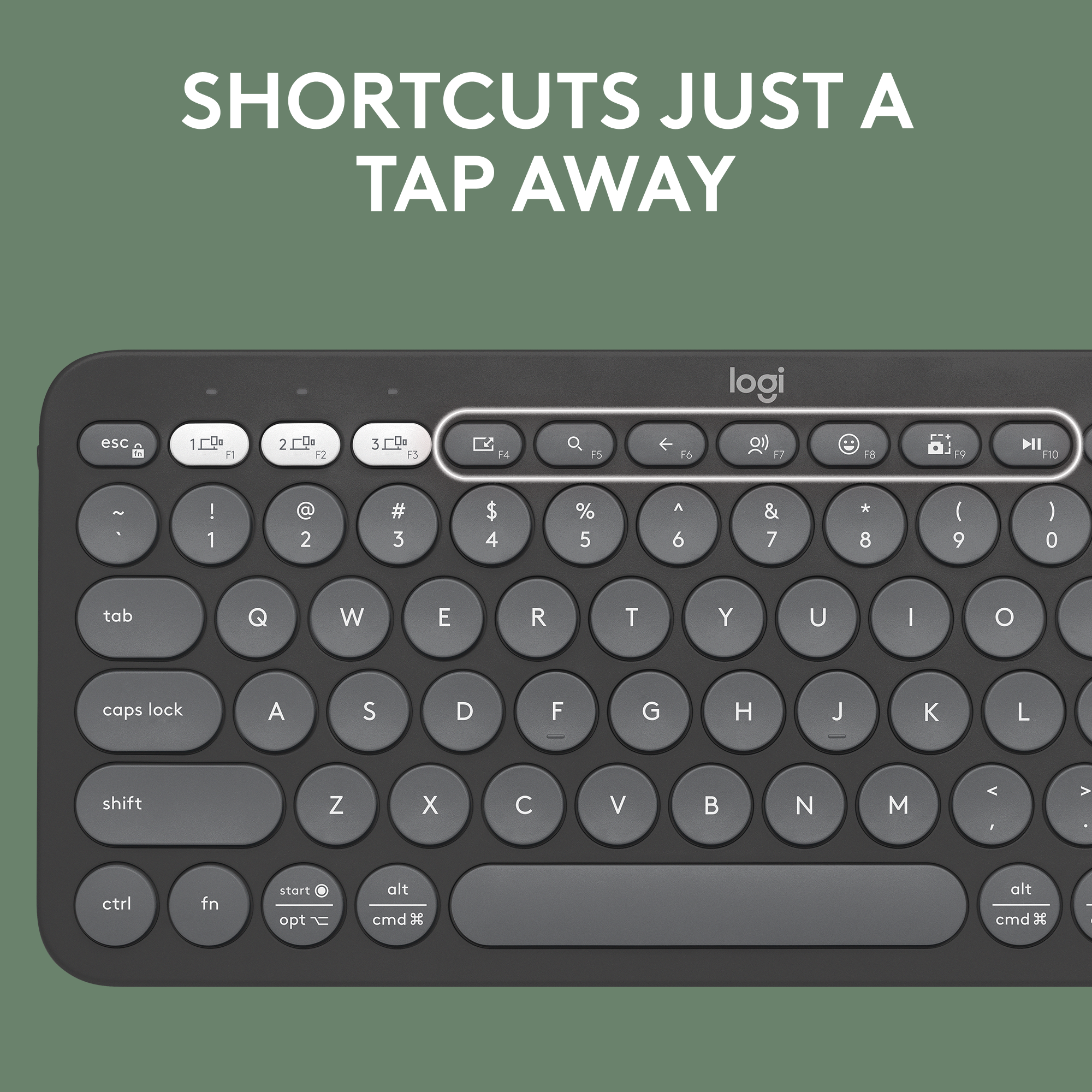
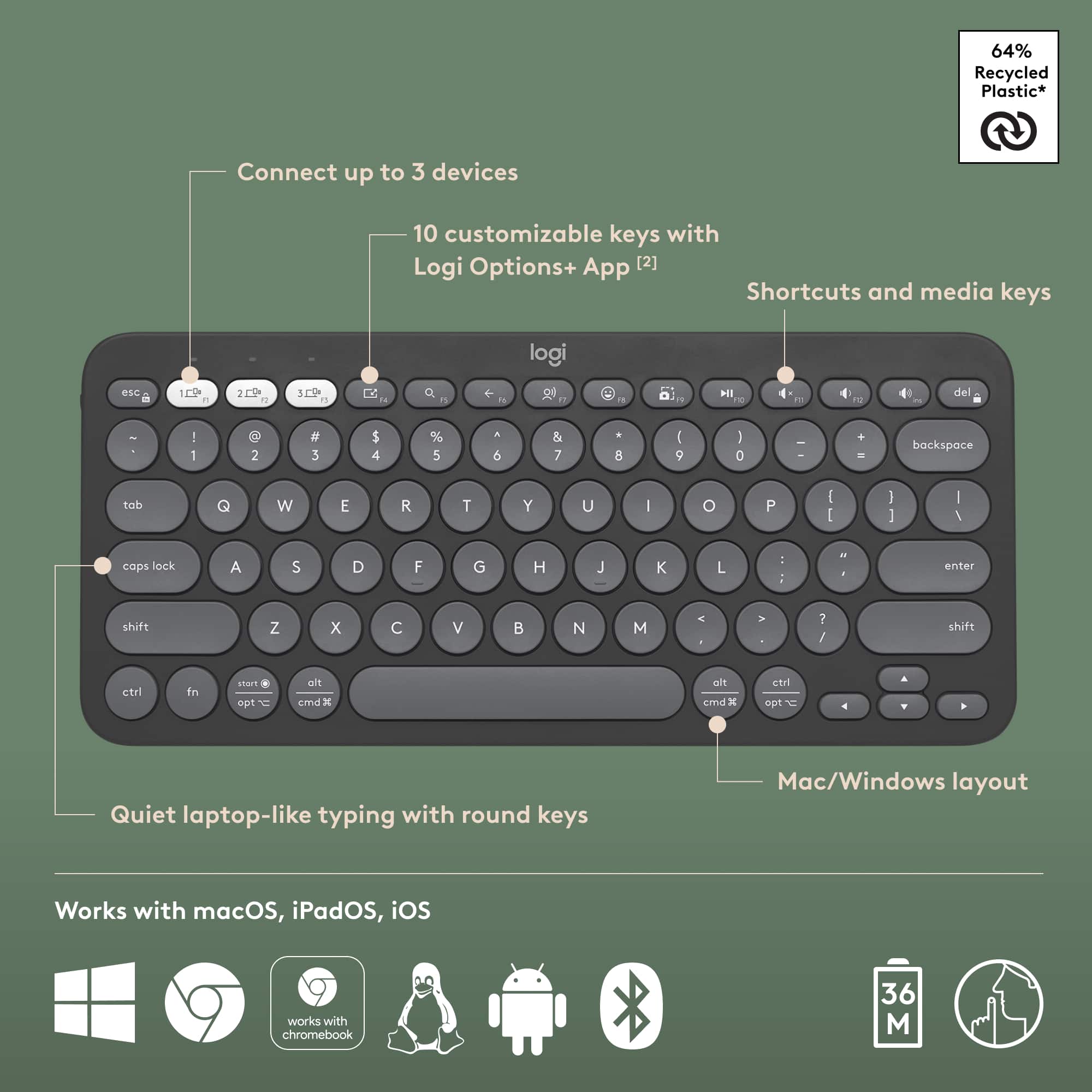
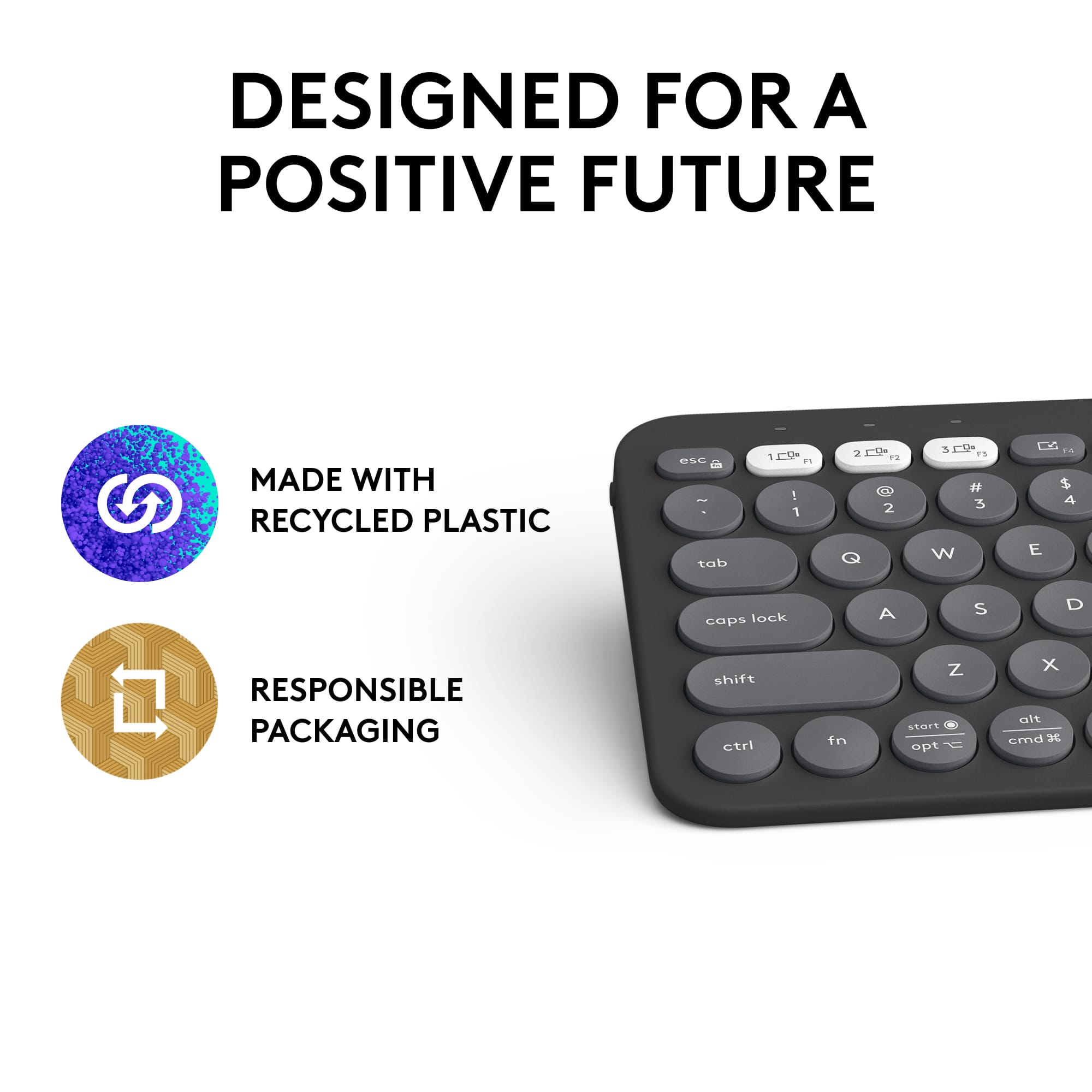
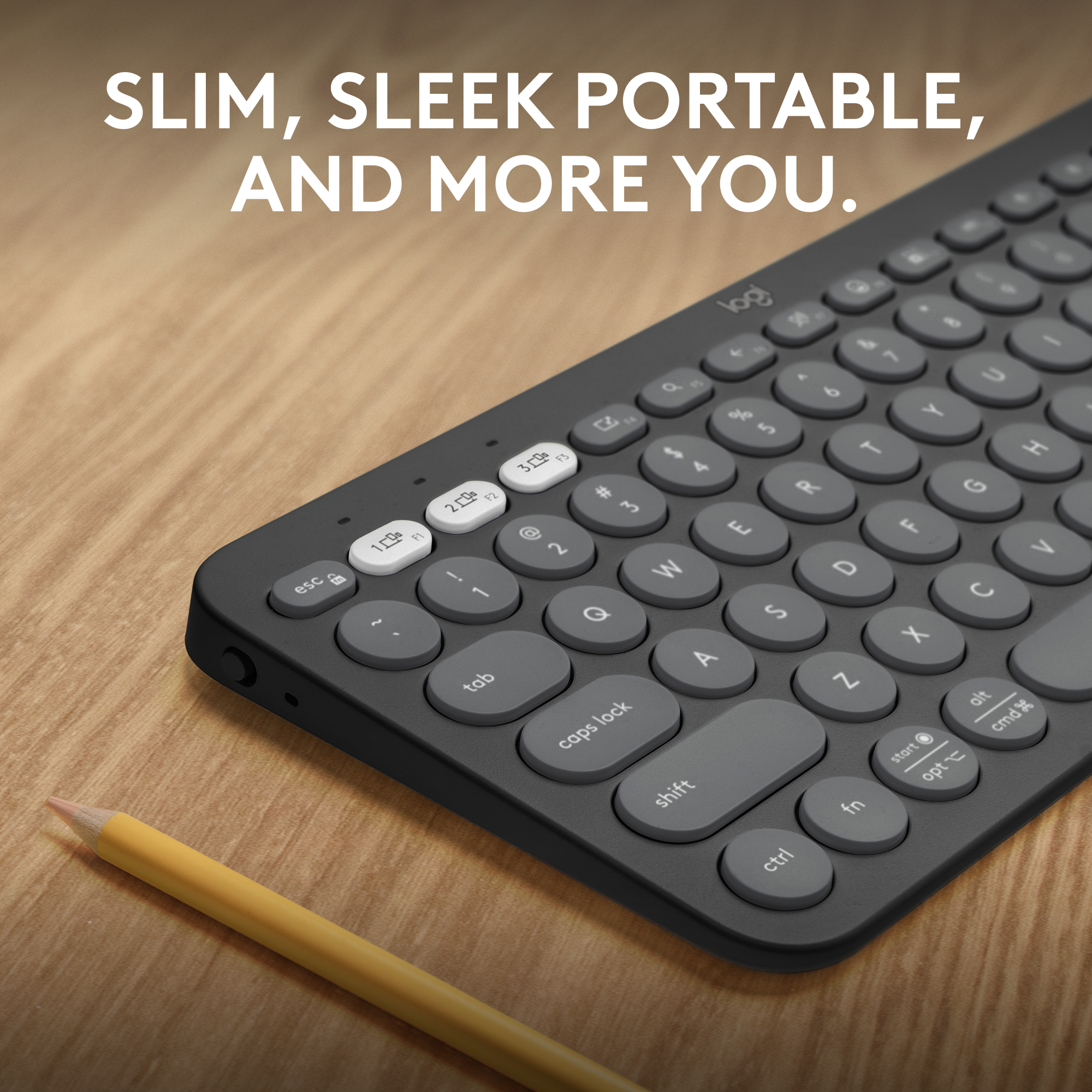
    As a frequent flyer, seasoned business traveler, and self-proclaimed 'road warrior', I have experienced the gamut of tech gear designed for on-the-go professionals. And yet, few have caught my eye as much as the Logitech Pebble Keys 2 K380s Bluetooth keyboard. This review dives deep into why this keyboard, out of all others, has claimed a permanent spot in my carryon. **Defying Boring Aesthetics with Vibrant Choices** First and foremost, we're in a world where being eco-conscious is a must, and Logitech takes a leap forward by crafting this keyboard from recycled plastic which is pretty cool to say the least. Not only does this position the Logitech® Pebble Keys 2 K380s Bluetooth® Keyboard as a sustainable choice, but its minimalist design is definitely eye-catching. With multiple fresh colors to choose from, you can find one that will fit your travel kit. **Seamless Multi-Device Integration** As someone who juggles between an iPad Pro, a Windows PC, and a MacBook Pro, the ability to connect up to three devices across various operating systems is a godsend. This is where the Pebble Keys 2 truly shines. With a simple click of the Easy-Switch buttons, I can seamlessly hop from typing a report on my MacBook, to replying to emails on my Windows PC and then quickly jotting down notes on my iPad Pro. It's fluid, intuitive, and a massive time-saver. **Customization and Efficiency at its Best** Logitech understands the value of time, especially for someone constantly on the move. The Fn shortcut keys are a standout feature. Being able to instantly access search, screen capture, the emoji menu, and more, enhances my productivity. Plus, with the Logi Options+ app, the 10 customizable Fn keys adapt to my unique workflow. This tailored experience ensures that no matter where I am – be it an airport lounge, a hotel room, or a cafe in a new city – I can work efficiently and comfortably. **Typing Experience That Feels Just Right** Typing comfort can make or break a keyboard's usability, especially for someone like me who spends countless hours typing away. The scooped round keys of the K380s provide a tactile and responsive feel, reminiscent of a high-end laptop. There's a tactile satisfaction to every keystroke, making it an absolute pleasure to type on, no matter the duration. **Unparalleled Battery Life** Logitech's claim of a 3-year battery life on just two AAA batteries is, to put it bluntly, audacious. While time will certainly tell if this is the case in real world use, the mere possibility of not having to scramble for batteries in the foreseeable future (except for once in a blue moon) is tantalizing. The auto-sleep power-saving mode only adds to its functionality , ensuring that even amidst the hustle and bustle of frequent travels, battery concerns remain a distant thought. **Packaging and Portability** The Logitech K380s, is very well packaged and is wrapped in a soft gauze like material giving the impression of a high end item and assuring that it reached me in impeccable condition. As for portability, its ultra-slim design ensures that it snugly fits into my carryon, accompanying me wherever my business travels take me. Despite being compact, it doesn't compromise on functionality or comfort, making it a perfect travel companion. **Conclusion** To say that the Logitech Pebble Keys 2 K380s has transformed my on-the-go work experience would be an understatement. It's a great blend of style, functionality, and performance. Whether I'm presenting in a boardroom in New York, drafting proposals in a cafe in Seattle, or replying to emails at LAX, this keyboard ensures I do so with ease and flair. For any heavy business traveler, I cannot recommend the Logitech Pebble Keys 2 K380s enough. It's not just a keyboard; it's a companion, and an indispensable tool for the modern professional on the move.

    I would recommend this to a friend
  • Rated 4 out of 5 stars

    Fine Keyboard

    |
    |
    Posted . Owned for 1 month when reviewed.
    This reviewer received promo considerations or sweepstakes entry for writing a review.

    I do wish I would have gotten a larger version. Logitech is a good product.

    I would recommend this to a friend
  • Rated 4 out of 5 stars

    Affordable and decent

    |
    |
    Posted . Owned for 1 month when reviewed.
    This reviewer received promo considerations or sweepstakes entry for writing a review.

    Affordable and decent quality wireless keyboard! Would buy again

    I would recommend this to a friend
  • Rated 1 out of 5 stars

    Nurse

    |
    |
    Posted . Owned for 2 weeks when reviewed.
    This reviewer received promo considerations or sweepstakes entry for writing a review.

    It does not work even with the Bluetooth connection lights on. I am currently using my touchscreen and may never go back to the actual physical keyboard!

    No, I would not recommend this to a friend
    • Brand response from Logitech
      Posted .

      We are very sorry to hear that you are experiencing issues with the Logitech Pebble Keys 2 keyboard. We understand your frustration, and sincerely apologize for the inconvenience this has caused. To help resolve this, please reach out to our social care team at socialcare@logitech.com. They will be happy to assist you further. When you contact them, please provide the following information:

      - Name:
      - Email Address:
      - Country:
      - Product Name:
      - Brief description of issue: Logitech

  • Rated 1 out of 5 stars

    Does not stay connected.

    |
    |
    Posted .
    This reviewer received promo considerations or sweepstakes entry for writing a review.

    Does not stay connected to Mac after long periods of sleep or anytime power is turned off/reset. Must use direct-connected keyboard to log back in and reconnect logi every single time.

    No, I would not recommend this to a friend
    • Brand response from Logitech
      Posted .

      We're sorry to hear that your Logitech Pebble Keys 2 Slim TKL is not consistently staying connected to your Mac, requiring frequent re-pairing after sleep or power cycles. To address this issue, we recommend reaching out to our social care team via email at socialcare@logitech.com with your
      - Name:
      - Email Address:
      - Country:
      - Product Name:
      - Brief description of issue: Logitech

  • Rated 3 out of 5 stars

    Decent

    |
    |
    Posted . Owned for 3 months when reviewed.
    This reviewer received promo considerations or sweepstakes entry for writing a review.

    Decent. For the money it’s not worth it, it’s just not up to par

    No, I would not recommend this to a friend
    • Brand response from Logitech
      Posted .

      Thank you for your feedback on the Pebble Keys 2 Slim TKL Wireless Scissor Keyboard. We're sorry to hear that you're not completely satisfied with your purchase. We value your input and will use it to improve our products.

  • Rated 3 out of 5 stars

    Average

    |
    |
    Posted . Owned for 1 month when reviewed.
    This reviewer received promo considerations or sweepstakes entry for writing a review.

    A little spongy. Good value for price. Would recommend

    I would recommend this to a friend
  • Tech Insider Network Member

    Rated 5 out of 5 stars

    Keyboard A Silent Win

    |
    Tech Insider Network Member
    Posted .
    This reviewer received promo considerations or sweepstakes entry for writing a review.

    I have too many keyboards, but I’m glad to add this one to my collection! I guess I’ve been looking for the perfect keyboard to replace my Logitech k810 built 10 years ago. It’s travel sized, but has an internal battery, backlighting, fairly quiet keys, and solid bluetooth. It's still going strong, but it has micro USB and the battery doesn’t last much longer than a week. I think it was the first of a long developed series of keyboards from Logitech that have been a class above all of the other keyboards in the travel size and price range. The Pebble 2 keyboard has almost all the features I could want in a travel keyboard: - Easy switching between devices - Battery power that lasts a month or longer - Durable case and keys to survive being stashed in a backpack - Non-existant sound from keypresses without feeling mushy or unresponsive Coming from a virtually silent K810, I'm AMAZED at how quiet it is, yet it still retains the tactile keyboard feel that you want from a Logitech keyboard. The Pebble line really is something amazing in this regard. Once you use a Pebble mouse, you'll never go back to another travel mouse. I feel the same way about this keyboard for travel. It won't annoy your seat mate on the plane, and you know that's easy to do! After setup and getting it connected with the new Logi Options+, I truly think it’s a solid choice to replace my K810. Options+ replaces the old Logitech Options application. Although it was good, the interface was getting fairly old and it was annoying because it had 10 years ago’s UX sensibilities. Options+ adds an interface to the management and customization of the keyboard, and is intended to be the new hub for devices going forward. It’s a cool interface and easy to use. I am able to see the devices that are paired with my Pebble Keys 2 and adjust the multimedia keys to scripts or other preselected functions. I wish that there were a few generic function keys on the keyboard because you’ll have to give up one of the predetermined multimedia keys on the Pebble Keys 2 to reassign. And, speaking of smart actions, it’s pretty deep. If you like to make macros, you’ll really like smart actions because you can have OS integrated automations such as opening and closing several applications at once or controlling These kinds of features aren’t normally included on keyboards of this price range. With this and many other customizations, you can dictate they apply globally or PER APP which can be amazing if you macro your productivity apps (like I do). One of the best things from Options+ (and the previous app) is that there is seamless (almost magical) cloud save of all of your settings between devices. If you use any of the customization features, you’ll be glad to know you won’t have to keep configuring as long as you have Options+ on each of the laptops. It’s cross platform too, but doesn’t seem to have an Xbox version. Are you hearing me, Logitech? Computers aren’t the only devices we use with your keyboards! There are a few features I wish were included which would make it perfect for me: BACKLIGHT, Li-ion battery support, USB-C connection for wired use… BACKLIGHT! And, BACKLIGHT! So has it replaced my K810 in my travel bag? Yes! I highly recommend this keyboard!

    I would recommend this to a friend
  • Rated 2 out of 5 stars

    Okay product

    |
    |
    Posted . Owned for 1 week when reviewed.
    This reviewer received promo considerations or sweepstakes entry for writing a review.

    Okay product didn’t use it long before I had to return it to the store

    No, I would not recommend this to a friend
    • Brand response from Logitech
      Posted .

      We understand you returned the Logitech Pebble Keys 2 Slim TKL after a short period of use. We apologize for any inconvenience this may have caused. Logitech

  • Tech Insider Network Member

    Rated 5 out of 5 stars

    Lots of features packed in small mobile package

    |
    Tech Insider Network Member
    Posted .
    This reviewer received promo considerations or sweepstakes entry for writing a review.

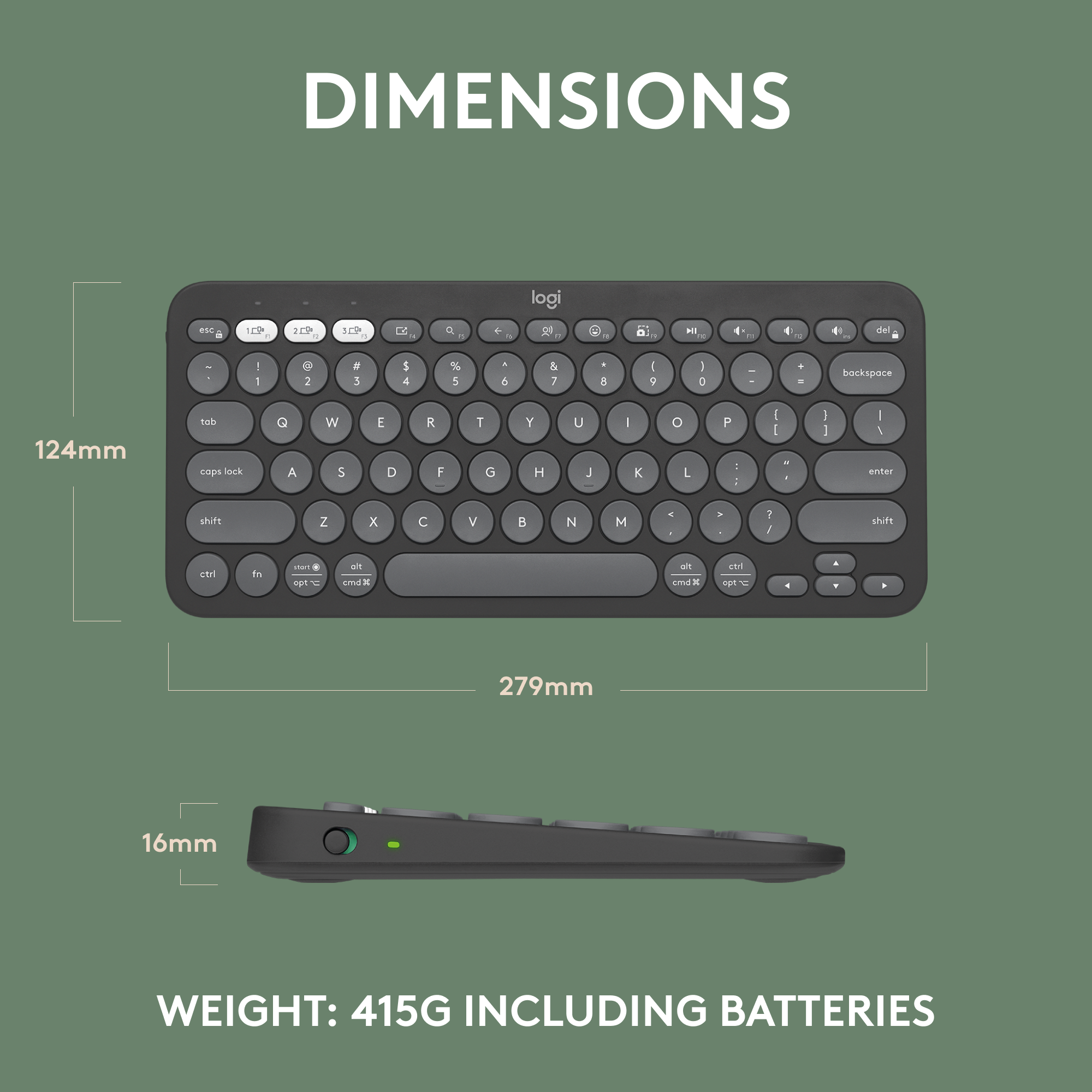
    Excellent little keyboard with a lot of features packed into a small, lightweight package. Design and Build Quality: Another sleek and stylish designs brought to you by Logitech. The "Pebble" series seems to be associated with minimalism. The build quality is quite good, with durable materials and greater than 50% recycled plastic. This keyboard is a super fit compact form factor making it suitable for travel with ease of portability and very lightweight. Scissor Mechanism: This keyboard’s scissor-switch key carry a fantastic low-profile and are deliver a pleasantly quiet typing experience. This scissor style offers a nice balance between the flatness of a membrane keyboard and the tactile feedback of a mechanical keyboard. Wireless Connectivity: Has excellent range and connectivity utilizing standard Bluetooth low energy technology. Quick connect and swapping between 3 devices with the simple press of a button. Can also be used with the separately available Logi Bolt USB receiver – but this is not included. Battery Life: Logitech claims an insanely long battery life of THREE YEARS on 2 triple A batteries, making this little keyboard incredibly efficient and super eco-friendly. Compatibility: this works with everything. I’ve used it on my desktop, laptop, ipad, even phone just to try it. Pretty cool. Additional Features: has multiple standard function incorporated keys such as desktop, search, back, voice command, emoji, and screen capture. But also additional customizable keys from F4-F12 to set up your own special function keys and macros. Fully customizable using the user friendly and intuitive Logi Options + app. Overall I think this is a really great keyboard for the everyday typing, general use, mobile user. It’s super portable, super friendly and super customizable to be whatever you need it to be. Works great and looks even better. A nice aesthetic addition to any workspace without taking up too much real estate on the desk. Connects to anything and quick swappable with the 3 device pairing and instant switching on the fly. You won’t be disappointed.

    I would recommend this to a friend
  • Tech Insider Network Member

    Rated 5 out of 5 stars

    Easy to Pair & Type Logitech Bluetooth Keyboard

    |
    Tech Insider Network Member
    Posted .
    This reviewer received promo considerations or sweepstakes entry for writing a review.

    The Logitech Pebble Keys 2 K380s Bluetooth Keyboard is a small yet easy-to-use (keys are comfortably placed) keyboard that can pair with multiple Bluetooth devices. When I set it up, my initial test was pairing with my MacBook Air, and with all three devices I paired, the pairing was the same process: You long hold the button (1, 2, or 3 – white buttons) and immediately the device shows up in the pairing list. Next, when selecting to pair the keyboard, it gives you a 6-digit code to type into the keyboard, and then you press enter – about 5 seconds later, the pairing is complete. The second device I paired was a Samsung Galaxy S23 Ultra phone; the third was an iPad (9th generation). All were paired without issue. I’m a developer of a mobile app which, about once per year, will require a bunch of data entry for set-up, and for me, using a Bluetooth keyboard, such as this one, makes that process quicker and easier. Typing on this keyboard felt natural, and there was no adjustment time. I did try the screenshot button, and it worked by letting me highlight a portion of the screen to capture, then saved the screenshot on my desktop. While I might’ve preferred if this included a touchpad, as an older model Logitech keyboard I have offers, this one is much more compact so that I could throw it into a backpack for travel, for example. If it had a touchpad, the battery probably wouldn’t last three years, as is claimed here. It has an outstanding battery life.

    I would recommend this to a friend
  • Rated 1 out of 5 stars

    keyboard

    |
    |
    Posted . Owned for 1 month when reviewed.
    This reviewer received promo considerations or sweepstakes entry for writing a review.

    Way smaller than I thought. Still could have been a good key board I just like mine layed out different

    No, I would not recommend this to a friend
    • Brand response from Logitech
      Posted .

      We appreciate your feedback on the Logitech Pebble Keys 2 Slim TKL. We understand it was smaller than you anticipated and that the layout doesn't quite suit your preferences. We apologize for any inconvenience this has caused. We design our products with various needs in mind, and we appreciate you sharing your experience. Logitech

  • Best Buy Employee

    Rated 2 out of 5 stars

    Great but small

    |
    Best Buy Employee
    Posted . Owned for 2 weeks when reviewed.
    This reviewer received promo considerations or sweepstakes entry for writing a review.

    Easy to connect but a bit small for extensive use.

    I would recommend this to a friend
  • Rated 1 out of 5 stars

    Okayish.

    |
    |
    Posted . Owned for 2 months when reviewed.
    This reviewer received promo considerations or sweepstakes entry for writing a review.

    Not comfortable to code and type. I guess circular keys are not good for typing.

    No, I would not recommend this to a friend
    • Brand response from Logitech
      Posted .

      We appreciate your feedback on the Logitech Pebble Keys 2 Slim TKL keyboard. We understand that keyboard layout and key feel are personal preferences, and it's important to find a keyboard that suits individual needs. We'll continue to explore different keyboard designs and features to cater to a wider range of user preferences.

  • Tech Insider Network Member

    Rated 5 out of 5 stars

    Quality Hardware and Experience. Ridiculous Value.

    |
    Tech Insider Network Member
    Posted .
    This reviewer received promo considerations or sweepstakes entry for writing a review.

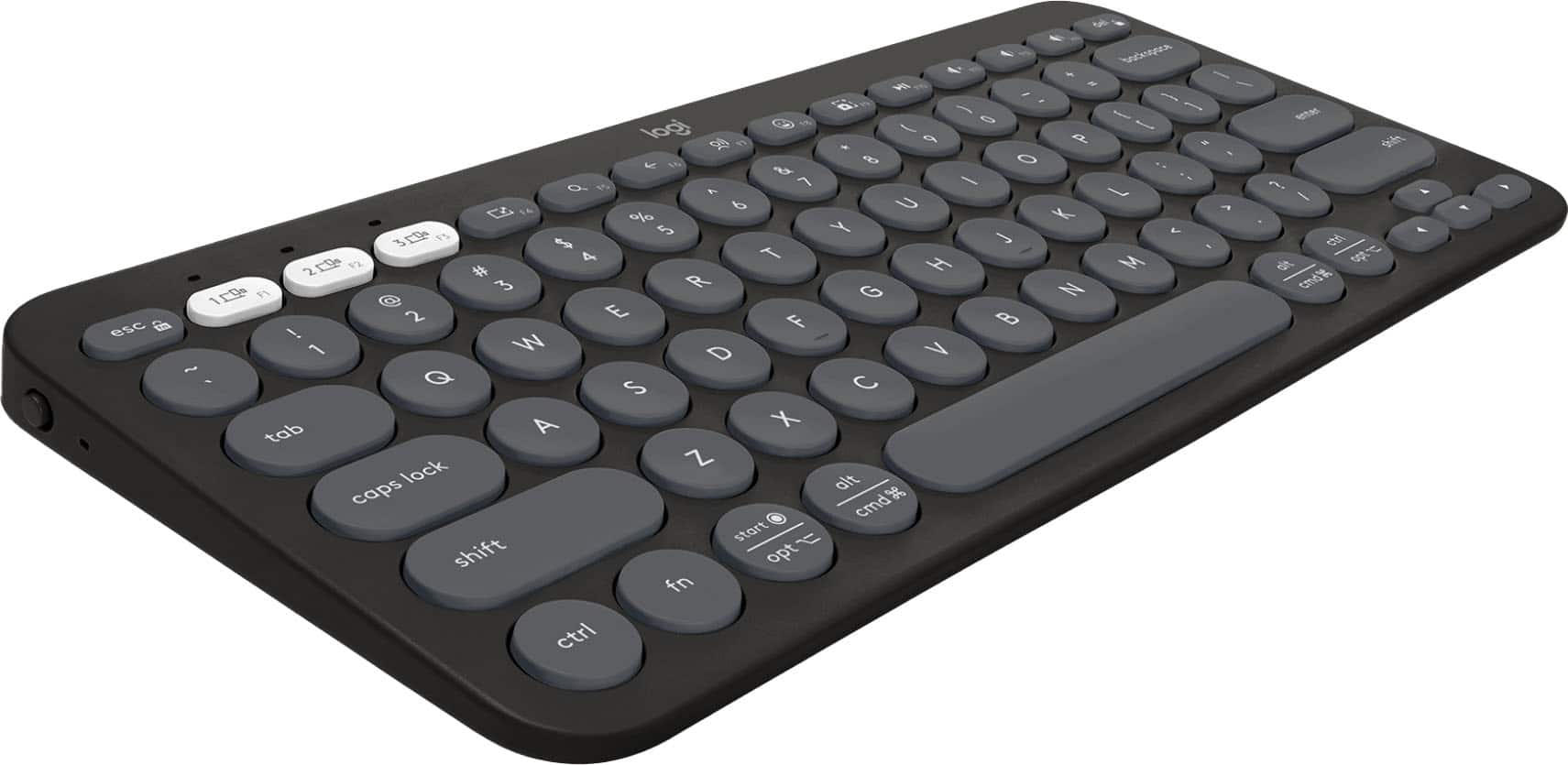
    To get it out of the way, I really like this keyboard. Thin, compact, light, and a surprising solid feel. I like the looks, although, admittedly, I am still slowly coming over to the round keys. I like the color choices and it is all done well. I don’t have the most desk space, and it always ends up being a mess. Small footprint. No wires. Both wins for me. Setup was very simple, and I have zero issues with connectivity. Rock solid. Seamless transitions across devices. I am not sure how many people will take advantage of the switching feature, but as someone who uses Windows, Mac, Android, and iOS, across far too many devices, I am not sure if I can really get across how awesome this has been for me. As for the keyboard itself, and how it is to use. In a couple of words, it is great. As I said earlier, I am still not sure how I feel about the “looks” of the round keys, but the whole thing is great to type on and use. I like the feel and spacing, and I think the keys have the right amount of give. Beyond that though, the function keys give a lot of…functionality, and the Logitech software, which might just be the sneaky hero here, opens up even so much more. It is absolutely worth the time to dig in and explore what you can do. All in all, it is just a great keyboard to use. Battery life, well, has been all I could ask for. It is “rated” as “hours of use with a 3-year battery.” I can’t really say how that will go or what that means, but from what I am seeing I do not think it will be an issue at all going forward. Ultimately, I like this keyboard. It hits on so many things, but it just really comes down to being a good, solid keyboard that is nice to use. To get all that you get here, at this price, is, frankly, a ridiculous value to me.

    I would recommend this to a friend
  • Tech Insider Network Member

    Rated 5 out of 5 stars

    Great little keyboard

    |
    Tech Insider Network Member
    Posted .
    This reviewer received promo considerations or sweepstakes entry for writing a review.

    I recently received the Logitech Wireless Keyboard from the Pebble 2 Collection, and I must say, it exceeded my expectations, especially considering its price point. The design is sleek and looks very nice for a minimalist desk or just fits in your lap well. One standout feature is its ability to connect to three devices seamlessly. This means I can switch between my windows laptop and tablet very easily with just a click of the Easy-Switch buttons. The keyboard itself is satisfying enough to use although very small compared to a traditional keyboard. The keys have a nice click, and I don’t get tired of using it after a day of work. I particularly enjoy using it with my tablet as it has a good bit of options to easily search, take screenshots, and more with the customizable buttons. It can do the same on Windows devices, but I appreciate more it with my tablet. The battery life is hard for me to gauge since I haven’t had this product long enough to need to replace the batteries, but it does have an auto-off that turns it off after a small time. In summary, the Logitech Wireless Keyboard from the Pebble 2 Collection is a fantastic addition to my workspace. Its performance, versatility, and design make it a standout product in its price range.

    I would recommend this to a friend
  • Tech Insider Network Member

    Rated 5 out of 5 stars

    Awesome portable keyboard lots of features!

    |
    Tech Insider Network Member
    Posted .
    This reviewer received promo considerations or sweepstakes entry for writing a review.

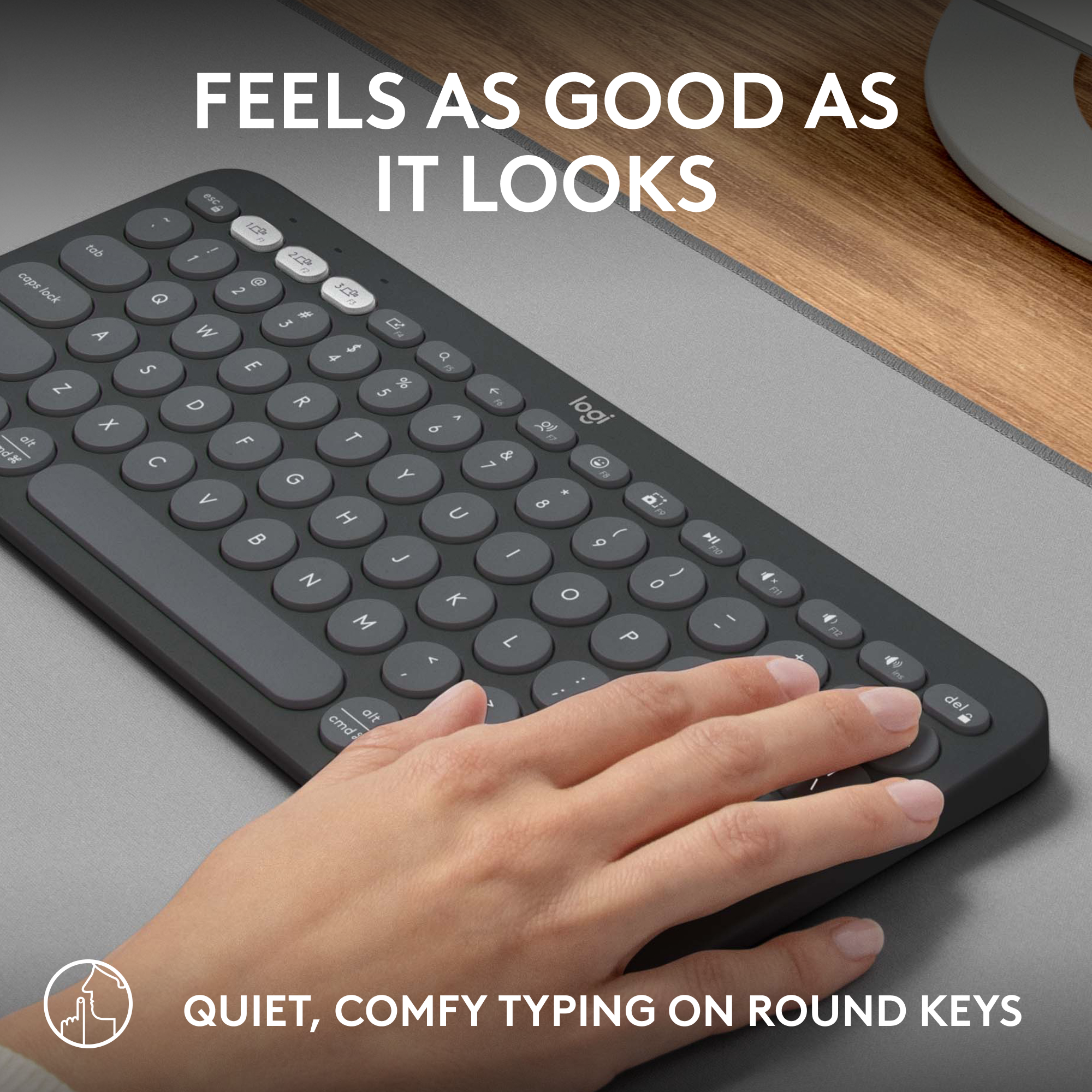
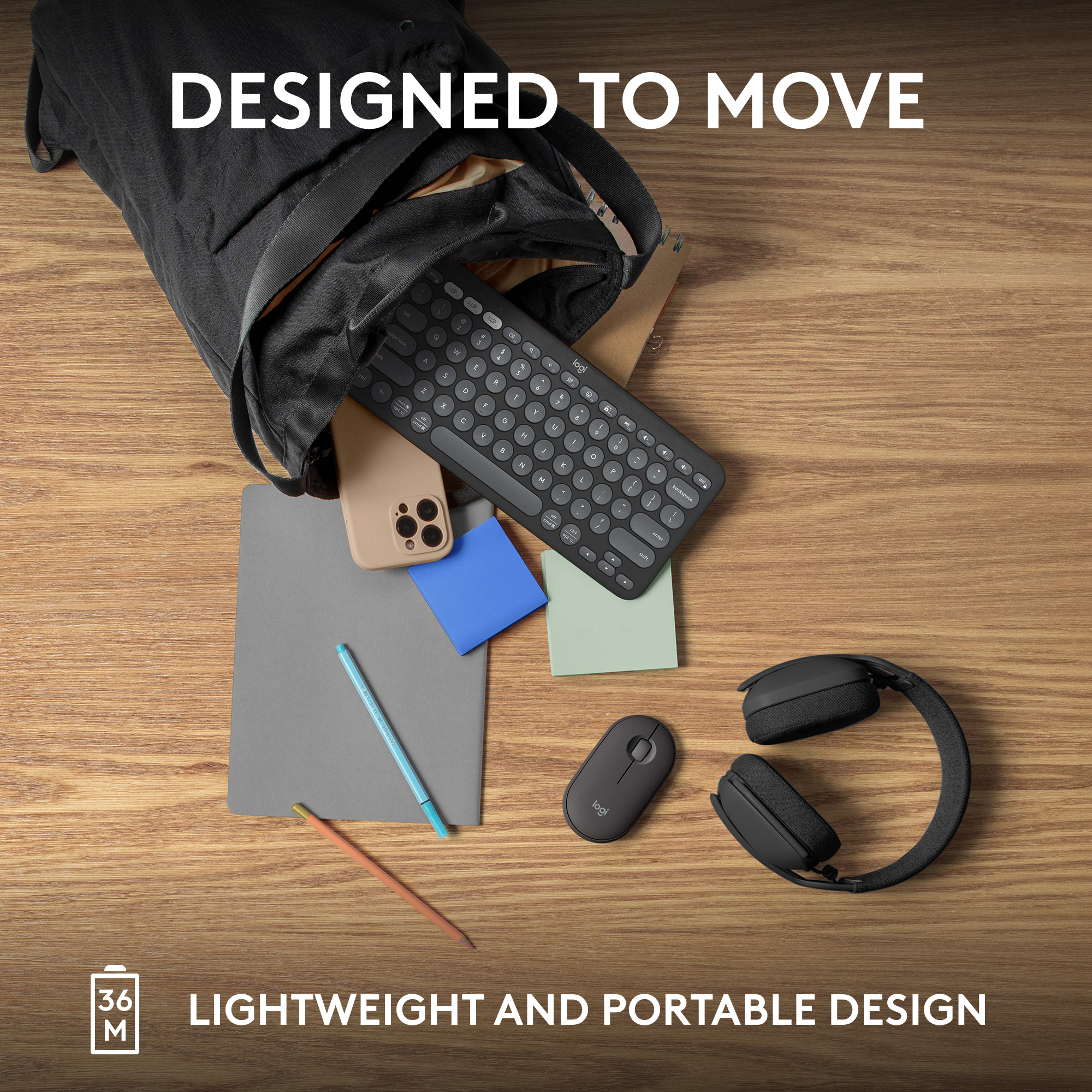
    Logitech did a nice job with this keyboard. You can use it on so many different devices from ios, android and windows. It has to be through Bluetooth. There is no usb dongle, but you can purchase one of you like . The size of the keyboard is just right you can definitely throw it in a backpack and take it with you if you need to. The keys are round but are comfortable to type on and they are quiet keys no clicking noises if that bothers you. Another nice feature is that you can personalize keys and shorcuts with the Logi app. You can have 3 paired devices saved and switch with ease with using f1, f2 and f3. So let's say you jave a windows desktop and you like using a keyboard for your Mac you can just use the shortcut keys to switch back and forth. You don't need to have multiple keyboards taking up space on your desk. The keyboard is not rechargeable it uses 2 AAA batteries that are suppose to last 36 months. I had no lag issues typing on android windows and mac . I even use it on my tv when i want to search for something on youtube or a specific movie because typing on a remote control is annoying you have to use the on screen keyboard

    I would recommend this to a friend