Customer Ratings & Reviews
![GET MORE DONE ... I - - : + - . . - - - | - te d + 1 - - 1 .NO 1 + . . J I CUSTOMIZE 10 KN KEYS WITH LOGI OPTIONS+ APP [2]](https://pisces.bbystatic.com/image2/BestBuy_US/images/products/b9b0e9f6-95e2-4f89-ac0f-842e4fbc4872.png)

- Model:
- 920-011775
- SKU:
- 6554348
Rating by feature
- Value
Rating 4.7 out of 5 stars
- Quality
Rating 4.7 out of 5 stars
- Ease of Use
Rating 4.7 out of 5 stars
Customers are saying
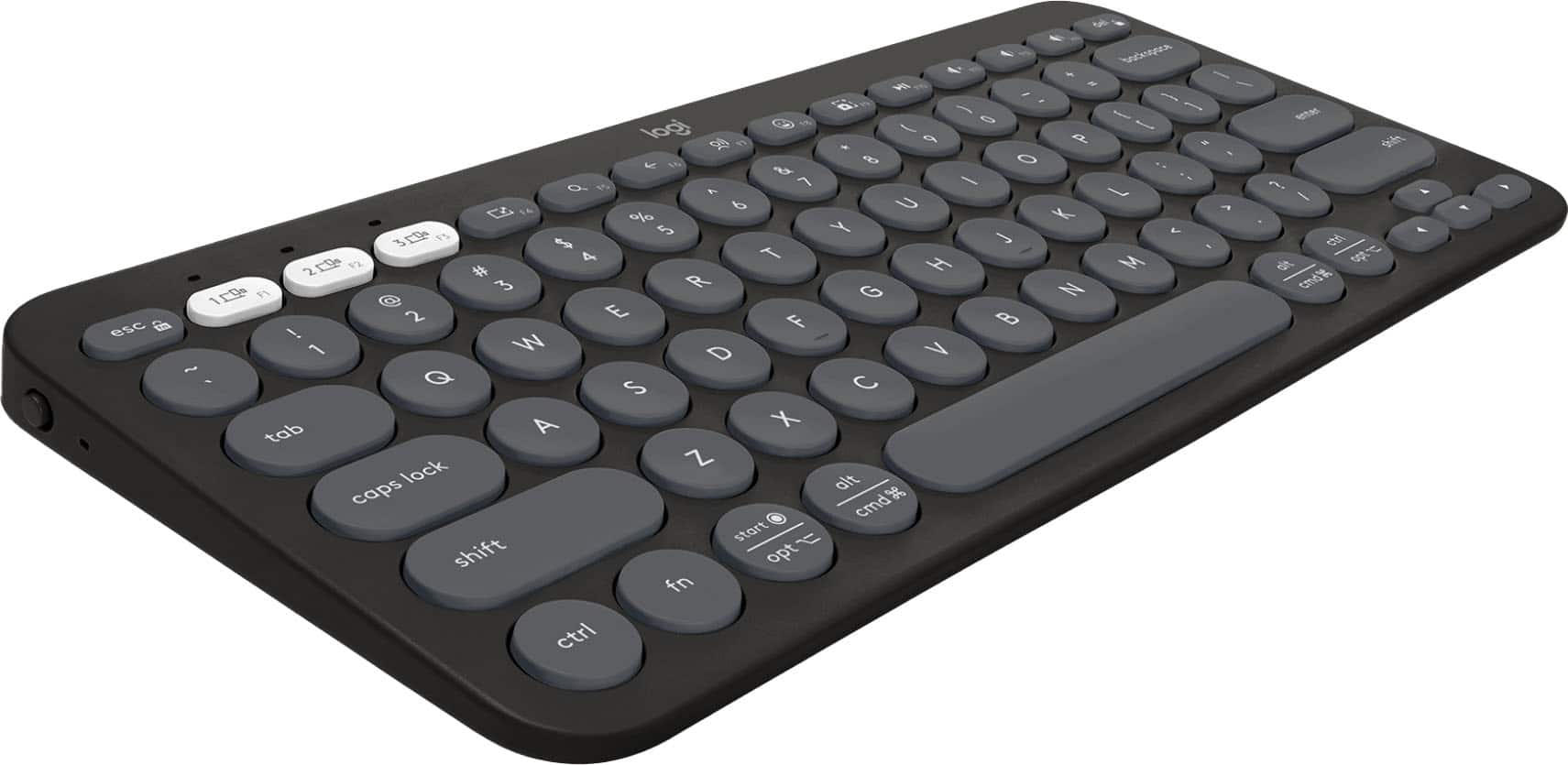
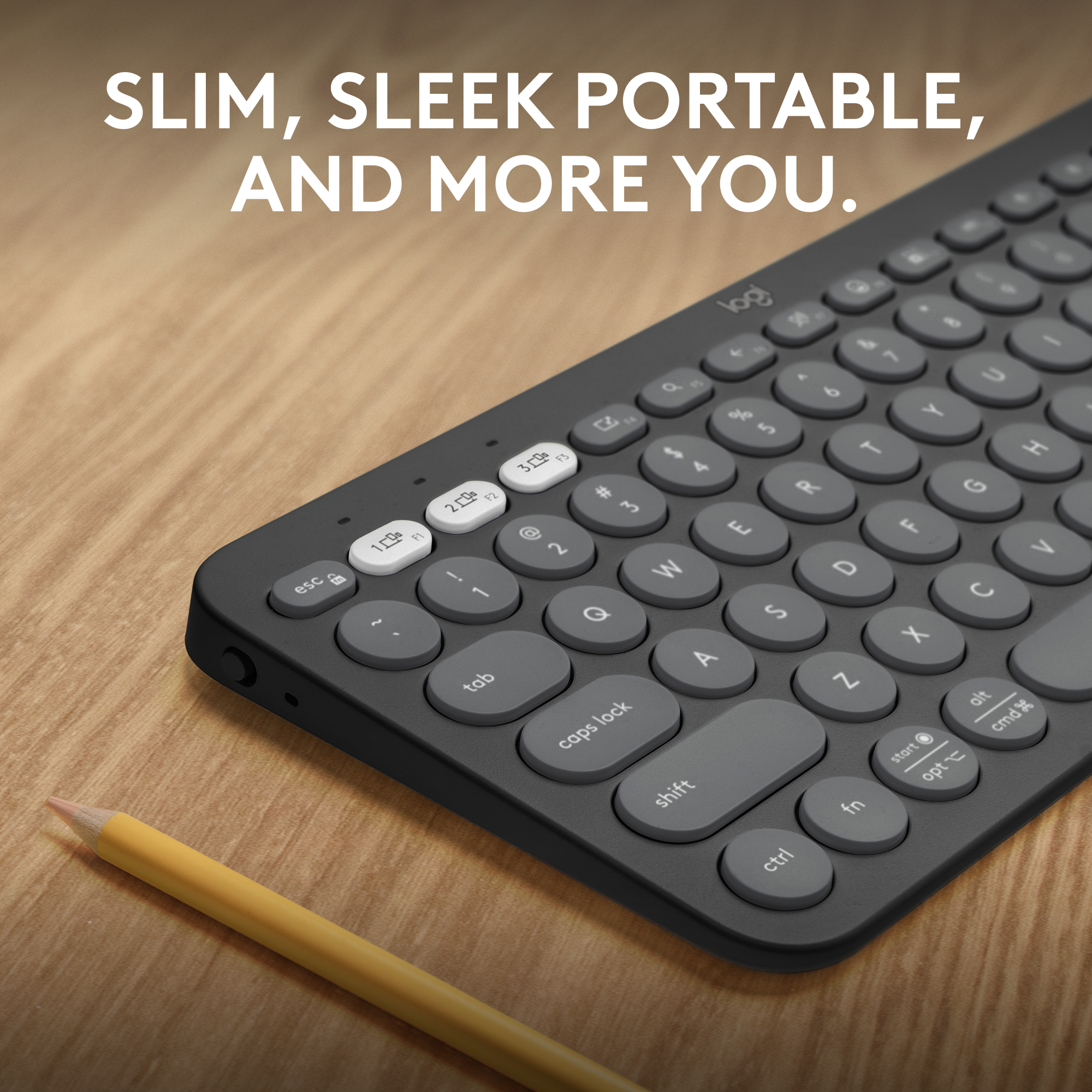
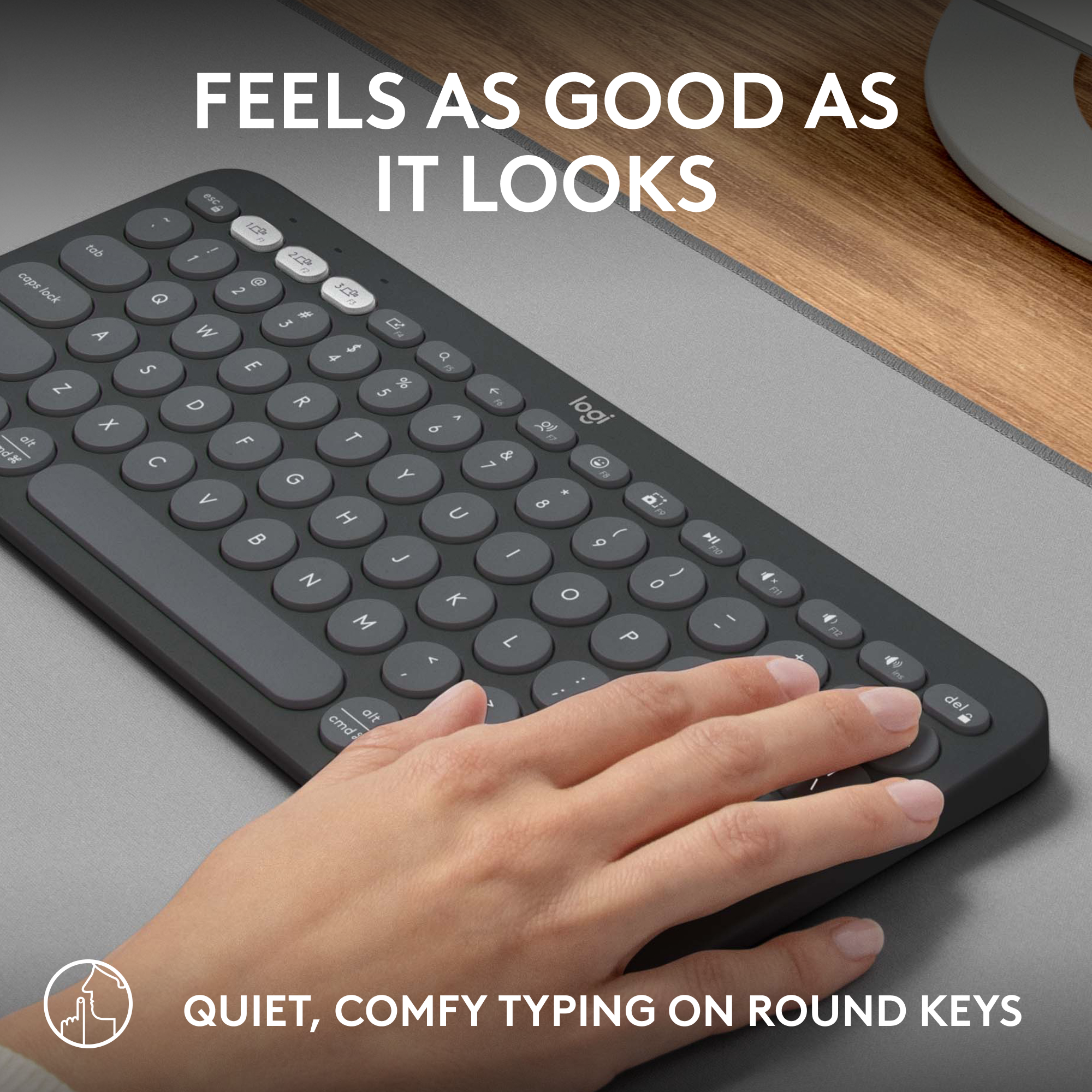
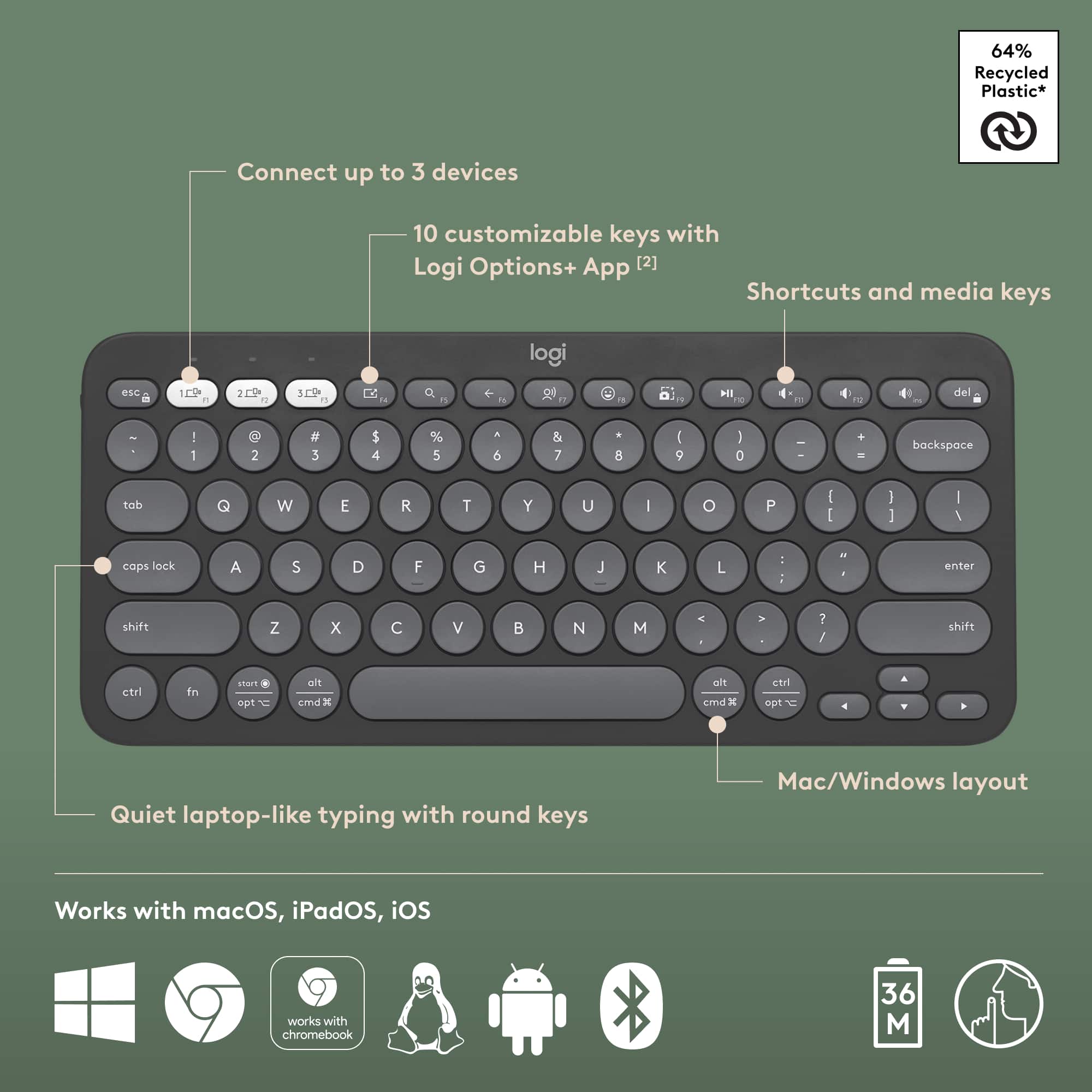
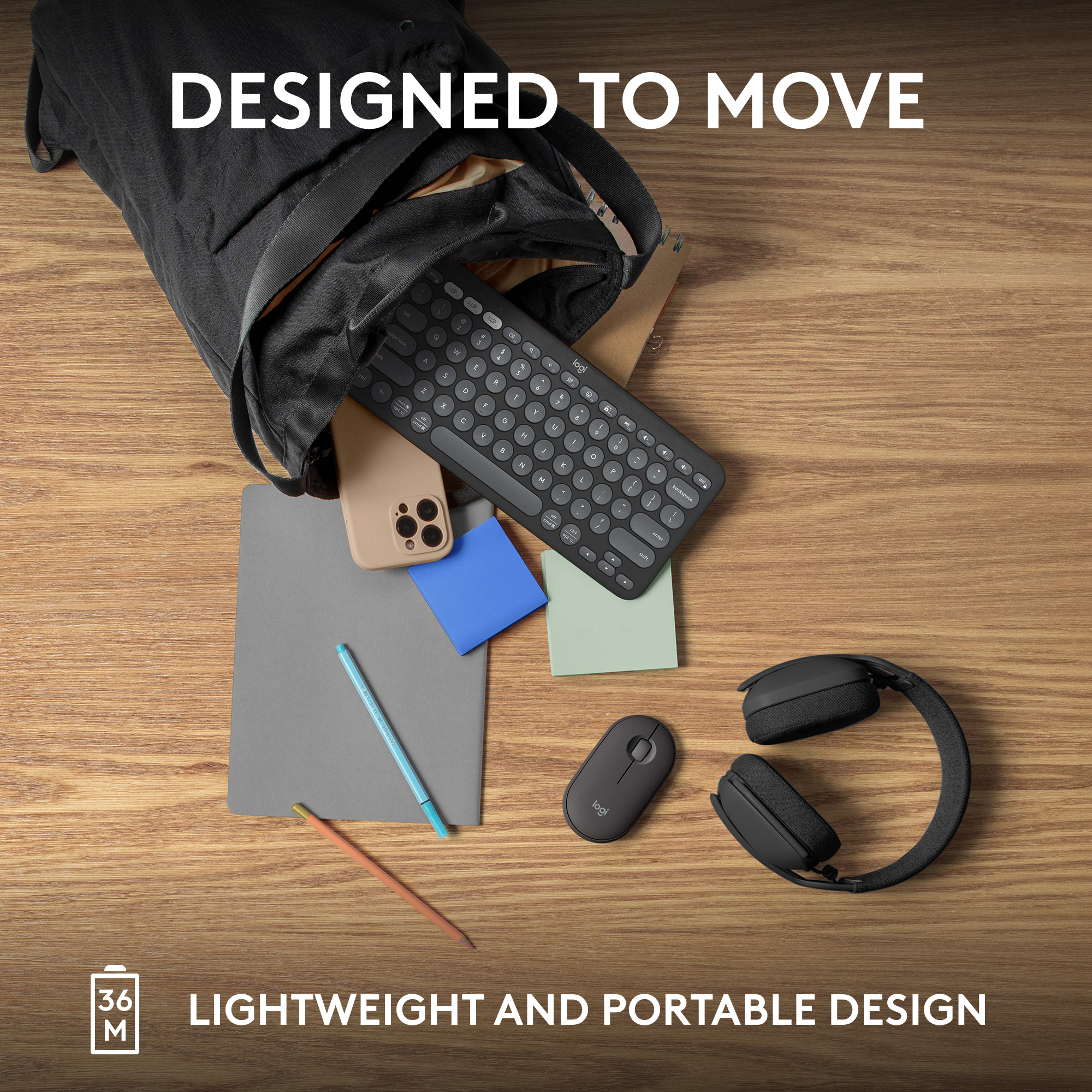
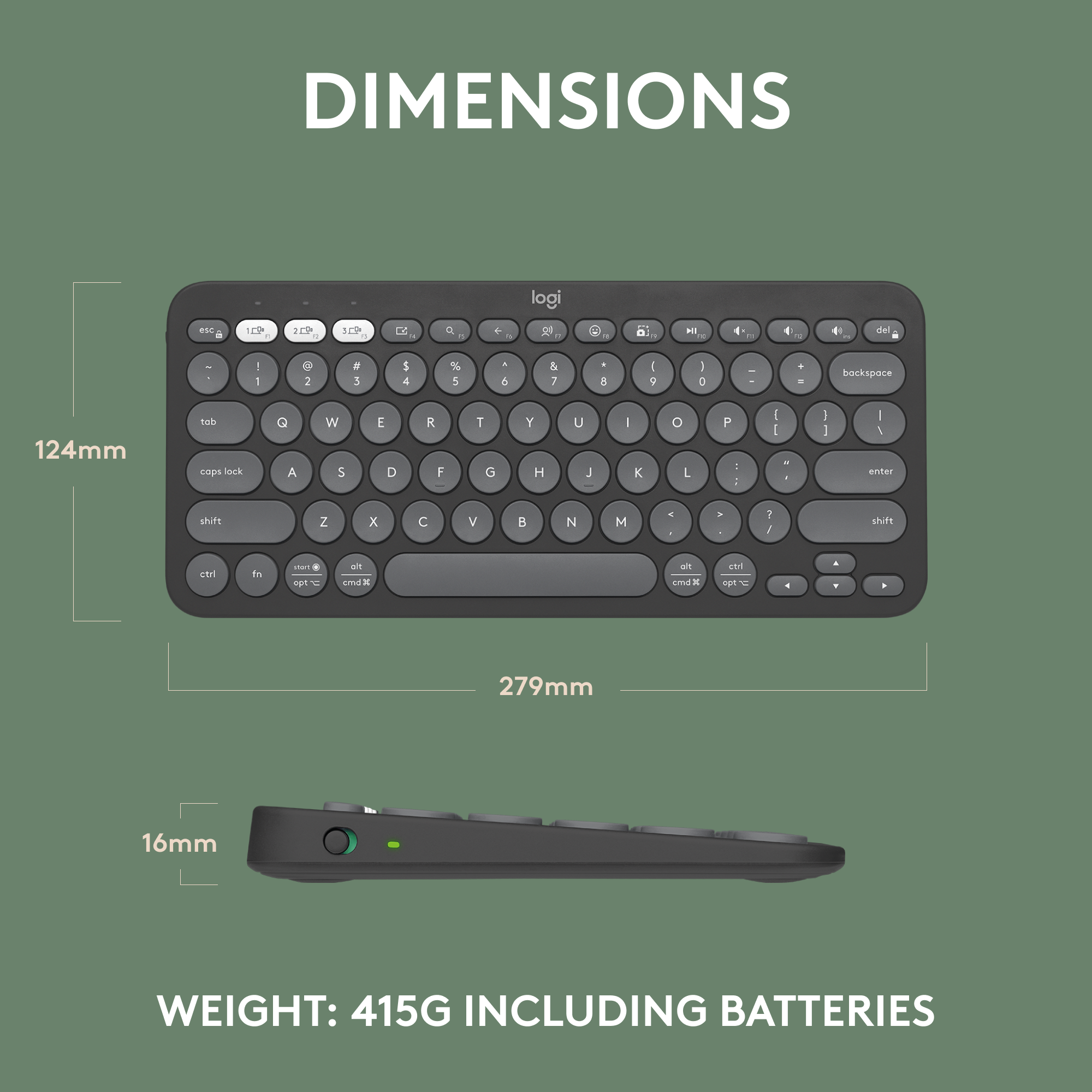
Customers are impressed with the Pebble Keys 2 Slim TKL Wireless Keyboard's portability, compact size suitable for small desks, and overall keyboard quality. Users appreciate its reliable connectivity, long battery life, and key feel. The only drawback mentioned is the absence of a number pad.
This summary was generated by AI based on customer reviews.
- Pros mentioned:Portability
Good product
||Posted . Owned for 3 weeks when reviewed.This reviewer received promo considerations or sweepstakes entry for writing a review.Easy to portable and working nice without making much noise.
I would recommend this to a friendBrand response from Logitech
Posted .The Logitech Pebble Keys 2 is a compact and portable keyboard that offers quiet typing and responsive keys. It's a great choice for those who need a keyboard for on-the-go use.
- Pros mentioned:Keyboard quality
Good compact keyboard
||Posted . Owned for 3 weeks when reviewed.This reviewer received promo considerations or sweepstakes entry for writing a review.Very good compact keyboard, no connectivity issues, keys have good feel
I would recommend this to a friendBrand response from Logitech
Posted .Thank you for the review! We're thrilled you love the Pebble Keys 2 - it sounds like the perfect combination of compact size, reliable connection, and comfortable typing experience. Enjoy using it on the go!
Does the Job
||Posted . Owned for 1 month when reviewed.This reviewer received promo considerations or sweepstakes entry for writing a review.Not a bad little keyboard. I wish it was backlit and a tad snappier like an apple keyboard. It is a little cramped but it does the job!
I would recommend this to a friendBrand response from Logitech
Posted .Thanks for your review of the Pebble Keys 2 Slim! We're glad to hear you find it a capable little keyboard that "does the job!"

Bluetooth keyboard
||Posted . Owned for 3 weeks when reviewed.This reviewer received promo considerations or sweepstakes entry for writing a review.Very much appreciate the sales rep who recommended this key board. Excellent device and a good value
I would recommend this to a friendBrand response from Logitech
Posted .That's wonderful to hear! We're thrilled you're so happy with your Logitech Pebble Keys 2 Slim TKL keyboard and found it to be an excellent device and a good value, thanks to the sales representative's recommendation.
Best store ever
||Posted . Owned for 3 weeks when reviewed.This reviewer received promo considerations or sweepstakes entry for writing a review.I buy all of my electronics from best buy because i know this is the best place to go for anything like that !
I would recommend this to a friendBrand response from Logitech
Posted .That's wonderful to hear! Thanks so much for sharing your loyalty to Best Buy for all your electronics. We're thrilled that you consider it the best place to go, and we appreciate you choosing us for your Logitech Pebble Keys 2 and other tech needs!
- Pros mentioned:Keyboard quality
Good but backspace didn’t work
||Posted . Owned for 3 weeks when reviewed.This reviewer received promo considerations or sweepstakes entry for writing a review.I liked the feel of the keyboard, but i wished all the keys worked properly.
No, I would not recommend this to a friend Nice addition
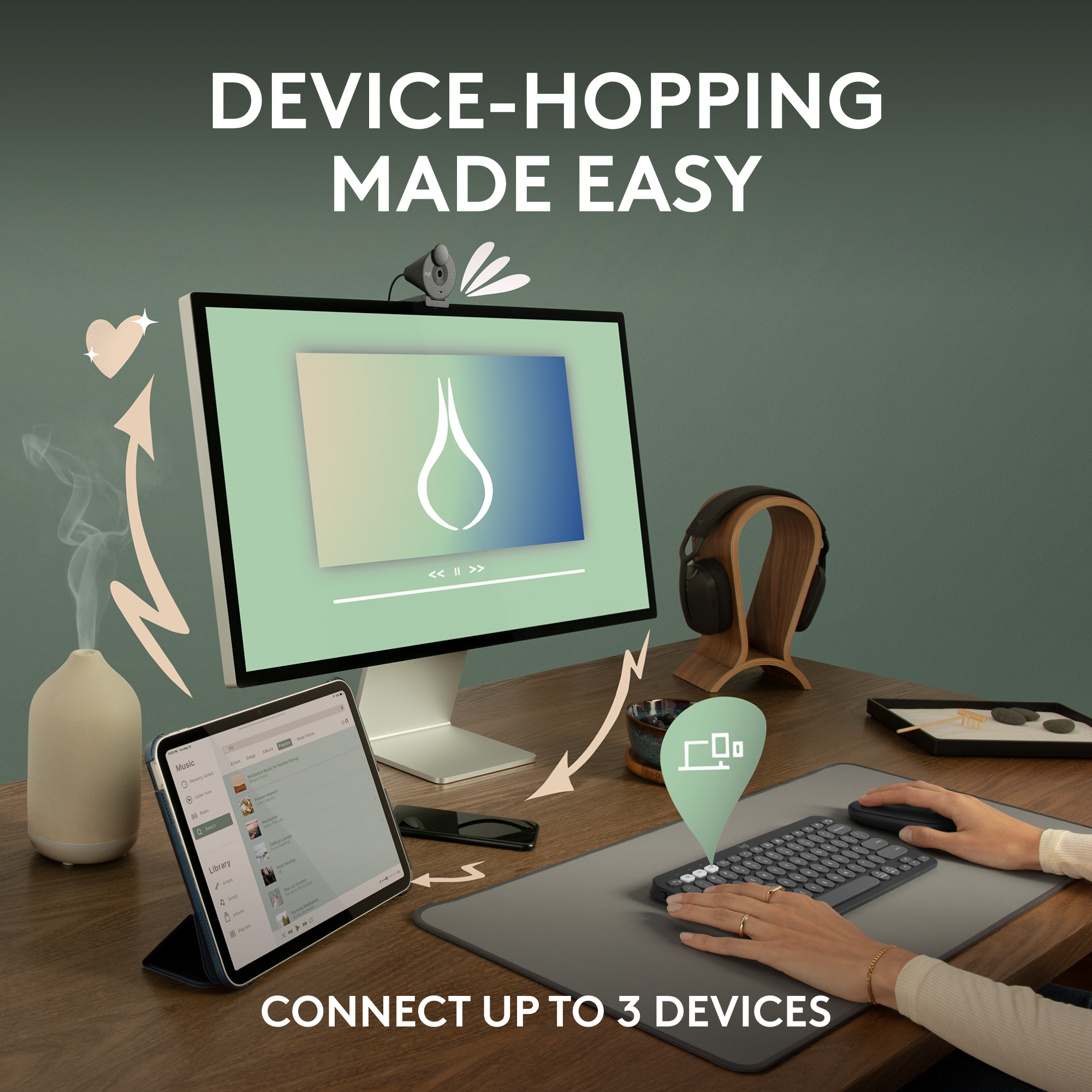
||Posted . Owned for 3 weeks when reviewed.This reviewer received promo considerations or sweepstakes entry for writing a review.Easy setup A great addition for my I Pad Like the multiple “links” to other computers
I would recommend this to a friendBrand response from Logitech
Posted .This is great to hear! It's wonderful that you found the setup easy and that the keyboard works so well with your iPad and other devices. Thanks for sharing your positive experience.
Should get
||Posted . Owned for 1 month when reviewed.This reviewer received promo considerations or sweepstakes entry for writing a review.Works really well and no lag on typing. I love this small keyboard
I would recommend this to a friendBrand response from Logitech
Posted .That's fantastic to hear! We're thrilled you're loving your Logitech Pebble Keys 2 Keyboard so much.
It's great to know that it works really well for you, and we're especially happy to hear there's no lag on typing – that seamless experience is exactly what we aim for. And, of course, we're delighted you appreciate its small size!
Thanks for sharing your positive feedback! We hope it continues to be a joy to use every day.
Keyboard
||Posted . Owned for 1 month when reviewed.This reviewer received promo considerations or sweepstakes entry for writing a review.It worked fine. The tech set it up for me I appreciate that. But the reason I purchased it was that my computer didn’t recognize its own keyboard. After converting to Microsoft 11 the computers keyboard was recognized.
I would recommend this to a friendBrand response from Logitech
Posted .Logitech Pebble Keys 2 - Worked fine, but not needed after upgrading to Windows 11. Tech was helpful with setup.
Pebble keys 2 Slim, my favorite keyboard
||Posted . Owned for 1 year when reviewed.This reviewer received promo considerations or sweepstakes entry for writing a review.Excellent keyboard. I was not sure how to set up at first and once I did, i love it.
I would recommend this to a friendBrand response from Logitech
Posted .We're delighted you're enjoying the Pebble Keys 2! We understand that initial setup can sometimes be a bit tricky, but we're thrilled you're happy with it now.
Good value
||Posted . Owned for 1 month when reviewed.This reviewer received promo considerations or sweepstakes entry for writing a review.The keyboard isnt used often. The small size takes some getting use to. But overall its well made.
I would recommend this to a friendBrand response from Logitech
Posted .Thanks for the feedback! It's good to know the build quality is holding up, even with less frequent use. The compact design does have a learning curve, and appreciate you sticking with it.
Keyboard
||Posted .This reviewer received promo considerations or sweepstakes entry for writing a review.works well was greatly packaged will refer to others
I would recommend this to a friendBrand response from Logitech
Posted .It's wonderful to hear your Pebble Keys 2 keyboard is working well and arrived in great packaging! We truly appreciate you planning to recommend it to others. Thanks so much for your positive feedback!
Nice but hard to type
||Posted . Owned for 1 month when reviewed.This reviewer received promo considerations or sweepstakes entry for writing a review.I wanted a small keyboard, but found this to be too small for me to type easily and quickly. It also didn't have the stand-feature that allows the keyboard to be propped up at angle.
No, I would not recommend this to a friendBrand response from Logitech
Posted .Thank you for sharing your feedback on the Logitech Pebble Keys 2 Slim. It's helpful to know that the smaller size impacted your typing comfort and speed, and that the absence of an adjustable stand feature was a drawback for you. I’ll make sure to pass this input along with our relevant team for future improvements.
Great keyboard!
||Posted . Owned for 2 months when reviewed.This reviewer received promo considerations or sweepstakes entry for writing a review.I was afraid that it was going to be too small for my hands but after using it for a couple of minutes I type faster on this than I do i on full size!
I would recommend this to a friendBrand response from Logitech
Posted .That's fantastic to hear! The Pebble Keys 2's compact size can surprisingly be a great fit for many typists. We're glad it helped you improve your typing speed!
Good for the money!!
||Posted . Owned for 3 weeks when reviewed.This reviewer received promo considerations or sweepstakes entry for writing a review.This is relatively good wireless keyboard for the money. When you initially turn on the computer after it has been asleep, the responsiveness is a bit slow, but after that, everything is good.
I would recommend this to a friendBrand response from Logitech
Posted .Thank you for your review of the Logitech Pebble Keys 2 keyboard! We're glad to hear that you're satisfied with the value it offers. We'll take your feedback about the initial responsiveness into consideration for future product improvements.
Back up key board
||Posted . Owned for 2 months when reviewed.This reviewer received promo considerations or sweepstakes entry for writing a review.Great vack up key board to have. Thanks best buy! Your customer service people are always great to work with.
I would recommend this to a friendBrand response from Logitech
Posted .That's great to hear! The Logitech Pebble Keys 2 seems to be a handy and portable backup keyboard. Its thin design and wireless connectivity make it a convenient option for users who need a keyboard on the go.
This is a Yes!
||Posted . Owned for 1 month when reviewed.This reviewer received promo considerations or sweepstakes entry for writing a review.This is the perfect companion for travel. I was worried about it being awkwardly small to type on, but it is comfortable!
I would recommend this to a friendBrand response from Logitech
Posted .That's great to hear! The Pebble Keys 2 is designed for portability and comfort. We're glad it's meeting your needs!
Better Than Apple
||Posted . Owned for 3 weeks when reviewed.This reviewer received promo considerations or sweepstakes entry for writing a review.Thought about getting an Apple keyboard but this was like less than half the price and has worked out great.
I would recommend this to a friendBrand response from Logitech
Posted .Hi, smart choice! Pebble Keys 2 sounds like a great alternative. Getting great value and functionality at a budget-friendly price is always a win. Happy typing!
George
||Posted . Owned for 3 weeks when reviewed.This reviewer received promo considerations or sweepstakes entry for writing a review.Its great for what I’m doing with it good price!!!
I would recommend this to a friendBrand response from Logitech
Posted .Thank you for sharing how well the Pebble Keys 2 Slim TKL is working for your needs. It's great to know it's performing effectively for you. Your feedback is genuinely appreciated!
Logitech Keyboard
||Posted . Owned for 4 months when reviewed.This reviewer received promo considerations or sweepstakes entry for writing a review.Great little keyboard!!! For once, directions made it easy to set up -- no confusion or deciphering.
I would recommend this to a friendBrand response from Logitech
Posted .Thank you for your feedback about the Logitech Pebble Keys 2 Slim TKL Wireless Scissor Keyboard! We're thrilled to hear that you found the setup process straightforward and easy to follow. Our goal is to make using our products as seamless as possible, and it's great to know we've achieved that in your case.