Customer Ratings & Reviews



- Model:
- 910-005773
- SKU:
- 6383731
Rating by feature
- Value
Rating 4.7 out of 5 stars
- Quality
Rating 4.7 out of 5 stars
- Ease of Use
Rating 4.8 out of 5 stars
Customers are saying
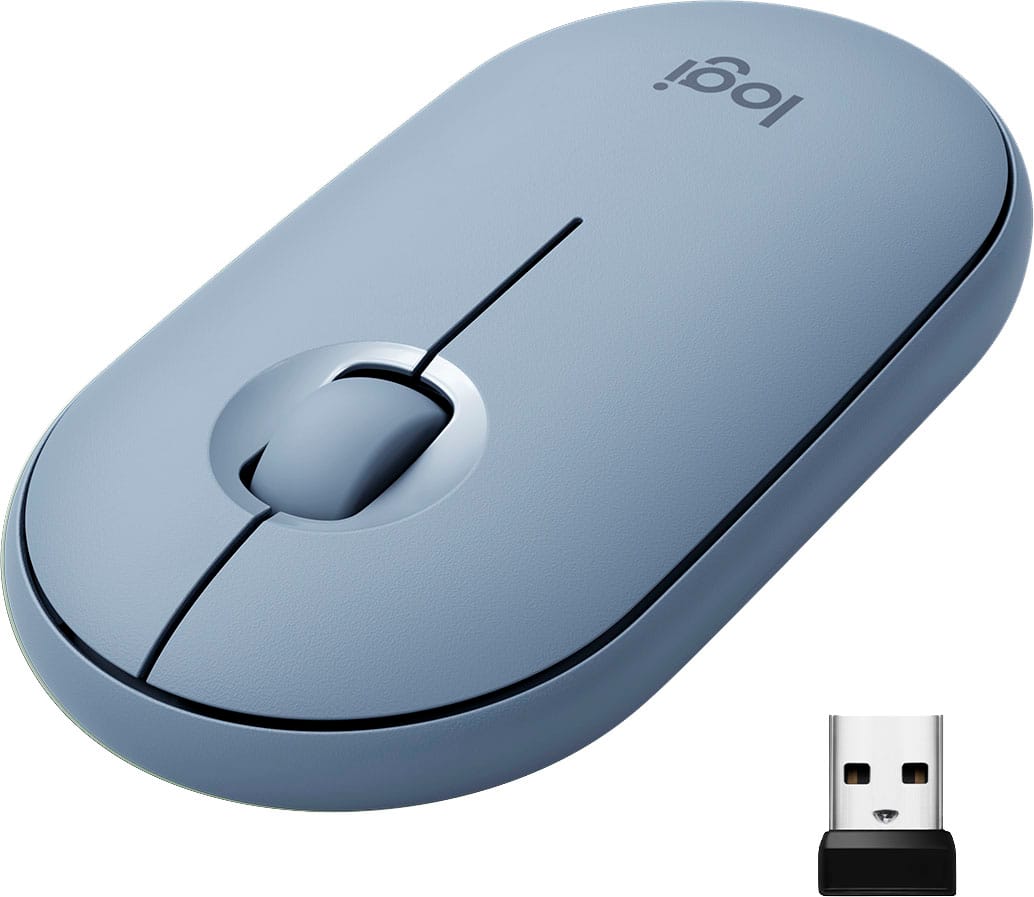
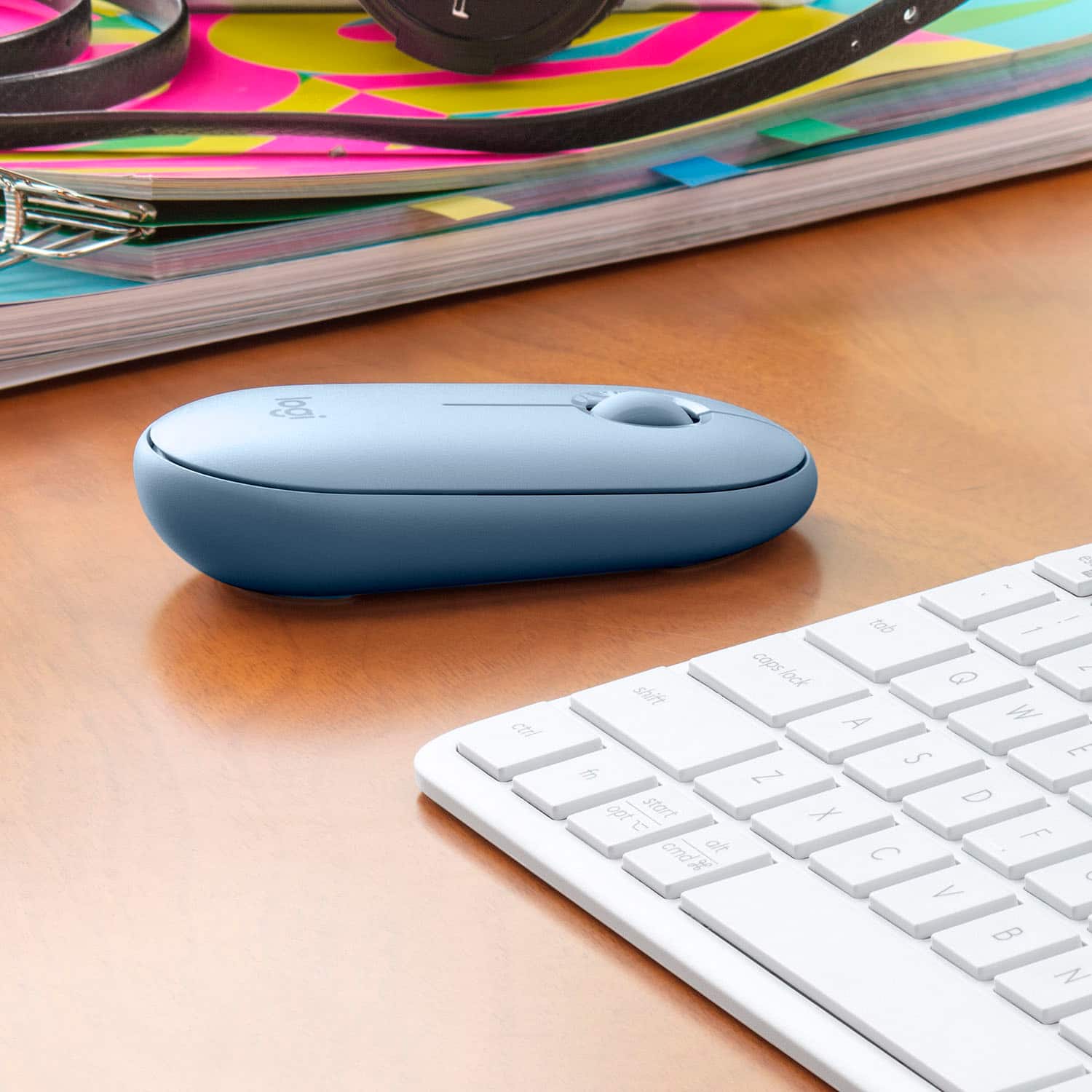
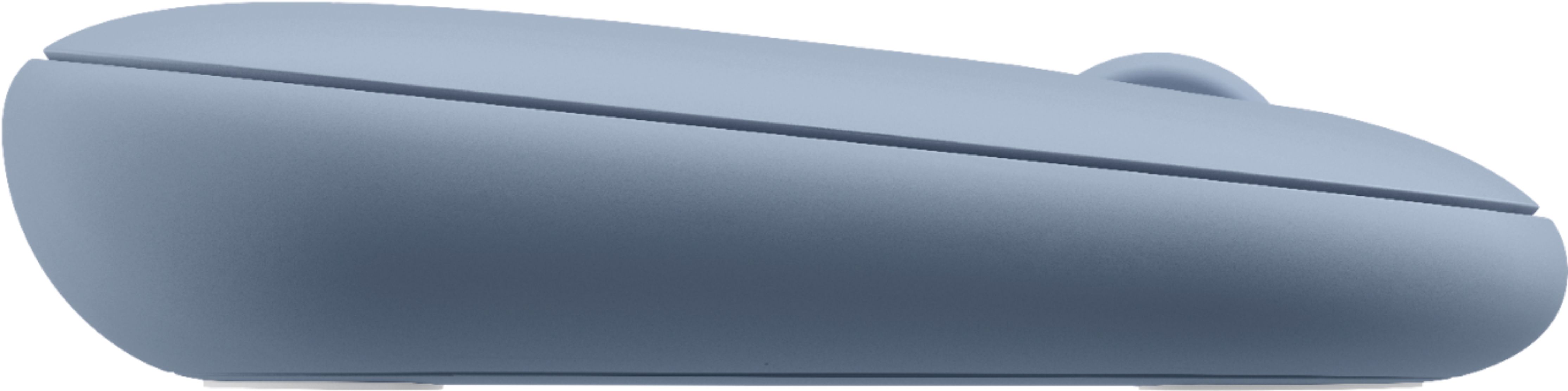
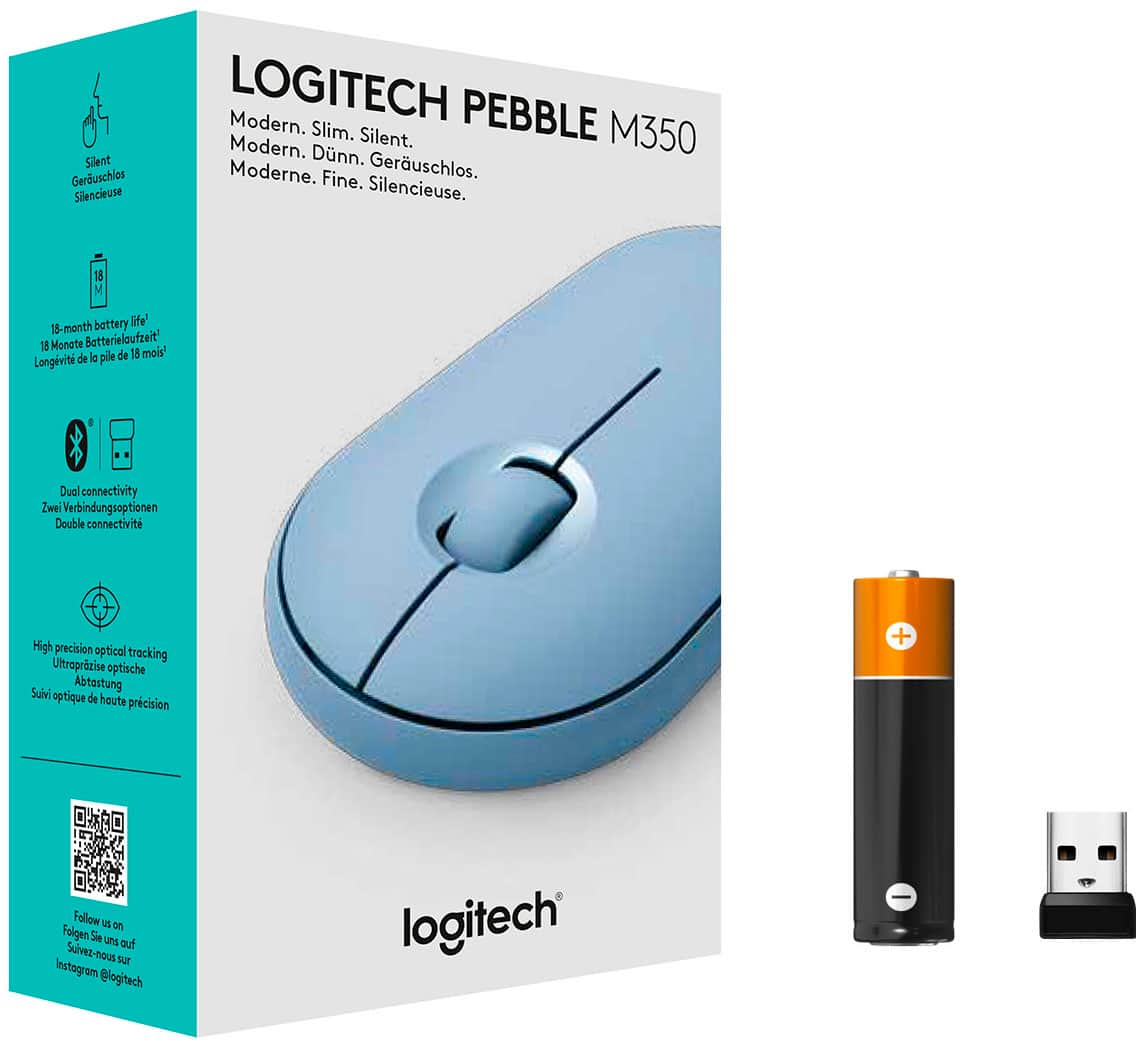
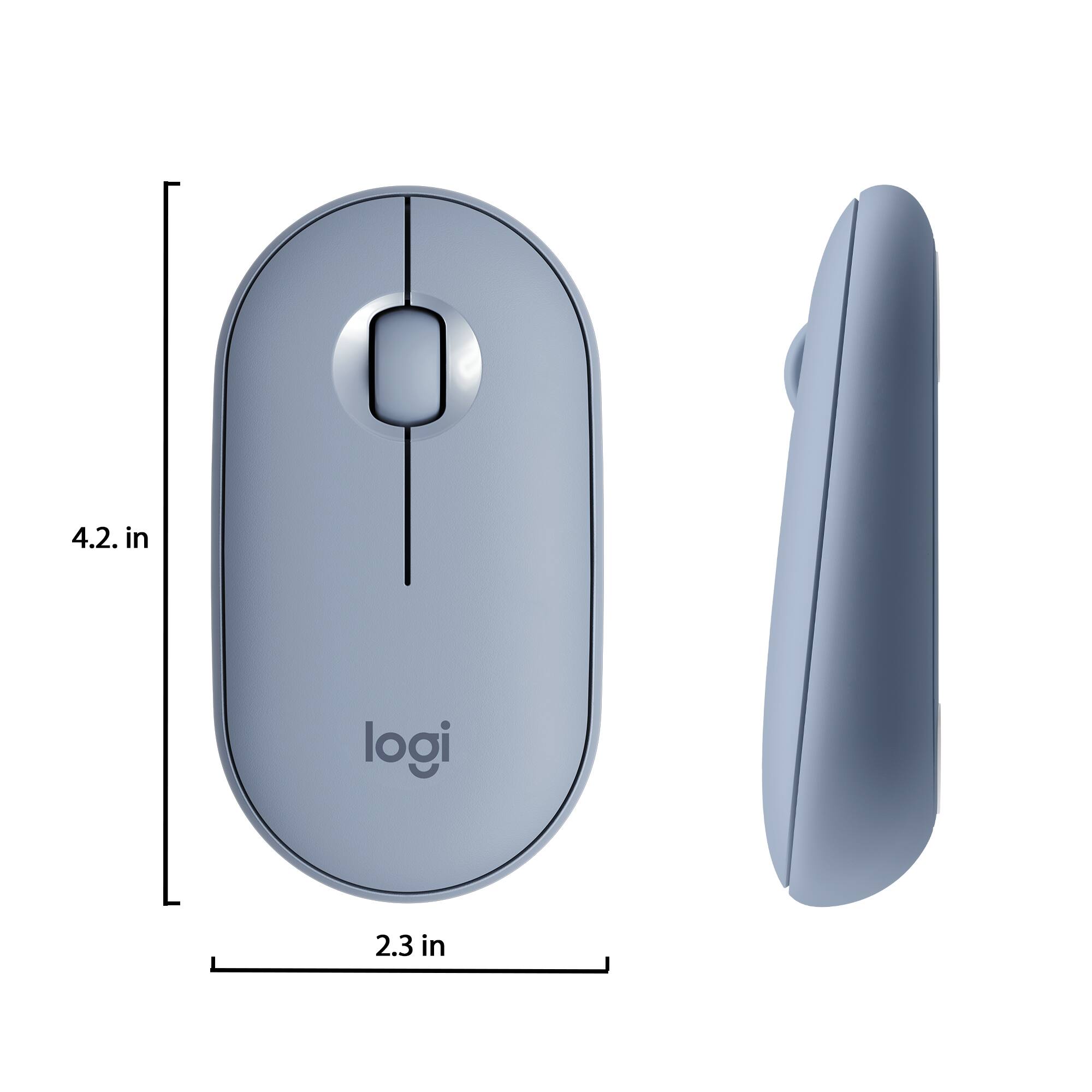
Customers are impressed with the Pebble M350 mouse's ease of use, size, and Bluetooth connectivity. Many appreciate its lightweight design, long battery life, and the attractive color options. While some users noted minor issues with scrolling, the overall consensus points to a positive user experience. The quiet clicking mechanism is also frequently praised.
This summary was generated by AI based on customer reviews.
worst mouse ever
||Posted . Owned for 3 weeks when reviewed.This reviewer received promo considerations or sweepstakes entry for writing a review.Having a lot of problems with this mouse. It doesn't always work,ready to return back to Best buy.
No, I would not recommend this to a friendBrand response from Logitech
Posted .Hi Rosemonsrer,
Thank you for your feedback. Sorry you are having issues with your mouse. Here are possible solutions:
If your mouse is not working, the problem is likely to be a lost connection. The connection between the mouse and Unifying USB receiver can be lost for several reasons. Make sure you have fresh batteries in your mouse and is turned on. Make sure the Unifying USB receiver is securely plugged directly into a working USB port on your computer. Turn your computer on. Finally, download the correct version of Logitech SetPoint mouse and keyboard software. If you need further assistance, please contact Logitech support on the website.
LaShonda from Logitech
Does not last
||Posted . Owned for 1 month when reviewed.This reviewer received promo considerations or sweepstakes entry for writing a review.Mouse is cute but stopped working after 1.5 month of use. Blue tooth is not connecting.
No, I would not recommend this to a friendBrand response from Logitech
Posted .Hi Lety, we're sorry to see you're having some connectivity issues with your M350 Pebble mouse. You do have a 1 year limited warranty that can be used to have a replacement sent out to you. You can do that here: https://support.logi.com/hc/en-us/articles/360026503773-Warranty-Pebble-M350. Hope that helps.
Faulty
||Posted . Owned for 2 months when reviewed.This reviewer received promo considerations or sweepstakes entry for writing a review.Did not connect to my ipad pro 2020. I tried to connect it to other device, it also won't connect.
No, I would not recommend this to a friendBrand response from Logitech
Posted .Hello we are sorry to hear about your issues with the M350. We hope that you were able to exchange the item, as this sounds like an isolated incident. If you ever have any feature/settings questions, please visit us for support at https://support.logi.com/hc/en-us
- Pros mentioned:Silent click

Smooth, lightweight mouse
|Posted .This reviewer received promo considerations or sweepstakes entry for writing a review.This mouse is very smooth. I can use the side area of my laptop without a mouse pad. My other one was able to do the same but it wasn't as efficient. The little clicker on my screen would automatically click things. This mouse does not do that so I do not need to carry around a mouse pad. I love how easy it was to connect to my laptop with the usb and via bluetooth. So simple. Its very quiet and easy to glide. I also love how it is not bulky so it does not stick out of my laptop sleeve. I would def recommend this.
I would recommend this to a friend Terrific and ergonomic multi-device mouse
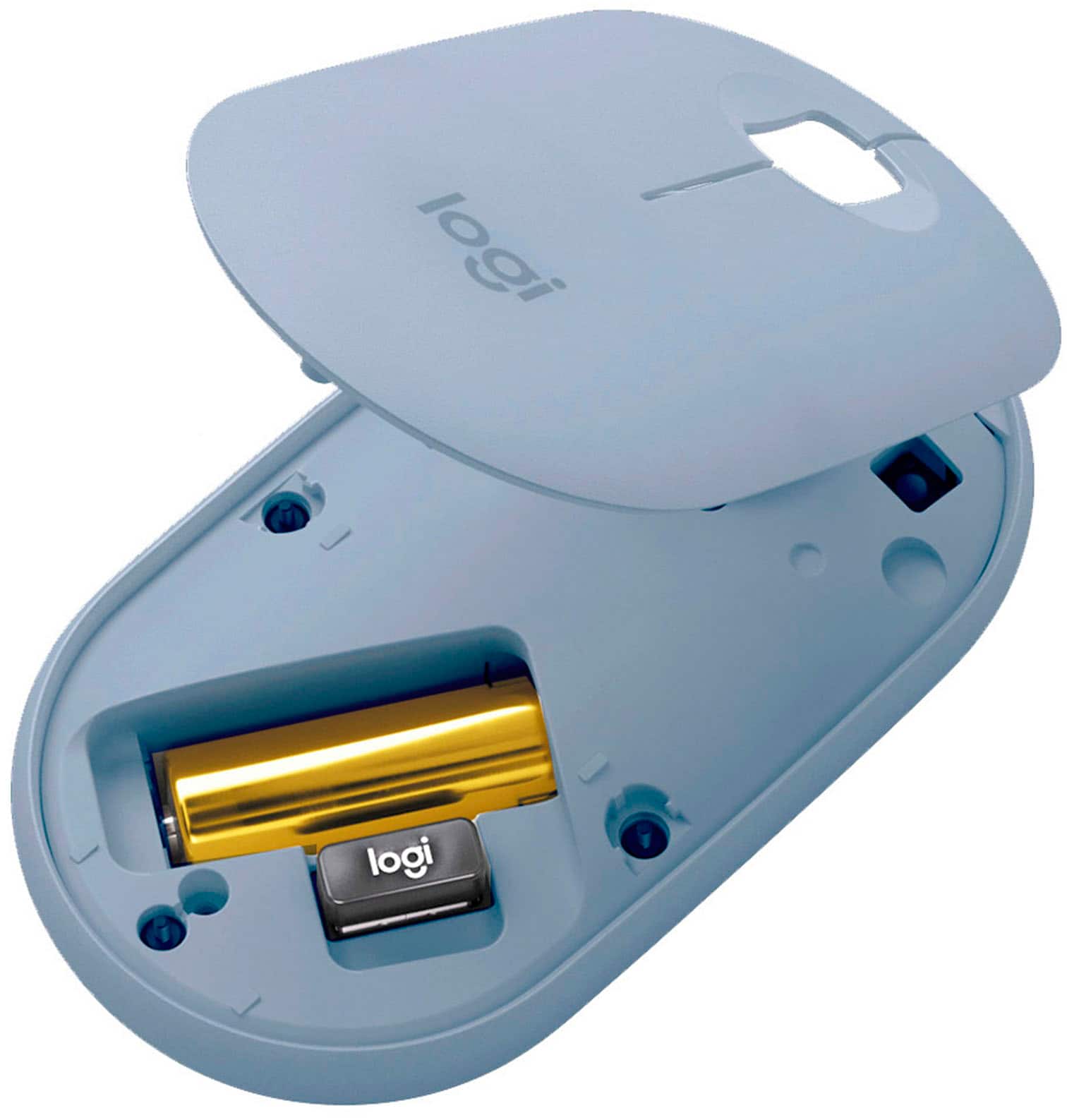
|Posted .This reviewer received promo considerations or sweepstakes entry for writing a review.Disclaimer - I received this product in exchange for my fair and unbiased review. The Logitech M355 Pebble Wireless Optical Mouse is a good bargain for the price. You get a flag, ergonomic design that's still comfortable to hold, both Bluetooth and USB dongle connection options, and a wide range of compatibility to different computers. Unboxing and setup: Opening the package was a straightforward affair, with a blister pack designed to be easily opened by anyone (my 7 year old is the one who opened the package this time, and he had no issues). Everything you need to use the mouse is under a magnetically-attached cover on top of the unit; pull the paper tab from the battery to power it on and either plug the USB dongle in (if you don't have Bluetooth 4.0 or later) or pair over Bluetooth and you're ready to go. It easily paired with my Windows 10 and Mac computers, an Android tablet, an Android Smart TV, and a ChromeBook. Usage: It's a typical Logitech mouse, but it's so quiet. Quieter than my other mice, quieter than clicking the touchpad on my Apple TV 4k's Siri remote, quieter than clicking the trackpad on my Sony's touch remote. My kid didn't realize the mouse was clicking when he took it out of the package, at least until he sat it down and could feel the feedback of the click. My wife used it while working this morning and told me it took some getting used to it being quiet. I had also ultimately set it up where it's paired with her personal laptop via Bluetooth 4.0 and her work laptop via it's dongle in a USB port. Switching between the two devices is super easy - you press the pairing button to switch up how the mouse connects. A green light means it's using the dongle and a blue light means it's using Bluetooth. Please note that Bluetooth pairing requires Bluetooth 4.0 or later in your computer or device you're pairing with. If there's a drawback to the mouse, I'd say its a lack of a touch scrolling/clicking surface. But at this price point, I wouldn't expect it either. All in all, this is another great mouse from Logitech.
I would recommend this to a friendBrand response from Logitech
Posted .Hi BillFromKC, glad to see you're enjoying the super simple and portable M335 mouse! If you want to customize the mouse even more, download the free Logitech Options app! But if you have any questions, check out the Logitech support page at https://support.logi.com/hc/en-us/articles/360024327673--Getting-Started-Wireless-Mouse-M335. Continue to enjoy!
- Pros mentioned:Silent click
Stealth, Compact and Light
|Posted .This reviewer received promo considerations or sweepstakes entry for writing a review.This mouse really took me by surprise. It is so silent that going back to any other mouse might trigger anxiety by their noisy clicking. The size is perfect! It feels so comfortable on my hand. It does not require downloadable drivers to operate, as I have both a PC and a Chrome Book. That came in handy during our family’s trip to Hawaii. It is so light in weight that I almost forgot it was in back pocket when transporting it to local WIFI hotspots. This one is a good find. Simplicity at it’s best!
I would recommend this to a friend Logitech - Pebble
||Posted . Owned for 2 weeks when reviewed.This reviewer received promo considerations or sweepstakes entry for writing a review.Fits my small hand beautifully and moves smoothly and quickly on the mouse pad.
I would recommend this to a friendBrand response from Logitech
Posted .Hello, we are so glad to hear you are loving the mouse! Thank you for being a Logitech customer and taking the time to write this review. We would really appreciate if you would please amend this star rating to match your awesome review. Thank you and have a great day!
LAGS
||Posted . Owned for 3 months when reviewed.This reviewer received promo considerations or sweepstakes entry for writing a review.Mouse lags... It's so frustrating that I am going to buy a new mouse
No, I would not recommend this to a friendBrand response from Logitech
Posted .Hi Jane,
Thank you for your feedback. Sorry you are having issues with your mouse. Here are possible solutions:
If your mouse is not working, the problem is likely to be a lost connection. The connection between the mouse and Unifying USB receiver can be lost for several reasons. Make sure you have fresh batteries in your mouse and is turned on. Make sure the Unifying USB receiver is securely plugged directly into a working USB port on your computer. Turn your computer on. Finally, download the correct version of Logitech SetPoint mouse and keyboard software. If you need further assistance, please contact Logitech support on the website.
LaShonda from Logitech
not compatible
||Posted . Owned for less than 1 week when reviewed.This reviewer received promo considerations or sweepstakes entry for writing a review.This item did not fit my laptop that it was advised with. Awful customer service!
No, I would not recommend this to a friendBrand response from Logitech
Posted .Hi Glohovey, I am sorry to hear that the M350 would not work for your computer. It uses a wireless Bluetooth connection, which will work with computers that have Bluetooth capabilities. Thank you for your feedback!
- Pros mentioned:Silent click
Perfect for the right person
|Posted .This reviewer received promo considerations or sweepstakes entry for writing a review.I have been testing this mouse out for about a week now and I have been pleasantly surprised how much I like it. The mouse is SUPER quiet and ultra responsive. I think this mouse would be ideal for use in a public space because of how quiet the left and right buttons click. The mouse will plug and play via the dongle or bluetooth. My only complaint is the absence of the forward or back buttons. Aside from that this a sleek, pretty, and overall well designed mouse.
I would recommend this to a friend - Pros mentioned:Silent click
Quiet mouse with precise tracking!
|Posted .This reviewer received promo considerations or sweepstakes entry for writing a review.The Logitech Pebble M350 BT Optical Mouse is my new favorite mouse to use. It is small and easy to use. It can connect via bluetooth or via a USB dongle. The best part of this mouse is that is is so quiet. You won't disturb anyone while using it to click or using the wheel. It is very precise and I have not had any issues. It is very ergonomically friendly and it comfortable to use for longer periods of time. I would definitely recommend this mouse!
I would recommend this to a friend Wireless mouse
||Posted . Owned for 3 weeks when reviewed.This reviewer received promo considerations or sweepstakes entry for writing a review.Was supposed to work in iPad but would but we could not get it to link.
No, I would not recommend this to a friendBrand response from Logitech
Posted .Hello, I am sorry to hear about the connectivity issues you are having with this device. Please make sure the mouse is turned on and the Bluetooth on your iPad is as well! I hope this helps!
Small, simple, ergonomic
|Posted .This reviewer received promo considerations or sweepstakes entry for writing a review.Got this mouse for my daughters laptop and it is perfect. It is the perfect size for her small hands yet ergonomic enough for an adult to use. It is small not taking up much space and very portable. Easy setup just plug and play and it works flawlessly with no interruption. Not sure how long the battery lasts but we leave the mouse on so it is always found quickly by the laptop. My daughter loves it for the size and color. Great purchase....
I would recommend this to a friend- Pros mentioned:Silent click
Mighty mouse in a small package
|Posted .This reviewer received promo considerations or sweepstakes entry for writing a review.Got this one for my wife to use as she didn't let the OEM mouse included with her desktop PC. I glides along nicely on the desk and clicks are completely silent. Neither of us though could get used to the low profile of the mouse - we're both used to something that was a little higher up and our hand would cup it - we almost have to unnaturally flatten our hand to use this mouse. It utilizes a single AA battery, which is included. Plugged in the included USB and it linked right up. I would recommend given they can handle the extremely low profile of the mouse. As usual with ANY logitech product though, it's well built and meant to last a while!
I would recommend this to a friend Thisisbull
||Posted . Owned for 1 month when reviewed.This reviewer received promo considerations or sweepstakes entry for writing a review.It doesn't work on my laptop this is bull because you
No, I would not recommend this to a friendBrand response from Logitech
Posted .Hello, we are sorry to hear about your issues with the M355 not working with your laptop. Please visit us for support at: https://support.logi.com/hc/en-us/requests/new?ticket_form_id=360000621393
Quieter than a library. Great on any surface.
|Posted .This reviewer received promo considerations or sweepstakes entry for writing a review.The Pebble is an excellent wireless mouse. It's as thin as a deck of cards, feels solid, and tracks on seemingly every surface. It passed the "use my thigh as a mouse pad" test with flying colors, and even tracks well on my bulky comforter. The buttons are quieter than a mime, yet give enough tactile feedback to confirm you've clicked something like a button should. The scroll wheel has notched feedback and a single AA battery supposedly lasts 18 months. It's about 18 months too early for me to verify that, but I'll be impressed if it comes anywhere near that. In terms of setup, you can either use connect to it through bluetooth, or the supplied USB wireless receiver. The receiver is thin and almost fits flush when inserted, so you can be lazy and keep it plugged in while traveling with your laptop. I setup the Pebble on both a Windows 10 PC and a Macbook Pro and had no issues connecting or working with either. There's no hot buttons or any fancy functions, but the Pebble does what a basic mouse is supposed to do and does it very, very well. If you're looking for a silent, compact, wireless mouse, you should definitely checkout the Pebble.
I would recommend this to a friendTerrible
||Posted . Owned for less than 1 week when reviewed.This reviewer received promo considerations or sweepstakes entry for writing a review.It would randomly auto disconnect from the computer
No, I would not recommend this to a friendBrand response from Logitech
Posted .Hello, I am sorry to hear about the connectivity issues you are experiencing. That is definitely not normal, you may have received a defective unit. This mouse comes with a 1 year warranty through Logitech so we can get that replaced for you! Here is the link to file a claim: https://support.logi.com/hc/en-us/articles/360026503773-Warranty-Pebble-M350. I hope this helps! Thank you for taking the time to write this review, we appreciate the feedback.
Must have wireless mouse
|Posted .This reviewer received promo considerations or sweepstakes entry for writing a review.Over the years I have used many different mice. Logitech seems to be the golden standard for wireless mice and this is no exception. I have never used a mouse quite like this one. First off is the design. It is very sleek but it does not sacrifice comfort or usability. Since it has a slim design it is easy to throw in a laptop bag for when you are on the go. Another great feature is that it has both USB wireless and Bluetooth. This gives you options depending what device you are using it with. It is also a plus that the USB can be kept inside the mouse if you are transporting it or if you are using Bluetooth. It is made of a high quality hard plastic and works on just about any surface. It only has a left right click and scroll wheel which keeps it simplistic and nothing else is necessary. The only downside to this mouse is that the feedback when you click is abnormal. You do not get a firm click noise. However, the more I used this mouse the more I got used to it and actually started to like it. The reason I say that is because it is actually quiet and sometimes that is not a bad thing. I would highly recommend this mouse to anyone who needs a simple and great mouse for traveling or business purpose. It would also be a great mouse for someone who was in college.
I would recommend this to a friendLove It
|Posted .This reviewer received promo considerations or sweepstakes entry for writing a review.Love this mouse. I like that it has 2 ways to connect to your device. First (and my preferred method) is to connect via bluetooth. Yep, this has bluetooth connection. No more need to plug an extra dongle into one of your limited USB ports on your device. Put your device in discover mode, and push the button on the bottom of the mouse, and BANG you are connected. We used it with a chromebook for our daughters school device and had no issues connecting. If you do not have the ability to connect with bluetooth it does come with the paired dongle you can plug into an open USB Port on your device and that works just as quickly to connect. You may not know where to find the battery or the USB Dongle.... surprise the TOP of the mouse is magnetic and pops off when yo are ready. Super easy. The mouse works on nearly any surface and is long and flat. It fits very nicely in both adult and children's hands. The buttons work as expected and the scroll wheel is always a plus for navigating up and down long pages on the screen. It is compact yet durable. It is being carried around in a school backpack and no issues so far. LOVE this. Did I mention you can connect directly via Bluetooth.
I would recommend this to a friendAwesome Mouse
|Posted .This reviewer received promo considerations or sweepstakes entry for writing a review.Very Comfortable and responsive. Has the right amount of weight and feel. What a great feature to have the option of bluetooth or 2.4ghz wireless. Both work well. Mouse buttons are easy touch and quiet. Scrolls very quickly. Easily fits in a laptop sleeve due to its aerodynamic fluid design. Another great product from Logitech.
I would recommend this to a friend