Customer Ratings & Reviews



- Model:
- 910-005773
- SKU:
- 6383731
Rating by feature
- Value
Rating 4.7 out of 5 stars
- Quality
Rating 4.7 out of 5 stars
- Ease of Use
Rating 4.8 out of 5 stars
Customers are saying
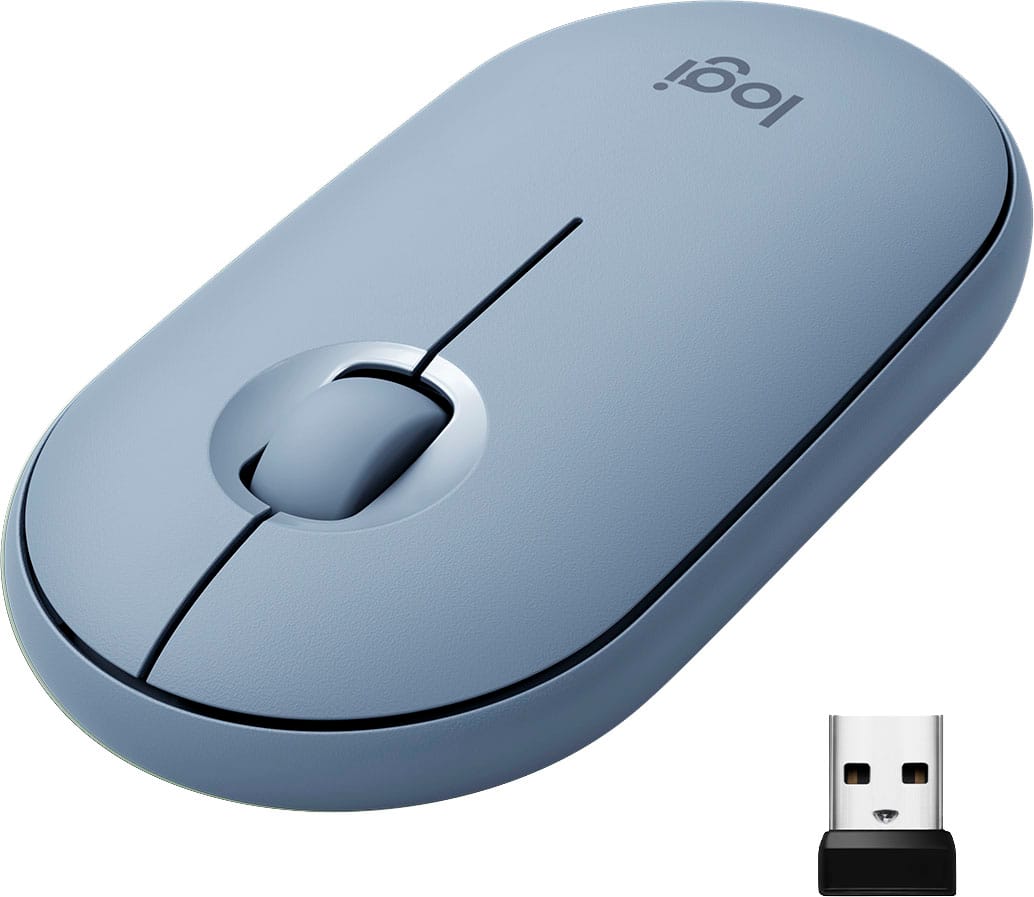
Customers are impressed with the Pebble M350 mouse's ease of use, size, and Bluetooth connectivity. Many appreciate its lightweight design, long battery life, and the attractive color options. While some users noted minor issues with scrolling, the overall consensus points to a positive user experience. The quiet clicking mechanism is also frequently praised.
This summary was generated by AI based on customer reviews.
Too flat
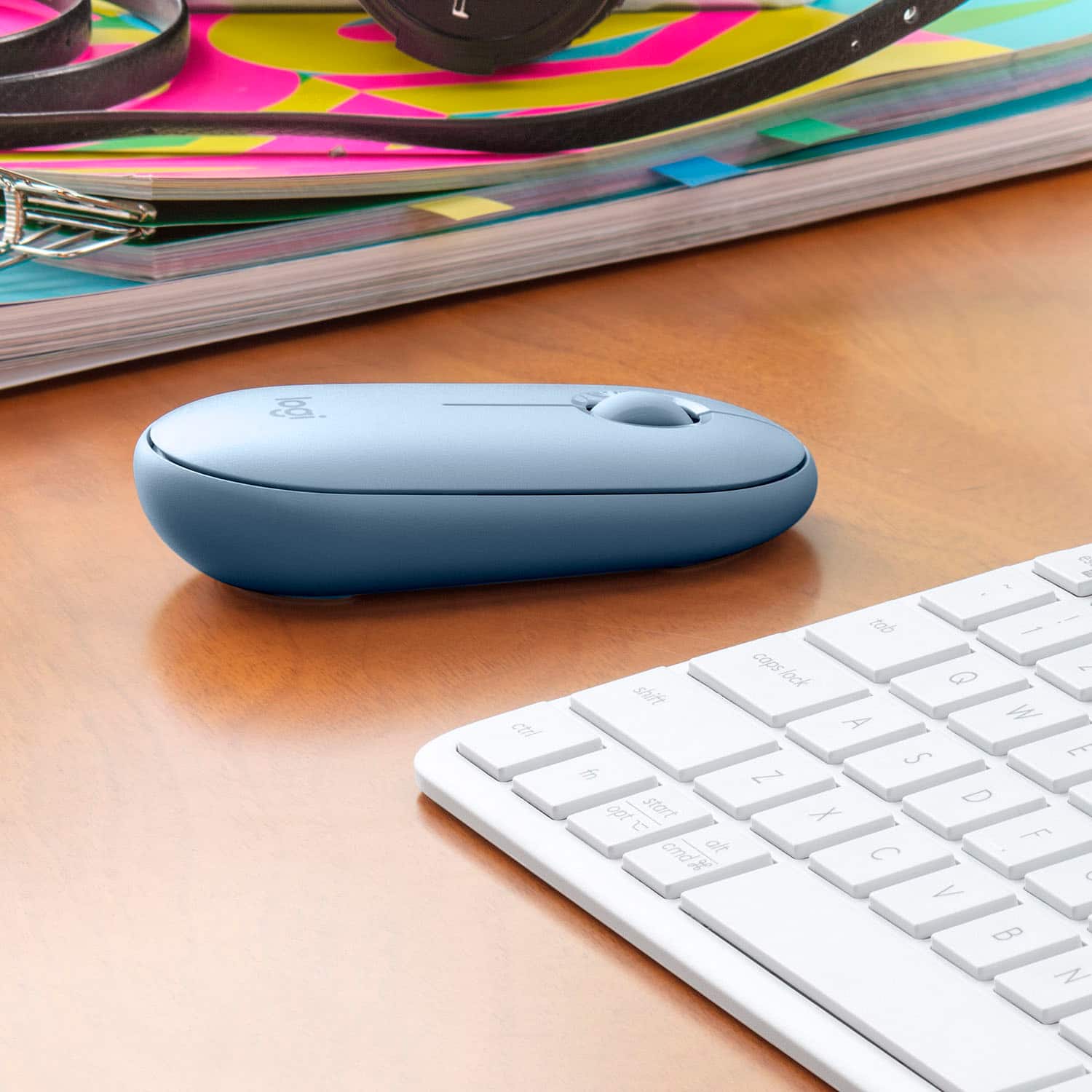
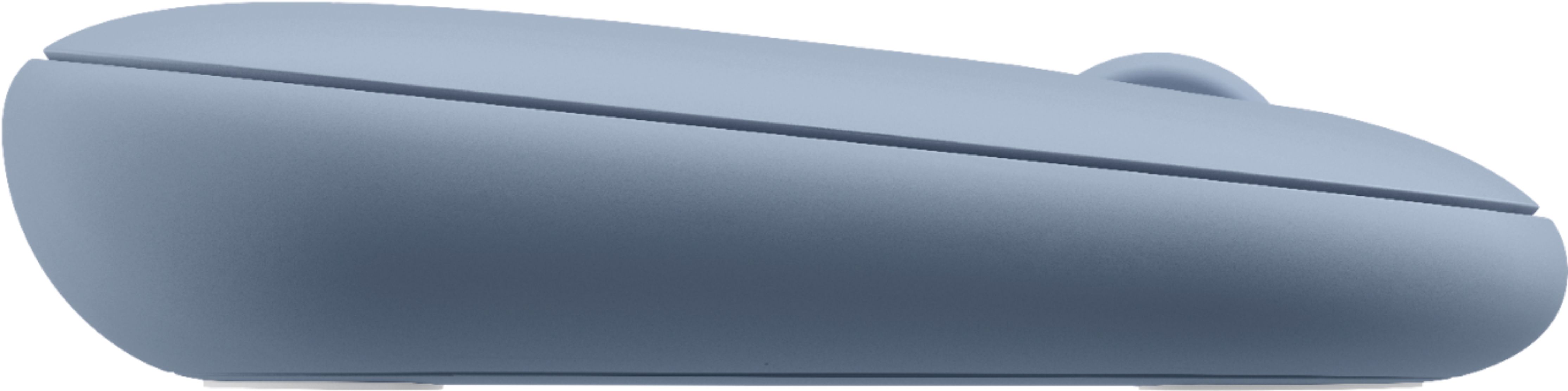
||Posted . Owned for 1 month when reviewed.This reviewer received promo considerations or sweepstakes entry for writing a review.This mouse was just too flat. I thought I wanted something lower-profile, but this just didn't work. The roller was very nice though.
No, I would not recommend this to a friendAverage
||Posted . Owned for 3 weeks when reviewed.This reviewer received promo considerations or sweepstakes entry for writing a review.Bought it for my iPad Air. Easy to use but sometimes it takes a while to get connected. Funny that the way it rolls is opposite from my other mouse for my PC. Anyway it serves its purpose even though not perfect.
No, I would not recommend this to a friendIts acceptable
||Posted . Owned for 3 weeks when reviewed.This reviewer received promo considerations or sweepstakes entry for writing a review.Its small like I wanted but a little flemsy put together. falls apart and the shape feels weird in my hand trying to use it. Ill deal with it but I keep going back and forth if I should return it or not.
No, I would not recommend this to a friendNOT WHAT I THOUGHT
||Posted . Owned for 3 months when reviewed.This reviewer received promo considerations or sweepstakes entry for writing a review.I THOUGHT I WOULD LIKE THIS LITTLE MOUSE BUT AFTER I GOT IT AND TRIED IT OUT I DIDN'T LIKE IT AS MUCH TOO SMAL FOR MY HAND
No, I would not recommend this to a friend- Cons mentioned:Laggy
used on macbook air 2020
||Posted . Owned for 1 week when reviewed.This reviewer received promo considerations or sweepstakes entry for writing a review.meh. experienced significant lag . i tried using on new macbook air 2020
No, I would not recommend this to a friendBrand response from Logitech
Posted .Hello SPIKEY! I'm sorry to hear you're running into connection issues with your Pebble. If you're using the USB in a hub or adapter, I would recommend switching to Bluetooth and not use the USB receiver. Hubs and adapters can cause significant lag. To pair via Bluetooth, you'll want to turn your mouse on. The LED should start blinking fast. If it doesn't, perform a long press, until the light starts flashing, on the Easy-Switch button, the button to the right of the on/off switch, on the mouse. Then, in your Mac's settings, go to Bluetooth and it should pop up as M350 or Pebble. If you're still experiencing issues or are already paired via Bluetooth, I would recommend making sure everything on your MacBook is up to date; the operating system, Bluetooth, USB ports, etc. Next, I would recommend downloading our Logitech Options software here https://support.logi.com/hc/en-us/articles/360026246993-Downloads-Pebble-M350 to make sure the mouse is up to date. If neither one of those things work, I would reach out to our support team here https://support.logi.com/hc/en-us/requests/new?ticket_form_id=360000621393 to start a warranty claim. The Pebble has a 1-year limited hardware warranty. Thank you so much for this feedback! I will be passing this along! - Maggie from Logitech
Could be better
||Posted . Owned for 1 month when reviewed.This reviewer received promo considerations or sweepstakes entry for writing a review.It doesn’t quite have good arch support for the wrist. Should be thicker and higher.
No, I would not recommend this to a friendBrand response from Logitech
Posted .Hi Tony, we're sorry to see you're unsatisfied with the comfort of the M350 Pebble Wireless mouse. Fortunately, Logitech has a variety of mice that offer more comfort and functionality. Some examples are the M325, MX Anywhere 3, and the M310 mice. Hope that helps.
Sales associate was wrong
||Posted . Owned for less than 1 week when reviewed.This reviewer received promo considerations or sweepstakes entry for writing a review.Was told by store associate it would be compatible with our Mac. IT’S NOT :(
No, I would not recommend this to a friendDisappointed
||Posted . Owned for 6 months when reviewed.This reviewer received promo considerations or sweepstakes entry for writing a review.I was hoping very high for the product but after less than months doesn't work. it turns on but doesn't connect!
No, I would not recommend this to a friendNorm
||Posted . Owned for 1 month when reviewed.This reviewer received promo considerations or sweepstakes entry for writing a review.Good mouse for new laptop. Don’t need a mouse much so did not want to spend a lot. It was very affordable and worked well
I would recommend this to a friendNot recommended
||Posted .This reviewer received promo considerations or sweepstakes entry for writing a review.Not ergonomically friendly. The mouse is nice looking, but super flat so it takes time to get use to. If you are looking for something that’s nice looking, this is it. But it’s not useful. Tried to return it but I surpassed the 15 day return policy so now I have to keep it. Horrible. Never purchasing anything from Best Buy again.
No, I would not recommend this to a friendBrand response from Logitech
Posted .Hello, I am sorry if there was any confusion about the mouse. This is not considered one of our ergonomic mice. Here some that are incase you are interested: https://www.logitech.com/en-us/mice?filters=3859. I hope this helps! Thank you for taking the time to write this review, we appreciate the feedback.
- Pros mentioned:Bluetooth, Color

Another quality Logitech mouse
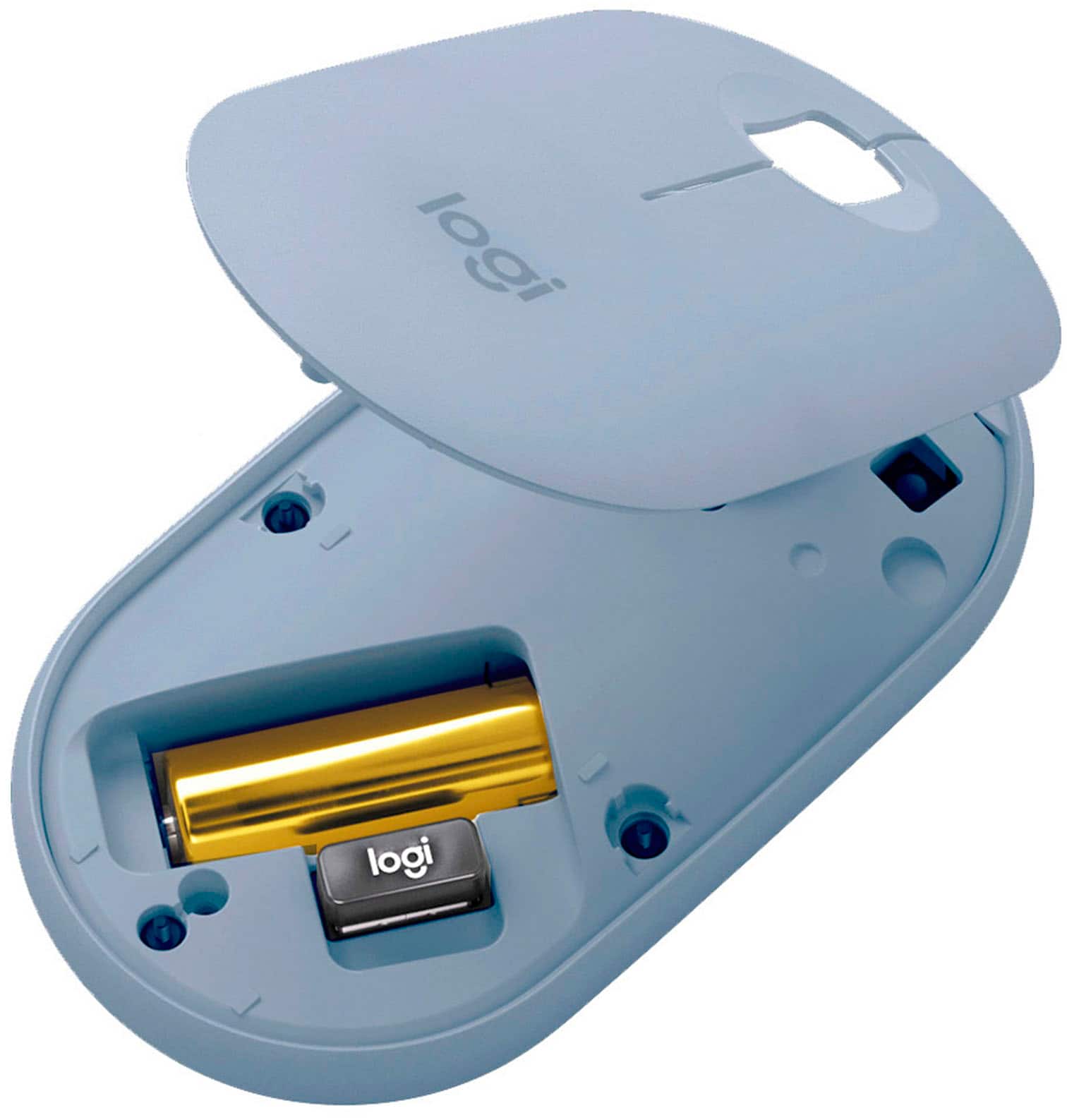
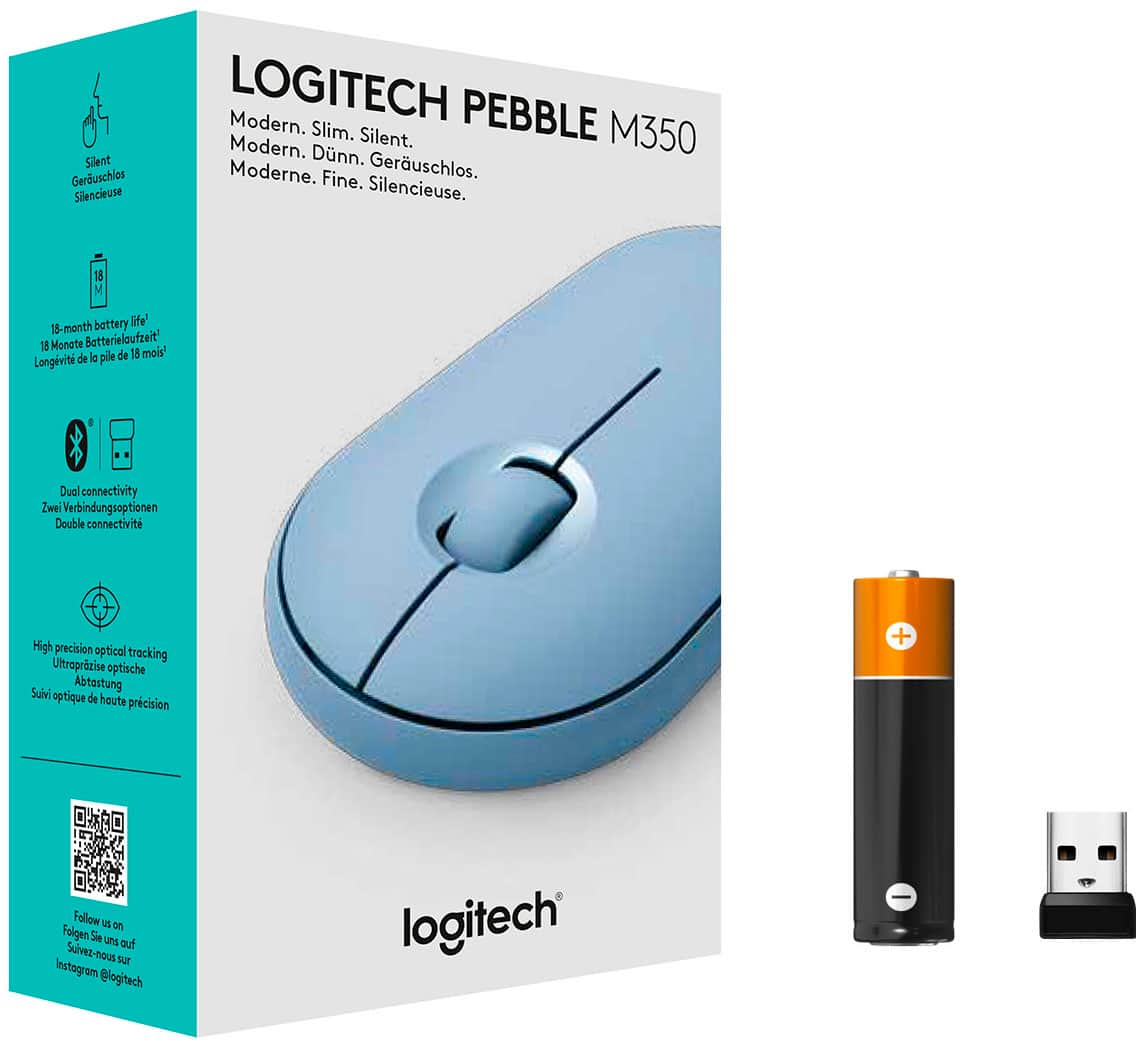
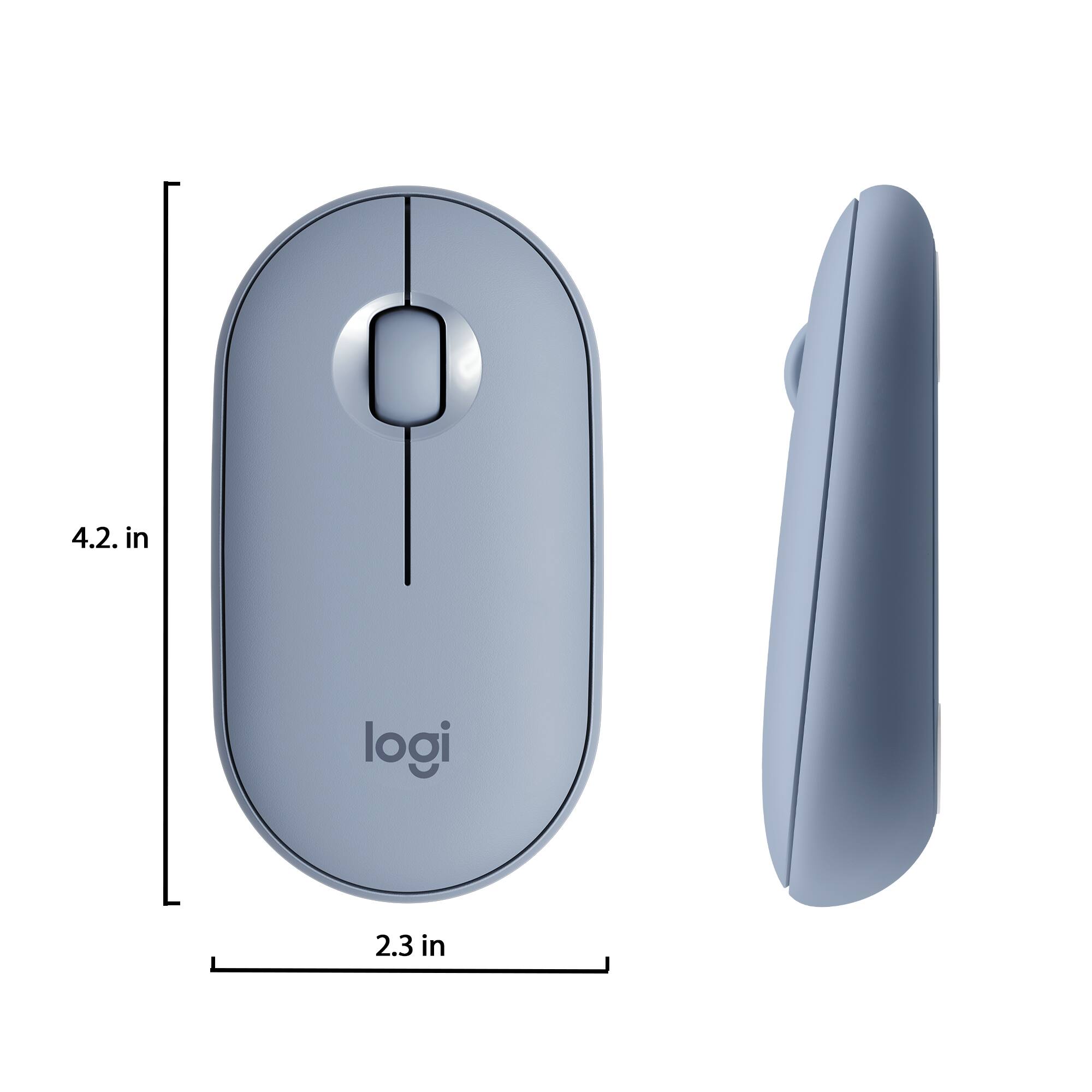
|Posted .This reviewer received promo considerations or sweepstakes entry for writing a review.I received this product in exchange for my fair and unbiased review. The Logitech M350 Pebble mouse is a terrific wireless mouse. Super long battery life, comfortable to hold for extended periods, quiet clicking (almost too quiet...), smooth scrolling, and super easy to use. Now keep in mind that this mouse is exactly the same mouse as the Logitech M355 Pebble, except that the M355 is only available in black and this one is available in Rose and Blue Gray. I can't speak for the blue gray, but the rose (which is the one I received) is a nice change of pace from mice that either come in some shade of black or dark gray, or Apple white (I miss beige and Apple's old "platinum" light gray color). Pairing and multi-device use is still the strong suite of this mouse. Got a personal laptop and a work laptop? Pair with Bluetooth 4.0 to one and plug the dongle into the other. Switch between devices with a tap of the pairing button (green for the dongle, blue for Bluetooth). It works with pretty much any Desktop OS (Windows, Mac, Linux), game consoles that can use a mouse (PS4), Android TV, Android devices with mouse support, and even the iPad can be used with this mouse now (though it is a little complicated on setup). All in all, this is probably the best mouse you can get for the price. Other, more expensive mice have spoiled me with touch-sensitive multi-directional scrolling, but in terms of a good, basic mouse, you can't beat this one, no matter what color you'd like it in.
I would recommend this to a friend Mouse
||Posted . Owned for 2 weeks when reviewed.This reviewer received promo considerations or sweepstakes entry for writing a review.This is a nice mouse for the price, I wish it had the side click to go back or forward on the internet.
I would recommend this to a friendWireless mouse
||Posted . Owned for 7 months when reviewed.This reviewer received promo considerations or sweepstakes entry for writing a review.Didn’t work as expected the buttons were hard to press and had a lot of issues connecting it
No, I would not recommend this to a friendPretty color and cute
||Posted . Owned for 1 month when reviewed.This reviewer received promo considerations or sweepstakes entry for writing a review.Pretty color and nice shape. The wheel feels a little weird, but maybe I can get used to it later.
I would recommend this to a friendCheap & Sufficient
||Posted .This reviewer received promo considerations or sweepstakes entry for writing a review.Bought this mouse for a quick fix to use for my MacBook. It works great.
I would recommend this to a friendDecent mouse. Portable
||Posted . Owned for 3 weeks when reviewed.This reviewer received promo considerations or sweepstakes entry for writing a review.Good mouse for iPad. Alright mouse for computer. Not the best mouse but has a nice Bluetooth option
I would recommend this to a friendGreat but not the greatest
||Posted . Owned for less than 1 week when reviewed.This reviewer received promo considerations or sweepstakes entry for writing a review.Great for basic usage. Not for gaming. It’s sleek design will feel comfortable when using it.
I would recommend this to a friendBrand response from Logitech
Posted .Hello UltimoTron20! I'm happy to hear you're enjoying the Pebble! If you're looking for something for gaming, I would recommend looking for any of our mice with a G in front of the numbers. For example, the G305, G502, G604, G703, or G903. These mice will be made for gaming but can do the basics as well. Feel free to reach out to our support team here https://support.logi.com/hc/en-us/requests/new?ticket_form_id=360000621393 if you ever need any assistance or if something happens in the 1-year limited hardware warranty. Thank you for the review and for shopping Logitech! - Maggie from Logitech
Good
||Posted . Owned for 1 month when reviewed.This reviewer received promo considerations or sweepstakes entry for writing a review.Good connection and BT good for easy tasks such as school work ot browsing the web
I would recommend this to a friendLight
||Posted .This reviewer received promo considerations or sweepstakes entry for writing a review.Cute, but a little too lightweight and flat for me.
No, I would not recommend this to a friendCover Design Needs Work
||Posted . Owned for 2 months when reviewed.This reviewer received promo considerations or sweepstakes entry for writing a review.I like the mouse functionality but the cover does not stay on too well.
I would recommend this to a friend