Customer Ratings & Reviews


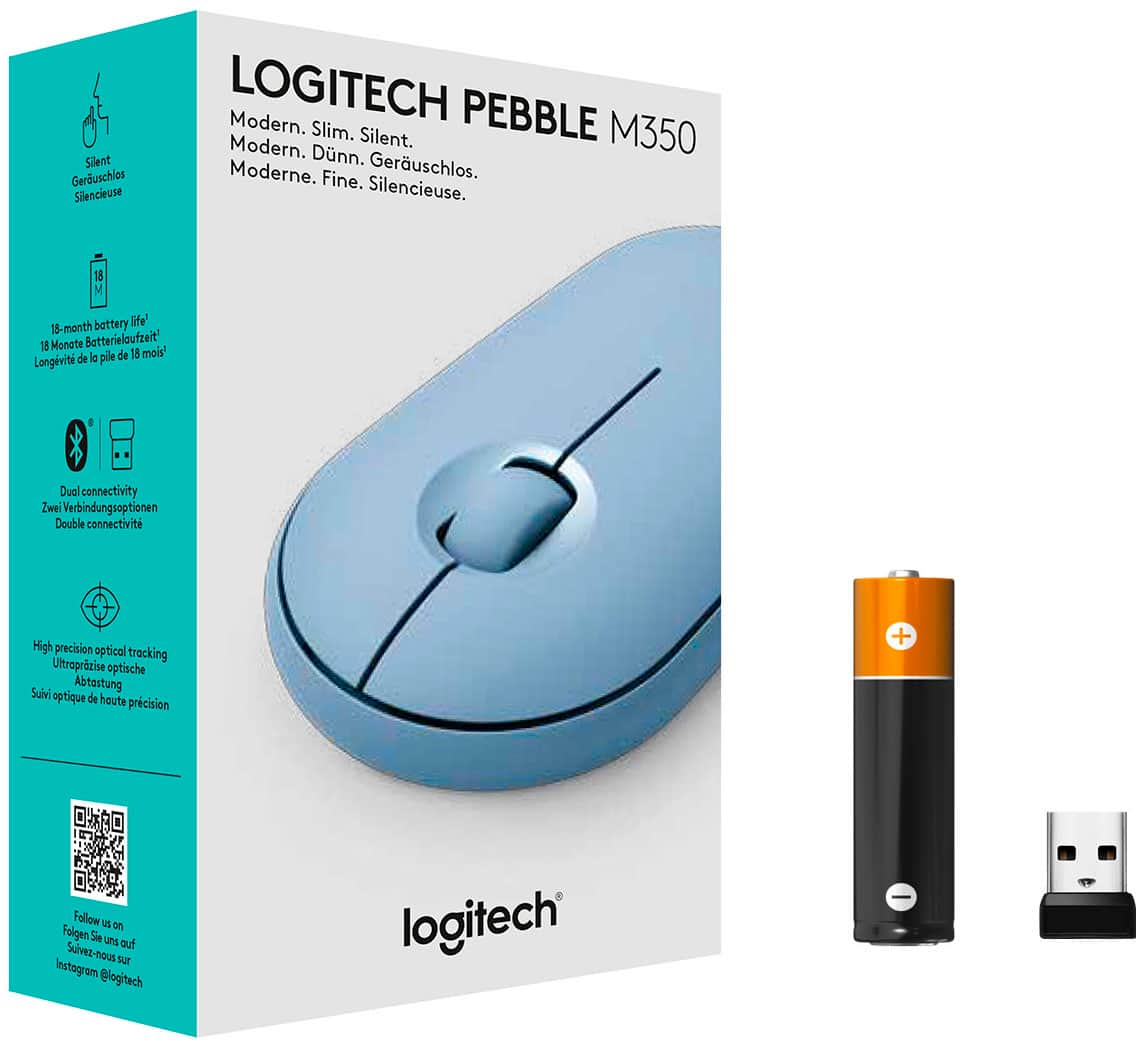
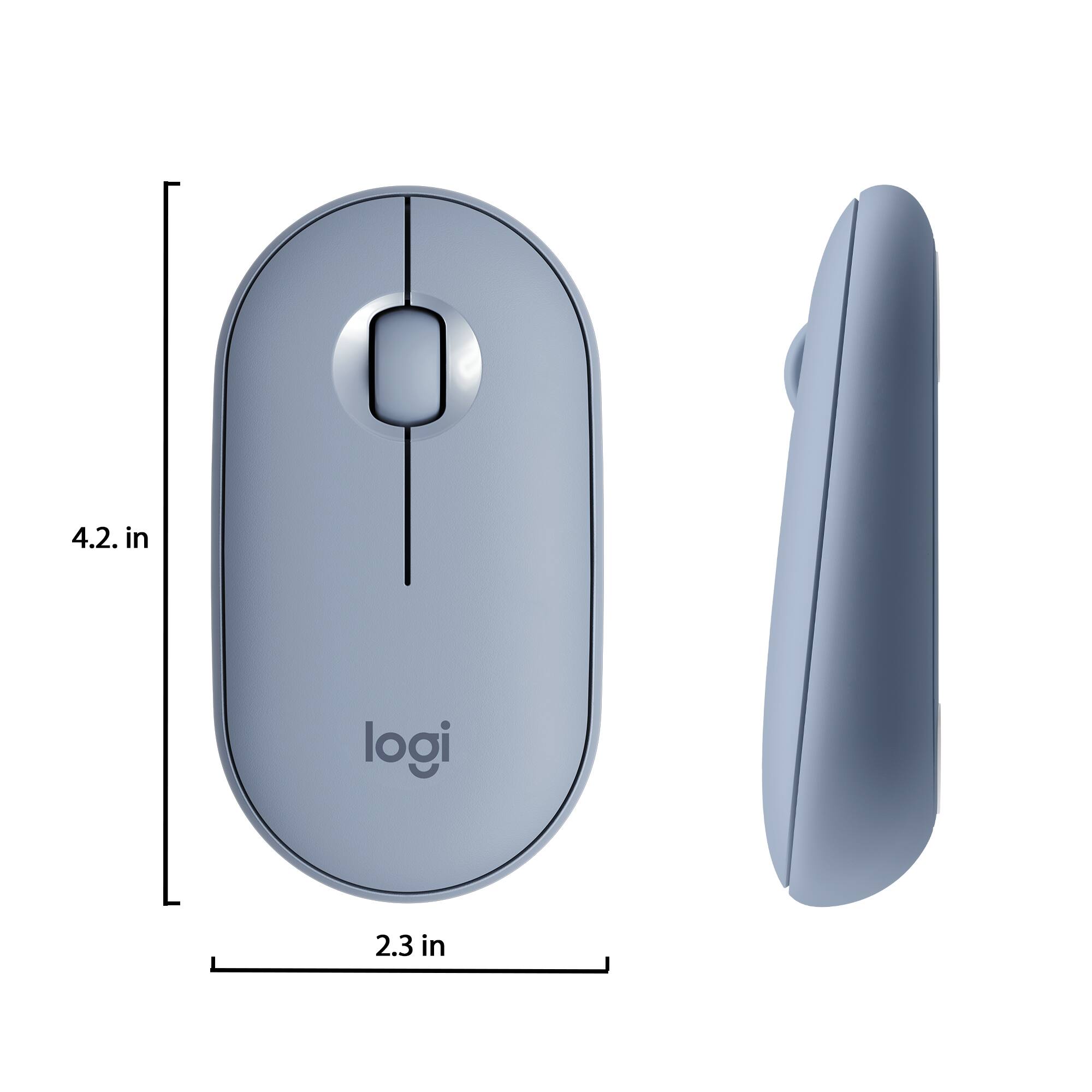

- Model:
- 910-005773
- |
- SKU:
- 6383731
Customer reviews
Rating 4.7 out of 5 stars with 1364 reviews
(1,364 customer reviews)Rating by feature
- Value4.7
Rating 4.7 out of 5 stars
- Quality4.7
Rating 4.7 out of 5 stars
- Ease of Use4.8
Rating 4.8 out of 5 stars
Customers are saying
Customers are impressed with the Pebble M350 mouse's ease of use, size, and Bluetooth connectivity. Many appreciate its lightweight design, long battery life, and the attractive color options. While some users noted minor issues with scrolling, the overall consensus points to a positive user experience. The quiet clicking mechanism is also frequently praised.
This summary was generated by AI based on customer reviews.
Rated 5 out of 5 stars
Very Cute!
Posted .This reviewer received promo considerations or sweepstakes entry for writing a review.I love it. The pale pink color matches with a lot of different accersories on the market. It's extremely quiet, and you can connect via bluetooth or usb to the computer.
This review is from Logitech - Pebble M350 Wireless Optical Ambidextrous Mouse with Silent Click - Wireless - Rose
I would recommend this to a friendRated 4 out of 5 stars
Price Efficient..
Posted .This reviewer received promo considerations or sweepstakes entry for writing a review.I bought this as secondary mouse it works well and is priced right doesn't break the bank.I use it as my travel mouse all the gestures work well.This also comes in 2 other colors.I recommend is you want to save a few bucks and like color.
This review is from Logitech - Pebble M350 Wireless Optical Ambidextrous Mouse with Silent Click - Wireless - Rose
I would recommend this to a friendRated 1 out of 5 stars
Only partially functions on MacBook Air.
Posted .This reviewer received promo considerations or sweepstakes entry for writing a review.Don't buy if you have a MacBook Air. The middle click will not work. If that doesn't matter to you then sure buy it. It will connect via Bluetooth. Just keep in mind middle click will not work and Logitech will not answer any questions about this button not working even though they are heavily advertising this mouse as great option for Mac. Things you can do with this mouse on MacBook Air: Left click (standard left click functions) and Right Click (standard right click functions). Scroll wheel: scroll up and down (and it may not be a smooth scroll. It may feel like it's lagging or is "choppy" for lack of a better word. There is no side scrolling or closing tabs etc with the middle button/mouse wheel. Again, if all you need is a left click and right click and something that will connect then sure buy it. It's super portable. I actually really like the design of the mouse. Super disappointed it doesn't work for me.
No, I would not recommend this to a friendRated 1 out of 5 stars
Failed to operate on day 7
Posted .This reviewer received promo considerations or sweepstakes entry for writing a review.It worked great for 6 whole days. that is only 5 bucks a day. The motion sensing red light took a dump. Logitech used to make bulletproof products. In fact many, no all of their items I have purchased, mice trackballs and cameras never ever broke. I started buying mid 80s.They only became software obsolete. I bought this mouse for my TAB A it worked seemless. I will try another, but really how hard can it be to build quality when you have been doing it for decades. Now I have to waste my time going back to the excellent service at Best Buy and exchange it.
No, I would not recommend this to a friendBrand response from Logitech
Posted .Hi Olddude,
I am sorry to hear that you are synching issues with your new Pebble 350. Logitech appreciates your product insight, and feel free to contact the Logitech support team at any moment. http://support.logitech.com/contact
- Leo from Logitech