Customer Ratings & Reviews



- Model:
- 910-005769
- SKU:
- 12228727
Rating by feature
- Value
Rating 4.7 out of 5 stars
- Quality
Rating 4.7 out of 5 stars
- Ease of Use
Rating 4.8 out of 5 stars
to a friend
Light
||Posted .This reviewer received promo considerations or sweepstakes entry for writing a review.Cute, but a little too lightweight and flat for me.
No, I would not recommend this to a friendCover Design Needs Work
||Posted . Owned for 2 months when reviewed.This reviewer received promo considerations or sweepstakes entry for writing a review.I like the mouse functionality but the cover does not stay on too well.
I would recommend this to a friendMouse
||Posted . Owned for 3 weeks when reviewed.This reviewer received promo considerations or sweepstakes entry for writing a review.Basic bluetooth mouse. It is a little noisy on the wheel but overall is worth the money.
I would recommend this to a friendReally flat shape
||Posted . Owned for 2 months when reviewed.This reviewer received promo considerations or sweepstakes entry for writing a review.I find the shape awkward and uncomfortable but my husband doesn’t seem to care, so it works.
No, I would not recommend this to a friendNice
||Posted .This reviewer received promo considerations or sweepstakes entry for writing a review.Not much can be said about this product other than what is obvious for its use
I would recommend this to a friend
Convenient size; adequate performance
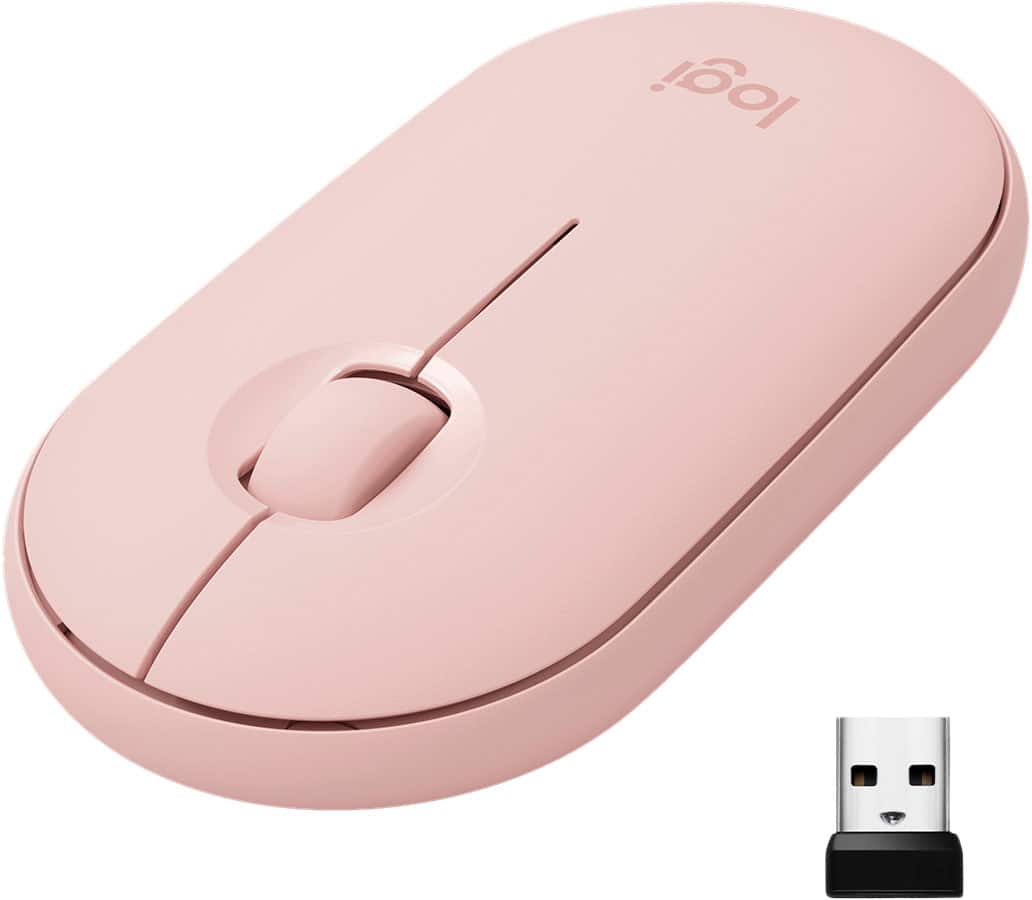
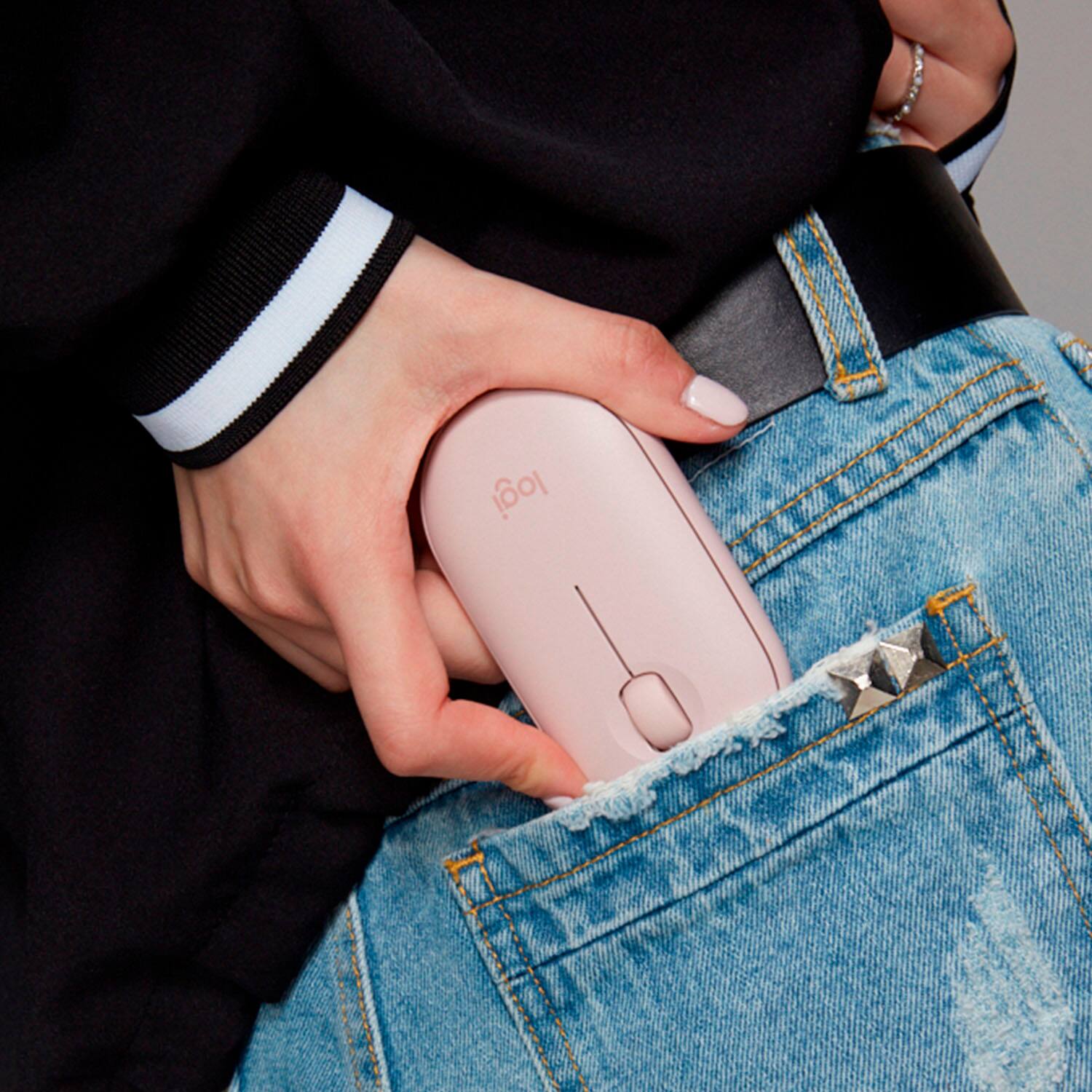
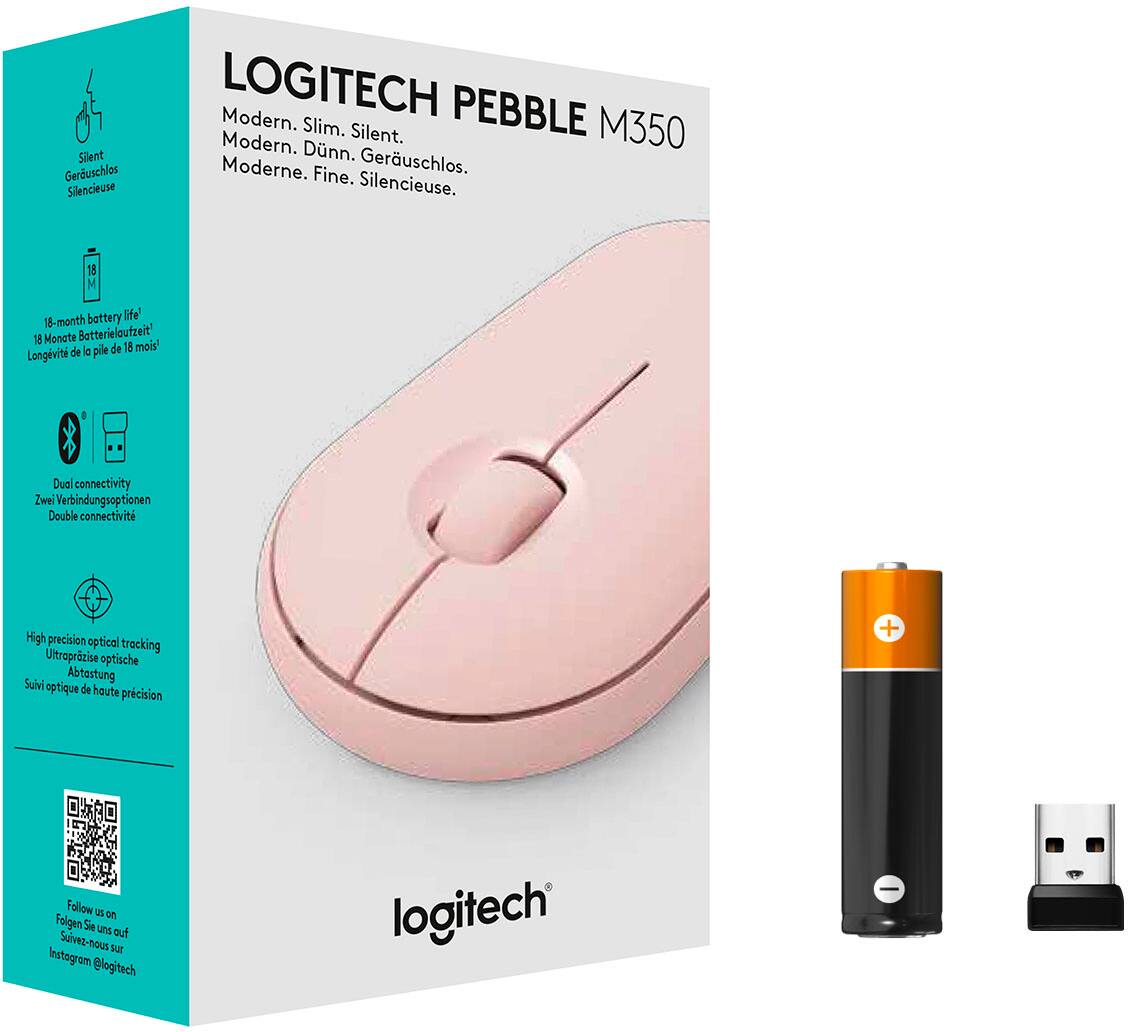
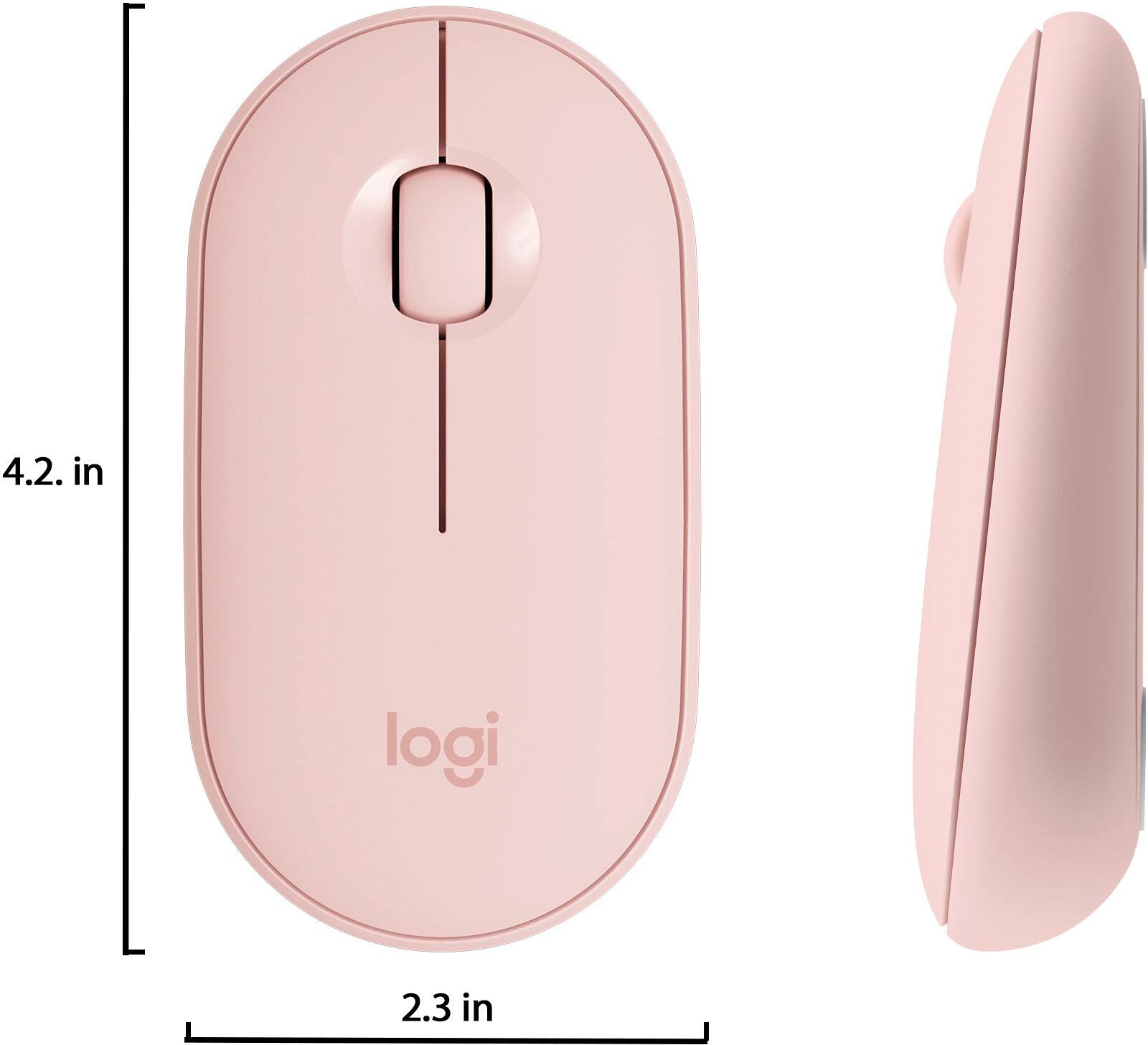
|Posted .This reviewer received promo considerations or sweepstakes entry for writing a review.Logitech's M355 mouse is designed to emphasize portability, quiet operation, flexible connections, and battery life. In my experience, it mainly succeeds on these missions, but is merely adequate in terms of tracking performance. Pros: - Compact size makes it a good option for business travel. - Easily connects to Bluetooth or Logitech's "Unifying" USB receivers, one of which is conveniently docked inside the battery compartment. - Buttons and scroll wheel are both quiet in operation while still feeling OK to operate, making this a good choice for meetings, libraries, or other quiet locations. - Built in power saving features and a physical on/off switch should help achieve Logitech's claimed 18 month battery life. - Relatively flat design makes it easy to slip into a pocket in a laptop bag. Cons: - That same relatively flat design that makes it compact is not the most ideal shape for use in the hand. - Tracking is adequate and reasonably accurate but not especially smooth - Worked fine on wood, but on some surfaces, especially glass, the mouse failed to track at all. In fairness, these surfaces are challenge for most optical mice. Overall, this little mouse is fine for what it intents to do. It's compact, quiet, and quickly and easily pairs with just about any device you'd want via Bluetooth or USB. In my experience, it's reliable but not especially smooth. That said, it worked OK for the basic business tasks I threw at it. Your mileage may vary if you need something for more precise work such as drawing or engineering use. I also wouldn't recommend it for gaming, but that's certainly not the intended audience here. Overall, the M355 does what it sets out to do - provide a reliable and compact travel companion for light office use with portable computing devices. Button and scroll wheel action, often a weakness on such devices, work just fine, and the long battery and physical power switch are welcome features. All things considered, this is a solid effort for this category and it's hard to find much fault with the ratio of performance to price.
I would recommend this to a friendStay away if you have large hands
||Posted . Owned for 3 weeks when reviewed.This reviewer received promo considerations or sweepstakes entry for writing a review.Purchased this product online, was much smaller than I expected it to be. Mouse is easy to set up, works great and clicks are extremely quiet. But if you have large hands stay away from this product. After about a week of usage I noticed pain in my hands and decided to switch to Logitech M720 and could not be happier.
No, I would not recommend this to a friendBrand response from Logitech
Posted .Hello, I am sorry if there was any confusion about the size of the mouse. I am glad to hear you found another Logitech product that fits your needs. Thank you for being a Logitech customer, and taking the time to write this review.
Great mouse for daily use
|Posted .This reviewer received promo considerations or sweepstakes entry for writing a review.This is an excellent mouse in its price range. It has a perfect balance of portability, connectivity and comfort. The design is minimalist and modern. Here are key observations: 1. It's size is perfect. Its neither too big nor too small. It's very lightweight and has almost flat design. It makes it very portable and it does not take too much space in my backpack. 2. It offers two mode of connections: Bluetooth and via USB dongle. In both modes I didn't notice any lag in operation. I was able to connect it to my desktop as well as laptop without any issues in seconds. 3. One of the key feature of it is how QUIET it is. The right and left click buttons as well as the track wheel make almost no sound and the best part is that they make a "definite click" when pressed. 4. The top of the mouse comes off easily and exposes the battery as well as the dongle storage. This top is magnetically attached. It works with a AA battery and logi claims that battery will last almost 1.5 years. So, overall a great mouse for your day-to-day use.
I would recommend this to a friendNo Bluetooth connection option. Overpriced.
||Posted . Owned for 1 week when reviewed.This reviewer received promo considerations or sweepstakes entry for writing a review.Doesn't deliver when compared to similarly priced mice.
No, I would not recommend this to a friendMeh
||Posted . Owned for 2 weeks when reviewed.This reviewer received promo considerations or sweepstakes entry for writing a review.A little too flat. Probably will return. Makes my wrist hurt.
No, I would not recommend this to a friendPerfect for Laptops
|Posted .This reviewer received promo considerations or sweepstakes entry for writing a review.Pros - Compatible with Bluetooth and 2.4Ghz USB receiver - Slim - Comfortable with good ergonomics - Silent - 18-month battery! Cons - Not for heavy gaming or video editing I have Logitech’s MK470 Slim Wireless and Keyboard combo. While I loved the combo I was not so sure about the mouse. Not that it was bad in any way but since I use the keyboard on my desktop PC, I need a mouse that can meet basic requirements for gaming, video and photo editing but the mouse was not up to par for that. The other problem I had was that it was not Bluetooth based and I hate dongles. However, I thought it would be perfect for my laptop, except that I do not have many USB ports to spare. So the dongle was not a viable option. The M355 looks exactly the same as the one I just mentioned but with one key difference. It is compatible with Bluetooth although you still have the option to use the dongle. My test was on a laptop only and it proved suitable for that. It is small but not tiny. It has a good weight: not too light or heavy. I like that because it feels stable when you are using it on some non-ideal surfaces, especially when you are travelling. It is precise. Scrolling and clicking is almost completely silent. It is not ideal for gaming or video editing but that was not my intent for this mouse. The top of the mouse has a lid that pops up to replace the battery. It uses very strong magnets, so it does not feel it could disappear. You can’t tell it is not glued until you try to get it off. The whole mouse is slim but not too small. It feels good in your hands. As I mentioned in my review about the MK470, the M355 uses one AAA battery but I was not worried about it because of the promised 18-month battery life, which is the same for this model. That is sweet!
I would recommend this to a friendNot For Big Glove Wearers
|Posted .This reviewer received promo considerations or sweepstakes entry for writing a review.First things first, a warning for anyone with larger hands. If you palm or claw grip mice look elsewhere, I cannot use any grip with this mouse other than a fingertip grip. If you plan on using this for extended periods with large hands, it may become uncomfortable. However, I do find using it on the arm of a chair or couch it is a bit more comfortable because of the way your arm and hand are sitting. YMMV. This mouse is great to throw in the laptop bag for a very basic backup/emergency mouse. Battery life is an insane 18 months on one AA battery. As described earlier, this is an extremely low profile mouse. Honestly everyone with semi large hands that I have showed it to has made a design over comfort comment. People with smaller hands really like the feel and design of the mouse though. This uses the Logi-standard USB mini-dongle. If you have used any other Logitech cordless mouse, you know the size of the dongle. There is storage for the dongle under the cover/battery cover. The range is really quite good on the receiver, if you are using a laptop of any OS hooked up to a TV or projector to stream, present, etc. you will have no problem in even the larger classroom/conference room environment. My only gripe about the mouse is the low profile, but that is part of the draw and marketing of the mouse. I am dropping a star, only because of my hand size. Overall it is a very basic mouse that is ambidextrous. Aside the battery life and the range, there really is nothing that makes this a standout unless you are looking for low profile. I really recommend taking one for a test drive in store to see if it is comfortable for you.
I would recommend this to a friendWorks with Chromebook
||Posted . Owned for 5 months when reviewed.This reviewer received promo considerations or sweepstakes entry for writing a review.Difficult to change battery when it goes dead need help
No, I would not recommend this to a friendNo
||Posted . Owned for 1 month when reviewed.This reviewer received promo considerations or sweepstakes entry for writing a review.Didn’t connect to computer we had a google chromed
No, I would not recommend this to a friendBrand response from Logitech
Posted .Hi, I'm sorry you experienced difficulty in getting the M355 Pebble to connect to your Chromebook. There is a button on the bottom that allows you to switch between using the provided USB receiver and Bluetooth. The USB receiver will be plug and play, but if you are trying to connect via Bluetooth there will be some additional steps to set up the mouse to work with your Chromebook. Thank you for being a Logitech customer. Kristi from Logitech
Minimalist
|Posted .This reviewer received promo considerations or sweepstakes entry for writing a review.As soon as you look at the mouse, you realize how small it is. It really is a minimalist design. When you take it out of the box, you notice how light it is. The whole thing is made of plastic but that's to be expected at this price point. The top plate comes off to reveal the receiver and the battery. It only needs one AAA battery and supposedly lasts 18 month which is awesome. I am a little concerned about the longevity of the top plate. If you keep it in your backpack, it may pop off and break. One of the main selling points on this mouse is the portability. You really can just fit it into your pocket or backpack without taking up too much space. It is very small. They did elevate the bottom of the mouse to add some comfort. It wasn't uncomfortable to use. I can see how after some time, one may get tired of their ring and pinky finger resting on the table. They definitely had to sacrifice some comfort for the portability aspect. Another main feature is how quiet it is. It really is quiet. The clicks and scrolling are audible but definitely much quieter than a regular mouse. I would say it is about as loud as the Macbook force touches. I did not feel nearly as bad using it in the library as I would with another mouse. In terms of the feel of each click, it's definitely much softer than most people are used to. Not as satisfying of a click, but I think it's an appropriate sacrifice. I really liked the dual connectivity. It can connect via bluetooth and USB dongle. I really didn't feel that much of a delay with the bluetooth. I didn't have any connectivity issues so that is always nice! All in all, it is a solid mouse. It sells you on the minimalist look and portability factor as well as the quiet clicks. It may be a bit pricey for just that but I think if there is some holiday sales, this is a great pickup.
I would recommend this to a friendVery very very pretty mouse, but could be better
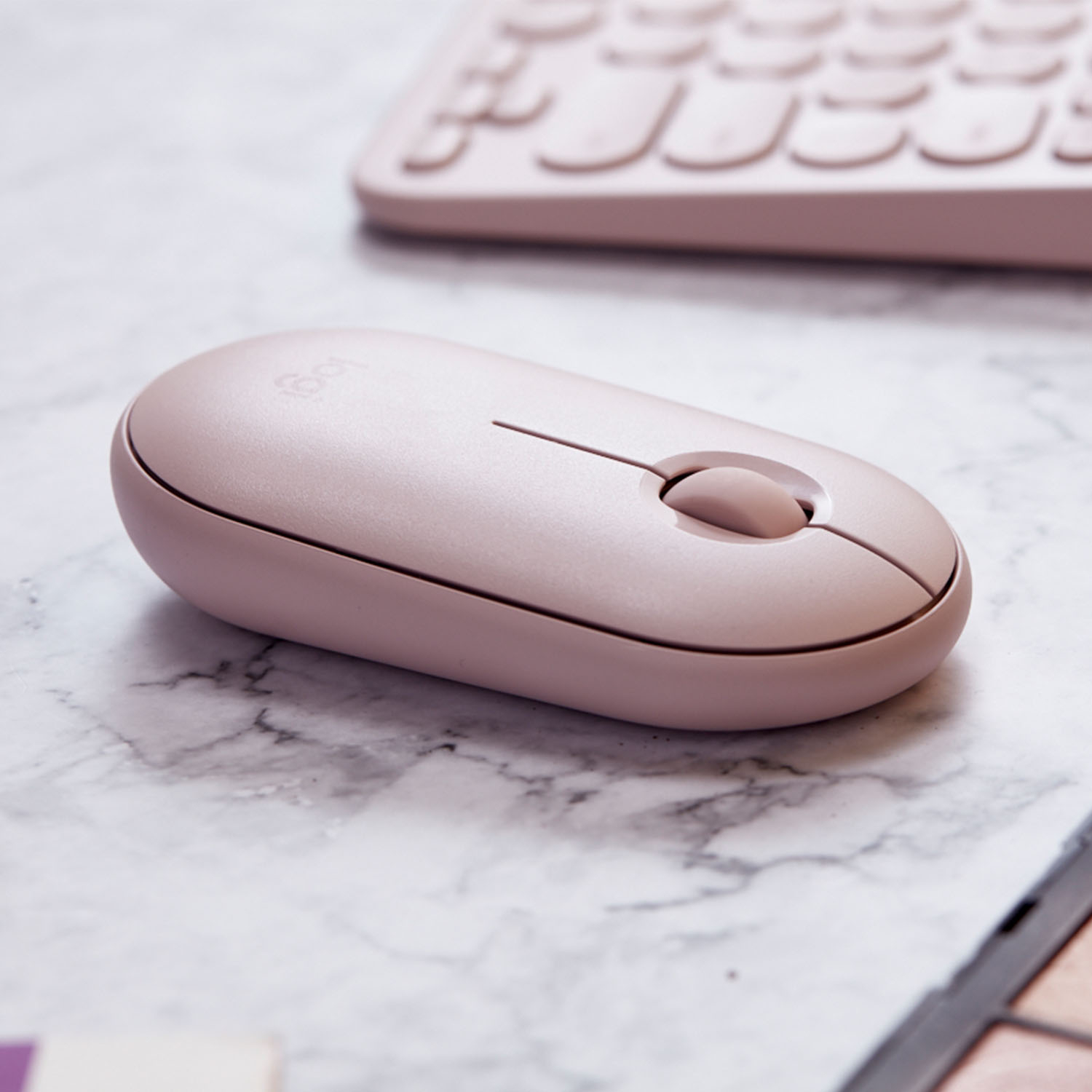
|Posted .This reviewer received promo considerations or sweepstakes entry for writing a review.Best part of this mouse is that it is easy to carry. It is compact and is the right size. I do not have big hands but the mouse feels like my hand covers it nicely. It also slips into my laptop bag easily without adding the usual mouse bulk in the pockets. The texture and the quality of material is great too. It feels great to the touch. It is pretty-- it did turn heads in the meeting room. The mouse itself is of good quality and the color shade is of good taste. Looking at it, you know the product is of high quality. Other functionalities are straightforward, such as responsiveness and click feedback—all of which Logitech has perfected. My only concern is the mouse feels a little too flat for me. There is space between my upper palm and the top of the mouse, so it does not feel like my hand is resting. My hands rest more on my fingers than my palm, so there is a little bit of stress there. It could take more getting used to? I don’t know. For short uses though, it didn’t seem like it stressed my hand too much. I do like it (and my girl does too, especially because I have the nice pink color). It is a good travel mouse, one that you will not be ashamed to whip out in the coffee shop. I won’t use it to do huge worksheets though. But for a mouse that I can carry around while I travel and work remotely with, this is great.
I would recommend this to a friendThese are the best!
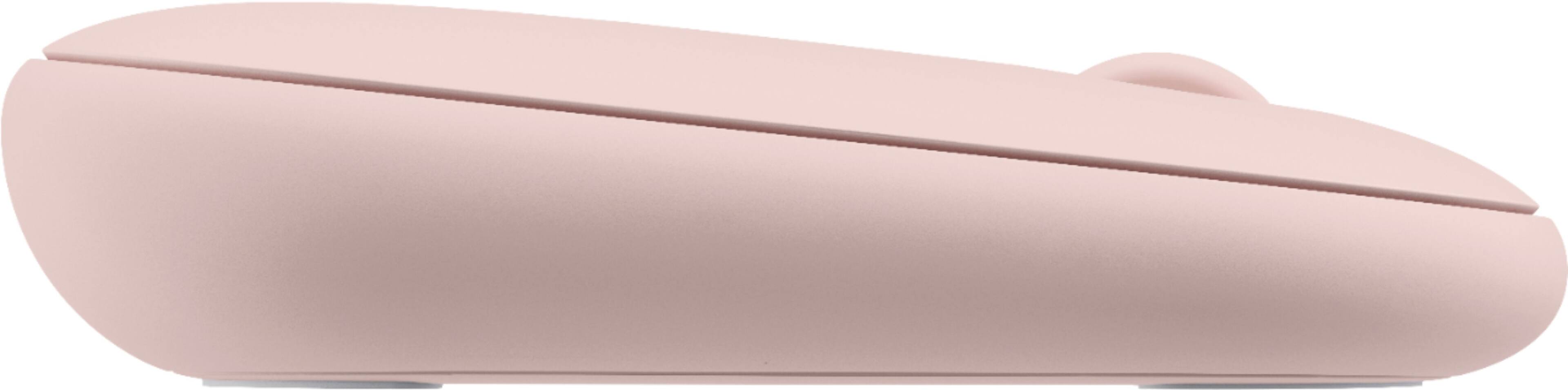
|Posted .This reviewer received promo considerations or sweepstakes entry for writing a review.These mouses are truly great. I love the design and I love how silent and light they are. The mouses are truly designed for there user. I like the steep incline it has from the back (up) and the front (down). I also like the multiple connections it offers. Either the standard usb wireless fob or Bluetooth. The top of the mouse is magnetic which is really cool and where you will find the battery and a place to hide/store the usb fob. The design with the compartment for the battery and fob on top is super smart because now the bottom of the mouse is flawless and there are no extra compartment groves for friction/etc. I now use everything Bluetooth so this is a mush have! Battery states it last for 18 months!
I would recommend this to a friendChecks all the boxes as a perfect laptop bag mouse
|Posted .This reviewer received promo considerations or sweepstakes entry for writing a review.I have a Chromebook for when I travel and my needs for a laptop bag mouse are different than my Gaming mouse or work desktop. After some searching, I believe I have found the perfect mouse to keep in my laptop bag. Features I looked for: Small Size - Putting my MX Master desktop mouse in my laptop bag for the day would create a noticeable bulge on the front of my bag. I was worried the mouse could get hit through the bag and hit the lid and damage the screen. Thinner is better for laptop bags. Light - When your crossing a large airport in a hurry to make a connecting flight, you feel every ounce. The M355 is noticeably lighter. Long Battery Life - With my old mouse, it seemed like I had to change the two AA batteries every trip. This mouse uses a single AA battery that it comes with. The package says the battery will last 18 months! The alkaline batteries in my last mouse leaked and ruined it, so I replaced it with a lithium battery, which should last even longer and never leak. Quiet - When traveling I’m often in a conference room or sharing an office. Having a mouse that clicks and scrolls quietly is surely less annoying for those around me. I thought finding this in a mouse would never happen. Bluetooth - My chrome book fits rightly in its padded sleeve. A USB dongle sticking out would be a hassle. This mouse paired with my Chromebooks Bluetooth with no fuss at all. Should I need to use it on a PC without Bluetooth, a USB receiver is included. It is thoughtfully mounted under the cover of the mouse by the battery where it won’t get lost. Clever and about time! I lost a number of receivers over the years. Performance - WI need a mouse that tracks fast when working on small airport and coffee shop tables. This mouse delivers fast accurate tracking on dark shiny wood conference tables, light colored Formica type desktops, and surprisingly even on my tan leather couch. Fit & Comfort - The mouse has no sharp edges, like a pebble, and the back is a bit higher than the front. The result is a very comfortable fit. Style - I did not want a gaudy or light up gaming mouse to use on business trips. The M355 has a clean conservative style perfect for business outings. And the color even matches my HP Chromebook perfectly. The pebble mouse is not a replacement for my Logitech G903 gaming or Logitech MX Master desktop mouse, just as they are not a replacement for the pebble. But they each fulfill my particular needs perfectly. If you need an unobtrusive mouse to put in a laptop bag, or just a quiet mouse for home, I can think of no better mouse to try out.
I would recommend this to a friendGreat small laptop/ office mouse
|Posted .This reviewer received promo considerations or sweepstakes entry for writing a review.I was pleasantly surprised by this little gem. Great feel, though slightly small. Good response with no noticeable lag, positive (quiet) button clicks. Spent 2 days running it through it's paces in an office setting. Accurate for spreadsheet and database usage. Responsive enough to be a 2 button gaming mouse. I love this little mouse. Bluetoothed to my laptop with no issues. After work, tried it out gaming. And while not a gaming mouse for real, it's a respectable 2 button mouse that's capable of casual gameplay. Can't say enough good things about it. Definitely worth getting one.
I would recommend this to a friendLogitech keeps coming up with winners!
|Posted .This reviewer received promo considerations or sweepstakes entry for writing a review.With this new M355 model, Logitech now provides the best solution for all my mousing needs. All my desktops and work/gaming laptops have various Logitech mice, but the missing mouse has been a compact and portable mouse that travels well and will connect with Windows laptop and Pixelbook (Chromebook) using Bluetooth, without needing to take up a USB port with a receiver. The best solution to this point has been a MS Arc, which has worked well but is problematic with the scrolling function, not having the control provided by a scrolling wheel. Other small/portable mice I have tried all had the ergonomic “hump” which matches a desktop mouse but takes away from a slim shape that fits in a carrying case pouch or pocket without the “bump” sticking out too much for my liking. All my needs are now met by the M355. It is smooth, trim, and compact, fitting nicely into the carrying pocket on my laptop/Chromebook cases. Pairing with Bluetooth has worked without any problems on all my laptops, desktops, and Chromebook. If needed, the Logitech universal USB receiver is always available inside the case of the mouse. The small size takes a few minutes to get used to since I have a MX Master, Marathon Mouse, and MX Ergo for daily use with different computers (except the Chromebook) – and all these are “full hand” mice. Not a complaint, just an observation – and since the M355 is a “travel case” mouse, the smaller size is desirable. The only function I noticed was missing is the ability to jump from desktop to desktop by shifting the scroll button to the left or right. This is something that can be set up on several different Logitech mice using the Logitech Options software. To this point, I can’t get the software to detect the M355, so this capability may be missing altogether, or perhaps will be provided in the future with a software update. Not a deal-breaker, but would be nice to have one-hand shift for desktop screens using the mouse. Overall, particularly considering the low price of the M355, this is the best solution I have found for a compact and portable mouse that can be used with all my computers (including Chromebook).
I would recommend this to a friend