Customer Ratings & Reviews



- Model:
- 910-005769
- SKU:
- 12228727
Rating by feature
- Value
Rating 4.7 out of 5 stars
- Quality
Rating 4.7 out of 5 stars
- Ease of Use
Rating 4.8 out of 5 stars
to a friend

Great little mouse
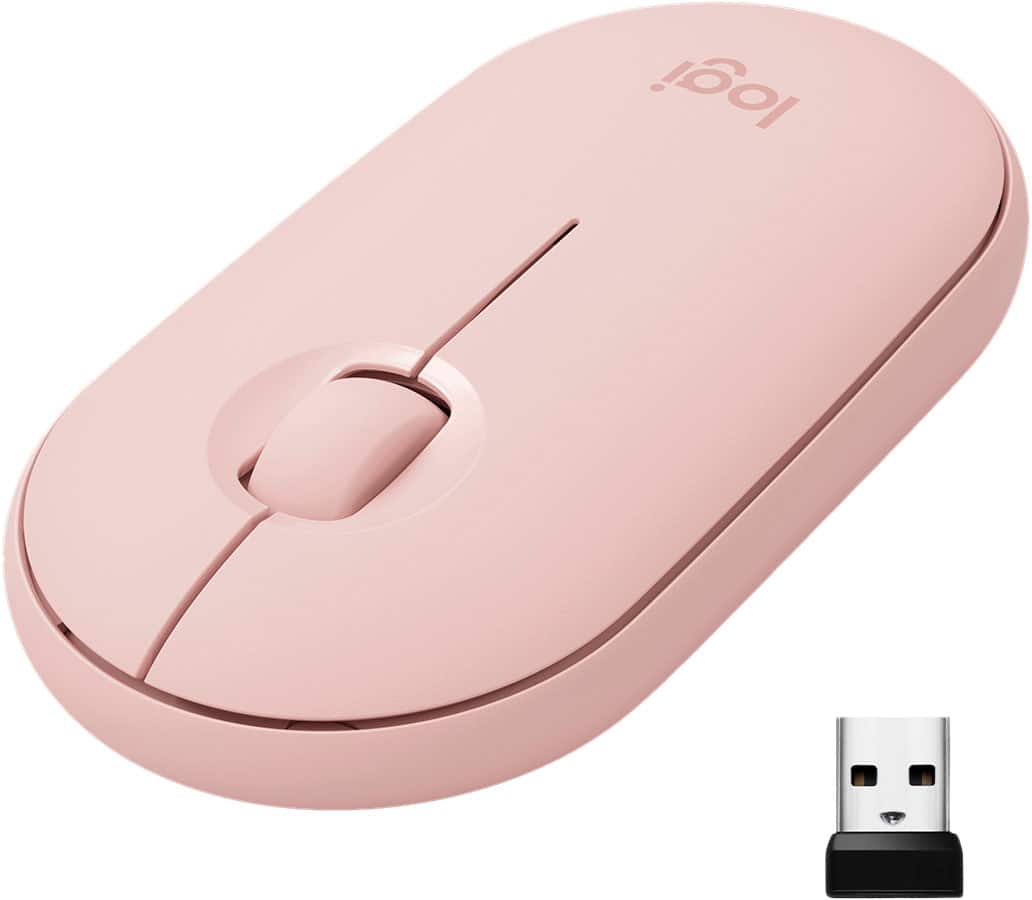
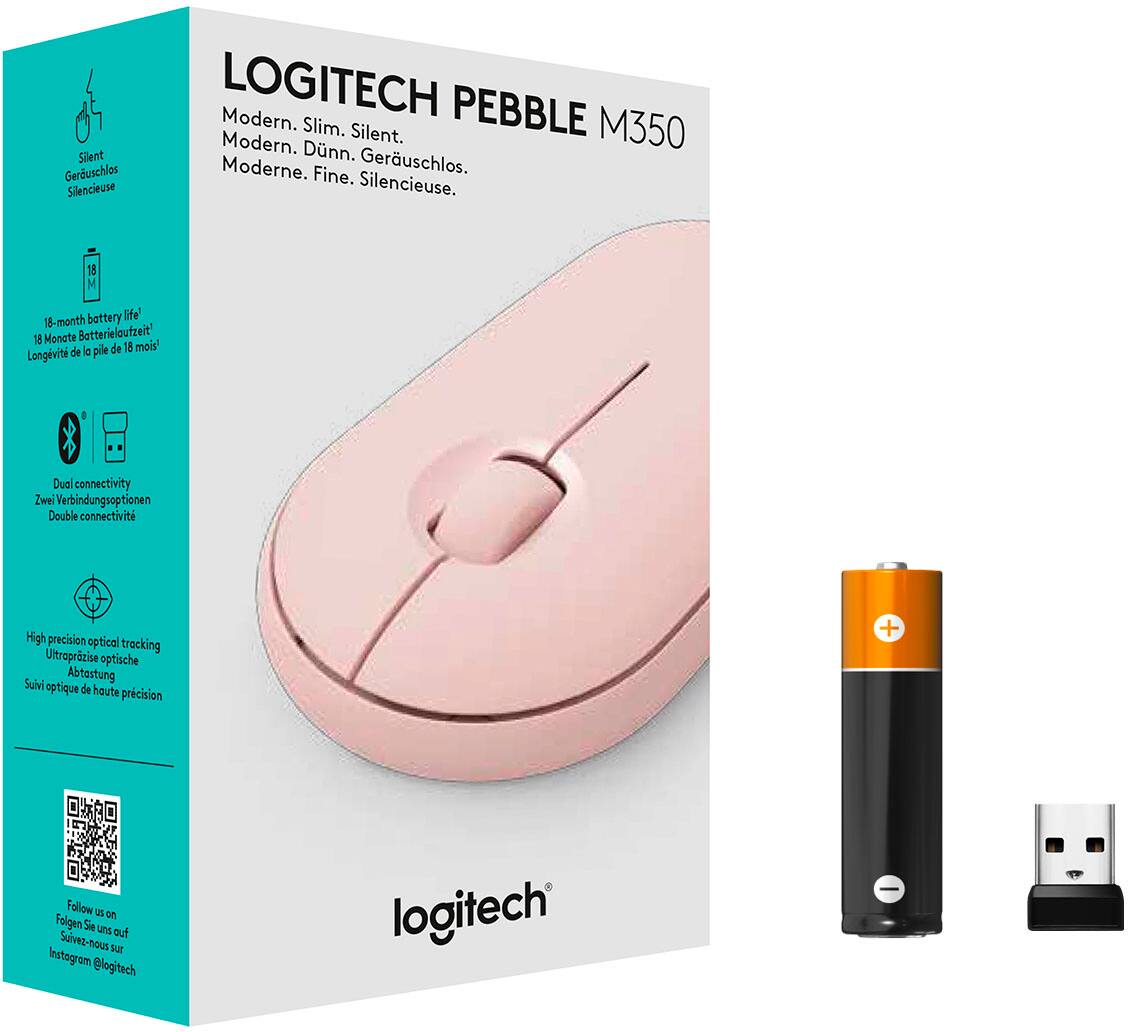
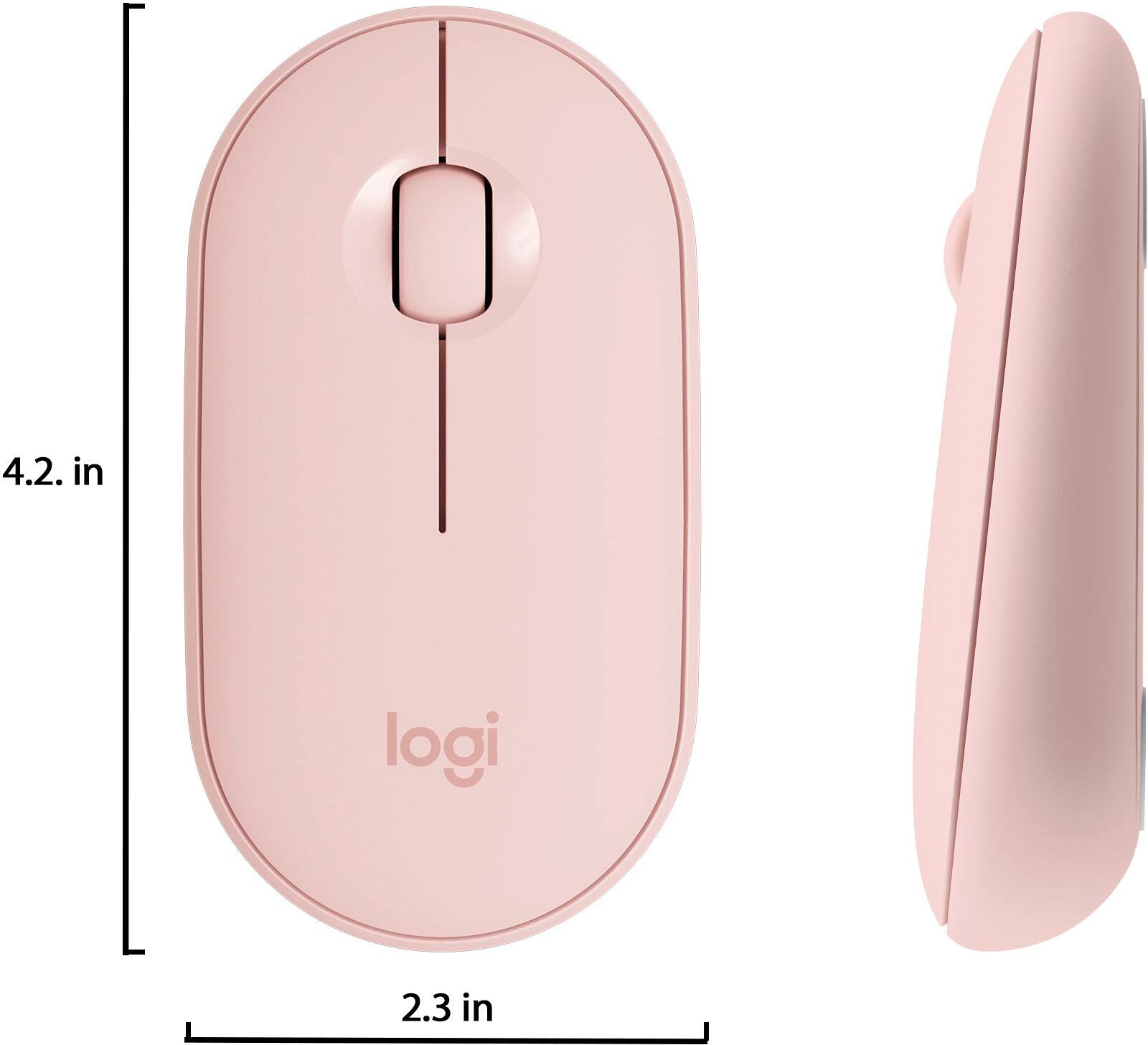
|Posted .This reviewer received promo considerations or sweepstakes entry for writing a review.Logitech - Pebble M350 Bluetooth Optical Mouse - Rose The Logitech Pebble M350 mouse (from now on referred to as mouse) is a small, palm type mouse with right and left buttons and a wheel that also includes a button, this one is pink in color. It has an actual on/off switch, so this mouse is great for traveling. Allowing you to turn if off before putting it in your backpack so you don’t kill the battery. It is connected via Bluetooth or the included USB receiver. It can connect to 2 devices with the push of the link button. Blue light is for Bluetooth and green light is for USB receiver. Documentation states that it can pair with 2 devices. What it doesn’t say is that it is 1 Bluetooth and 1 USB receiver. The included USB receiver is not the unifying type, it is locked to this mouse. If you happen to be using 2 computers with this 1 mouse it is an easy push of the button to change connection methods. The battery cover, and USB receiver cover, is super easy to access. Just put a fingernail under the top back of the mouse and pop off the top. Battery life is stated at 18 months, I have no reason to doubt this as I have many Logitech mice and all of them last forever on a battery. Keep in mind this is a small palm type mouse. I got this for my wife who has smaller hands and likes the palm type mice. Installation is as easy as it gets. Either Bluetooth or USB receiver, it’s plug and play. Nothing to download or install. It doesn’t even ask to download the Logitech software. When I searched for the Logitech software, I was surprised to see that they don’t recognize this mouse. I’m sure in the soon to be future it will be added to their software. I wanted to customize the wheel button but could not because Windows has no such customization. Third party free mouse software sees this mouse as just any other mouse and you can customize the buttons and actions to your liking. For the price it’s nice to see 2 connections options and a real on/off switch.
I would recommend this to a friendDon’t waste your monet
||Posted . Owned for 3 weeks when reviewed.This reviewer received promo considerations or sweepstakes entry for writing a review.The mouse doesn’t work well at all. I’m not sure why. The top of mouse come of to get to the micro card.
No, I would not recommend this to a friendBrand response from Logitech
Posted .Hello, R2unicorns! I'm sorry to hear that the M355 mouse wasn't working for you! I would recommend reaching out to our support team here https://support.logi.com/hc/en-us/requests/new?ticket_form_id=360000621393 to file a warranty claim. The M355 has a 1-year limited hardware warranty. Thank you so much for the review! I will be passing this feedback along. - Maggie from Logitech
Good Mouse
Posted .This reviewer received promo considerations or sweepstakes entry for writing a review.I really like this mouse. It's easy to use, and its also super cute. The clicking is nearly silent, though, which took some getting used to, but overall, I would definetly recomment this mouse. I also dropped it earlier, and it was totally fine, which is good, because I'm clumsy.
I would recommend this to a friendGreat little mouse
|Posted .This reviewer received promo considerations or sweepstakes entry for writing a review.This is a great little mouse. It's smaller than average but really comfortable to use. I used it at the office, and it was noticeably different. Even after using all day, it still felt comfortable. I was concerned it might be a little too small for work, but I didn't even notice the size once I started using it, and discovered how well this mouse functions. I plugged the receiver into the computer, turned on the mouse, and it took no time for the drivers to install so that I could use it. It also can connect via bluetooth for devices that support that option. The top of the mouse comes off easily. It has magnets, so removal requires no effort, and it returns just as easily; the magnets keep it securely in place. I liked this better than others that have compartments on the bottom, which are sometimes hard to open. The receiver is stored in this compartment, along with the battery. This mouse goes to sleep when idle, ensuring the battery lasts a long time. It comes with the battery preinstalled. The on/off switch is on the bottom next to the optical sensor, and it has the usual buttons, left and right click as well as the wheel for scrolling. It's really smooth to use. I was surprised how much smoother than my regular wired mouse, and even the wireless one at home. The tracking on the screen was better too, quicker with greater accuracy. The buttons are very quiet and more sensitive than other mice I've used, which was an adjustment. It takes a lot less pressure to click, and I could complete tasks faster with this mouse once I got used to it. I felt this improved productivity with my work, and will continue to use this there full time. My wired mouse has been retired. Overall I'm impressed, it's not an expensive mouse, but really great quality for long term use. It's small, but not too small, very well constructed. I can't think of anything that needs improvement.
I would recommend this to a friendSad Little Mouse
||Posted .This reviewer received promo considerations or sweepstakes entry for writing a review.Flat design makes it very uncomfortable to use. I prefer the standard Logitech format!
No, I would not recommend this to a friendLag
||Posted . Owned for 1 month when reviewed.This reviewer received promo considerations or sweepstakes entry for writing a review.Lag when using it. Very slow. I ended up returning it.
No, I would not recommend this to a friendBrand response from Logitech
Posted .Hi Alexa, thank you for sharing your experience with the M350. I'm sorry that you experienced lag with the M350 and that the slow response time resulted in you returning the device. The USB receiver may have needed to be plugged into a different USB port. Also, if you are using the device in an environment that has a lot of other devices giving off signals it can interfere with the connection. You can also use a USB extender to bring the USB receiver closer to the M350 to reduce the lag. Thank you for being a Logitech customer. Kristi from Logitech
Not compatible with Chromebook
||Posted . Owned for 3 weeks when reviewed.This reviewer received promo considerations or sweepstakes entry for writing a review.I was suggested by Best Buy after purchasing my Chromebook to buy this mouse. After multiple tries and research only to find out that it is not compatible with the chrome book. I have already thrown away the box and such when we went to set it up for my child distance learning. Don’t waste your money
No, I would not recommend this to a friendBrand response from Logitech
Posted .Hi Medic46mom, So sorry to hear that you're having trouble connecting your M355 Wireless Optical Mouse to your Chromebook. I don't know what you researched, but this mouse is compatible with Chromebooks---my daughter uses one her school-issued Chromebook for her distance learning. There are two ways to connect the M355 to your child's Chromebook. Once you’ve removed the pull tab, your Logitech Pebble M350 is on and ready to connect. You can choose to connect the mouse using either Bluetooth or the USB receiver. To connect using Bluetooth, open the Bluetooth settings on your computer and follow the on-screen instructions. (NOTE: The Logitech Pebble M350 uses Bluetooth Low Energy technology. If you’re not sure if your computer supports Bluetooth Low Energy, see https://support.logi.com/hc/en-us/articles/360023193194). To connect via the USB Receiver, open the mouse keyplate and remove the USB receiver. Insert the receiver into a USB port on your Chromebook. If none of these work, then it could be a hardware issue for this mouse in particular and if that's the case, thankfully the M355 has a 1 year limited hardware warranty. Here's a link to File a Claim https://support.logi.com/hc/en-us/articles/360026503773-Warranty-Pebble-M350. Hope that you found this helpful and that all is going better. - Richard from Logitech
Great portable mouse
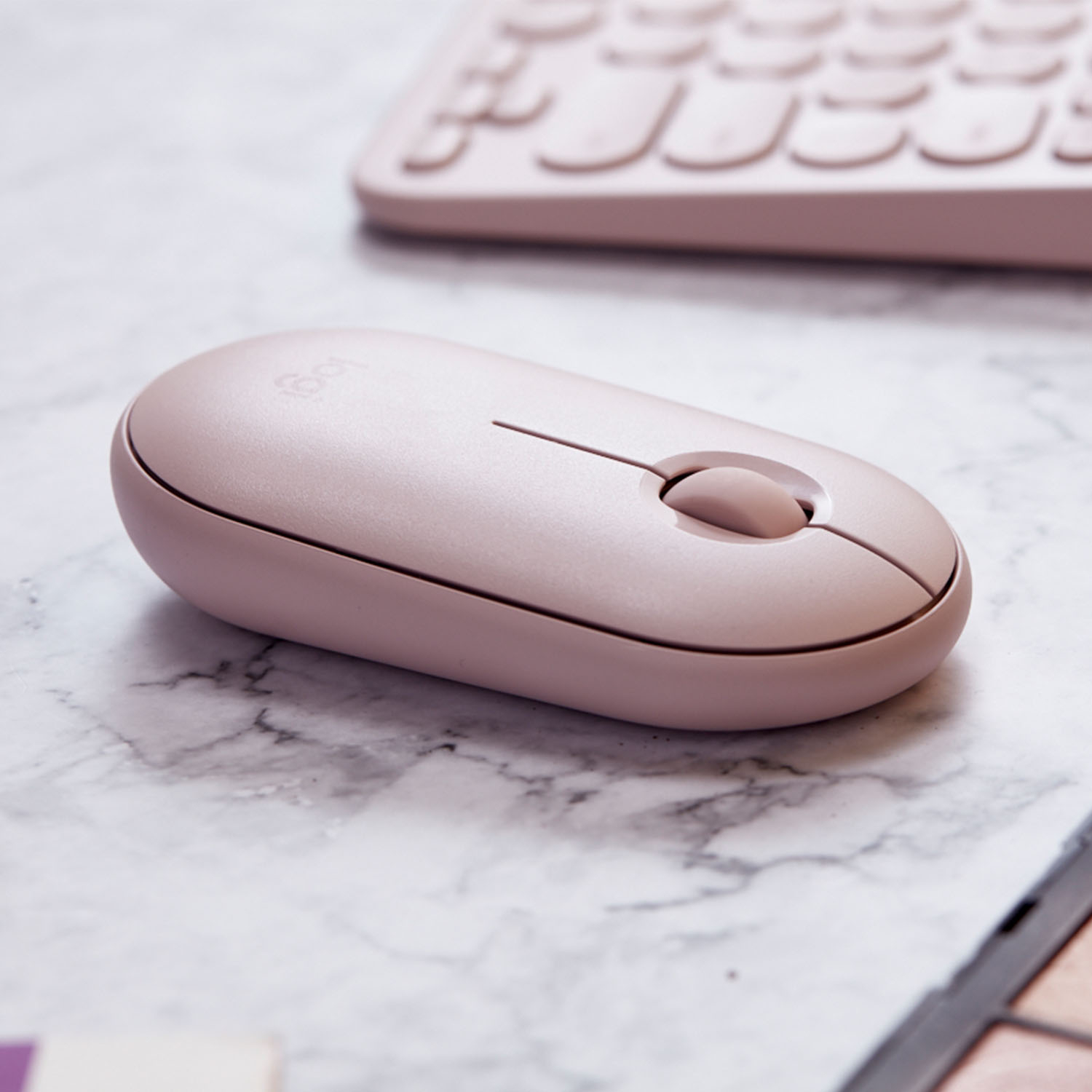
|Posted .This reviewer received promo considerations or sweepstakes entry for writing a review.I got this mouse for my wife to use with her laptop. She always complained about other wireless mice working sporadically, so she's been reluctant to switch away from a small, wired travel mouse that she really likes. We do have a couple of cats, however, that like to chew on the wire (they've "killed" one mouse that way already) so I thought I'd try this. So far, she really likes it. It was super easy to get working and just took a couple minutes from opening the package to actually using it. The laptop was old enough it didn't have Bluetooth LE, so we used the tiny USB adapter to connect wirelessly that way. It's very convenient to pull the top off the mouse (the cover is magnetic) and get to the USB dongle stored inside. I'm kind of amazed that the single AA battery is supposed to last 18 months. If that turns out to be true, that will not only be a huge convenience but will save a lot of batteries compared to other mice I've had that go through two AA batteries in no time at all. The mouse also works as quietly as advertised. Both the scrolling and clicking are very subdued, yet still give you good touch feedback so you know when you've scrolled or clicked. Being quiet isn't a huge issue for our use, but I could see how that would be a nice thing in a shared office environment, library, etc. The rose color (essentially light pink) gives it a little style and also makes sure I won't accidentally pack her mouse for my trip. The only thing she complains about now is there's no wire connecting the mouse to the laptop, so it sometimes slides off her lap desk. But I think we can fix that with a mouse pad that's not so slick. This is a great mouse for the price and I'd definitely buy another one if the cats somehow figure out how to kill this one.
I would recommend this to a friendGood
||Posted . Owned for 2 weeks when reviewed.This reviewer received promo considerations or sweepstakes entry for writing a review.Good product honestly Best Buy has the best in stock iteams all the time.
I would recommend this to a friendBrand response from Logitech
Posted .Hey there, thanks for this great review! If you have any issues in the future please feel free to visit our support site for assistance as well as warranty information, and thank you for choosing Logitech! -Weston from Logitech.
Not as durable as other other options
||Posted . Owned for 10 months when reviewed.This reviewer received promo considerations or sweepstakes entry for writing a review.Pro: Slim and lightweight mouse that's easy to operate. Good for travel and infrequent use. Cons: Not very durable. When the mouse is dropped, the entire cover comes off and I've noticed that after dropping it the tracking isn't as good. If you need a mouse for everyday use, Logitech has better quality mouse options than this one.
No, I would not recommend this to a friendBrand response from Logitech
Posted .Hello. Thank you for taking the time to share your concerns about the M355 mouse. I'm sorry to hear that it is not living up to the quality expectations that Logitech is known for. If you are looking for a similar mouse that has a single piece construction (it won't come apart), I would recommend the MX Anywhere 3. It is a little more expensive, but it is definitely the best travel mouse available.
-Charlton at Logitech
Cheaply made
||Posted . Owned for 1 month when reviewed.This reviewer received promo considerations or sweepstakes entry for writing a review.Cute color, poooooooooooooooooooooooooor quality. For whatever reason this review has to be 50 characters
No, I would not recommend this to a friendBrand response from Logitech
Posted .Hi Ebony, Very sorry to hear that you think the quality of the M350 Bluetooth Optical Mouse is poor. Logitech stands behind the quality of it's products and should you experience an issue, you can go to this link and learn more about the 1 year limited hardware warranty https://support.logi.com/hc/en-us/articles/360026503773-Warranty-Pebble-M350. Also, Logitech does carry other mice that may better suit your needs and fancy. You can check them out here https://www.logitech.com/en-us/mice. Hope that you found this helpful and that it finds you well. - Richard from Logitech
Decent Mouse
||Posted . Owned for 3 weeks when reviewed.This reviewer received promo considerations or sweepstakes entry for writing a review.This mouse is decent. Would not connect via Bluetooth. Zero support information on Logitech website, or Best Buy. Works with USB receiver, but that takes up the only USB-A port on my Chromebook.
No, I would not recommend this to a friendBrand response from Logitech
Posted .Hi Disappointed24, Very sorry to hear about the issues you're having with the M355 Wireless Optical Mouse. The M355 uses Bluetooth Low Energy technology. If you're not sure if your Chromebook supports Bluetooth Low Energy, click this link https://support.logi.com/hc/en-us/articles/360023193194. In order to pair the M355 via Bluetooth, long-presss the button located on the bottom of the mouse. The LED should blink blue rapidly. Open the Bluetooth settings on your computer and add the M355 and follow the on-screen instructions. If you need more support, click this link https://support.logi.com/hc/en-us/articles/360026246633-FAQs-Pebble-M350. Hope you found this helpful and that all is going well. - Richard from Logitech
Cute mouse easily connects
Posted .This reviewer received promo considerations or sweepstakes entry for writing a review.Originally bought this for my mom, and she loved it, especially the pretty color and the ease of connection
I would recommend this to a friendEhh
||Posted . Owned for 1 month when reviewed.This reviewer received promo considerations or sweepstakes entry for writing a review.Not the best mouse I have ever owned. I bought to use on the go and I did not love this.
No, I would not recommend this to a friendBrand response from Logitech
Posted .Hello Sydnee! I'm sorry to hear you didn't love the Pebble. We greatly appreciate this feedback! Thank you for considering Logitech! - Maggie from Logitech
Quick response and easy to hold
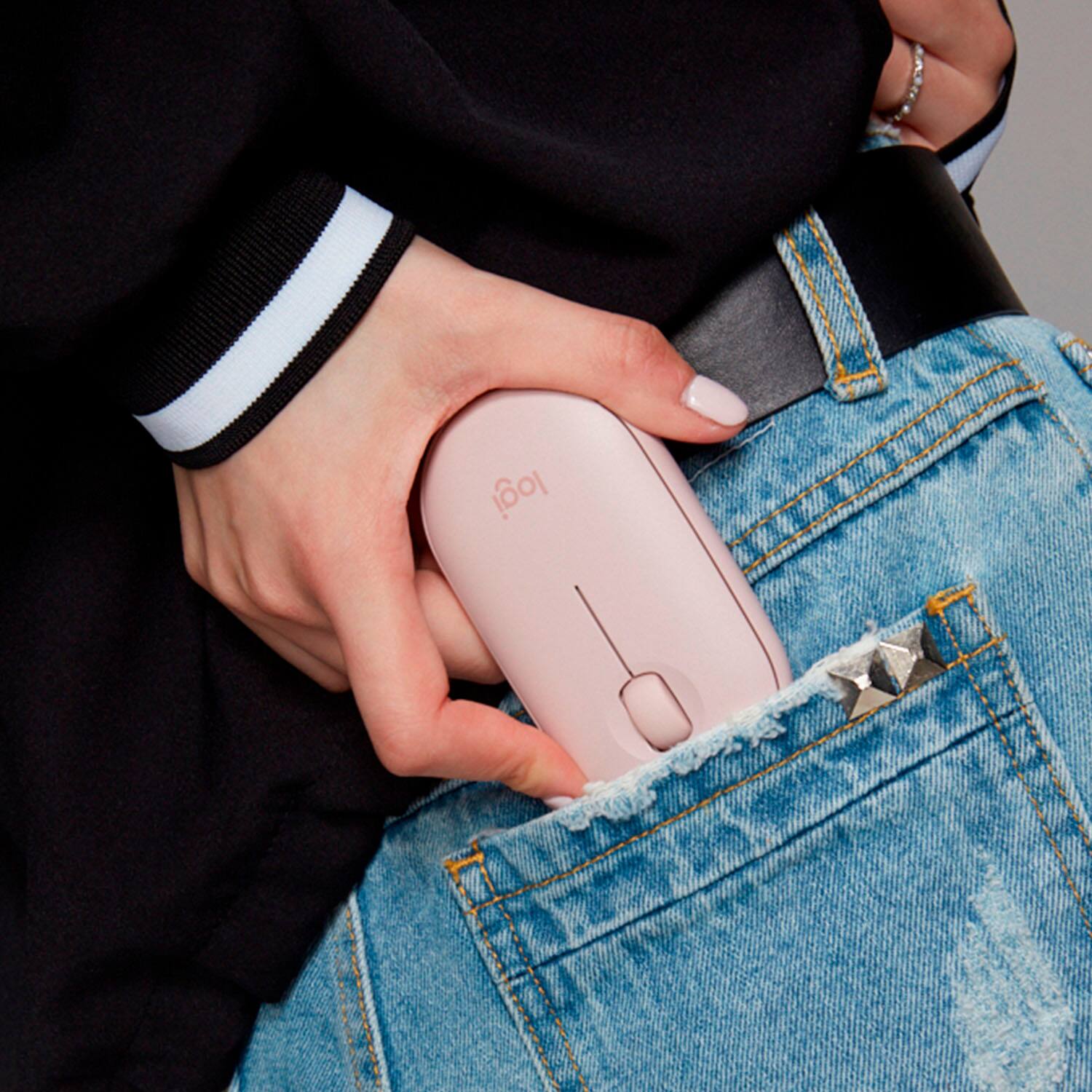
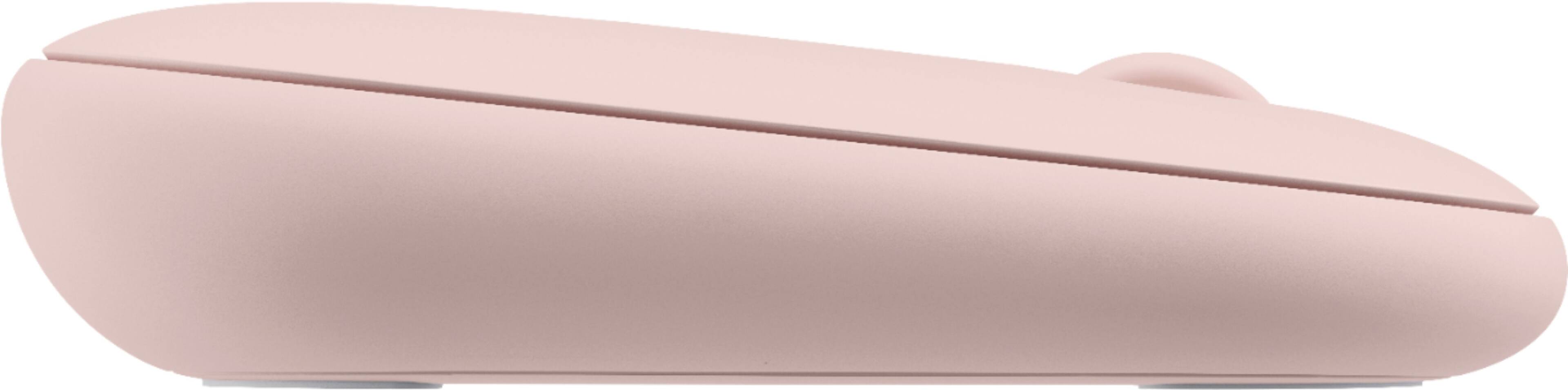
|Posted .This reviewer received promo considerations or sweepstakes entry for writing a review.Overall I really like the look and feel of my new Logitech M355 wireless optical mouse. The feel of this low profile mouse is great in your hands. Right out of the box this mouse is super easy to set up and get synced up to your device. Capable of Bluetooth or USB connection, so I feel this makes it a versatile accessory for a desktop, laptop, or tablet style device. This uses 1 AA battery and makes the claim that it can last 18 months, but I’ve only been using to for a week so far. It has a nice little storage compartment for the USB dongle that can hide away under the button where the battery is housed. The mouse has a nice feel in my hands. It’s more of a flatter mouse and not an arched mouse which is what I have always used in the past. This M355 mouse is a lower profile, so it allows for a comfortable fit in either hand. I feel like it’s a great mouse at my desktop workstation, and my home use on laptops and tablets as well. Another nice feature is the quiet sound, which is near silent for me. I can feel the clicks when I’m using the mouse, but it isn’t a loud click for feedback. This I find to be great for close proximity or quiet settings in which I want to be on my device, but not attract noise attention. The mouse tracks really accurately and precisely so it gives you level of confidence while using it. I’ve been pleased with this mouse so far. I think it’s a nice fit, and I like the graphite look because it gives it that modern look. It’s convenient to travel with and place into a computer bag or pockets.
I would recommend this to a friendCheap
||Posted . Owned for 3 weeks when reviewed.This reviewer received promo considerations or sweepstakes entry for writing a review.Poor usb connection. C
No, I would not recommend this to a friendBrand response from Logitech
Posted .Hi Easydrive, we're sorry to see you're having some connectivity related issues with your Pebble M350 Wireless mouse. You do have a 1 year limited warranty that can be used to have a replacement sent to you. You can do that here: https://support.logi.com/hc/en-us/articles/360026503773-Warranty-Pebble-M350. Hope that helps. -N from Logitech
Perfect size mouse for nearly any device/computer!
|Posted .This reviewer received promo considerations or sweepstakes entry for writing a review.This mouse is the perfect portable size mouse that will work with just about any device like a Chromebook, Android tablets (those that are compatible with Bluetooth mice) or a computer. First thing I like is the fact this mouse has dual connectivity options where you can use either Bluetooth or the included USB receiver and another plus is if you are using Bluetooth and not the receiver the mouse stores the receiver inside the battery compartment so you don't have to worry about losing it. The connection with the Bluetooth is solid and responsive and the connection with the wireless receiver provides largely the same experience. What sets this mouse apart from all others I have and have tried is it is VERY quiet - wow! Most that advertise they are quiet is sorta but this one definitely is. The clicks are soft and quiet and the scroll wheel feels good and is also quiet. It's responsive and works on nearly any surface. The feel is just right and I like the overall feel/shape of it for being a low profile mouse. Battery life, Logitech claims can go for a staggering 18 months so in the time I've used it so far obviously cannot realistically test that but I would tend to believe the battery life based on other wireless Logitech mice I've had in the past though this one easily surpasses those! All in, this is like the perfect portable mouse and I'll be getting another for my work laptop to throw in my bag to have wherever I go! I'd definitely recommend it.
I would recommend this to a friendWowq
||Posted . Owned for 1 month when reviewed.This reviewer received promo considerations or sweepstakes entry for writing a review.Don’t like. The mouse freezes. Not happy with the purchase
No, I would not recommend this to a friendPoor quality
||Posted . Owned for 3 months when reviewed.This reviewer received promo considerations or sweepstakes entry for writing a review.Stopped connecting to Bluetooth after 2 months. Poor quality.
No, I would not recommend this to a friendBrand response from Logitech
Posted .Hello, thank you for sharing your experience with the M350 Pebble. I'm sorry that you have had issues with the Bluetooth connection. You may want to try repairing the device with your computer. To start this process go into your computers Bluetooth settings and disconnect the M350. Once disconnected you can long press the button on the bottom till it flashes the blue light quickly. This will override the previous Bluetooth connection and be back in search mode. You would then go back into your computers Bluetooth settings and pair the device to your computer. I hope this helps fix the problem. If you have more questions you can visit the support page for the M350 by visiting: https://support.logi.com/hc/en-us/articles/360026246633-FAQs-Pebble-M350 Thank you for being a Logitech customer. Kristi from Logitech
Not worth the $20
||Posted . Owned for 2 weeks when reviewed.This reviewer received promo considerations or sweepstakes entry for writing a review.The biggest issue with this mouse is that the top cover is held on by weak magnets. I bought this mouse for my wife to go with her new MacBook. Since she's a teacher, she needed something nice. This is a piece of junk. Wish I could take it back
No, I would not recommend this to a friendBrand response from Logitech
Posted .Hi TanSuperman, So sorry to hear about your disappointment with the M350 Bluetooth Optical Mouse.
If you want something really nice for your wife's MacBook, might I suggest the MX Anywhere 3 which also comes in Rose color and can be found at Best Buy. Here's a link to the product page https://www.logitech.com/en-us/products/mice/mx-anywhere-3.910-005985.html. In regards to the M350, Logitech stands behind the quality of all of their products and this mouse does have a 1-Year Limited Hardware Warranty. Hope you found this helpful and that it finds you well. - Richard from Logitech