Customer Ratings & Reviews



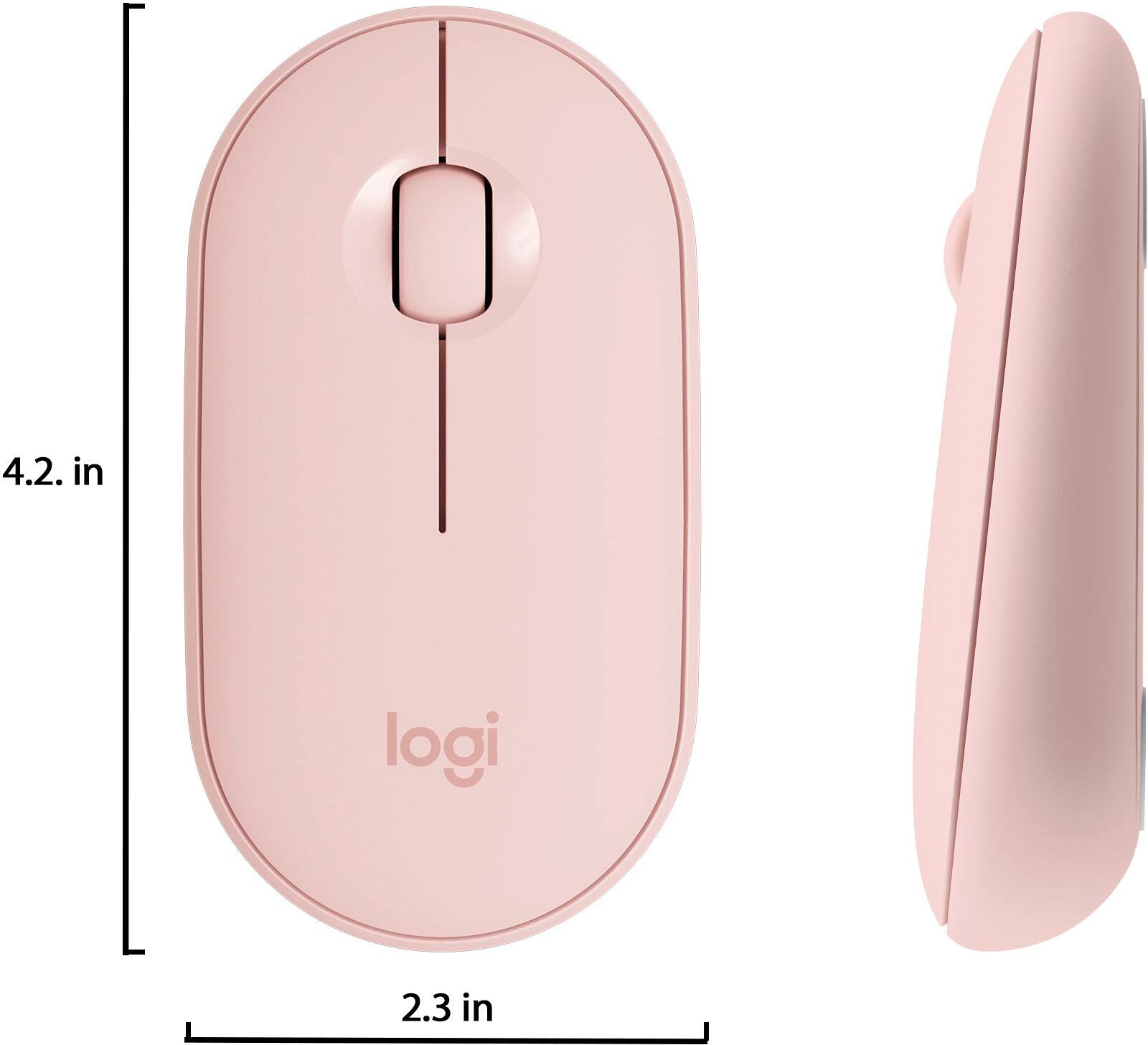

- Model:
- 910-005769
- SKU:
- 6383724
Rating by feature
- Value
Rating 4.7 out of 5 stars
- Quality
Rating 4.7 out of 5 stars
- Ease of Use
Rating 4.8 out of 5 stars
Customers are saying
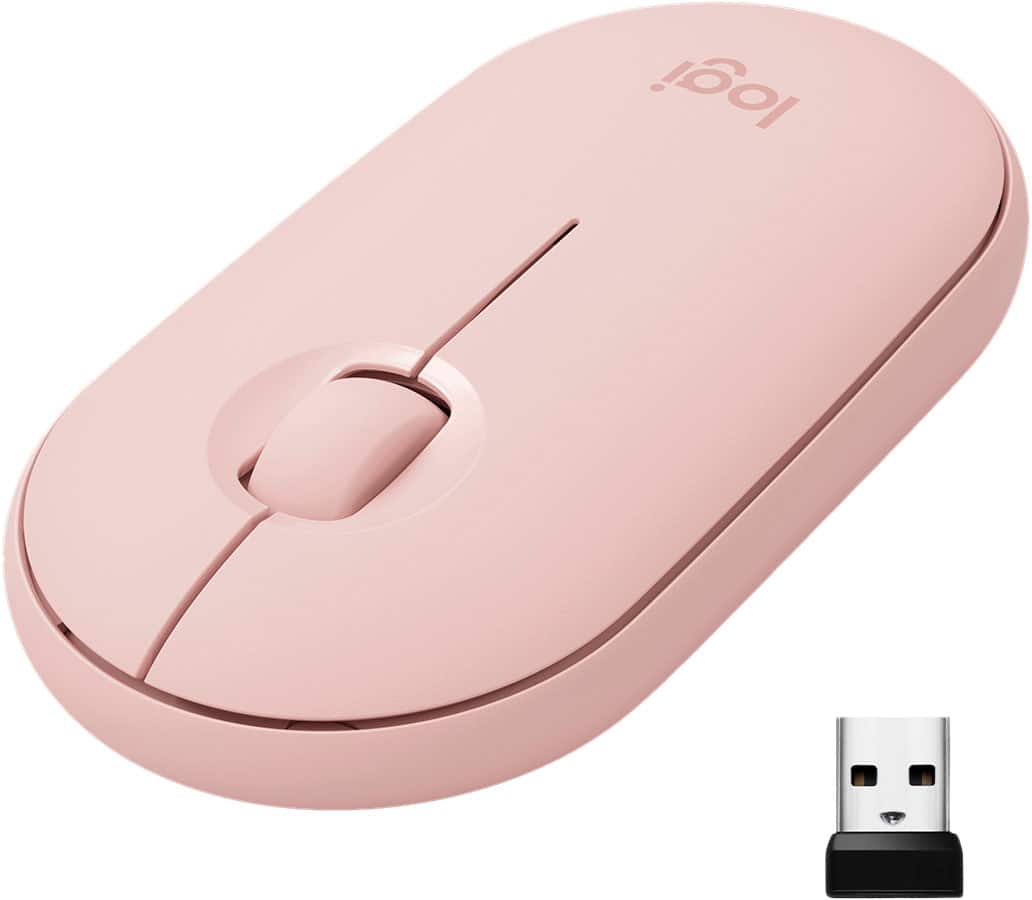
Customers are impressed with the Pebble M350 mouse's ease of use, size, and Bluetooth connectivity. Many appreciate its lightweight design, long battery life, and the attractive color options. While some users noted minor issues with scrolling, the overall consensus points to a positive user experience. The quiet clicking mechanism is also frequently praised.
This summary was generated by AI based on customer reviews.
- Pros mentioned:Bluetooth
Great mouse for iPad
Posted .This reviewer received promo considerations or sweepstakes entry for writing a review.I love that this iPad can connect with my iPad and Macbook. There is a button you press on the bottom to turn on the Bluetooth and when I need to use my laptop I use the usb dongle. With the mouse, a bunch of new features has been unlocked with my iPad and I'm so happy I made this investment.
I would recommend this to a friend 
Comfortable and smooth
|Posted .This reviewer received promo considerations or sweepstakes entry for writing a review.The mouse fits comfortably in your hand. It glides smoothly and buttons click well.
I would recommend this to a friendAmazing mouse for $30
Posted .This reviewer received promo considerations or sweepstakes entry for writing a review.Read a couple reviews about this mouse after realizing my local BB doesn’t carry the apple Magic Mouse 2. I needed this to pair with my iPad and first viewing the mouse packaging I instantly thought I would regret it very much. I was very wrong after opening then connecting to my iPad then placing this on my console and giving this a go, it is very and I mean very very smooth. No mouse pad needed, the motion of the mouse and very luxury and feels nice under your hand. I’m not sure if its the surface of the console but I’m curious how they got this thing to glide with no stick?! I like apple products more than anything but this is a steal for the price and ease of use. Buy this you won’t regret it. Thanks BB for having other options like this available for Apple users
I would recommend this to a friendsmall and easy to maneuver
Posted .This reviewer received promo considerations or sweepstakes entry for writing a review.Works. I needed a teeny mouse because I seem to be too dumb to navigate the mouse pad on my tablet. This does it for me.
I would recommend this to a friendGood for Use
Posted .This reviewer received promo considerations or sweepstakes entry for writing a review.I recently purchased this mouse alongside the matching Logitech K380 Bluetooth keyboard so that I might have an easier time completing my work. So far, this mouse serves its purpose as a typical mouse. You are getting what you pay for. Keep in mind that this is not the most ergonomic mouse out there but if you need a mouse for travel or for light use, then this is the mouse for you. I made this a four-star review instead of a five because, after prolonged use, one's hand can become sore or strained; however, again, that is to be expected with a mouse of this shape, though I expected a bit more. Otherwise a very good product, very sleek, and aesthetically pleasing to the eye.
I would recommend this to a friendPink wireless Bluetooth mouse
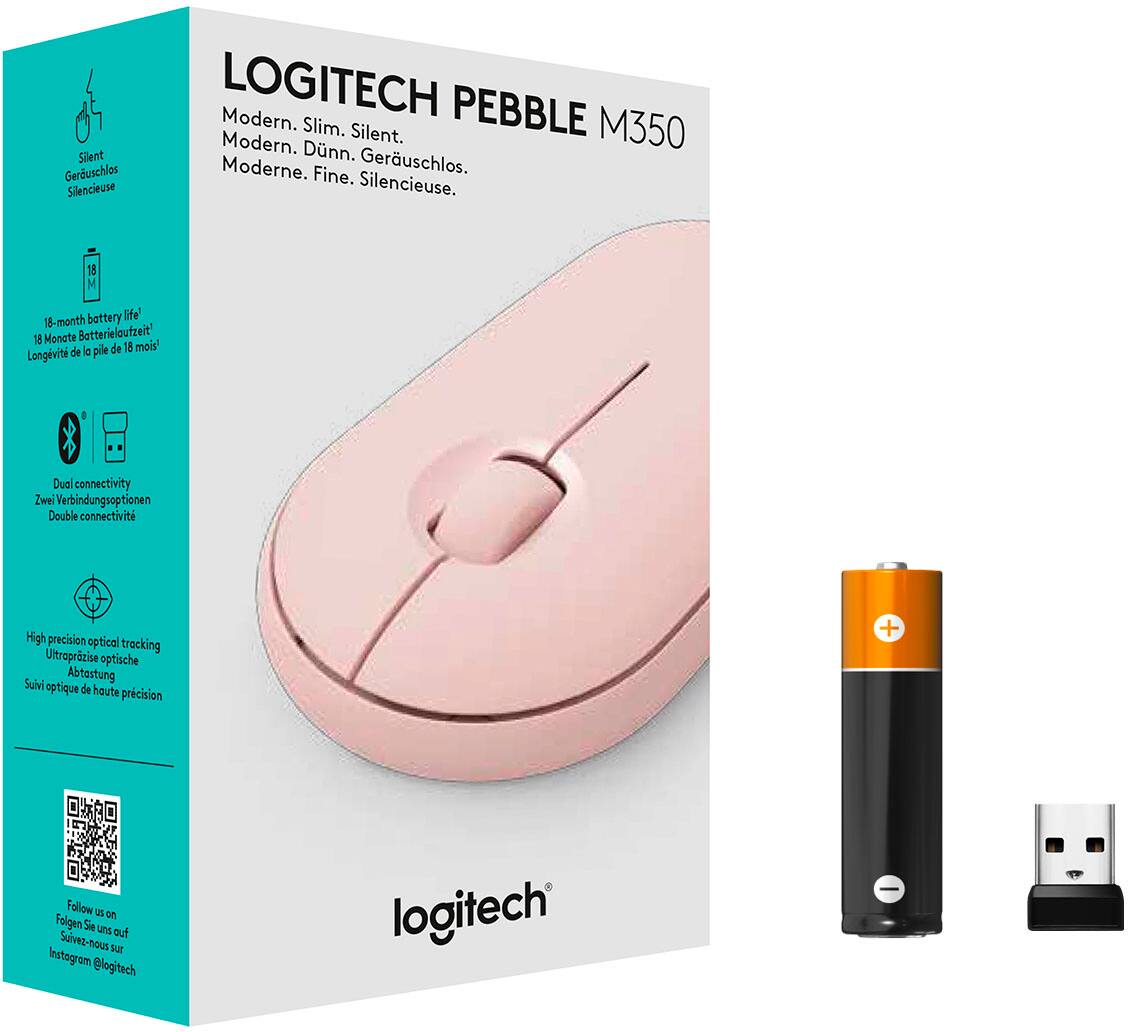
Posted . Owned for 1 month when reviewed.This reviewer received promo considerations or sweepstakes entry for writing a review.Love this wireless Bluetooth mouse! It’s light weight and not to mention it’s Pink! Works great with my Apple iPad Pro. It’s easy to connect. Comes with instructions and one battery. I only had this product for a couple months, so I can’t really say about how long the battery life is but I guess it depends how frequently you use the mouse. Overall I like this product! Highly recommend.
I would recommend this to a friendLove it!
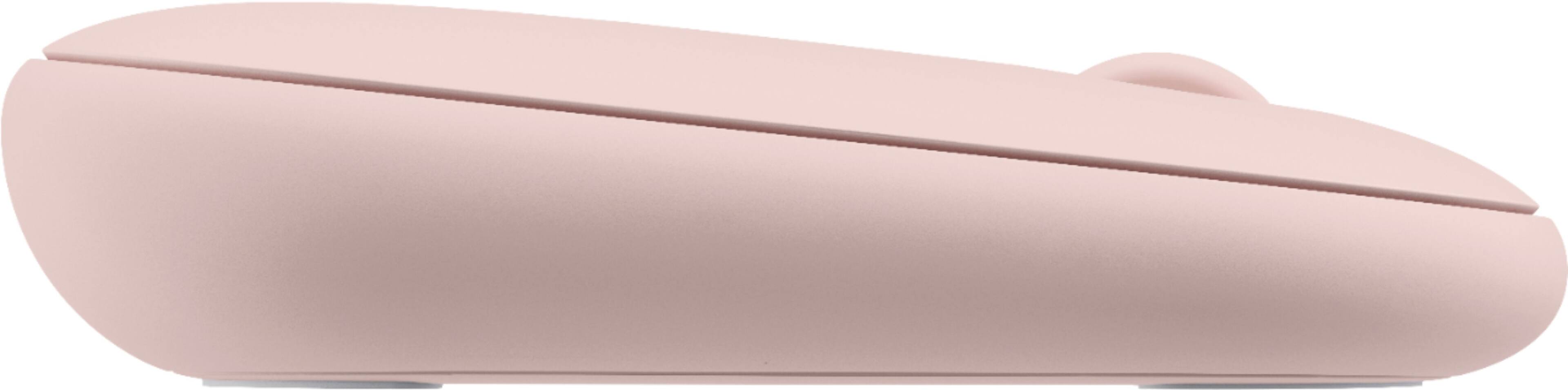
Posted .This reviewer received promo considerations or sweepstakes entry for writing a review.I needed a flat mouse to fit under my very tight keyboard tray. The Pebble is perfect! Simple, high quality build, flawless bluetooth connectivity, and smooth as glass. I'm using it with an HP Spectre x360 connected to dual monitors, and a Logitech MX Keys keyboard. Everything works together perfectly! Highly recommend both the Pebble and the MX Keys. Excellent products!
I would recommend this to a friendBeyond Ju nk
Posted .This reviewer received promo considerations or sweepstakes entry for writing a review.This is less than junk... it scrolls so bad that all I get is right click EVERYTIME I scroll. Logitech says uninstall and clean install the software of which there is none. The took a potentially decent mouse and made a brick.
No, I would not recommend this to a friendBrand response from Logitech
Posted .We deeply regret any inconvenience you may have experienced and highly value your feedback.
Great design!
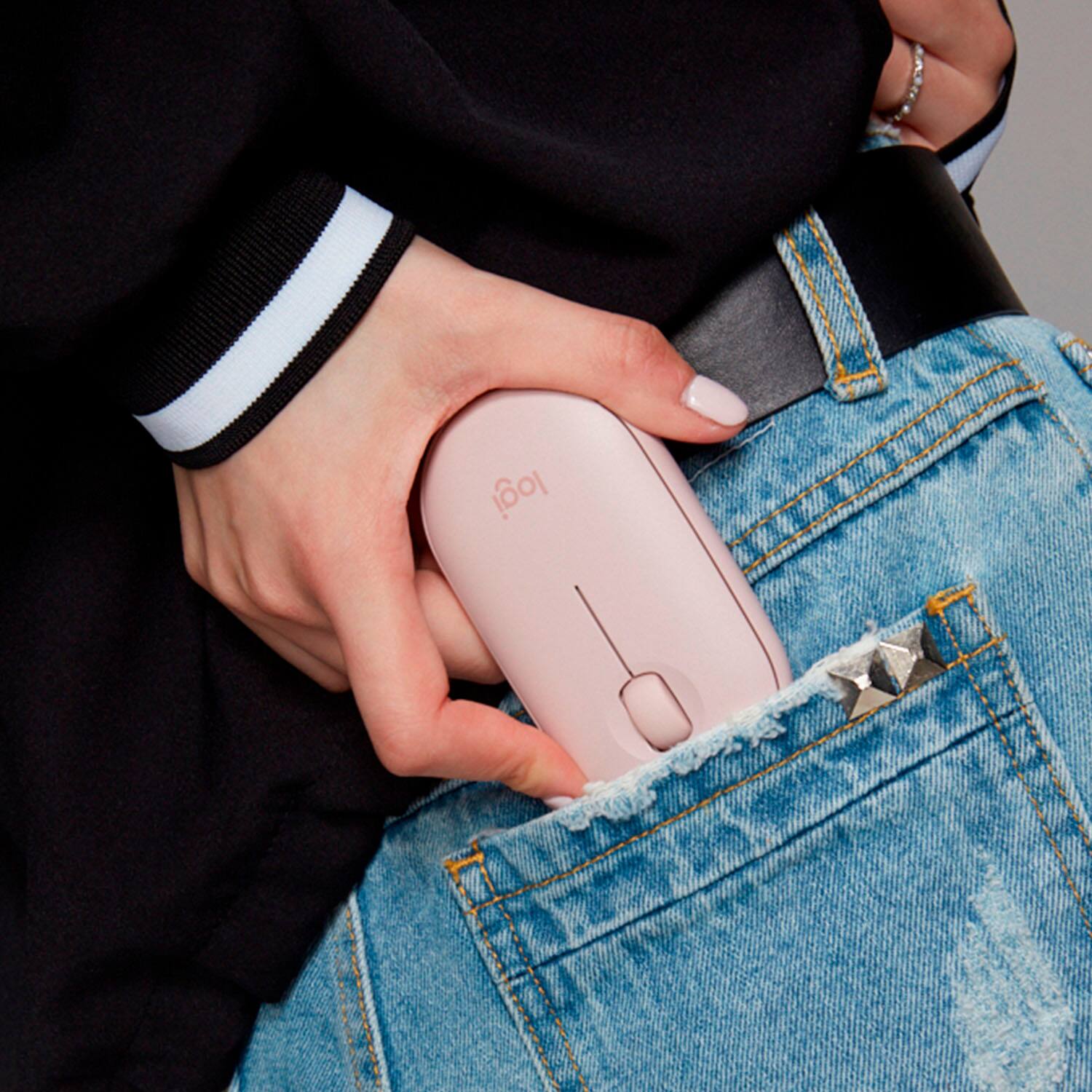
Posted .This reviewer received promo considerations or sweepstakes entry for writing a review.I love this mouse! I bought it for my new laptop and it is great for putting in the pocket of my case. Smooth manipulation and sleek design.
I would recommend this to a friendMy kid hasnt broke it
Posted .This reviewer received promo considerations or sweepstakes entry for writing a review.My kid has tourettes and breaks everything. Especially his electronics. This hasnt broke and thats impressive because he slams it down nonstop!
I would recommend this to a friendVery Cute!
Posted .This reviewer received promo considerations or sweepstakes entry for writing a review.I love it. The pale pink color matches with a lot of different accersories on the market. It's extremely quiet, and you can connect via bluetooth or usb to the computer.
I would recommend this to a friendPrice Efficient..
Posted .This reviewer received promo considerations or sweepstakes entry for writing a review.I bought this as secondary mouse it works well and is priced right doesn't break the bank.I use it as my travel mouse all the gestures work well.This also comes in 2 other colors.I recommend is you want to save a few bucks and like color.
I would recommend this to a friendDoes an OK job
Posted .This reviewer received promo considerations or sweepstakes entry for writing a review.Works well, easy to connect, but can only pair with one device without going through the entire pairing process again, and larger than necessary.
No, I would not recommend this to a friendOnly partially functions on MacBook Air.
Posted .This reviewer received promo considerations or sweepstakes entry for writing a review.Don't buy if you have a MacBook Air. The middle click will not work. If that doesn't matter to you then sure buy it. It will connect via Bluetooth. Just keep in mind middle click will not work and Logitech will not answer any questions about this button not working even though they are heavily advertising this mouse as great option for Mac. Things you can do with this mouse on MacBook Air: Left click (standard left click functions) and Right Click (standard right click functions). Scroll wheel: scroll up and down (and it may not be a smooth scroll. It may feel like it's lagging or is "choppy" for lack of a better word. There is no side scrolling or closing tabs etc with the middle button/mouse wheel. Again, if all you need is a left click and right click and something that will connect then sure buy it. It's super portable. I actually really like the design of the mouse. Super disappointed it doesn't work for me.
No, I would not recommend this to a friendFailed to operate on day 7
Posted .This reviewer received promo considerations or sweepstakes entry for writing a review.It worked great for 6 whole days. that is only 5 bucks a day. The motion sensing red light took a dump. Logitech used to make bulletproof products. In fact many, no all of their items I have purchased, mice trackballs and cameras never ever broke. I started buying mid 80s.They only became software obsolete. I bought this mouse for my TAB A it worked seemless. I will try another, but really how hard can it be to build quality when you have been doing it for decades. Now I have to waste my time going back to the excellent service at Best Buy and exchange it.
No, I would not recommend this to a friendBrand response from Logitech
Posted .Hi Olddude,
I am sorry to hear that you are synching issues with your new Pebble 350. Logitech appreciates your product insight, and feel free to contact the Logitech support team at any moment. http://support.logitech.com/contact
- Leo from Logitech