Customer Ratings & Reviews


- Model:
- 910-005270
- SKU:
- 6265132
Rating by feature
- Value
Rating 4.5 out of 5 stars
- Quality
Rating 4.8 out of 5 stars
- Ease of Use
Rating 4.8 out of 5 stars
Customers are saying
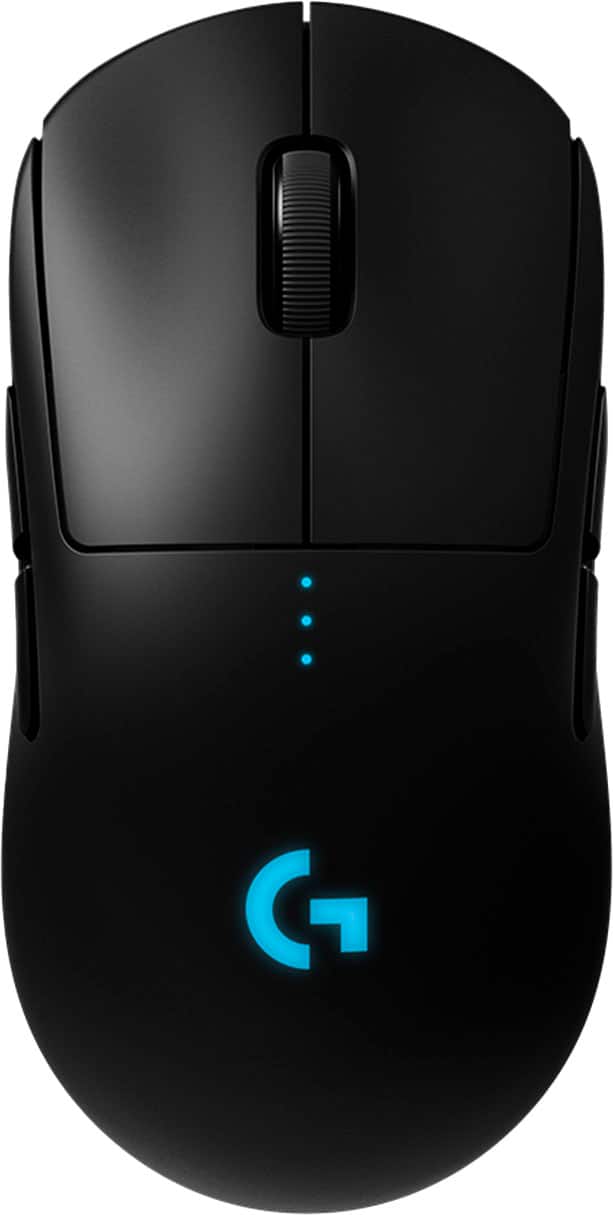
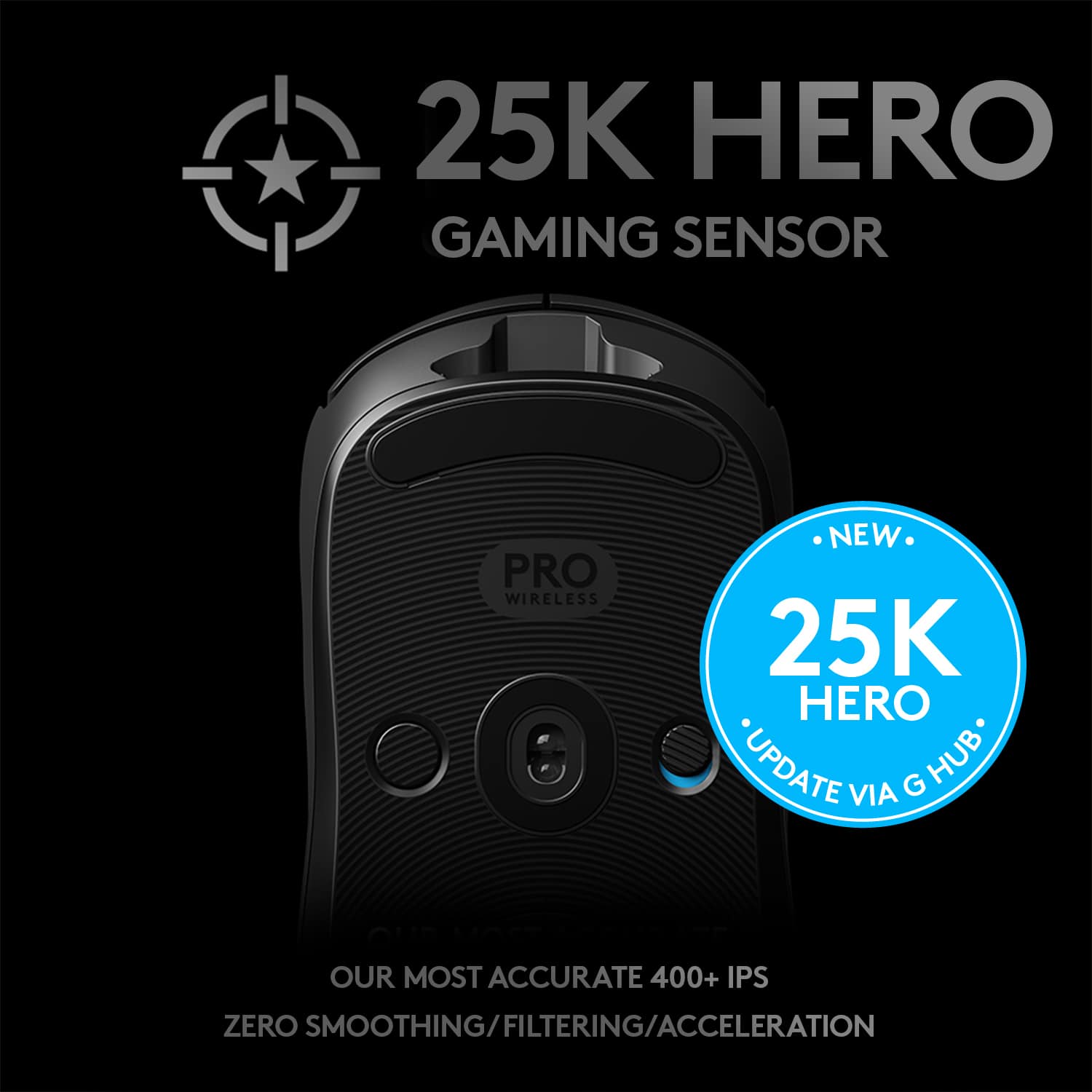
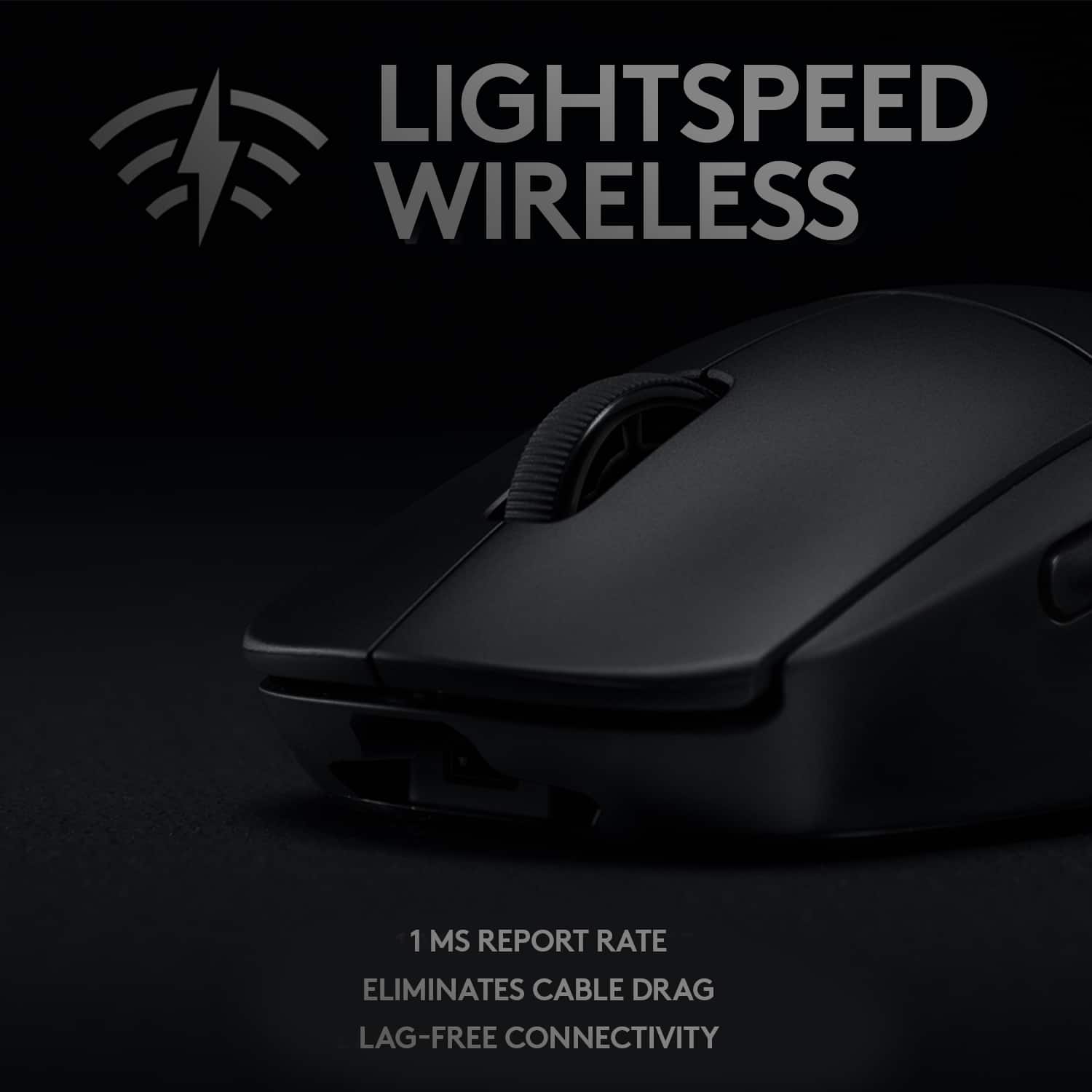
Customers are impressed with the PRO Lightweight Wireless Optical Ambidextrous Gaming Mouse with RGB Lighting, particularly its lightweight design, excellent battery life, and reliable wireless connectivity. Users appreciate its ease of use, responsiveness, and accuracy, highlighting the quality sensor and response time. Some find the price a bit high, and others note the size may be better suited for medium-sized hands, while a few have minor concerns about the side buttons and scroll wheel. Overall, the mouse's performance and features, including the RGB lighting, contribute to a positive user experience.
This summary was generated by AI based on customer reviews.
Great
||Posted .This reviewer received promo considerations or sweepstakes entry for writing a review.Good use of a wireless mouse. Nice design as well.
I would recommend this to a friendMouse
||Posted . Owned for 1 week when reviewed.This reviewer received promo considerations or sweepstakes entry for writing a review.My gamer likes to try different ones, it looks cool.
I would recommend this to a friendDisposable Mouse
||Posted . Owned for 1 year when reviewed.This reviewer received promo considerations or sweepstakes entry for writing a review.This mouse was great at first but being used everyday made for a short life span. We have to replace it yearly.
I would recommend this to a friend- Pros mentioned:Overall performance
Must Have
||Posted . Owned for 3 months when reviewed.This reviewer received promo considerations or sweepstakes entry for writing a review.Absolutely amazing! Highly recommend you picking this up.
I would recommend this to a friend - Pros mentioned:Wireless
Didn’t recieve it
||Posted . Owned for 1 month when reviewed.This reviewer received promo considerations or sweepstakes entry for writing a review.The mouse is probably readily good but i never recieved it. I ordered it curb side and it wasn’t in the box when it was opened on christmas. Customer service refused to replace it or even look at the cameras to see where it went missing.
No, I would not recommend this to a friendBrand response from Logitech
Posted .That is surely unfortunate and not want we want you to experience. In this case, we'd recommend you to get in touch with the BestBuy support team and report the same to them about the missing item and they'll help you further resolve the issue. Thanks so much and sorry for the inconvenience.
- Pros mentioned:Overall performance
How much more for the "League of Legends"?
||Posted . Owned for 1 week when reviewed.This reviewer received promo considerations or sweepstakes entry for writing a review.How much more for the "League of Legends"? Yes please.
I would recommend this to a friend A great mouse.
||Posted .This reviewer received promo considerations or sweepstakes entry for writing a review.I over this mouse. Wireless and super fast response.
I would recommend this to a friend- Pros mentioned:Battery life
Slippery plastic, software needs some work
||Posted . Owned for 1 week when reviewed.This reviewer received promo considerations or sweepstakes entry for writing a review.Very slippery plastic, hand cramps. GHub, the software for the mouse, is horrendous. Had to reinstall 3 times over the 2 weeks I had the mouse. Battery life is good
No, I would not recommend this to a friendBrand response from Logitech
Posted .Hello thank you for your purchase and feedback on the G Pro Wireless, along with G Hub. I have made a note and forwarded your feedback on the device and software to our product team. If you ever have any feature/settings questions, please visit us for support at https://support.logi.com/hc/en-us
- Pros mentioned:Battery life, WeightCons mentioned:Lag

So Close to Perfection
|Posted .This reviewer received promo considerations or sweepstakes entry for writing a review.The first thing I noticed was the feather-like weight…maybe not feather but very light nevertheless. That is a big plus for those who game for hours and hours. The second was that it has no lag. It works just like a high-end wired mouse – which it can also be – making it perfect for gaming where you need performance and precision. Speaking of precision, Logitech G PRO improved my score in every single game I have played with it so far One feature that my left-handed son liked was the ambidextrous capability. It has buttons on the right and left sides that mirror the functions of each other unless programmed otherwise. That means that when he uses it, the only buttons he need to swap are the top ones. Taste is an individual preference and to that, I really do not like the look of it. It has a beautiful logo illuminated by LED light, which is customizable to display different colors with some effects. However, it does not stand out as much as some gaming keyboards do. It rather looks plain to my taste. That is my only complaint about this otherwise outstanding mouse. As noted earlier, the precision control, essential for weapons on games, is just perfect. You can change DPI on the fly by just pressing a button. Definitely, something useful when playing some games although it can be confusing in the beginning. I got used to it very quickly though. My previous gaming mouse was the Logitech G703 but this one is considerably better. I really doubt there is another mouse even close to the performance of the G PRO. As to battery, you can play the whole day, non-stop and you will still have enough charge to play the next day or two before charging it again. Of course, you may want to turn off the RGB light if you want the battery to last longer than a day, especially if you play for too many hours. As I edit photos, I found out that I prefer my Logitech Master 25. The reason is that although lightweight is good for gaming, it is not as much for photo editing. It may be just a matter of being used to it but I’ll stick to the Master 25 model for that kind of work. Unfortunately, the adapter that came with the G Pro does not work with the Master 25. I have to use another USB port for that. It is unfortunate but I suppose this adapter was designed to support the new features and supporting older models would affect its performance. I totally recommend it if you are a serious gamer. Since I cannot take away just half a star for the look that did not impress me as much, I am rating it four stars instead. For performance and features, it definitely deserves a five.
I would recommend this to a friend Confusing Battery
||Posted . Owned for 1.5 years when reviewed.This reviewer received promo considerations or sweepstakes entry for writing a review.The charging is not really good. Charges for an hour but the indicater says low and is on red but then o can still use it for hours. Confusing
I would recommend this to a friendGood mouse
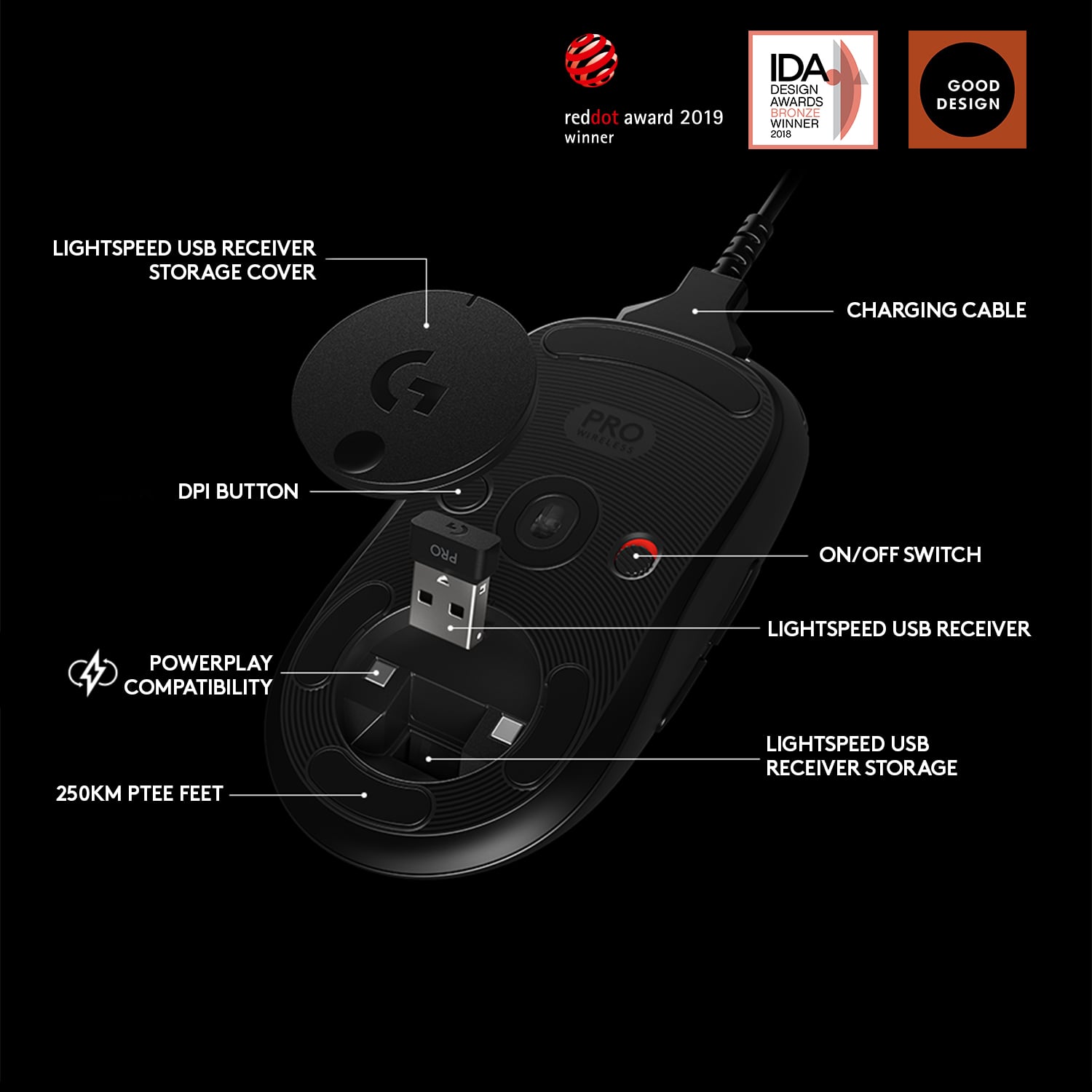
||Posted . Owned for 2 weeks when reviewed.This reviewer received promo considerations or sweepstakes entry for writing a review.Love the customization with the buttons and RGB. Would prefer if the micro usb charging port was upgraded to usb-c.
I would recommend this to a friend- Cons mentioned:Lag
Lag
||Posted . Owned for 6 months when reviewed.This reviewer received promo considerations or sweepstakes entry for writing a review.It is one of the better wireless mouses from my experience, however, for the price it shouldn't be laggy,
No, I would not recommend this to a friend Bad Software
||Posted .This reviewer received promo considerations or sweepstakes entry for writing a review.The mouse itself is fine but the "G Hub" software is terrible. The app won't open much of the time and is stuck perpetually loading, requiring a PC restart. I usually realize after I have started a game and none of my keybinds and sensitivity are set properly. The auto profile switching is also busted, which is easily fixable by manually updating the filepath to the game .exe file. But you wouldn't know this without googling a bunch.
No, I would not recommend this to a friendBrand response from Logitech
Posted .Hello, sorry to hear that you are having some connectivity issues. We are always looking for ways to improve our products, so we appreciate your review. Here are some quick tips on troubleshooting GHUB 1)Restart your computer. 2)Reinstall Logitech G HUB. 3) Reinstall the device drivers.
4)Make sure you're using the latest device drivers. 4)Install all Windows updates. These tips will often solve any troubleshooting with GHUB. I hope this information helps. If you ever have additional feedback or questions regarding Logitech products, feel free to visit https://support.logi.com/hc/en-us Thanks, -Logitech
- Cons mentioned:Side buttons
Worst mouse ever
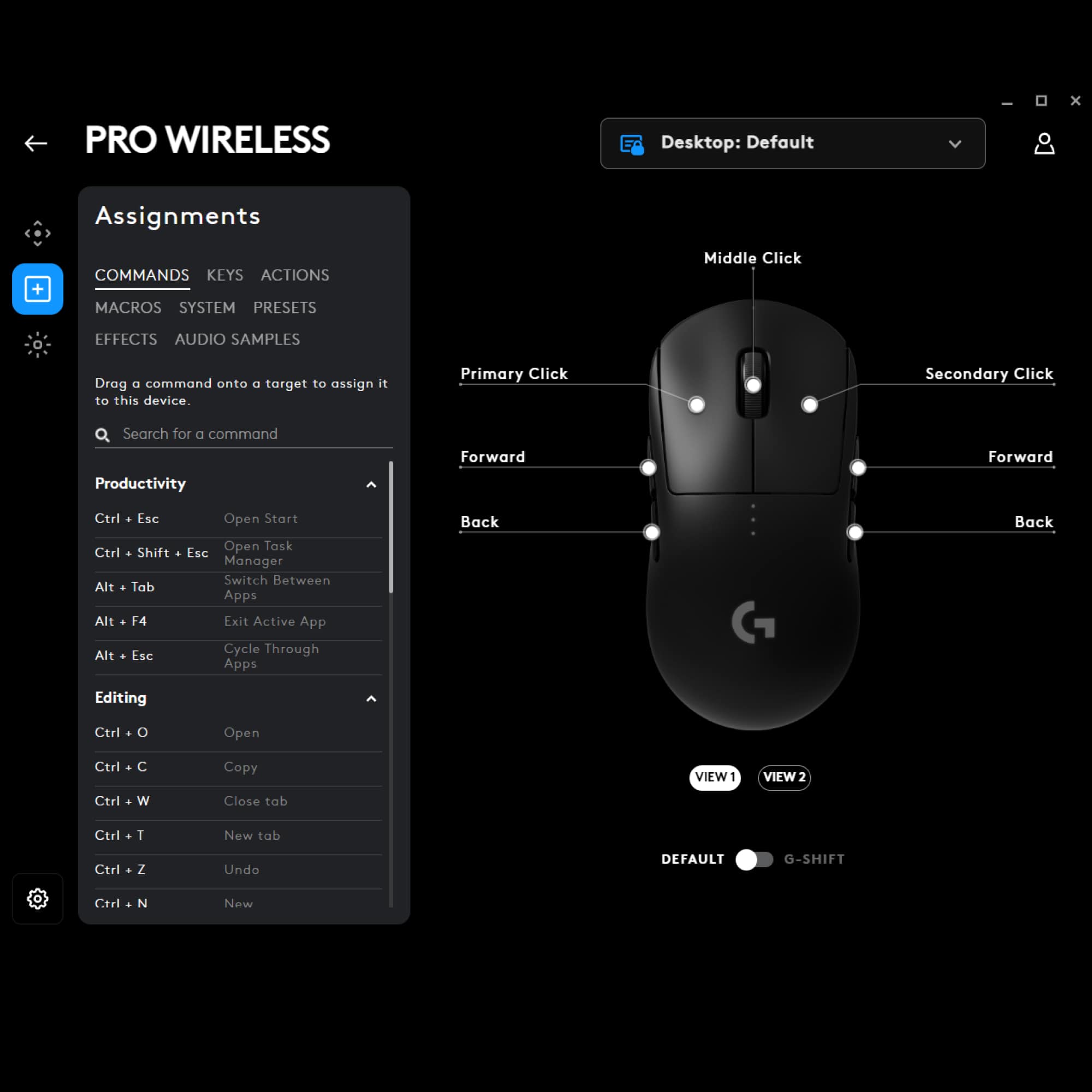
||Posted .This reviewer received promo considerations or sweepstakes entry for writing a review.Right mouse button is way to touchy. Can not work a spread sheet with it. It doesn't track on most surfaces. The two right buttons are fakes. It only has 5 buttons not 7. 3 programable buttons not 5. Oh ya don't try to play your favorite game. The touchy right mouse button will mess you up every time. Now I just have to figure out how to return this junk. This is the worst mouse i have used in 30 years. Way to go Logitech.
No, I would not recommend this to a friendBrand response from Logitech
Posted .Hi john, thank you for your feedback! PRO Wireless was designed to be the ultimate gaming mouse for esports professionals. Over a 2 year period, Logitech G collaborated with more than 50 professional players to find the perfect shape, weight and feel. It is backed with by a 2-year limited hardware warranty. For support, please refer to: https://support.logi.com/hc/en-us/articles/360024153814 - Will, Logitech.
- Cons mentioned:Scroll wheel
Mouse didn't last very long.
||Posted . Owned for 5 months when reviewed.This reviewer received promo considerations or sweepstakes entry for writing a review.6 months after purchase, the scroll wheel stopped working completely. Currently going through the warranty process with Logitech.
No, I would not recommend this to a friendBrand response from Logitech
Posted .Hi Clark, thank you for your feedback! With a 2-year limited hardware warranty, this should not be the case. - Will, Logitech G.
Pros and Cons
||Posted . Owned for 2 weeks when reviewed.This reviewer received promo considerations or sweepstakes entry for writing a review.The mouse is a great gaming mouse and looks really cool jowever it has a problem with the mb1 and mb2 rubbing together and with certain mouse pads it builds up staic and double clicks.
No, I would not recommend this to a friend- Pros mentioned:Overall performance
Leage of Legends - Logitech
||Posted . Owned for 1 week when reviewed.This reviewer received promo considerations or sweepstakes entry for writing a review.Great gaming mice. Worth the money. Logitech always produce mice of better quality
I would recommend this to a friend Micro USB really ????
||Posted . Owned for 2 weeks when reviewed.This reviewer received promo considerations or sweepstakes entry for writing a review.Micro USB really ? ???? that's horrible .... The mouse is ok ..... I found mice that are just as good for less ! Try the Steelseries rival 3 !!!! amazing mouse !
No, I would not recommend this to a friendGPRO okay shape
||Posted . Owned for more than 2 years when reviewed.This reviewer received promo considerations or sweepstakes entry for writing a review.The mouse itself is very nice, but I am not too big of a fan of the shape.
I would recommend this to a friendBrand response from Logitech
Posted .Thanks for your feedback and we'll make sure to share it with the right team.
It's alright.
||Posted . Owned for 1 year when reviewed.This reviewer received promo considerations or sweepstakes entry for writing a review.At first, it worked really well. At the time I'm writing the review, the right-click button is getting a little loose, not sure why.
I would recommend this to a friend