Customer Ratings & Reviews
![Group 1:
* G
* 1
* F1
* !
* 2
* @
* 2
* F2
* 3
* 3#
* F3
* 4
* $
* F4
* 5
* 5%
* F5
* 6
* F6
* 7
* &
* F7
* 8
* F8
* 9
* F9
* o
* F10
* -
* F11
* +
* F12
* DEL
* TAB
* Q
* W
* E
* R
* T
* Y
* U
* I
* O
* P
* [
* ]
* I
* SCRLK
* INS
* CAPS
* S
* D
* F
* Y
* G
* H
* J
* K
* L
* PRINT
* PG UP
* PG DN
* HOME
* SHIFT
* z
* x
* C
* V
* N
* M
* SHIFT
* P/B
* END
* CTRL
* ALT
* ALT FN
* CTRL
* PRO](https://pisces.bbystatic.com/image2/BestBuy_US/images/products/b56a9eac-32fc-4d33-a36d-46ac587633f4.png)



![The text on the image is a keyboard layout, which includes the letters, numbers, and symbols. Here is the corrected text grouped by rows:
1. QWERTYUIOP
2. ASDFGHJKL
3. ZXJCLTYUIOP
4. ASDFGHJKL
5. QWERTYUIOP
6. ASDFGHJKL
7. ZXJCLTYUIOP
8. WSDFGHJKL
9. ALT GR + SHIFT
10. ALT GR + SHIFT
11. FN + SHIFT + 1
12. FN + SHIFT + 2
13. FN + SHIFT + 3
14. FN + SHIFT + 4
15. FN + SHIFT + 5
16. FN + SHIFT + 6
17. FN + SHIFT + 7
18. FN + SHIFT + 8
19. FN + SHIFT + 9
20. FN + SHIFT + 0
21. FN + SHIFT + -
22. FN + SHIFT + =
23. FN + SHIFT + +
24. FN + SHIFT + [
25. FN + SHIFT + ]
26. FN + SHIFT + ;
27. FN + SHIFT + :
28. FN + SHIFT + .
29. FN + SHIFT + /
30. FN + SHIFT + ?
31. FN + SHIFT + 1
32. FN + SHIFT + 2
33. FN + SHIFT + 3
34. FN + SHIFT + 4
35. FN + SHIFT + 5
36. FN + SHIFT + 6
37. FN + SHIFT + 7
38. FN + SHIFT + 8
39. FN + SHIFT + 9
40. FN + SHIFT +](https://pisces.bbystatic.com/image2/BestBuy_US/images/products/fc70215f-053a-4cb8-8a0d-0b678428c313.png)
- Model:
- 920-011902
- SKU:
- 10115841
$205.65
Rating by feature
- Value
Rating 4.3 out of 5 stars
- Quality
Rating 4.8 out of 5 stars
- Ease of Use
Rating 4.7 out of 5 stars
92%would recommend to a friend
The vast majority of our reviews come from verified purchases. Reviews from customers may include My Best Buy members, employees, and Tech Insider Network members (as tagged). Select reviewers may receive discounted products, promotional considerations or entries into drawings for honest, helpful reviews.
Page 9 Showing 161-162 of 162 reviews
Keyboard
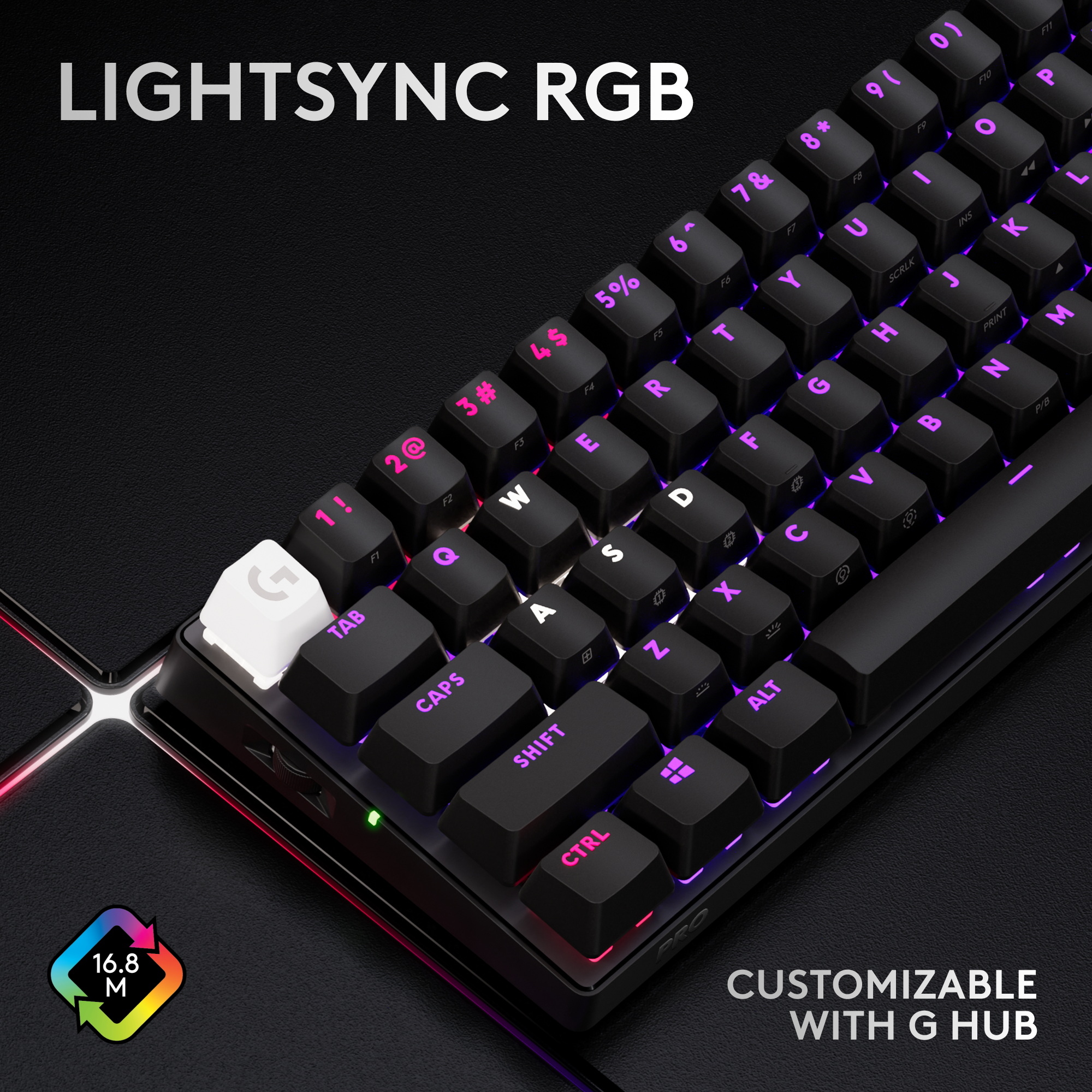
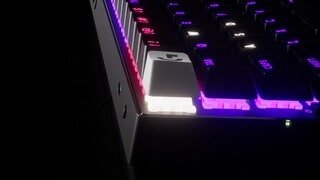
Posted .This reviewer received promo considerations or sweepstakes entry for writing a review.Keys don’t stick. Love the LED light display underneath.
I would recommend this to a friendBrand response from Logitech
Posted .Thank you for your positive feedback on the Logitech - PRO X 60 LIGHTSPEED TKL! We're glad you're enjoying the smooth keystrokes and the vibrant LED light display. We appreciate your feedback and hope you continue to enjoy using your keyboard.

Do your research and do NOT buy this
Posted .This reviewer received promo considerations or sweepstakes entry for writing a review.No innovations, no build quality. Keys rattle so hard. Why would people buy this over something like wooting 60he
No, I would not recommend this to a friendBrand response from Logitech
Posted .Hello! Thank you for your feedback on the Logitech G PRO X 60 LIGHTSPEED TKL. We apologize that the keyboard didn't meet your expectations in terms of build quality and keycap stability. We'll use your feedback to improve future products.