Customer Ratings & Reviews
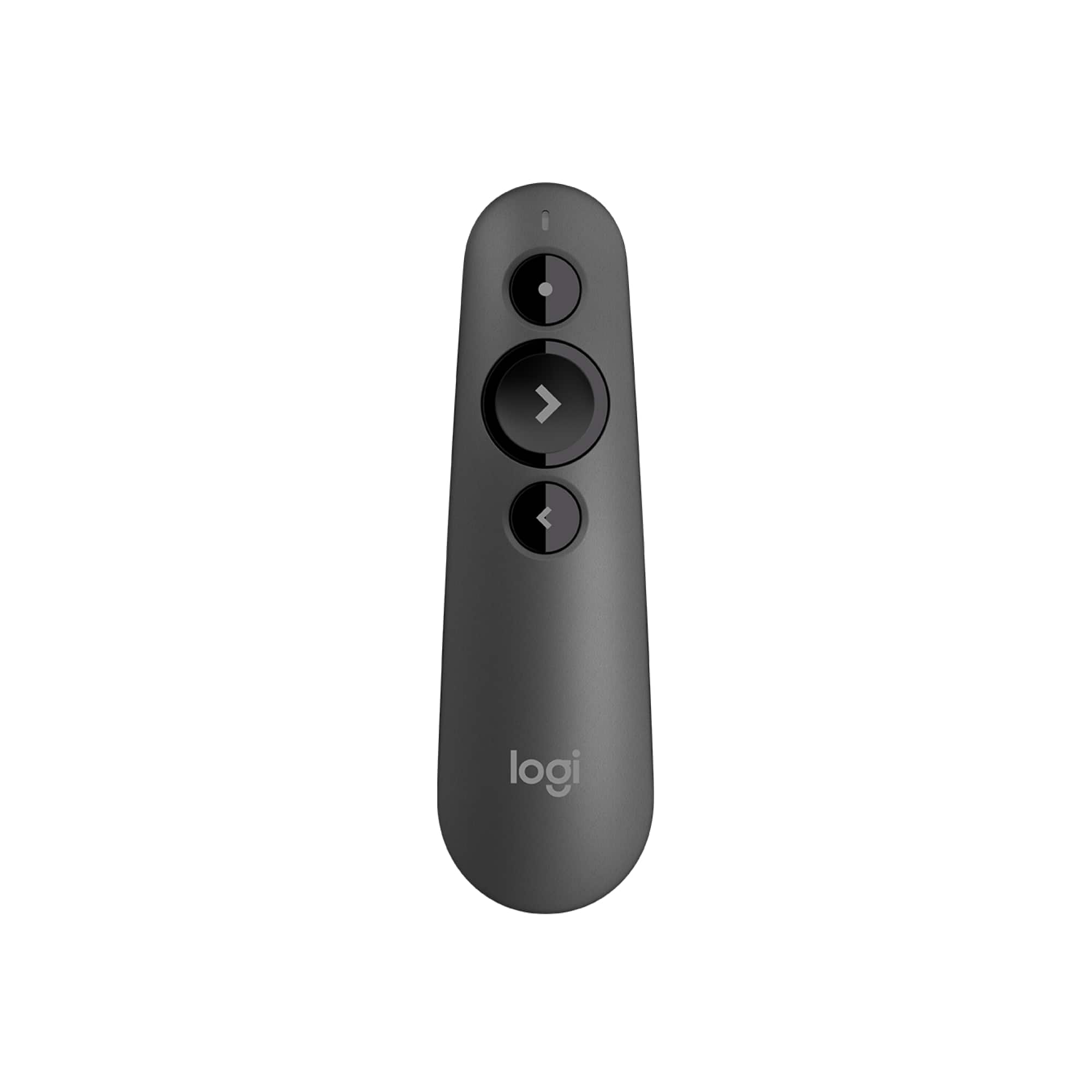
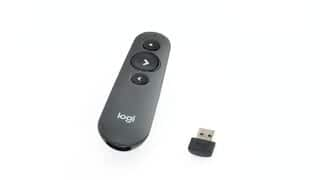
- Model:
- 910-006518
- |
- SKU:
- 6477412
Customer reviews
Rating 4.6 out of 5 stars with 228 reviews
(228 customer reviews)Rating by feature
- Value4.5
Rating 4.5 out of 5 stars
- Quality4.7
Rating 4.7 out of 5 stars
- Ease of Use4.7
Rating 4.7 out of 5 stars
Customers are saying
Customers praise the R500s Presenter for its ease of use and reliable USB connectivity, making it simple to walk around during presentations. Users appreciate its overall performance as a replacement device and its broad compatibility, including with Macs. The only notable drawback mentioned by some customers is that the laser pointer can be slightly dim.
This summary was generated by AI based on customer reviews.
Rated 5 out of 5 stars
Nice Remote
||Posted . Owned for 3 months when reviewed.This reviewer received promo considerations or sweepstakes entry for writing a review.Nice remote, just wish it had an off switch like my older remote.
I would recommend this to a friend- Pros mentioned:Ease of use
Rated 3 out of 5 stars
Average
||Posted . Owned for 3 weeks when reviewed.This reviewer received promo considerations or sweepstakes entry for writing a review.Works fine. Seems a bit flimsy for the price. Quite basic but does the job. Should be about $20 cheaper.
No, I would not recommend this to a friend Rated 5 out of 5 stars
Great Device
||Posted . Owned for 3 weeks when reviewed.This reviewer received promo considerations or sweepstakes entry for writing a review.Great device. I love it so far!! It works from a distance from my laptop!
I would recommend this to a friend- Cons mentioned:Laser pointer
Rated 2 out of 5 stars
Laser Pointer doesn't work...
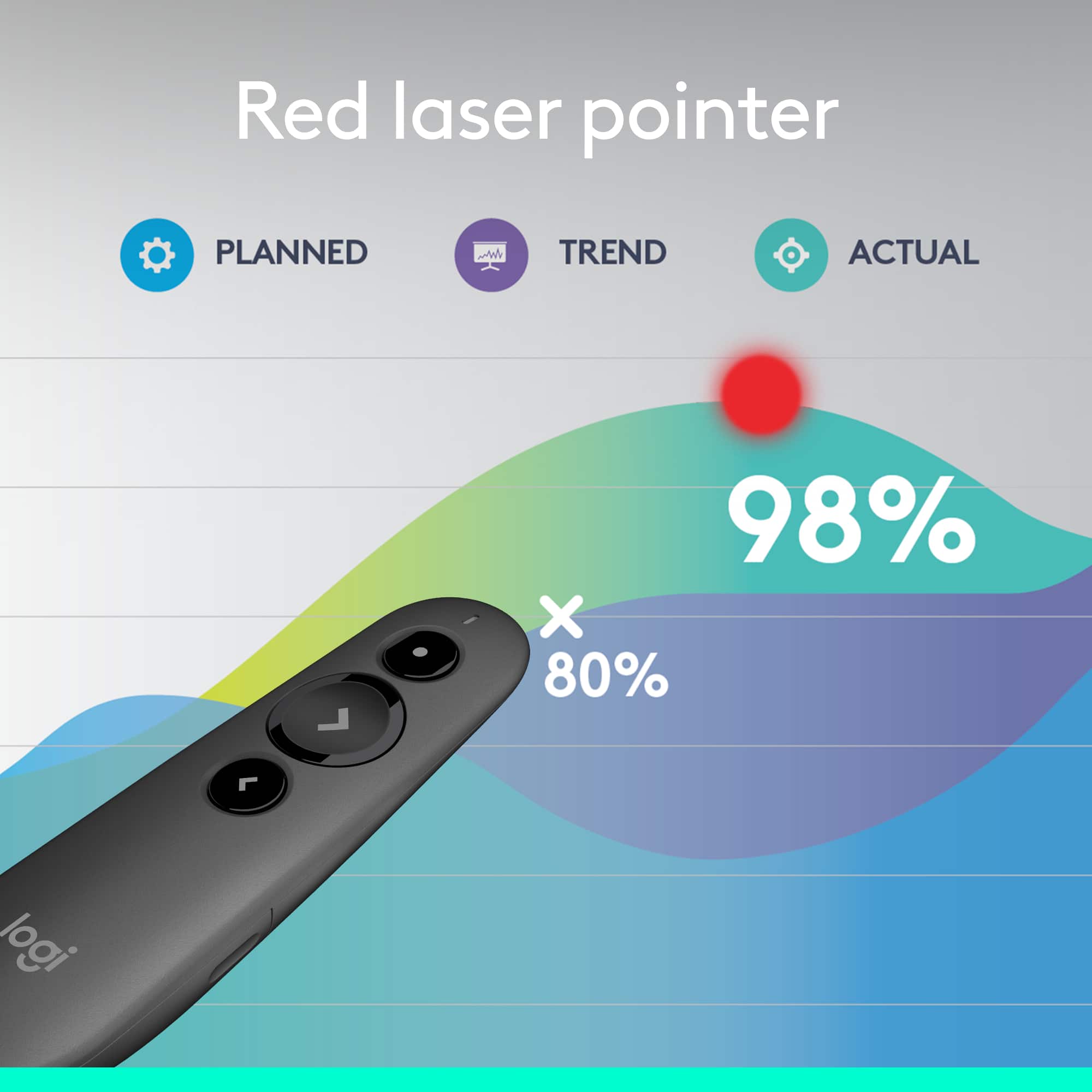
||Posted . Owned for 3 weeks when reviewed.This reviewer received promo considerations or sweepstakes entry for writing a review.Bought this because we needed a laser pointer for a meeting in the office... I figured this would do both the power point driving and also be able to use a laser pointer... the Laser pointer didn't even turn on.....
No, I would not recommend this to a friendBrand response from Logitech
Posted .That's unfortunate! In order to help you effectively, please provide your information to our support team by emailing socialcare@logitech.com. Name – Email address – Country – Product name – Brief description of the issue –
- Cons mentioned:Laser pointer
Rated 3 out of 5 stars
Could be better
||Posted . Owned for 3 weeks when reviewed.This reviewer received promo considerations or sweepstakes entry for writing a review.The strength of the laser is a little lower than I expect. Otherwise, this is a good product.
No, I would not recommend this to a friend Rated 5 out of 5 stars
10 -+
||Posted . Owned for 1 month when reviewed.This reviewer received promo considerations or sweepstakes entry for writing a review.Excellent as advertised! Highly recommend, and will
I would recommend this to a friendRated 5 out of 5 stars
Great for surface PC's
||Posted . Owned for 2 weeks when reviewed.This reviewer received promo considerations or sweepstakes entry for writing a review.Eliminates the issue we had using USB clickers through adapters
I would recommend this to a friendRated 5 out of 5 stars
Great!
||Posted . Owned for 1 month when reviewed.This reviewer received promo considerations or sweepstakes entry for writing a review.For the price range art is excellent. Accurate, good working distance.
I would recommend this to a friendRated 4 out of 5 stars
Business owner
||Posted . Owned for 1 month when reviewed.This reviewer received promo considerations or sweepstakes entry for writing a review.Great item until you lose the little USB adaptor. It's not replaceable.
I would recommend this to a friendRated 5 out of 5 stars
Precise and fast
||Posted . Owned for 2 weeks when reviewed.This reviewer received promo considerations or sweepstakes entry for writing a review.Precise and fast. Everything you will need for your presentation
I would recommend this to a friend- Pros mentioned:Usb
Rated 2 out of 5 stars
Disappointing Performance.
||Posted . Owned for 3 weeks when reviewed.This reviewer received promo considerations or sweepstakes entry for writing a review.The receiver was very erratic. Sometimes it changed the slide, other times it did not. Good thing I rehearsed. I ran out to Staples and bought the cheaper model of the logitech clicker and it worked flawlessly for my presentation.
No, I would not recommend this to a friend Rated 4 out of 5 stars
Works as intended
||Posted . Owned for 3 weeks when reviewed.This reviewer received promo considerations or sweepstakes entry for writing a review.Works as intended. Sometime loses connection on bluetooth
I would recommend this to a friend- Pros mentioned:Usb
Rated 5 out of 5 stars
great presenter
||Posted . Owned for 3 weeks when reviewed.This reviewer received promo considerations or sweepstakes entry for writing a review.works great, took a bit of time to get software, after that great presenter for PP
I would recommend this to a friend Rated 5 out of 5 stars
Great pal for presentations
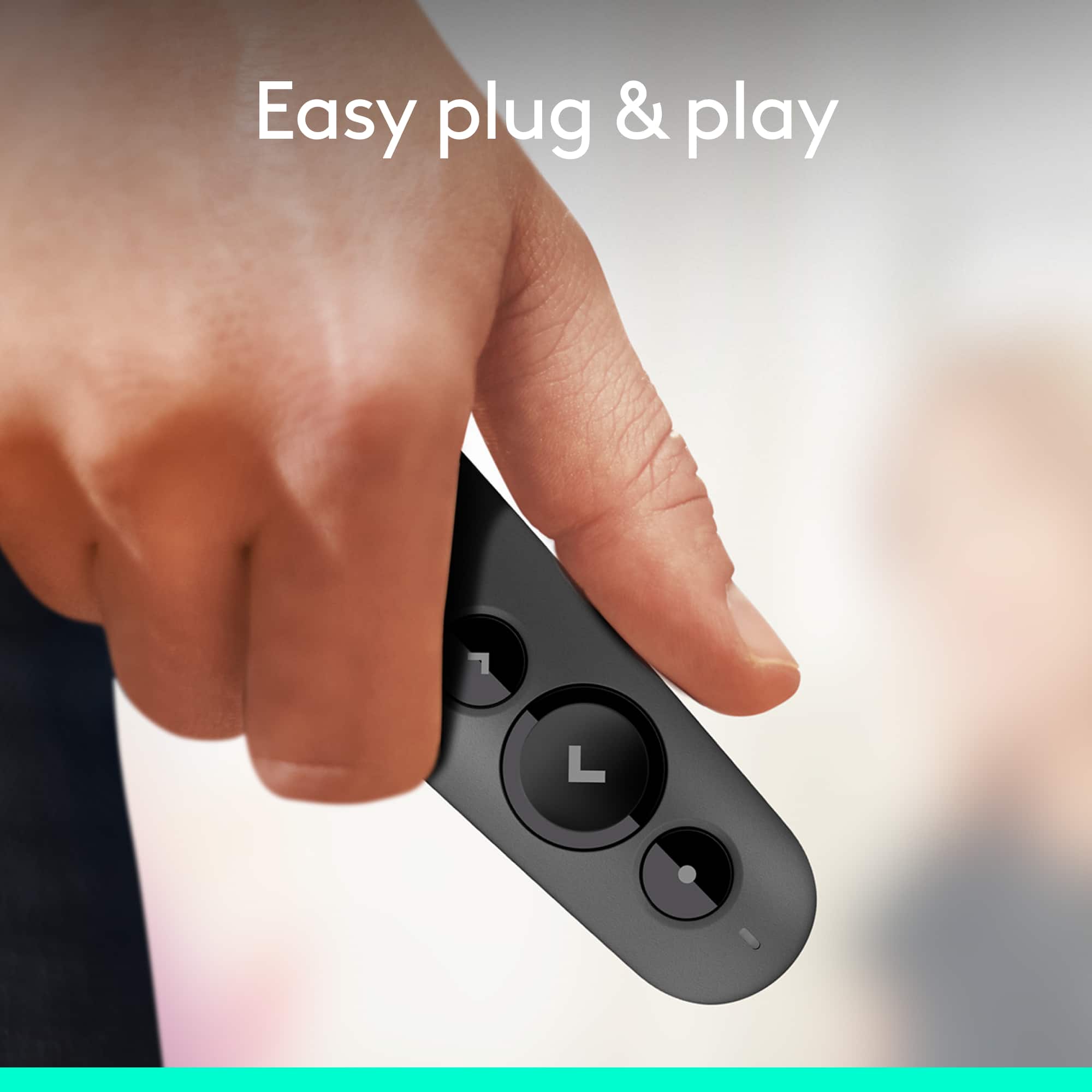
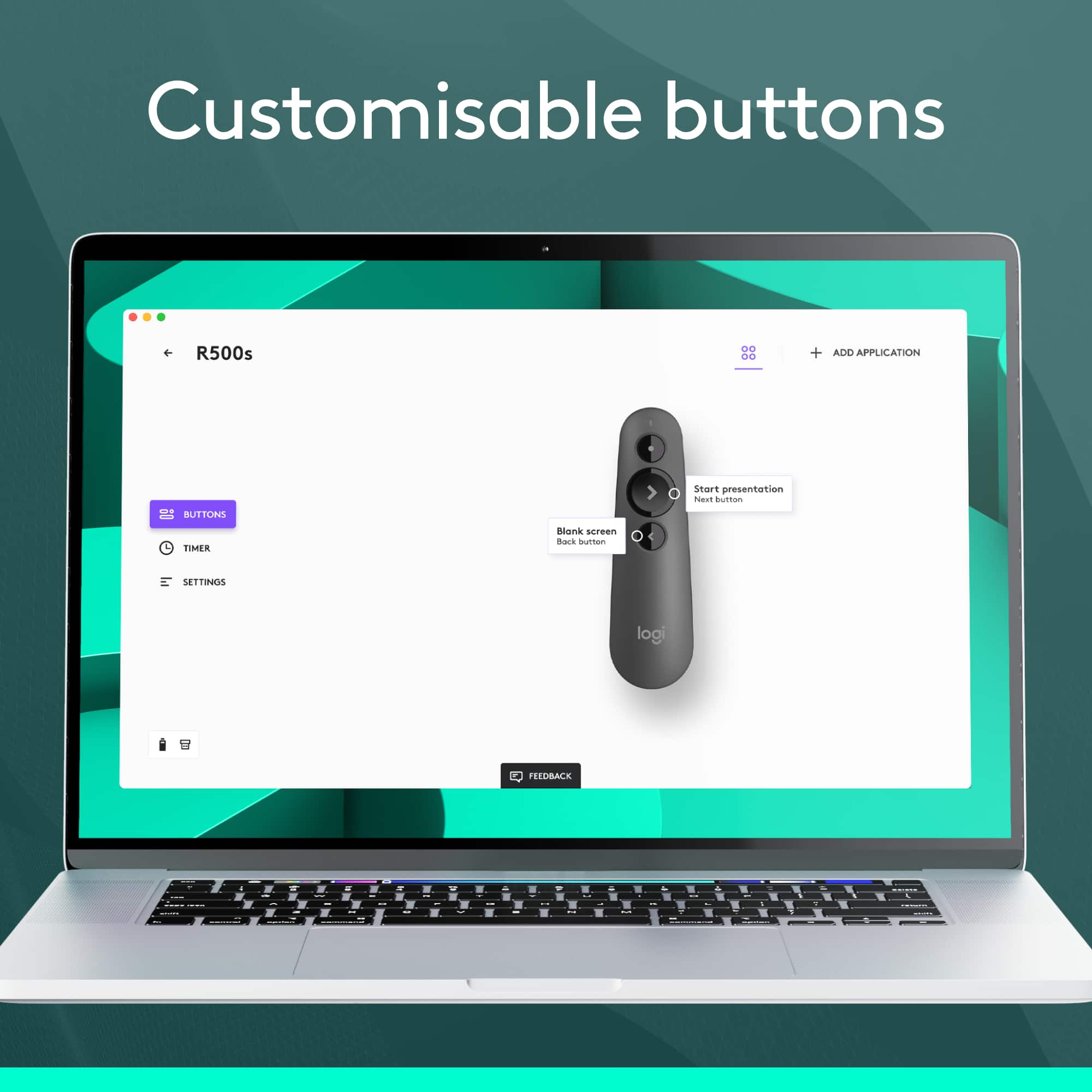
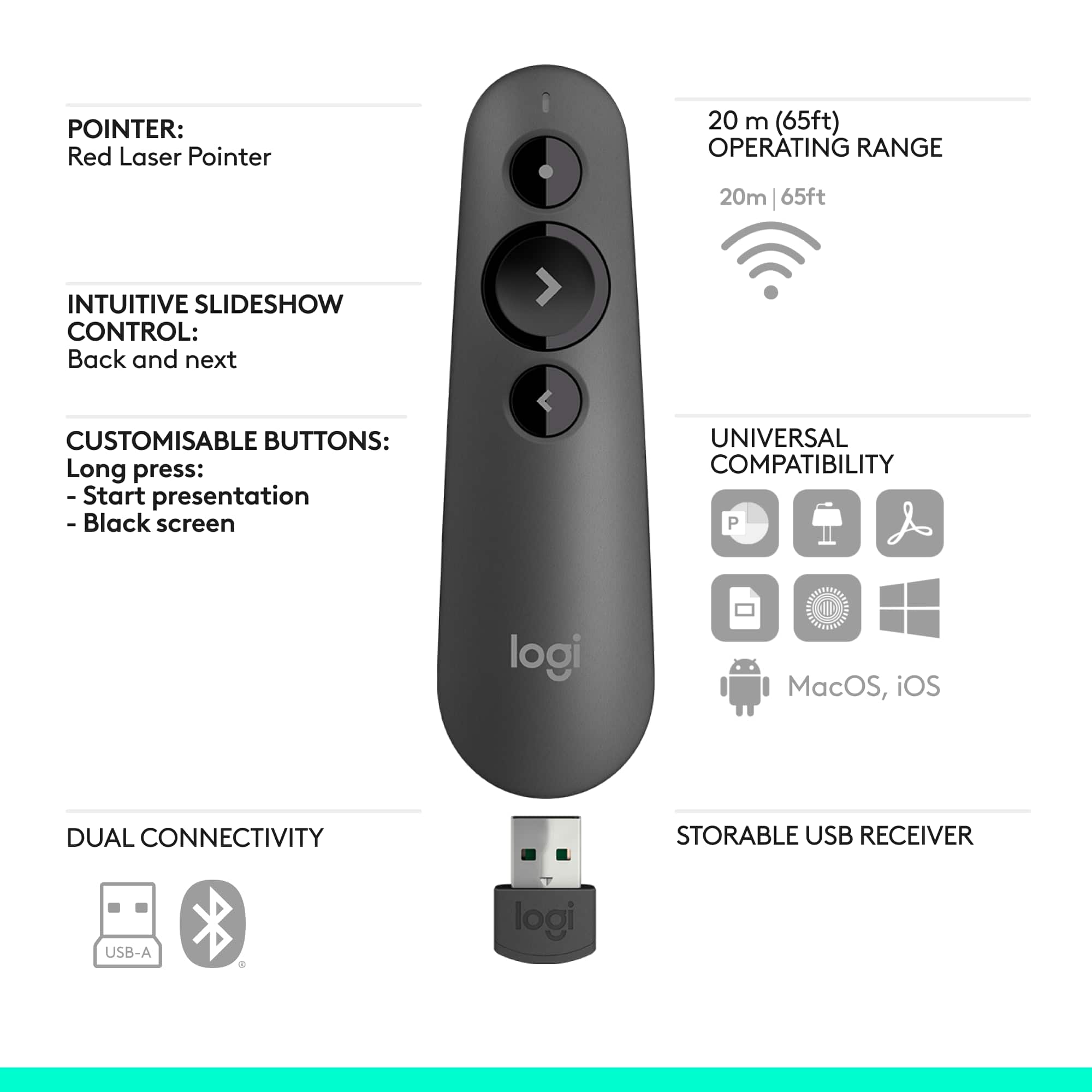
||Posted . Owned for 3 weeks when reviewed.This reviewer received promo considerations or sweepstakes entry for writing a review.Plug and play worked immediately and as expected. Clicker fits nicely in the palm and buttons function as expected. The built in USB receiver holder is super nice and it’s easy to store and carry around in any bag. Software features to customize the buttons when held are handy.
I would recommend this to a friendRated 3 out of 5 stars
Review
||Posted . Owned for 1 month when reviewed.This reviewer received promo considerations or sweepstakes entry for writing a review.This works well but the laser do not show up as far as I need it to.
I would recommend this to a friendRated 2 out of 5 stars
Be Aware
||Posted . Owned for 3 weeks when reviewed.This reviewer received promo considerations or sweepstakes entry for writing a review.The software for this devise wanted to take over all movements in my MacBook Pro computer. The software is invasive and no welcomed. The BluTooth interface worked well for a Mac Presentation slide show. That was seamless. The software wanting to take total control of the computer was not welcomed. It’s all uninstalled as the reach of this program was not welcomed.
No, I would not recommend this to a friendRated 1 out of 5 stars
Logitech Pointer
||Posted . Owned for 3 weeks when reviewed.This reviewer received promo considerations or sweepstakes entry for writing a review.Second Logitech laser pointer in last three years. Never worked. Returned both for refund.
No, I would not recommend this to a friendRated 1 out of 5 stars
Not Mac compatible
||Posted . Owned for 3 weeks when reviewed.This reviewer received promo considerations or sweepstakes entry for writing a review.Not compatible with mac. Only a few functions worked.
No, I would not recommend this to a friend- Pros mentioned:Ease of use
Rated 5 out of 5 stars
Outstanding Performance and Convenience with the L
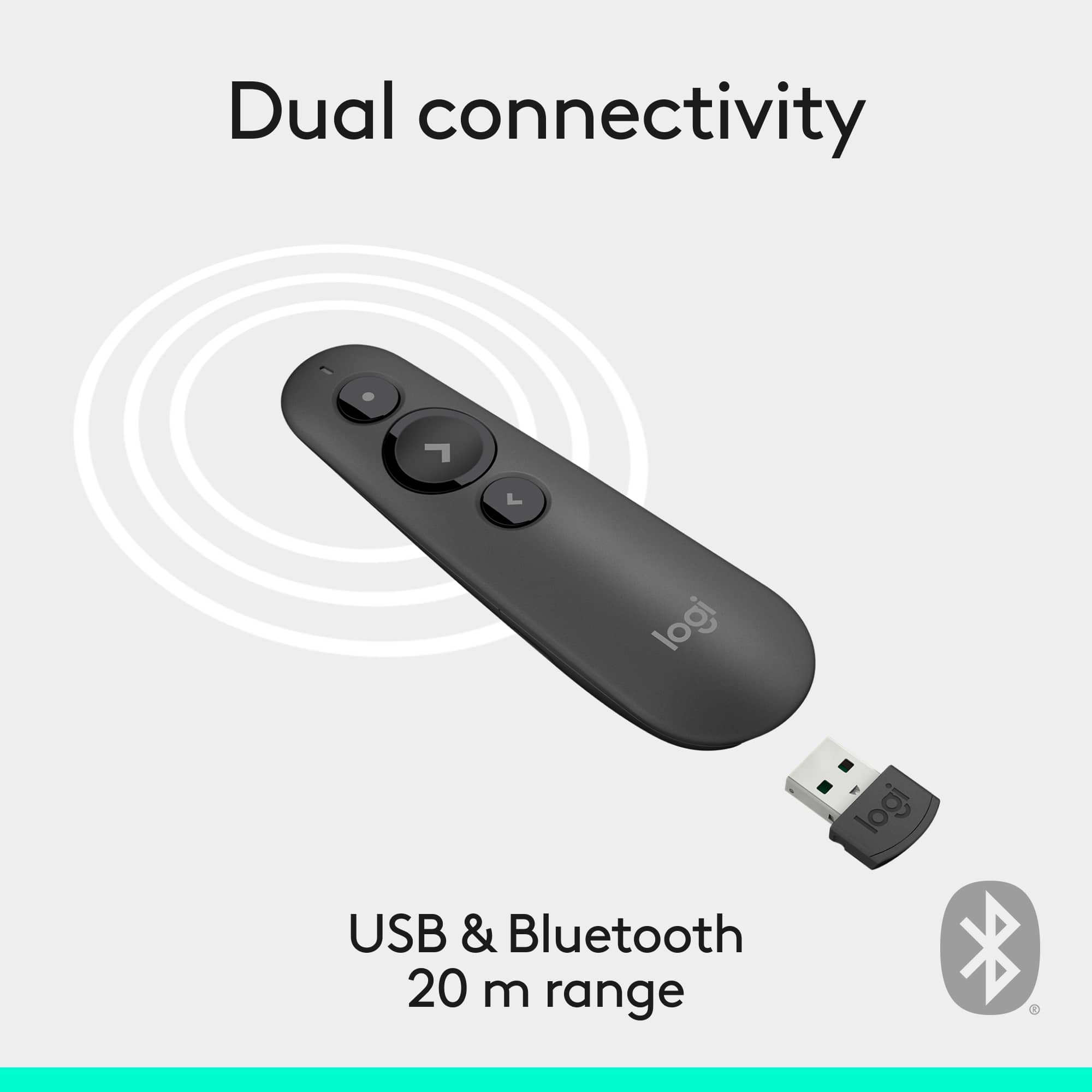
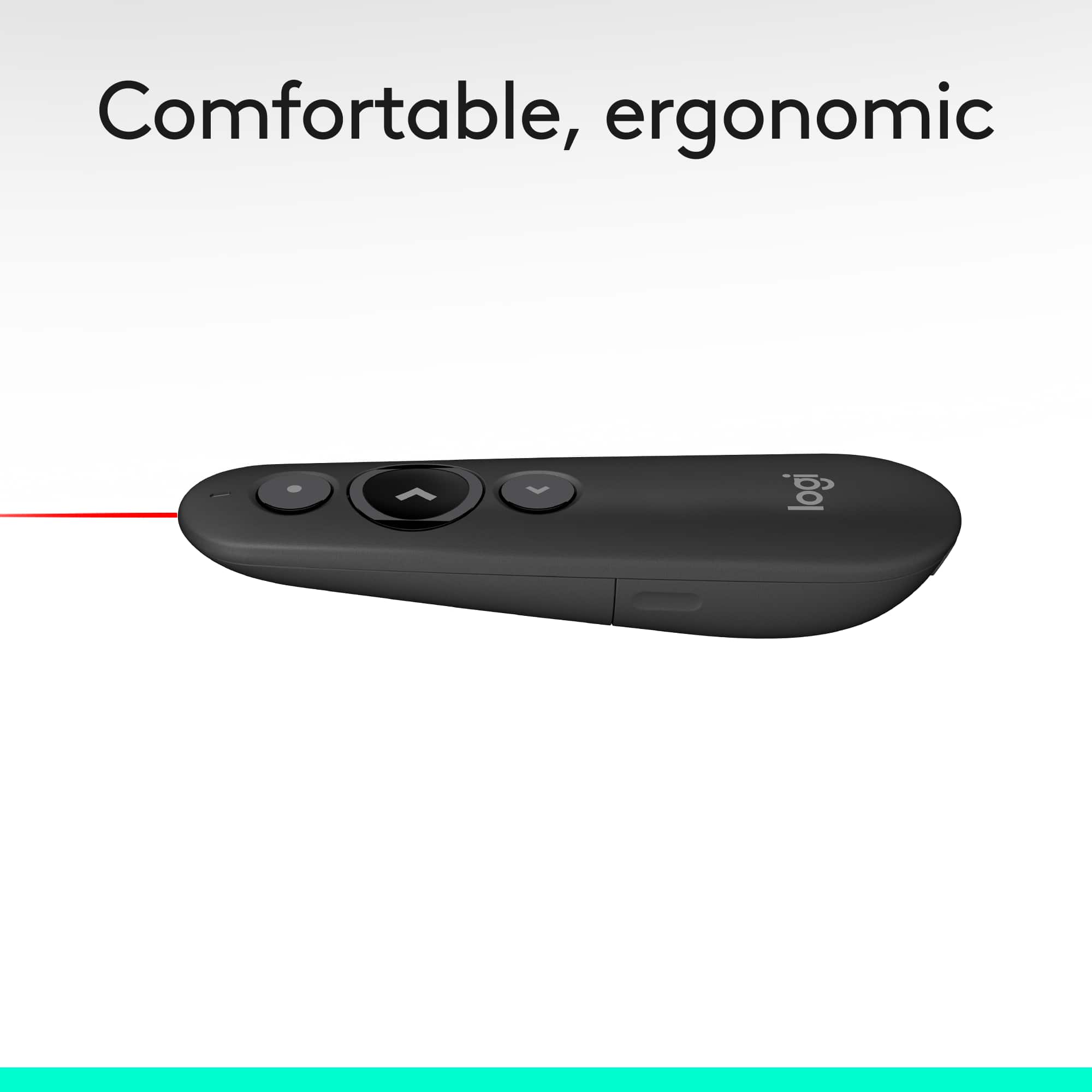
Posted .This reviewer received promo considerations or sweepstakes entry for writing a review.I recently purchased the Logitech R500s Presenter Bluetooth and USB Remote Control in Graphite, and I couldn't be more satisfied with its performance. As someone who frequently conducts presentations, this device has proven to be an invaluable tool. Design and Build Quality: The R500s boasts a sleek and ergonomic design that fits comfortably in hand. The graphite finish gives it a professional and modern look, making it a perfect addition to any presentation setup. The buttons are well-placed and provide a satisfying tactile response, ensuring you can navigate through your slides effortlessly. Ease of Use: Setting up the R500s is a breeze. It offers both Bluetooth and USB connectivity options, making it compatible with a wide range of devices. The plug-and-play functionality means you can start using it right out of the box without any complicated installation processes. Whether you're using a Windows, Mac, or even a Linux system, the R500s seamlessly integrates and works flawlessly. Performance: The performance of the R500s is exceptional. The wireless range is impressive, allowing you to move around the room freely without worrying about losing connection. The laser pointer is bright and precise, making it easy to highlight key points during your presentation. The intuitive three-button layout provides easy access to essential functions like advancing slides, going back, and activating the laser pointer. Battery Life: Battery life is another area where the R500s excels. With just a single AAA battery, it offers months of usage, even with frequent presentations. The device also features an intelligent power-saving mode that conserves battery life when not in use, ensuring you won't be caught off guard by a dead battery in the middle of an important presentation. Additional Features: The Logitech Presentation App enhances the functionality of the R500s, providing customizable controls and the ability to set timed vibration alerts. This feature is particularly useful for managing your presentation time and staying on track without constantly checking the clock. Conclusion: Overall, the Logitech R500s Presenter is an outstanding tool for anyone who regularly conducts presentations. Its combination of sleek design, ease of use, reliable performance, and long battery life makes it a top choice for professionals and educators alike. If you're looking for a high-quality presenter remote that won't let you down, the R500s is definitely worth considering.
I would recommend this to a friendBrand response from Logitech
Posted .The Logitech R500s is a great presentation remote. It's easy to use, has a long battery life, and is reliable. If you're looking for a quality remote, this is a great option.
Rated 1 out of 5 stars
Poor value for the price.
||Posted . Owned for 6 months when reviewed.This reviewer received promo considerations or sweepstakes entry for writing a review.I bought this in December and it only lasted 4 months. I replaced the batteries several times. Still did not help. Not worth the money.
No, I would not recommend this to a friendBrand response from Logitech
Posted .We're sorry you are going through this. We'd recommend you to report this directly to Logi Support for further assistance.