Customer Ratings & Reviews
- Model:
- 910-001350
- SKU:
- 9610542
Rating by feature
- Value
Rating 4.6 out of 5 stars
- Quality
Rating 4.8 out of 5 stars
- Ease of Use
Rating 4.8 out of 5 stars
Customers are saying
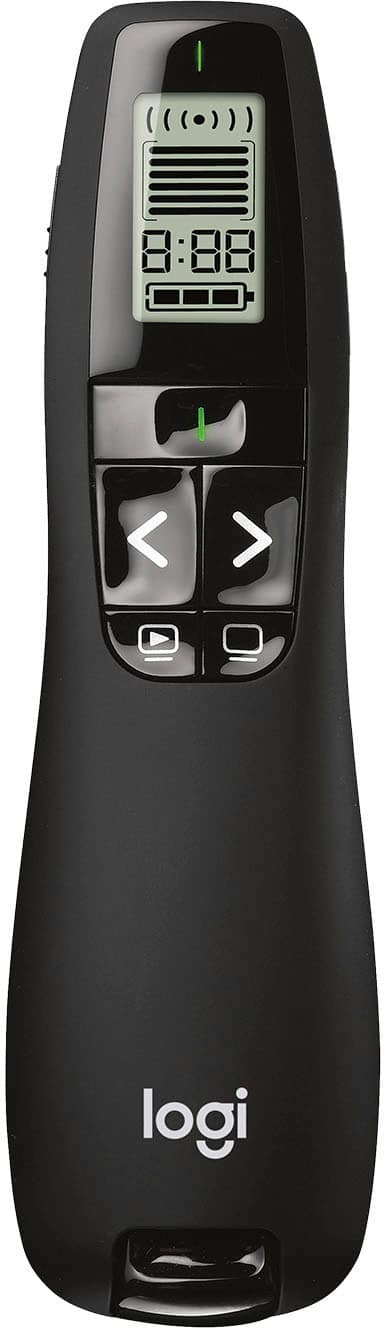
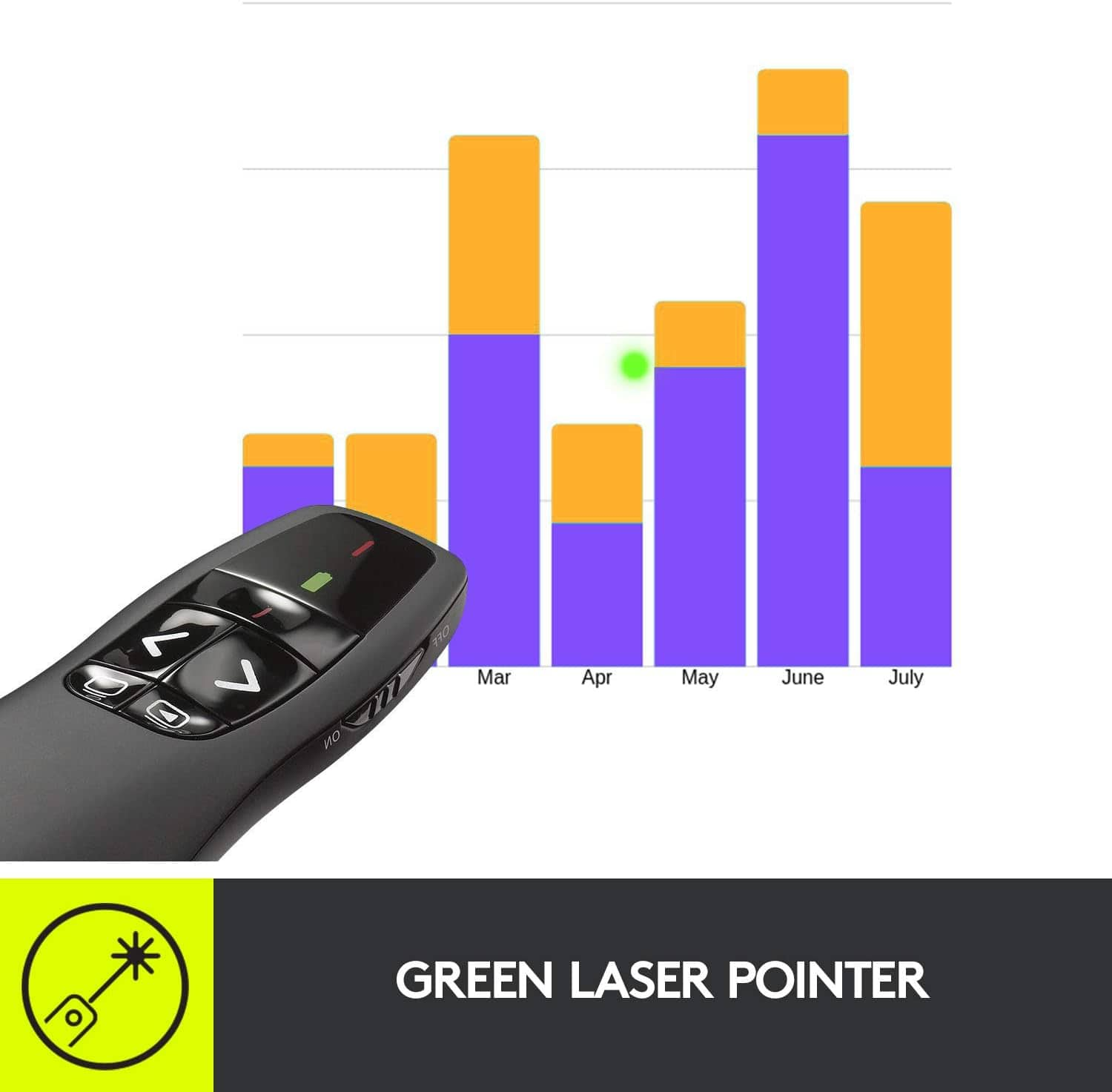
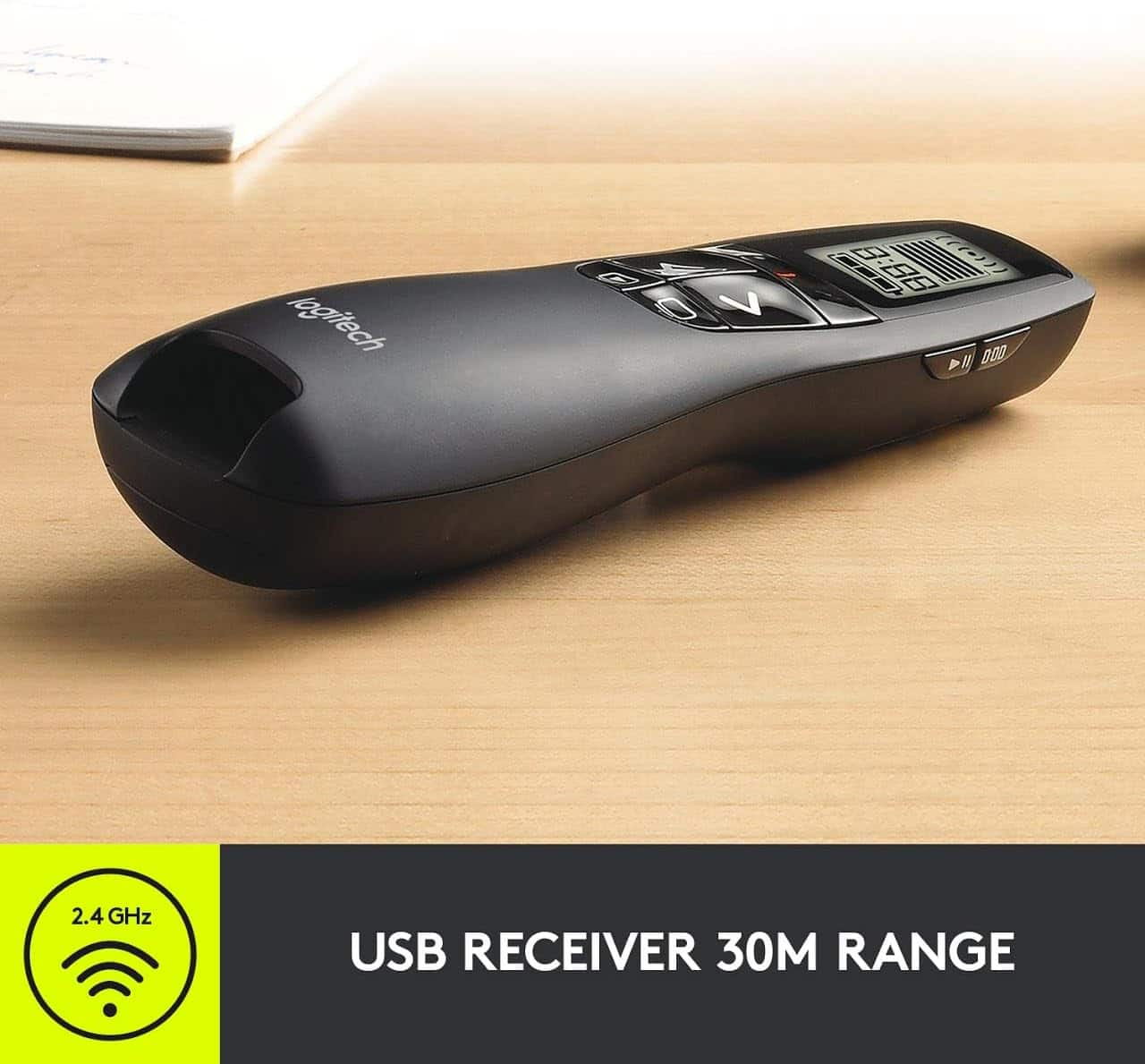
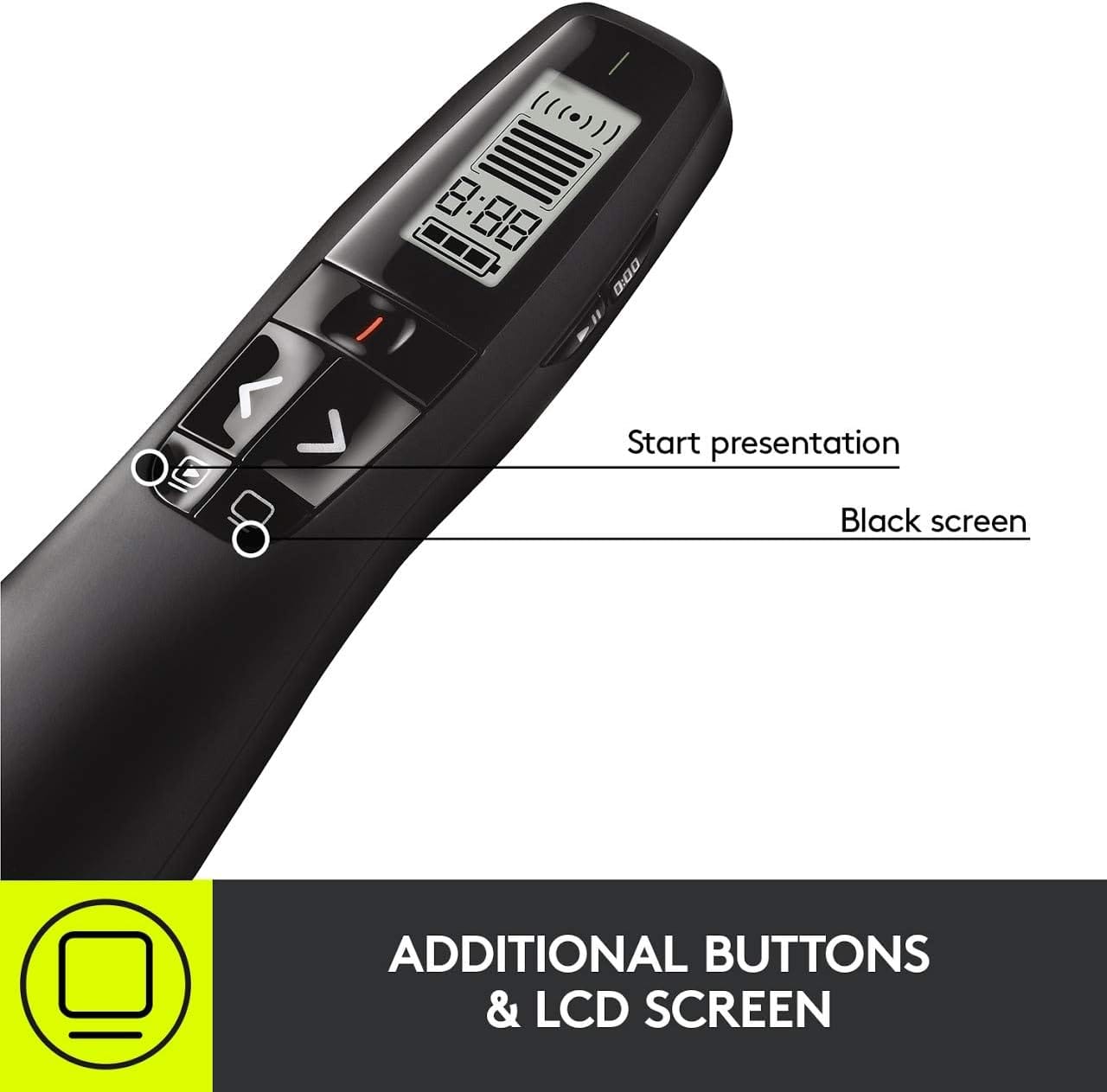
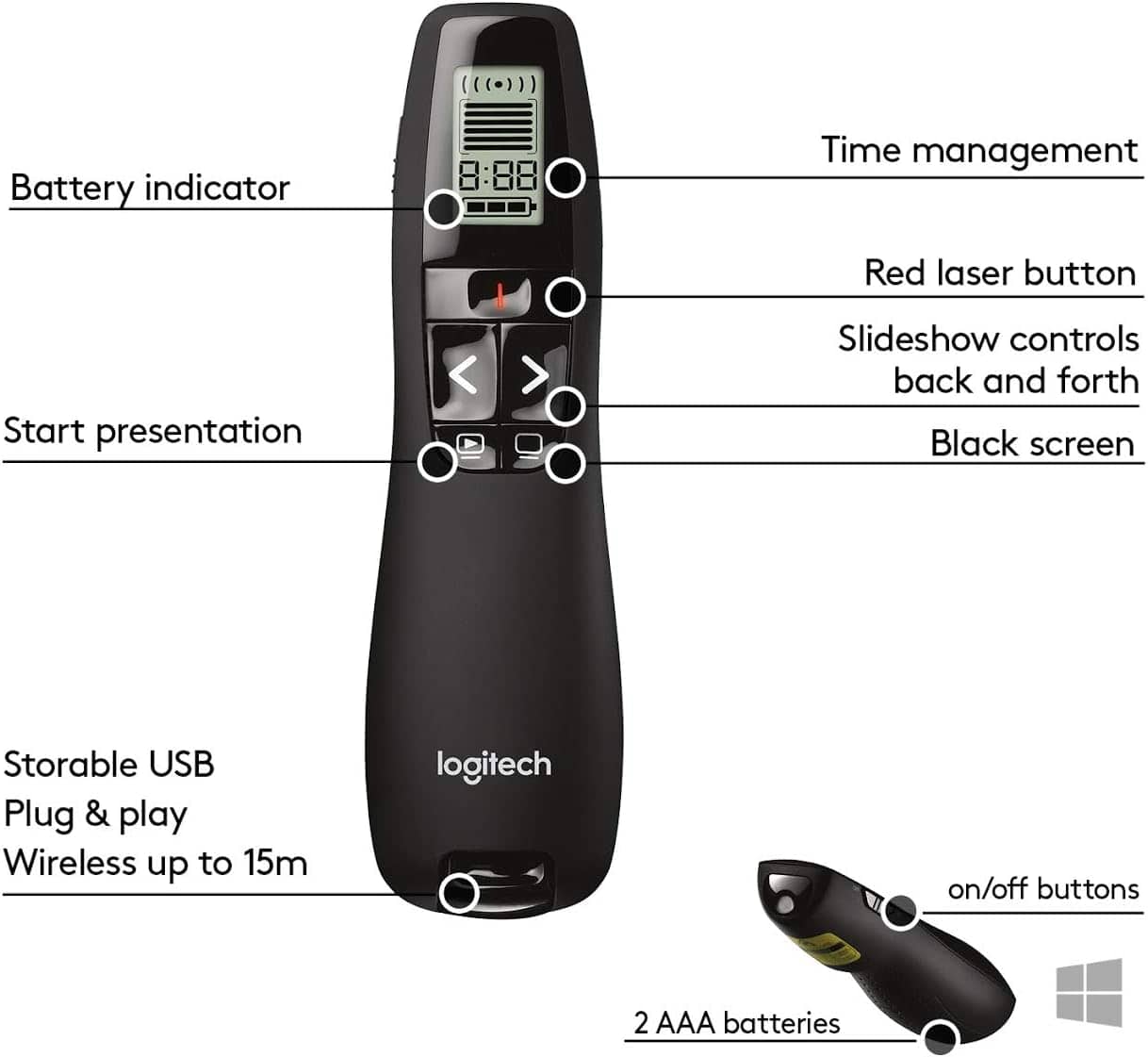
Customers admire the R800 Professional Presenter for its ease of use, laser pointer, and range. Many appreciate its overall performance, timer, and battery life. Some users find the price point a potential drawback, while others mention minor issues with the USB design, connectivity, and button placement. However, the presenter's compatibility, size, and design are generally well-received.
This summary was generated by AI based on customer reviews.
Great Little tool
||Posted .This reviewer received promo considerations or sweepstakes entry for writing a review.Works as specified - range is a little spotty but overall good value for the price
I would recommend this to a friendWorks great
||Posted .This reviewer received promo considerations or sweepstakes entry for writing a review.Works great. Wish the laser was a bit brighter but still suits my needs.
I would recommend this to a friendBattery hog
||Posted . Owned for 2 weeks when reviewed.This reviewer received promo considerations or sweepstakes entry for writing a review.Just pointer and clicker are very similar to the last two I purchased over the past five years they last a long time the only drawback is sliding the device back in the case sometimes turns on and wears out the battery
I would recommend this to a friendGreat Product
||Posted .This reviewer received promo considerations or sweepstakes entry for writing a review.Works very well for presentations. Good scroll function for powerpoint files
I would recommend this to a friendeasy to use
||Posted .This reviewer received promo considerations or sweepstakes entry for writing a review.I gave this item a 4 because it did not have the zip foam case
I would recommend this to a friendgood
||Posted .This reviewer received promo considerations or sweepstakes entry for writing a review.Works as expected. The timing option was a little over the top.
I would recommend this to a friendDoes what its supossed to
||Posted .This reviewer received promo considerations or sweepstakes entry for writing a review.Works as described. Great for presenting with power point slides
I would recommend this to a friendInvisible Probelm
||Posted . Owned for 3 weeks when reviewed.This reviewer received promo considerations or sweepstakes entry for writing a review.Shame on me for not realizing that the pointer would not work on a TV screen. I am a professional presenter and had to return this device as the pointer ws absorbed and made invisislbe.
I would recommend this to a friendGreat
||Posted .This reviewer received promo considerations or sweepstakes entry for writing a review.Need it for work and to provide a very good presentation.
I would recommend this to a friendGreat item!!
||Posted .This reviewer received promo considerations or sweepstakes entry for writing a review.Has been very helpful for my presentations, great tool
I would recommend this to a friendNot as described
||Posted .This reviewer received promo considerations or sweepstakes entry for writing a review.Specified to work up to 100 feet. Only worked about 25 feet distance with a clear line of sight to the USB receiver. I am returning. Do not recommend.
No, I would not recommend this to a friendBrand response from Logitech
Posted .We’re sorry the R800 Professional Presenter did not meet the described range and caused disappointment. We regret the inconvenience you faced and appreciate your feedback, which helps us improve product accuracy and performance.

Works beyond advertising
||Posted .This reviewer received promo considerations or sweepstakes entry for writing a review.Functions on my Macs. Has a nice feel in your hand.
I would recommend this to a friend- Pros mentioned:Overall performance
Perfect laser presenter
||Posted .This reviewer received promo considerations or sweepstakes entry for writing a review.Doesn’t miss a beat when I’m presenting a deck in a board meeting.
I would recommend this to a friend - Pros mentioned:Ease of use, Range, Timer
Excellent Professional Presenter -for Macbook Pro
Posted .This reviewer received promo considerations or sweepstakes entry for writing a review.I have to tell you so many people are quite to put this presenter down because they say it will not work with MAC. They are completely wrong. If you know anything about computers don't always assume it will not work. You just have to make some configuration adjustments and it works fine. It's a MAC not a PC. So for those who have MAC and don't know what to do I give you some instructions below. The first time I plugged it in, a "Keyboard Assistant" ran since the Mac didn't recognize the "keyboard". I simply quit the assistant, and there was no problem. The forward, back, and black screen buttons work fine on both Powerpoint and Keynote. However out of the box, the "play" button works on neither. With some configuration in the system preference, I was able to get the play buttons to work on both powerpoint and keynote. To configure Powerpoint for the play button, go to the Keyboard system preference and pick Keyboard Shortcuts. Then scroll to Application Then hit the + key to add a shortcut. Pick Microsoft Powerpoint for the application (you may need to hit Other... to find it, since it's in a subdirectory in Applications). For Menu Title type in, exactly, "Slide Show" (without the quotes). Then in the Keyboard Shortcut, simply press the play button on the remote. That sets the shortcut to F5, which is what the remote sends when you press play. Now the play button works for Powerpoint. You can do the same for Keynote, with the menu title "Play Slideshow". you may have type in keynote in the search to find it. However after you do this Both will work fine. Also this works for the Logitech R400 as well which I would rate as a 5 star as well
I would recommend this to a friend Good laser pointer
||Posted .This reviewer received promo considerations or sweepstakes entry for writing a review.The laser worked as expected however battery life was not good. I had replace the batteries after about three hours of limited use. The software also keep restarting the presentation when you chose the black out screen that was inconvenient
I would recommend this to a friendAlright
||Posted . Owned for 2 months when reviewed.This reviewer received promo considerations or sweepstakes entry for writing a review.User manual does not explain enough how to use the buttons. Using for football video and can't use play button if paused.
No, I would not recommend this to a friend- Pros mentioned:Overall performance
great
||Posted .This reviewer received promo considerations or sweepstakes entry for writing a review.We have this product in all of locations. we love it
I would recommend this to a friend Logitech evaluation
||Posted . Owned for 3 weeks when reviewed.This reviewer received promo considerations or sweepstakes entry for writing a review.does not work well from more than 20'. Wish it worked better so the person didn't have to be so close.
No, I would not recommend this to a friendPointer
||Posted .This reviewer received promo considerations or sweepstakes entry for writing a review.Great for PowerPoint presentations but lacks a battery life. Every week I change out the AAA. Lasts about 12 hours max. Timer is to hard to mess with. Better to use the system timer.
I would recommend this to a friend- Pros mentioned:Overall performance
Works well, but limited range
||Posted .This reviewer received promo considerations or sweepstakes entry for writing a review.Big rooms. Nope. 30 feet. Works well. Otherwise, you click, slides advance. Does what it is paid to do.
I would recommend this to a friend