Customer Ratings & Reviews



- Model:
- 910-006794
- SKU:
- 6587868
Rating by feature
- Value
Rating 4.7 out of 5 stars
- Quality
Rating 4.8 out of 5 stars
- Ease of Use
Rating 4.8 out of 5 stars
Customers are saying
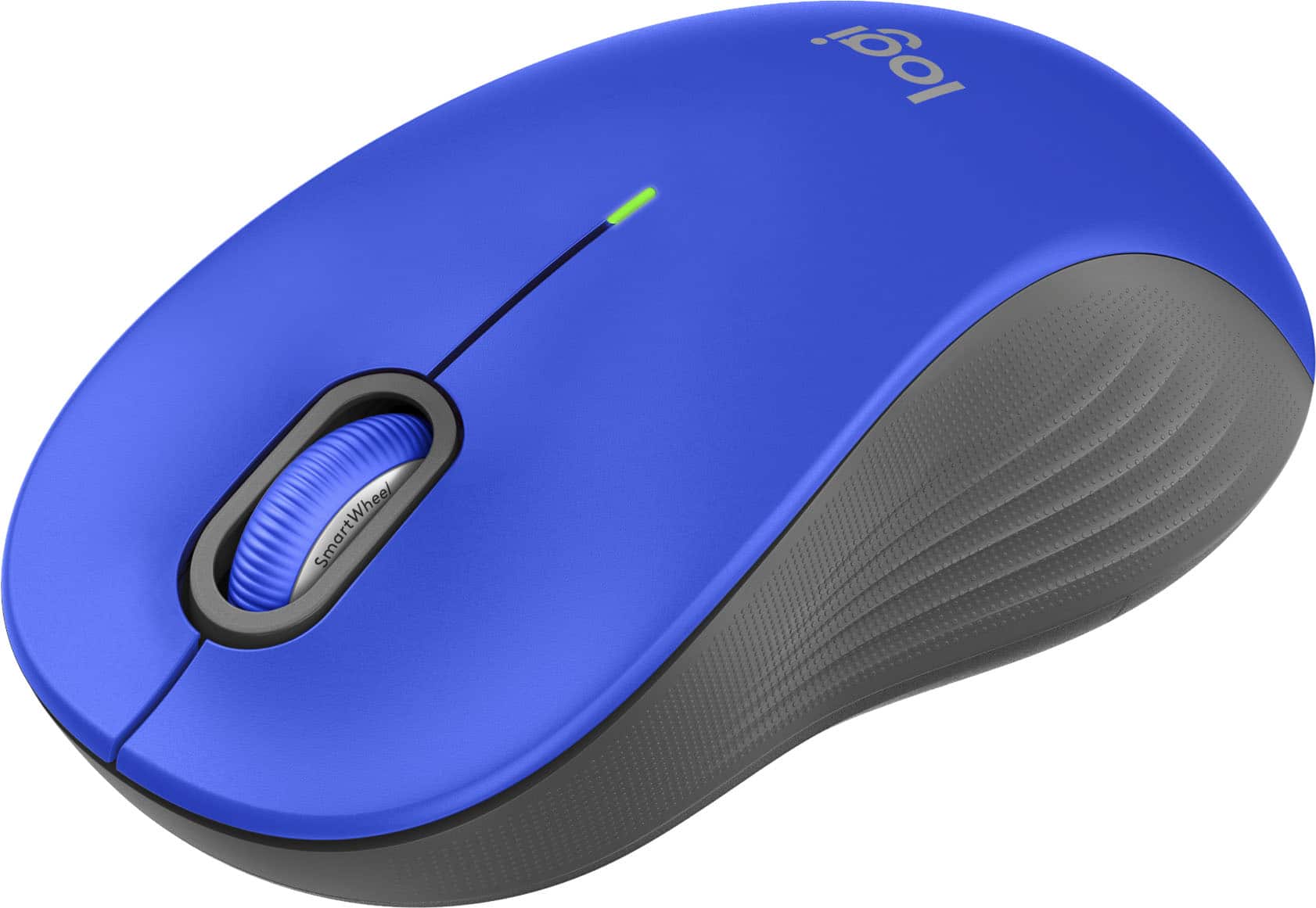
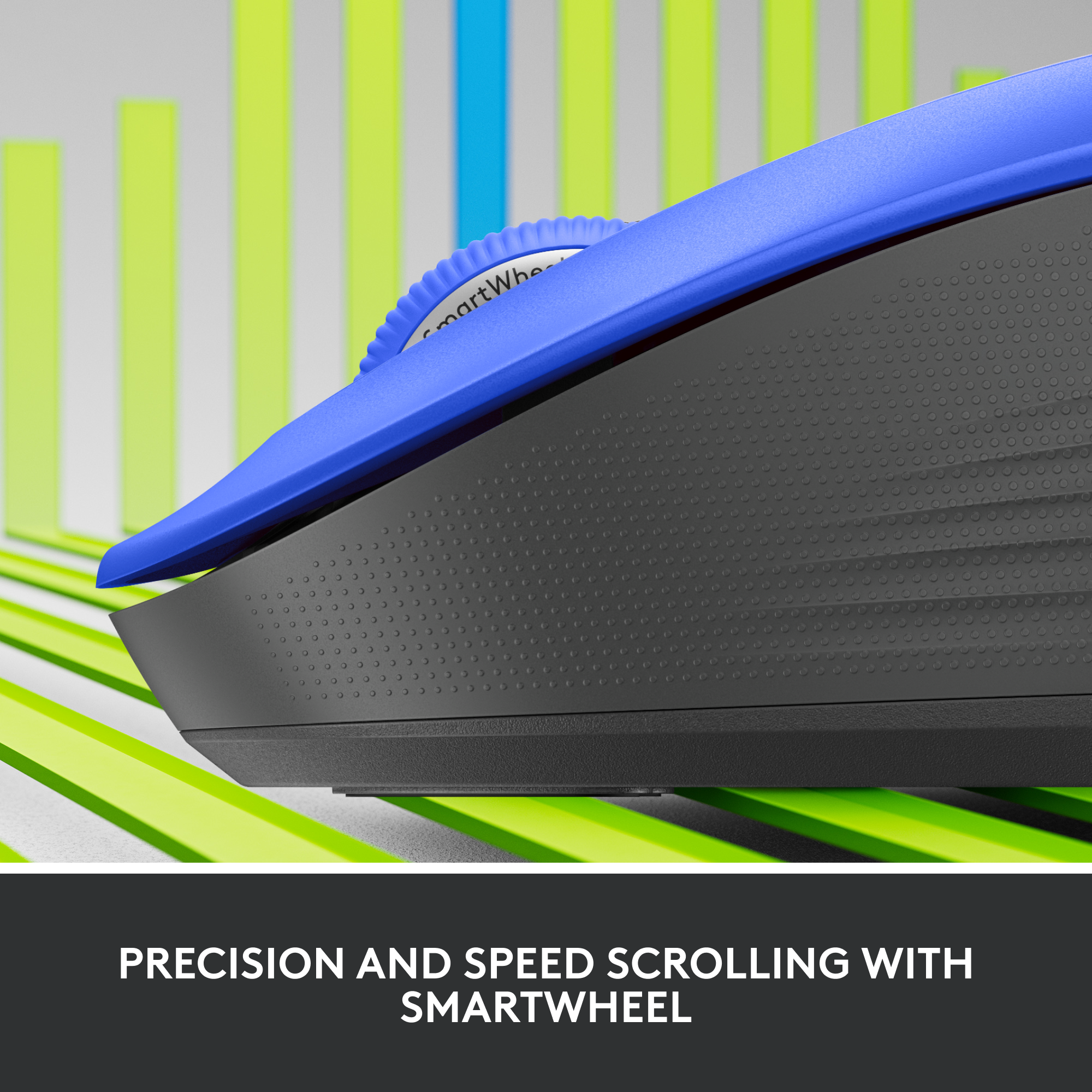
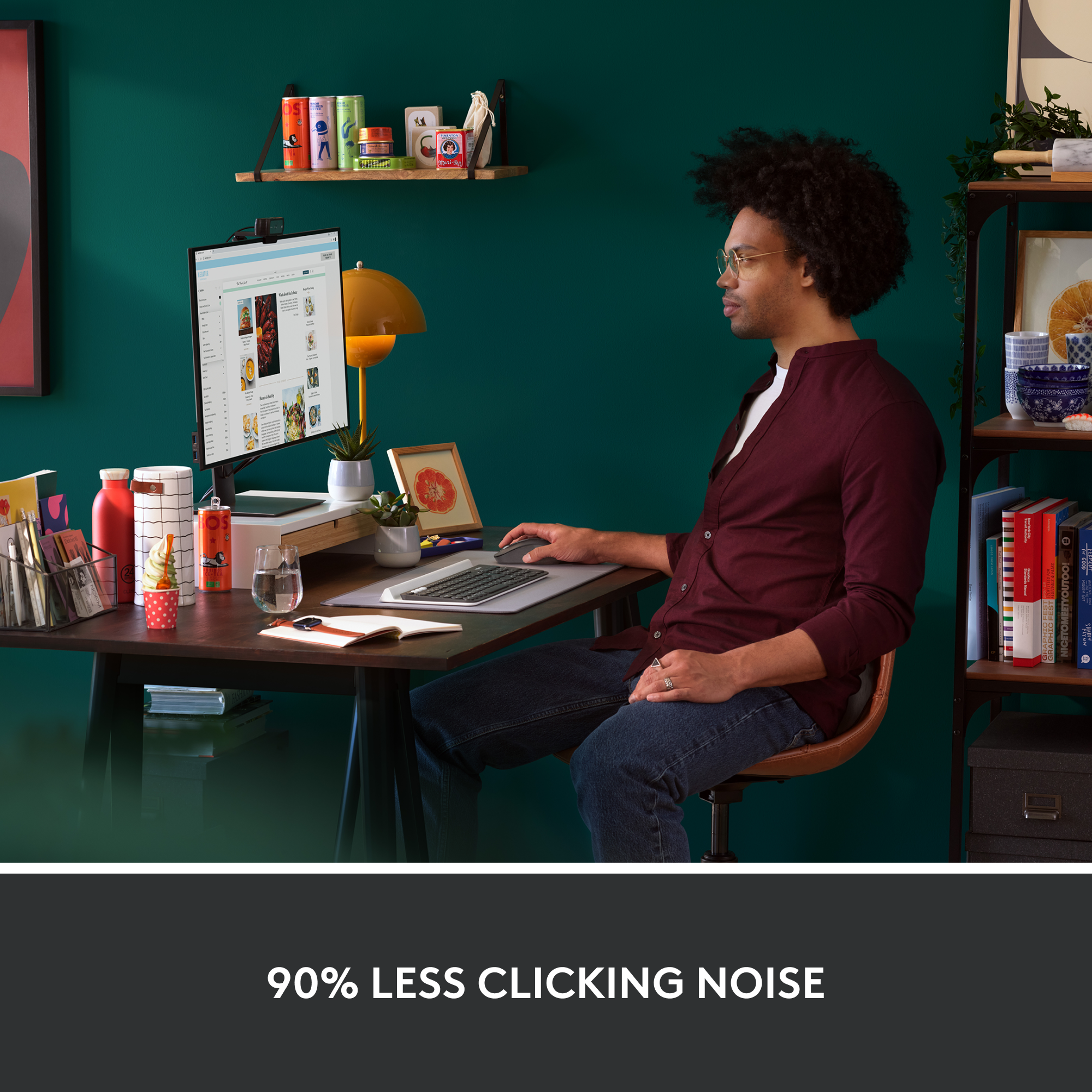
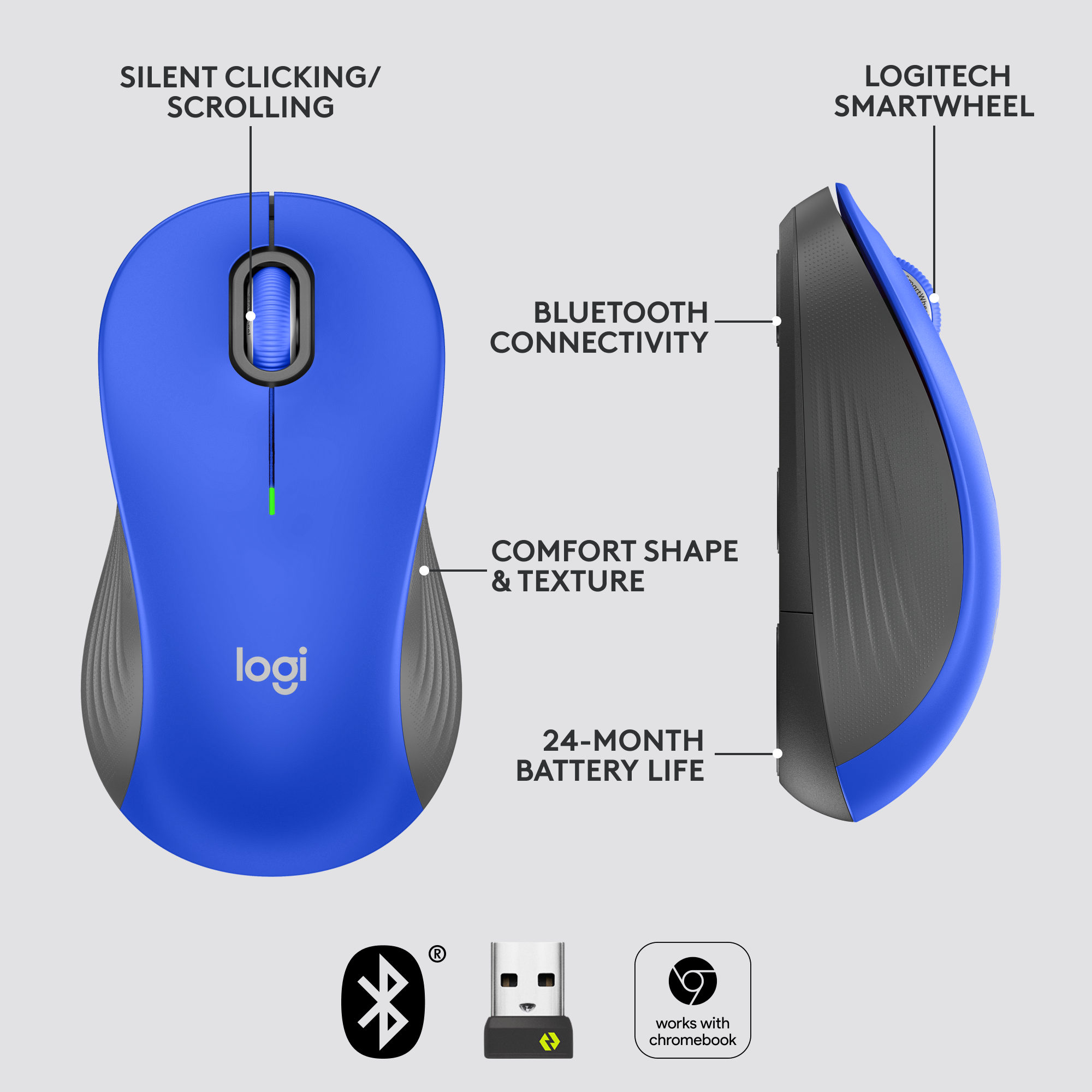
Customers are satisfied with the Signature M550 L mouse's overall performance, ease of use, and connectivity, highlighting its comfortable design and simple Bluetooth pairing. Many appreciate its ergonomic feel, available sizes, and quiet operation. The long battery life and smooth glide are also well-received, though some users have noted concerns about the scroll wheel's smoothness.
This summary was generated by AI based on customer reviews.
Deceiving Logitech Mouse
||Posted . Owned for 1 week when reviewed.This reviewer received promo considerations or sweepstakes entry for writing a review.I loved the mouse because it matched the Logitech keyboard, but unbeknownst to be, it needed to be compatible to the most recent version of MAC software in order for it to be picked up by Bluetooth. So far I have been on a goose hunt in buying two different USB adapters by Logitech to see if it will connect to my computer. I purchased the Logitech unifying usb, but it isn’t for this particular mouse and have now purchased a bolt usb receiver in hopes that it will work. Downloading the Logitech unifying software didn’t work either.
No, I would not recommend this to a friendBrand response from Logitech
Posted .Hi Mayerlin,
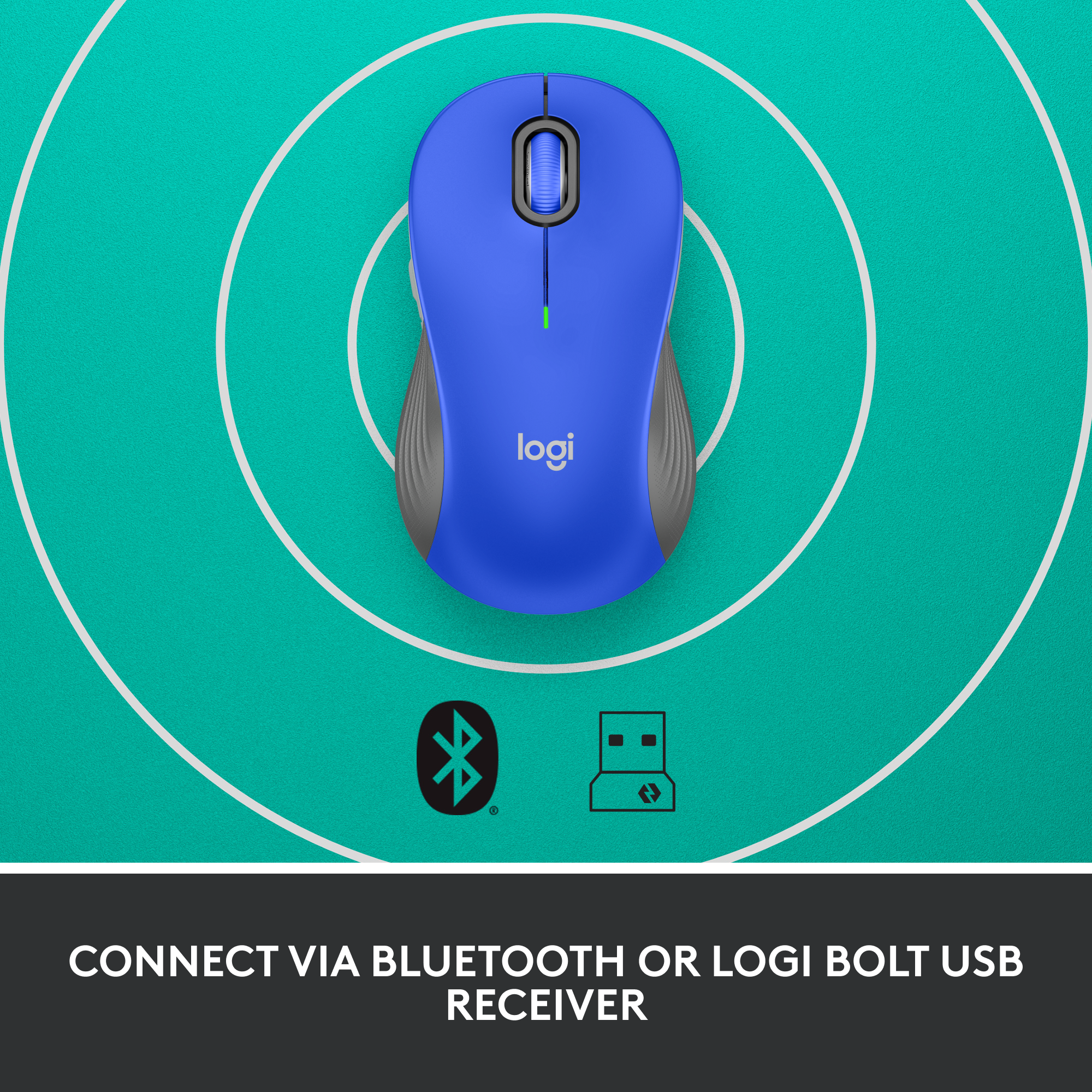
I am sorry to hear that you have connectivity issues with your new POP mouse. I suggest you download Logi Connect to ensure your mouse has the latest firmware, which may cause problems connecting with Bluetooth. Also, the POP mouse and Keyboard are only compatible with the Bolt wireless adapter, which is the latest wireless adapter that Logitech offers. Feel free to reach out to the Logitech support team for more personalized assistance: https://support.logi.com/hc/en-us/requests/new?ticket_form_id=360000621393&mID=13640.Logitech appreciates your product insight.
- Leo from Logitech
Short life mouse
||Posted . Owned for 5 months when reviewed.This reviewer received promo considerations or sweepstakes entry for writing a review.It was a nice mouse but after 3 months the left click does not work anymore
No, I would not recommend this to a friendBrand response from Logitech
Posted .We're sorry to hear that your Signature M550 L mouse experienced a left-click issue after only three months of use. To address this issue, we recommend reaching out to our social care team via email at socialcare@logitech.com with your
- Name:
- Email Address:
- Country:
- Product Name:
- Brief description of issue:
Accidental Clicks
||Posted .This reviewer received promo considerations or sweepstakes entry for writing a review.The click buttons are so sensitive that I cant even rest my fingers on them without them clicking. After 10 minutes of trying it out, I knew there was no way it was going to work out. Especially for gaming, where an accidental click can get you KILLED!! But it was also very annoying for general use. Everything else worked fine. The bluetooth connected effortlessly and swiftly, the software let you change the sensitivity of the pointer, the clicks were quiet, and the mouse wheel was smooth, but at least for me and my large chubby fingers, it's essentially nonfunctional.
No, I would not recommend this to a friendBrand response from Logitech
Posted .We appreciate your detailed feedback regarding the mouse's sensitivity and understand your frustration with the accidental clicks. We're sorry to hear that this issue impacted your experience, especially for gaming and general use, despite the other positive aspects you noted. We apologize for the inconvenience.
- Cons mentioned:Scroll wheel
I wanted an M510 but had to buy an M550 :-(
||Posted . Owned for 2 months when reviewed.This reviewer received promo considerations or sweepstakes entry for writing a review.I have used M510 mice for years and like the feel of them. When one went bad recently, I went to Best Buy to find another but could not. So I settled on the M550L. This mouse is someone's idea of a joke. The feel is NOT acceptible; it's too sensitive. The scroll wheel doesn't have a good feel, either. I just do not like this mouse. To the trash can it'll go as soon as I can find a source for an M510. I guess it has something to do with its "silent click' sunction. Matters not to me ... I'm gonna throw it away.
No, I would not recommend this to a friendBrand response from Logitech
Posted .We apologize that the Logitech Signature M550 L didn't meet your expectations. We understand that personal preferences vary. If you're looking for a replacement for the M510, we recommend exploring other Logitech mouse options. Our customer support team is also available to assist you.
Finicky mouse
||Posted . Owned for 2 months when reviewed.This reviewer received promo considerations or sweepstakes entry for writing a review.About the first 6 weeks I had no issues. Now when i'm scrolling with the thumbwheel it will jump down a half page. very frustrating
No, I would not recommend this to a friendBrand response from Logitech
Posted .That's unexpected! In order to help you effectively, please provide your information to our support team by emailing socialcare@logitech.com. Name – Email address – Country – Product name – Brief description of the issue –
Cute idea, but not worth the hassle
||Posted . Owned for 2 months when reviewed.This reviewer received promo considerations or sweepstakes entry for writing a review.I was desperate for a new mouse, and this was a cute idea…a little too loud of a color, but my issue is that the software you have to download really screwed up my system and I work from home, so….no. (not user error either). If its for personal use and you don’t have to toggle to different systems, it will probably be fine…not sure. Cheers.
No, I would not recommend this to a friendBrand response from Logitech
Posted .We truly regret to hear about your unpleasant experience and this is surely not what we want to deliver. We value your input, therefore we will forward it along to the appropriate team so they can look into it.
Breaks very fast
||Posted . Owned for 5 months when reviewed.This reviewer received promo considerations or sweepstakes entry for writing a review.This mouse will not last you more than 6 months. This was my 2nd one, I was hoping it was bad luck with the first one when it broke so fast. Unfortunately my 2nd purchase of same mouse ended up same as 1st. Broke real fast. There is no way I'd spend $40 for a mouse for 6 months. Emoji functionality is not worth so much. Very disappointed in logitech
No, I would not recommend this to a friendBrand response from Logitech
Posted .Really sorry to hear about your unpleasant experience. We will be sure to take this as feedback and pass on to the right team.
mouse
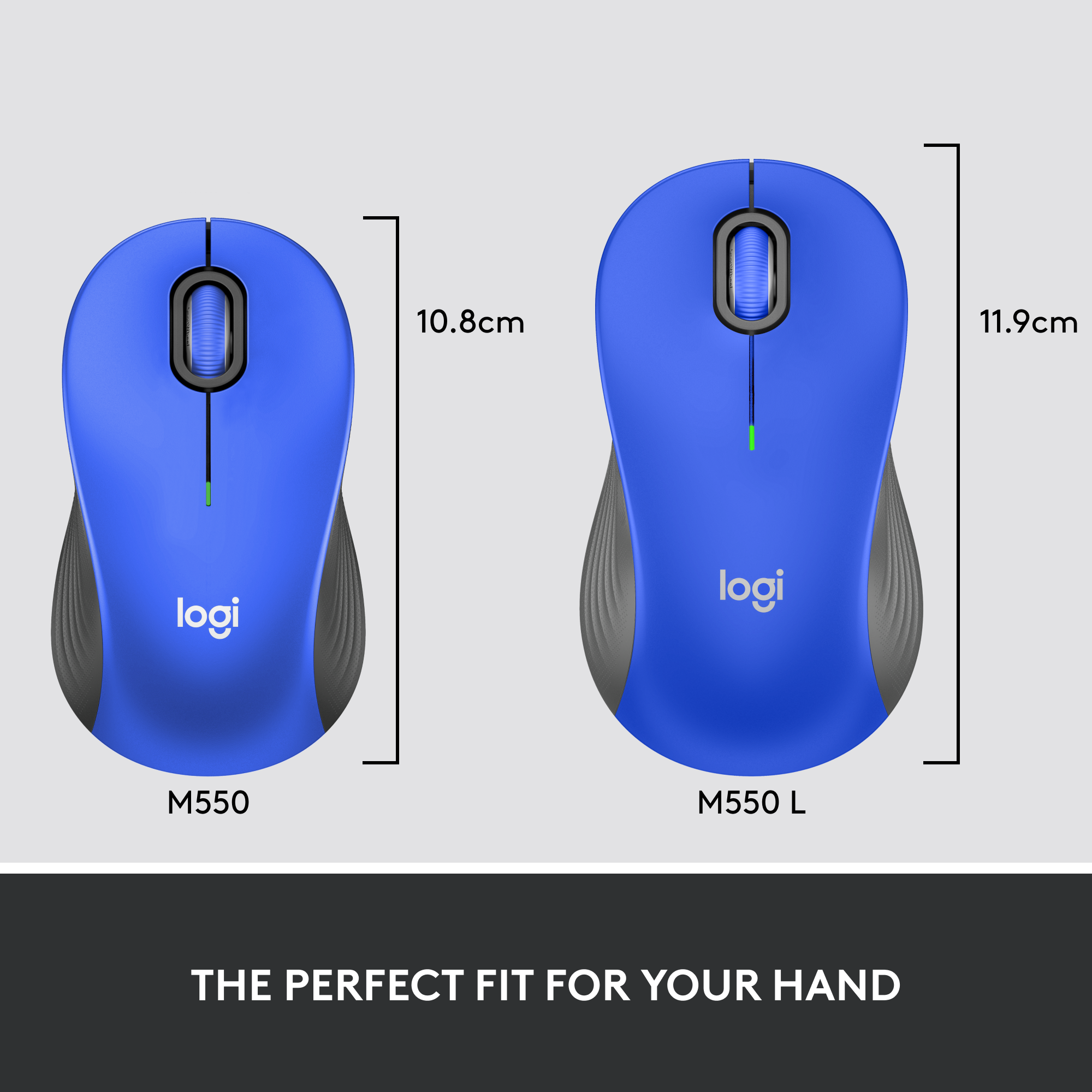
||Posted . Owned for 3 weeks when reviewed.This reviewer received promo considerations or sweepstakes entry for writing a review.too large, too sensitive, instructions too small to read
No, I would not recommend this to a friendBrand response from Logitech
Posted .We're sorry to hear the Logitech Signature M550 L mouse was too large and sensitive, and that the instructions were difficult to read. We understand these issues can be frustrating. We've noted your feedback. We apologize for the inconvenience this has caused.
High Hopes
||Posted . Owned for 3 weeks when reviewed.This reviewer received promo considerations or sweepstakes entry for writing a review.I fell in love the colors...but it was quite pricey and ultimately just too uncomfortable for my hand, so I ended up returning it. I did receive a hastle free, full refund though!
No, I would not recommend this to a friendBrand response from Logitech
Posted .Hi Jade,
I am sorry that the POP mouse was not what you expected. To your point, the mouse is a smaller size and may not be ideally comfortable for some people. Still, it has impressive capabilities such as up to 4K DPI, multi-device Bluetooth connectivity, and a unique emoji button. If you liked the POP design, I would suggest you purchase next time the Pebble M350, which is similar in design, it has a lower price point since it does not have many of the features that the POP mouse has, and it has a medium size that most people find comfortable.
- Leo from Logitech
Tiny mouse, good for portability, uncomfortable
||Posted . Owned for 1 year when reviewed.This reviewer received promo considerations or sweepstakes entry for writing a review.you buy this mouse because of the colors. its tiny so very uncomfortable,
No, I would not recommend this to a friendBrand response from Logitech
Posted .Thank you for your feedback on the POP Mouse. We're sorry to hear that its size didn’t meet your comfort expectations—your input is valuable and helps us continue refining our products to suit a wider range of preferences.
Small and flat
||Posted . Owned for 1 month when reviewed.This reviewer received promo considerations or sweepstakes entry for writing a review.To small for my hand and to flat for my hand. Pretty color
No, I would not recommend this to a friendBrand response from Logitech
Posted .That's disappointing to hear and it's surely not what we expect to deliver. We understand your displeasure and apologize for any issues that arise. We value your input, therefore we will forward it along to the appropriate team so they can look into it.
Unclear advertising and information provided
||Posted . Owned for 3 weeks when reviewed.This reviewer received promo considerations or sweepstakes entry for writing a review.Was not told that the emoji button, a feature of the expensive mouse, would not work on IOS (ipad).
No, I would not recommend this to a friendBrand response from Logitech
Posted .Hello! Thank you for your feedback about the Logitech POP Mouse. We apologize that the information regarding the emoji button's incompatibility with iOS devices wasn't clear. We understand this is frustrating, especially considering the feature's role in the mouse's value. We'll strive to improve our product information to avoid similar confusion in the future.
Too Small
||Posted . Owned for 1 month when reviewed.This reviewer received promo considerations or sweepstakes entry for writing a review.I gave it two stars because I returned it without hooking it up to my computer. The reason I returned it is because the mouse was too small for my hand. So I have no information as to how easy it is to set up or use.
No, I would not recommend this to a friendStudent
||Posted . Owned for 2 weeks when reviewed.This reviewer received promo considerations or sweepstakes entry for writing a review.Love the look and feel of this mouse but I have not been able to use it, it has no power to it like something is wrong with the internal battery.
No, I would not recommend this to a friendBrand response from Logitech
Posted .We deeply apologize for the troubles you've encountered with our product. We recommend reaching out to our Logi Support Team, who will guide you through the available options and help find the best solution for your situation.
Bright colored mouse
||Posted . Owned for 3 months when reviewed.This reviewer received promo considerations or sweepstakes entry for writing a review.I had big issues with this device. Might be operator error but I think it has something to do with my laptop not having Bluetooth capabilities
No, I would not recommend this to a friendWon't connect with Mac Bluetooth
||Posted . Owned for 1 month when reviewed.This reviewer received promo considerations or sweepstakes entry for writing a review.Comfortable, but only connected with my Mac once and never again. It was fine on my PC.
No, I would not recommend this to a friendBrand response from Logitech
Posted .That's unfortunate! Refer the mentioned steps and check if that helps to resolve the issue: 1. Verify the product or receiver is connected directly to the computer and not to a hub, extender, switch or something similar. 2. Move the device closer to the USB receiver. If your receiver is in the back of your computer, it may help to relocate the receiver to a front port. In some cases the receiver signal gets blocked by the computer case, causing a delay. 3. Keep other electrical wireless devices away from the USB receiver to avoid interference. 4. Try on a different computer.
Mouse
||Posted . Owned for 1 month when reviewed.This reviewer received promo considerations or sweepstakes entry for writing a review.Really dont need with labtop. Hard to connect to apple product
No, I would not recommend this to a friendBrand response from Logitech
Posted .That sounds like an issue. In order to assist you effectively, please provide your information to our support team by emailing socialcare@logitech.com. Name – Email address – Country – Product name – Brief description of the issue –
It’s okay
||Posted .This reviewer received promo considerations or sweepstakes entry for writing a review.I bought the matching set for the keyboard mostly for aesthetic. It’s too small and it doesn’t have the buttons by the thumb to press back and forward
No, I would not recommend this to a friendBrand response from Logitech
Posted .Hello Josie,
I am sorry that the POP mouse is not fulfilling all your needs. The POP mouse design is minimalistic, which is why it is smaller and does not include the side back/forward buttons. Logitech appreciates your product review. - Leo from Logitech
Cute but short lived
Posted .This reviewer received promo considerations or sweepstakes entry for writing a review.This mouse started lagging after only a year. I gave it two stars because it’s quiet and cute. It hurt my hand to use it as well because it’s not ergonomic. I’ve already replaced it with a USB connected Logitech mouse.
No, I would not recommend this to a friendBrand response from Logitech
Posted .Apologize about the experience and it's surely not what we expect to deliver. We understand your displeasure and we will forward it along to the right team so they can look into it. Thanks for bringing this to our attention.