Customer Ratings & Reviews


- Model:
- 910-006781
- SKU:
- 11230476
Rating by feature
- Value
Rating 4.8 out of 5 stars
- Quality
Rating 4.8 out of 5 stars
- Ease of Use
Rating 4.8 out of 5 stars
to a friend

The usual great mouse from Logitech
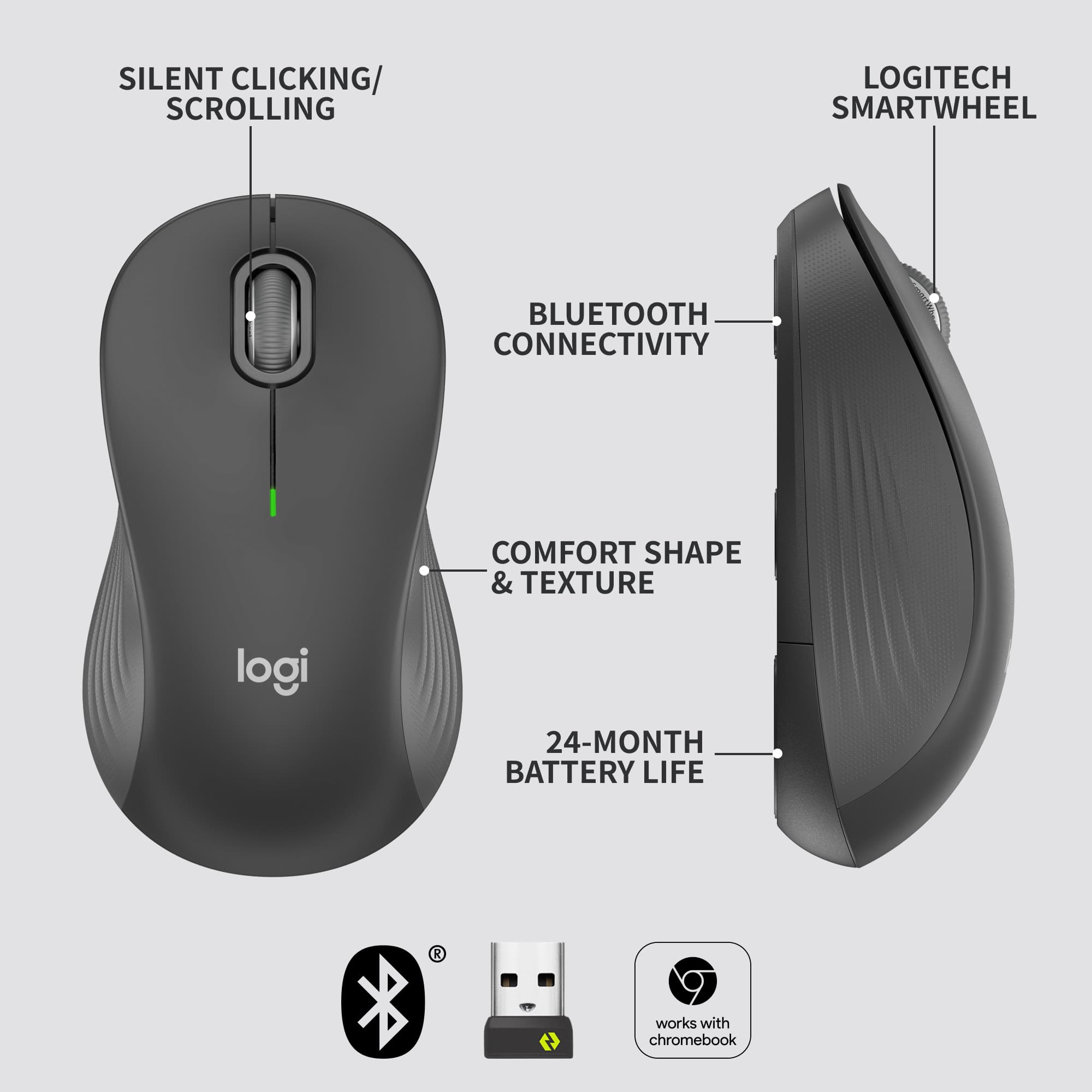
|Posted .This reviewer received promo considerations or sweepstakes entry for writing a review.The mouse has been around almost as long as the personal computer and lots of companies make them. But in my experience, the best ones always come from Logitech and this Signature M650L is but the latest example of why they are No. 1 It gets pretty much everything right, from the comfortable design that fits naturally in the hand (there are large and small versions available) to the placement and functionality of the buttons to the smooth and responsive scroll wheel. Add in a 24 month battery; a choice of bluetooth or 2.4ghz USB connectivity and customizable buttons and scroll wheel and you pretty much have everything you could want in a mouse. Sure, it's a little on the pricey side for a mouse. But sometimes it makes sense to pay a little more for something you use a lot almost every day. You simply want it to work with as little drama as possible. And the M650L does that without breaking a sweat. Little things can make a big difference in terms of differentiating a good mouse from a bad one. The bad ones tend to be too light, the buttons too twitchy and the longevity limited. Very annoying to use. Decades of experience has helped Logitech avoid all those problems and just build a mouse that works the way you expect it to work. Another big plus for those already using another Logitech mouse: When you pull that that connects the battery in this mouse, your existing USB receiver immediately sees this new mouse and offers to connect it....even if there already is another mouse connected. Then you can turn that old one off and start using the new one. It could not be easier. If you dont have a Logitech mouse, this one comes with a USB transceiver, or you can opt to connect via bluetooth, if your computer supports the Bluetooth low energy protocol. This model comes with a scroll wheel and two side buttons (a left hand model places them on the right side instead of the left). By default, the side buttons do back and forward while using a browser. The scroll wheel jumps one line at a time or can be pushed once to enable scrolling by moving the mouse, instead of using the scroll wheel. But you can customize all of them to do something different. (You must upgrade to the new Options + software to do this) To be honest, I dont rarely use any of those features. Just point and click works best for me. I need no fancy functions. My only gripe concerns Logitech's software, which is ever evolving and ever changing and sometimes does not work with devices that came earlier, or will come later.
I would recommend this to a friendmouse no
||Posted . Owned for 1 month when reviewed.This reviewer received promo considerations or sweepstakes entry for writing a review.pure junk, pure junk, pure junk, pure junk, pure junk
No, I would not recommend this to a friendBrand response from Logitech
Posted .Thanks for sharing your thoughts—we’re sorry to hear the mouse didn’t meet your expectations. That’s definitely not the experience we aim to deliver. If you’d like to share more about what didn’t work for you, we’d love the chance to help. Feel free to reach out to our social care team at **socialcare@logitech.com** with the following details:
- Name
- Email Address
- Country
- Product Name
- Brief description of the issue
We’re here to support you and make things right.
regret purchasing mouse
||Posted . Owned for 3 weeks when reviewed.This reviewer received promo considerations or sweepstakes entry for writing a review.regret making this purchase. this mouse does not work as i anticipated. have given more than ample time to see if would ever work as it should. the scrolling is extremely erratic. jumps numerous lines on its own. have to scroll back to the previous location. would return it if i could. think long and hard before purchasing this mouse.
No, I would not recommend this to a friendBrand response from Logitech
Posted .We sincerely regret if our product provided you with a inferior experience. In order to assist you effectively, please provide your information to our support team by emailing socialcare@logitech.com. Name – Email address – Country – Product name – Brief description of the issue –
Logitech for comfort
Posted .This reviewer received promo considerations or sweepstakes entry for writing a review.Connects easily and quickly and comes with the battery so I was able to pull it out of the box and use right away. Comfortable height provides comfortable hand/wrist support and has a quick reaction time. Just have to remember to turn it off
I would recommend this to a friendBrand response from Logitech
Posted .Thank you for your thoughtful feedback! We’re delighted to hear that the quick setup, comfort, and responsiveness of the Logitech Signature M650 L have made your experience enjoyable. Your appreciation truly motivates us.
Mouse
||Posted . Owned for 1 month when reviewed.This reviewer received promo considerations or sweepstakes entry for writing a review.Mouse is great. Love the fact that it is wireless.
I would recommend this to a friendmouse does less
||Posted . Owned for 1 month when reviewed.This reviewer received promo considerations or sweepstakes entry for writing a review.Clicking my new mouse will NOT turn on my computer, whereas my old mouse DOEs turn on my computer. I had to hook my old mouse back up
No, I would not recommend this to a friendMouse
||Posted . Owned for 3 weeks when reviewed.This reviewer received promo considerations or sweepstakes entry for writing a review.Didn't work. Got full refund but had to drive 25 miles to return it.
No, I would not recommend this to a friendBrand response from Logitech
Posted .Thank you for sharing your experience—it’s truly valuable to us. We’re sorry for the inconvenience and travel you had to go through, and we appreciate your patience throughout the process. Your feedback helps us work toward smoother solutions ahead.
Love how quiet it is!
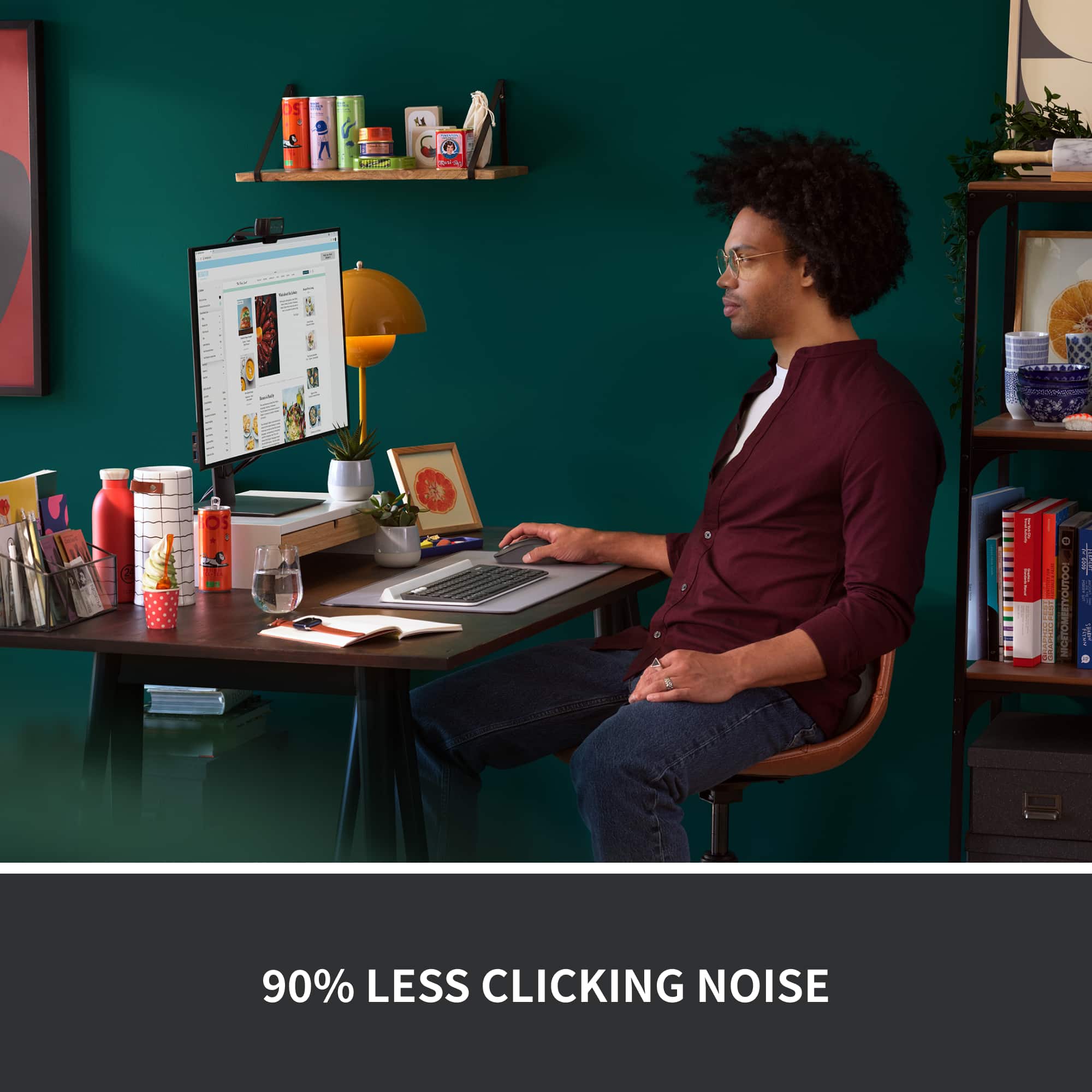
|Posted .This reviewer received promo considerations or sweepstakes entry for writing a review.I am giving this mouse a five star rating primarily for 1 reason, it’s quiet. That’s what I wanted and that’s what I got. You can still hear a very soft click when you press one of the buttons, but it is very quiet. Logitech claims there is 90% less click noise than that of a typical mouse and that sounds about right. How about the rest of the features? All in all this is a pretty solid basic wireless mouse. Connecting was incredibly easy. I attached the USB receiver to my PC and the mouse started working instantly. The feel and grip on the mouse are fine. The scrolling wheel might be just a touch on the sensitive side (or at least more sensitive than my last mouse), but I got used to it pretty quickly. The claim that really intrigues me is that single AA batteries will last 2 years. It will be a while before I know whether or not that claim is true, but either way I appreciate that it included the battery. All in all I am very happy with this mouse. I wanted something that works well, is wireless and is very quiet. I would definitely recommend this mouse to anyone looking for the same thing.
I would recommend this to a frienddont waste money
||Posted . Owned for 1 month when reviewed.This reviewer received promo considerations or sweepstakes entry for writing a review.barely lasted a month of use tried changing battery it just doesnt work anymore
No, I would not recommend this to a friendA Great Mouse For Any Office
|Posted .This reviewer received promo considerations or sweepstakes entry for writing a review.The Logitech Signature M650L is a simple, but elegant mouse that would be a welcome addition to any desktop. Upon first glance, it doesn’t appear to be anything special. However, it feels terrific and performs well once out of the package. It connected quickly via Bluetooth and even notified my PC that it was ready. Of course, the USB receiver connects easily as well. Let’s start with the appearance and comfort of the M650L. The graphite coloring is a nice change from your standard black and the contrast in the color between top and sides. The button placements as well as the side contours really add to the design. Those same features add to the comfort as well. The size of the Logitech Signature M650L is just right for my hands and adding in these other pieces make it a great fit for long use. As far as the performance of the Logitech Signature M650L goes, I was pleasantly surprised by the silence that it brings. The buttons and scroll are super quiet, but also perform well. The ability to scroll quickly or precisely is a nice feature. With the addition of the programming for the other buttons, this mouse can hold its own when it comes to productivity and efficiency. The one thing that would improve the M650L is a DPI button. It’s a decent speed, but it would be nice to toggle it to be a tad faster. All in all, the Logitech Signature M650L is a good mouse for general computing and office work. With its design, one will definitely not have any issues with it. The advertised 20-24 month will be great too. That means comfort, function, and not having to worry about a battery for around 2 years. That’s a solid package.
I would recommend this to a friendAwful mouse
||Posted . Owned for 4 months when reviewed.This reviewer received promo considerations or sweepstakes entry for writing a review.This is a supposed to be a "silent click" mouse. My complaint is that it takes no effort to press the buttons. This means you are pressing the buttons whether you want to or not...and it makes this mouse completely unusable.
No, I would not recommend this to a friendWorks well
||Posted . Owned for 2 weeks when reviewed.This reviewer received promo considerations or sweepstakes entry for writing a review.Could track a little better, but otherwise well made.
I would recommend this to a friendWorst Logitech I've ever owned
||Posted . Owned for 2 months when reviewed.This reviewer received promo considerations or sweepstakes entry for writing a review.It's a little too big and the left mouse click button does not work as it should.
No, I would not recommend this to a friendBrand response from Logitech
Posted .Thank you for your feedback on the Signature M650 L Mouse. We sincerely apologize for the issues you've encountered, including the size and the left mouse button functionality. To get that issue resolved, we recommend reaching out to our social care team via email at socialcare@logitech.com with your
- Name:
- Email Address:
- Country:
- Product Name:
- Brief description of issue:
I LOVE My New Logitech Mouse
Posted .This reviewer received promo considerations or sweepstakes entry for writing a review.I LOVE this mouse!!!! Much better than my last mouse...new and improved! Quieter and quicker functionality...more robust!
I would recommend this to a friendBrand response from Logitech
Posted .We appreciate your thoughtful review. It’s great to know our product is meeting your needs. Thanks for being a valued customer.
Bluetooth
||Posted . Owned for 1 month when reviewed.This reviewer received promo considerations or sweepstakes entry for writing a review.Drops blue tooth signal out often. Seems to occur if I move the cursor too much with the touchpad. I have an older laptop so that may be the issue, but other than signal issues its a good mouse.
I would recommend this to a friendNot compatible with Logitech Unifying devices
||Posted . Owned for 3 weeks when reviewed.This reviewer received promo considerations or sweepstakes entry for writing a review.Disappointed that the logi Bolt technology is not backward compatible with Logitech Unifying devices. I have to use two usb dongles or replace my keyboard. And I’m not a fan of the silent click.
No, I would not recommend this to a friendbad choice
||Posted . Owned for 3 weeks when reviewed.This reviewer received promo considerations or sweepstakes entry for writing a review.I didn't know the buttons by my thumb would be such a hinderance. I hit them by accident and lose all my work. It may just be me because I did not understand how the mouse would work.
No, I would not recommend this to a friendGreat connectivity, very comfortable
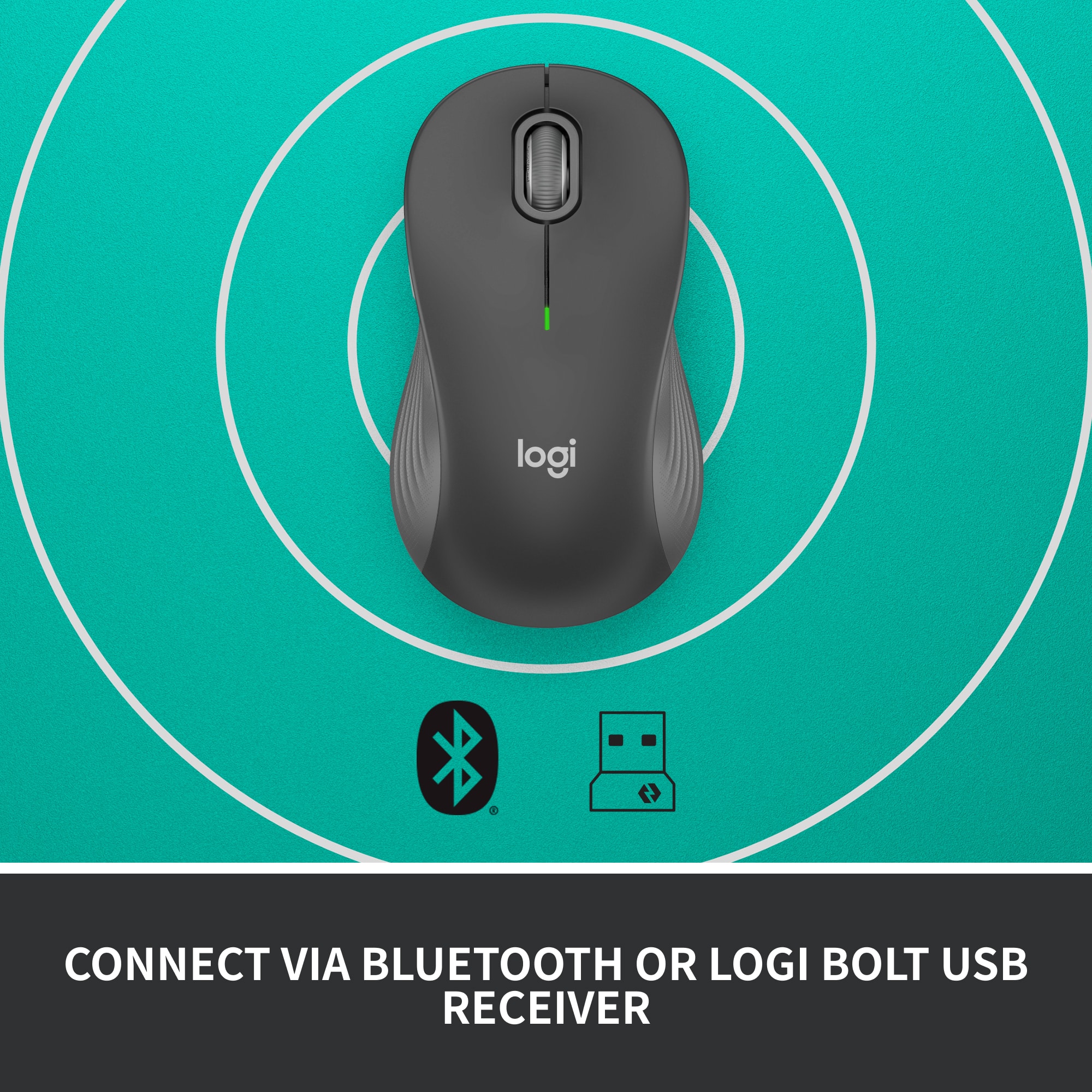
|Posted .This reviewer received promo considerations or sweepstakes entry for writing a review.Wow... finally. I remember when wireless mice came out and you always had to use a plug in dongle and response was slow and they had low DPI on top of that. The newer gen wireless mice are more adaptable. Yes, many still have the wireless dongle but response and DPI has improved. Bluetooth connectivity kicks it up a notch. With the new Logitech M650 you get both Bluetooth and also 2.4hz with an included USB wireless dongle for any devices that don't currently have Bluetooth capability. By far Bluetooth is the best way to connect if your computer is capable. With my Bluetooth enabled on my Windows laptop I turned on the M650 and my computer asked me if I wanted to connect the mouse… automatically… I didn’t have to go into settings and scan for device. This is the first Bluetooth device that I’ve owned that was recognized simply by turning it on. Bravo Logitech!!! While I haven’t tried it yet connectivity to different operating systems is supported and easy to connect. I love the quiet switches so clicking isn’t as pronounced as traditional mice. Much less annoying! Scrolling is a breeze as it seems to be proportional controlled between one line to more lines. It has the standard regiment of buttons: left, right, middle scroll and a couple of side buttons which can be programmed with the optional downloadable software. Logitech says an AA battery can last up to 2 years… very stingy on power. I have the M650 L which would be a great choice if you have a catcher’s mit for a hand like I do. The larger size has a great feel in my hand. The grip is very comfortable and I don’t have to crunch up my hand to access all of the buttons. It’s light weight so it zips quickly across my mouse pad. The M650 L is now my go to mouse for work. It’s perfect for what I need and at the end of the day I can grab my laptop off it’s dock, toss it in my backpack and toss the mouse in along with it. Highly recommended for most use.
Versatile, Affordable, Perfect...
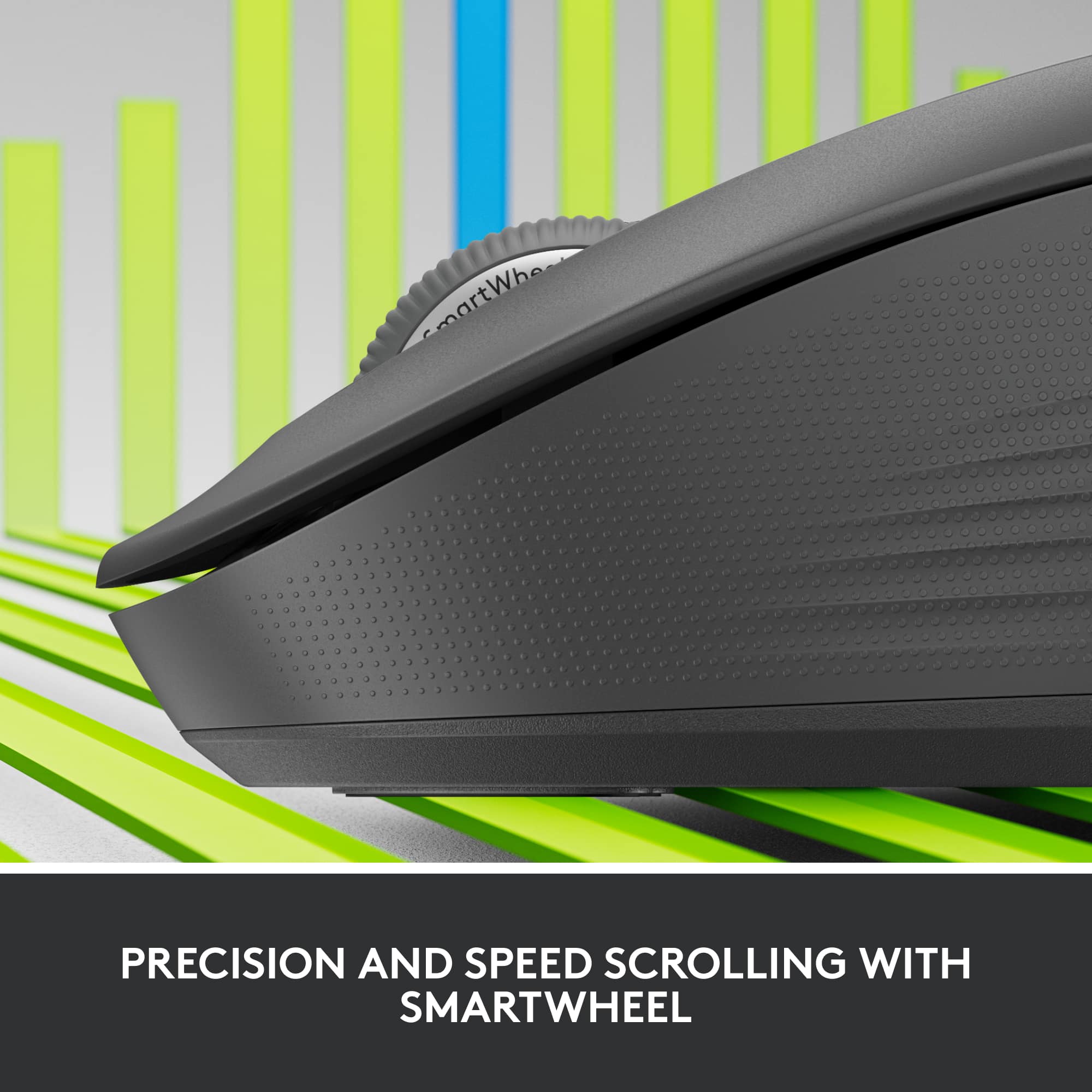
|Posted .This reviewer received promo considerations or sweepstakes entry for writing a review.Logitech have created a mouse that's perfect for all forms of work. M650 is a mouse that I'm actually using when I'm on the go or at work. For a mouse of this price point I'm generally impressed but all of the features they can fit in here while still beating other each products out there. The M650 is a mouse that's egomaniacally designed for larger hands while not being too flashy or bombarding you with useless things. This has accommodate me on all types of workflow throughout the day. There are tons of mini mouse out there for travel but this one fits my large hands just right so issues there. long hours and the M650 still provided a level of comfortability not many out there can do. The mouse also make very silent clicks with each use so you won't truly disturb those around you. For vertical monitors this thing is a dream as you have a "smart" scroll wheel on the mouse that helps freely control the scroll of webpages or other productivity. There are two buttons on the side of the M650 that you can customize for other uses. want them to Play/Pause music or Copy/Paste it can be done here. The Logitech.com/OptionsPlus is where you would go to download the app for windows or mac. Logitech's Signature M650 also can use Bluetooth or use a USB dongle so compatibility shouldn't be a problem. The best feature and the most defining thing for me here is that this mouse can last 2 years on two AA batteries which is AMAZING. 24 months of not charging is a god send. if the device actually last that long this will surely be a good product. I've been using it for DAYS and it doesn't have no signs of slowing down. I guess you can already tell I highly recommend this mouse to everyone. It it works, does the job its suppose to do, fast, silent and at a cheap price? this is the all around mouse I would gravitate to for all things outside of gaming. truly a consumer friendly product.
I would recommend this to a friendDon't Be Deceived By The Description
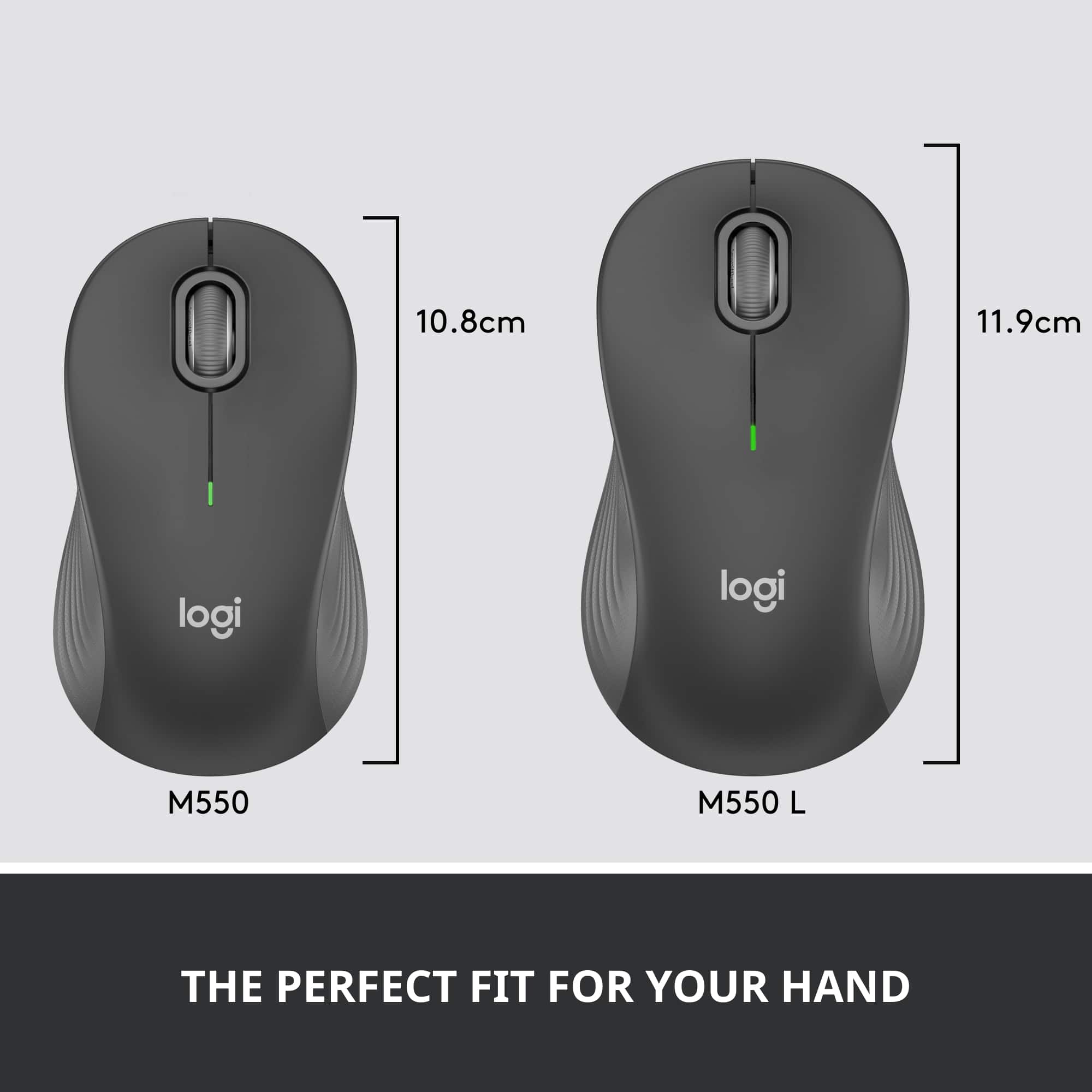
|Posted .This reviewer received promo considerations or sweepstakes entry for writing a review.Do not let the description deceive you into thinking this is a larger than normal mouse for those of us with monster hands. It is a normal sized desktop mouse. There is nothing wrong with that, but don't think this is a special build for big hands. It is larger than the M535 which I also like very much even though it is a small mouse. Both mice, the M535 and M650L, are great to throw in a book bag and take with you. The M650L is a normal sized mouse with both the dongle and Bluetooth support. They both work very well with excellent range. There is a slot inside the battery cover for the dongle if not being used, I always appreciate this little feature because these little dongles are lost so easily when there is not a storage compartment in the device. The mouse has a great feel and the buttons are in the perfect position, Logitech is usually very good with side button placement and they hit the sweet spot again. I can not attest to battery life but marketing says 2 years on one AA battery. No reason to doubt that considering Logitech's track record. The scrolling is smooth and accurate. Glide of the mouse is excellent. It seems to work on most none clear surfaces. So far I have used BT with Windows (10 and 11), Chromebook (Chrome OS) and Android. All have been spot on and perfect. With the dongle I have used on Chrome OS and Windows 11. Absolutely no issues anywhere. To switch between BT and dongle just hit the pair button while the dongle is powered. This is a solid full sized mouse that feels good in hand but is not oversized. A large hand claw grip may cause some cramping in the palm. Definitely recommended, this is yet another solid design from Logitech.
I would recommend this to a friend