Customer Ratings & Reviews


- Model:
- 910-006231
- SKU:
- 10735960
Rating by feature
- Value
Rating 4.8 out of 5 stars
- Quality
Rating 4.8 out of 5 stars
- Ease of Use
Rating 4.8 out of 5 stars
- Pros mentioned:Size

Simple and Solid Mouse
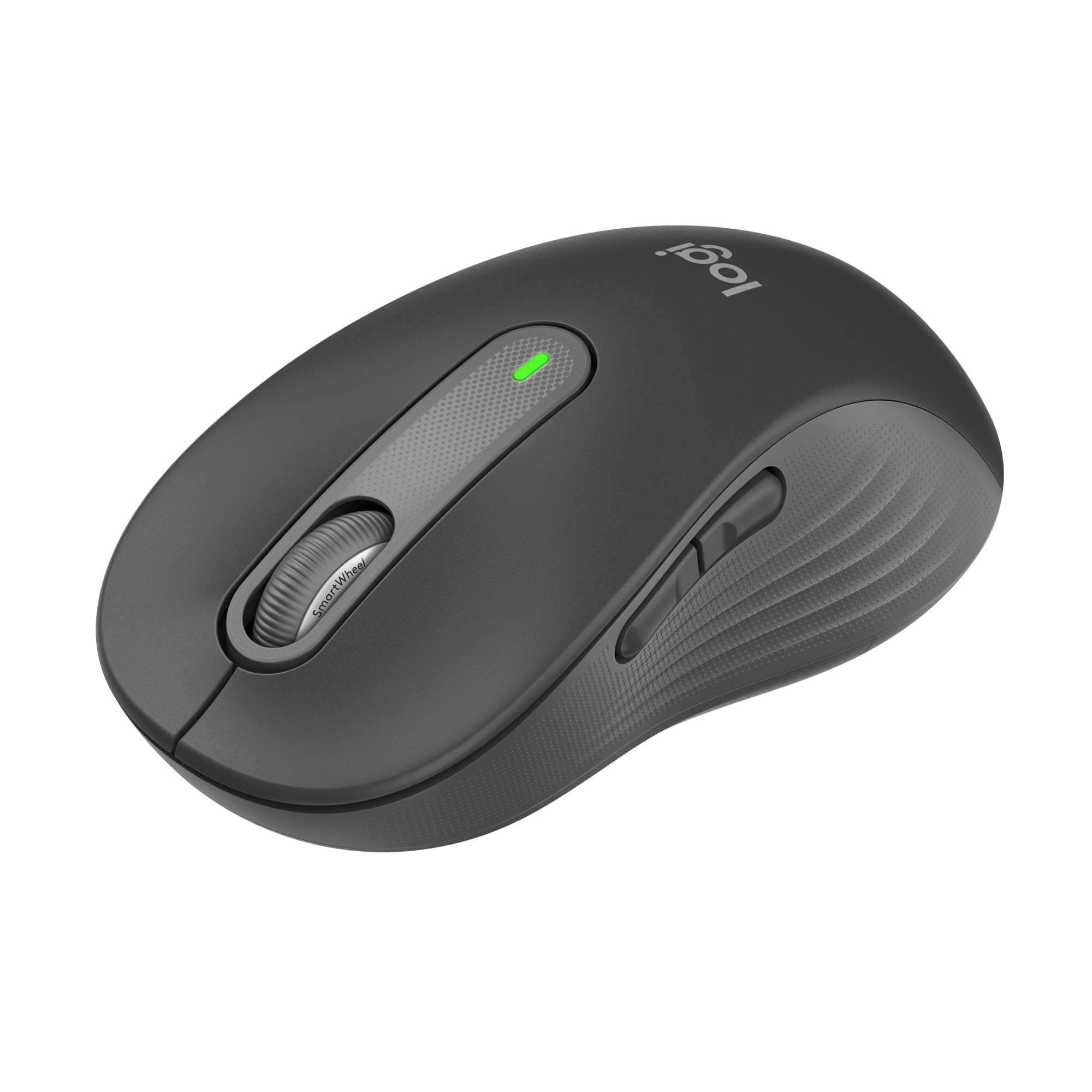
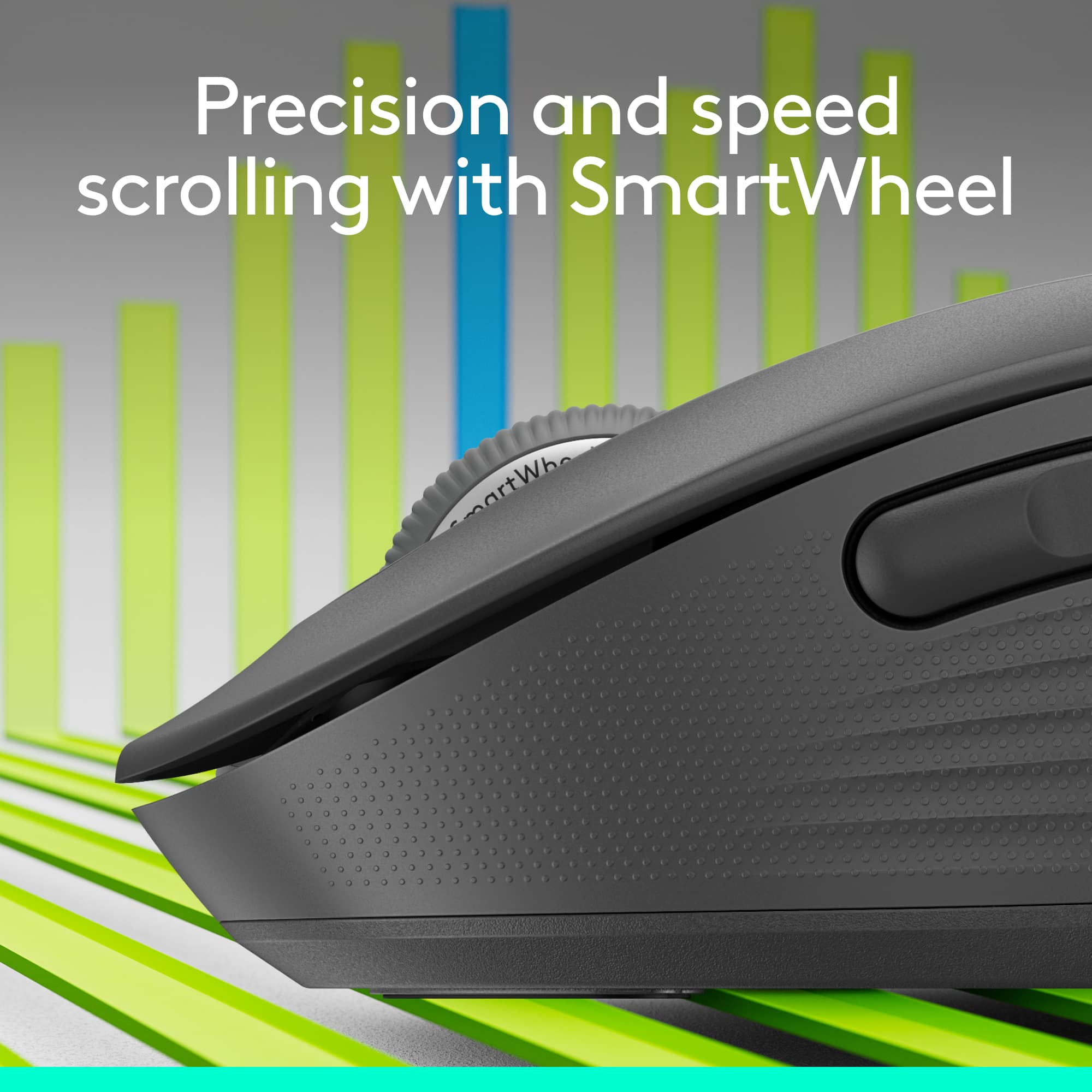
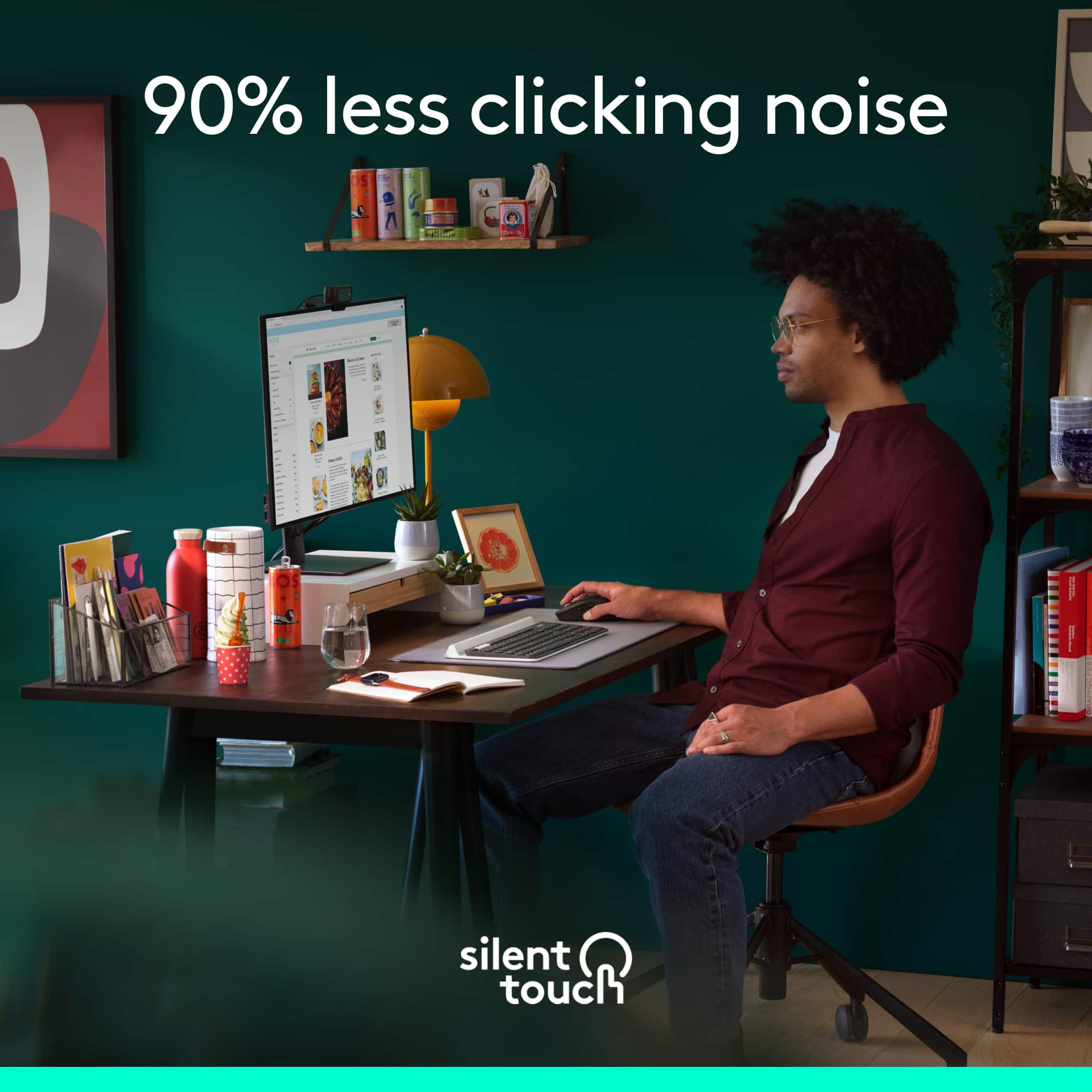
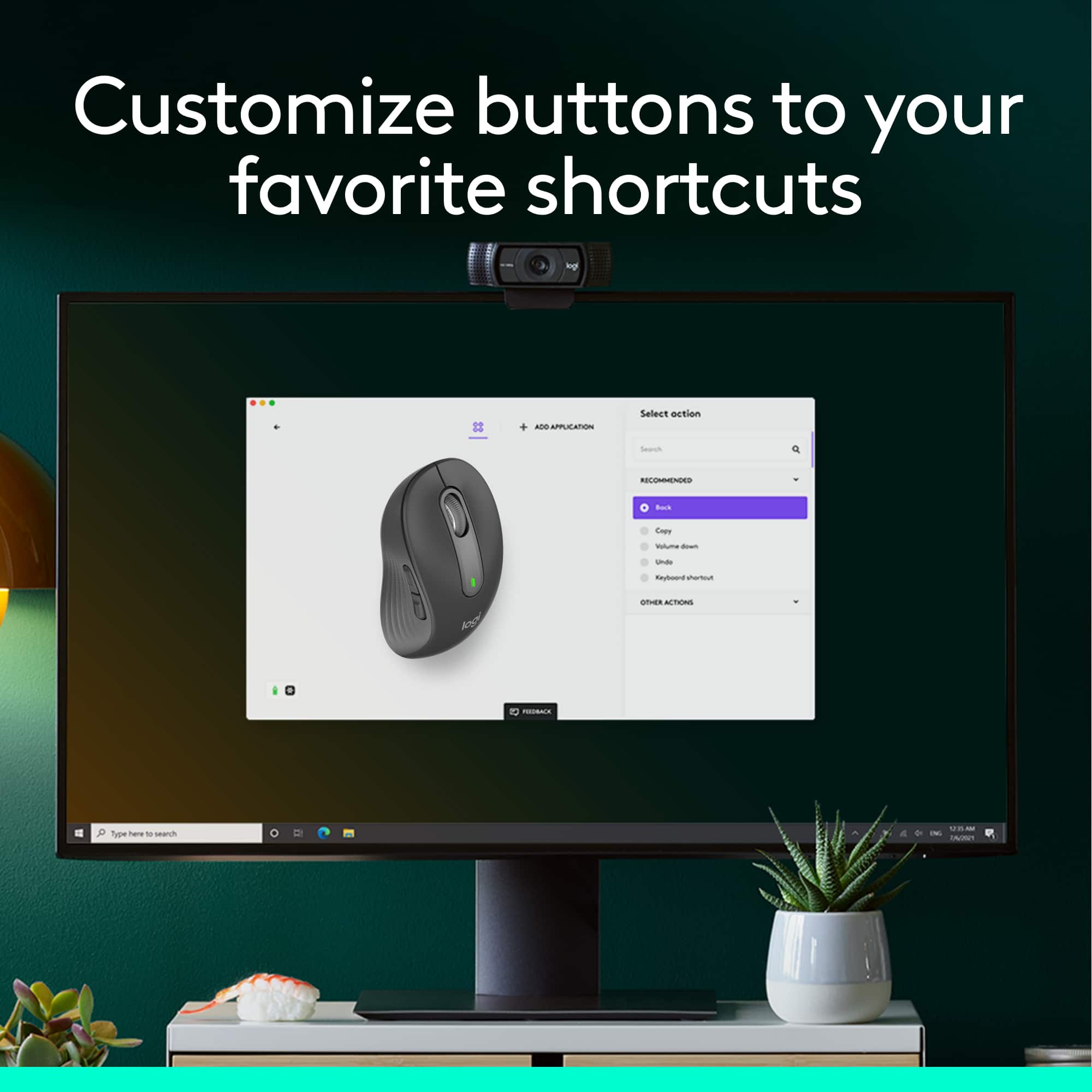
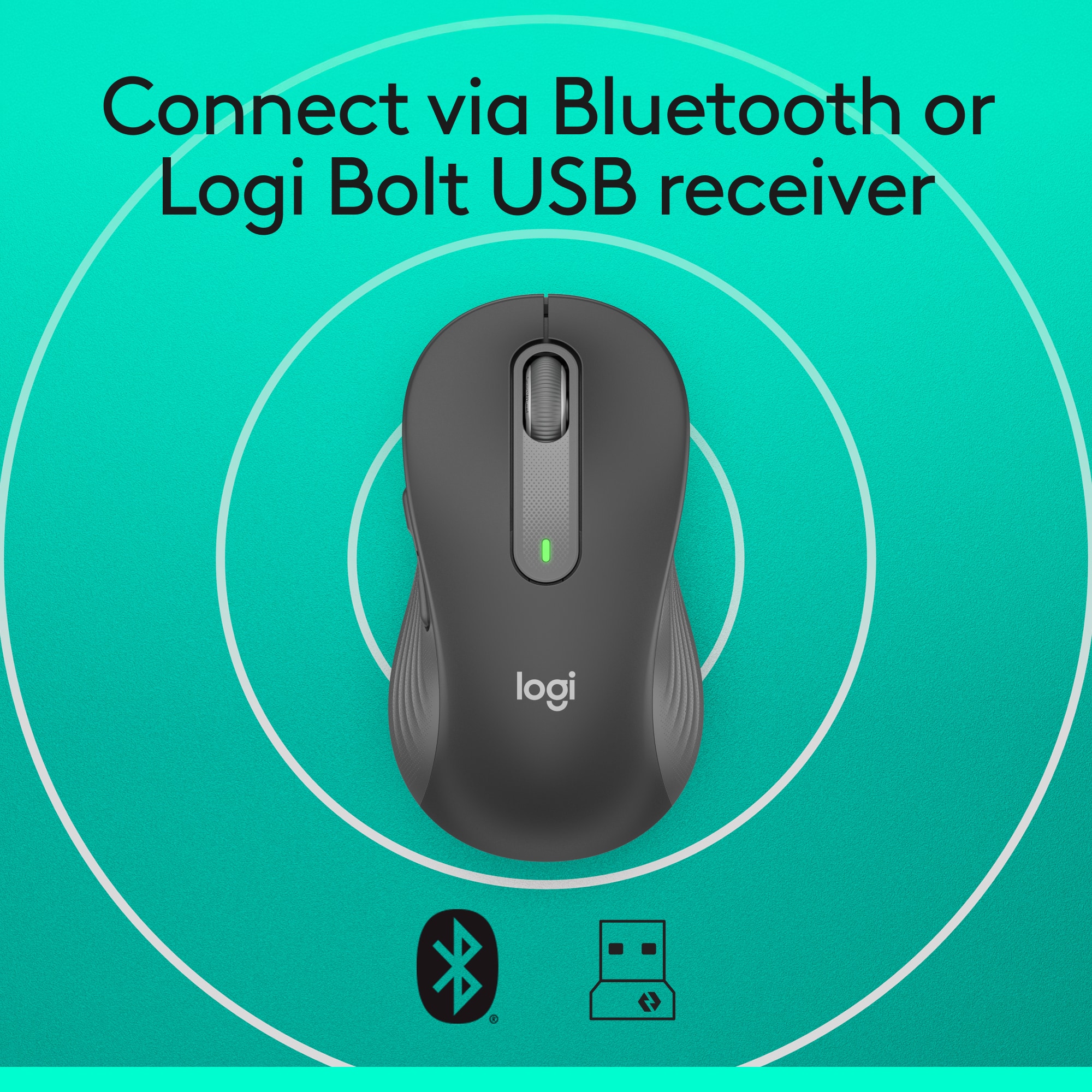
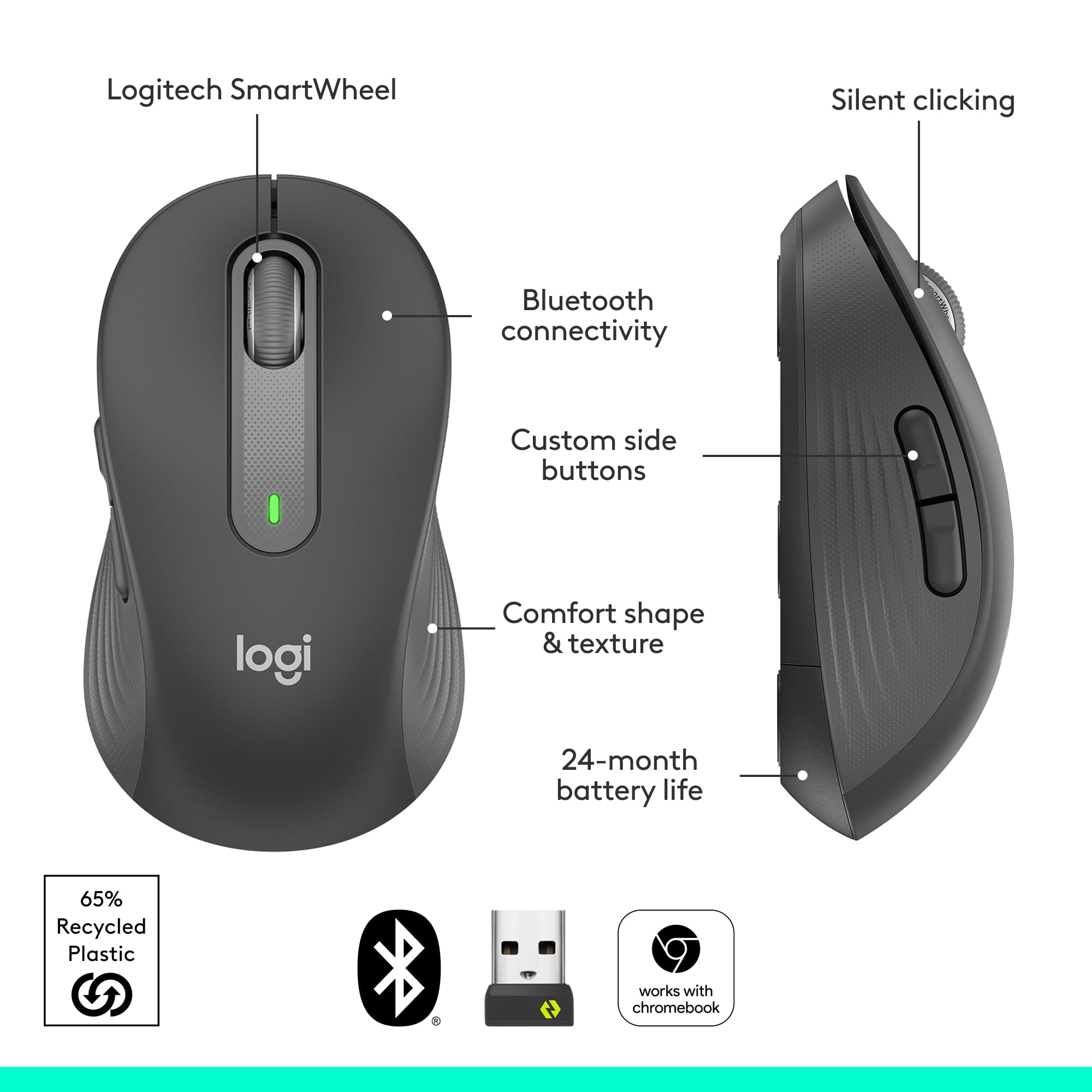
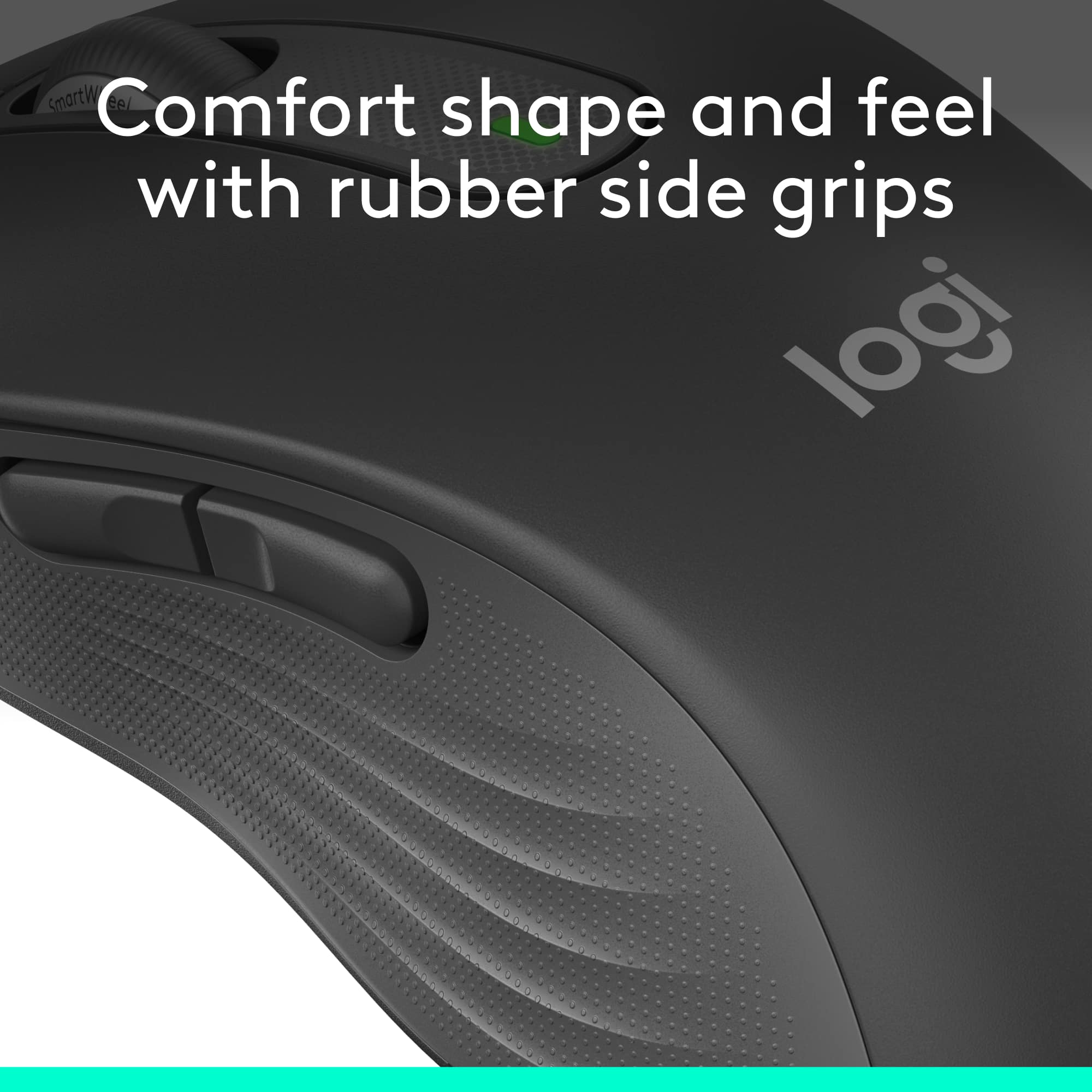
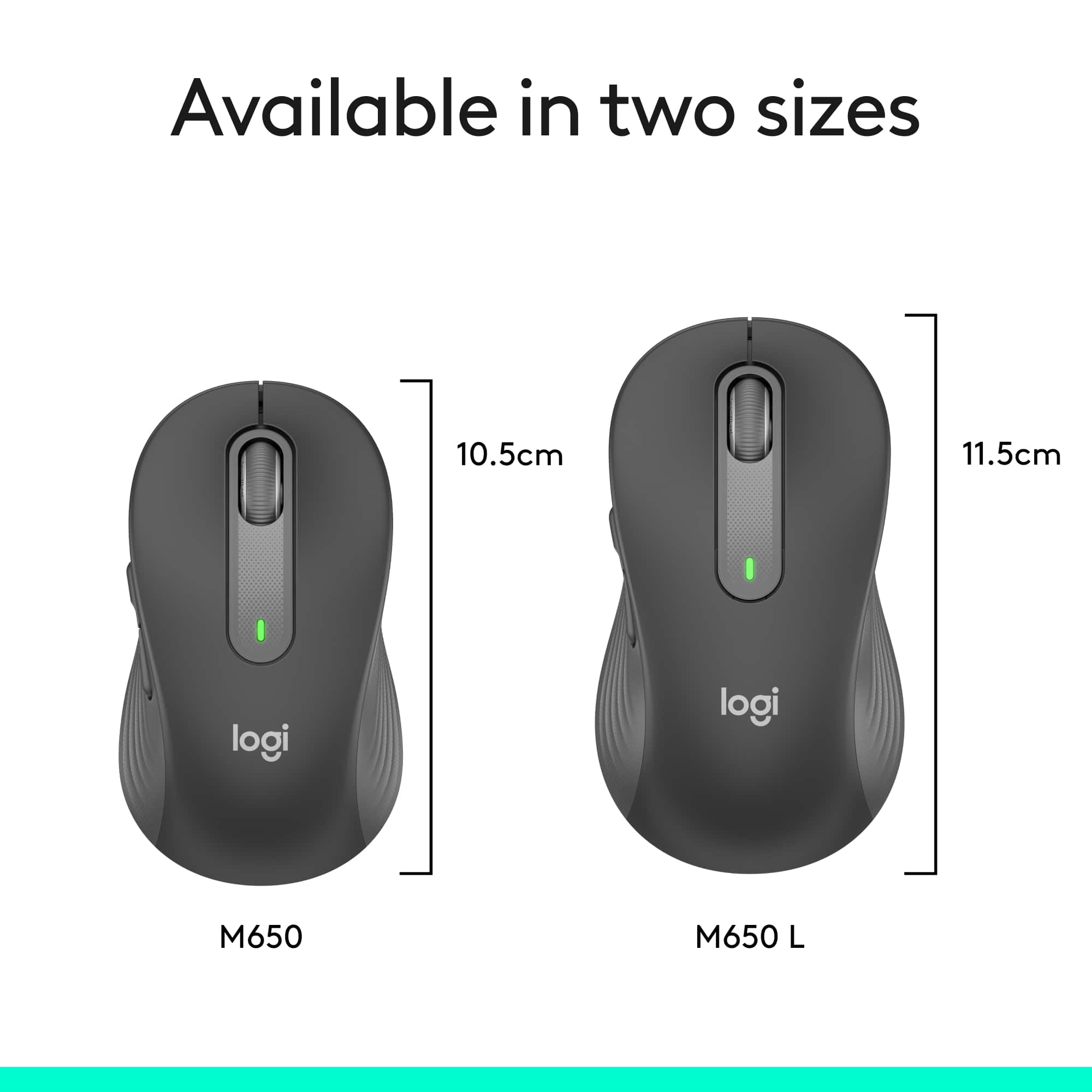
|Posted .This reviewer received promo considerations or sweepstakes entry for writing a review.I got the Logitech Signature M650 for my office desktop, and am pleasantly surprised. The mouse is available in several sizes and also includes a version for those who are left-handed. The large version I'm using is a little heavy -- which I like, and has nice contour and rubber grips, giving it a substantial, solid feel. The features are basic, but not necessarily sparse. There are two programmable buttons and the mouse can be connected to two devices via a Bluetooth connection and a USB dongle. There is a button on the bottom of the mouse to switch between the two connections, but it's somewhat clunky and difficult to tell what the blinking light indicates. The M650 also has SilentTouch buttons. Logitech claims they reduce click noise by 90% compared to their M185 mouse. This is to reduce background noise during teleconferencing with Zoom, etc. I can't even hear sound made when clicking the mouse button, so I would tend to believe them. This makes sense as it's meant for the productivity side of computing rather than the gaming side. Logitech has also outfitted the mouse with its SmartWheel, which automatically switches between free and notched scrolling depending on how quickly you roll it, which comes in handy when scrolling long pages.. Overall it's a very solid mouse that is definitely a step up from a basic mouse -- particularly the feel, and is offered at a reasonable price point.
I would recommend this to a friend Simple Wireless Mouse
||Posted . Owned for 1 month when reviewed.This reviewer received promo considerations or sweepstakes entry for writing a review.This Wireless Mouse has nice colors and operates on low power, but for distances across the bedroom, a stronger wireless mouse with 2 batteries should be purchased,
I would recommend this to a friendHard to connect
Posted .This reviewer received promo considerations or sweepstakes entry for writing a review.Hard to connect via bluetooth but after connecting works just great. Recommend getting it with mouse pad.
No, I would not recommend this to a friendBrand response from Logitech
Posted .Hi there, we understand the initial pairing challenges you faced with the Signature M650 L. To ensure a seamless connection, please refer to the user manual or Logitech's support website for specific instructions.
Another excellent office mouse from Logitech
|Posted .This reviewer received promo considerations or sweepstakes entry for writing a review.I have used Logitech mice for office-use exclusively for at least 10 years now, including MX Masters. They always seem to hold up the best, have the best battery life, and best comfort for me. This new M650 L model is no exception. Fit and finish are excellent for a budge oriented mouse. All of the button clicks are well dampened, and not loud or clicky. The scroll wheel is smooth, and also has a solid click feel. The exterior is a grippy texture that does not feel like the old rubberized finishes that will peel off over time. I am using this mouse as my "on the go" mouse in my laptop bag, and so far it has performed flawlessly.
I would recommend this to a friendSilent clicks are great for late-night gaming
|Posted .This reviewer received promo considerations or sweepstakes entry for writing a review.This is a really solid mouse. The fact that clicking is silent is really nice. One of the reasons I’ve stuck with trackpads is to avoid disturbing others with rapid clicking, but this mouse is basically the best of both worlds. The Bluetooth connection works well (and I like that it supports the fast-pairing tech), and the USB connector works fine. Between the two, I can use the mouse with two devices with little extra effort. There’s no compatibility issues I’ve seen with either Windows or Mac. One flaw is that it doesn’t seem to glide quite as smoothly as some other mice I’ve used, however, that’s not really a huge issue.
I would recommend this to a friendNot for me
||Posted . Owned for 3 weeks when reviewed.This reviewer received promo considerations or sweepstakes entry for writing a review.This mouse doesn’t work well for me at all. I followed the “easy” instructions and it only works sometimes . Wouldn’t recommend.
No, I would not recommend this to a friend- Pros mentioned:Size
Comfortable, connectable, quiet
|Posted .This reviewer received promo considerations or sweepstakes entry for writing a review.Mice are as common as anything, but this mouse is really nice. I was able to hook up with Bluetooth for my tablet and USB on my laptop easily, the size is just right for my hand, I have a little larger hands and this was nicer than usual. the clicking (or lack of clicking sound at least) was a welcome change and the touch needed seemed softer so the knuckle of my index finger doesn't ache by end of day. All in all this is a nice, quiet, wireless mouse for me. Customization of the side buttons was also a bonus.
I would recommend this to a friend Excellent reasonably price full size mouse
|Posted .This reviewer received promo considerations or sweepstakes entry for writing a review.Most non gaming full size wireless mice have significant limitations. This mouse is made of nice materials, has a good fit (there is also a smaller and left handed version), and functions well. The sensor reads perfectly on marble countertop and is quite precise. Silent but tactile clicks and great scroll wheel. Two side buttons are programable via options software (not gaming software). Long battery life and instant Bluetooth connection on Surface laptop (mouse does house USB dongle if needed).
I would recommend this to a friend- Pros mentioned:Size
simple comfort
|Posted .This reviewer received promo considerations or sweepstakes entry for writing a review.I do have large hands, but not abnormally large. I wouldn't say that I've noticed discomfort when using smaller mice, but I do notice that this mouse seems more comfortable than most. There's a nice texture on the side grips that is a noticeable improvement. The range of buttons available is fewer than some of the more complicated mice but sufficient to enable a wide range of shortcuts. The software to tailor the mouse controls is still in beta. There are options to make shortcuts specific to certain apps, and it was not working for every app. I like mice that let you scroll sideways by pushing on the scroll wheel from the side, and that's not available on this one. However, you can scroll sideways by holding down one of the side buttons while scrolling. The scroll wheel does have a nice feel to it. Overall, this is a very solid option for most business users.
I would recommend this to a friend great mouse, but not really for large hands
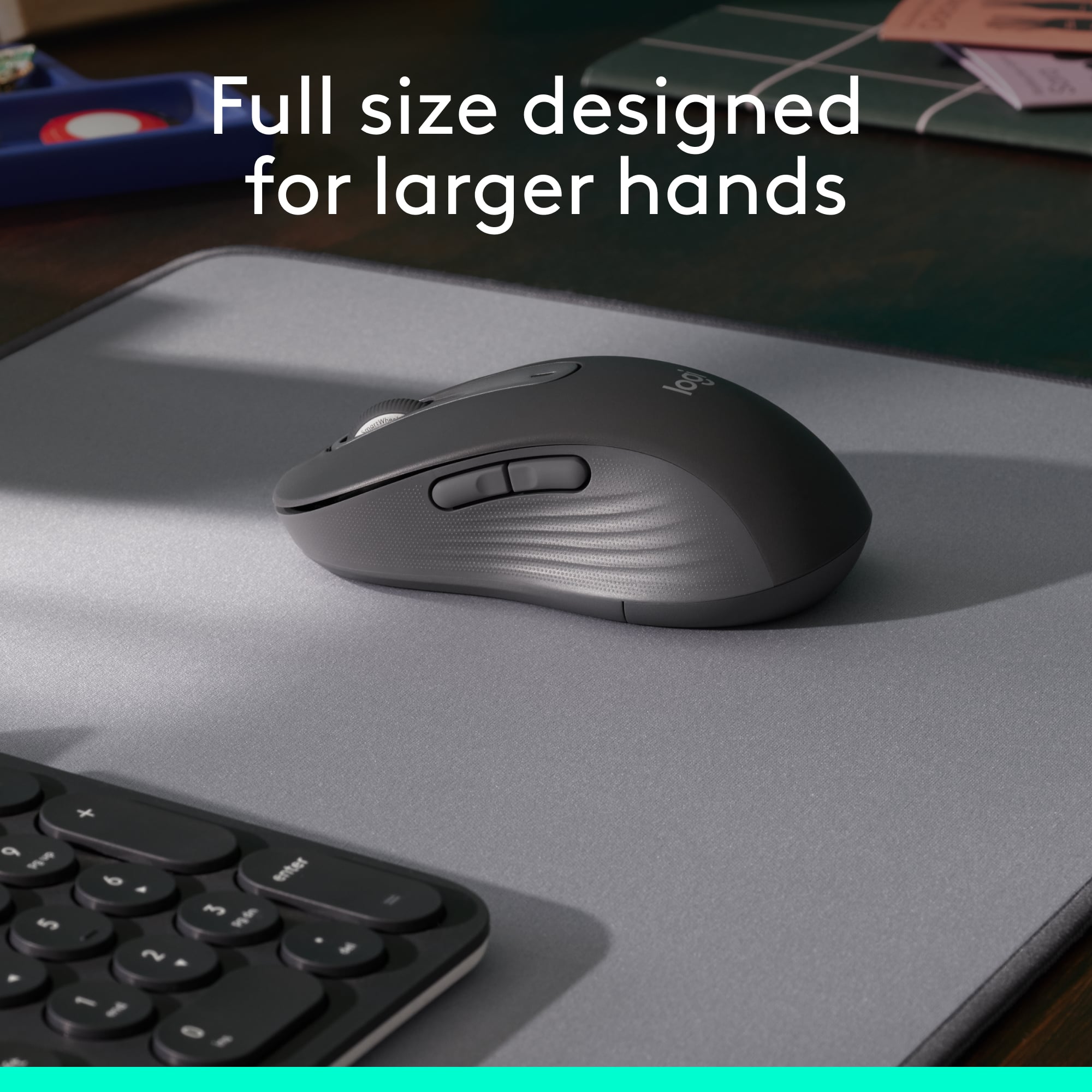
|Posted .This reviewer received promo considerations or sweepstakes entry for writing a review.I’ll start off by saying that the Logitech M650L wireless mouse is a very nice mouse. I have used many dozens of mice, wireless and wired, over the decades going all the way back to the original Microsoft serial “ball” mouse. The M650L is comfortable to hold and use with a pleasant, quieter “click” feel than the more typical mouse, one of its advertised features. The mouse is pretty much symmetrical, making it suitable for lefties as well as righties. There are two programmable buttons on the left side that are meant to be pressed by your thumb that are not matched on the right side, so the mouse would take a little getting used to by a left-handed person who would need to push those two buttons most likely with the pinky finger. Another advertised feature of this mouse is that it is for “large-sized hands,” and it says this right on the package. But I have compared this mouse to the mouse I had been using, a wired mouse from a different manufacturer, and to another wireless mouse, a Logitech M705, which I keep in my laptop carry case for use when I’m using that computer. Neither of these mice are advertised as being for large hands, and yet both are larger than the M650L. In particular, the M705 is more comfortable because it is wider by about a quarter of an inch than my wired mouse or the M650L. It’s width that matters, not so much height or length, if a mouse is going to be comfortable to hold by a large-handed person. As far as other dimensions, my wired mouse is 1/4-inch longer and 1/8-inch taller than the M650L, so by no means would I consider this a mouse specifically designed for large hands. It is a conventionally-sized, comfortable-to-hold mouse. A feature of the M650L that I really like and that I’ve not encountered in a wireless mouse before now is that it can connect via bluetooth. All wireless mice I’ve used before now, including the M705, use a USB dongle to communicate with the computer. The bluetooth is so convenient that I had merely to insert the battery in the new M650L and, automatically, and without me doing anything, my desktop computer, which has bluetooth capability, found and connected to the mouse. I was using the mouse within seconds of opening the package. Other features of this mouse include, like many mice today, programmable buttons that you can control by downloading and installing software from the manufacturer’s website. I did this with no problems, although I must admit that I’m not traditionally a mouse-button programmer and am content to use mice the way the have most traditionally been used, with left-click and right-click buttons and a scroll wheel. As I said at the outset, this is a very nice mouse, and I can see it serving me well for a long time to come.
I would recommend this to a friendExcellent
Posted .This reviewer received promo considerations or sweepstakes entry for writing a review.Works soo well!! It's a very responsive mouse but not overly so.
I would recommend this to a friendBrand response from Logitech
Posted .We appreciate you taking a moment to share your experience. It’s great to know that our product is living up to your expectations and making your tasks easier. Your support means the world to us—thanks for being a Logitech customer.

- Pros mentioned:Ease of use
Logitech Mouse
Posted .This reviewer received promo considerations or sweepstakes entry for writing a review.Easy setup, easy to use, good sensitivity to movement. Immediately became familiar with sensitivity of mouse and have really enjoyed using it.
I would recommend this to a friendBrand response from Logitech
Posted .The Logitech Signature M650 sounds like a solid choice for everyday use. Its ease of setup, intuitive controls, and responsive movement make it a user-friendly option. It's great that you've been enjoying it so much!
- Pros mentioned:Ergonomics
Pretty good mouse
Posted .This reviewer received promo considerations or sweepstakes entry for writing a review.Excellent and silent mouse. I’ve been looking for a comfortable and silent mouse for work and this was is perfect for my hand and doesn't bother my wrist.
I would recommend this to a friend Love This Mouse!
Posted .This reviewer received promo considerations or sweepstakes entry for writing a review.Love this mouse! The silent click is smooth & lives up to its description. Highly recommend!
I would recommend this to a friendBrand response from Logitech
Posted .We're thrilled to hear that you're enjoying the silent click and overall experience. Your positive feedback is invaluable to us as we continue to refine our products.
- Pros mentioned:Ergonomics
Mouse that dreams are made of.
Posted .This reviewer received promo considerations or sweepstakes entry for writing a review.One of the best I’ve ever used! Very ergonomic, responsive, and quiet. Great for prolonged periods of work.
I would recommend this to a friend - Pros mentioned:Size
Large Mouse makes for effective use.
Posted .This reviewer received promo considerations or sweepstakes entry for writing a review.Great for people with motor disabilities. The large size makes it much easier to control the mouse.
I would recommend this to a friend Zero noise
Posted .This reviewer received promo considerations or sweepstakes entry for writing a review.The best, quietest mouse ive ever used. I recommend this to everyone looking for a mouse with zero noise.
I would recommend this to a friendNice Mouse
Posted .This reviewer received promo considerations or sweepstakes entry for writing a review.I bought this for my grandson and he really likes it. What he enjoys best are the silent clicks.
I would recommend this to a friendM650L Review
Posted .This reviewer received promo considerations or sweepstakes entry for writing a review.The mouse felt great, works good with bluetooth and is very silent. I returned it because my wrist felt uncomfortable as it bends back for my palm to sit on the mouse. I changed it for the regular M650 and its great. I guess I just like resting my full hand on the mouse and I was not bale to do so in this mouse.
I would recommend this to a friendReplacement mouse
Posted .This reviewer received promo considerations or sweepstakes entry for writing a review.I needed to replace a mouse that I left on a cruise. It was during the Christmas holidays, the store was packed and I reached for one of the few available. Luckily I got this one. It offers mose of the capability of my previous mouse and does the job very well.
I would recommend this to a friend