Customer Ratings & Reviews


- Model:
- 910-006231
- SKU:
- 6491142
Rating by feature
- Value
Rating 4.7 out of 5 stars
- Quality
Rating 4.8 out of 5 stars
- Ease of Use
Rating 4.8 out of 5 stars
Customers are saying
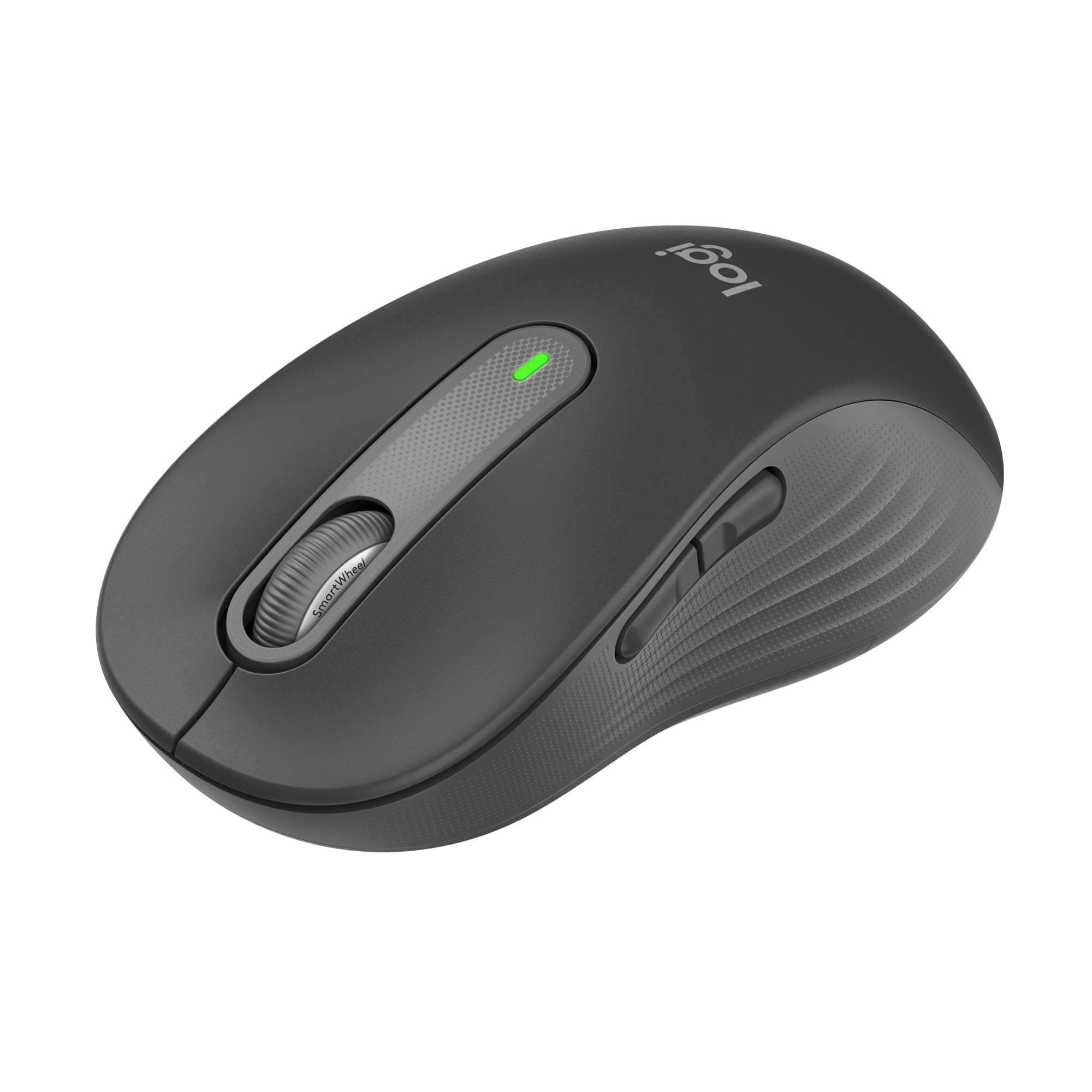
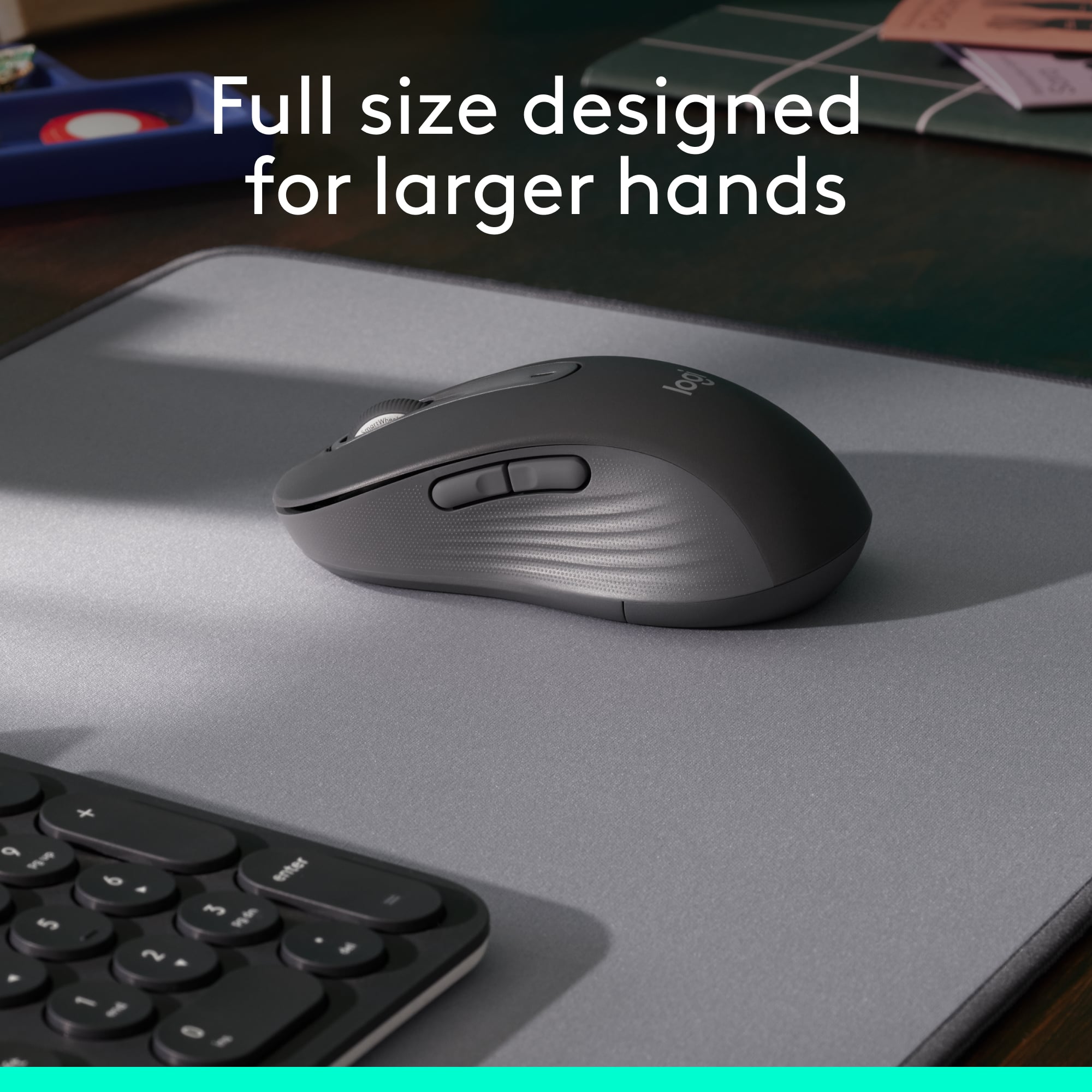
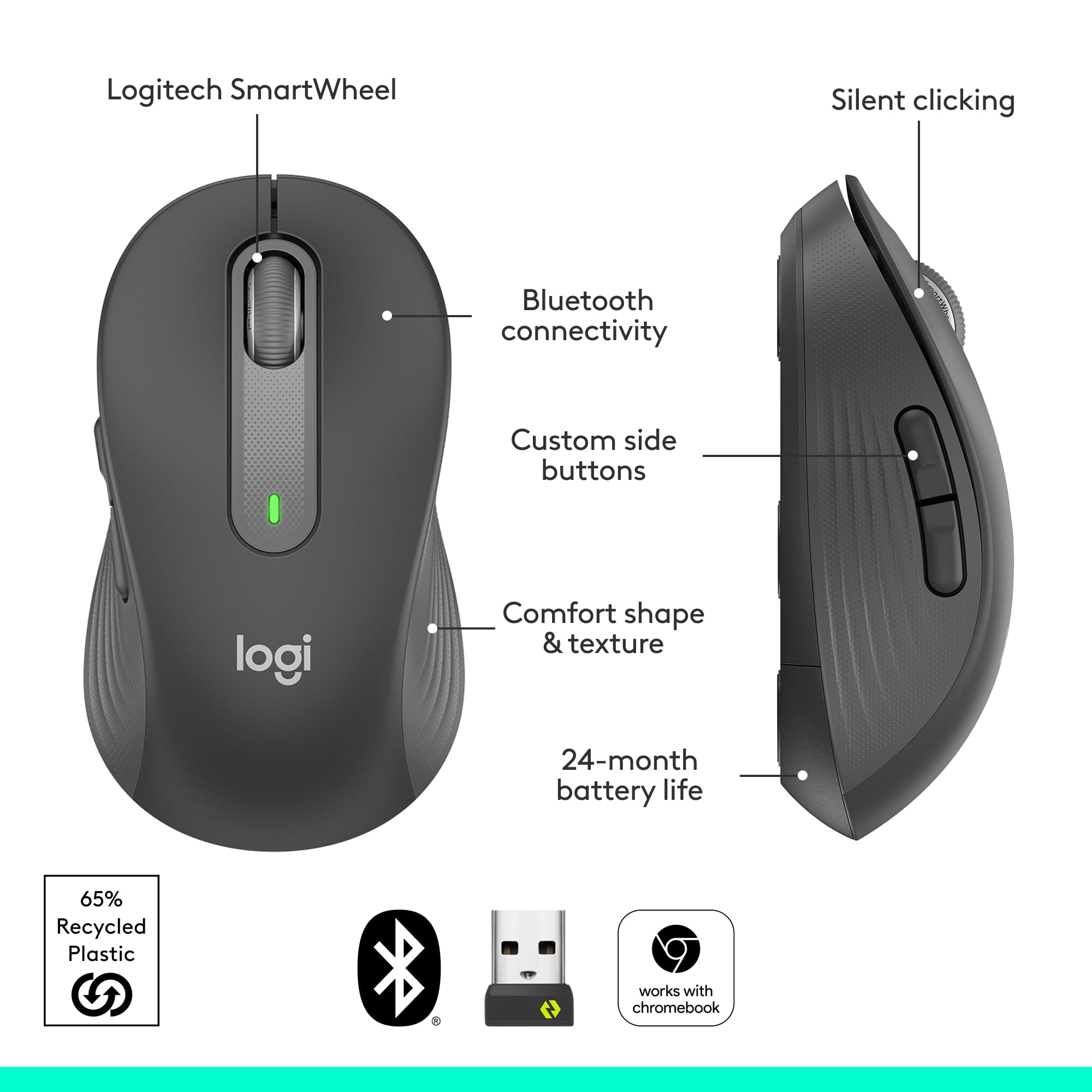
Customers are enthusiastic about the Signature M650 L mouse, particularly its ease of use and comfortable size. Many appreciate the convenience of Bluetooth connectivity and the quietness of the silent clicks. While the side buttons are not silent, users are generally satisfied with the mouse's ergonomics, long battery life, and overall performance.
This summary was generated by AI based on customer reviews.
Great value
||Posted . Owned for 9 months when reviewed.This reviewer received promo considerations or sweepstakes entry for writing a review.Great value for a cordless mouse. Works very well with my MacBook.
I would recommend this to a friendGood for the buck
||Posted . Owned for 5 months when reviewed.This reviewer received promo considerations or sweepstakes entry for writing a review.Nice and smooth, precise and reliable mouse,, super cool gadget
No, I would not recommend this to a friendGreat little travel mouse
||Posted . Owned for 3 weeks when reviewed.This reviewer received promo considerations or sweepstakes entry for writing a review.Definitely one of the best inexpensive wireless mice available.
I would recommend this to a friendGreat Buy!
||Posted . Owned for 1 month when reviewed.This reviewer received promo considerations or sweepstakes entry for writing a review.Love it. Fits nicely in your hand. Great Buy, will buy again.
I would recommend this to a friendLogitech Wireless mouse
||Posted . Owned for 4 months when reviewed.This reviewer received promo considerations or sweepstakes entry for writing a review.Logitech wireless mouse is a great mouse for a great price.
I would recommend this to a friend- Pros mentioned:SizeCons mentioned:Side buttons

Mouse is excellent but the app needs work
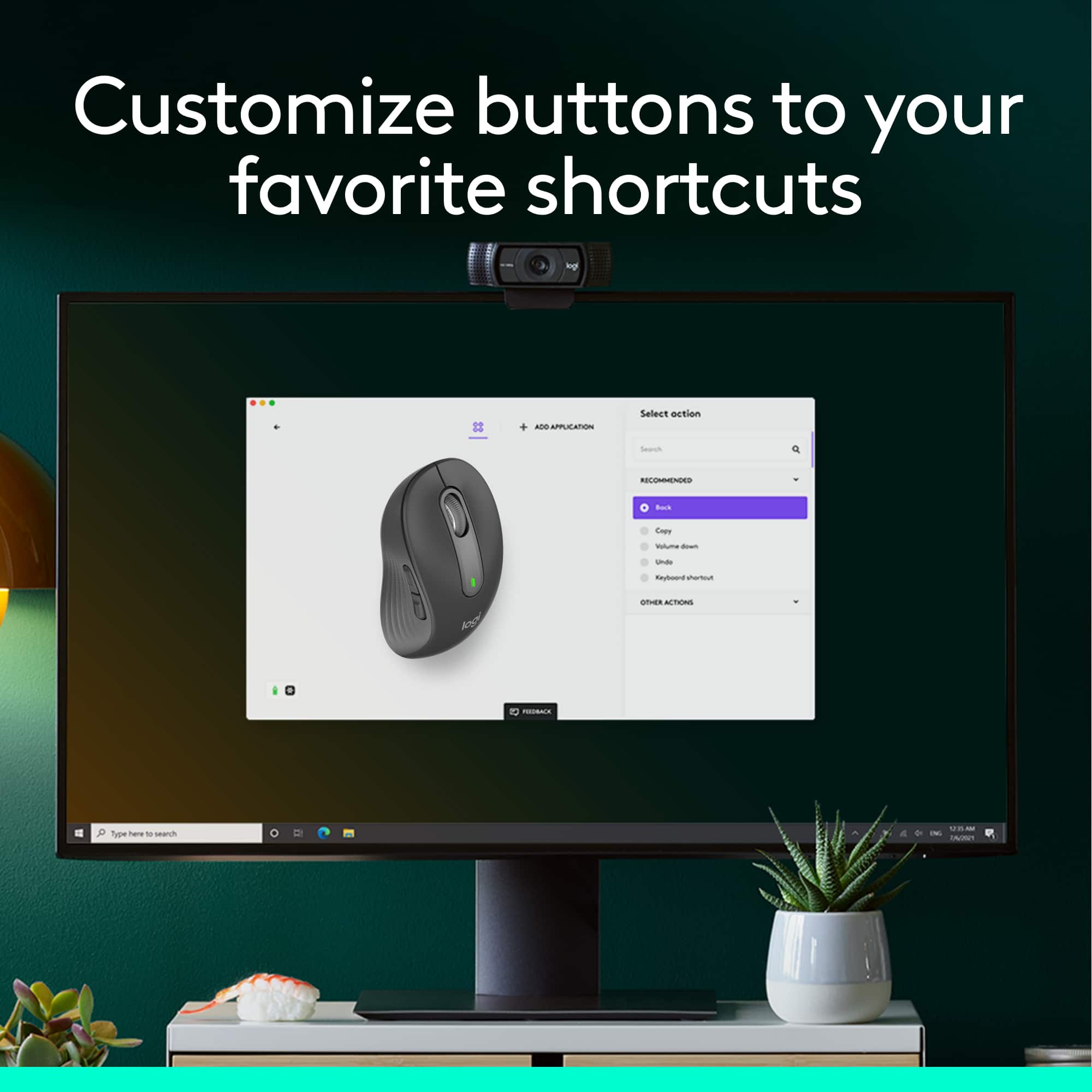
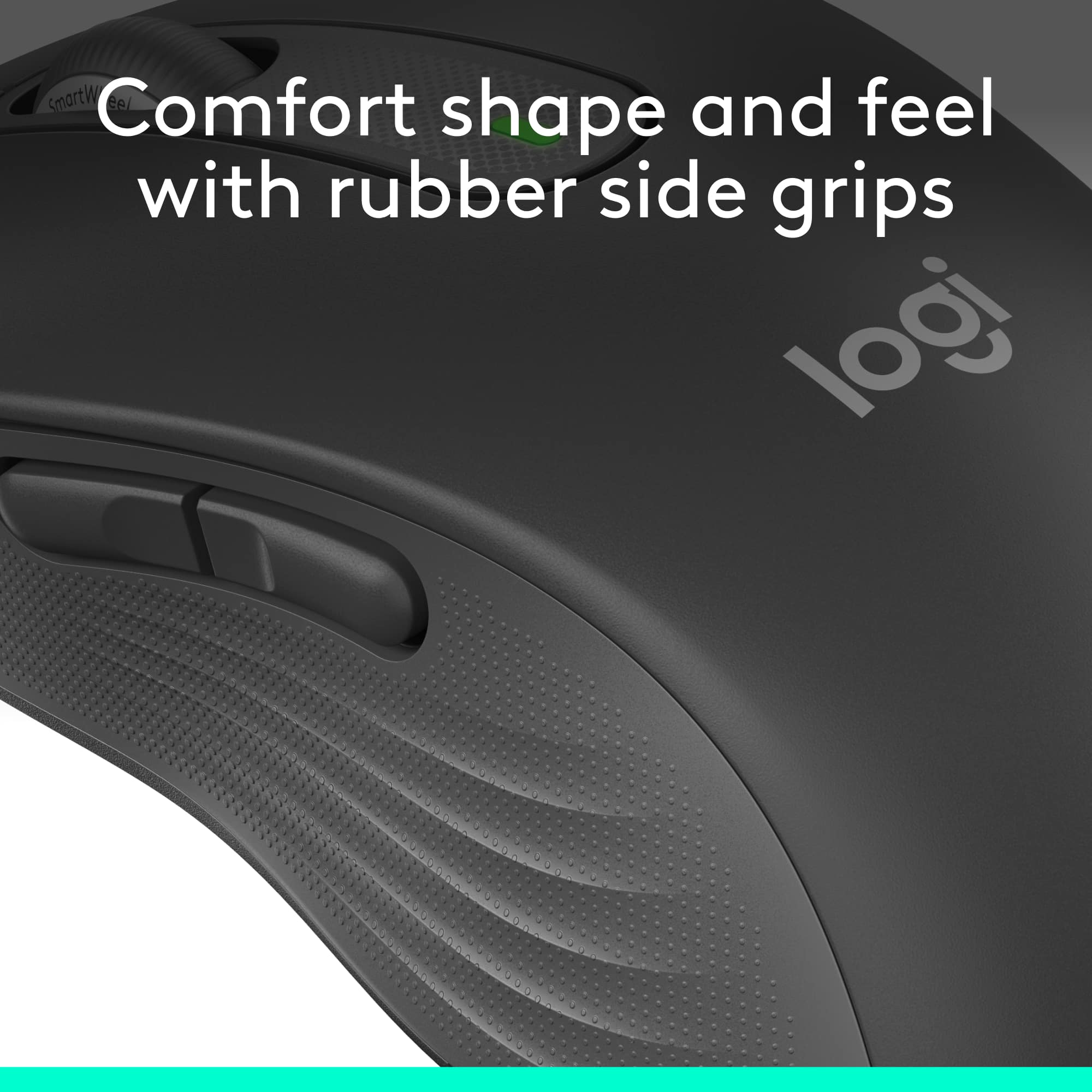
|Posted .This reviewer received promo considerations or sweepstakes entry for writing a review.I like the Logitech Signature M650 mouse itself, but the instructions and the app need some work. The mouse came packaged in a clamshell package with an easy-open design. I plugged the USB receiver in and it connected within seconds. The bluetooth connection took longer, due to the incomplete instructions. The connect button on the bottom has to be held in for several seconds to make the connection. A single push doesn’t do it. The mouse glides smoothly. It’s the perfect size and weight for me. Scrolling and clicks are quiet and it has ridged rubber side grips. The textured sides give some traction when pushing the side and middle (wheel) buttons. The packaging states that it has a 24 month battery life. That’s a good thing because the battery compartment is hard to open. I’ve seen better designs. On arrival, the side buttons are set to forward and back shortcuts and the wheel button activates fast scrolling. Customizing the mouse and its buttons requires a download from Logitech options plus. It was initially hard to know what to do with the download. The screen showed a picture of the mouse with “settings” and “add a device” options. Neither of those took me to customization. I found that you have to click on the picture of the mouse to proceed. The next picture identifies the buttons on the mouse as does the 3rd picture. After experimenting for a while I discovered that clicking on the button labels (Middle button/Forward/Back) opens a dialogue with options for that button. A few words of instructions like “Click on the mouse to proceed” and “Click on the labels to see customizing options” would’ve helped. The smart scroll wheel can switch between line by line scrolling and faster speed scrolling. A push on the scroll wheel switches between the two. When speed scrolling is activated the pointer icon changes. A slight movement of the mouse initiates fast scrolling to the bottom or top of the document. A second click of the scroll wheel stops the speed scrolling. The app shows that the front side button can be customized for forward, paste, volume up, redo, a keyboard shortcut or gestures. The back side button can be customized for back, copy, volume down, undo, a keyboard shortcut or gestures. Gestures do things like open the start menu or show/hide the desktop. A push of the middle (scroll wheel) button has about a dozen customizable options including emojis and a calculator. Holding in a side button while scrolling should enable horizontal scrolling. The app appears to be in beta testing and making changes in the app did not always make the corresponding changes to the mouse. I selected copy and paste for the side button functions but they did not change from the forward and back initial setting. Something I saw on the website made me think that the copy/paste shortcut only works in Excel, but it wasn’t clear. I wasn’t able to get the horizontal scrolling to work. I was able to select the calculator shortcut which added a calculator to the PC taskbar. The Gesture shortcut also worked, but there were several functions that would not work for me. I contacted Logitech support and they advised me to uninstall and reinstall the app - which I did with no better results. I feel like maybe there is some combination of pushing buttons that I haven’t stumbled onto yet that will make all the options work. Or maybe the shortcuts only work in certain defined applications. The app information on the Logitech website was minimal and unclear. I like the size and feel of the mouse and the speed scrolling might be a useful feature. But pushing side buttons to do things like copy and paste seems cumbersome and the force of the push makes me hold on to and accidentally click the left click pad. I think I could do it just as fast the old fashion way. It’s kind of cool that a mouse could do more than just be a mouse and some of the shortcuts might be useful, but I think there are easier ways to do some of them.
I would recommend this to a friend Great mouse
||Posted . Owned for 1 month when reviewed.This reviewer received promo considerations or sweepstakes entry for writing a review.Love how it makes no sounds! Super easy to instal and use
I would recommend this to a friendWorks as expected
||Posted . Owned for 2 weeks when reviewed.This reviewer received promo considerations or sweepstakes entry for writing a review.Chose this mouse because of itXs smoothness and quietness.
I would recommend this to a friendSolid mouse from Logitech
||Posted . Owned for 3 weeks when reviewed.This reviewer received promo considerations or sweepstakes entry for writing a review.Very comfortable reliable mouse. Good value for the price.
I would recommend this to a friend- Pros mentioned:Bluetooth, Size
Great daily use mouse
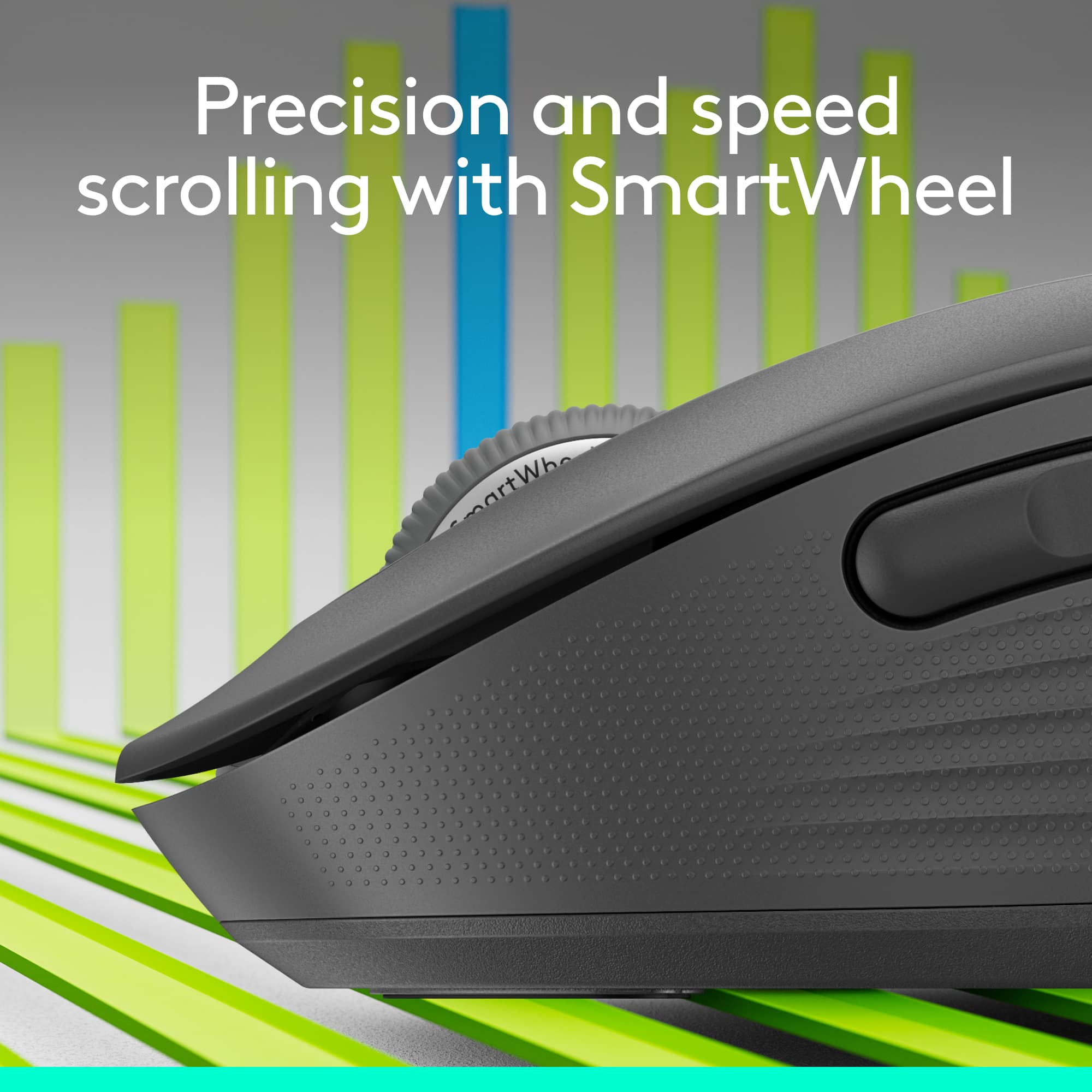
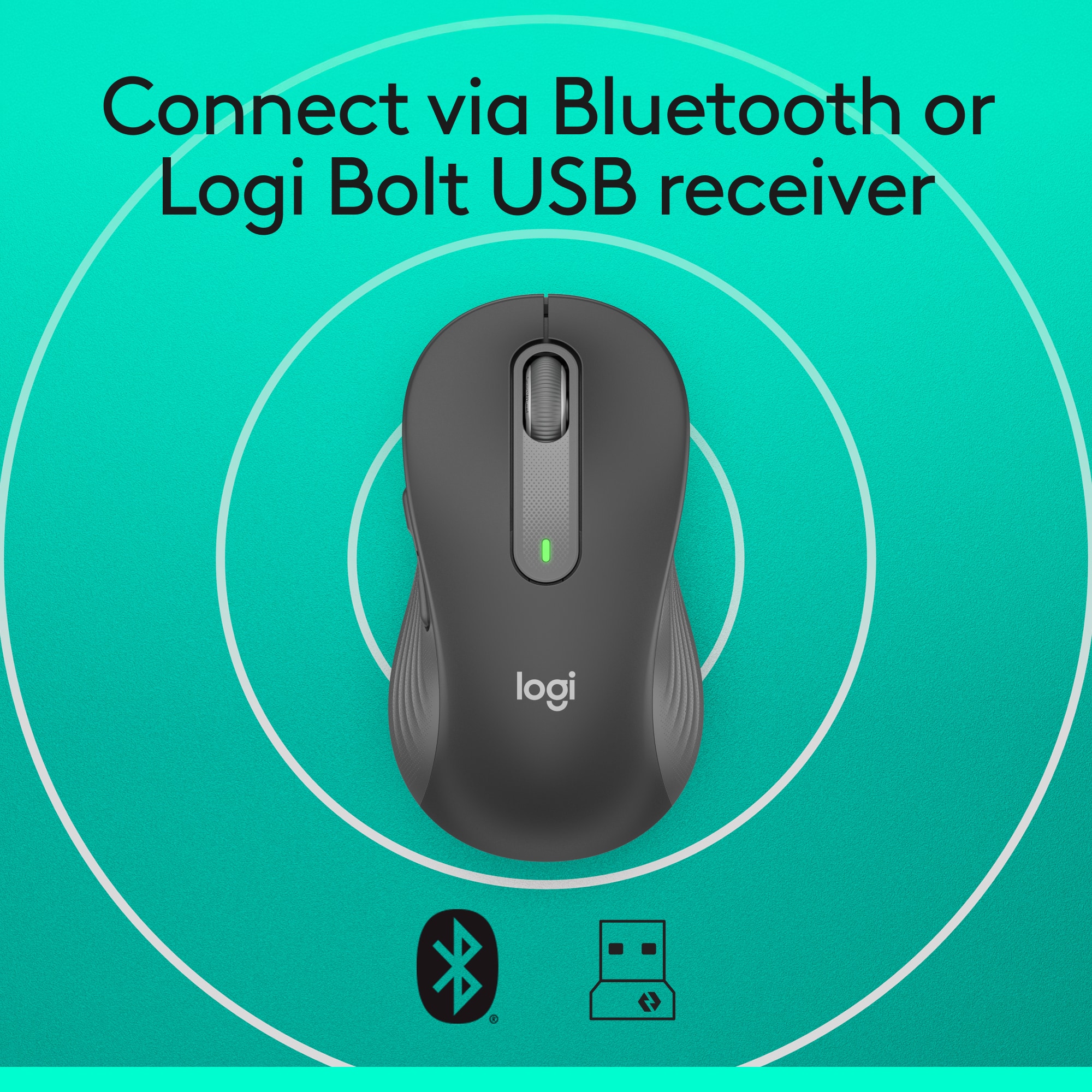
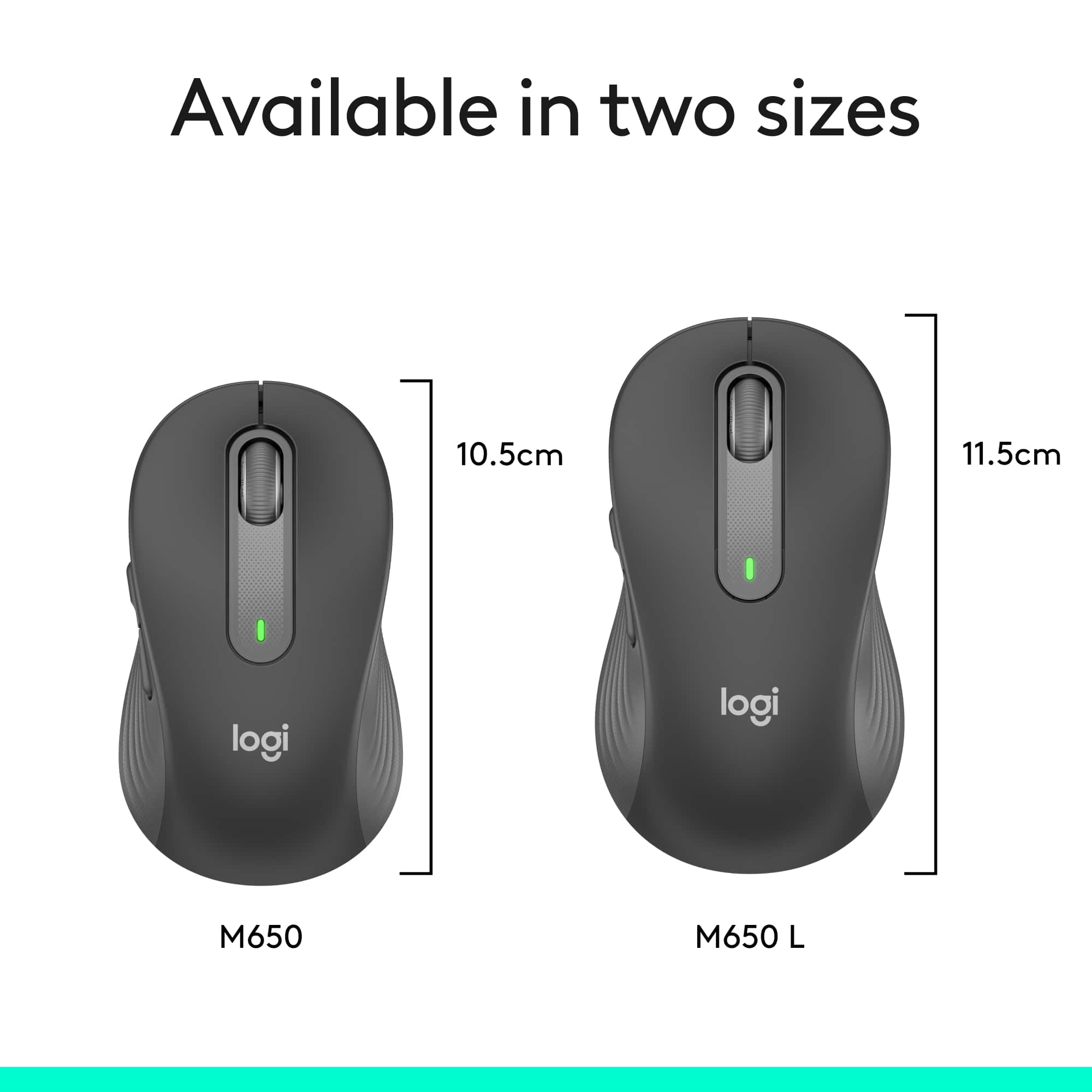
|Posted .This reviewer received promo considerations or sweepstakes entry for writing a review.This is a super sweet mouse! It’s the smaller version which is great to pack for your laptop but still is easily used by someone with larger hands. Logitech also offers the larger version of this as the M650L which is about a half inch longer for people with larger hands. I absolutely love the scroll wheel in the way it easily rolls so smoothly and quietly, yet offering fast scroll speeds when you move the wheel quicker. It truly is quiet! The buttons work smooth and quiet, yet offer great tactile feel as well. The 2 side buttons can also be programmed to your taste using the Logitech Options Plus on the web for free. The rubber cushioning is just right to make if feel very nice in your hand. I have used the mouse with the included USB receiver and via Bluetooth if your computer supports that. On my laptop I use Bluetooth and then I don’t need the little USB receiver hanging out the side and occupying a USB port. Logitech says I can get up to 2 years (using Bluetooth Low Energy) on one AA battery which is included. Even a year I’d be happy so let’s see if they are right. By the way, the little USB receiver stores neatly inside the mouse so it won’t get lost and it’s there if you ever need it. Conclusion: A great comfortable mouse with premium features. It has the ability to use a USB receiver (inc) or Bluetooth connections. Customizable side buttons. And it can be purchased in a larger size as the M650L. I would definitely recommend this little gem.
I would recommend this to a friend Bluetooth miuse
||Posted .This reviewer received promo considerations or sweepstakes entry for writing a review.It works very good, I’m pleased with it vey good purchase
I would recommend this to a friendWorth the buy
||Posted . Owned for 1 month when reviewed.This reviewer received promo considerations or sweepstakes entry for writing a review.Simple set up, very reliable and handles like a dream
I would recommend this to a friendSo valuable
||Posted . Owned for 9 months when reviewed.This reviewer received promo considerations or sweepstakes entry for writing a review.Such a great office mouse and a even better price!
I would recommend this to a friendMouse
||Posted . Owned for 1 month when reviewed.This reviewer received promo considerations or sweepstakes entry for writing a review.Mouse is great. Love the fact that it is wireless.
I would recommend this to a friendSilent clickjng
||Posted . Owned for 2 weeks when reviewed.This reviewer received promo considerations or sweepstakes entry for writing a review.Silent, Bluetooth, and ergonomic for large hands!!
I would recommend this to a friendmouse does less
||Posted . Owned for 1 month when reviewed.This reviewer received promo considerations or sweepstakes entry for writing a review.Clicking my new mouse will NOT turn on my computer, whereas my old mouse DOEs turn on my computer. I had to hook my old mouse back up
No, I would not recommend this to a friendMouse
||Posted . Owned for 1 month when reviewed.This reviewer received promo considerations or sweepstakes entry for writing a review.Works very slow. I did mit like this mouse. I recommend a better quality mouse.
No, I would not recommend this to a friendBrand response from Logitech
Posted .We're sorry to hear that you found the mouse to work very slowly and that it didn't meet your expectations. To address this issue, we recommend reaching out to our social care team via email at socialcare@logitech.com with your
- Name:
- Email Address:
- Country:
- Product Name:
- Brief description of issue:
Should have paid more for the upgrade
||Posted . Owned for 1 month when reviewed.This reviewer received promo considerations or sweepstakes entry for writing a review.Decent mouse, however, not even comparable to my MX Master in my home office.
I would recommend this to a friendBrand response from Logitech
Posted .We value your feedback and apologize for any inconvenience caused. Thank you for bringing this to our attention.
dont waste money
||Posted . Owned for 1 month when reviewed.This reviewer received promo considerations or sweepstakes entry for writing a review.barely lasted a month of use tried changing battery it just doesnt work anymore
No, I would not recommend this to a friendReally disappointed in Logitech lately
||Posted . Owned for 1 month when reviewed.This reviewer received promo considerations or sweepstakes entry for writing a review.I have owned close to a dozen Logitech mice over the years, this is the first one that I stopped using after only a day. It simply has jerky mouse pointer movements, plus the scroll wheel starts to roll super SLOW at odd times. Plus, really SUCKS that I must now use two Logitech dongles as this mouse uses the new "Bolt" dongle, but my logitech keyboard needs the old dongle.
No, I would not recommend this to a friendBrand response from Logitech
Posted .Hello eye4bear,
I am sorry that the M650 L mouse did not meet your expectations. Logitech understands that every user's needs are different, which is why they offer an ample line of products. Feel free to check out other Logitech mice that still work with the Unify wireless adapter. Logitech appreciates your product review. - Leo from Logitech