Customer Ratings & Reviews


- Model:
- 910-006231
- SKU:
- 6491142
Rating by feature
- Value
Rating 4.8 out of 5 stars
- Quality
Rating 4.8 out of 5 stars
- Ease of Use
Rating 4.8 out of 5 stars
to a friend
Customers are saying
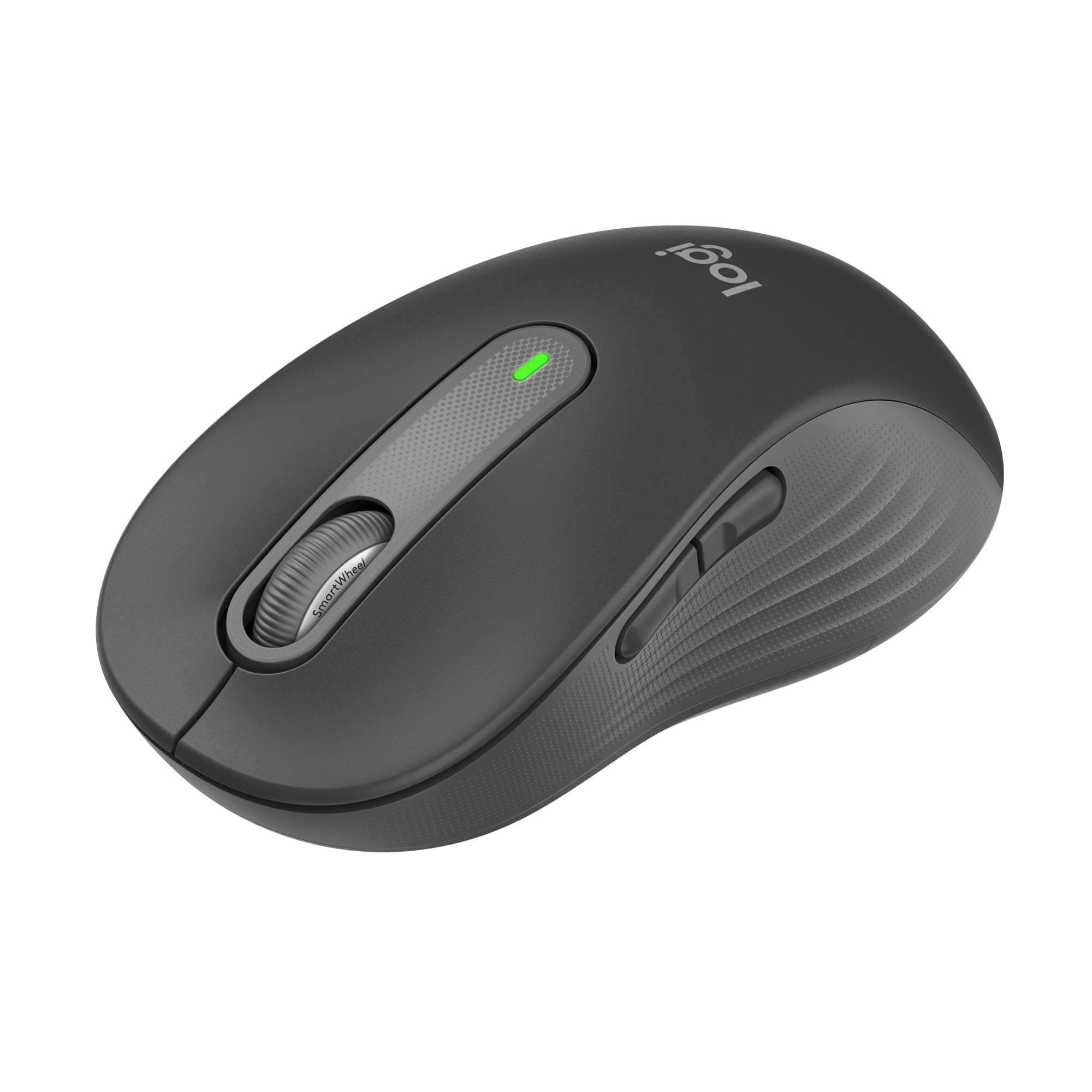
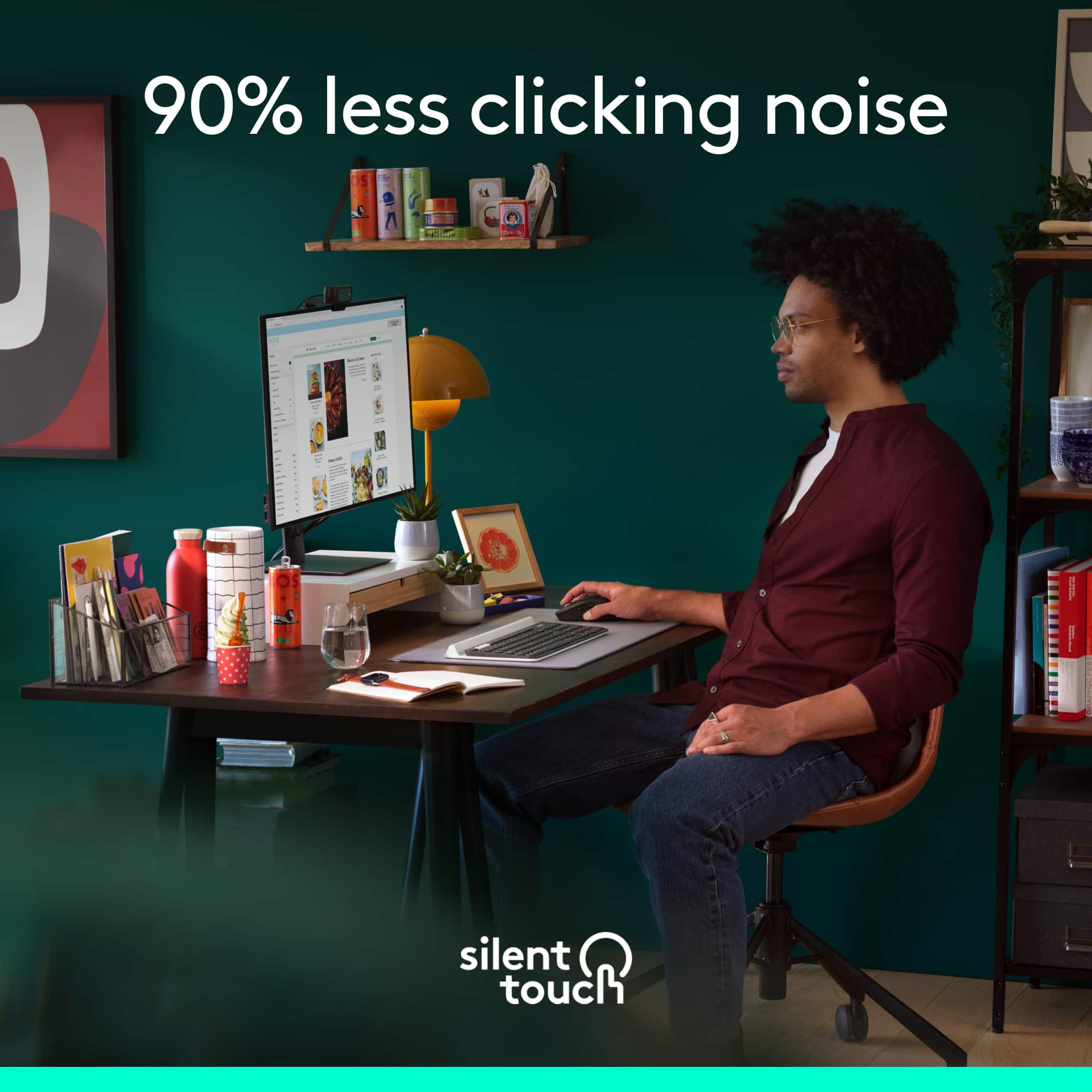
Customers appreciate the product's strong overall performance, ease of use, and comfortable size and ergonomics. They also value its reliable connectivity, silent clicks, and long battery life, noting its quiet operation and attractive color. However, a few customers have noted concerns regarding the scroll wheel becoming loud and the product's price.
This summary was generated by AI based on customer reviews.
Logistic mouse
||Posted . Owned for 3 weeks when reviewed.This reviewer received promo considerations or sweepstakes entry for writing a review.I like to use this because it's very easy and it's just a Bluetooth connection
I would recommend this to a friendGreat
||Posted . Owned for 1 month when reviewed.This reviewer received promo considerations or sweepstakes entry for writing a review.Great mouse for at home work. Functional and reliable.
I would recommend this to a friendBrand response from Logitech
Posted .Thank you for your positive feedback on the Signature M650 L Wireless Scroll Mouse with Silent Clicks. We're glad to hear that it's a great fit for your at-home work needs. Your satisfaction is our top priority.
mouse
||Posted . Owned for 3 weeks when reviewed.This reviewer received promo considerations or sweepstakes entry for writing a review.Fits your hand nicely, very comfortable. Works like a charm.
I would recommend this to a friendGreat feel and movement
||Posted . Owned for 1 month when reviewed.This reviewer received promo considerations or sweepstakes entry for writing a review.I love the feel of the grip and movement. It’s comfortable on my wrist. The design, shape and size are great.
I would recommend this to a friendBrand response from Logitech
Posted .Thank you for your positive feedback about the Logitech Signature M650 L mouse. We're glad to hear that you appreciate its comfort, design, and performance. Your satisfaction is our top priority.
Great Mouse
||Posted . Owned for 3 weeks when reviewed.This reviewer received promo considerations or sweepstakes entry for writing a review.This mouse works smoothly and is just what I needed. Love the red color.
I would recommend this to a friendBrand response from Logitech
Posted .We're thrilled to hear the Logitech - Signature M650 is working smoothly for you! The red color is definitely a popular choice, and we're glad you like it. Thank you for your positive feedback!

A really great mouse.....but
||Posted . Owned for 11 months when reviewed.This reviewer received promo considerations or sweepstakes entry for writing a review.This is my first quality mouse that I've purchased and I love it. the only thing that I have noticed is that within this past week, the double click on the left button, is very erratic now. which doesn't help when you are trying to drag an drop, etc. I've tried it on at least 3 other computers and it does the same thing on all of them. I've opened it and tried to clean it as well, but that didn't seem to help much.
I would recommend this to a friendBest Mouse forsure!
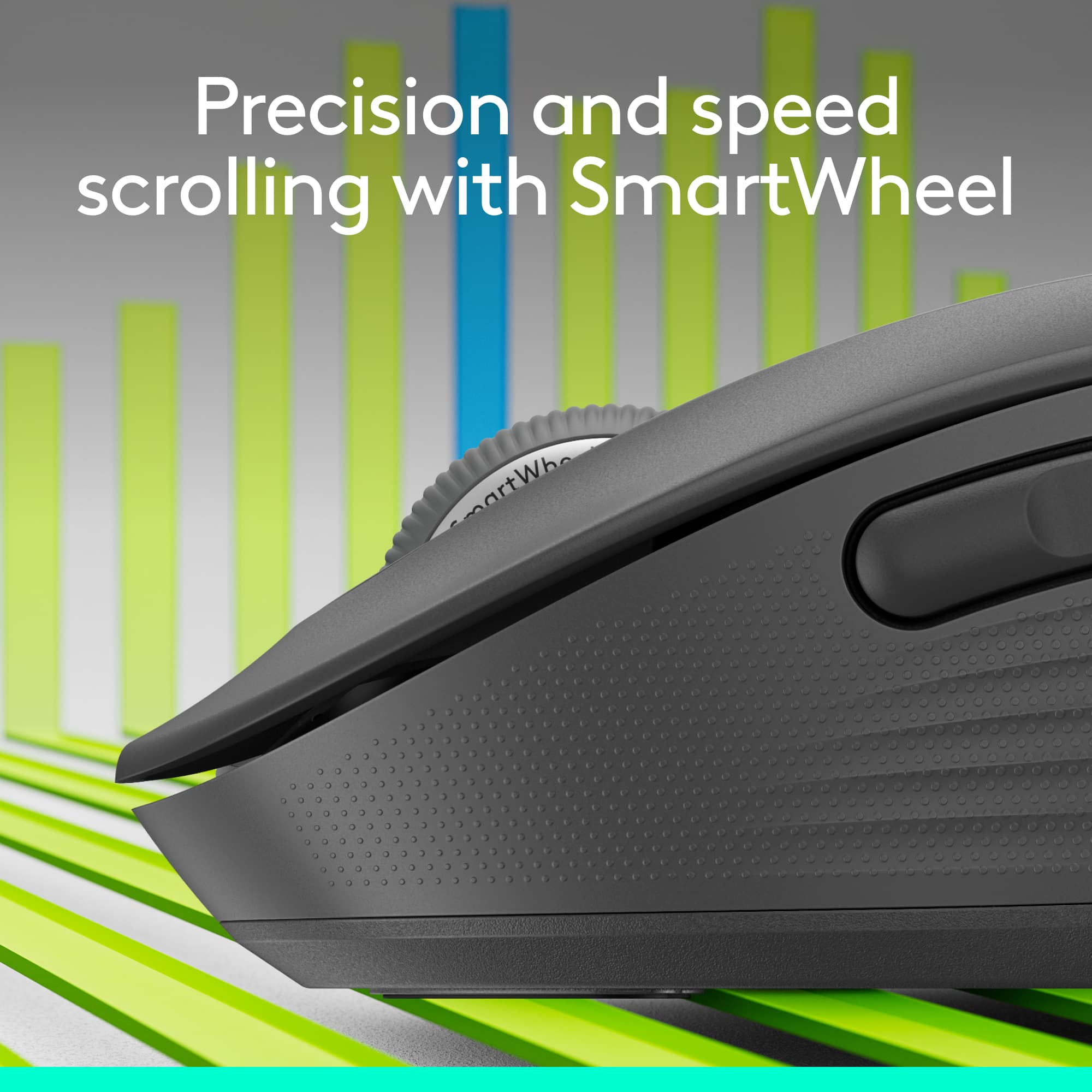
||Posted . Owned for 1 month when reviewed.This reviewer received promo considerations or sweepstakes entry for writing a review.Very comfortable mouse. The scroll wheel is definitely a highlight. Hands down the best mouse I have bought, also love the Bluetooth connectivity.
I would recommend this to a friendBrand response from Logitech
Posted .The Logitech Signature M650 L is a top-notch mouse that offers exceptional comfort and performance. The ergonomic design and smooth scroll wheel make it ideal for long hours of use. The Bluetooth connectivity is a convenient feature that eliminates the need for wires.
Simple to Use and Great Value
||Posted . Owned for 2 weeks when reviewed.This reviewer received promo considerations or sweepstakes entry for writing a review.Really enjoy this wireless Mouse. I was looking for an affordable and easy to use Wireless mouse for a while. Is great you have the option to use the wireless USB connection or Bluetooth. Simple ergonomic design, very comfortable to use.
I would recommend this to a friendNeeded a new mouse
||Posted . Owned for 1 month when reviewed.This reviewer received promo considerations or sweepstakes entry for writing a review.Our old mouse was acting a little flaky, so we decided to get a new one. Logitech always has good products and we haven't been disappointed with this one. We're back to smooth scrolling and precise positioning.
I would recommend this to a friendExcellent!
||Posted . Owned for 3 weeks when reviewed.This reviewer received promo considerations or sweepstakes entry for writing a review.Great, smooth, soft buttons. The only downside is that it uses AA batteries, so always have extra if you travel!
I would recommend this to a friendBrand response from Logitech
Posted .Thank you for the great feedback on the Signature M650 L! We're happy to hear you’re enjoying the smooth, soft buttons. We appreciate your note on the battery usage—it’s helpful for others too. Thanks for being a valued user!
No issues
||Posted . Owned for 1 week when reviewed.This reviewer received promo considerations or sweepstakes entry for writing a review.A little too pricey, but consistently high quality
I would recommend this to a friendBrand response from Logitech
Posted .Thanks for sharing your thoughts on the Signature M650 L. Hearing that the quality consistently meets expectations is valuable feedback for us.
Super fast and fits large hands with ease.
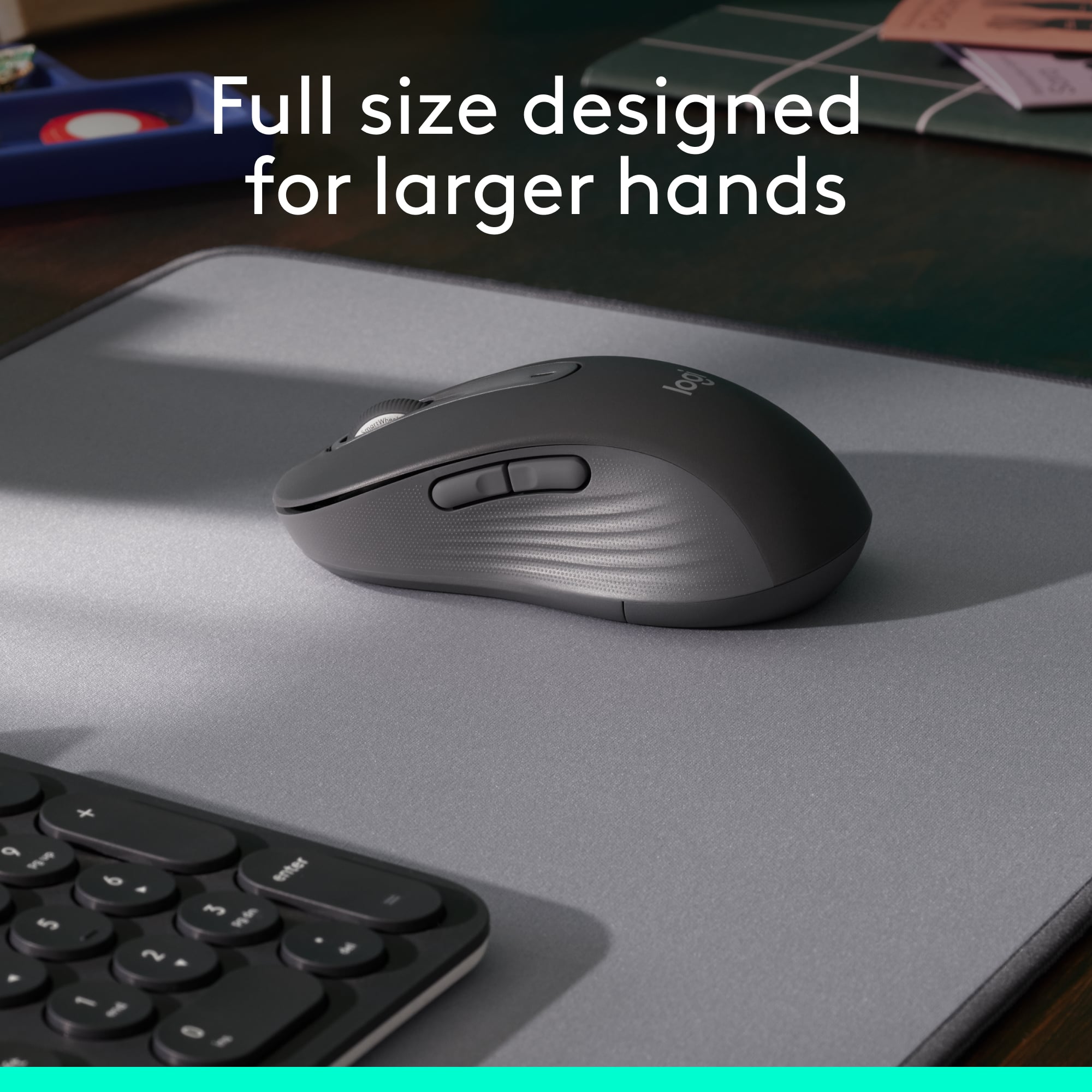
||Posted . Owned for 5 months when reviewed.This reviewer received promo considerations or sweepstakes entry for writing a review.I bought this because I have big hands. It fits like a glove. Response is very fast and battery lasts a very long time. I take it everywhere I go.
I would recommend this to a friendMouse
||Posted . Owned for 3 weeks when reviewed.This reviewer received promo considerations or sweepstakes entry for writing a review.Grate deal. Fast shipping!!!!!!!!!!!!!!!!!!!!!!!!!!!!!!!!!!!!!!!!!!!!!!
I would recommend this to a friendBrand response from Logitech
Posted .We're so glad you're happy with your Signature M550 and that you had a great experience with our fast shipping! Thanks for the awesome review!
It's a mouse
||Posted . Owned for 3 weeks when reviewed.This reviewer received promo considerations or sweepstakes entry for writing a review.It's a mouse, with bluetooth. It works as advertised, and is a good size
I would recommend this to a friendGreat mouse!
||Posted . Owned for 1 month when reviewed.This reviewer received promo considerations or sweepstakes entry for writing a review.Feels comfortable in my hand, lite and works well! This is ny second one, the first one i lost.
I would recommend this to a friendBrand response from Logitech
Posted .We're glad to hear that you're a satisfied customer of the Signature M650 L. Thank you for choosing Logitech again.
Solid
||Posted . Owned for 2 months when reviewed.This reviewer received promo considerations or sweepstakes entry for writing a review.Pretty solid mouse, have been using it for a while and it hasn’t failed me yet!
I would recommend this to a friendLove the larger size
||Posted . Owned for 1 week when reviewed.This reviewer received promo considerations or sweepstakes entry for writing a review.I have a wide hand and the regular mouse feels too small and flares up my carpal tunnel with the way i have to hold it. With this one i can relax my hand more and so far has helped with the pain in my wrist.
I would recommend this to a friendMy laptop mouse
||Posted . Owned for 3 weeks when reviewed.This reviewer received promo considerations or sweepstakes entry for writing a review.I love how easy it is to used so smooth and buttom are so light when u click them
I would recommend this to a friendNice
||Posted . Owned for 1 month when reviewed.This reviewer received promo considerations or sweepstakes entry for writing a review.Great mouse, but scrolling down has no friction so the wheel will keep rolling of you dont stop it Big fan of the silent clicking though
I would recommend this to a friendBrand response from Logitech
Posted .Thanks for the feedback on the Signature M650 L's scrolling. It's valuable to know about the frictionless scrolling experience when going downwards. We appreciate your enjoyment of the silent clicking feature.
Mouse
||Posted . Owned for 3 weeks when reviewed.This reviewer received promo considerations or sweepstakes entry for writing a review.Very quiet but a little big. It was very easy to setup.
I would recommend this to a friend