Customer Ratings & Reviews
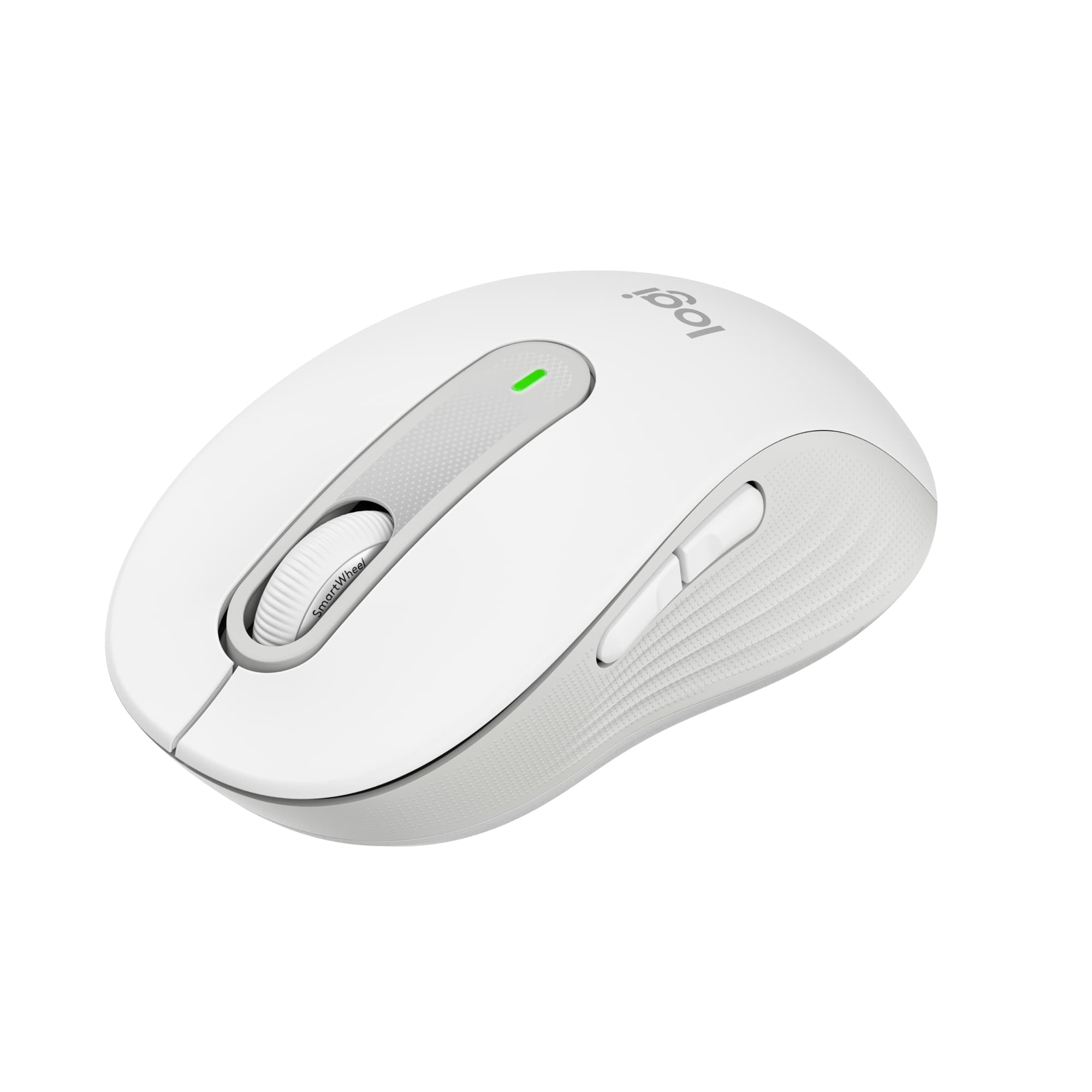


- Model:
- 910-006252
- SKU:
- 11230335
Rating by feature
- Value
Rating 4.8 out of 5 stars
- Quality
Rating 4.8 out of 5 stars
- Ease of Use
Rating 4.8 out of 5 stars
Mrs
||Posted . Owned for less than 1 week when reviewed.This reviewer received promo considerations or sweepstakes entry for writing a review.Easy to set up and for the right price!! Highly recommend it!
I would recommend this to a friendGreat little travel mouse
||Posted . Owned for 3 weeks when reviewed.This reviewer received promo considerations or sweepstakes entry for writing a review.Definitely one of the best inexpensive wireless mice available.
I would recommend this to a friend- Pros mentioned:SizeCons mentioned:Side buttons

Mouse is excellent but the app needs work
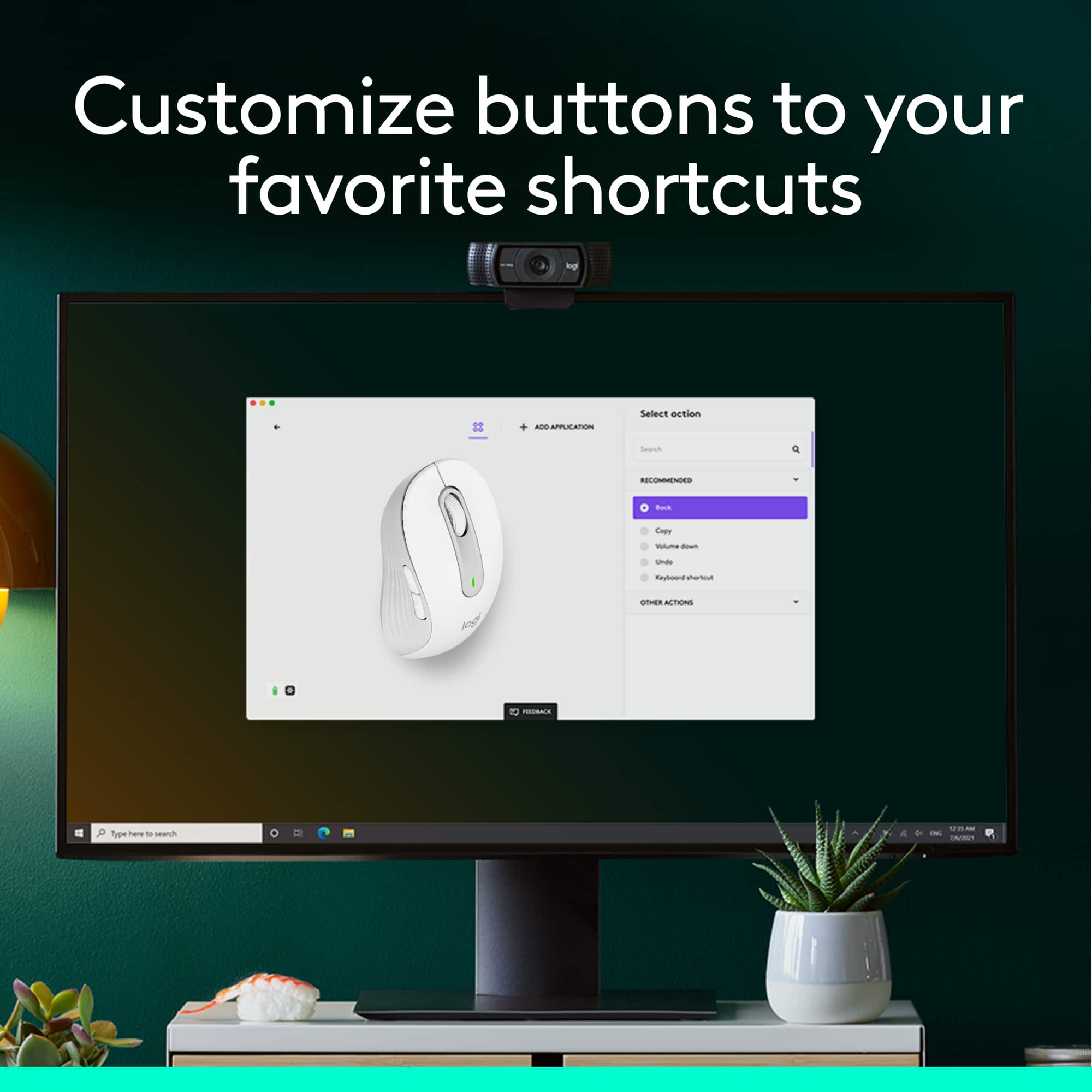
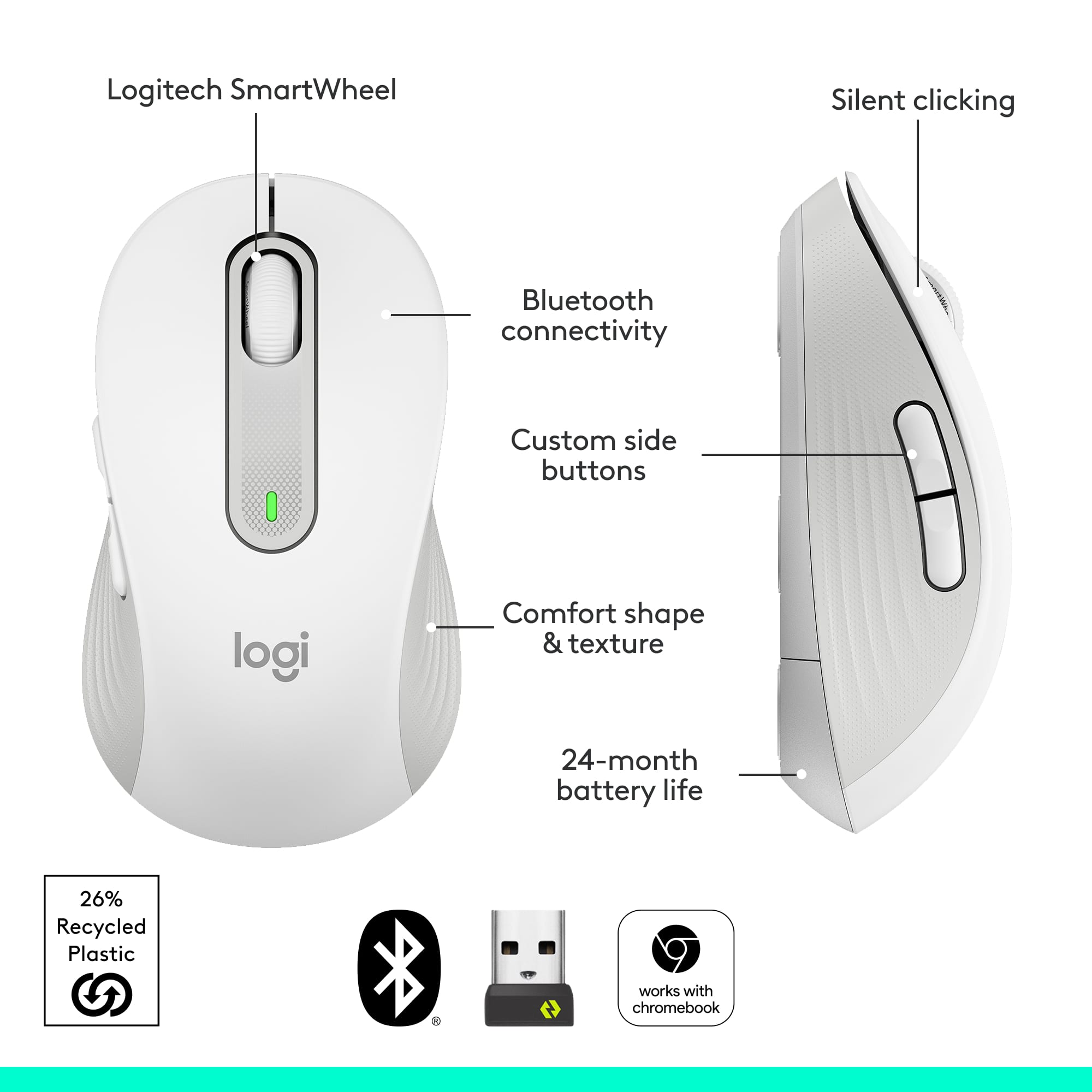
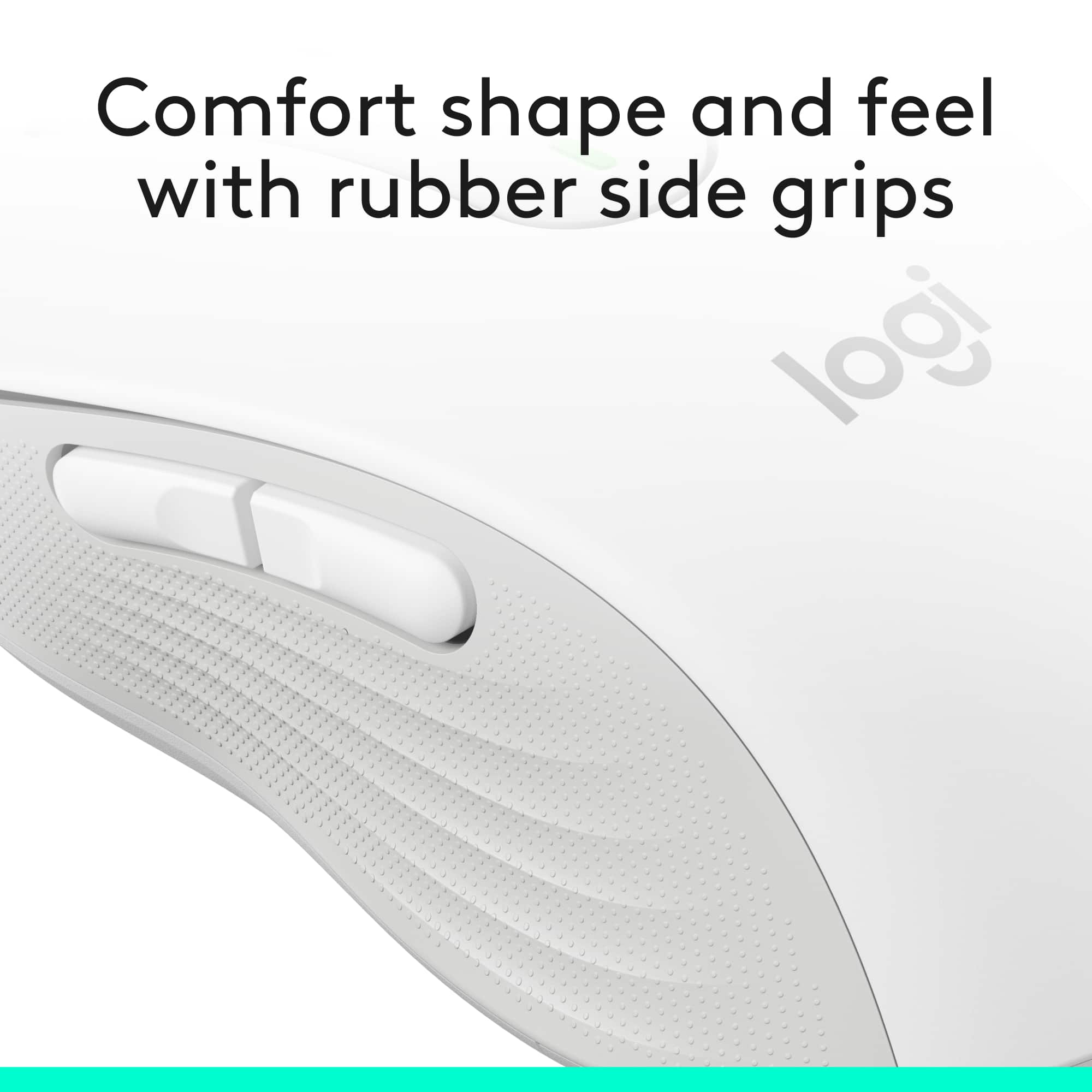
|Posted .This reviewer received promo considerations or sweepstakes entry for writing a review.I like the Logitech Signature M650 mouse itself, but the instructions and the app need some work. The mouse came packaged in a clamshell package with an easy-open design. I plugged the USB receiver in and it connected within seconds. The bluetooth connection took longer, due to the incomplete instructions. The connect button on the bottom has to be held in for several seconds to make the connection. A single push doesn’t do it. The mouse glides smoothly. It’s the perfect size and weight for me. Scrolling and clicks are quiet and it has ridged rubber side grips. The textured sides give some traction when pushing the side and middle (wheel) buttons. The packaging states that it has a 24 month battery life. That’s a good thing because the battery compartment is hard to open. I’ve seen better designs. On arrival, the side buttons are set to forward and back shortcuts and the wheel button activates fast scrolling. Customizing the mouse and its buttons requires a download from Logitech options plus. It was initially hard to know what to do with the download. The screen showed a picture of the mouse with “settings” and “add a device” options. Neither of those took me to customization. I found that you have to click on the picture of the mouse to proceed. The next picture identifies the buttons on the mouse as does the 3rd picture. After experimenting for a while I discovered that clicking on the button labels (Middle button/Forward/Back) opens a dialogue with options for that button. A few words of instructions like “Click on the mouse to proceed” and “Click on the labels to see customizing options” would’ve helped. The smart scroll wheel can switch between line by line scrolling and faster speed scrolling. A push on the scroll wheel switches between the two. When speed scrolling is activated the pointer icon changes. A slight movement of the mouse initiates fast scrolling to the bottom or top of the document. A second click of the scroll wheel stops the speed scrolling. The app shows that the front side button can be customized for forward, paste, volume up, redo, a keyboard shortcut or gestures. The back side button can be customized for back, copy, volume down, undo, a keyboard shortcut or gestures. Gestures do things like open the start menu or show/hide the desktop. A push of the middle (scroll wheel) button has about a dozen customizable options including emojis and a calculator. Holding in a side button while scrolling should enable horizontal scrolling. The app appears to be in beta testing and making changes in the app did not always make the corresponding changes to the mouse. I selected copy and paste for the side button functions but they did not change from the forward and back initial setting. Something I saw on the website made me think that the copy/paste shortcut only works in Excel, but it wasn’t clear. I wasn’t able to get the horizontal scrolling to work. I was able to select the calculator shortcut which added a calculator to the PC taskbar. The Gesture shortcut also worked, but there were several functions that would not work for me. I contacted Logitech support and they advised me to uninstall and reinstall the app - which I did with no better results. I feel like maybe there is some combination of pushing buttons that I haven’t stumbled onto yet that will make all the options work. Or maybe the shortcuts only work in certain defined applications. The app information on the Logitech website was minimal and unclear. I like the size and feel of the mouse and the speed scrolling might be a useful feature. But pushing side buttons to do things like copy and paste seems cumbersome and the force of the push makes me hold on to and accidentally click the left click pad. I think I could do it just as fast the old fashion way. It’s kind of cool that a mouse could do more than just be a mouse and some of the shortcuts might be useful, but I think there are easier ways to do some of them.
I would recommend this to a friend Logitech Wireless mouse
||Posted . Owned for 4 months when reviewed.This reviewer received promo considerations or sweepstakes entry for writing a review.Logitech wireless mouse is a great mouse for a great price.
I would recommend this to a friendSolid mouse from Logitech
||Posted . Owned for 3 weeks when reviewed.This reviewer received promo considerations or sweepstakes entry for writing a review.Very comfortable reliable mouse. Good value for the price.
I would recommend this to a friendSo valuable
||Posted . Owned for 9 months when reviewed.This reviewer received promo considerations or sweepstakes entry for writing a review.Such a great office mouse and a even better price!
I would recommend this to a friend- Pros mentioned:Silent clicks, Size
This Logitech Mouse Is A Winner!
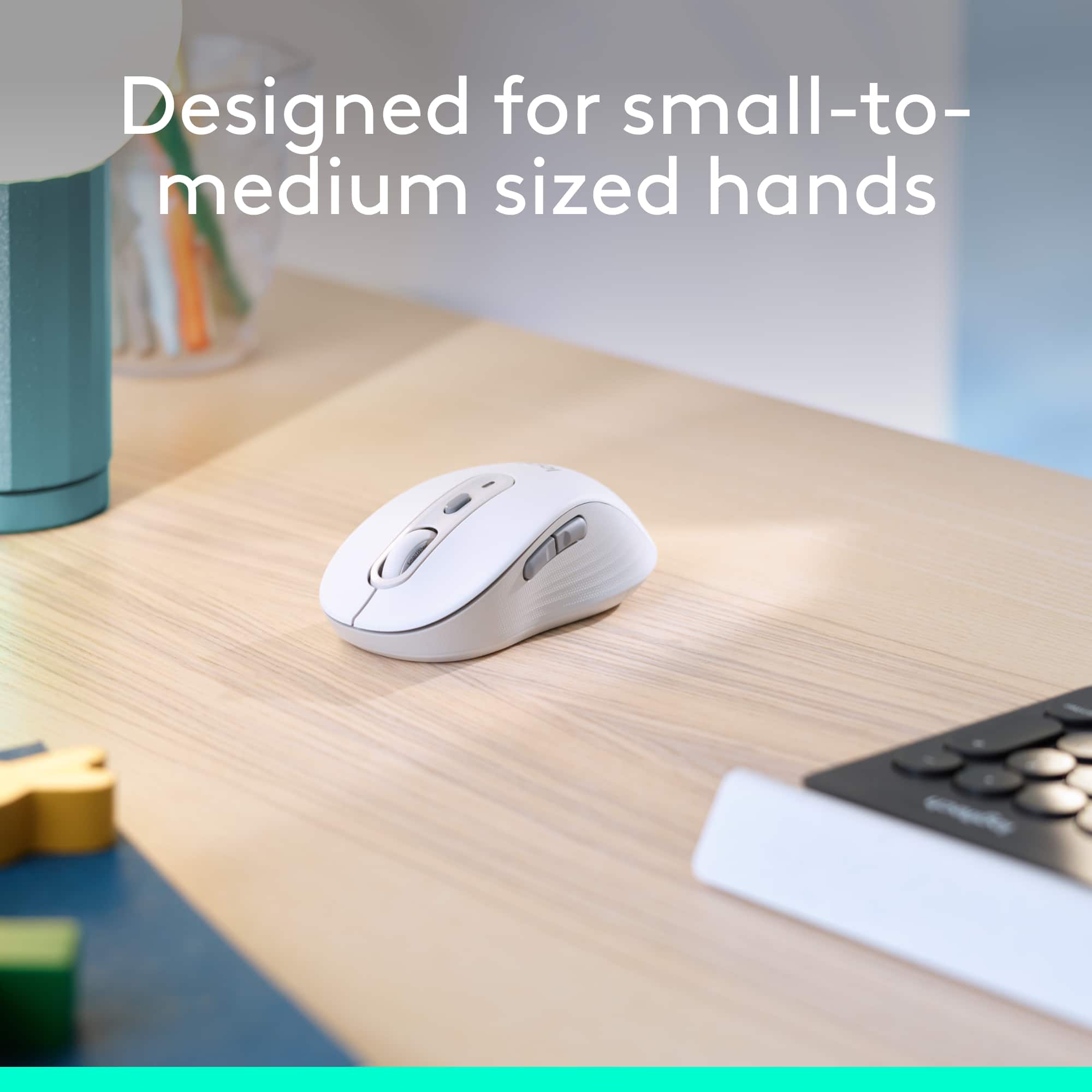
|Posted .This reviewer received promo considerations or sweepstakes entry for writing a review.I have used a Logitech computer mouse for years. Have always been my favorite, even though I have an iMac I continue to use the USB Logitechs. I was pleased to give this SIGNATURE M650 a try and I found it fit my small hand perfectly. It should fit a medium hand as well. A battery is included and they say it should have a 24 month life. It's very easy to change out however with an AA battery by removing the bottom cover. The USB dongle is included inside the mouse but you can also set it up using Bluetooth. The nice thing is this mouse has a silent touch with silent clicks. I also really like the shape - indentations on each side just fit in my hand so perfectly and therefore very comfortable, especially for long usage. You can customize buttons to your shortcuts as well. The scroll wheel works great, extremely responsive and smooth. I highly recommend this Logitech M650 and it's definitely worth a purchase. They also offer it in a left hand or large hand model. Anyway you look at it this is a 5 star winner!
I would recommend this to a friend Mouse
||Posted . Owned for 1 month when reviewed.This reviewer received promo considerations or sweepstakes entry for writing a review.Works very slow. I did mit like this mouse. I recommend a better quality mouse.
No, I would not recommend this to a friendBrand response from Logitech
Posted .We're sorry to hear that you found the mouse to work very slowly and that it didn't meet your expectations. To address this issue, we recommend reaching out to our social care team via email at socialcare@logitech.com with your
- Name:
- Email Address:
- Country:
- Product Name:
- Brief description of issue:
Mouse
||Posted . Owned for 1 month when reviewed.This reviewer received promo considerations or sweepstakes entry for writing a review.Was told it would work with an Apple Computer and it does not always work
No, I would not recommend this to a friendBrand response from Logitech
Posted .Hey there, I'm sorry to hear that your mouse isn't working. The M650 is compatible with mac os 10.10 or later, so if you're still having issues I would recommend contacting us via our support site for additional assistance. -Weston from Logitech
Works great.
||Posted . Owned for 3 weeks when reviewed.This reviewer received promo considerations or sweepstakes entry for writing a review.Mouse worked great, just too small for my hand. I wound up buying the larger model.
I would recommend this to a friend- Pros mentioned:Ease of use, Size
A Very Nice Wireless Mouse
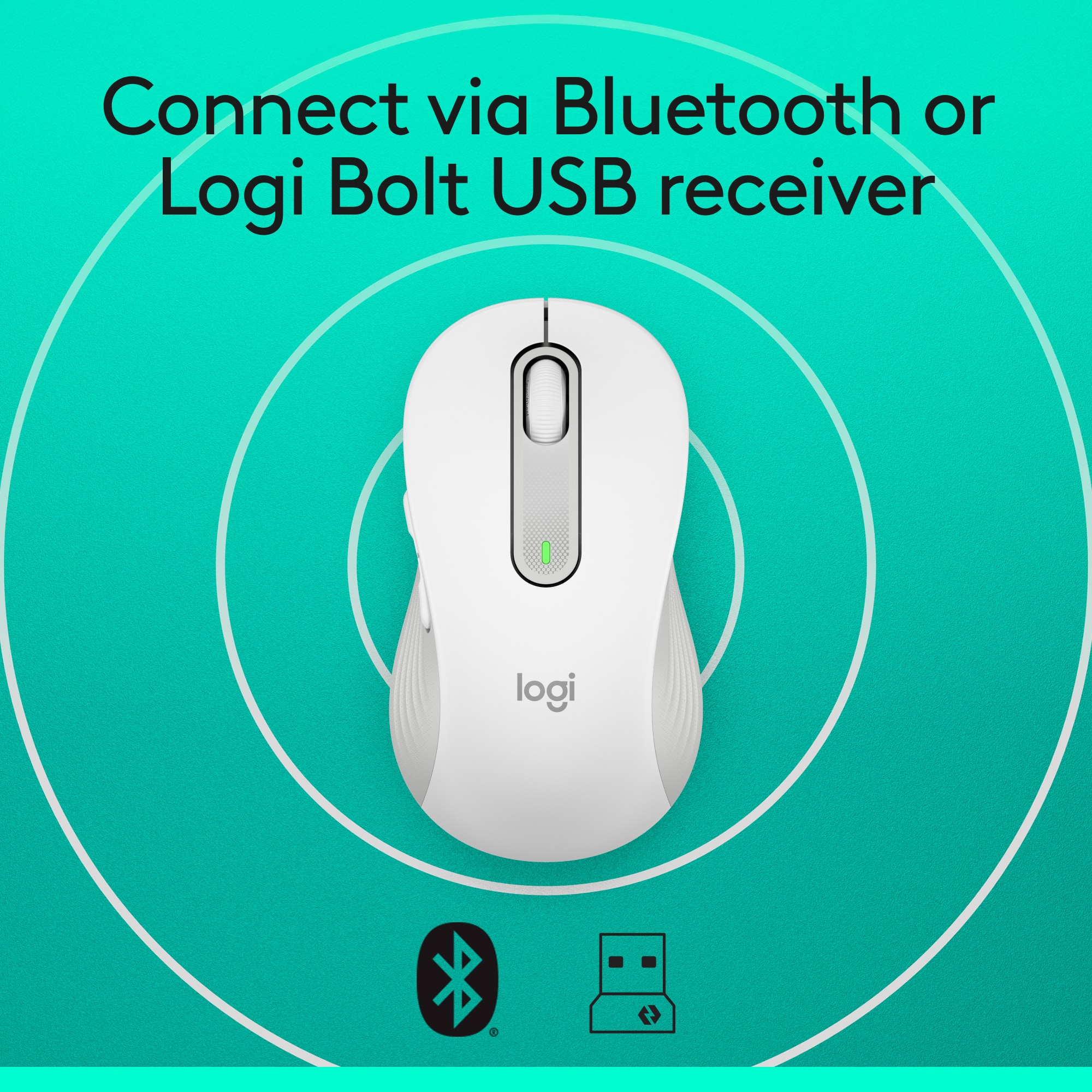
|Posted .This reviewer received promo considerations or sweepstakes entry for writing a review.The Logitech Signature M650 Wireless Mouse is an excellent device to use with your computer. While I have large hands, I found the mouse to be very comfortable to use. With its quiet clicks, a smartwheel that allows you to scroll line-by-line or with a flick of the finger go to very fast scrolling, and 24 month battery life, this mouse is a beauty. It connects to your computer via Bluetooth Low Energy wireless or its included Logi Bolt USB receiver and is very easy to connect and configure. The Logitech M650 comes in sizes for small to medium hands as wll as large and left hand models so everyone can find their perfect fit. The buttons on the Logi mouse can be customized using Logitech Options Plus software downloaded for free from Logitech.com/OptionsPlus and using a single AA battery you should get around 24 months use before needing to replace the battery!
I would recommend this to a friend not good
||Posted . Owned for 4 months when reviewed.This reviewer received promo considerations or sweepstakes entry for writing a review.The right click thing is way too sensitive, just your finger resting on it engages it--very annoying. Also, doesn't always work immediately when you want to select something. One good thing--scrolling is fast and convenient.
No, I would not recommend this to a friendBrand response from Logitech
Posted .We sincerely regret if our product provided you with a inferior experience. We understand your displeasure and apologize for any issues that arise. We value your input, therefore we will forward it along to the appropriate team so they can look into it.
Try a different mouse
||Posted . Owned for 7 months when reviewed.This reviewer received promo considerations or sweepstakes entry for writing a review.The only good thing about this mouse is that since it connects with Bluetooth it doesn't take up a USB port on computer. I've had it six months and had to uninstall and reinstall numerous times.
No, I would not recommend this to a friendBrand response from Logitech
Posted .Sorry about that! Incase the issue is persistent, we'd recommend you to get in touch with the Logi Support Team in this case and the team will definitely walk you through all the available options, next steps, and best possible solution.
Not Impressed
||Posted . Owned for 1 month when reviewed.This reviewer received promo considerations or sweepstakes entry for writing a review.Did not have all the pieces - was missing the most important piece of all - the computer chip that runs the whole thing!!
No, I would not recommend this to a friendBrand response from Logitech
Posted .Hello! We are sorry to hear that your Logitech Signature M650 mouse was missing critical components and inoperable. We understand your frustration and apologize for the inconvenience this caused you. To find it, check the battery compartment & box edges. If not there, contact the retailer for a replacement.
- Pros mentioned:Ease of use, Silent clicks, Size
Super silent clicking
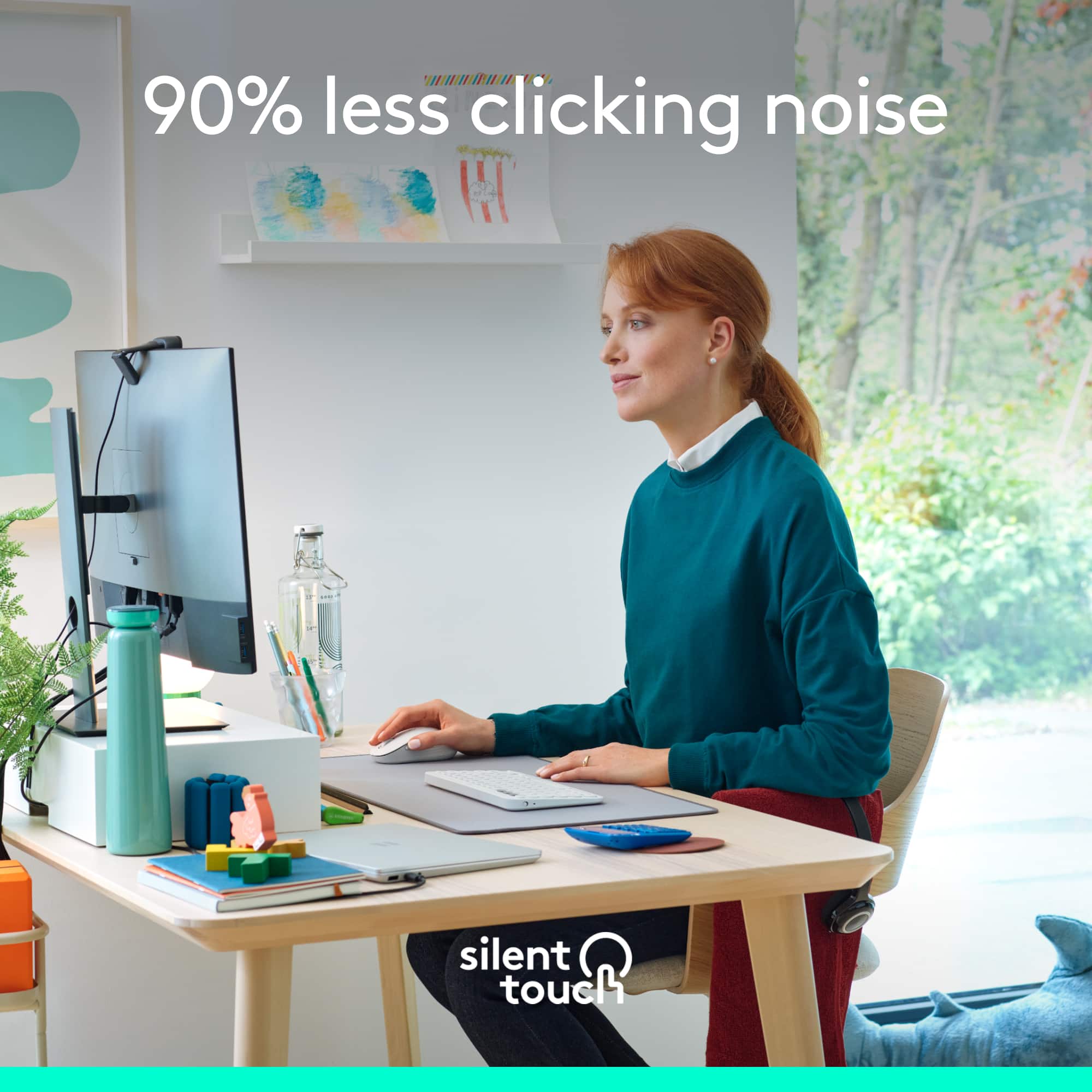
|Posted .This reviewer received promo considerations or sweepstakes entry for writing a review.I work from home and typically work from my laptop and have an external monitor as well. When working long hours, it gets annoying to use the track pad on my laptop all day, so I love having a mouse for easier use. This mouse is standard sized and includes the battery with it. There is a compartment on the bottom that stores the USB extension so you can easily travel with it on the go. This mouse is also super quiet and makes virtually no sound when clicking. It moves around seamlessly and makes working convenient.
I would recommend this to a friend Ms.
||Posted . Owned for 3 weeks when reviewed.This reviewer received promo considerations or sweepstakes entry for writing a review.This item was broken. It did not work. Was unable to get it to connect with my Dell Computer.
No, I would not recommend this to a friendBrand response from Logitech
Posted .That sounds like an issue. In order to assist you effectively, please provide your information to our support team by emailing socialcare@logitech.com. Name – Email address – Country – Product name – Brief description of the issue –
- Pros mentioned:Silent clicks, Size
Fantastic bluetooth mouse!
Posted .This reviewer received promo considerations or sweepstakes entry for writing a review.This mouse is fantastic! It feels as smooth as butter and is very comfortable in the hand. I am a lady with medium sized hands and found this to be just the right size. It is super easy to connect, the wheel feels great, and it is so customizable! I love the buttons you can program. Also, it is absolutely silent, which was what I was looking for. This is well worth the cost!
I would recommend this to a friend - Pros mentioned:Size
It really is whisper quiet
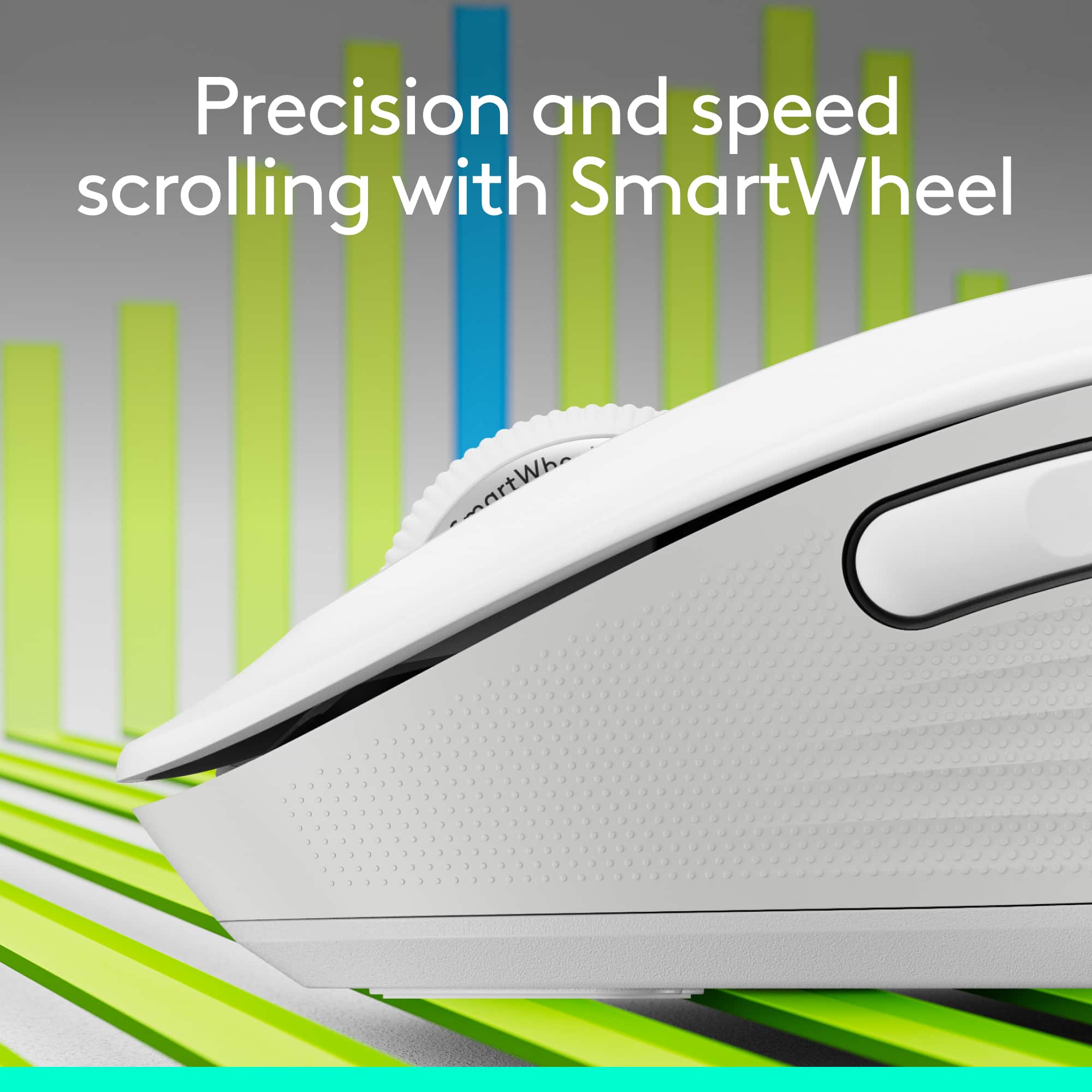
|Posted .This reviewer received promo considerations or sweepstakes entry for writing a review.Logitech makes a name for itself with high quality, dependable peripherals, and I am a big fan of what they produce. This mouse is no exception. Don’t let the low-price fool you, it is impressively built and works better than I anticipated with already high expectations given my experience with the brand. It is advertised as having quiet clicks, and that is something I did not anticipate would make any difference to me, but it really does. There is almost no noise whatsoever from this mouse. I doubted it would be as silent as it is, and I am very impressed. The buttons all work perfectly with just the right amount of tactile feedback, and the scroll wheel has a nifty auto shift feature that helps it go from slow to quick scrolling depending on how much force you put into it. I have large hands and was worried this small mouse that I wanted to use on the go with my laptop would be too small making it uncomfortable, and thankfully it has just the right shape to make it comfortable for me. It also works shockingly well tracking on many different surfaces, such as my smooth desktop and leatherette covering, countertop, kitchen table, and more. I am using it with Bluetooth and have not ever noticed any lag or disconnects, and it includes Logitech’s unifying USB receiver so you can use it with that on a computer with no Bluetooth or simply if you want to avoid Bluetooth. It is advertised as having significant battery life from the single included AA, but there is no way at this point for me to know if that claim will be accurate. It does have an off switch on the bottom which is perfect for putting it in a laptop bag and keeping it from taking inputs. If you want a small, inexpensive, portable mouse that will work with just about any computer, have ultra-long battery life, and be extremely quiet and comfortable to use, this is the one. I highly recommend it.
I would recommend this to a friend - Pros mentioned:Size
Great daily use mouse
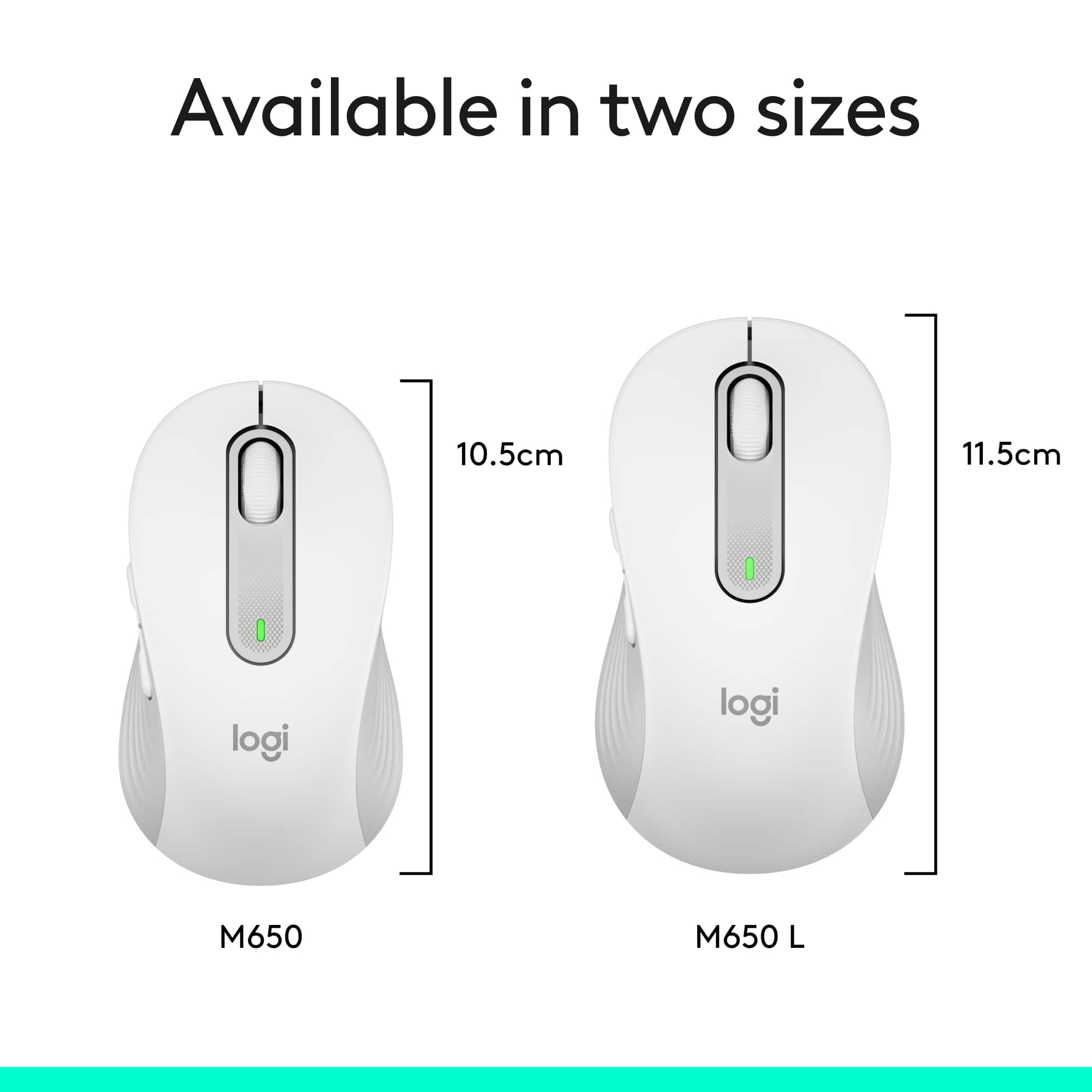
|Posted .This reviewer received promo considerations or sweepstakes entry for writing a review.This is a super sweet mouse! It’s the smaller version which is great to pack for your laptop but still is easily used by someone with larger hands. Logitech also offers the larger version of this as the M650L which is about a half inch longer for people with larger hands. I absolutely love the scroll wheel in the way it easily rolls so smoothly and quietly, yet offering fast scroll speeds when you move the wheel quicker. It truly is quiet! The buttons work smooth and quiet, yet offer great tactile feel as well. The 2 side buttons can also be programmed to your taste using the Logitech Options Plus on the web for free. The rubber cushioning is just right to make if feel very nice in your hand. I have used the mouse with the included USB receiver and via Bluetooth if your computer supports that. On my laptop I use Bluetooth and then I don’t need the little USB receiver hanging out the side and occupying a USB port. Logitech says I can get up to 2 years (using Bluetooth Low Energy) on one AA battery which is included. Even a year I’d be happy so let’s see if they are right. By the way, the little USB receiver stores neatly inside the mouse so it won’t get lost and it’s there if you ever need it. Conclusion: A great comfortable mouse with premium features. It has the ability to use a USB receiver (inc) or Bluetooth connections. Customizable side buttons. And it can be purchased in a larger size as the M650L. I would definitely recommend this little gem.
I would recommend this to a friend - Cons mentioned:Scroll wheel
Excellent Mouse- responsive`
|Posted .This reviewer received promo considerations or sweepstakes entry for writing a review.Like everything I've ever had from Logitech, the M650 mouse is excellent in every way. Comes in a bubble package without any frills, what you see is what you get. The mouse is complete with a battery, so it is ready to use right out of the package. Connect via Logi Bolt USB (included) or via Bluetooth. I'm still on Windows 10 and it was connected as fast as I could tap and touch! Speaking of tapping and touching, this mouse is very quiet! I cannot hear the clicks or the scrolling but I can feel both of those things. Excellent! The wheel can go from "line at a time" to warp speed, based on how quickly you spin the wheel. This is really nice on a long pdf! I got to the bottom of a ten page pdf in three whirls of the wheel. Now, as to fit. I have the medium size mouse and my hands are on the large size for a woman. I had been using a really small mouse, but within ten minutes of use, thiis Logi mouse fits my hand perfectly. The sides where your thumb and 3rd and 4th fingers grip has a rubbery textture that holds your fingers. The top two buttons are very smooth plastic with a very slight dip, so that your 1st and 2nd fingers naturally hold it in the right spot. This is a really good product at a good price point. I expect to get years of use from it. In fact, Logitech says the one battery will last for two years! Again, outstanding use of energy!
I would recommend this to a friend