Customer Ratings & Reviews


- Model:
- 910-006252
- SKU:
- 11230335
Rating by feature
- Value
Rating 4.8 out of 5 stars
- Quality
Rating 4.8 out of 5 stars
- Ease of Use
Rating 4.8 out of 5 stars
- Pros mentioned:Overall performance
Perfect little Mouse
Posted .This reviewer received promo considerations or sweepstakes entry for writing a review.Fast and connects to Bluetooth easy. Very functional
I would recommend this to a friendBrand response from Logitech
Posted .We’re so happy to hear that our product is working well for you. Your review helps us understand what we’re doing right and where we can grow. Thank you for being part of the Logitech community and for taking the time to share your thoughts.

- Pros mentioned:Size

Great Mouse on Logi Bolt platform
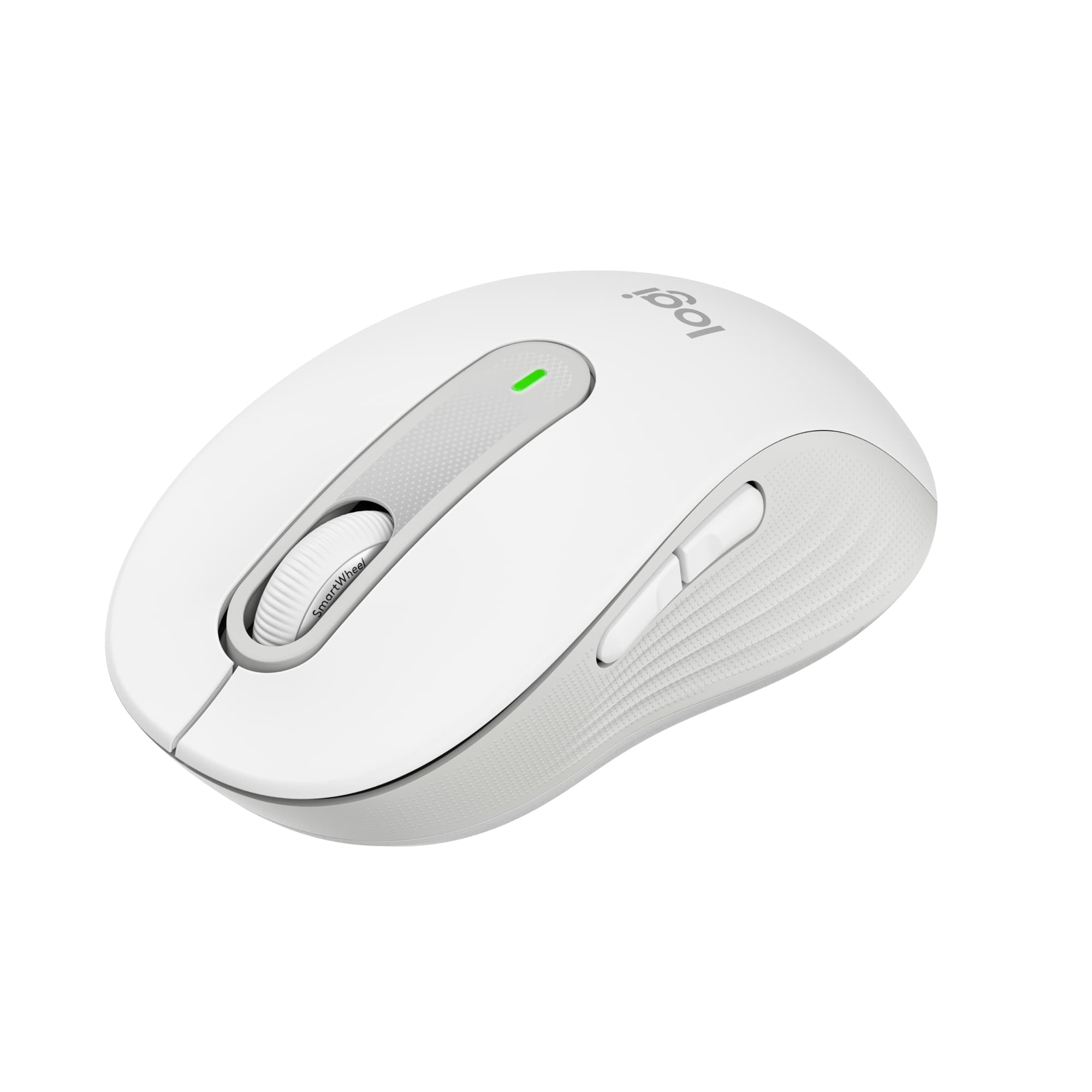
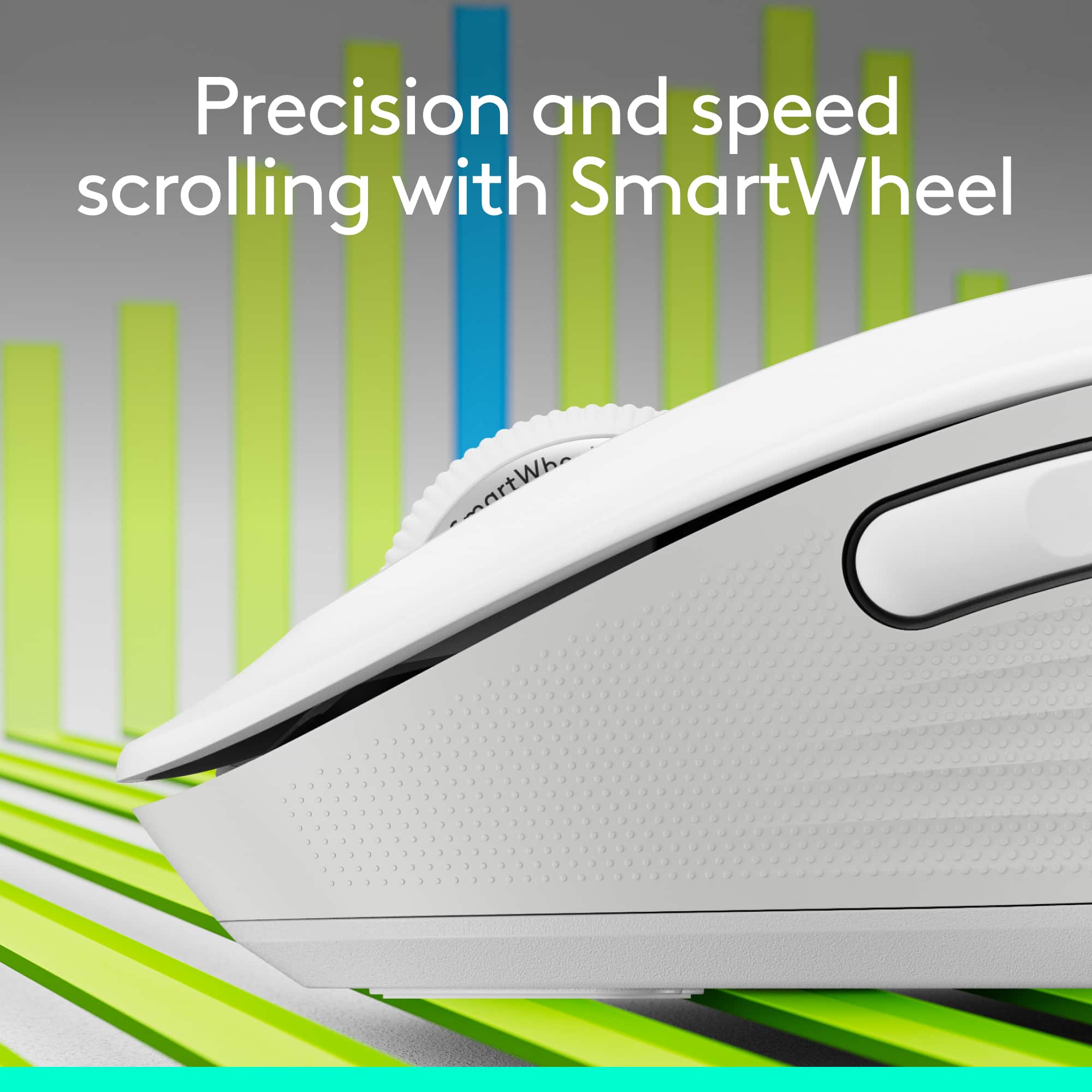
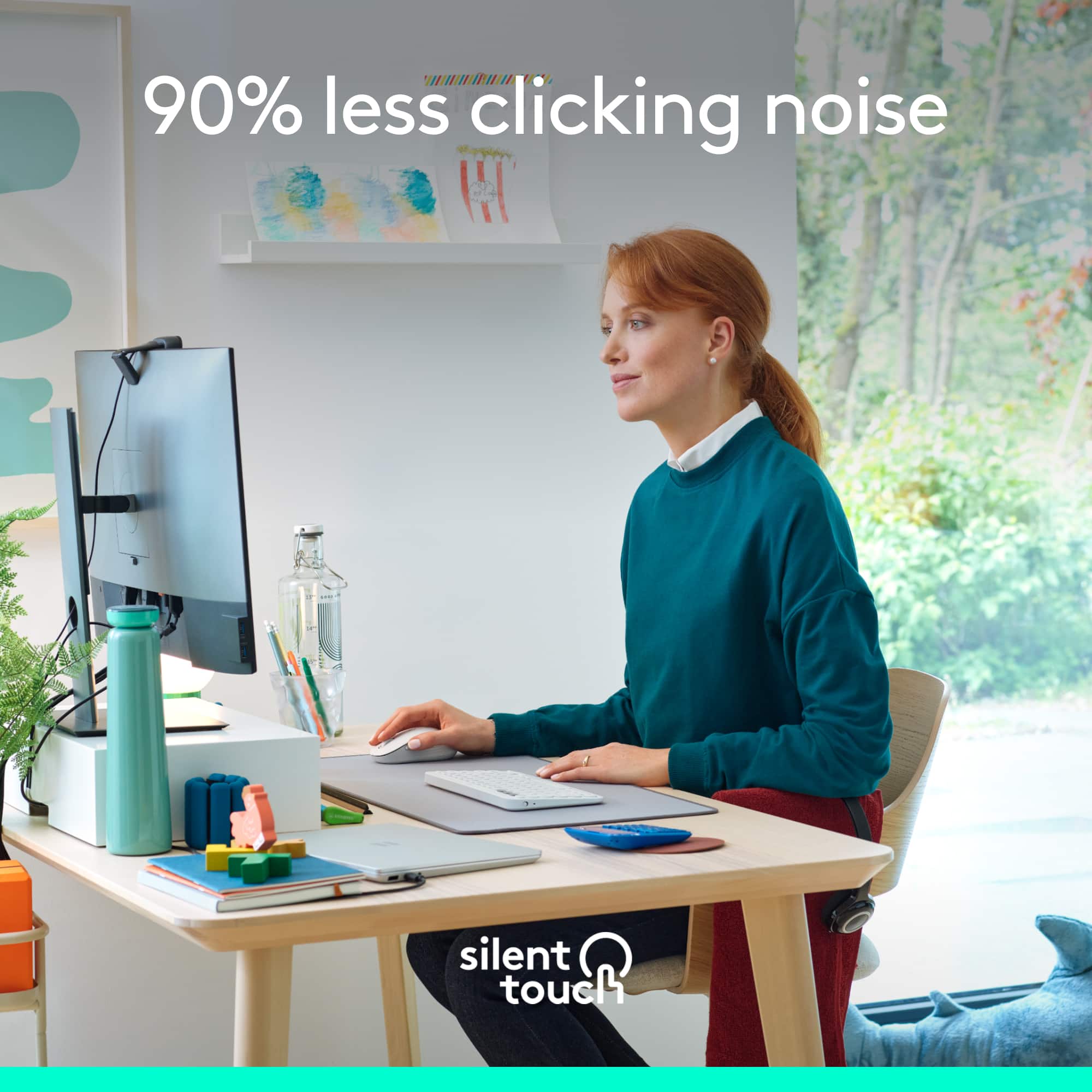
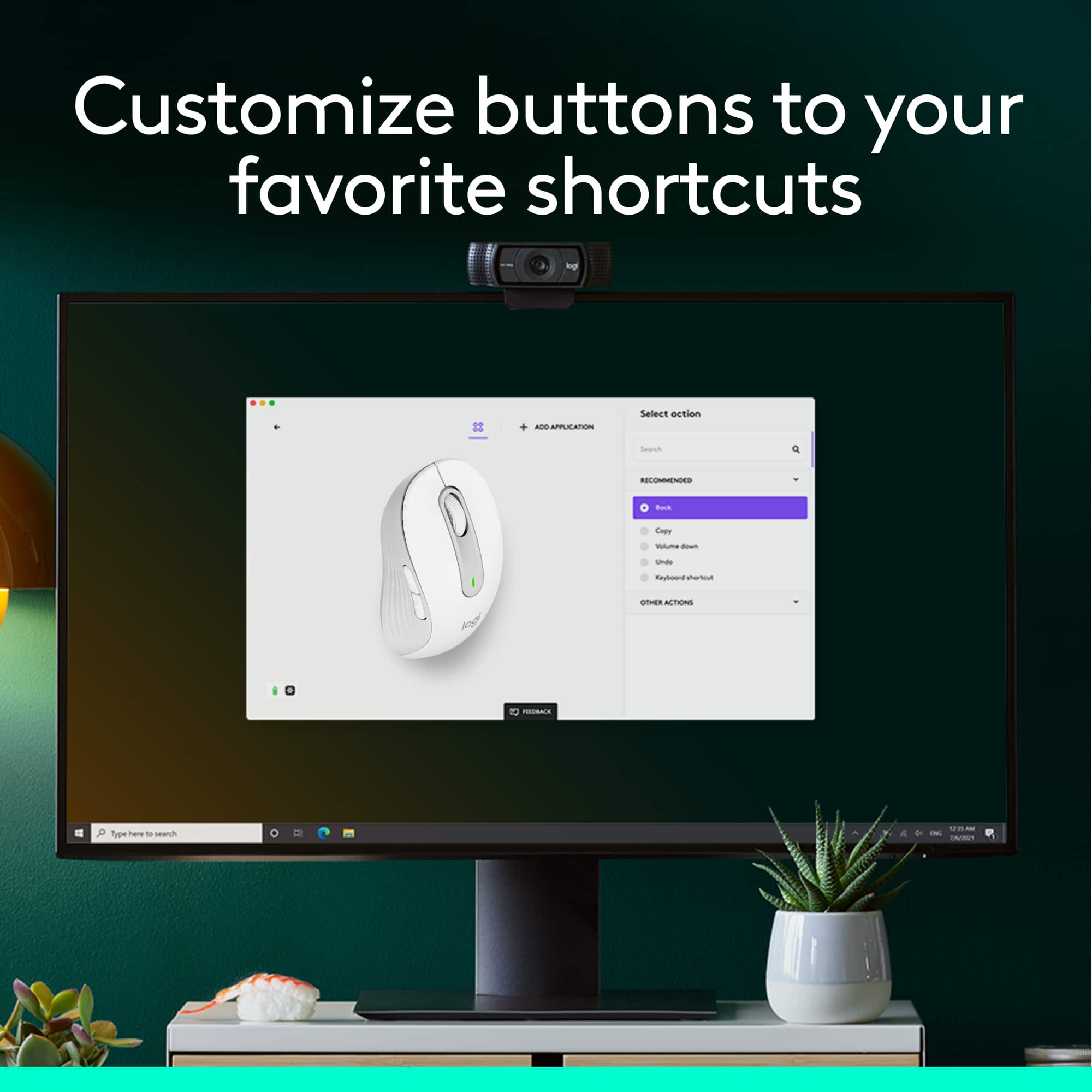
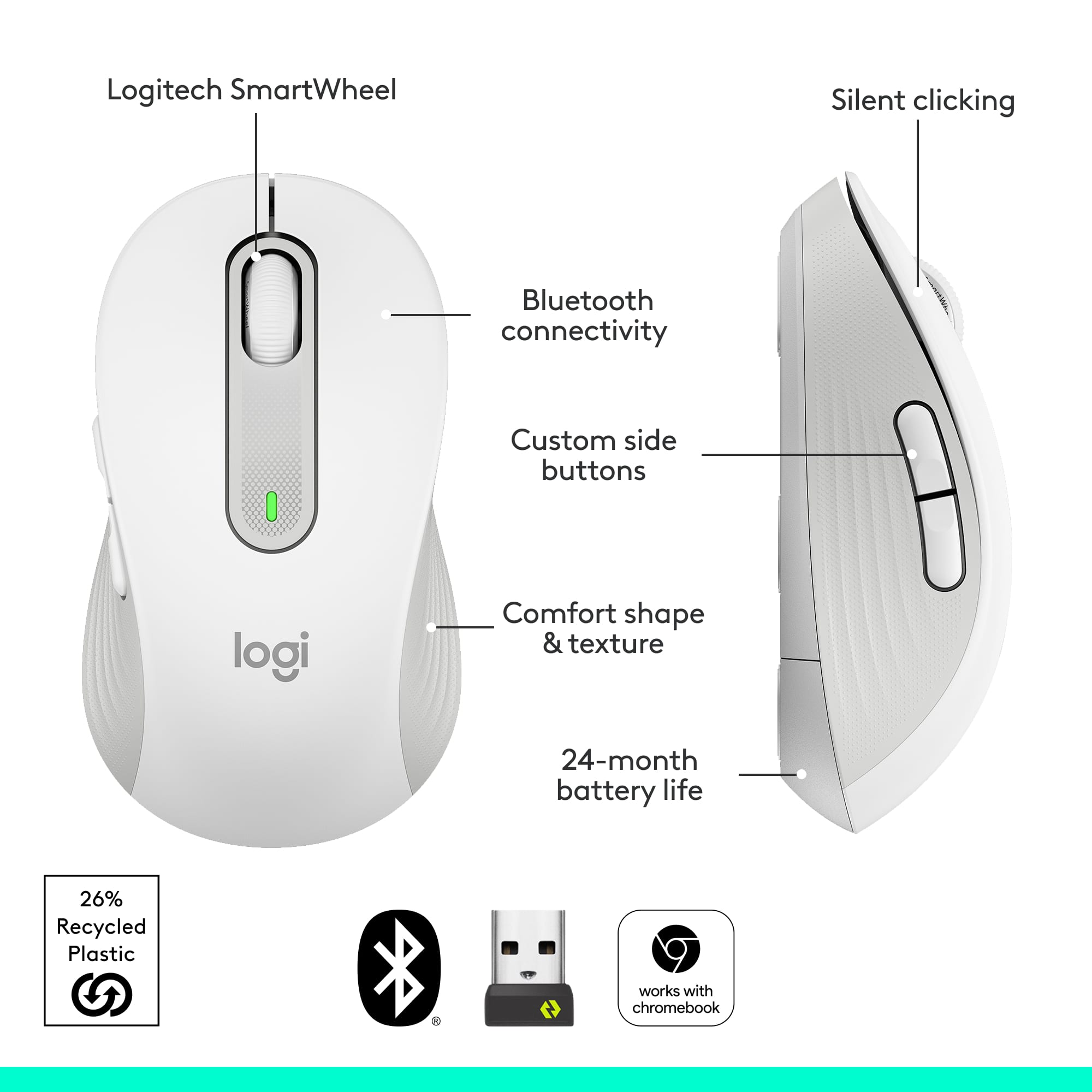
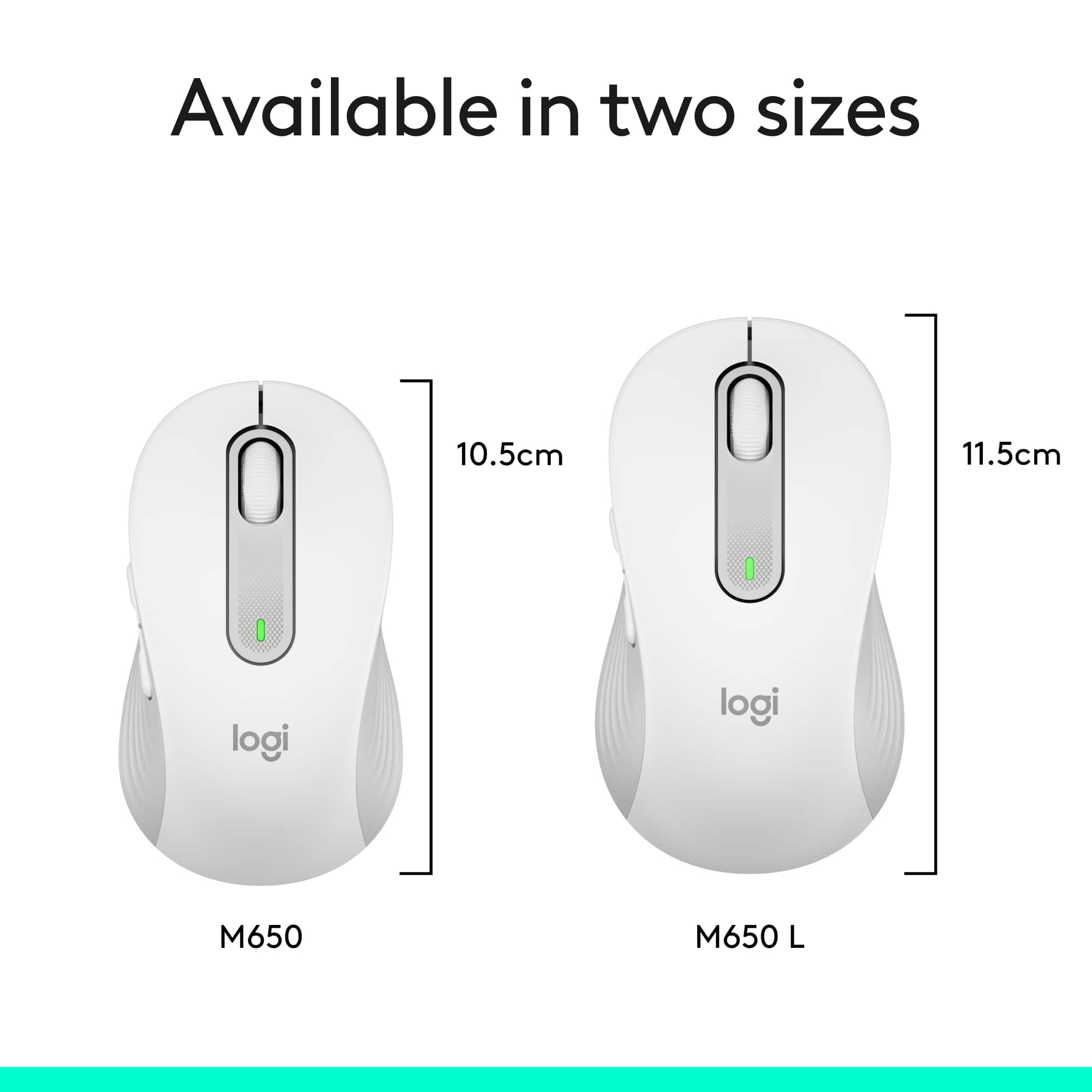
|Posted .This reviewer received promo considerations or sweepstakes entry for writing a review.Before getting this mouse, please make sure to get a good understanding of its different models. There are 3 of them. The M650 is the smallest of them. It's larger than travel sized, but it isn't full sized. There is the M650 L which is the full sized mouse. Lastly there is the M650 L Left, which is the full sized mouse designed for left handed people. I'm left handed, but I've never had a problem having the mouse on the right hand side. So I was avoiding the M650 L Left, but I got confused by the model names. So I ended up getting the M650 (small). While looking at the specifications, the difference between the M650 and M650 L are as follows: M650 • Height: 4.22 in (107.19 mm) • Width: 2.43 in (61.80 mm) • Depth: 1.49 in (37.8 mm) • Weight: 3.57 oz (101.2 g) M650 L • Height: 4.65 in (118.19 mm) • Width: 2.58 in (65.63 mm) • Depth: 1.64 in (41.52 mm) • Weight: 3.93 oz (111.2 g) So while the M650 has a nice feel to my hand, I prefer the full size like the M650 L and my main mouse is the Logitech M510. The M650 has nice construction and I don't feel like the clicks echo through the mouse like on the Pebble M350. The last few mice I've tried from Logitech follow the trend of silencing the mouse clicks. I don't mind the clicks from my M510, so the silenced M650's clicks took a little bit of getting used to. The M650 uses 1 AA battery which is included. It also has a Nano-USB receiver, but it's now the Logi Bolt USB receiver instead of the Logitech Unifying Receiver. I liked the old Unifying Receiver, it allowed me to use 1 receiver plugged into my work laptop and I could leave a mouse at work and a mouse at home and it worked flawlessly once everything was paired. I expect the same of the Logi Bolt Receiver. Logitech had to discontinue the Unifying Receiver due to security concerns and it may have taken them a couple years, but I'm glad they brought back the functionality via the Bolt receivers. While basic mouse functionality is achieved out of the box, to get the most out of the M650's features, you'll need to download and install Logitech Options+. At the time of this review, the M650 requires Logitech Options+ Beta version. Within the Logitech Options+ program you can fine tune the pointer speed, set the button functions. To pair additional Bolt devices, there is a button to add devices, but it requires a separate Bolt program to handle the pairing. The M650 also uses the SmartWheel. Normal scrolling works as you might expect, single notch scrolling gives you line-by-line control. But if you need to quickly advance through a page, you can scroll quickly by flicking the scroll wheel with your finger. The scroll wheel doesn't freely spin. It will catch on one of the notches and if you watch it closely, it will vibrate between notches for a moment. But the sensor is detecting the quick movement and interprets by advancing the page quickly. The M650 also gives you the flexibility to connect via Bluetooth, but I find Bluetooth less reliable than the Bolt receiver, so I stick with that. The only thing I kinda wish the M650 would include is the tilt wheel function. It made scrolling horizontally across large spreadsheets very easy. But it's not a deal breaker since I work across several virtual machines and the drivers to support the tilt wheel function aren't always installed in each virtual machine. Overall, I like the M650. I would prefer the M650 L, but that's my own preference. If I had to jump on the Logi Bolt receiver bandwagon, I would replace my M510 mice with the M650 L.
I would recommend this to a friend Logitech customizes their mouse selection
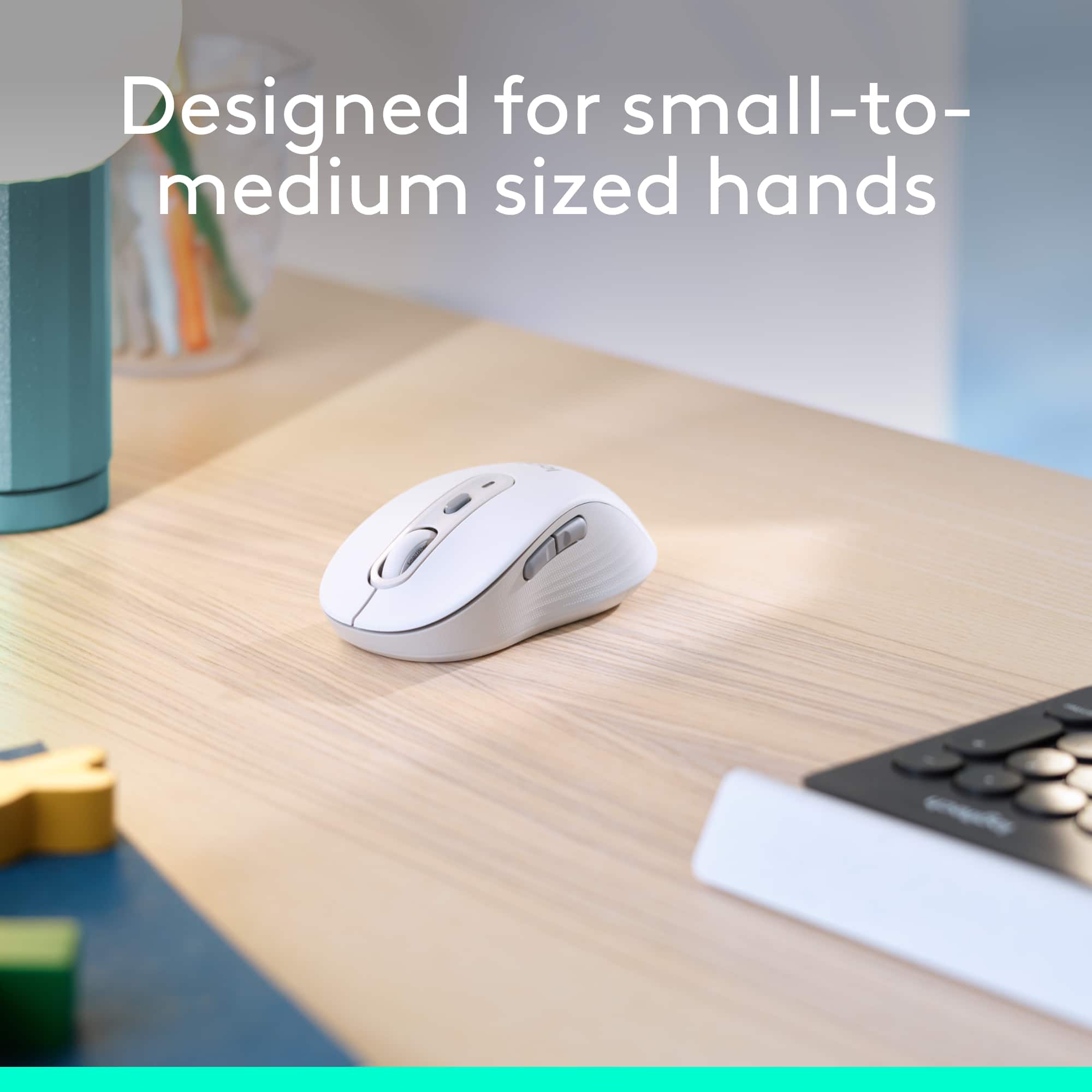
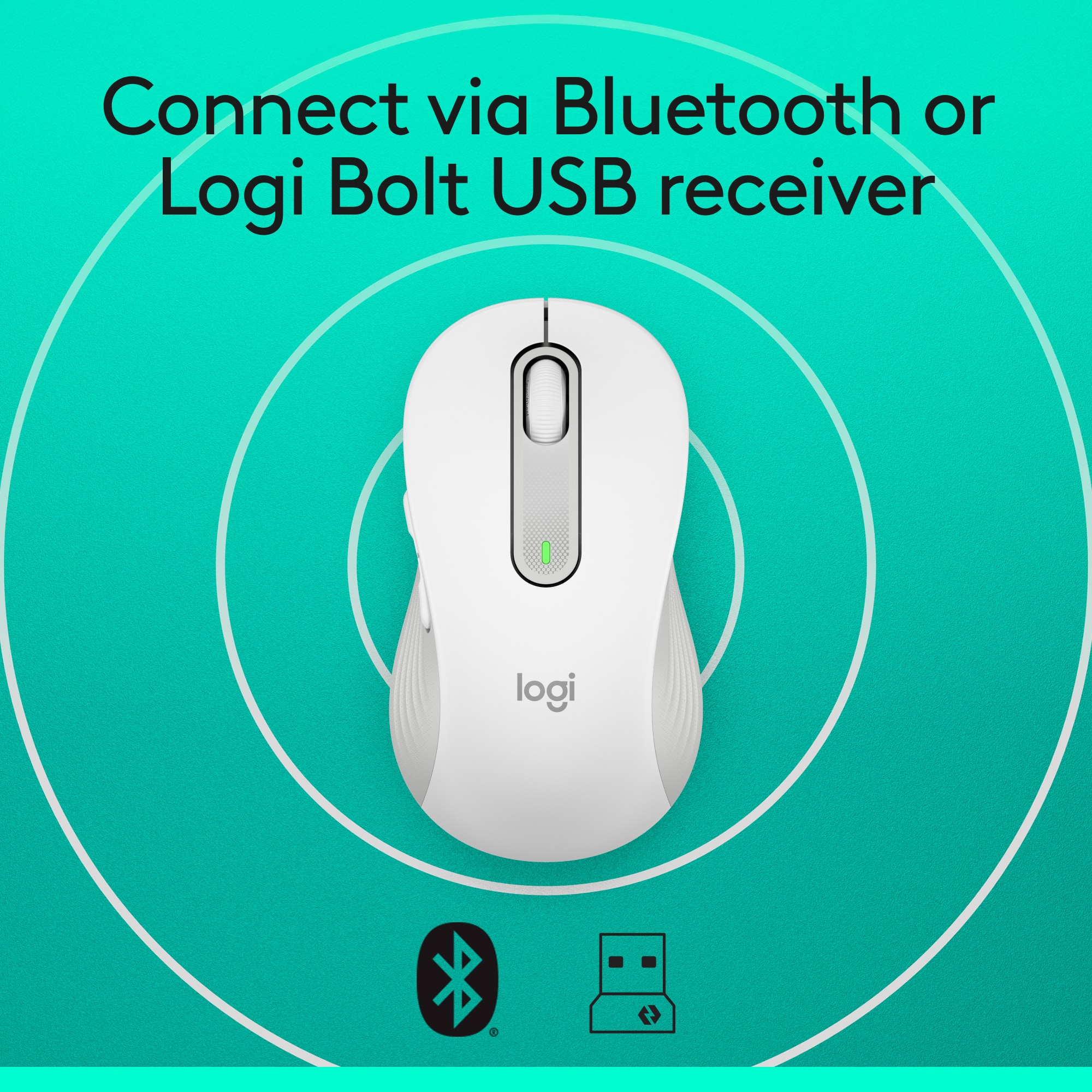
|Posted .This reviewer received promo considerations or sweepstakes entry for writing a review.Logitech - Signature M650 Wireless Scroll Mouse with Silent Clicks – Graphite Logitech obviously understands that not everyone’s hands are the same size and that all users are not right-handed, which means that a single choice isn’t ideal for everyone. As a result, they’re offering a mouse for small-to-medium hands (the M650), another version for larger right-handed users (the M650L), and still another version for left-handed folks (the M650L Left). They also seem to understand that there are more colors in the rainbow than black, so they also offer a number of color options. That means you can choose the fit and color that works best for you. Logitech also offers two connection options. 1. You can use the supplied Logi Bolt USB Receiver by plugging it into a USB port. 2. You can connect using a Bluetooth connection (the one I chose to use). Connecting via Bluetooth is a snap. Simply remove the paper that’s keeping the supplied battery from connecting and the mouse comes alive and automatically goes into Bluetooth pairing mode. Just select it on your computer and you’re in business. I get frustrated at times when I want precision from my mouse when scrolling but don’t get it. This mouse provides the desired precision that I appreciate. It’s rock solid when you scroll one line at a time. And, if you want to cover more ground, you simply roll the scroll wheel quickly and it moves along nicely. I didn’t experience any backsliding or slight reversing of the scrolled area with this device, which I have experienced with some other brands. You can customize the two buttons on the side of the mouse to perform functions that you do frequently. The free software to program these buttons is available at Logitech.com/OptionsPlus. Logitech claims that you can get up to 2 years on the single AA battery that comes with the mouse. The unit works with Windows, macOS, Linux, Chrome OS, ipadOS, and Android. While it may be hard for some users to get excited about something like a mouse that we often take for granted, it’s nice when you’re able to feel the subtle differences in this Logitech mouse. Give it a try. I think you’ll like it as much as I do.
I would recommend this to a friend- Pros mentioned:Size
Great features and the perfect size
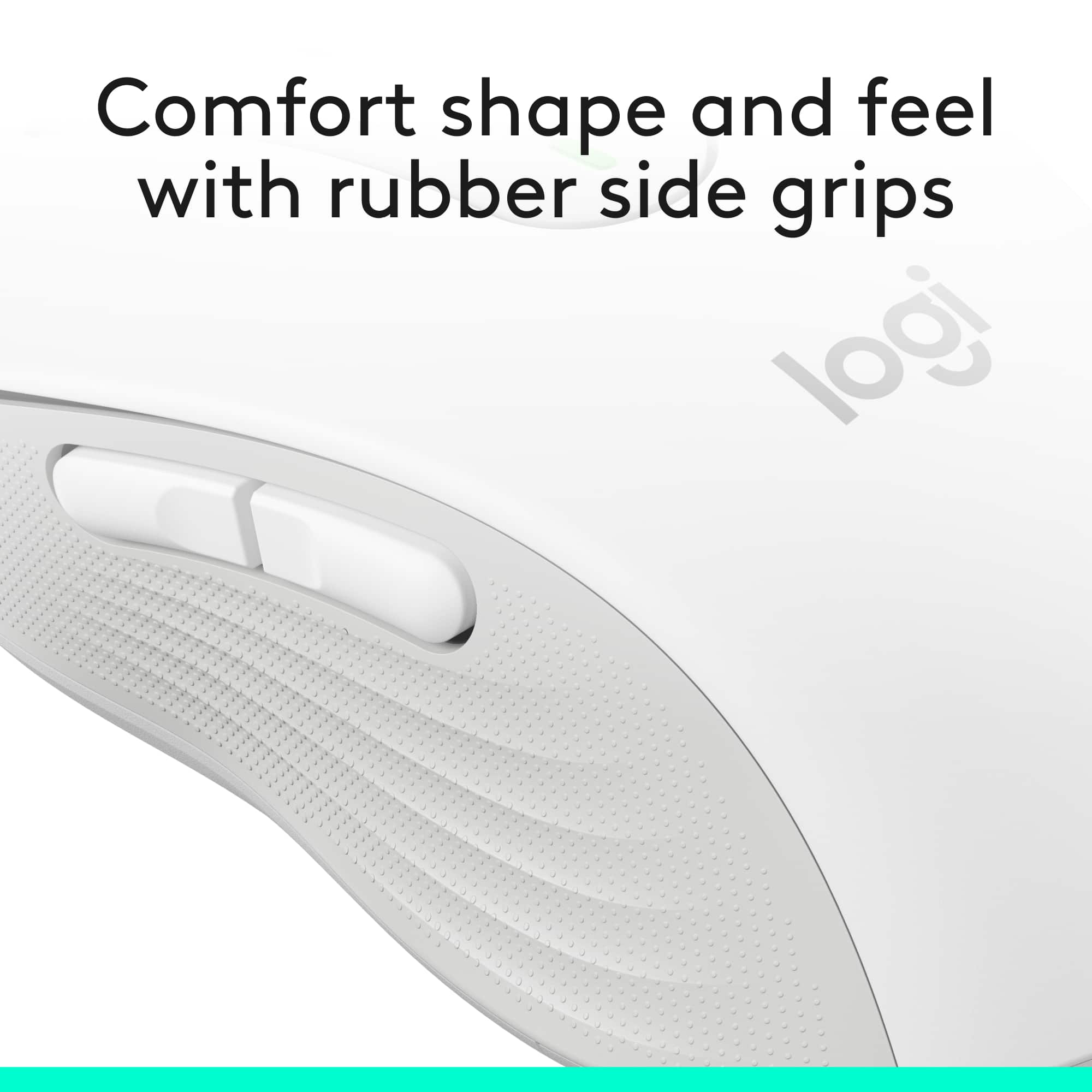
|Posted .This reviewer received promo considerations or sweepstakes entry for writing a review.This M650 mouse is a nice model that is perfectly sized for small to medium hands to use at home or as a portable option. It’s great that one can get connected via Bluetooth wireless or the USB receiver. One AA battery will keep the mouse going for two years. The mouse operates very smoothly with silent clicks. The scroll wheel has a very nice feel to it and functions very smoothly as well line by line or super-fast scrolling. One can use Option Plus to customize both side buttons to user preferred shortcuts. I liked the shape and size of the mouse, but I would have preferred less texture on the mouse sides. The mouse material and texture functions perfectly fine, but felt less soft to me than my previous mouse. I’d still recommend this mouse as this may be more of a personal preference and it has all the functional features one needs along with expected Logitech quality.
I would recommend this to a friend - Pros mentioned:Ergonomics
Easy Use
Posted .This reviewer received promo considerations or sweepstakes entry for writing a review.This mouse is easy to use and just the rught suze fir my hand.
I would recommend this to a friendBrand response from Logitech
Posted .Your kind words mean the world to us. We’re happy you’re satisfied and grateful for your support of Logitech.
Everything Mouse
|Posted .This reviewer received promo considerations or sweepstakes entry for writing a review.If you are looking for innovation, look no further. This is Great! First thing I noticed is how responsive and accurate it is. It works good with bluetooth, but, I have always preferred using the usb receiver. I do not feel bluetooth has been fully perfected in a PC yet. Part of the Silent button touch technology also feels very fluid and smooth for a effortless feel of operation. The mouse also has nice textured sides that helps keep your fingers in place. Functionality: You can purchase the M650L larger mouse with left or right buttons. The buttons are fully customizable with several uses such as Back, Forward, Copy, Paste and more using the options software. You can have the customs programmed to automatically Remember different Functions for different programs such as word, Internet and more. You can combine function uses using the scroll wheel with the buttons simultaneously. This has definitely become my Go To mouse and I have used a lot of different mice over the past several years. You will not be disappointed. To Recap: Accurate and fast operation Feels good in hand for long use Super quite operation and feels effortless Customizable Buttons that are flexible with various programs Dual connectivity Super long battery life for up to 2 years I'm a fan of this Logitech mouse
I would recommend this to a friend- Pros mentioned:Silent clicks
Great All Purpose Mouse
|Posted .This reviewer received promo considerations or sweepstakes entry for writing a review.This mouse is great, easy to setup and use. I setup using bluetooth which was very quick. The smartwheel is great. I also like the two side buttons, I primarily use them for navigating web pages which is helpful. What stood out to me the most about this mouse is the silent clicks. At first it was a little weird, but now I'm used to it and I like it. The only reason I didn't give this 5 stars is that at times the mouse freezes up for a couple seconds. Sometimes it happens a couple times in a day and other times it doesn't happen at all. My guess is it might be bluetooth.
I would recommend this to a friend - Pros mentioned:Size
Small hands rejoice!
|Posted .This reviewer received promo considerations or sweepstakes entry for writing a review.I have short fingers which makes using a mouse uncomfortable at times. So I was interested when I saw that Logitech has developed a mouse for those with small to medium hands. The mouse itself is up to Logitech's normal high standards. In fact, it has the added benefit if being about to customize the side buttons to those most frequently used instead of the standard backward and forward. Now the mouse itself is not shorter than my previous mouse but it is thinner and this has made all the difference. As my hand isn't spread out trying to hold on to the mouse, my fingers actually reach to the end of the mouse making clicking buttons so much easier. No mis-clicks yet. Now it has taken a few days to get used to the thinner design but it has been so much easier to use and also I noticed less strain on my hand using it. If you have a smaller hand, I recommend trying this mouse as it has really been beneficial for this small hand.
I would recommend this to a friend Love this item!
Posted .This reviewer received promo considerations or sweepstakes entry for writing a review.Quiet clicking and smooth movement. I'm glad I purchased this item
I would recommend this to a friendBrand response from Logitech
Posted .Thanks for the thoughtful review! We’re glad to hear our product is delivering the quality and convenience you were looking for. Your feedback helps us keep improving, and we’re grateful for your trust in Logitech.
- Pros mentioned:Overall performance
Good value
Posted .This reviewer received promo considerations or sweepstakes entry for writing a review.Works well! Good value. Nice compromise between the cheap options and the ones that are way more expensive than a mouse should be.
I would recommend this to a friendBrand response from Logitech
Posted .Thanks for the thoughtful review! We're glad the Signature M650 hits that sweet spot—great performance without breaking the bank. Smart choice!
- Pros mentioned:Size
Great Value and Feel
|Posted .This reviewer received promo considerations or sweepstakes entry for writing a review.Mice are a part of technology that should be invisible. It should just work and do what you want it to do and feel comfortable in the hand. This is an excellent mouse. It feels great in the hand and has some great features. The SmartWheel is very nice where you can switch from line-by-line scrolling to much faster scrolling. Honestly this is nice especially for those long pages with navigation only at the top or bottom - get there fast. Connected to my computer in moments with Bluetooth though it does include a USB receiver. The downloadable software is easy to use and I had the side buttons set up in just a few minutes. I consider this small enough to travel with though it is not touted as such it fits nicely in my bag and I really like having a consistent experience when traveling.
I would recommend this to a friend - Pros mentioned:Size
Logi mouse that fits my hand
|Posted .This reviewer received promo considerations or sweepstakes entry for writing a review.I took this one to work since I spend 8+ hours a per day on a computer there. Got to say, I love it. It fits my hand perfectly! I won’t have a mouse without back/forward buttons and this one worked straight out of the box. Another thing that worked straight out of the box was the connection. My laptop recognized a device in pair mode right when I turned it on and asked if I wanted to complete the connection. Loved that! Super easy. The dongle is still in the mouse and I prefer to keep it there. Also the scroll can be line by line or fast scroll. It's not as smooth as my mx master, but it's still faster than most. This is a nice no frills mouse that does exactly what I need with precision and accuracy and fits my smaller hand perfectly.
Great product!
Posted .This reviewer received promo considerations or sweepstakes entry for writing a review.This mouse is not the high dollar kind with the bells and whistles but it does everything that I need it to do. Should last me many years!
I would recommend this to a friendBrand response from Logitech
Posted .We’re so pleased to hear you’re satisfied. Your input helps us continue to build products that people love. Thanks for being part of our journey.
Logitech silent mouse
Posted .This reviewer received promo considerations or sweepstakes entry for writing a review.Always bought Logitech brand, i got this model cause its silent mouse, i work on pc at night, i got this mouse with silent feature so i don't bother any one in my house hold since we live in small apartment,
I would recommend this to a friendBrand response from Logitech
Posted .We're delighted you're enjoying the Signature M650's silent feature! We understand how important it is to minimize noise, especially in a smaller apartment. We're happy to know it's allowing you to work comfortably without disturbing others. Thank you for your continued loyalty to Logitech!
- Pros mentioned:Size
Fits my hand perfectly!
|Posted .This reviewer received promo considerations or sweepstakes entry for writing a review.I'm loving this mouse! Being a person with small hands, I didn't know what I was missing by having a mouse that fits perfectly. I initially connected my M650 up by USB. It was the basically plug and play, no problem. Let me tell you, the M650 is smooth as butter! It scrolls smoothly on my mouse pad as well as my painted wood desk. It is very quiet, no clicking noises when you click. You can also customize the side buttons! I assigned mine to copy/paste, but I had to connect with Bluetooth to get it to work properly. Highly recommend!
I would recommend this to a friend Logitech wireless mouse.
Posted .This reviewer received promo considerations or sweepstakes entry for writing a review.The mouse’s installation was very easy and quick. I was able to use it right away. One thing - I wanted be able to use the mouse with work’s laptop AND my apple laptop at the same time. It seems only allow one laptop per mouse. It would be cool if that was possible. I am happy with it being wireless.
I would recommend this to a friendBrand response from Logitech
Posted .We're glad to hear the Signature M650 was a breeze to set up and use! While the M650 currently connects to one device at a time, some of our other mice offer multi-device switching capabilities you might be interested in.
- Pros mentioned:Overall performance
has worked well,...Thanks..
Posted .This reviewer received promo considerations or sweepstakes entry for writing a review.good product,....has worked well,......Thank you.....no additional comments.
I would recommend this to a friendBrand response from Logitech
Posted .We’re so glad you’re enjoying your Logitech Logitech Signature M650 Wireless Optical Mouse. Your feedback helps us stay on track and continue delivering great experiences.
- Cons mentioned:Side buttons
Basic mouse for general computing
|Posted .This reviewer received promo considerations or sweepstakes entry for writing a review.No frills mouse for basic computing use. Two side basic buttons nothing fancy here. There is an optional program to adjust buttons and dpi further. Being a gamer and using Logitech equipment I find it slightly annoying they've launched another piece of software to configure this mouse which is different from the gaming software. Why reinvent wheel Logitech and make us keep several programs that all do the same thing? Mouse is lightweight but the size was too small for my hands, YMMV. You get what you see with this mouse, dongle, runs off a single AA battery. If you just need something to get you buy and you have small hands this is a good choice for you, if you want something other than basic step up your price point a bit and look at some of the higher end logitech.
I would recommend this to a friend Fast, smooth and silent!
Posted .This reviewer received promo considerations or sweepstakes entry for writing a review.I love everything about this mouse with one caveat. The right click button is so sensitive that your finger cannot even rest on it without activating the click. Even so, I like it enough to overlook this. The mouse is fast, smooth and silent!
I would recommend this to a friendBrand response from Logitech
Posted .Thank you for your detailed feedback! We're thrilled to hear you love so much about the Signature M650 Wireless Optical Mouse and appreciate you highlighting its speed, smoothness, and silent operation. We understand your concern about the right-click button's sensitivity. We appreciate you bringing this to our attention, and we'll take your feedback into consideration for future product improvements. We're glad you're enjoying the mouse overall!
- Pros mentioned:Overall performance
Good, Reliable Moyse
Posted .This reviewer received promo considerations or sweepstakes entry for writing a review.Good mouse. Set up was easy and smooth. The computer recognized the mouse quickly. Smooth sailing.
I would recommend this to a friend