Customer Ratings & Reviews
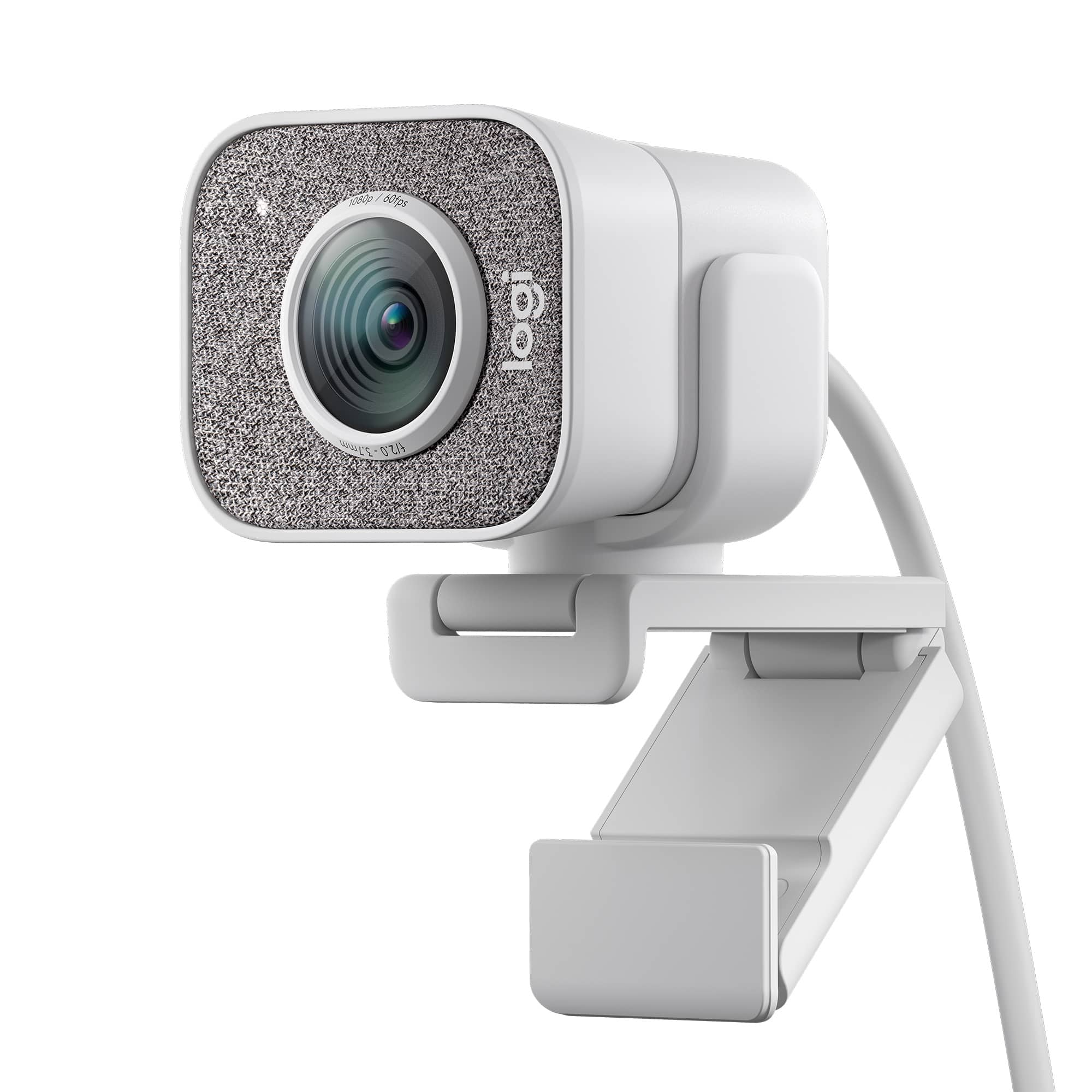


![COMPATIBILITY [TWITCH, YOUTUBE GAMING, DISCORD, STREAMLABS OBS]](https://pisces.bbystatic.com/image2/BestBuy_US/images/products/abdf9958-99ed-45d9-aa63-02c17c181c7e.jpg)


- Model:
- 960-001289
- SKU:
- 6404199
Rating by feature
- Value
Rating 4.2 out of 5 stars
- Quality
Rating 4.6 out of 5 stars
- Ease of Use
Rating 4.5 out of 5 stars
Customers are saying
Customers value the excellent image quality, ease of use, and straightforward plug-and-play setup. However, some concerns have been raised regarding its USB-C only connectivity, short cable length, and somewhat bulky size. Additionally, a few users expressed a preference for a wider field of view, though the software experience is generally considered acceptable.
This summary was generated by AI based on customer reviews.
- Pros mentioned:Image quality
Clear and smooth
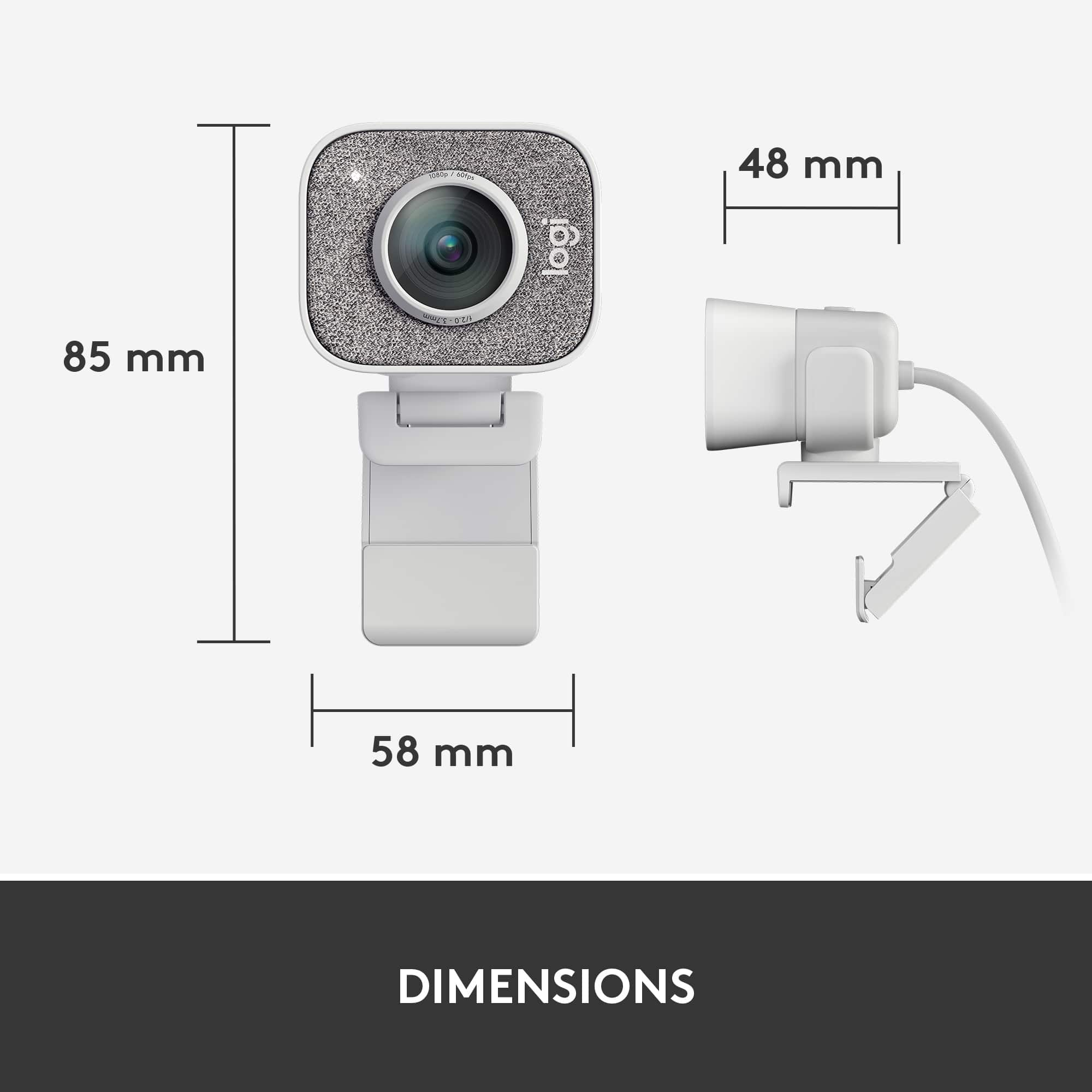
||Posted . Owned for 1 week when reviewed.This reviewer received promo considerations or sweepstakes entry for writing a review.I am very pleased with this camera. My monitor has a small bezel and the camera's mount does not interfere with the view. The video looks great. Oh and yes this camera has a built-in mic, which I did not know so I bought a small mic. However I can find no difference in the two, so I'm using the built-in mic with no issues. I did need to search the internet for a USB-C Female to USB-A Male Super-Speed USB Adapter in order to connect to my computer.
I would recommend this to a friend - Pros mentioned:Image quality
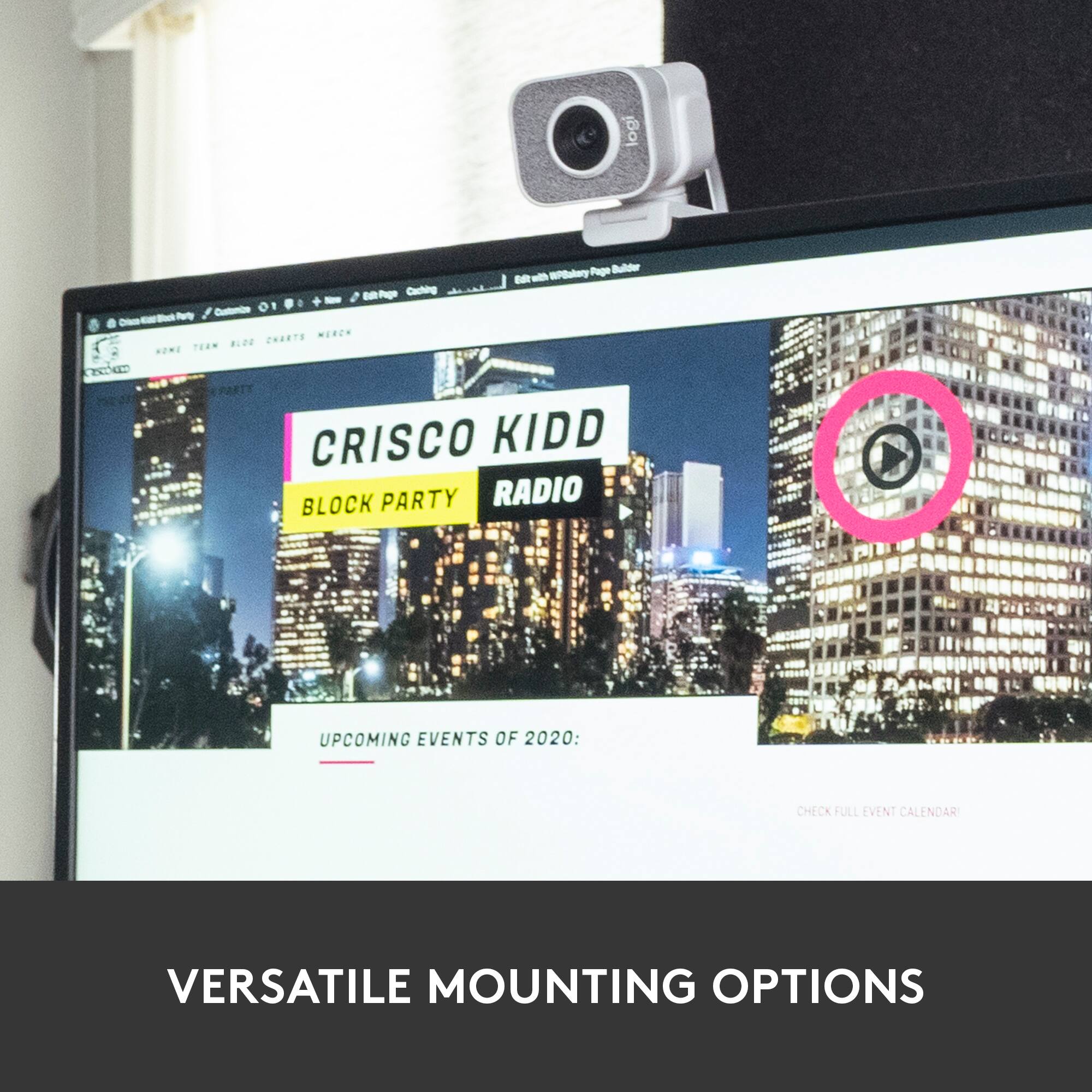
Great for monitor setup
||Posted . Owned for 2 months when reviewed.This reviewer received promo considerations or sweepstakes entry for writing a review.I needed a better camera for my dual monitor setup, this camera is by far better than the built-in camera on monitor. I wish it was better in low-light settings, it’s not bad but not as great as I expected it to be.
I would recommend this to a friendBrand response from Logitech
Posted .Thanks for the review! Low light performance is an area we're always looking to improve. Extra lighting can definitely help with StreamCam Plus. We're here to assist if you have any questions - reach out 24/7!
- Pros mentioned:Image quality
Great webcam - best I've owned.
||Posted . Owned for 3 weeks when reviewed.This reviewer received promo considerations or sweepstakes entry for writing a review.This is a fantastic webcam, best I have used. I bought it because the built-in webcam on my laptop has poor image quality. In conparison this camera is superior in terms of image quality and has the intelligence to remove the yellow tint in "warm" lighting conditions, which makes the color temperature look very natural. I would give 5 stars if the price was lower.
I would recommend this to a friend - Pros mentioned:Image quality
No windows hello.
||Posted . Owned for 4 months when reviewed.This reviewer received promo considerations or sweepstakes entry for writing a review.Good picture quality and software support. It doesn't support windows hello which was a downer considering the price. It has a finish that is visually appealing which i wager to bet influences the price.
No, I would not recommend this to a friendBrand response from Logitech
Posted .Hey! Thank you your feedback on StreamCam Plus. We appreciate the insight that you have shared and we will make sure to share it with the team.
- Pros mentioned:Ease of use
Logitech StreamCam Plus
||Posted . Owned for 1 month when reviewed.This reviewer received promo considerations or sweepstakes entry for writing a review.Nice appearance Automatic - no "install" needed Use expected to be intuitive by Logitech NOT INTUITIVE TO ME Always on (you don't turn it on or off) but not "active" It automatically becomes active (e.g. "on") when you use an app that needs it. Once you get that, it seems easy to use. I'm never sure it is off, so I would feel better with some kind of cover available
I would recommend this to a friend - Pros mentioned:Image quality
Great for Live streaming/ Content creation!
||Posted . Owned for 2 months when reviewed.This reviewer received promo considerations or sweepstakes entry for writing a review.Ive owned this webcam for a few months and can definitely say it will get the job done! Adjusts to lighting very well, easily adjustable and can be equipped just to about anything, the quality speaks for itself.
I would recommend this to a friendBrand response from Logitech
Posted .Hi, your review positions the Logitech StreamCam Plus as a great webcam for streamers and content creators. Its adaptability to various lighting conditions, mounting options, and high-quality video make it a solid choice for anyone who wants to elevate their stream
- Pros mentioned:Image quality
Good Bang for the Buck!
||Posted . Owned for 3 weeks when reviewed.This reviewer received promo considerations or sweepstakes entry for writing a review.I just needed a quick solution to replace a work cam that went out. This produced a great picture and was truly plug n'play. It came with a serviceable tripod for the desk but I would have rated it higher if it had an easy to use monitor clip.
I would recommend this to a friend - Pros mentioned:Image quality
LogiTech Stream Cam
||Posted . Owned for 3 weeks when reviewed.This reviewer received promo considerations or sweepstakes entry for writing a review.The Camera its self is pretty awesome. Great feature and I can use 2 logitech Cameras at once. So if I review or am working on a project I can be on screen and whatever its I am working on. The software that comes with it is a little weak. Some good filters and effects.. but not a lot. Also no built-in Back Drop. I have other camera software like Split Cam and Youcam plus OBS so no big deal for me.
I would recommend this to a friend - Pros mentioned:Image quality
Great webcam at a great price
||Posted . Owned for 9 months when reviewed.This reviewer received promo considerations or sweepstakes entry for writing a review.I purchased a MacBook Air in 2020 and was SHOCKED at how bad the built in camera was - I thought it was my lighting. After several clients noted how grainy my video was, I searched for a reasonably priced webcam. This did the trick. Now that I have a new computer with a better camera, I still use this. Probably one of the better webcams I've purchased over the years.
I would recommend this to a friend - Pros mentioned:Image quality, Setup
WebCam
||Posted . Owned for 3 weeks when reviewed.This reviewer received promo considerations or sweepstakes entry for writing a review.Great quality of image. Also it is very easy to instal
I would recommend this to a friend - Pros mentioned:Ease of use, Image quality
Web cam
||Posted . Owned for 1 month when reviewed.This reviewer received promo considerations or sweepstakes entry for writing a review.Good product recommend it for your web buisness chats. Clear view. Easy to assemble.
I would recommend this to a friend - Cons mentioned:Connectivity
Not worth the price tag, alternative options.
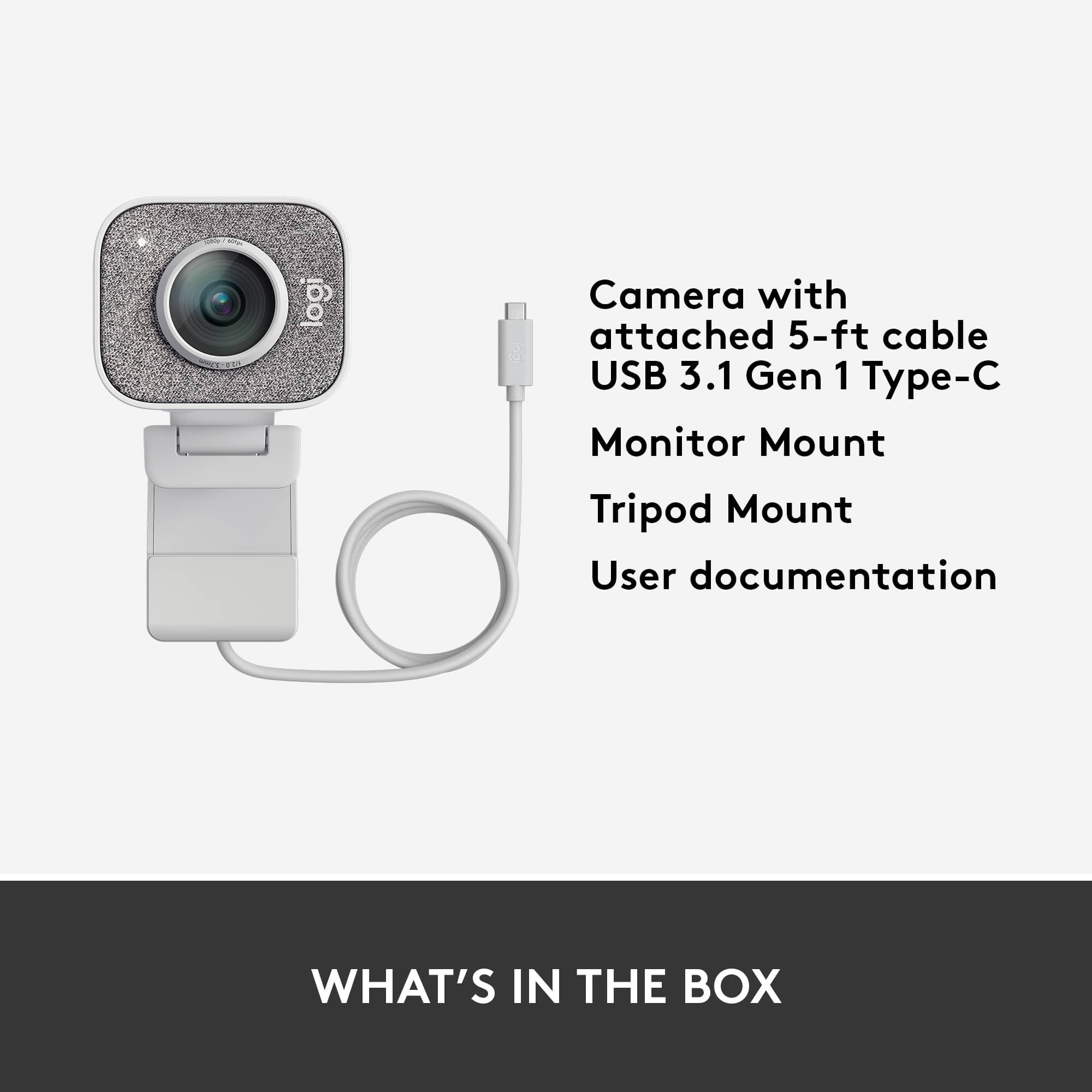
||Posted . Owned for 3 weeks when reviewed.This reviewer received promo considerations or sweepstakes entry for writing a review.I ended up returning this item. It is really nice for a plug and play webcam and comes with software that gives you more control over the video, brightness color, etc. The portrait mode was also fun to play with for tik toks. However, my two biggest frustrations were that the USB-c cord was non-detachable, and was only three feet (I wanted to anchor my webcam on a tripod setup for a side angle, and this was impossible with the camera). And the quality of the webcam, which was the same as my 2014 iMac. My 2016 MacBook had a better web camera, and after adding a moment lens it was miles ahead of this webcam. All in all there are better alternatives on the market. I would recommend the AverMedia 4k webcam as it has the same software and plug and play ability, but it has the wide-angle lens. Or if you want a camera with more application, a goPro camera (which recently put out software to turn their cams into webcams) It's still an insane cost for an okay camera. As for myself, I'm saving this returned price for a camera lens and going to go for a mirrorless or dslr camera.
No, I would not recommend this to a friend - Pros mentioned:Image quality, Setup
works great
||Posted . Owned for 1 month when reviewed.This reviewer received promo considerations or sweepstakes entry for writing a review.Works great so far. Very easy setup, literally plug and play. Picture is very clear.
I would recommend this to a friend - Pros mentioned:Ease of use
Logitech microphone
||Posted . Owned for 1 year when reviewed.This reviewer received promo considerations or sweepstakes entry for writing a review.A really good webcam especially for the price not too complicated.
I would recommend this to a friendBrand response from Logitech
Posted .The Logitech StreamCam Plus 1080 proving to be a really good webcam, especially considering its price point and straightforward operation, is great to hear. We're pleased it meets your needs without being overly complicated.

- Pros mentioned:Image quality
Great streaming cam
||Posted . Owned for 1 month when reviewed.This reviewer received promo considerations or sweepstakes entry for writing a review.Great streaming cam that I used for my laptop because I can orient in different angles and currently using at portrait mode. Logitech cams are very good quality and reliable. I have one that is 12 years old and I am still using in my desktop and so I know I can't go wrong with this purchase.
I would recommend this to a friend - Pros mentioned:Image quality
StreamCam Plus (1080)
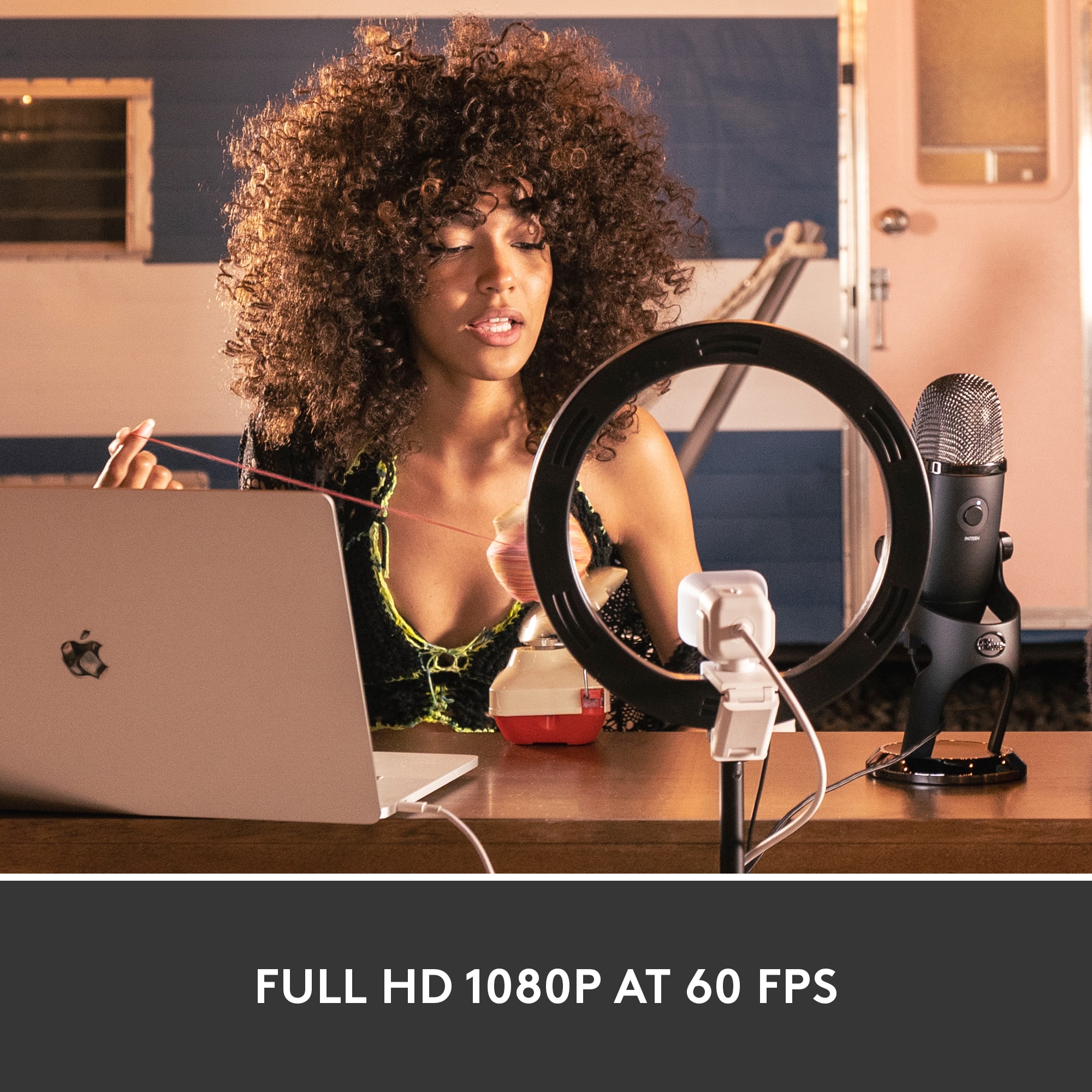
||Posted . Owned for 1 month when reviewed.This reviewer received promo considerations or sweepstakes entry for writing a review.Great! 1080p 60fps for sure. Plenty of YouTube videos on this camera. I can enable a chroma key for the green screen through the software of the camera, or I just do it through OBS. Should be good for virtual conferencing as well.
I would recommend this to a friend - Pros mentioned:Image quality
Great webcam but lacking in some areas.
||Posted . Owned for 1 month when reviewed.This reviewer received promo considerations or sweepstakes entry for writing a review.I'm giving the Streamcam a solid 4 stars. It performs well in getting the HD 60 fps while in use but lacks in some areas. One issue is the autofocus feature does take a few seconds to work. I like how it tracks your movement and follows the subject around but it's lacking when integrating with Streamlabs and OBS. Overall, I like it and will keep it for the high-quality picture.
I would recommend this to a friend Great for high-end pc's and serious streamers
||Posted . Owned for 10 months when reviewed.This reviewer received promo considerations or sweepstakes entry for writing a review.Great webcam for high-end pc's and for serious streamers. I don't see this for low-end or even some mid-level pc's. The price point isn't too great and the logitech program and the capabilities of this camera might need higher end pc components. If you're starting to stream and don't have a high-end pc, then look for something more basic, imo.
No, I would not recommend this to a friend- Pros mentioned:Image quality
Step up to a better camera
||Posted . Owned for 3 weeks when reviewed.This reviewer received promo considerations or sweepstakes entry for writing a review.With frequent Zoom meetings, I wanted to upgrade my camera to present a cleaner video appearance. This camera is excellent and has excellent quality microphones. I am delighted with this purchase and would strongly recommend stepping up to higher quality.
I would recommend this to a friend - Pros mentioned:Image quality
Logitech - StreamCam is Great!
||Posted . Owned for 1 month when reviewed.This reviewer received promo considerations or sweepstakes entry for writing a review.The camera quality is excellent - much better than off my laptop camera. The only downside is it comes with a USB-C cable versus a regular USB. I had to order an adapter from Amazon, so it took an extra few days before I could make the camera operational. Great camera for live Streaming!
I would recommend this to a friendBrand response from Logitech
Posted .Hey there, thank you so much for this great review of the StreamCam Plus! If you have any issues with the camera in the future, please feel free to visit our support site for troubleshooting tips and tricks as well as warranty information.